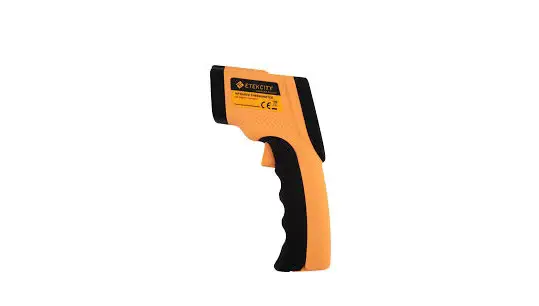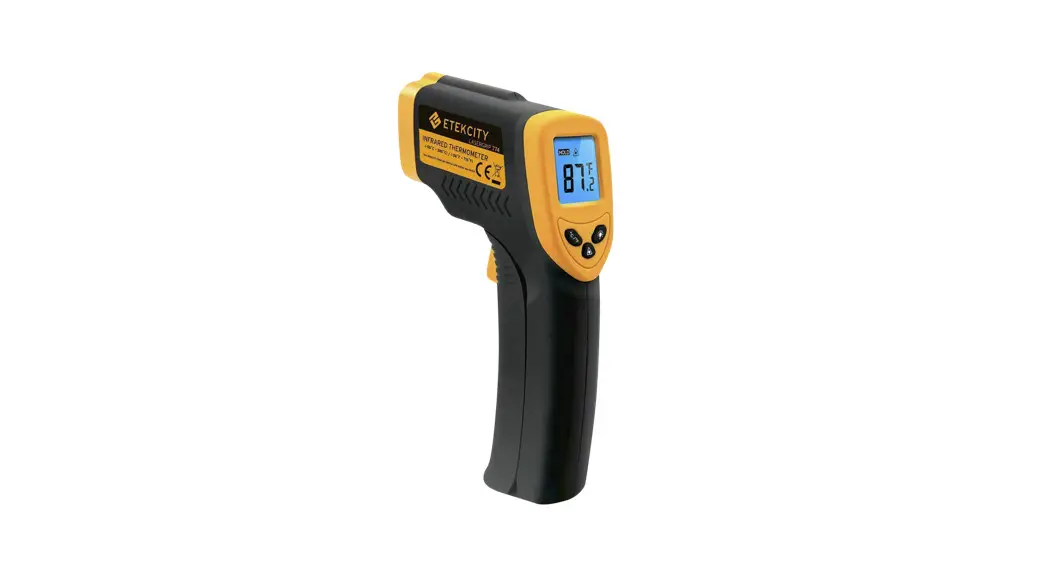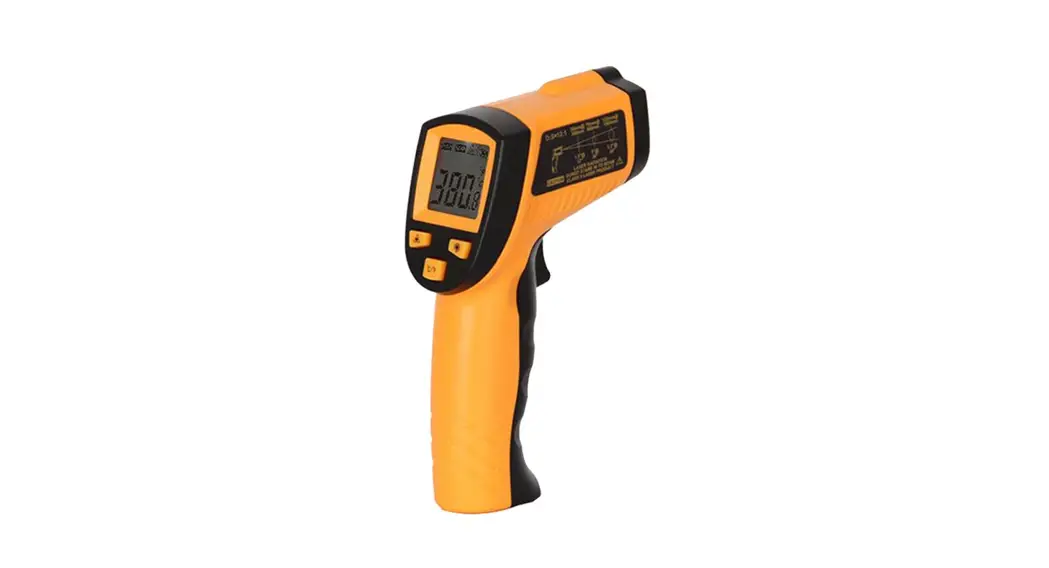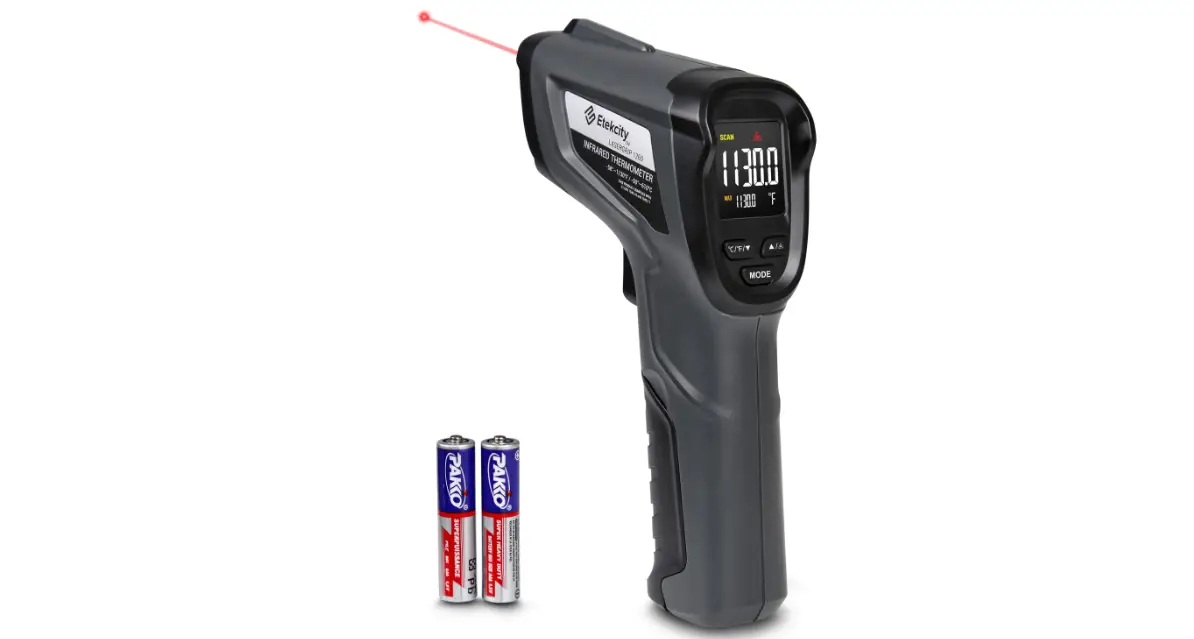
 Laser Thermometer
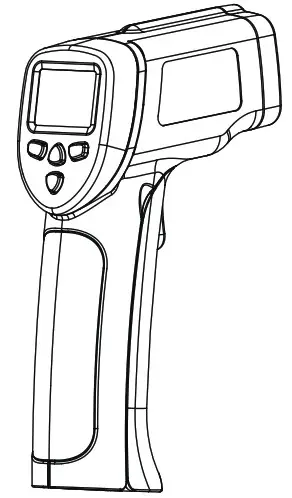 Safety Instructions and Operation Manual
800607
Brief Introduction
Thank you for choosing our Laser Thermometer . This instruction manual will provide you with valuable information necessary instructions for using the device effectively .
Features
- Precise non-contact measurement
- Built-in laser pointer
- Automatic selection range and Resolution to 0 .1° or 1°
- °C/”F switchable button
- Data Hold & Auto power off
- The meter at 10 inches away measure 1 inch target
- Backlit LCD display
Range of applications
- Food preparation
- Safety and Fire inspectors
- Plastic moulding
- Asphalt
- Marine and screen printing
- Measure ink and dryer temperature,
- Diesel and Fleet maintenance
Field of view
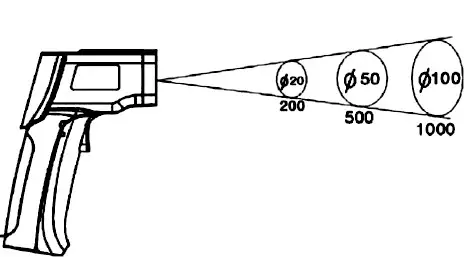
Meter’s field of view is 10:1, meaning that if the meter is 10 inches from the target, the diameter of the object under test must be at least 1 inch . Other distances are shown below in the field of view diagram . Refer to the chart printed on the meter for more information .
Safety
- Use extreme caution when the laser beam is turned on .
- Do not let the beam enter your eye, another person’s eye or the eye of an animal .
- Be careful no to let the beam on a reflective surface strike your eye .
- Do not allow the laser light beam impinge on any gas which can explode .
CAUTION LASER RADIANTION DO NOT STARE INTO BEAM
DIODE LASER
<1mW Put-put at 675nm CLASS II LASER PRODUCT
Specification
General specifications
| DISPLAY | 3-1/2 digit (1999count) LCD with backlighting |
| SAMPLE RATE | 2 5 times/second |
| POLARITY | Automatic (no indication for positive polarity); Minus (-) sign for negative polarity |
| EMISSIVITY | 0 95 fixed value |
| FIELD OF VIEW | D/S = Approx 12:1 ratio (D = distance, S = spot) (Has 90% encircled energy at the focal point) |
| DIODE LASER | Output <1mW, Wavelength 630-670nm,class 2 (II) Laser product |
| SPECTRAL RESPONSE | 6-14um |
| POWER OFF | Automatic shut off after 7 seconds, approx. |
| OPERATING TEMP. | 0°C to 50°C (32°Fto 122°F) |
| STORAGE TEMP. | -20°C to 60°C(-4°F to 140°F) |
| RELATIVE HUMIDITY | 10%-90%RH operating, <80%RH storage |
| POWER SUPPLY | 9V battery, NEDA 1604A or IEC 6LR61, or equivalent |
| WEIGHT | 130g |
| SIZE | 826x 46 x 160mm |
Infrared thermometer specifications
| Range (Automatic selection 0 1 °C/ 1°C) | Resolution | Accuracy | ||
| -50 0°C to 450°C | -50 0°C to -20 0°C | 0 1°C | + 5°C; | |
| -20 0°C to 450°C | ± 2% of reading or ± 2°C; | |||
| Range (Automatic selection 0 1 orc/ 1oC) | Resolution | Accuracy | ||
| -50 0°C to 650°C | -50 0°C to -20 0°C | 0 1 °C | ±5°C; | |
| -20 0°C to 650°C | ± 2% of reading or ± 2°C; | |||
| Range (Automatic selection 0 1 T/ 1°F) | Resolution | Accuracy | ||
| -58 0°Fto842 T | -58 0 T to -4 0 T | 0 1°F | ±9 °F; | |
| -4 0 °F to 842 °F | ± 2% of reading or + 4 °F; | |||
| Range (Automatic selection 0 1 °F/ 1°F) | Resolution | Accuracy | ||
| -58 0°F’to1202 | -58 0 °F to -4 0 °F | 01T | ±9°F; | |
| -4 0 T to 1202 T | ||||
| ± 2% of reading or + 4 T; | ||||
Note: Accuracy is given at 18°C to 28°C (64°F to 82°F), less than 80%RH .
Product Diagrams
Field of view
Make sure the target is larger than the unit’s spot size . The smaller the target, the closer you should be to it . When accuracy is critical, make sure the target is at least twice as large as the spot size .
Emissivity
0.95 fixed value
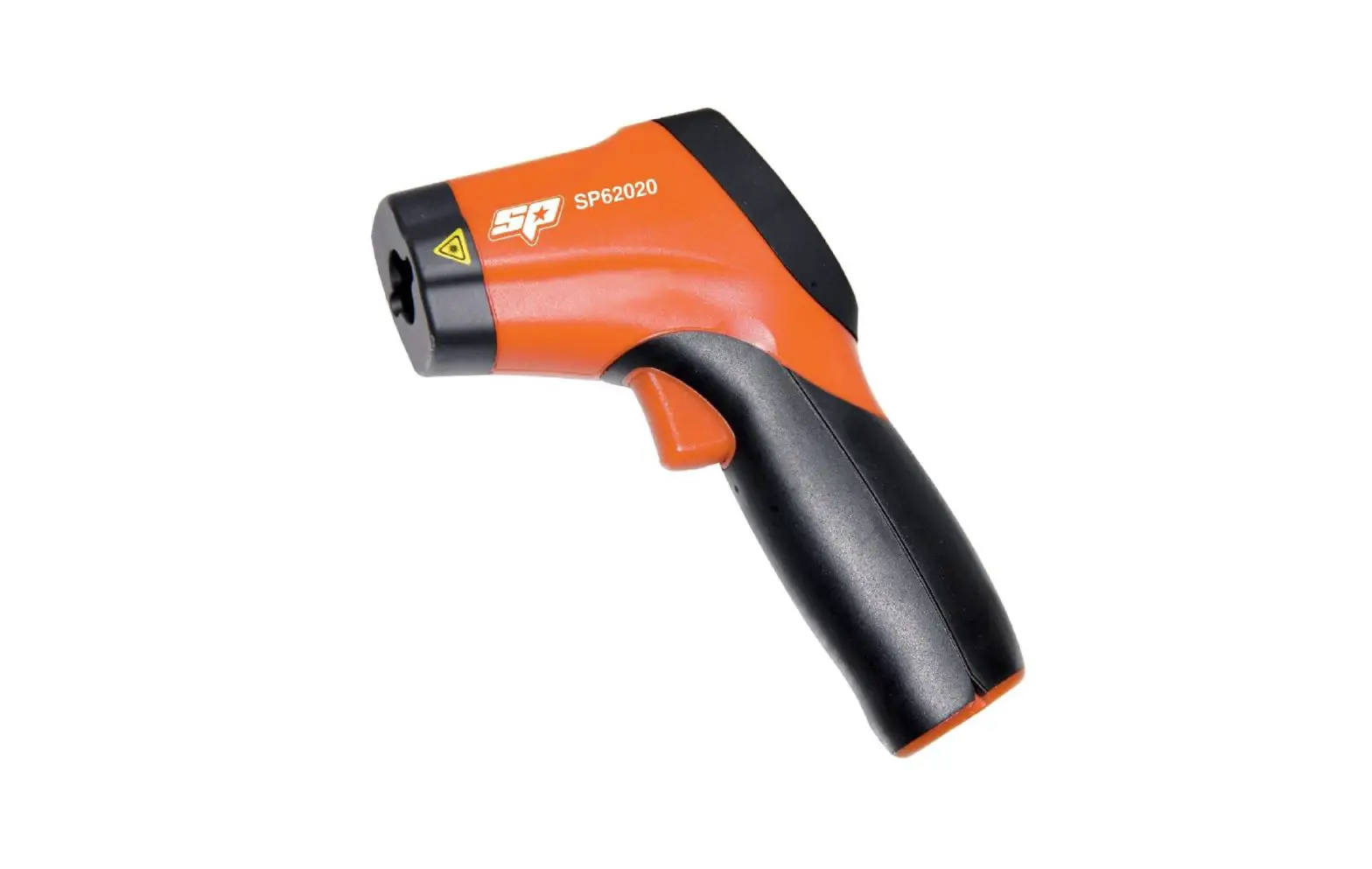
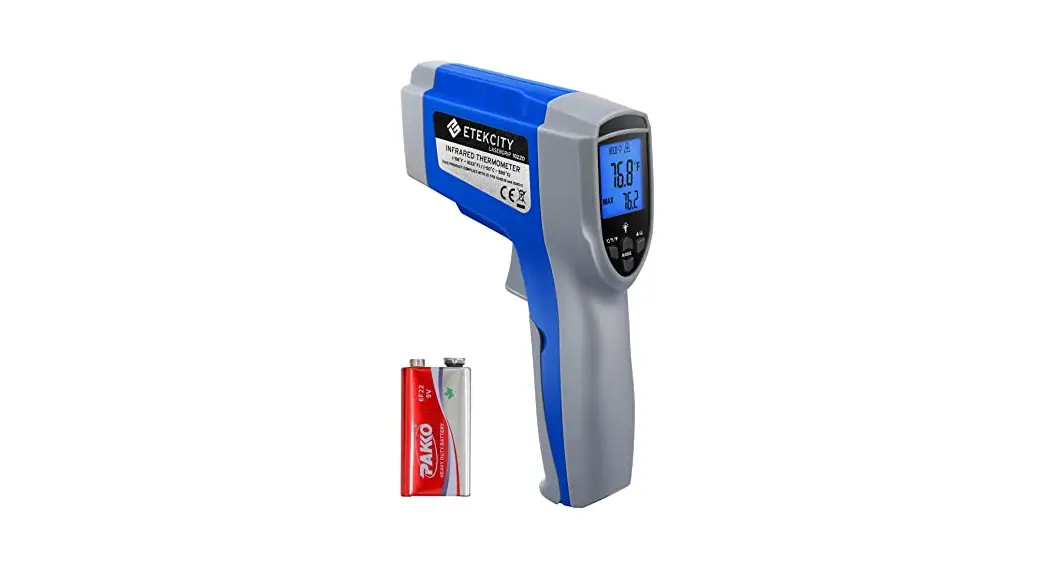
Product Diagram
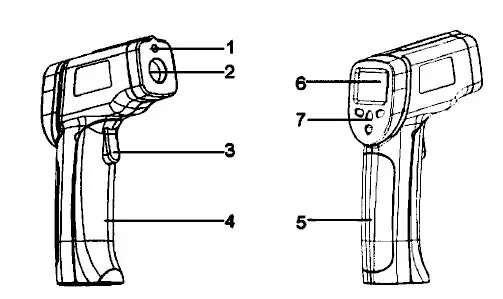
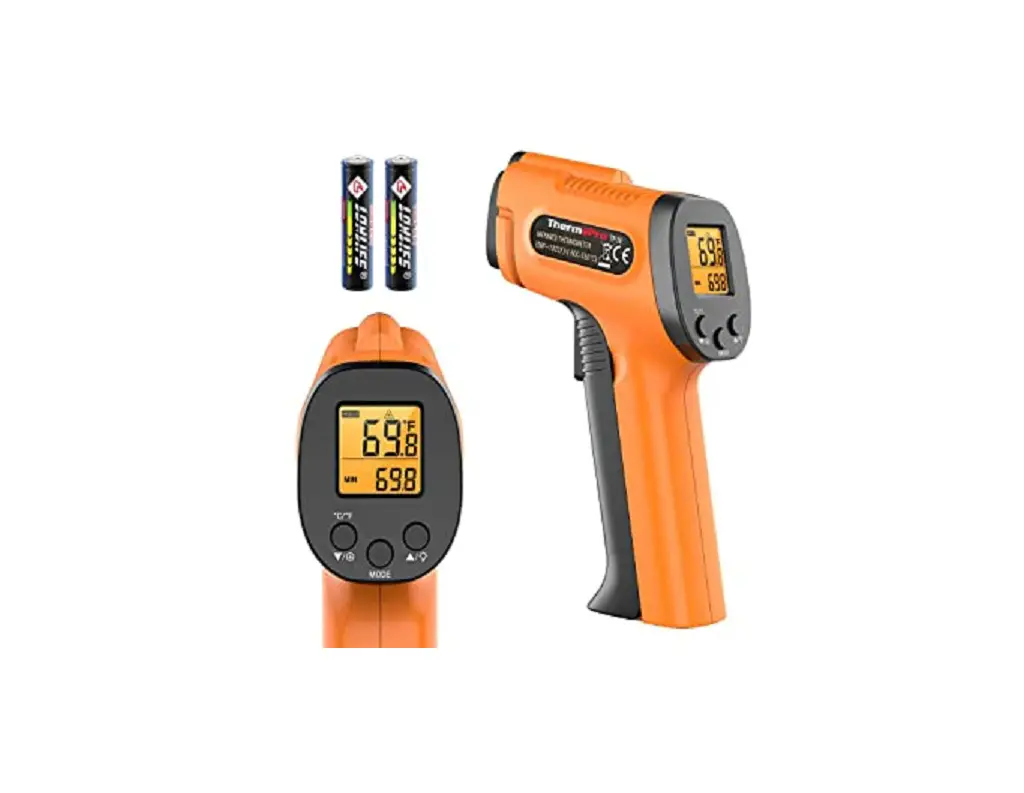
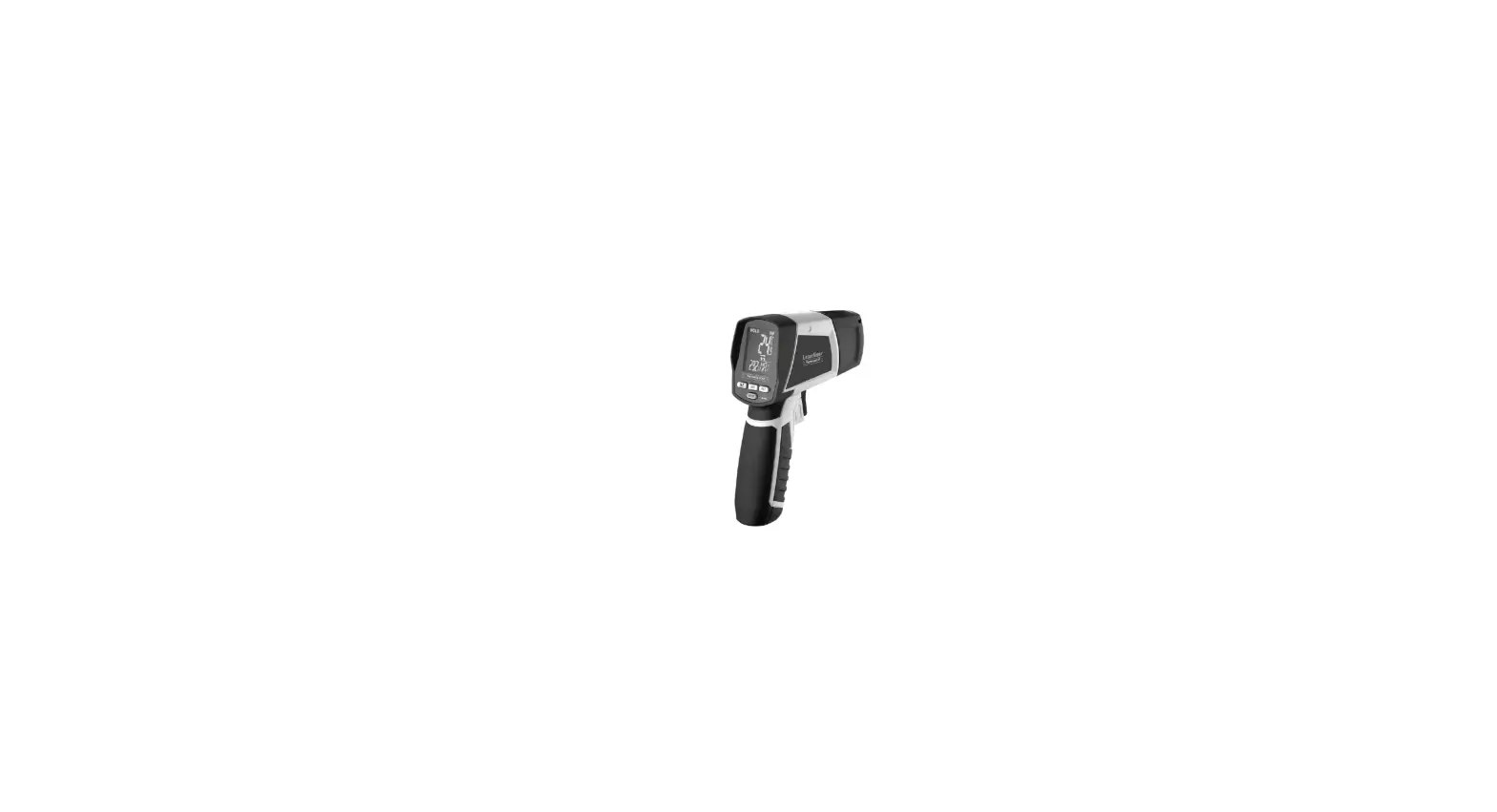
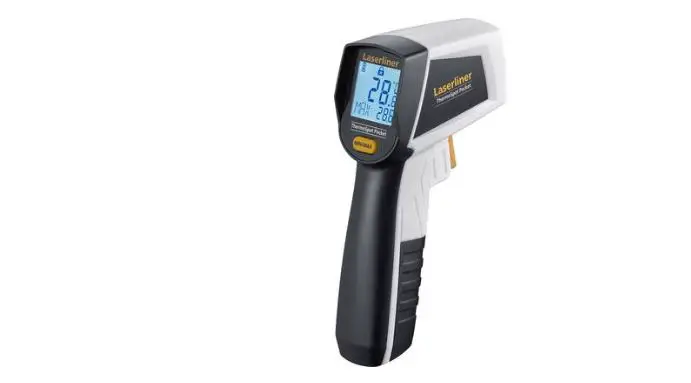
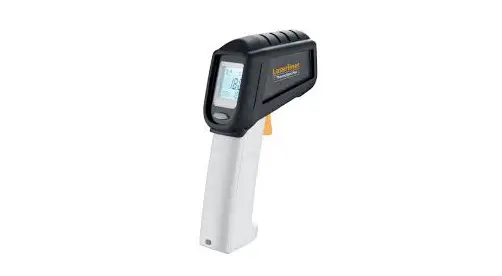
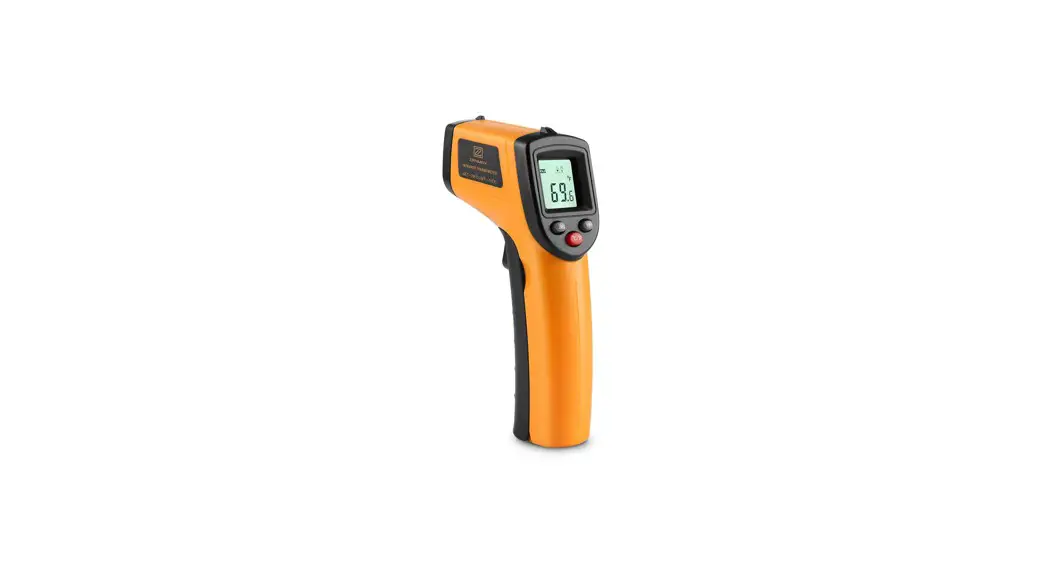
| 1 . IR sensor 2 . Laser pointer beam 3 . Measurement Trigger 4 . Battery Cover | 5 . Handle 6 . LCD Display 7 . Function buttons |
Display Diagram
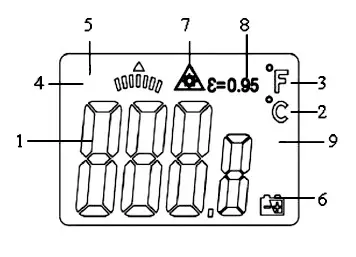
| 1 . Digital Readout 2 . Temperature ·c (Celsius) 3 . Temperature “F (Fahrenheit) 4 . Measuring Indication 5 . Data Hold | 6 . LOW Battery Indicator 7 . Laser Point 8 . Fixed Emissivity (0 .95) 9 . Max-Min Data |
Operation Instructions
- Hold the meter by its Handle Grip and point it toward the surface to be measured .
- Pull and hold the Trigger to turn the meter on and begin testing . The display will light up if the battery is sufficiently charged. Replace the battery if the display is not lit.
- While measuring, the SCAN display icon will appear in the upper left hand corner of the LCD .
- While continuing to pull the Trigger:
- Push the Laser button to turn on the laser pointer . When the laser is on, the laser icon will appear on the LCD above the temperature . Aim the red beam approximately half an inch above the point of test (pressing the Laser button again turns the laser off) .
- Select the temperature units (°C or °F) using the °C and °F buttons
- Push the Backlight key to turn on the LCD backlight function
- Release the Trigger and the HOLD display icon will appear on the LCD indicating that the reading is being held .
- The meter will automatically power down after approximately 7 seconds after the trigger is released .
Note: Measurement considerations
While holding the meter by its handle, point the IR Sensor toward the object whose temperature is to be measured . The meter automatically compensates for temperature deviations from ambient temperature . Keep in mind that it will take up to 30 minutes to adjust to wide ambient temperatures . If high temperature measurements are taken, some time (several minutes) is required between low (and before high) temperature measurements are made .
Battery Replacement
1 . If battery power is not sufficient, the LCD will display “9′. Replace the battery with one new battery type 9V battery .
2 . Open the battery cover, take out the battery from the device and replace it with a new 9-Volt battery . Place the battery cover back .
Notes
How it Works
Infrared thermometers measure the surface temperature of an object . The unit’s optics sense emitted, reflected and transmitted energy, which is collected and focused onto a detector . The unit’s electronics translate the information into a temperature reading which is displayed on the unit . In units with a laser, the laser is used for aiming purposes only .
Field of View
Make sure that the target is larger than the unit’s spot size . The smaller the target, the closer you should be to it . When accuracy is critical, make sure the target is at least twice as large as the spot size .
Distance & Spot Size
As the distance (D) from the object increases, the spot size (S) of the area measured by the unit becomes larger . See the diagram on page 3 .
Locating a hot Spot
To find a hot spot, aim the thermometer outside the area of interest, then scan across the area with an up and down motion until you locate hot spot .
Reminders
- Not recommended for use in measuring shiny or polished metal surfaces (stainless steel, aluminum, etc .) . See Emissivity section for more information
- The unit cannot measure through transparent surfaces such as glass . It will measure the surface temperature of the glass .
- Steam, dust, smoke, etc , can prevent accurate measurement by obstructing the unit’s optics .h
Emissitivity
Most (90% of typical applications) organic materials and painted or oxidized surfaces have an emissivity of 0 .95 (pre-set in the unit) . Inaccurate readings will result from measuring shiny or polished metal surfaces . To compensate, cover the surface to be measured with masking tape or flat black paint. Allow time for the tape to reach the same temperature as the material underneath it Measure the temperature of the tape or painted surface .
| Substance | Thermal emissivity | Substance | Thermal emissivity |
| Asphalt | 0 90 to 0 98 | Cloth (black) | 0 98 |
| Concrete | 0 94 | Human skin | 0 98 |
| Cement | 0 96 | Lather | 0 75 to 0 80 |
| Sand | 0 90 | Charcoal (powder) | 0 96 |
| Earth | 0 92 to 0 96 | Lacquer | 0 80 to 0 95 |
| Water | 0 92 to 0 96 | Lacquer (matt) | 0 97 |
| Ice | 0 96 to 0 98 | Rubber (black) | 0 94 |
| Snow | 0 83 | Plastic | 0 85 to 0 95 |
| Glass | 0 90 to 0 95 | Timber | 0 90 |
| Ceramic | 0 90 to 0 94 | Paper | 0 70 to 0 94 |
| Marble | 0 94 | Chromium oxides | 0 81 |
| Plaster | 0 80 to 0 90 | Copper oxides | 0 78 |
| Mortar | 0 89 to 0 91 | Iron oxides | 0 78 to 0 82 |
| Brick | 0 93 to 0 96 | Textiles | 0 90 |
Disposal In accordance with European Directive 2001/96/EG concerning used electrical and electronic appliances (waste electrical and electronic equipment -WEEE), please return any electrical equipment that you will no longer use to the collection points provided for their disposal.
This symbol indicates that the appliance cannot be treated as normal domestic trash, but must be handed to a collection point for recycling electric and electronic appliances .
Information concerning where the equipment can be disposed of can be obtained from your local authority.
Customer Service
- Repairs must be carried out by authorized specialists, thus ensuring electrical safety.
- Improper repairs could lead to danger to the user.
Warranty does not cover damage or failure which results from alteration, accident, misuse, abuse, neglect, commercial use or improper maintenance. In line with our policy of continuous product development we reserve the right to change the product and documentation specifications without notice.
 Heat Outdoors
Unit 9, Stort Valley Industrial Estate Stansted Road,
Bishop’s Stortford Hertfordshire, United Kingdom
CM23 2TU
www.heat-outdoors.co.uk
01279 466500
[email protected]
 Patio heaters - Gas & electric heating | Heat Outdoors