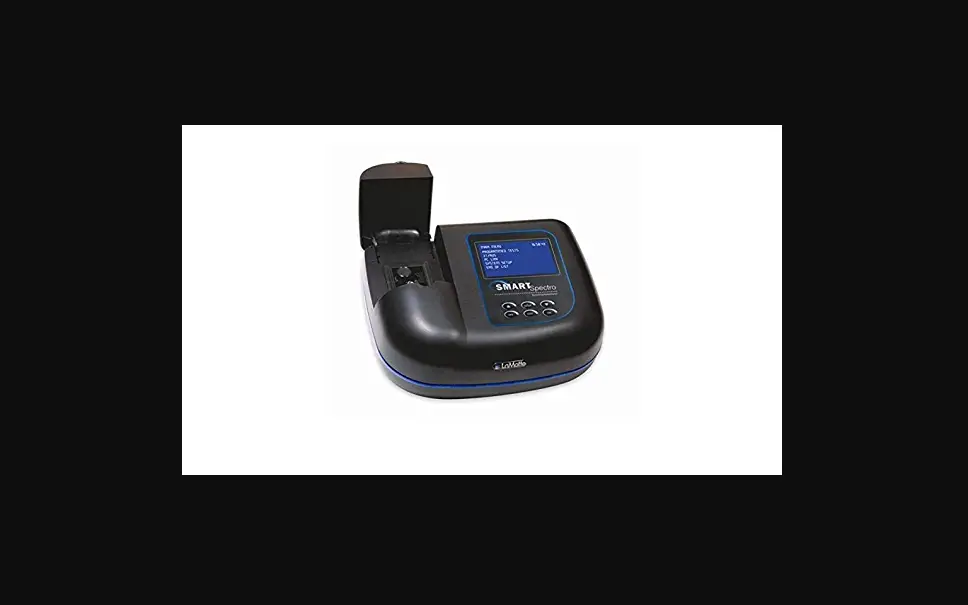

LaMotte SMART Spectro 2
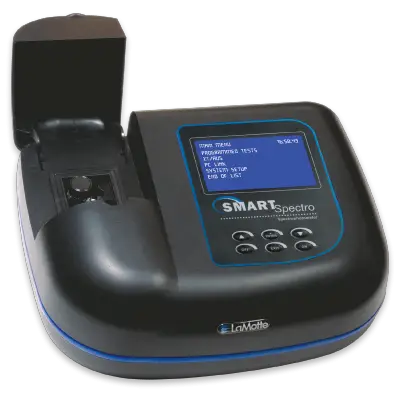
| 1. Press ON. The LaMotte logo screen will appear for about 2 seconds. After initialization the MAIN MENU will appear. | MAIN MENU 12:00:00 |
| PROGRAMMED TESTS | |
| %T/ABS | |
| PC LINK | |
| SYSTEM SETUP |
| 2. Press or to scroll to PROGRAMMED TESTS. | MAIN MENU 12:00:00 |
| PROGRAMMED TESTS | |
| %T/ABS | |
| PC LINK | |
| SYSTEM SETUP |
| 3. Press *ENTER to select PROGRAMED TESTS. | PROGRAMMED TESTS 546 NM |
| SEQUENCE 1 | |
| SEQUENCE 2 | |
| SEQUENCE 3 | |
| ALL TESTS | |
| EDIT |
| 4. Press or to scroll to ALL TESTS. | PROGRAMMED TESTS 546 NM |
| SEQUENCE 1 | |
| SEQUENCE 2 | |
| SEQUENCE 3 | |
| ALL TESTS | |
| EDIT |
| 5. Press *ENTER to select ALL TESTS. | ALL TESTS 546 NM |
| 2 ALUMINUM | |
| 3 AMMONIA-N L F | |
| 4 AMMONIA-N L S | |
| 5 AMMONIA-N H | |
| 7 BIGUANIDE | |
| 8 BORON | |
| 9 BROMINE-LR | |
| 12 CADMIUM |
| 6. Press or to scroll to the desired test. | ALL TESTS 546 NM |
| 1 ALUMINUM | |
| 2 ALKALINITY-UDV | |
| 3 AMMONIA-N L F | |
| 4 AMMONIA-N L S | |
| 5 AMMONIA-N H | |
| 6 ARSENIC | |
| 7 BIGUANIDE | |
| 8 BORON |
| 7. Press *ENTER to select the test. | 2 ALUMINUM 535 NM |
| SCAN BLANK | |
| SCAN SAMPLE | |
| TEST RESULT LIST |
| 8. Insert the blank. Close lid. Press *ENTER to scan the blank. BLANKING will momentarily appear on the top line of the display. The blank has been stored. | 2 ALUMINUM 535 NM |
| SCAN BLANK | |
| SCAN SAMPLE | |
| TEST RESULT LIST |
| 9. Insert the reacted sample. Close lid. Press *ENTER to scan the sample. The result will be displayed. | 2 ALUMINUM 535 NM |
| T = 13.5%T | |
| A = 0.8707A | |
| C = 0.26 ppm | |
| STORE PRESS [ENTER] |
After obtaining test results, scroll with or , and make another selection with *ENTER. Press *ENTER to store th result to the Test Result List. If Store Method is automatic test results will be stored automatically. To print the test results, scroll to Test Result List. Press *ENTER to print.
After obtaining test results, scroll with or , and make another selection with *ENTER. Press EXIT to escape to previous menu.
802 Washington Ave Chestertown MD 21620
800-344-3100 410-778-3100 f 410-778-6394
www.lamotte.com
©2020 LaMotte Company | 62000-02-QG | 9.20