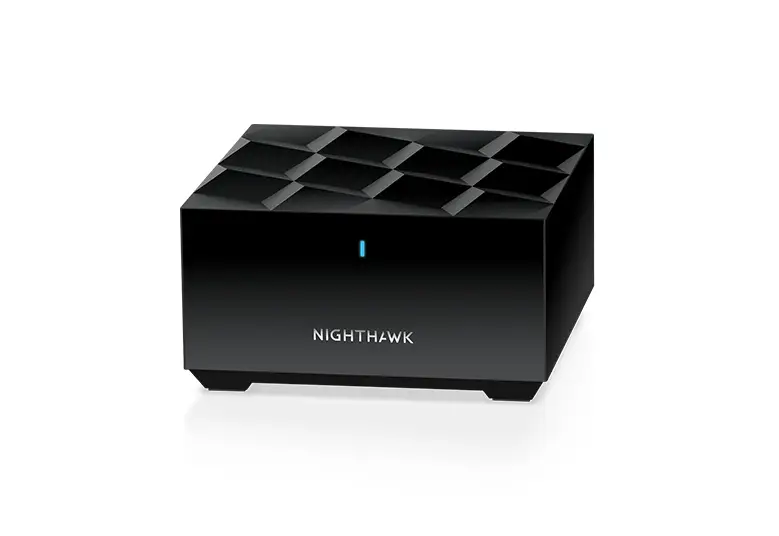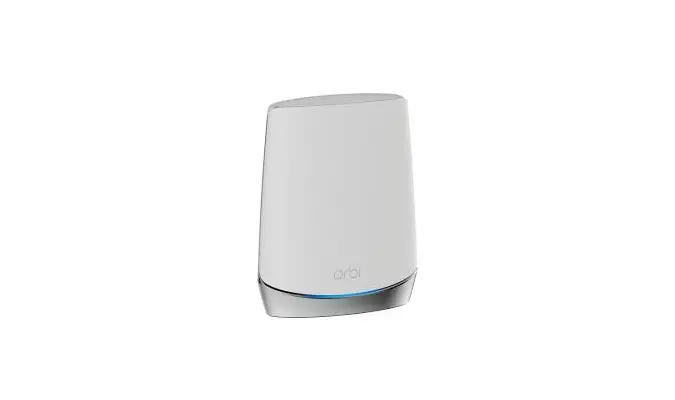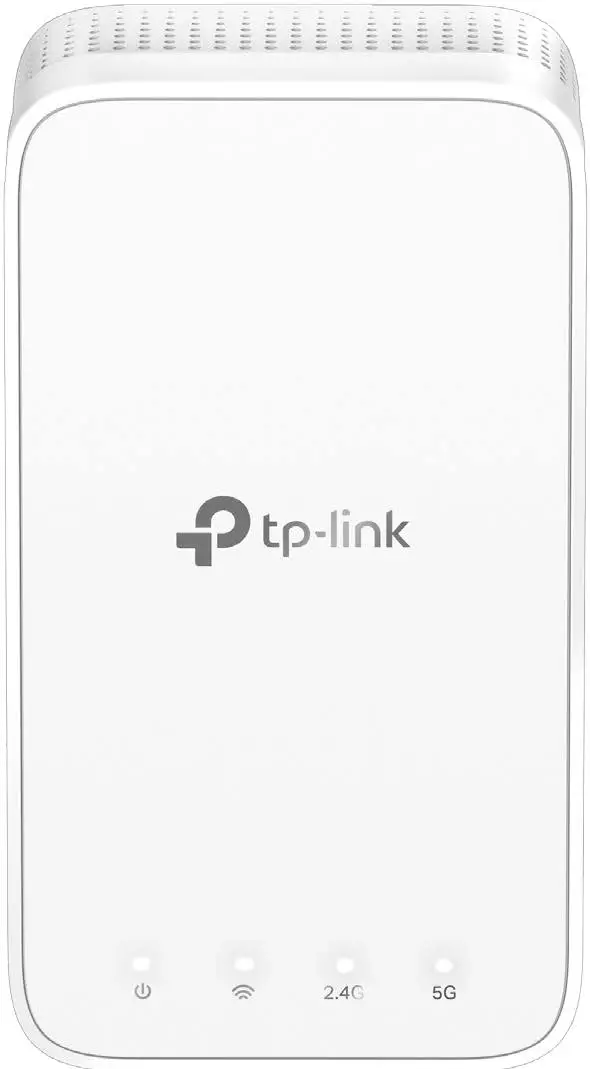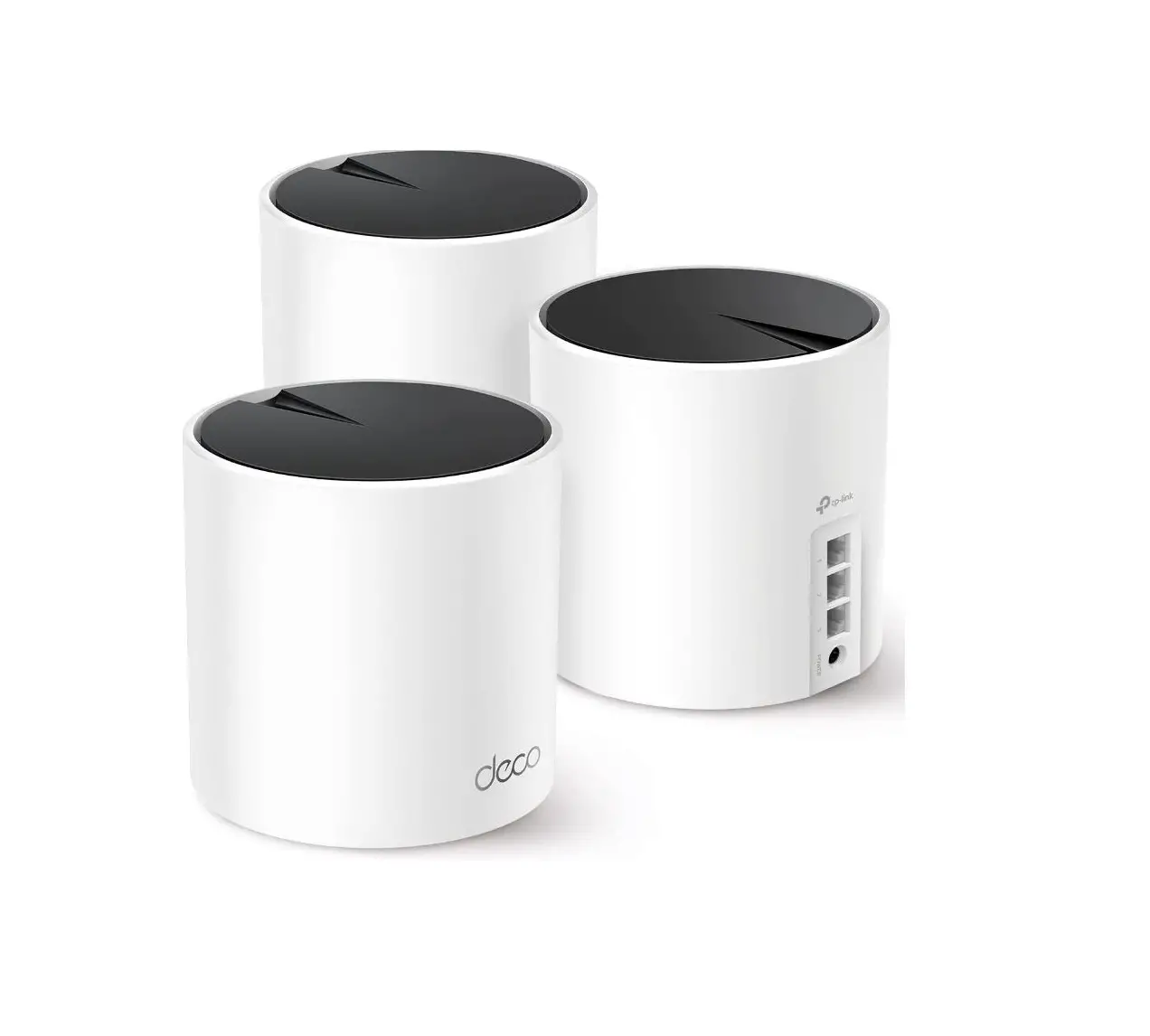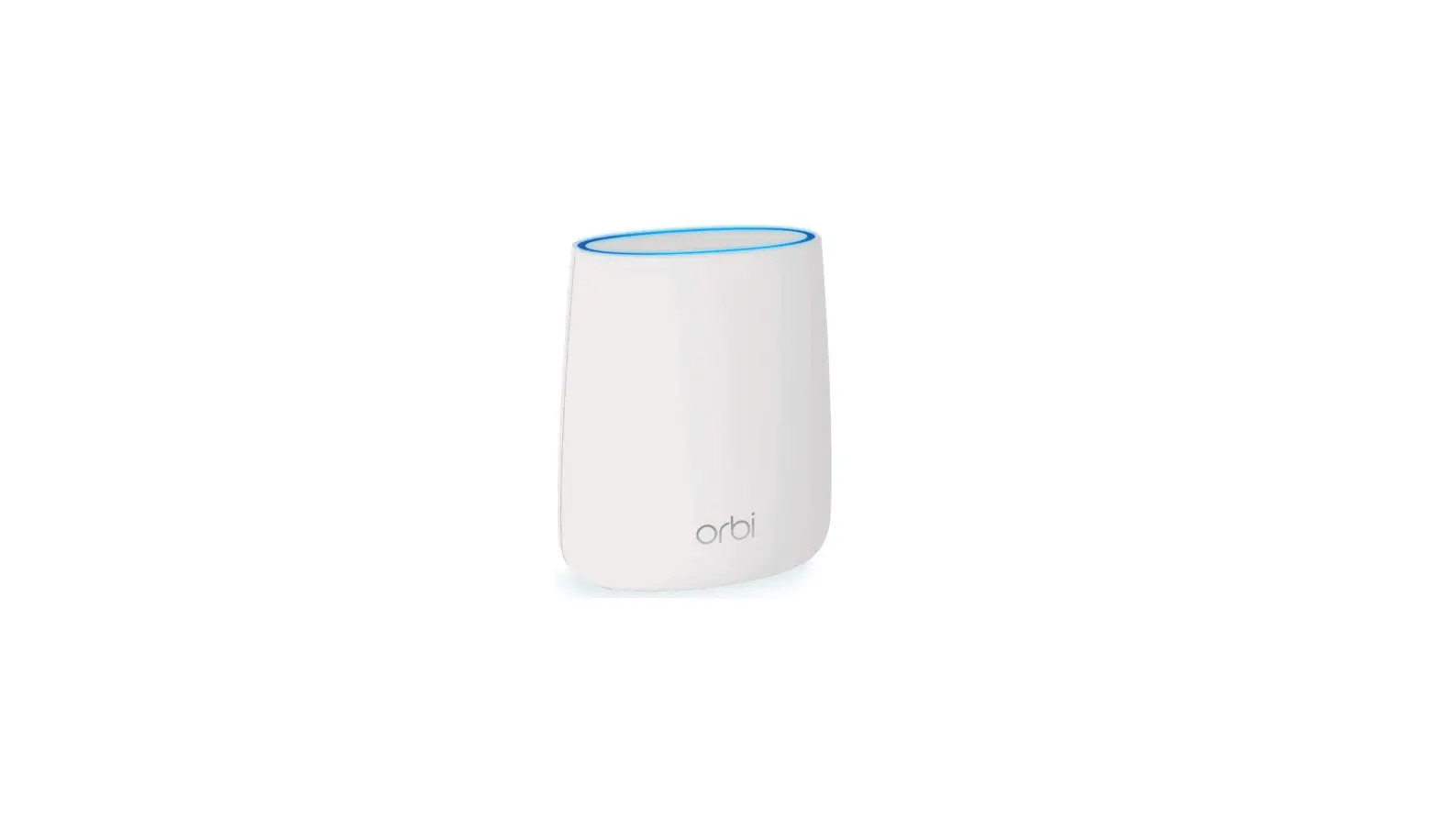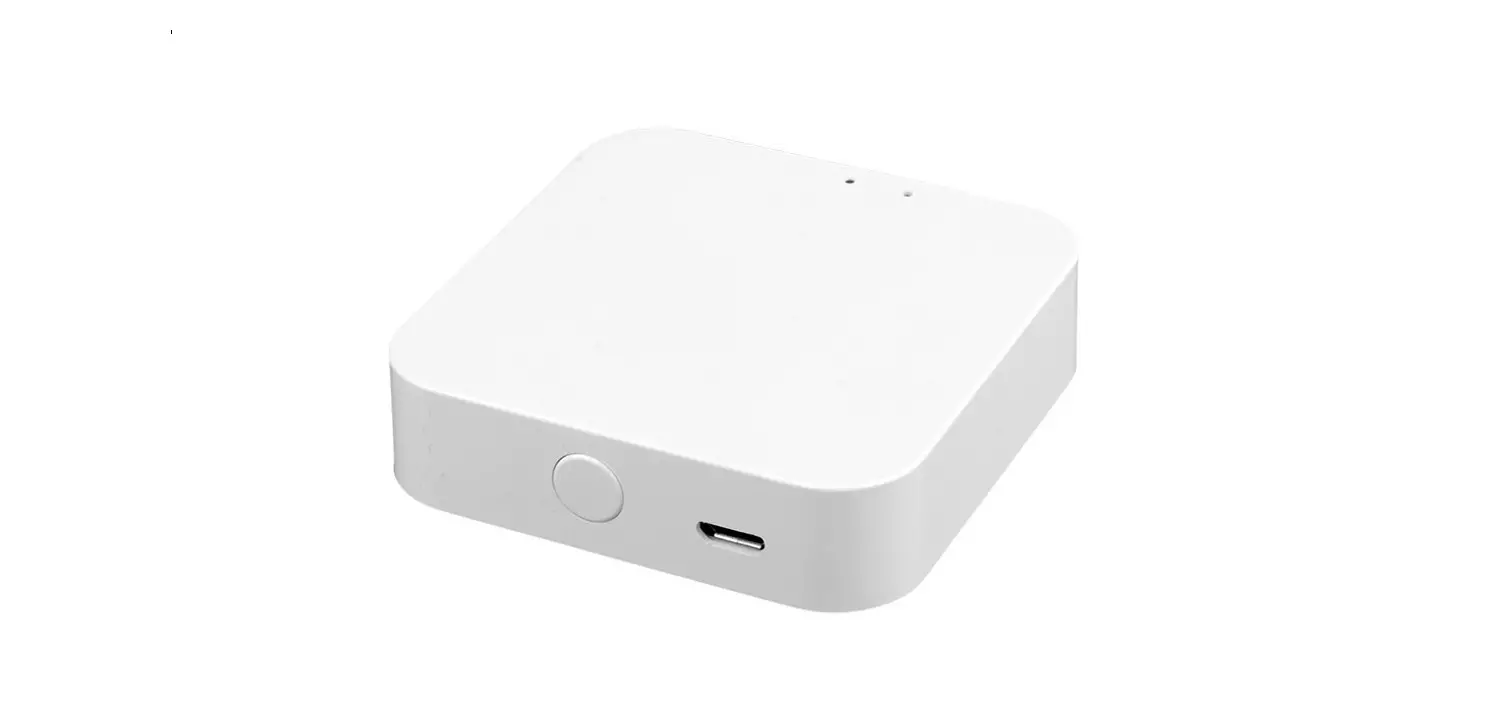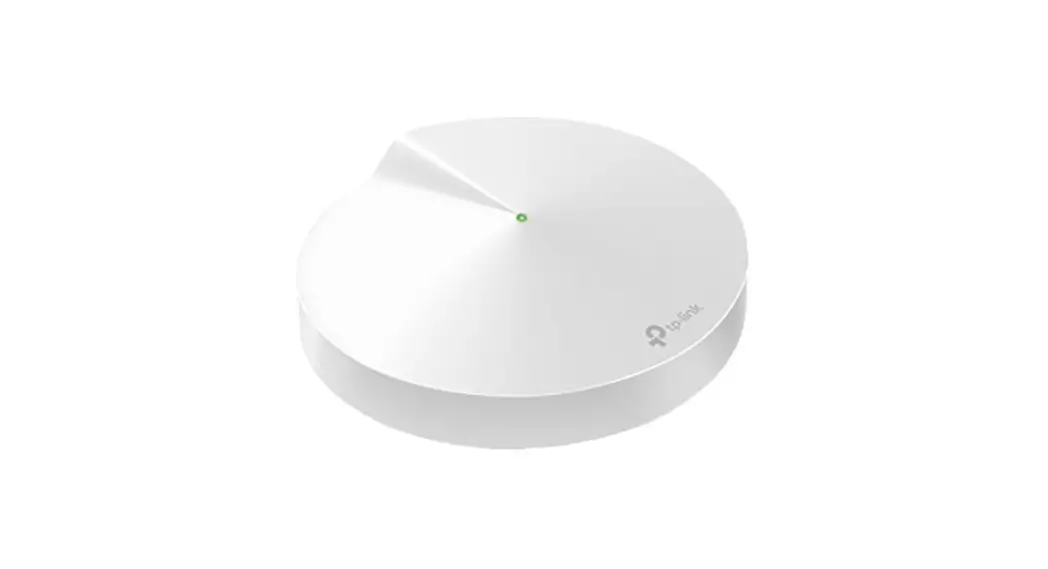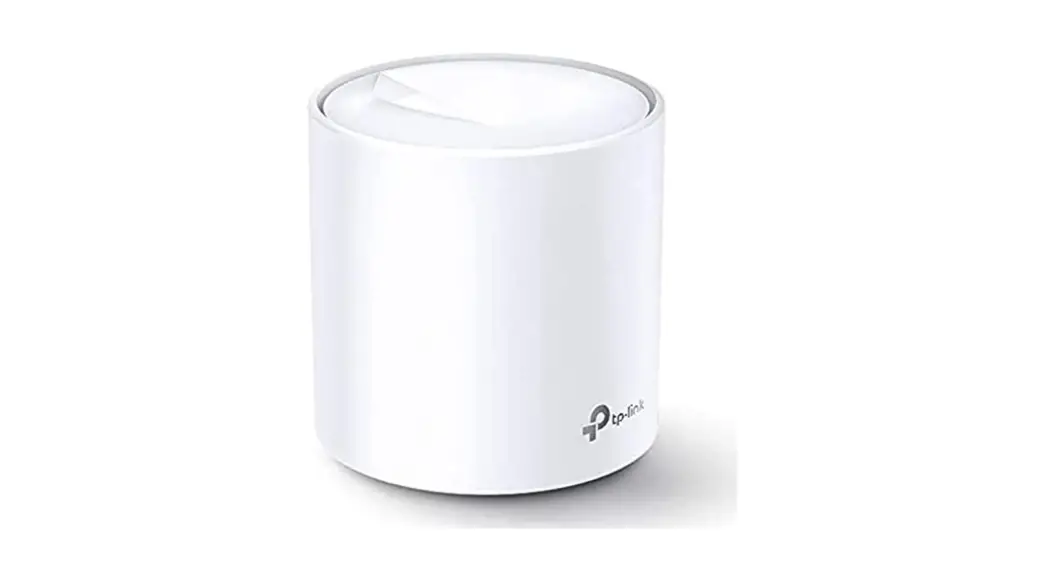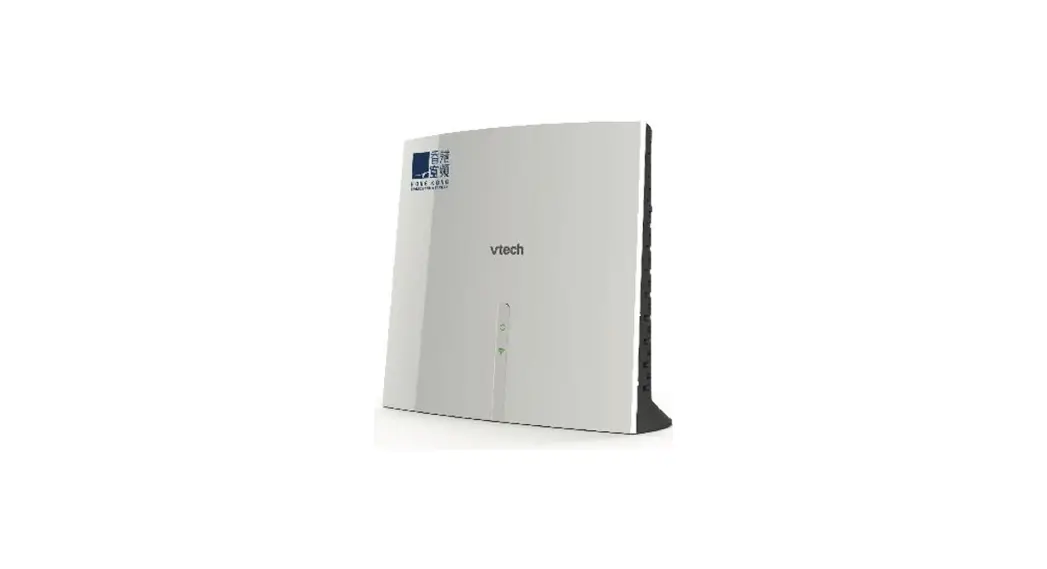
 HKBN Mesh Wi-Fi
Mesh Satellite Pairing Guide
Open Wi-Fi Concierge App
It requires Wi-Fi Concierge App to pair the Mesh Satellite, please tap on the icon or scan the QR code to download the App.
https://apply.hkbn.net/infinite_home/qrcode.html
Pairing steps
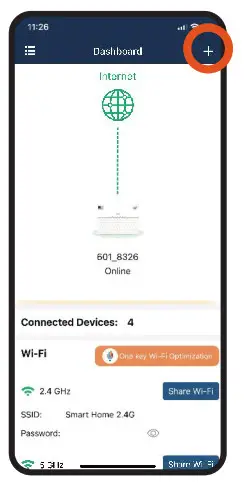
- After login, tap “+”on the right top corner

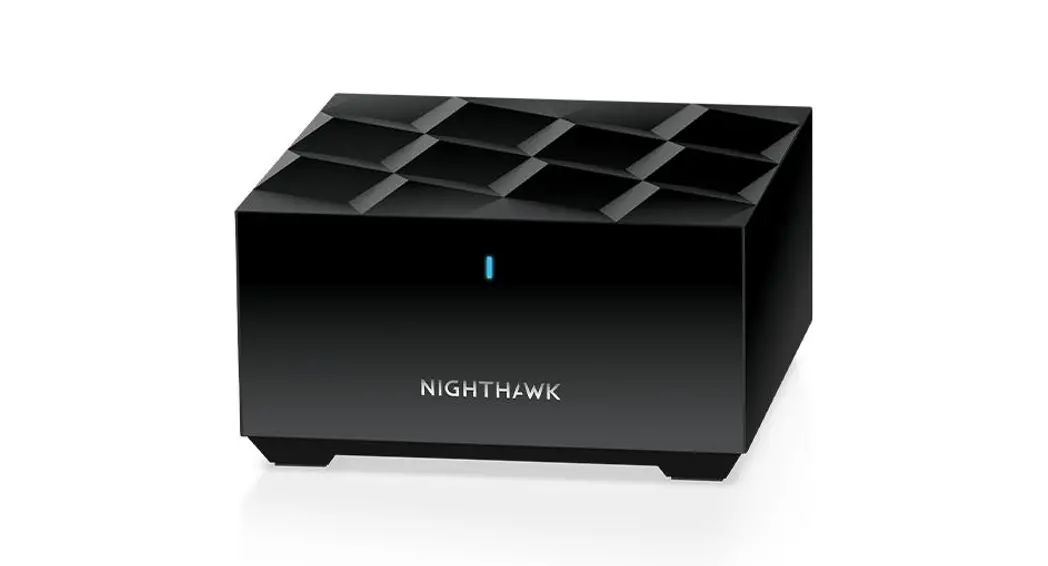
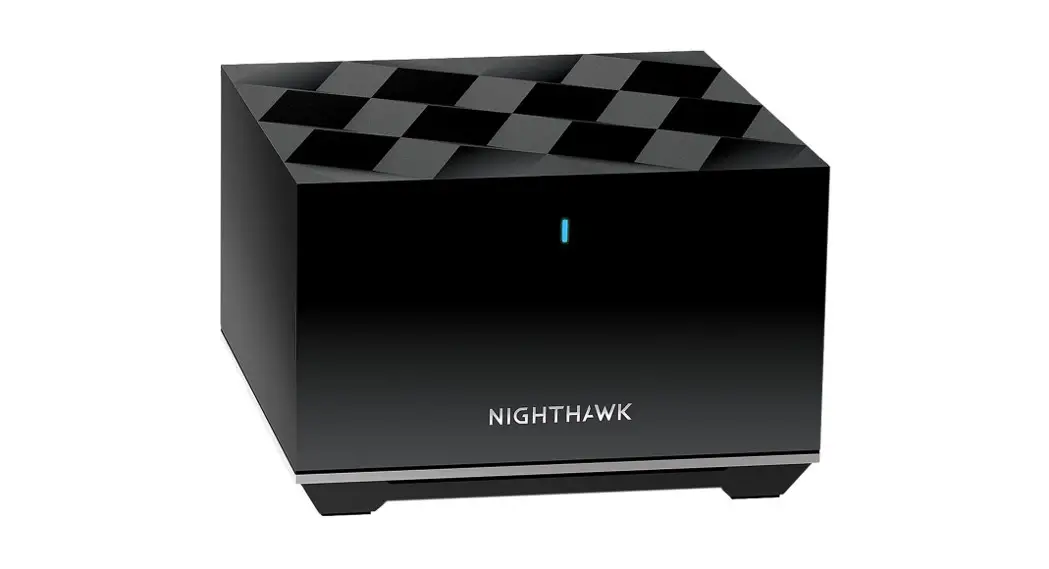
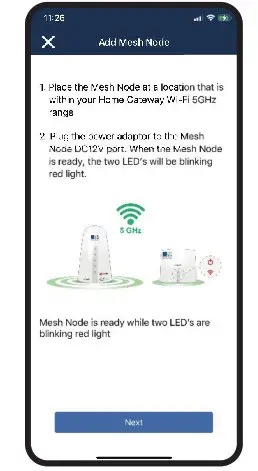
- Connect Mesh Satellite to the power and place it within the Home Gateway Wi-Fi coverage. Tap “Next” until it completed the startup process. (Details as below)
 Connect to Power
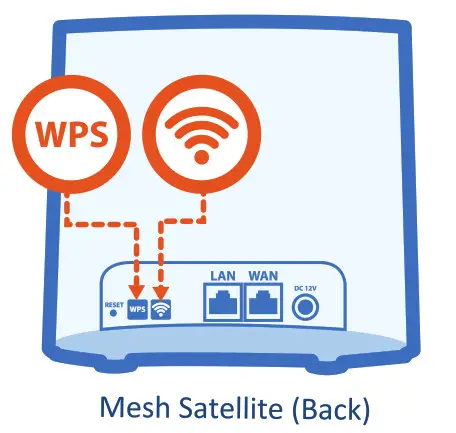
Plug the provided power adaptor to the DC12V port on the back of Mesh Satellite.
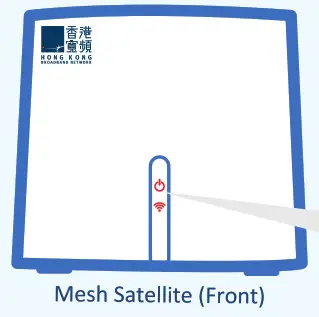
Complete Startup Process
When two LED indicator lights are blinking in red, it means the startup process is already completed.

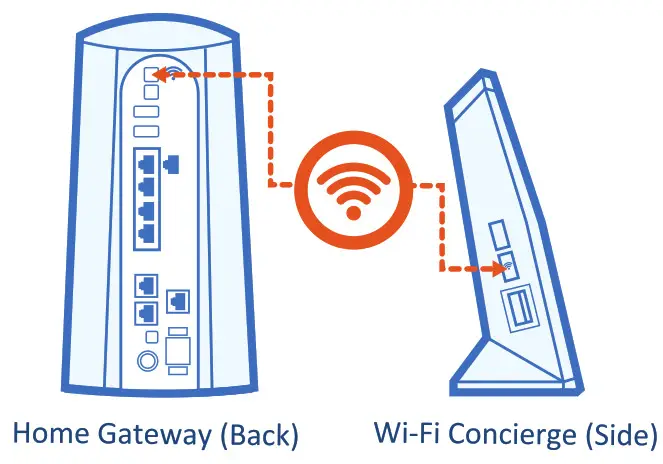
- Hold the Wi-Fi button for 12 seconds on Home Gateway/Wi-Fi Concierge until the
 LED indicator light blinks in orange, and then tap “Next”
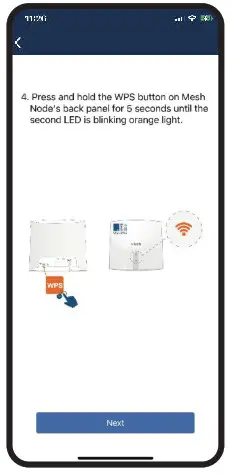
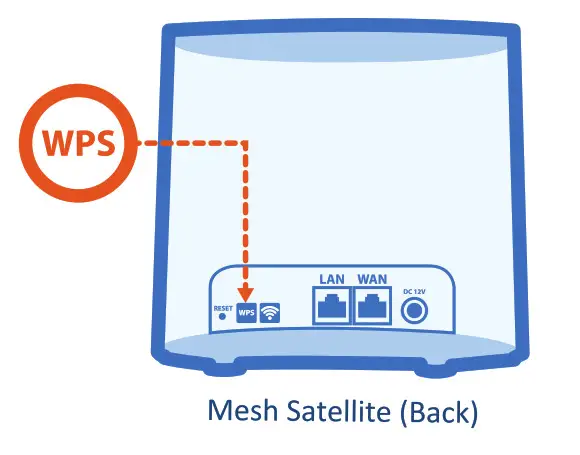
- Hold the WPS button on the back of Mesh Satellite for 5 seconds until the LED indicator light blinks in orange, and then tap “Next”, pairing process will be started

- After pairing, check whether the LED indicator lights are in solid green, if yes it means pairing succeeded, tap “Yes, It’s showing solid green light” and confirm device name to complete the pairing process
 Connect to Power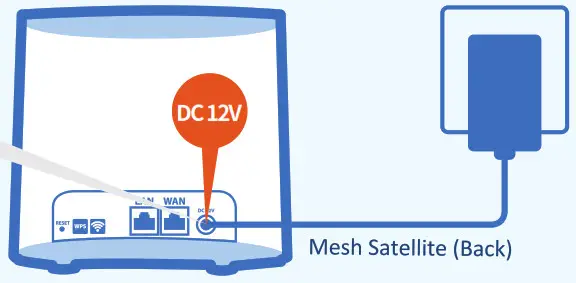

 LED indicator light blinks in orange, and then tap “Next”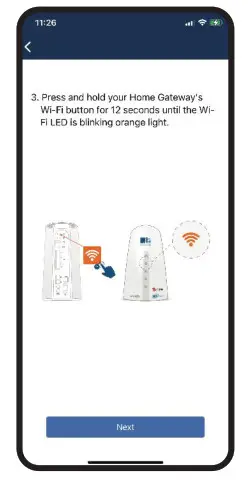
Hold the Wi-Fi button
Hold the WPS button
 Pairing Completed
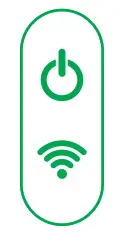 If LED indicator lights are blinking in green/orange/red, it means pairing is failed, please re-pair it by following the instructions on App.
 Important:
- Please make sure the Mesh Satellite is placed within the Wi-Fi coverage of the Home Gateway/Wi-Fi Concierge.
- Before re-pairing, please hold the WPS and Wi-Fi button at the same time on the back of Mesh Satellite for around 5 seconds to reset it to factory settings. (two LED indicator lights are blinking in red)

Should you have any query, please call our Customer Service Hotline at 128 100