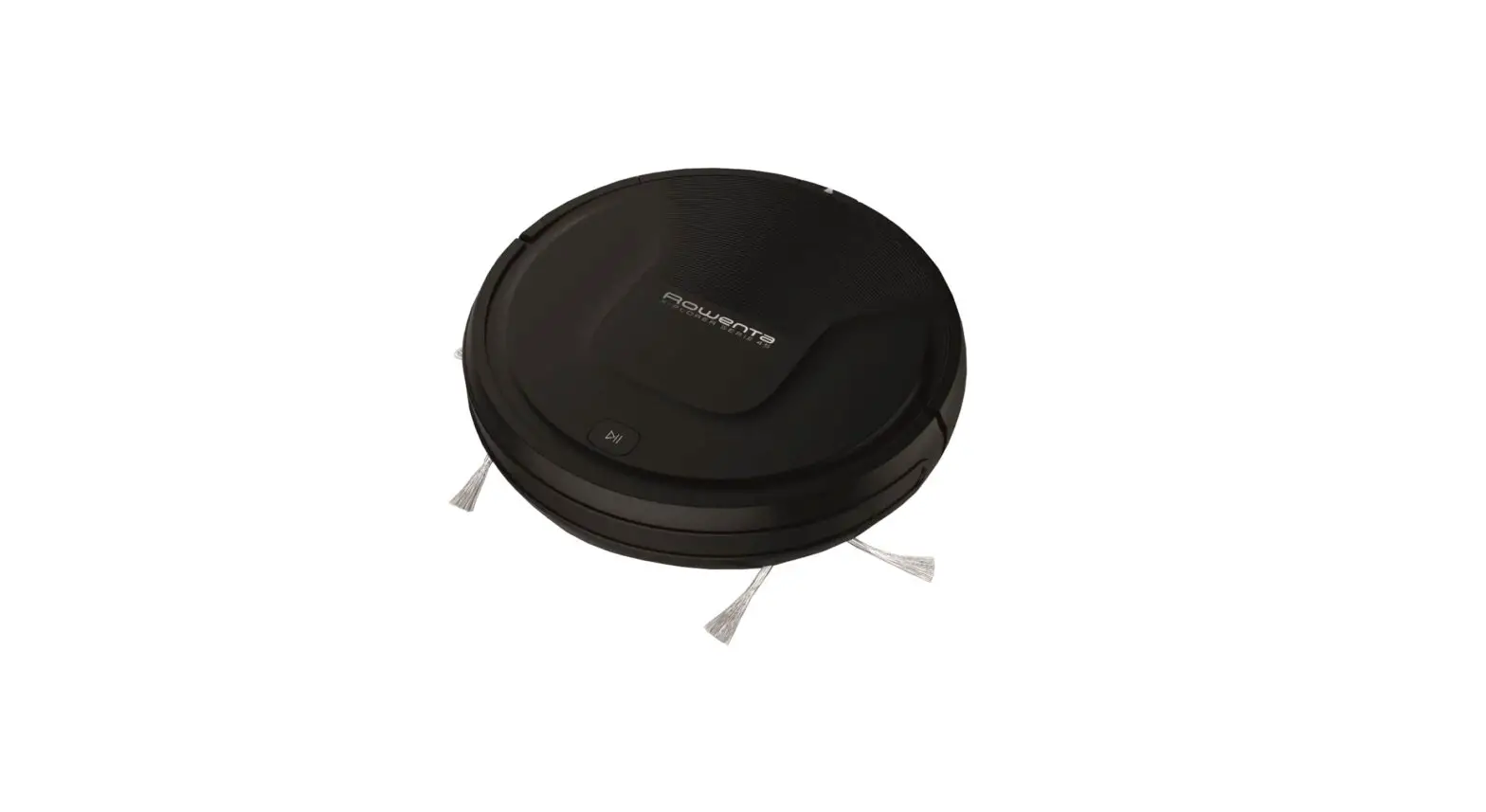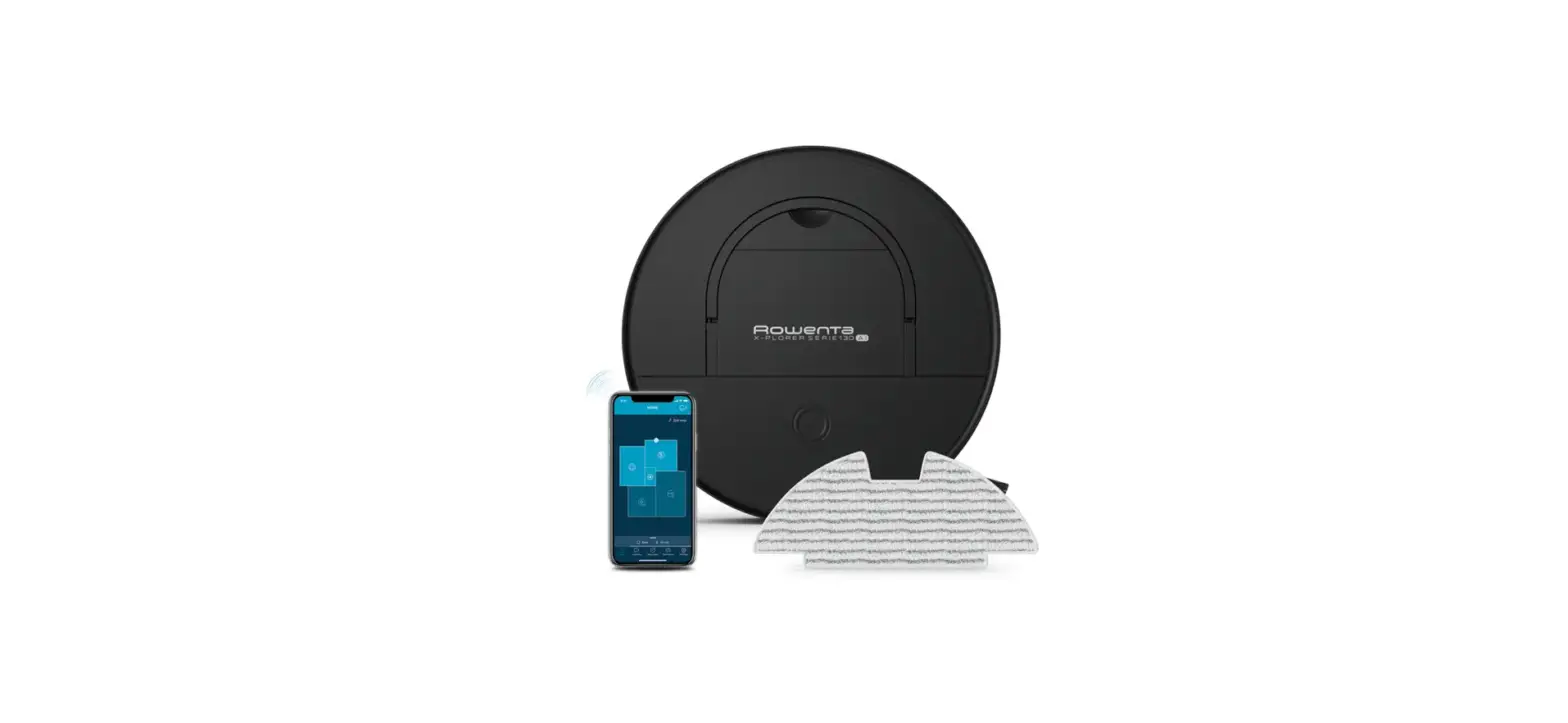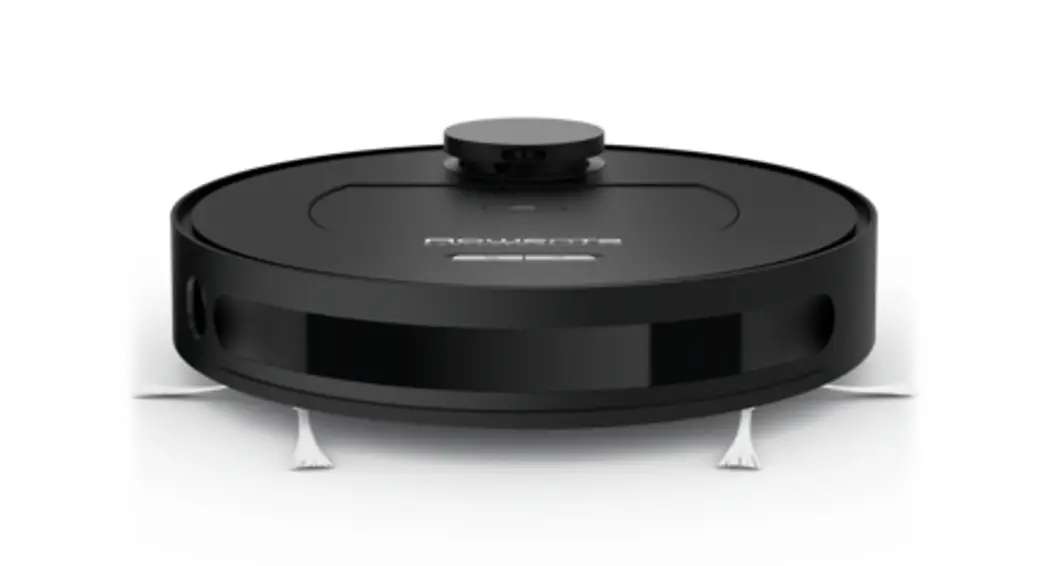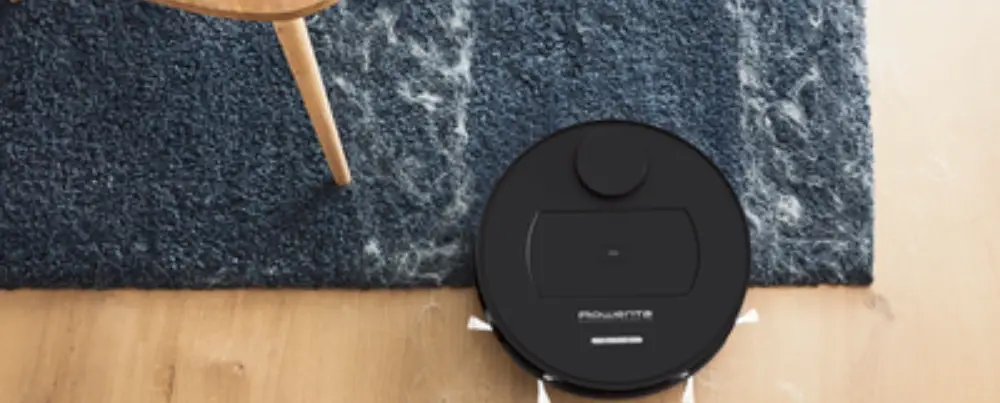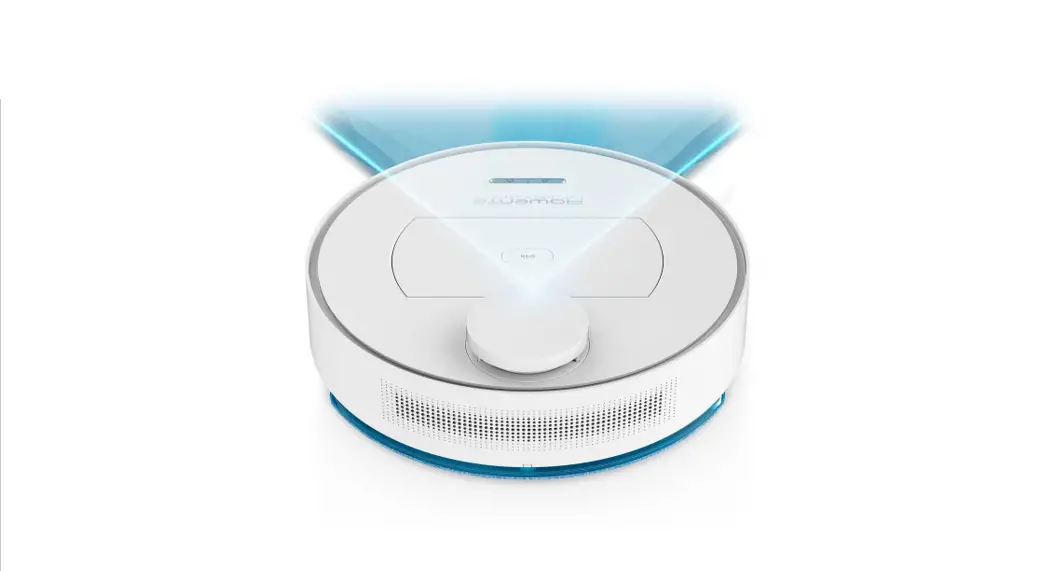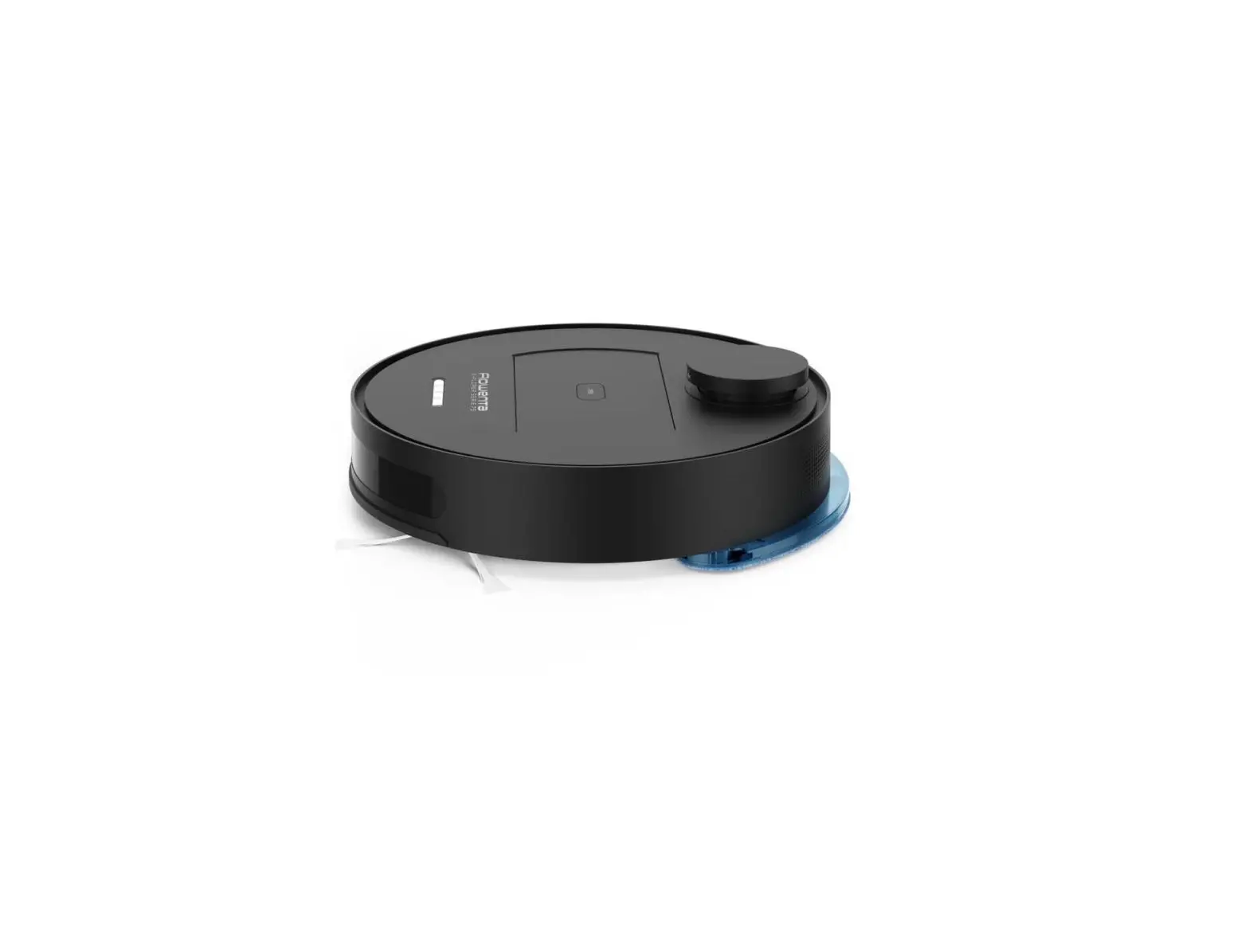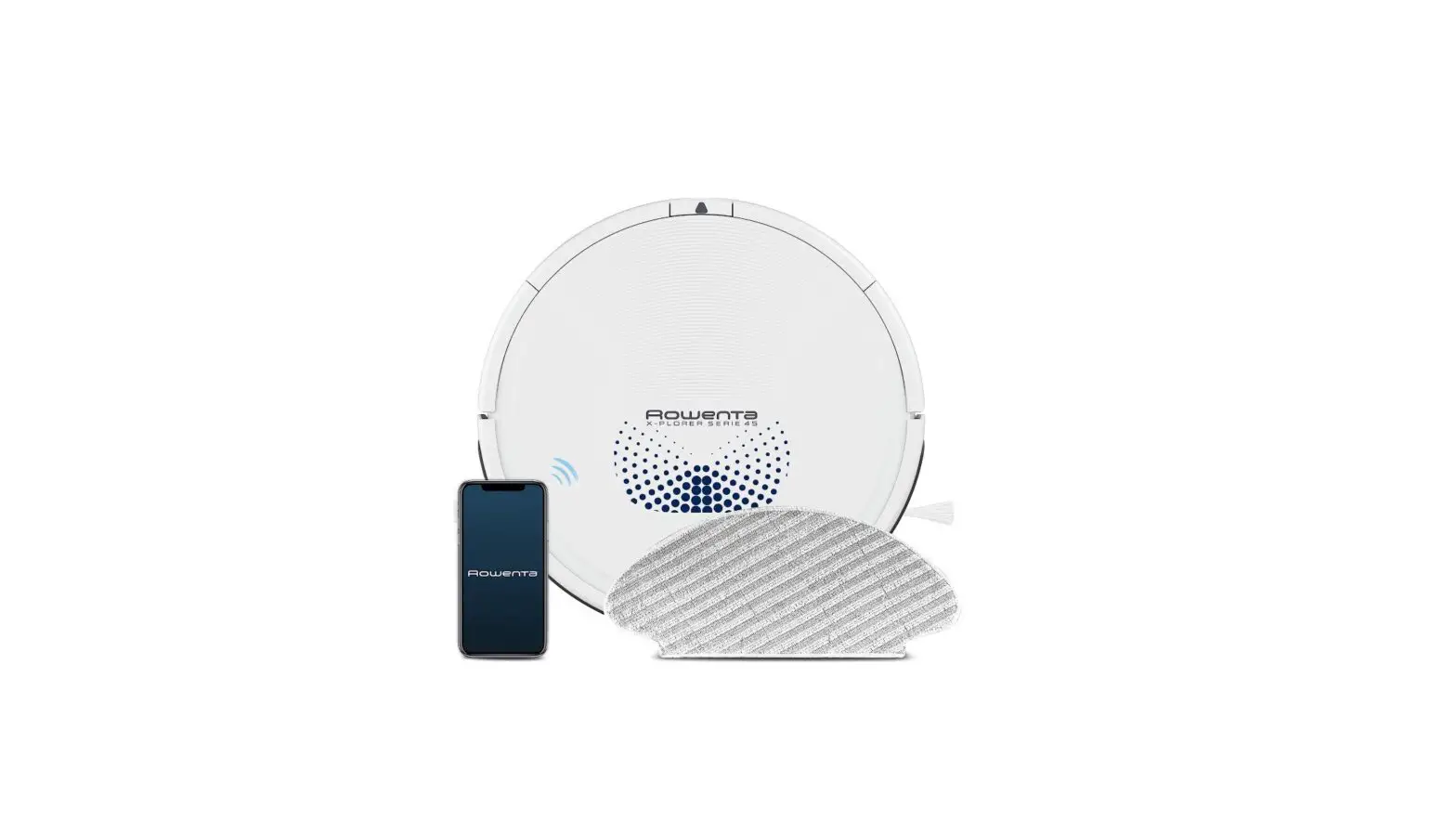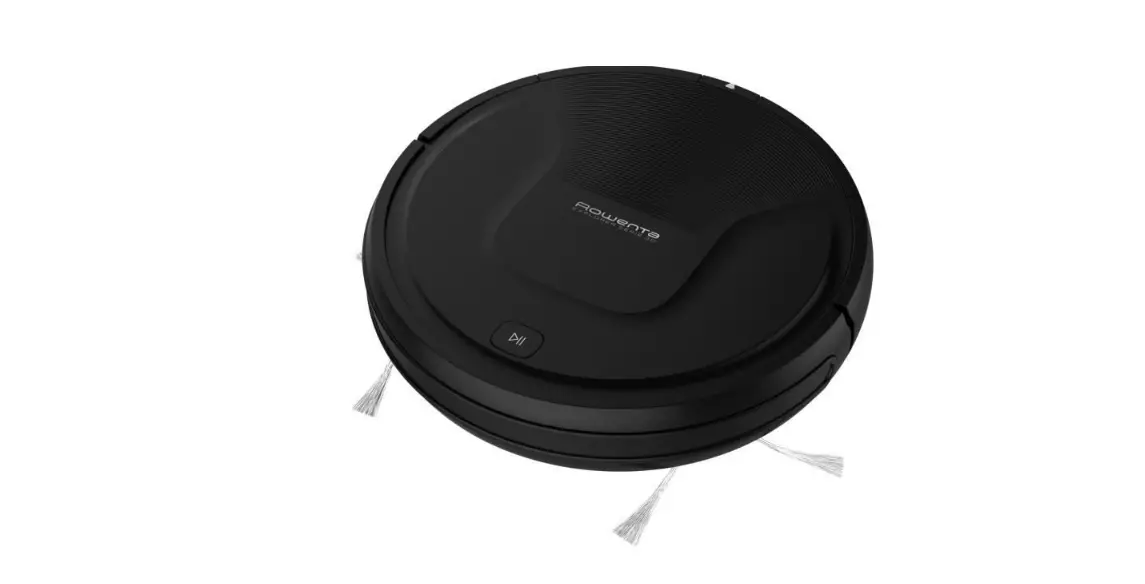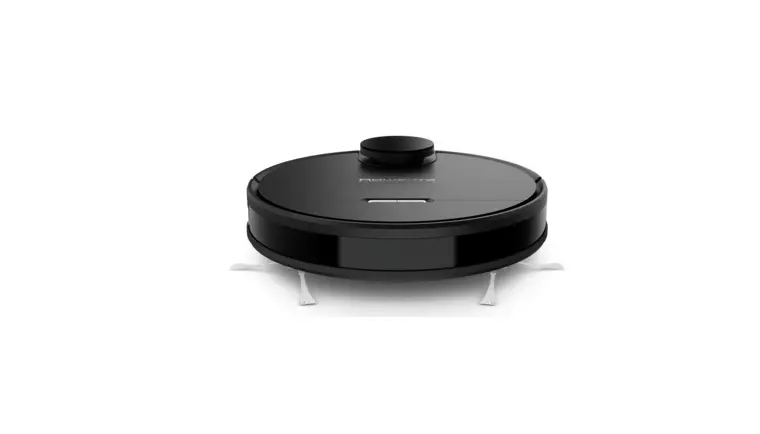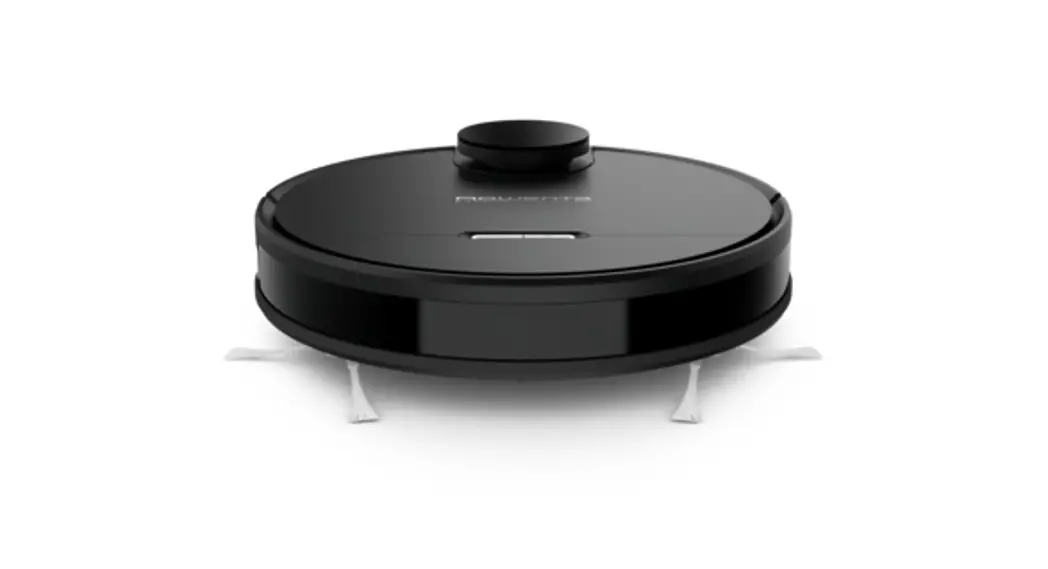

X-PLORER SERIE 95
QUICK START GUIDE
www.rowenta.com
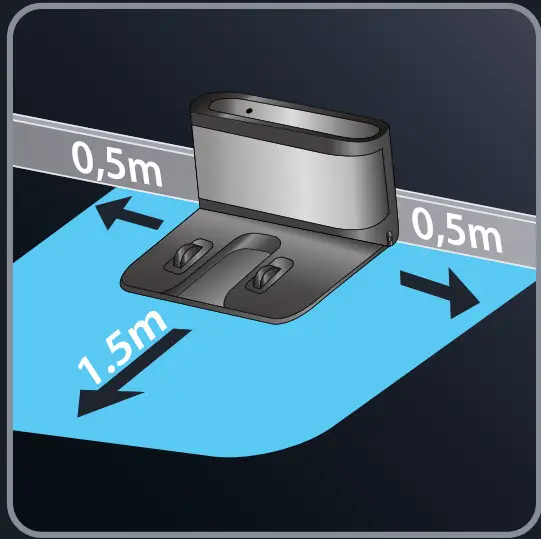
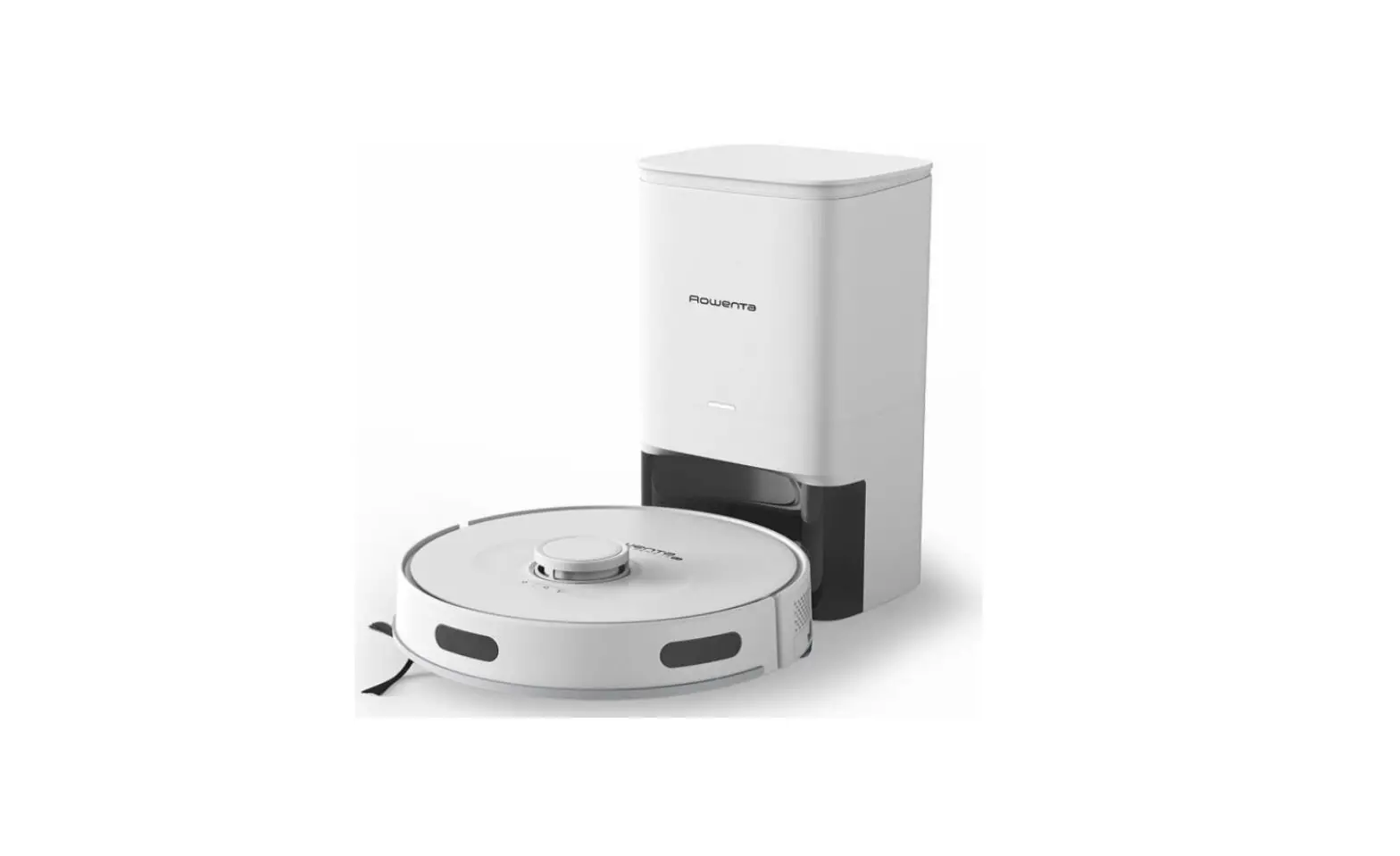
- Choose the location of your docking station.

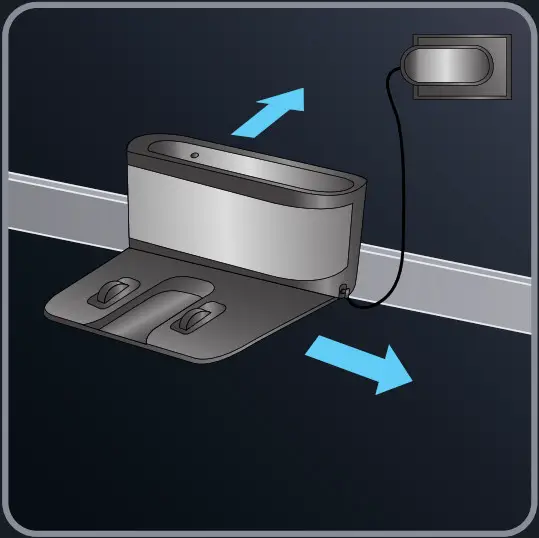
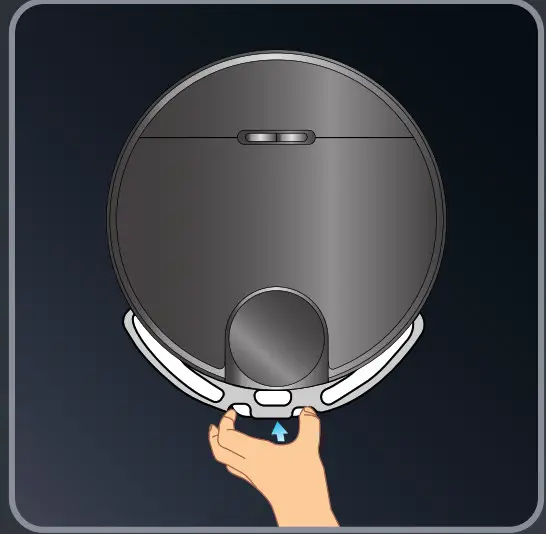
- Plug in your docking station. Remove the protective strip on the bumper of the robot to ensure proper operation of the device.

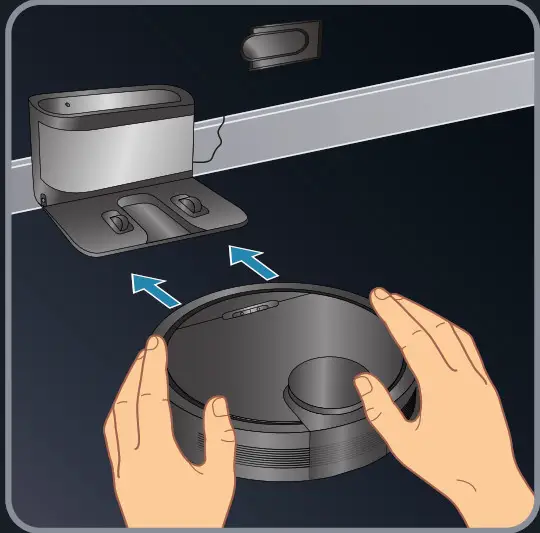
- Place the robot on the docking station and align it to the charging terminal. When the robot is correctly plugged, the docking station light will switch off.

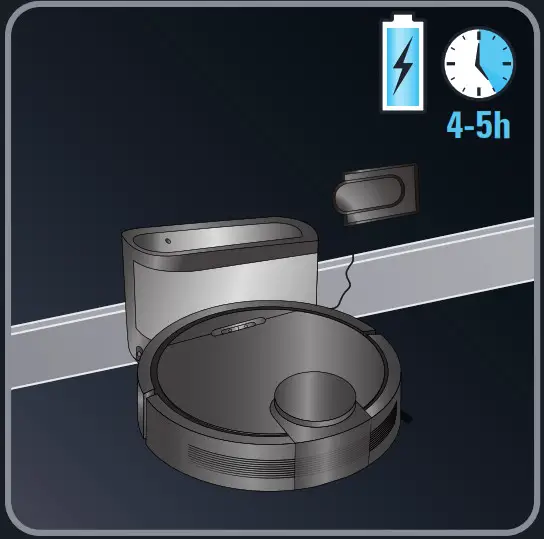
- Wait 4-5 hours for the robot to be fully charged. When the white indicator is normally set on, the robot is fully charged.

- Download the “Rowenta X-plorer Series 75&95“ free app.

 http://opn.to/a/2eZ2p
 - To enjoy your robot, simply just follow the instructions in the app!

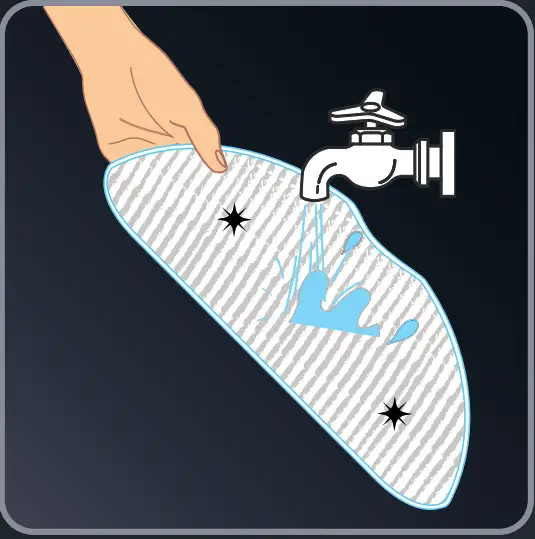
- Moisten the mop with water before use.

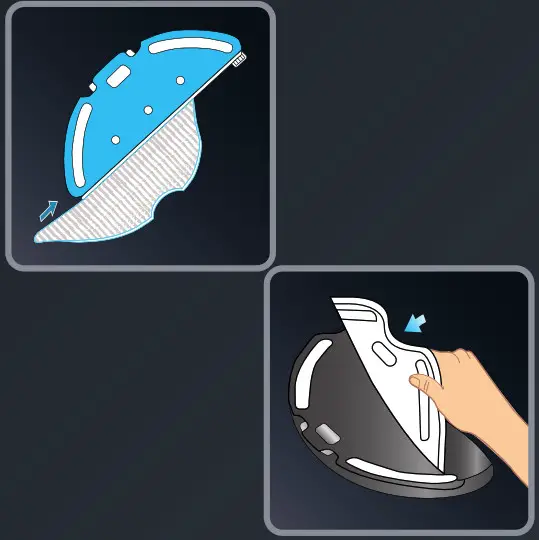
- Slide the mop into the slot and put it correctly on the mop holder.

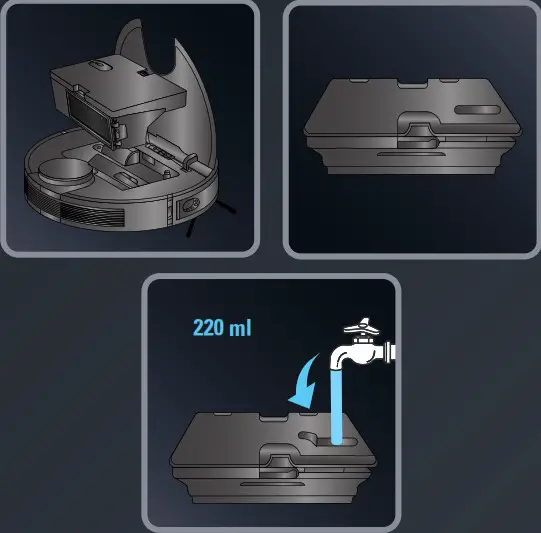
- Open the robot cover, press the release button and remove the dust box and the water tank. Open the water tank cap and fully fill it with 220ml of water. Close the water tank and place it back with the dust box within the robot.

- Clip the mop support.

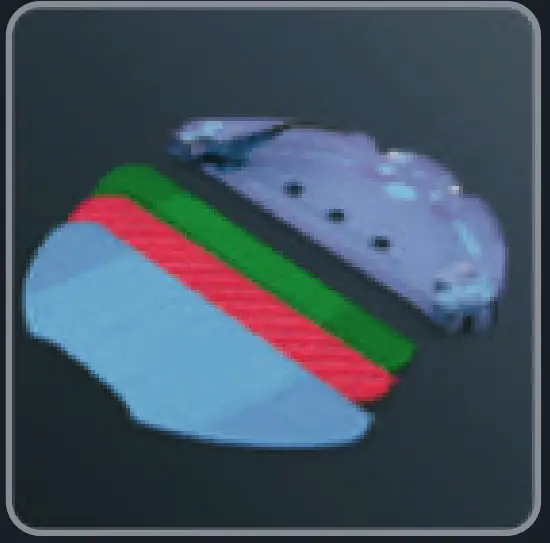
- Mops description (depending on model):
– Blue mop: for standard usage
– Red mop: Animal Scrub mop for pet stains
– Green mop: Allergy mop for fine particles: to use without water
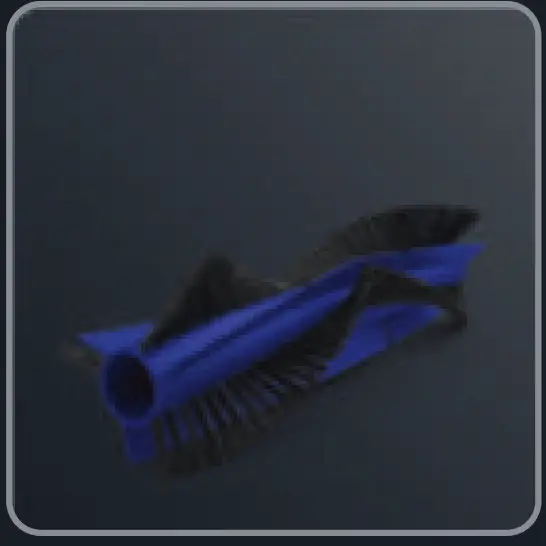
- Hair & Silicone brush:
Animal Turbo brush for pet hair
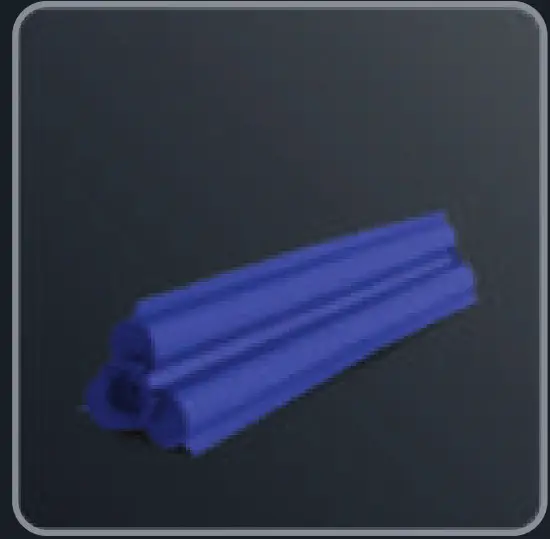
- Silicone brush: Precision Turbo brush to capture long hair

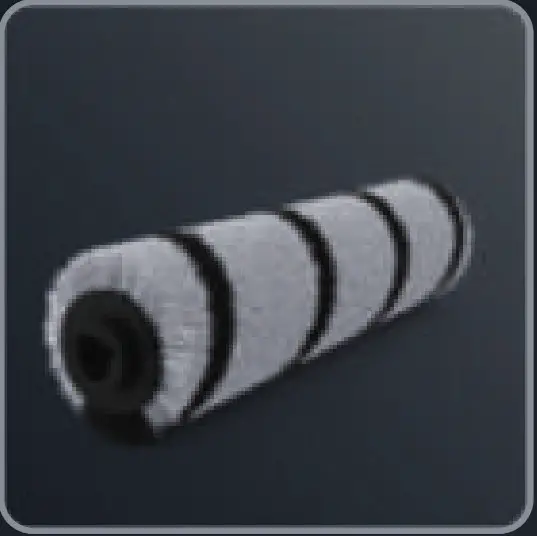
- Fluffy brush: Downy Turbo Brush for fine particles