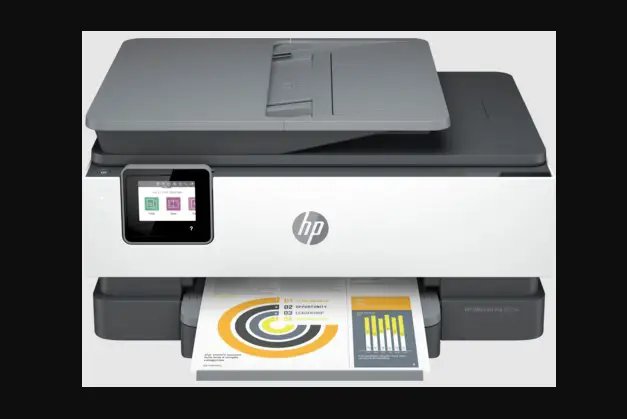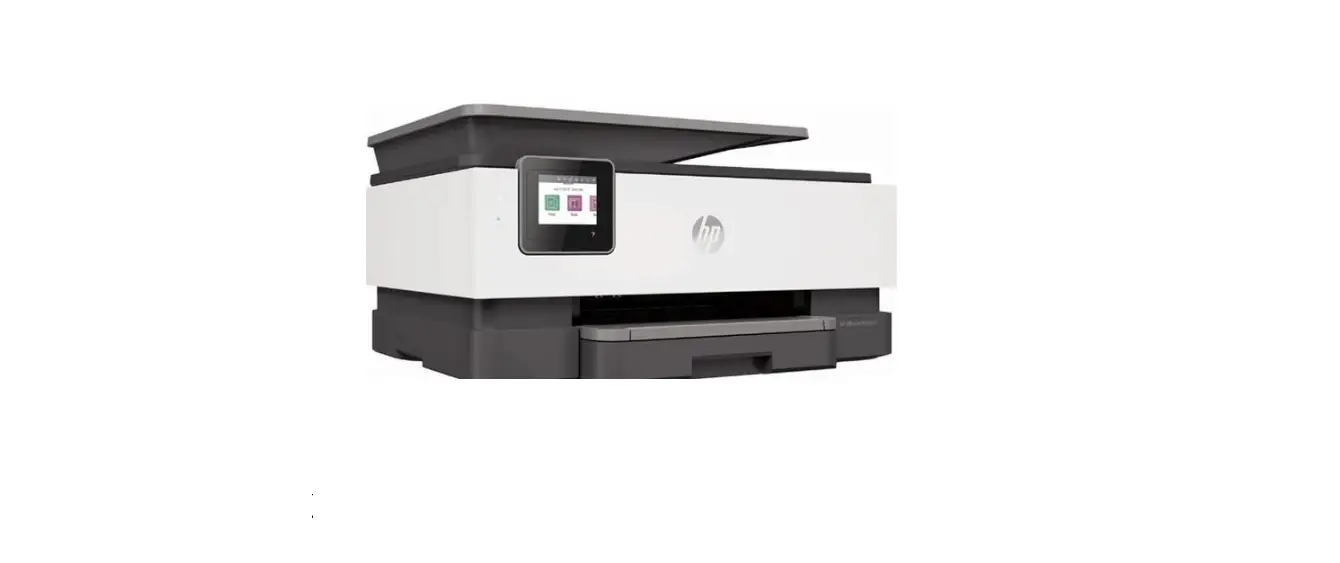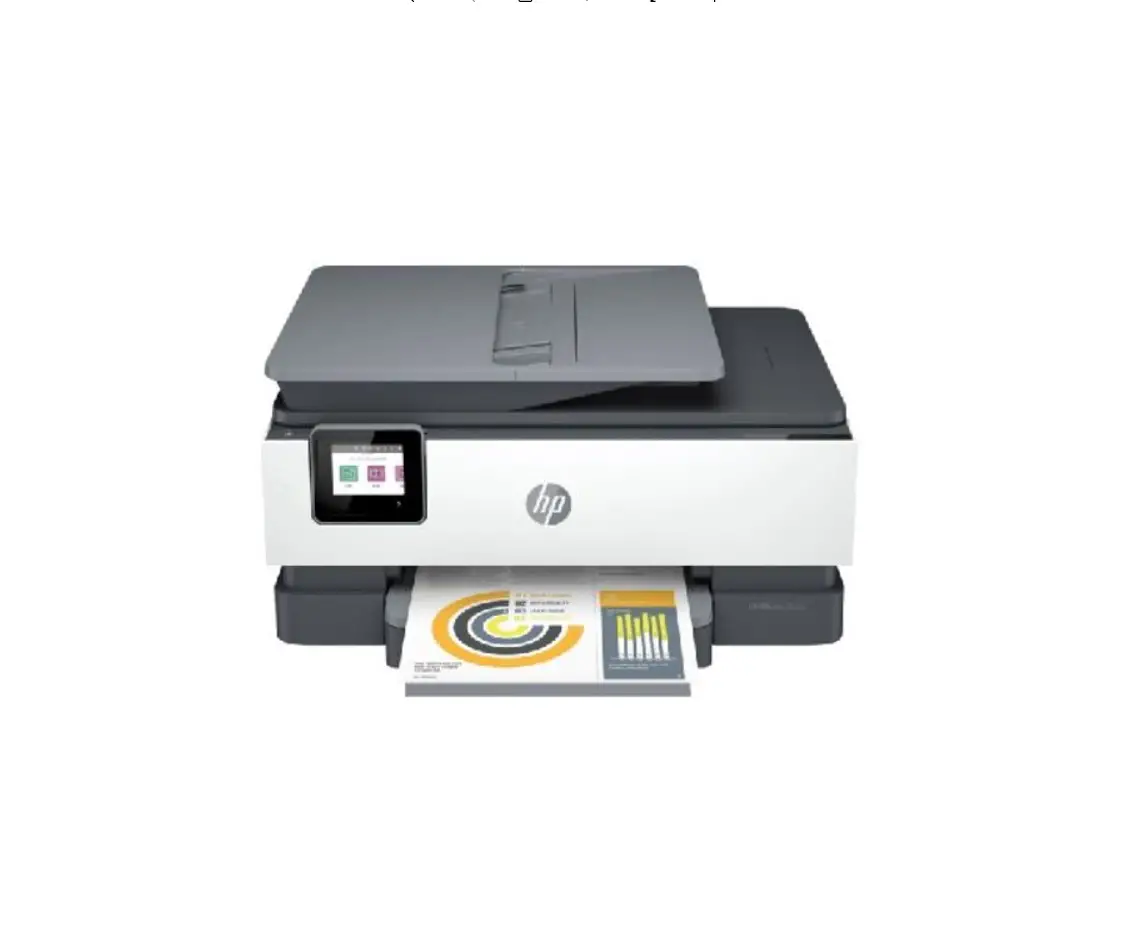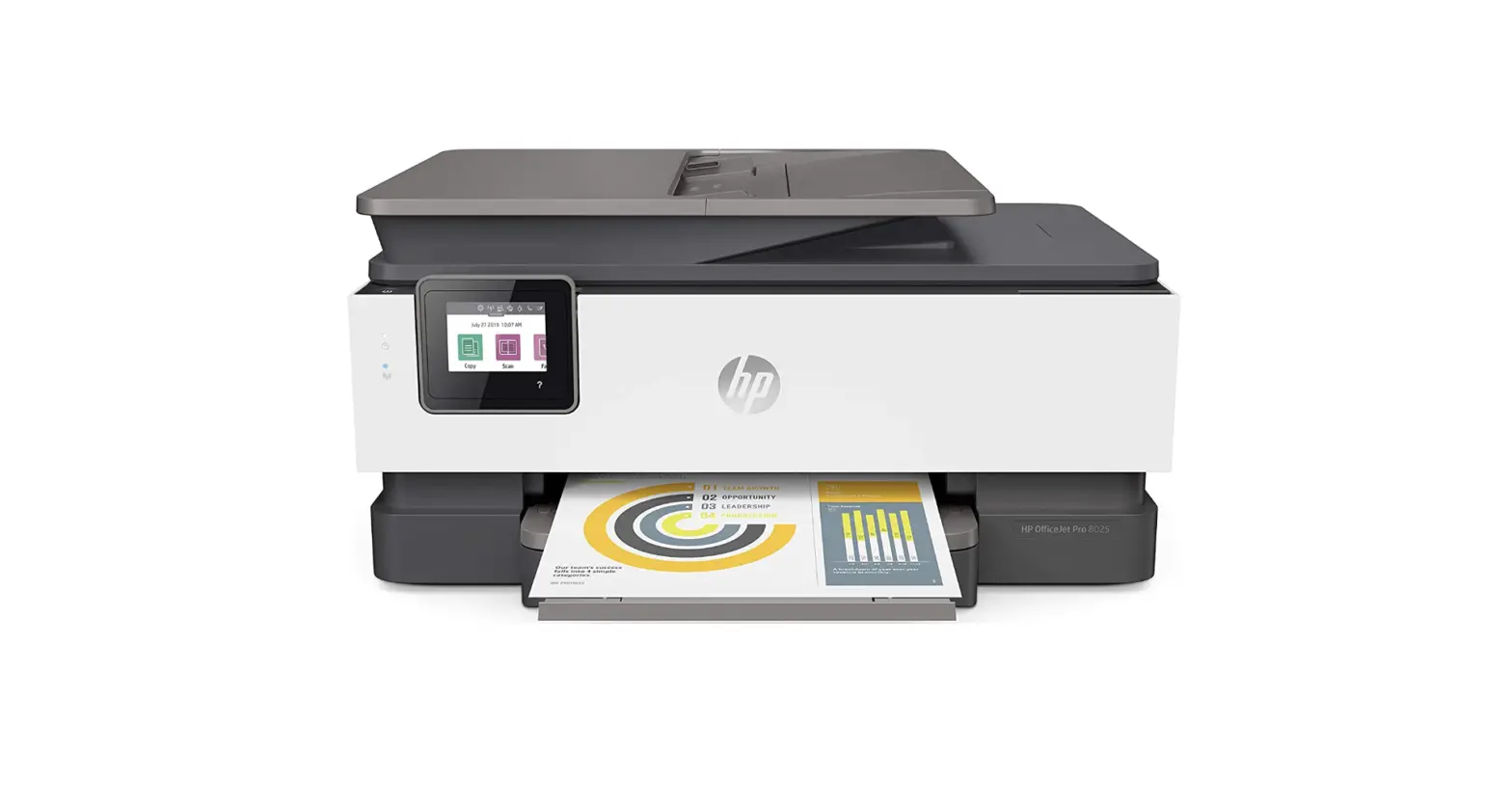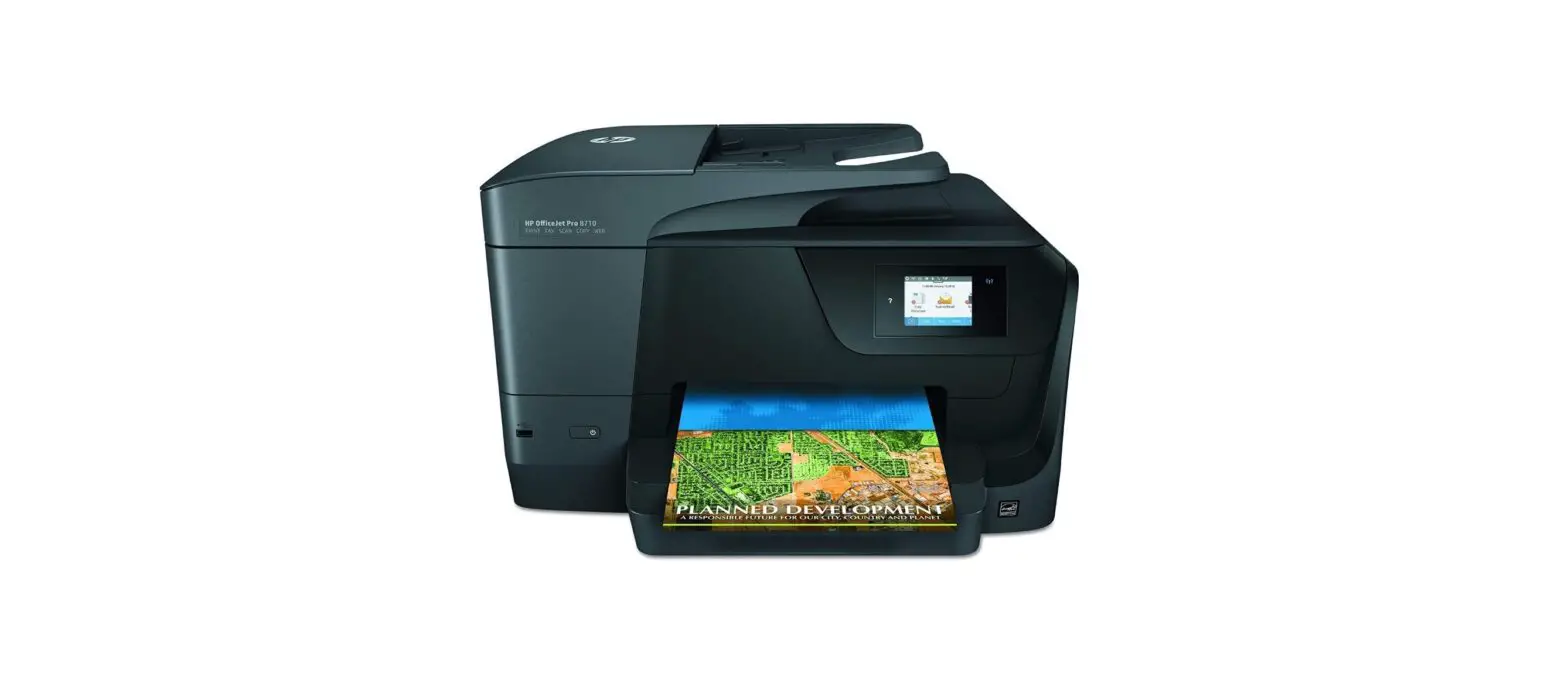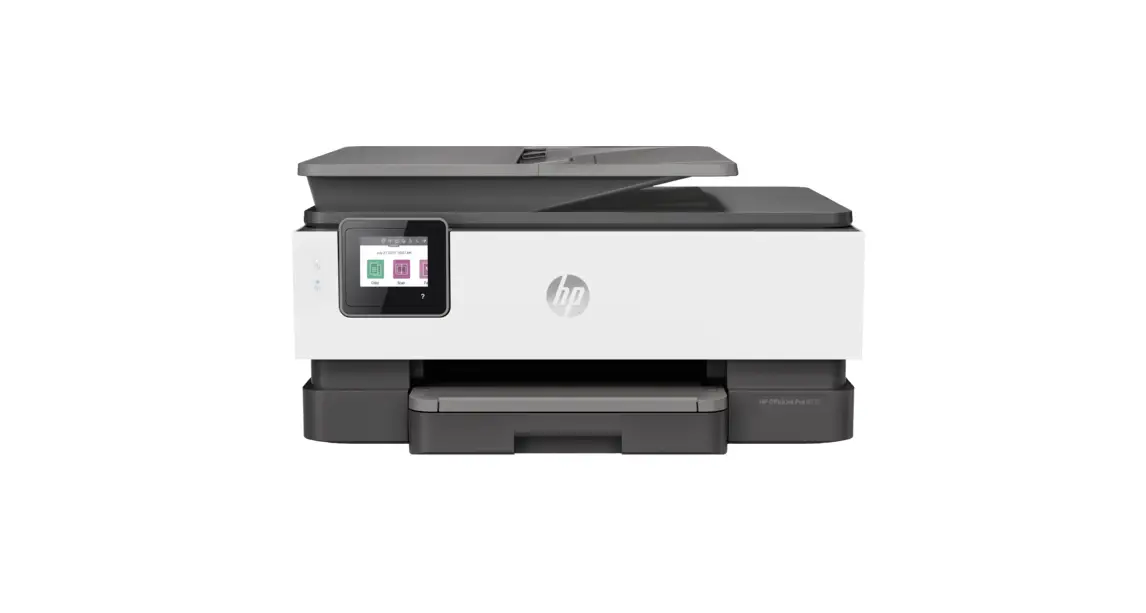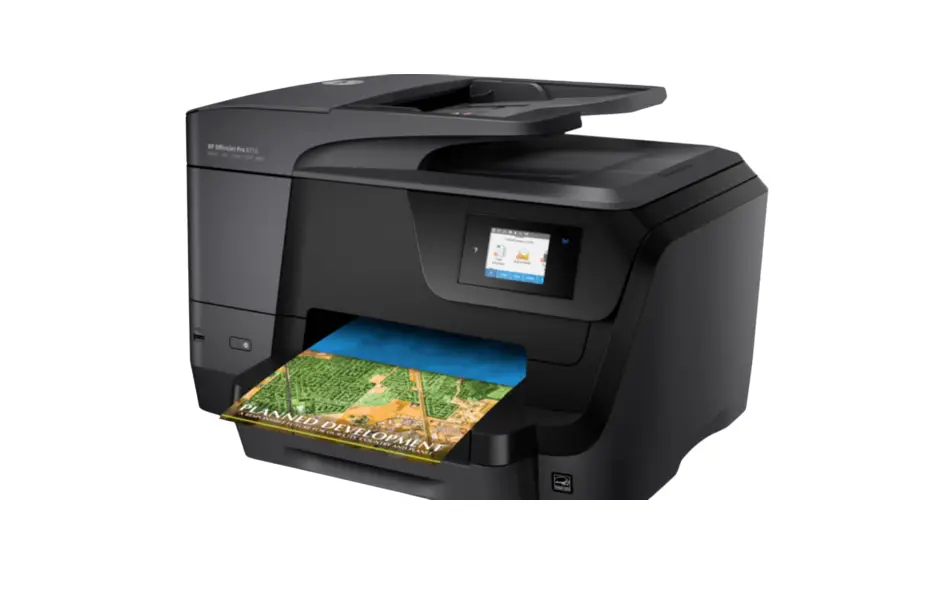
hp 8020e Series OfficeJet Pro Printer User Guide
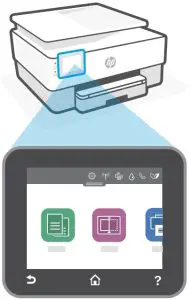
Control Panel
Dashboard
Open the Dashboard by touching or swiping at the top of the display to access printer tasks and status.
 Setup
Setup Wireless or Ethernet
 Wi-Fi Direct
 Ink Status
 Fax Status
 HP EcoSolutions
 Back
Back Home
Home Help
Help
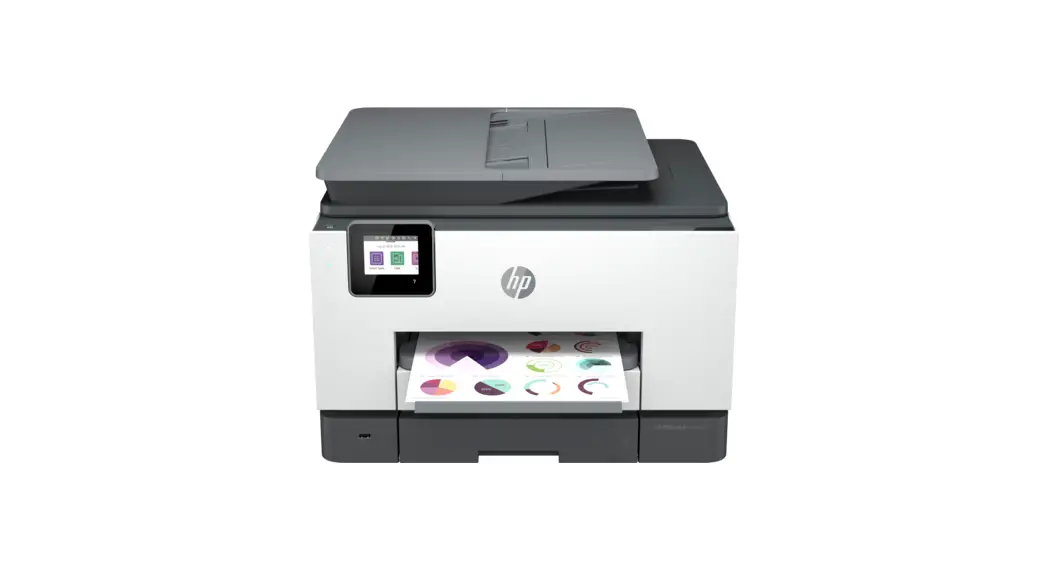
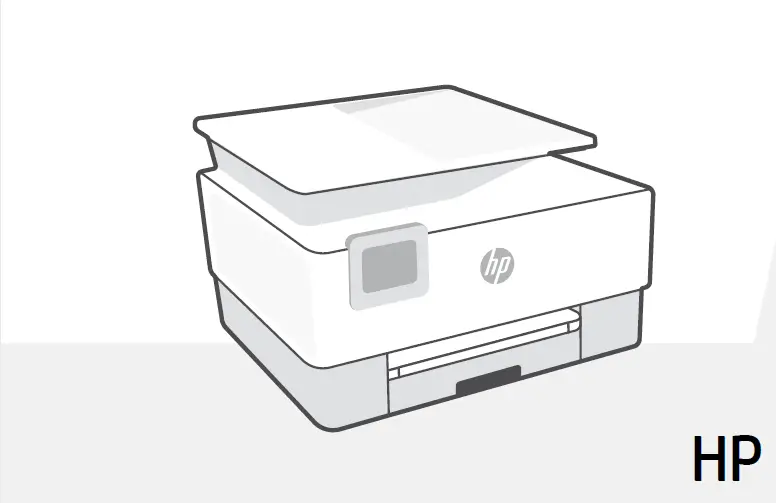
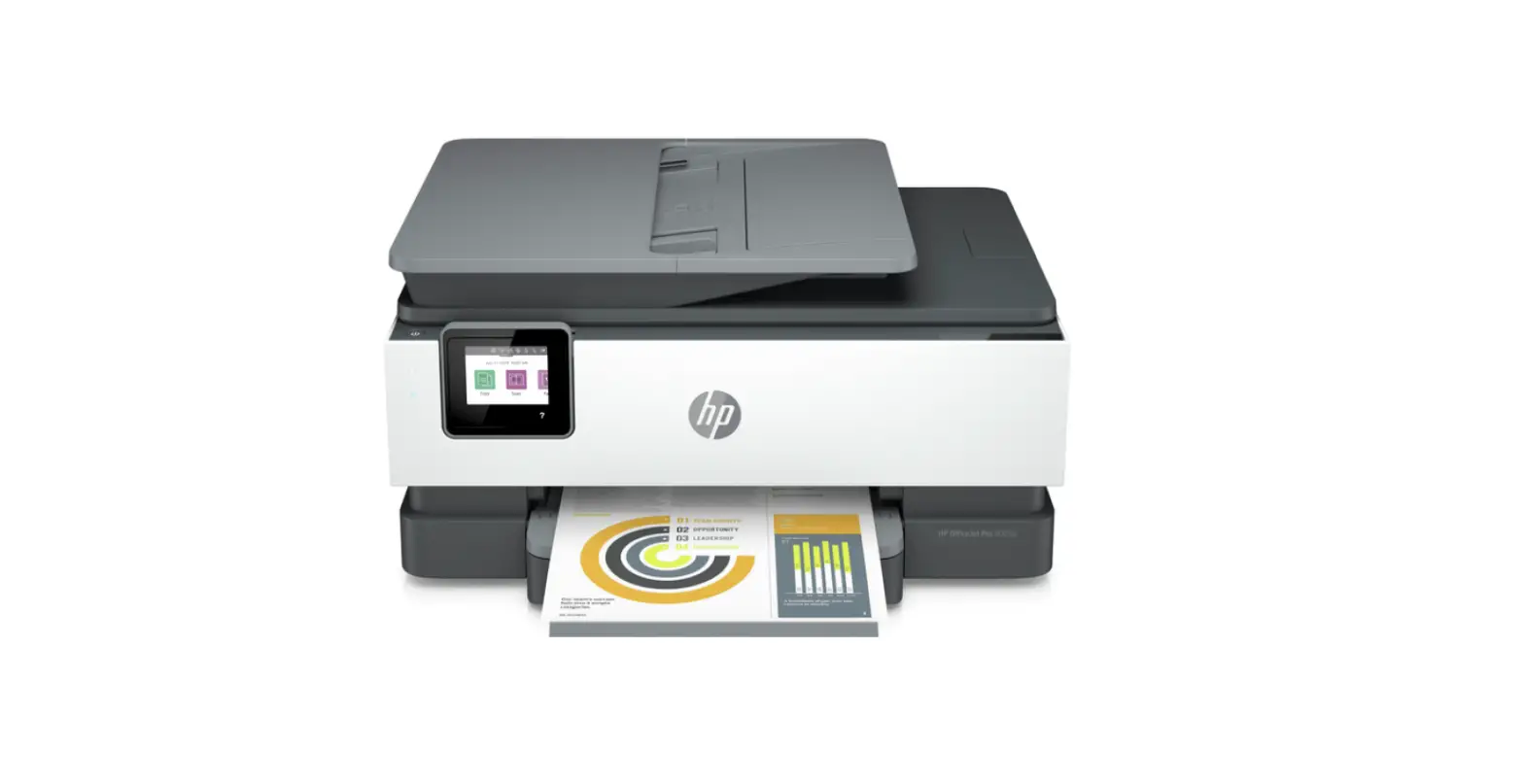
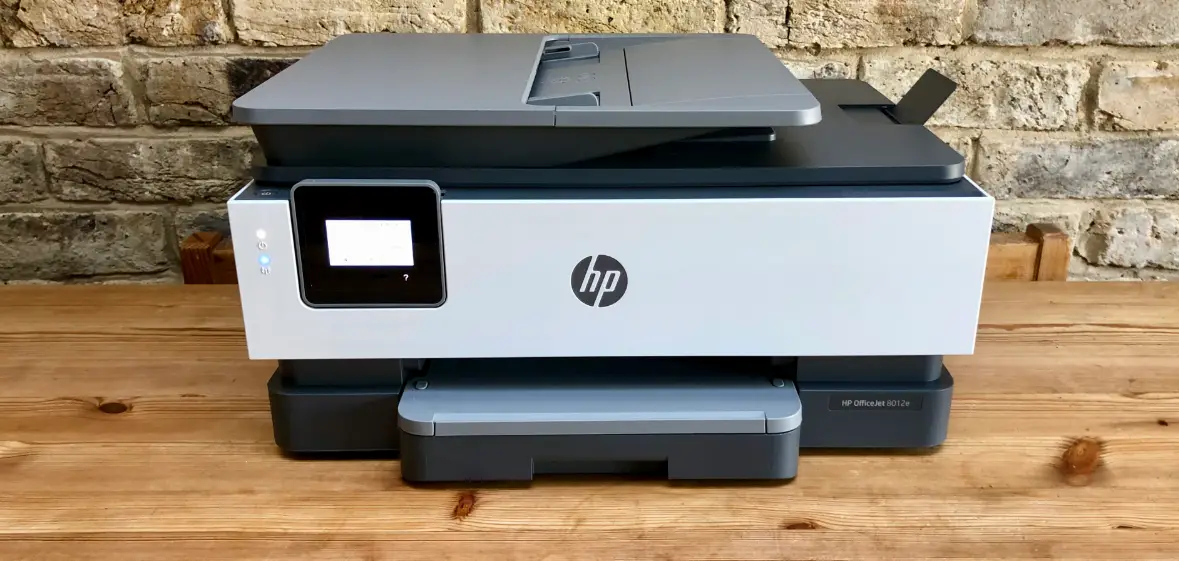
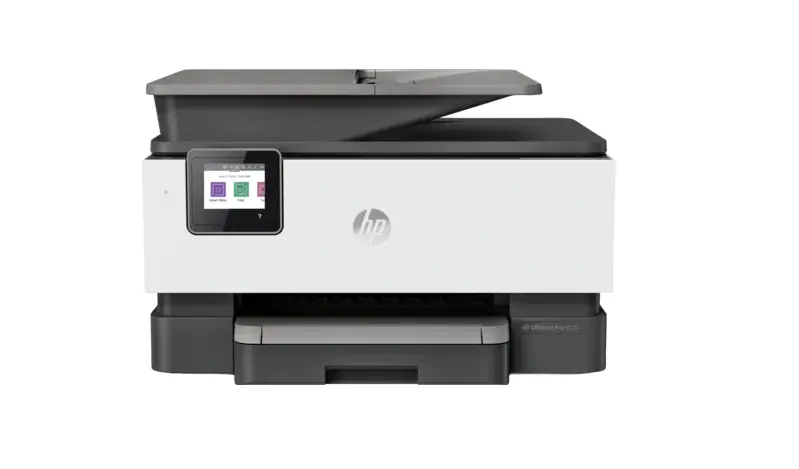
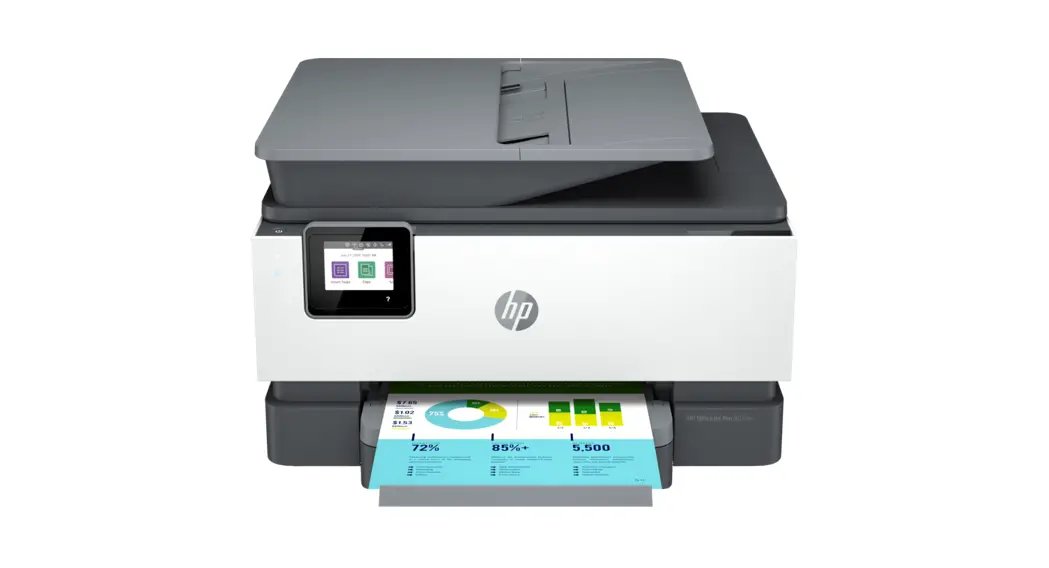
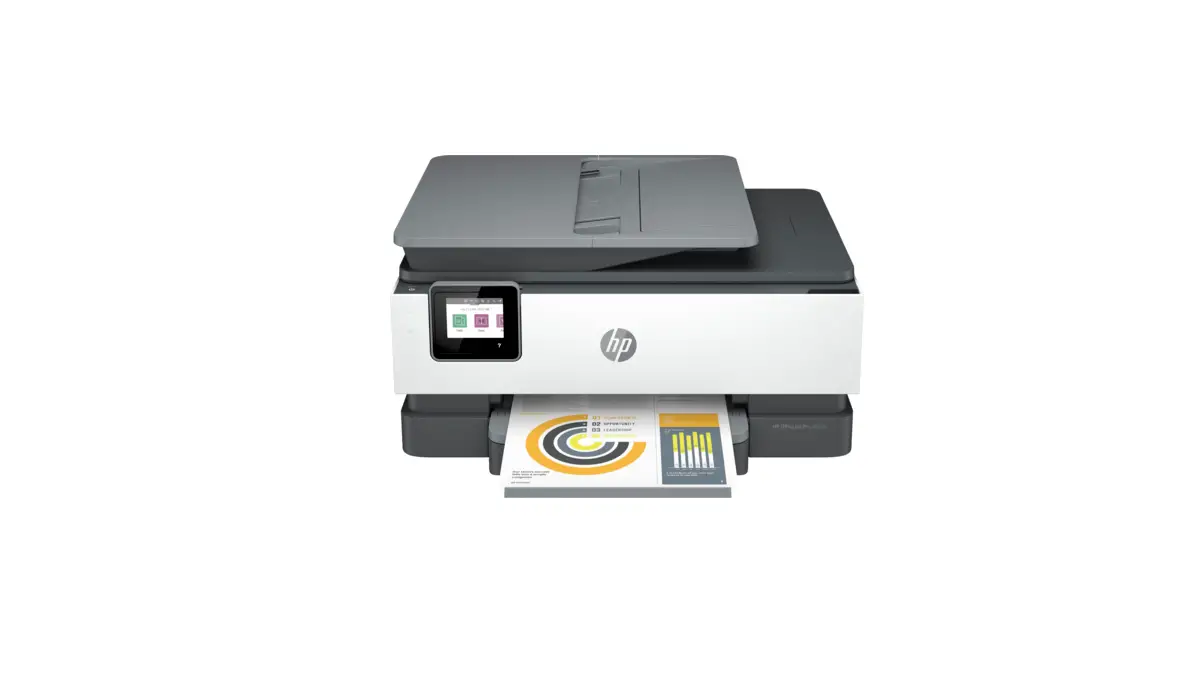
Printer Features
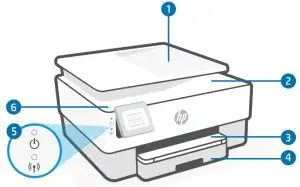
- Document feeder
- Scanner lid
- Output tray
- Input tray
- Power light and Wireless light
- Power button
Help with Wi-Fi
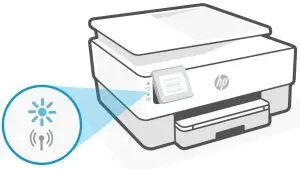
If the software is unable to find your printer, the printer might not be in wireless setup mode. Check if the Wireless light is blinking blue. If not, follow these steps to restart setup mode and finish setup:
- Swipe down to open the control panel Dashboard.
- Touch
 > Network Setup > Restore Network Settings. Touch Yes, when prompted.
 - Open the HP Smart app and add the printer. If needed, swipe right/left on the top of the home screen to find the Add Printer option.
 > Network Setup > Restore Network Settings. Touch Yes, when prompted.
Use HP Smart
Use HP Smart and an HP account to manage your printer and app features. HP Smart also lets you print from or scan to many iOS, Android, Windows, or Mac devices. Visit 123.hp.com from all devices to get started.
Do not use USB for setup
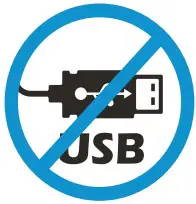
Printers with a label covering the USB port must be set up with HP Smart and a network connection. After setup, you can print using a USB cable if needed.
Introducing
Activate your one-time HP+ offer during setup
Enjoy 1 year of extra warranty and 6 months of free ink.
For your HP+ printer to operate, you agree to:
- Sign in or create an HP account
- Connect your printer to the Internet
- Use only Original HP ink
Help and Support

For printer information, troubleshooting,
and videos, visit the product support site.
The information contained herein is subject to change without notice.