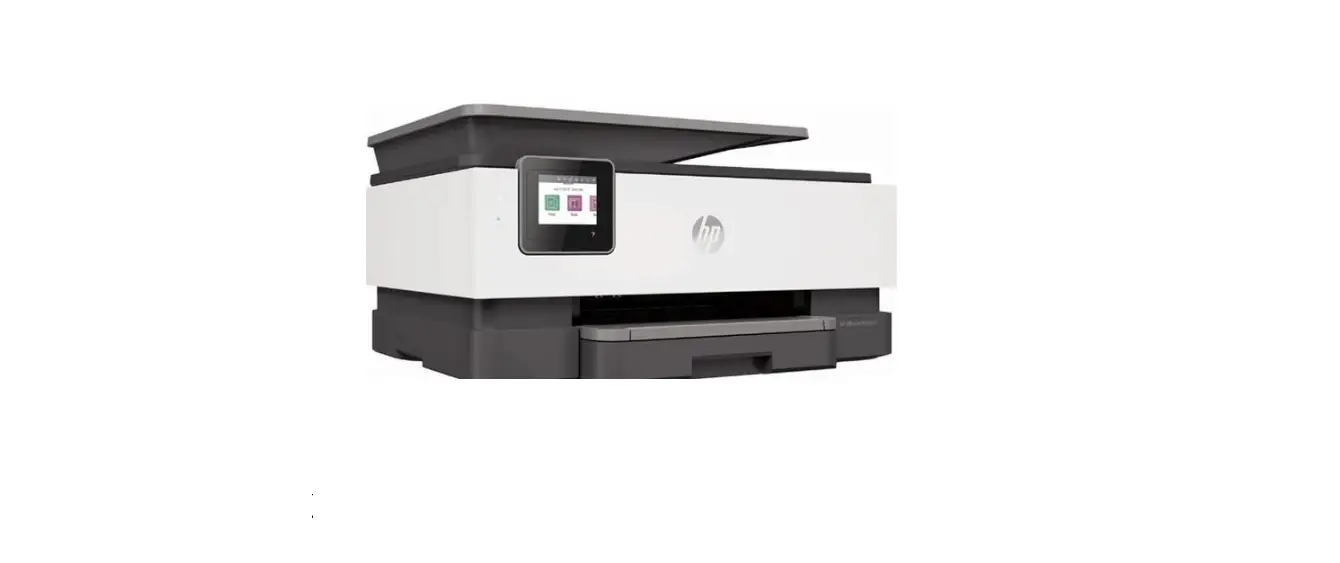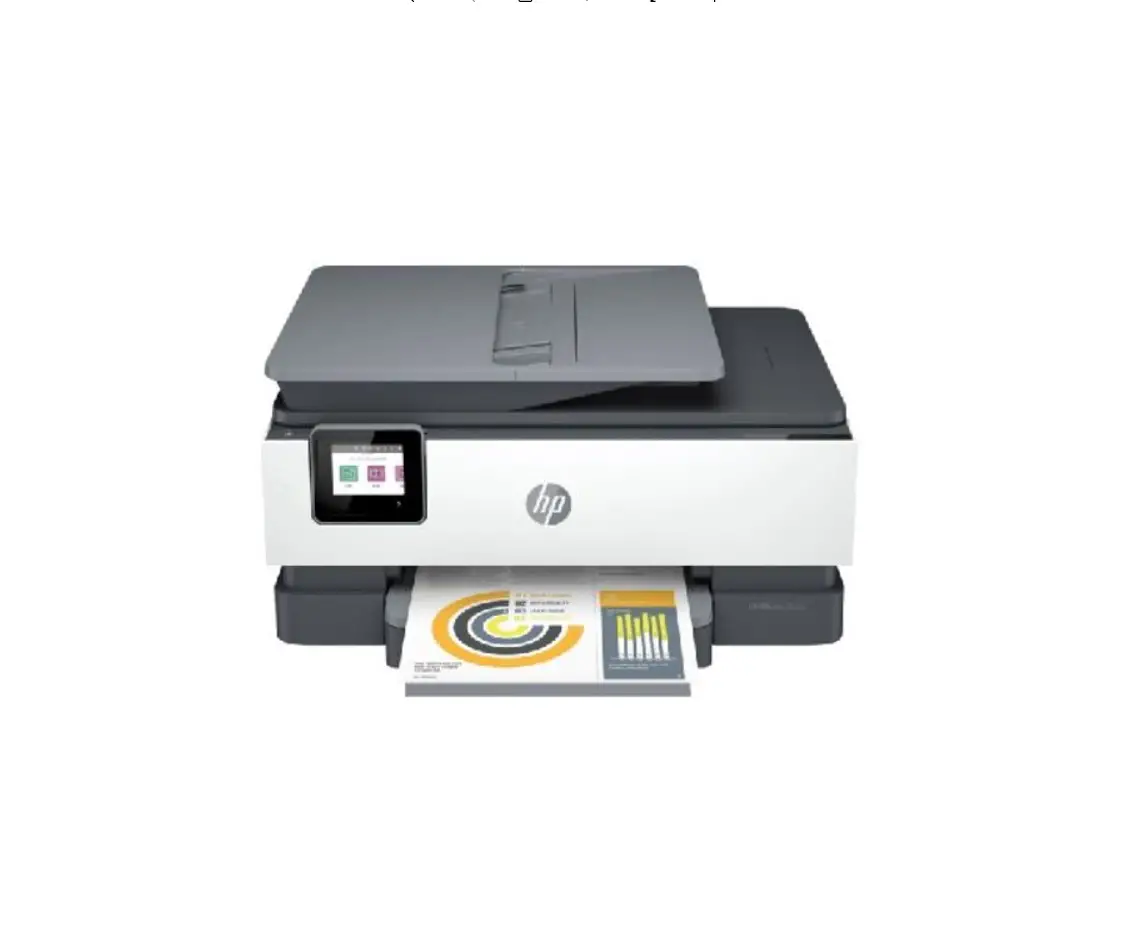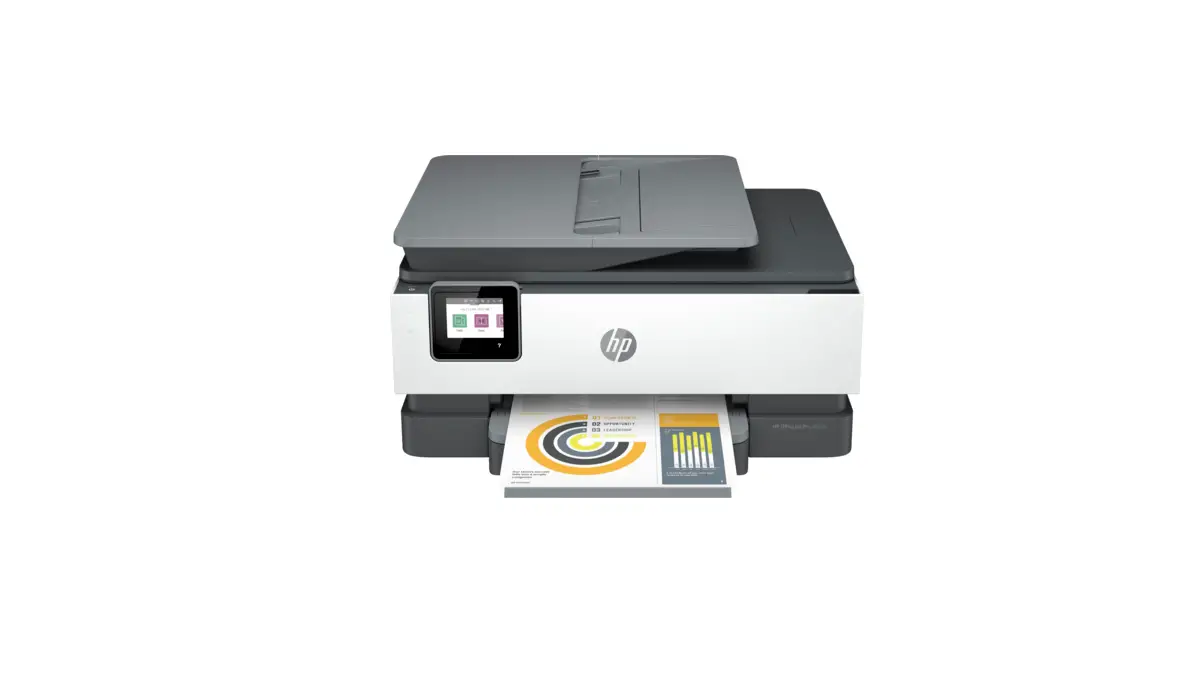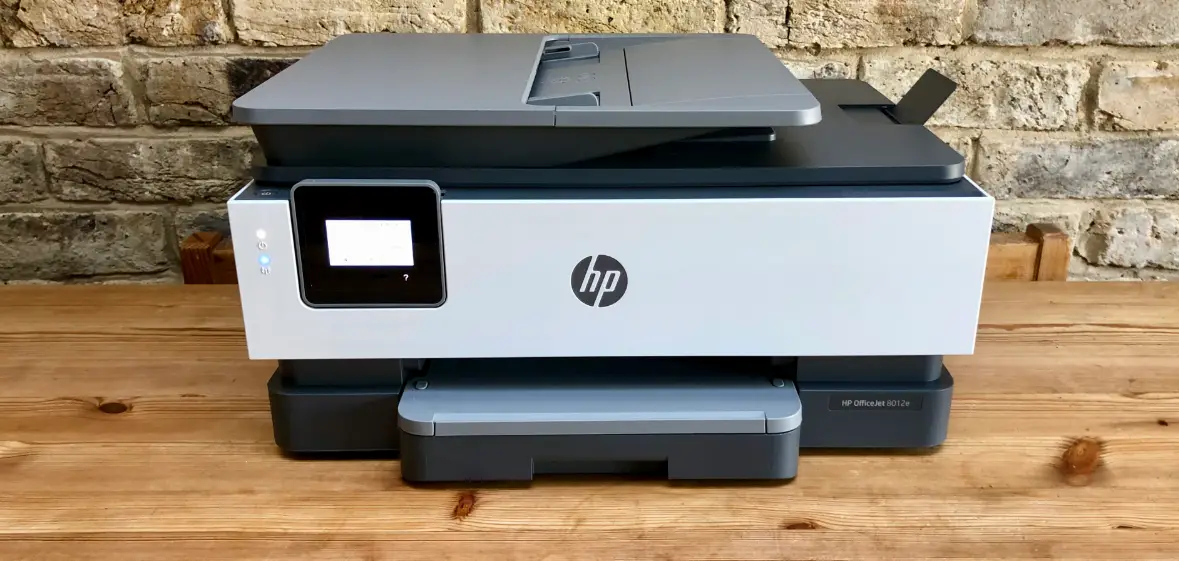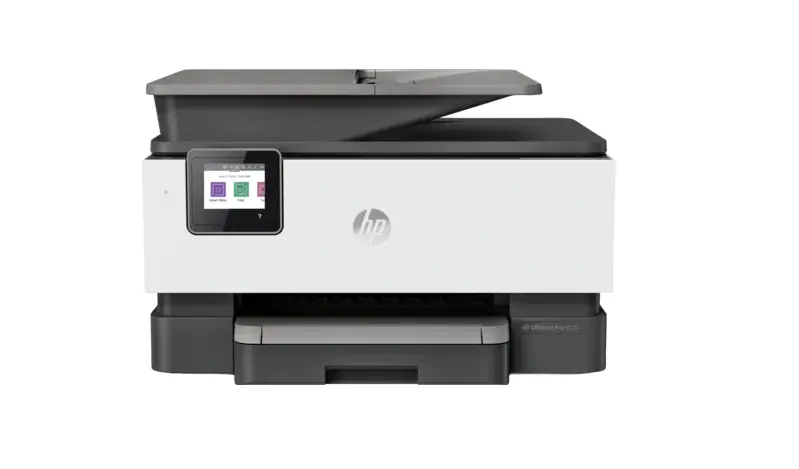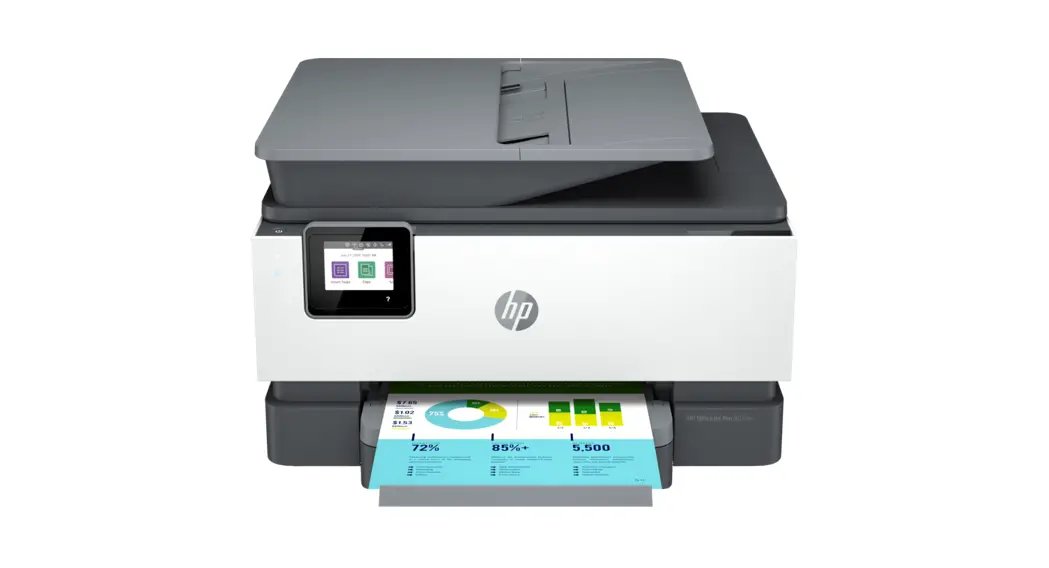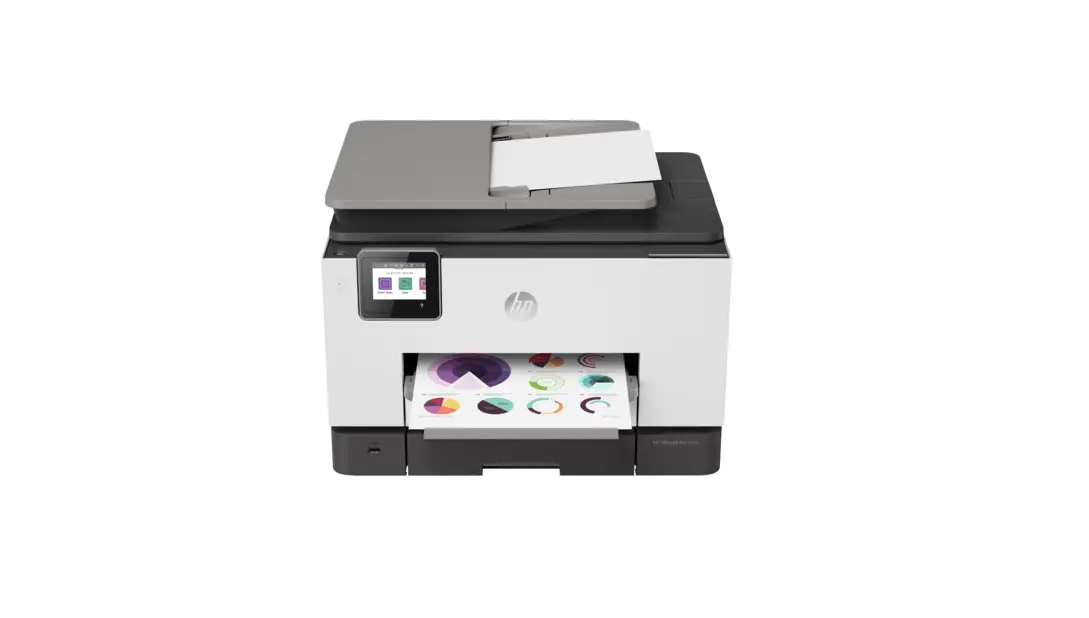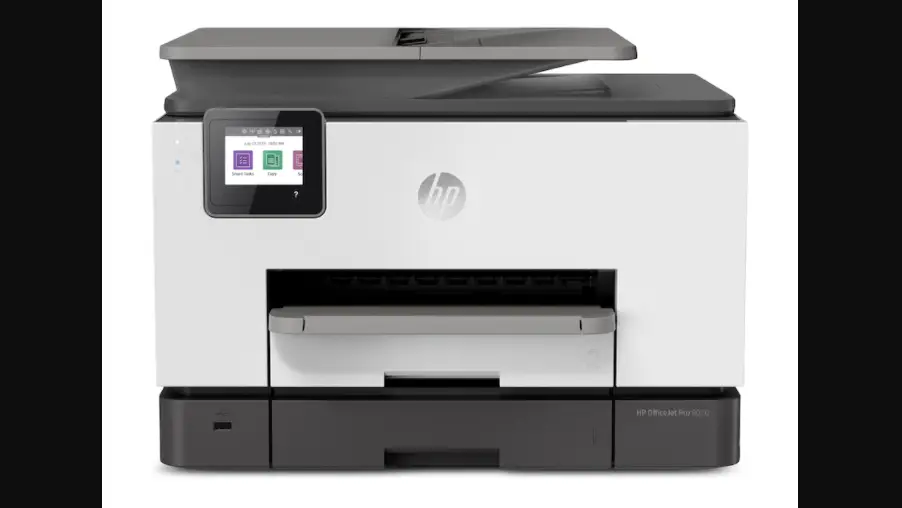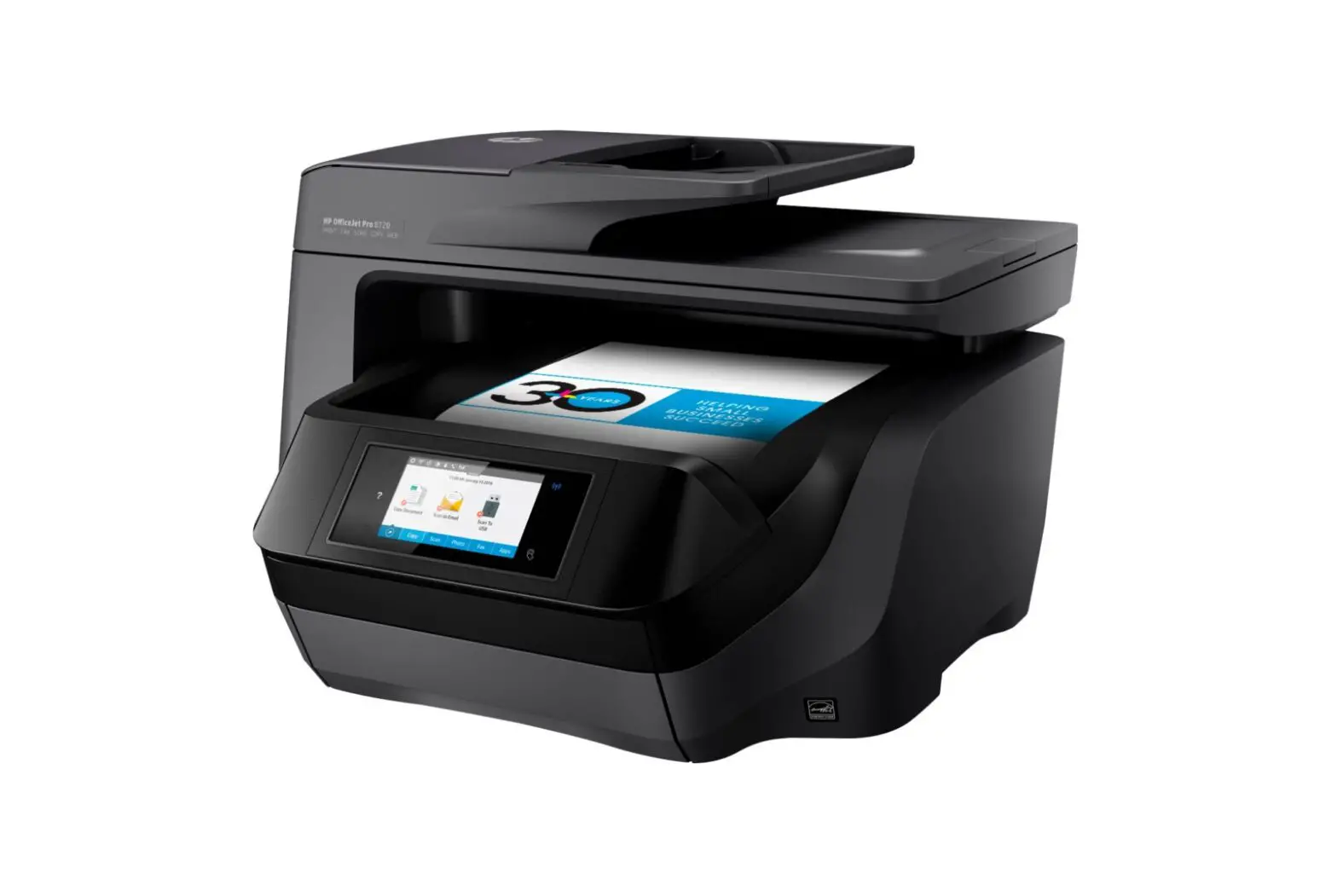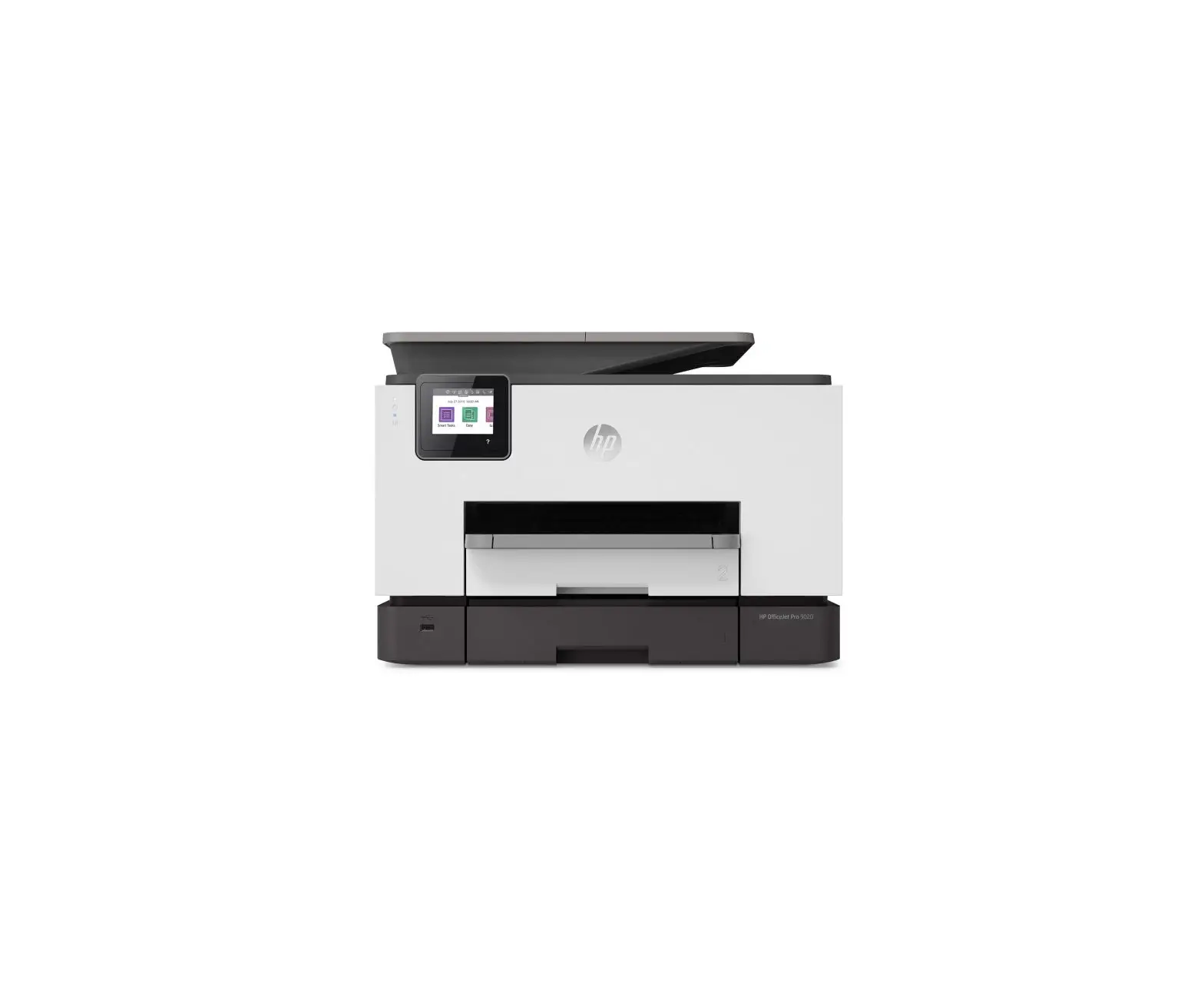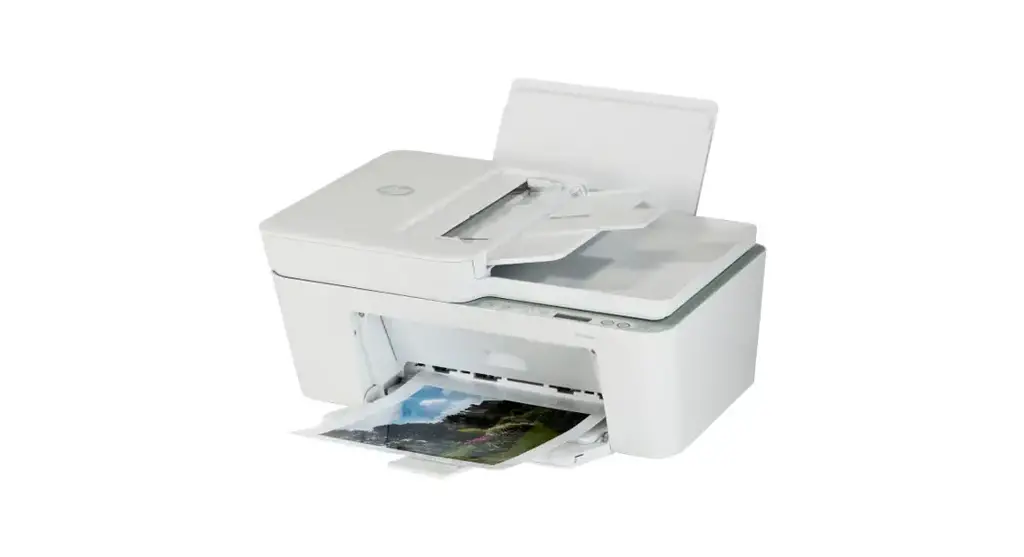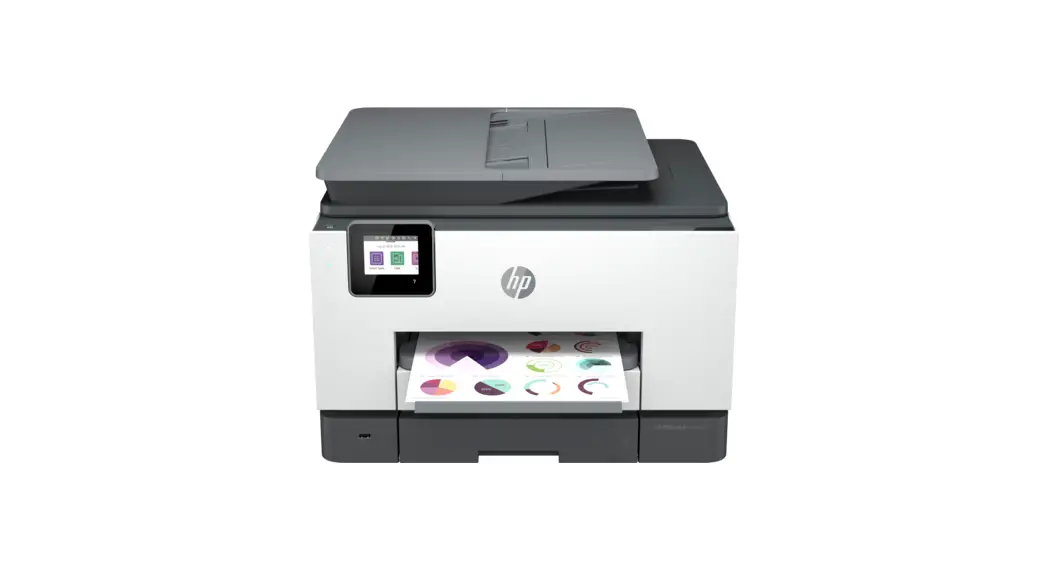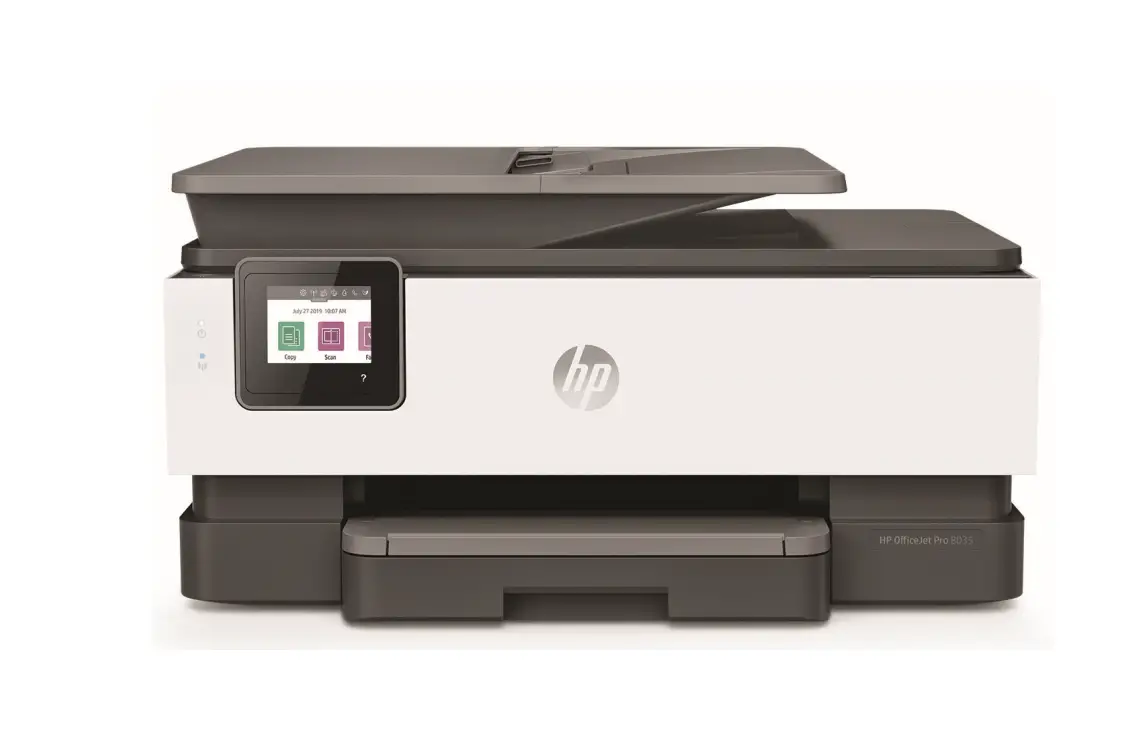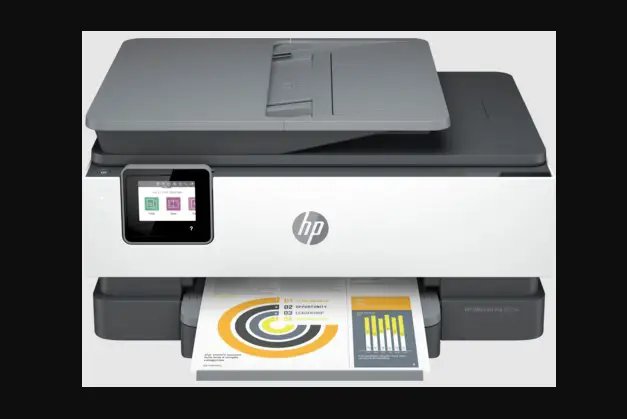
hp 8020e series Officejet Pro
All-In-One Printer User Guide


Install HP Smart software from 123.hp.com or your app store (required). Use a computer or mobile device.
Open HP Smart and follow the instructions in the software to complete setup.

Trouble getting started? Find setup information and videos online.


 The Apple logo is a trademark of Apple Inc., registered in the U.S. and other countries.
App Store is a service mark of Apple Inc.
Android, Google Play, and the Google Play logo are trademarks of Google Inc.
Printed in Thailand
© Copyright 2020 HP Development Company, L.P.
 123.hp.com - HP Smart
 hp.com/support/printer-setup