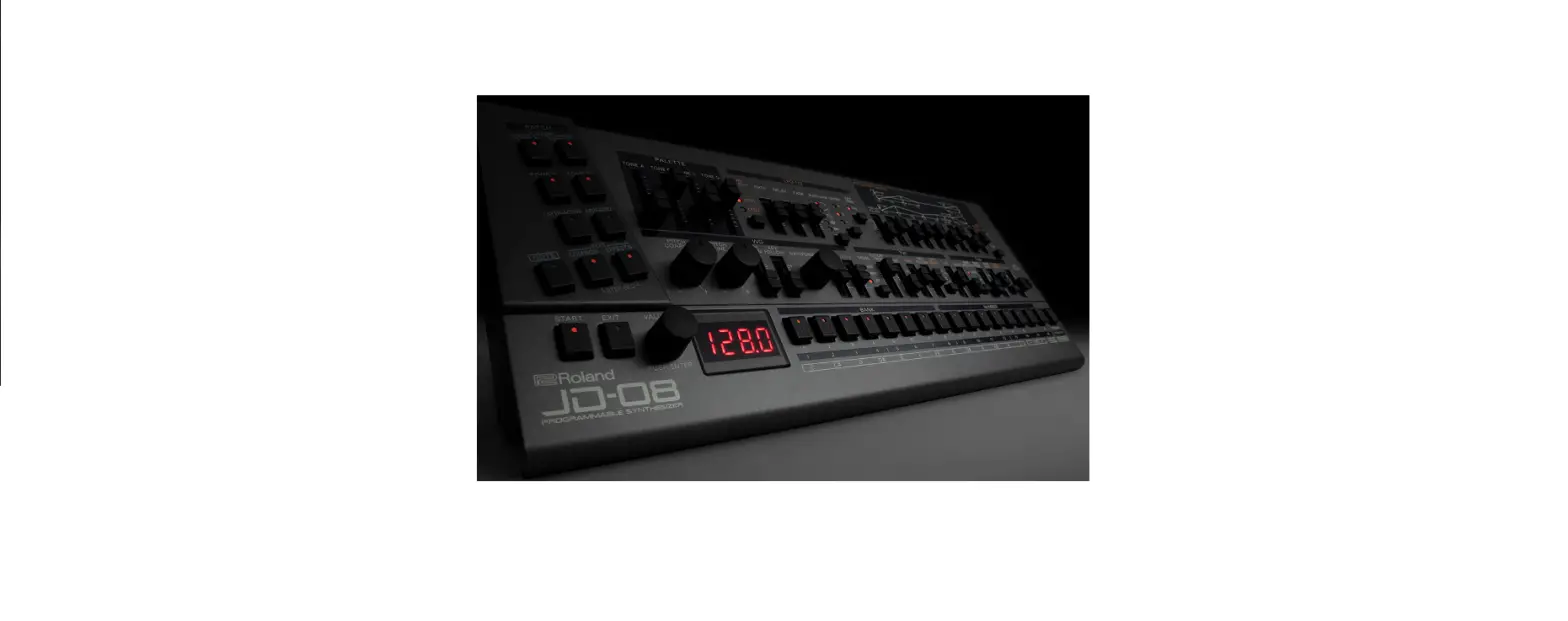
 Roland JD-08 Compact Synthesizer Module
 Roland JD-08 Compact Synthesizer Module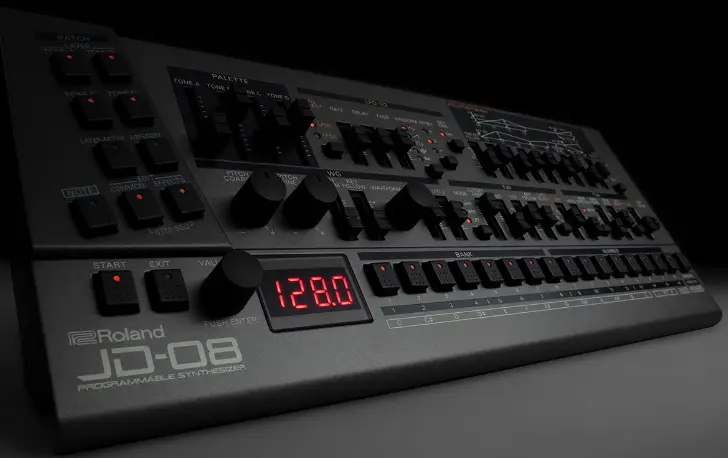
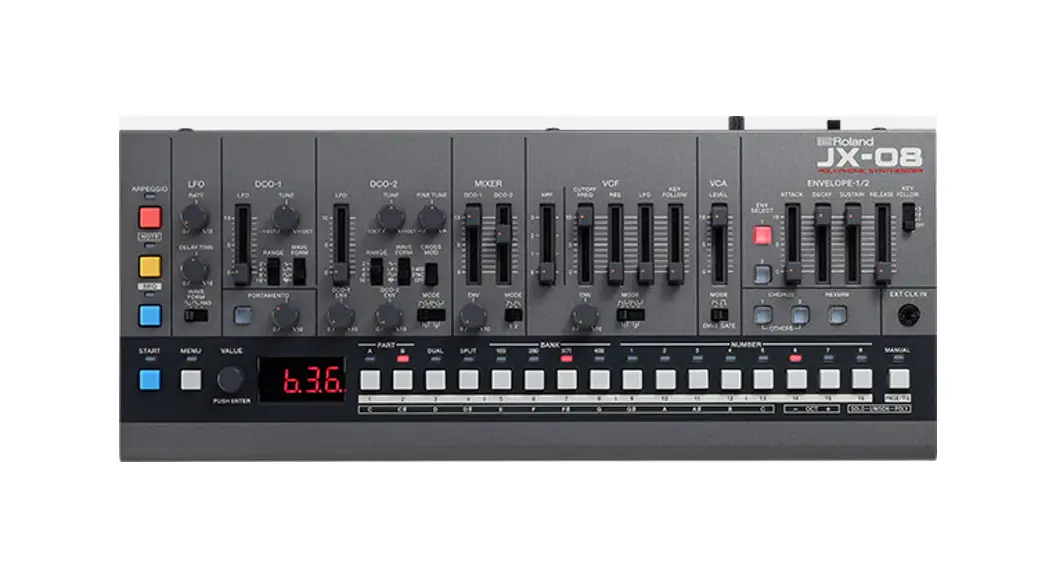
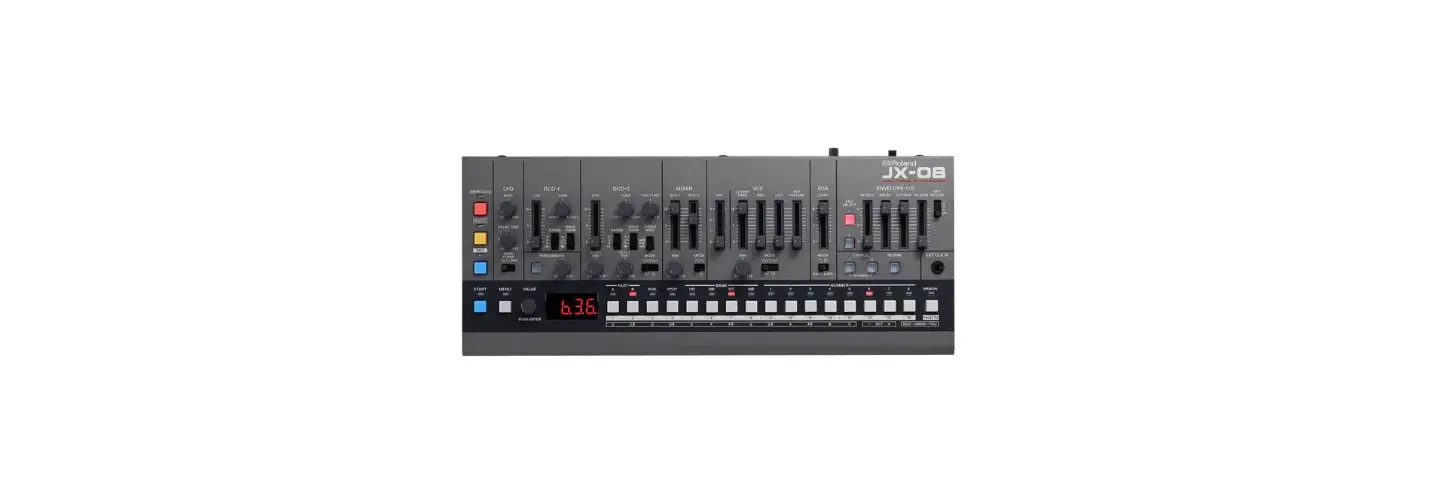
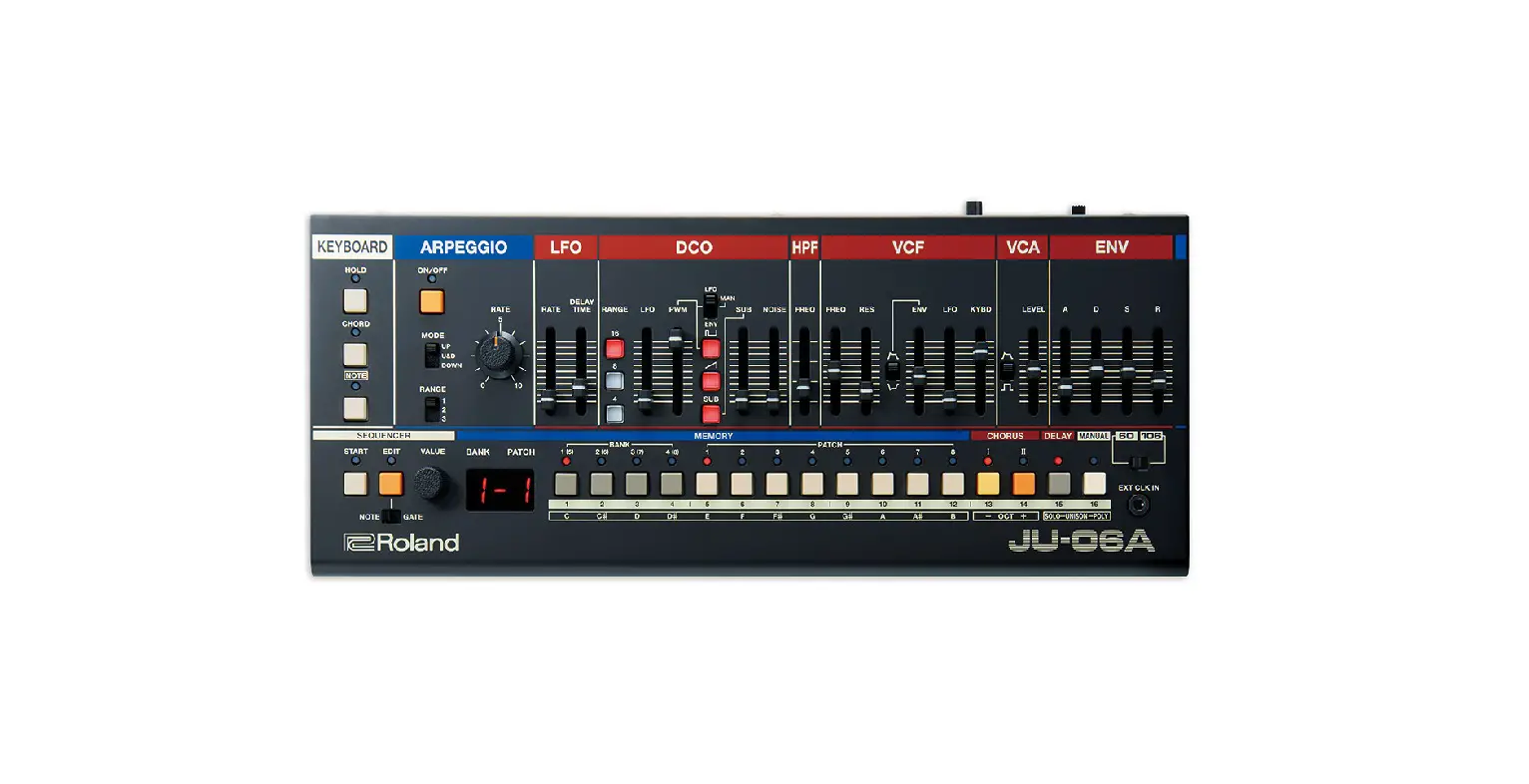
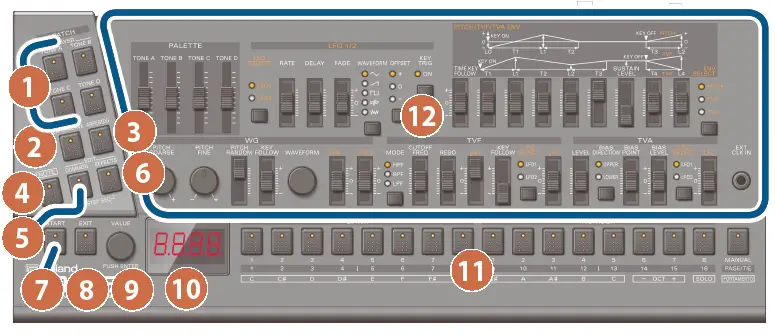
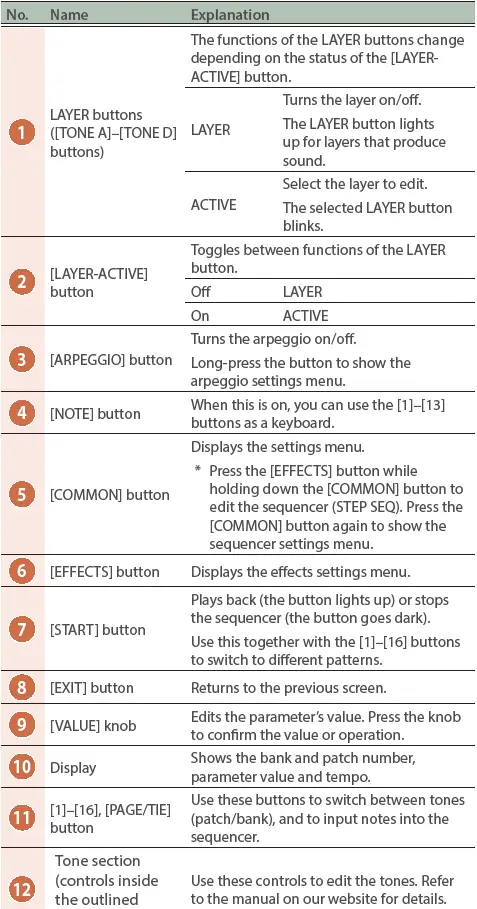
Panel Descriptions
Top Panel (Control Section)
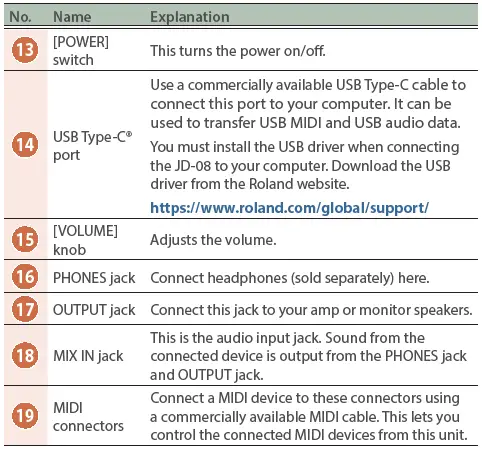
Rear Panel

Outputting Sound
- Turn the JD-08 power on: Before turning the unit on/off, always be sure to turn the volume down. Even with the volume turned down, you might hear some sound when switching the unit on/off. However, this is normal and does not indicate a malfunction.
- Hold down the [START] button and press the [9]– [16] buttons (NUMBER 1–8): Select a pattern. The pattern number appears on the display.
- Press the [START] button: This plays back the pattern. Press the [START] button again to stop the pattern.
Online Manual
For more details on this unit, refer to the online manual (HTML) by accessing the link below. https://roland.cm/jd-08_om
 Roland - JD-08 | Sound Module