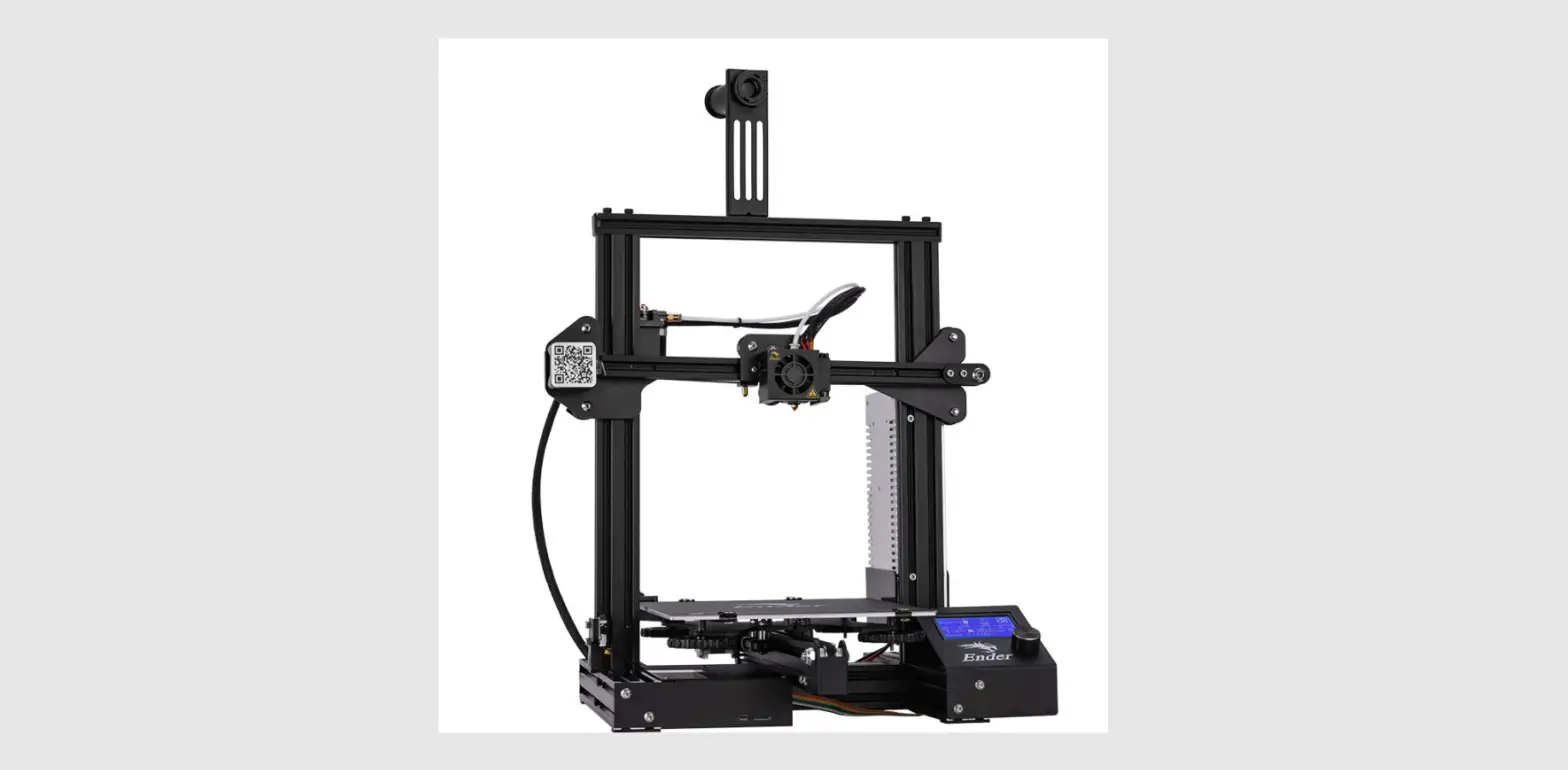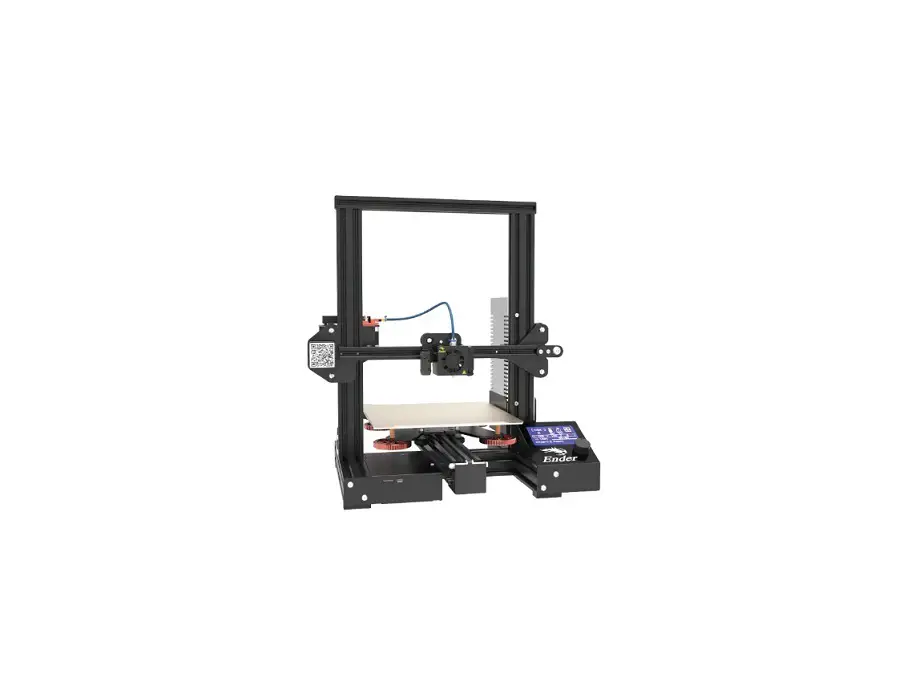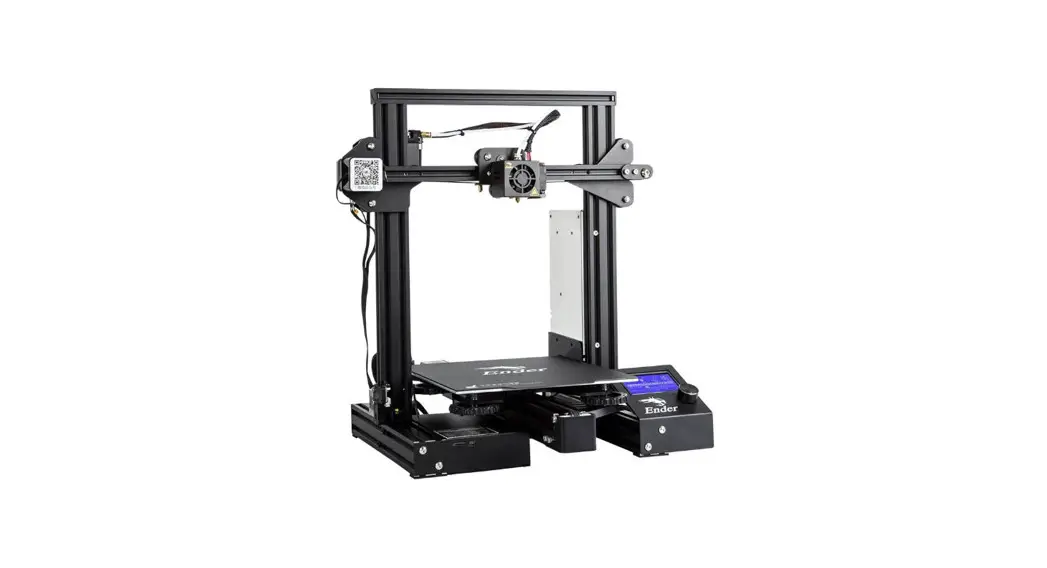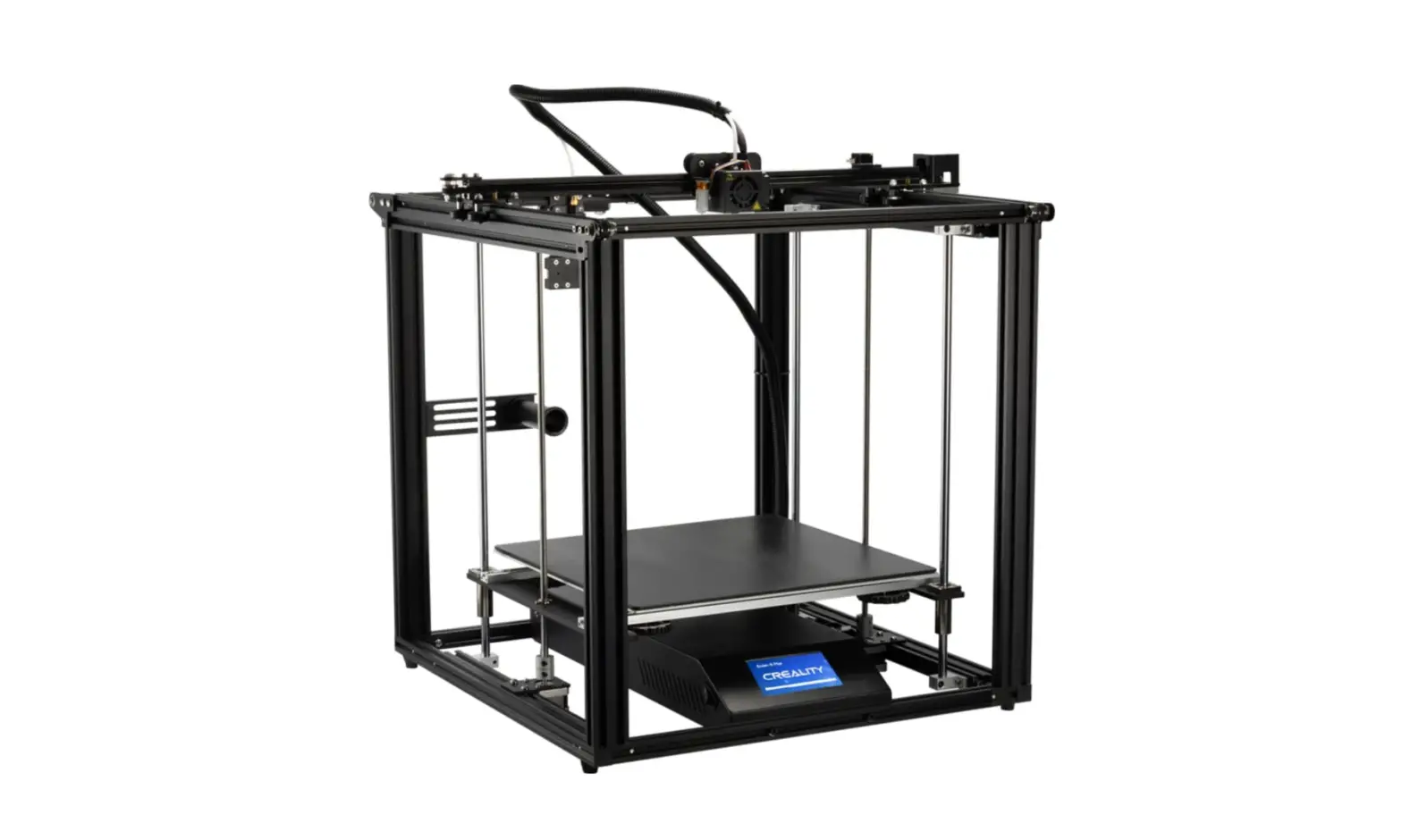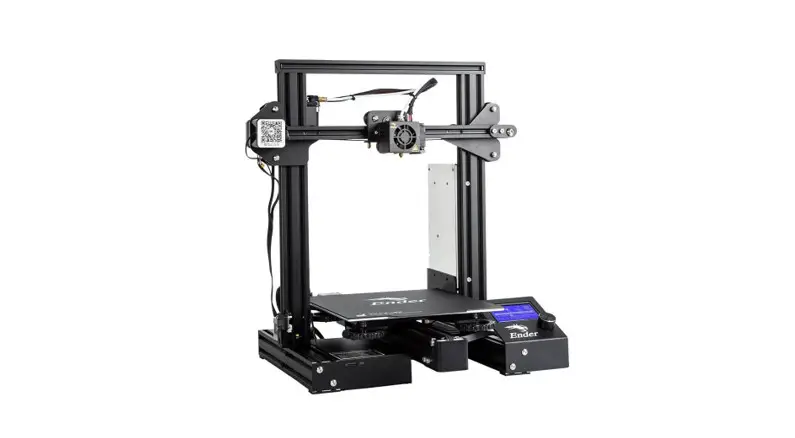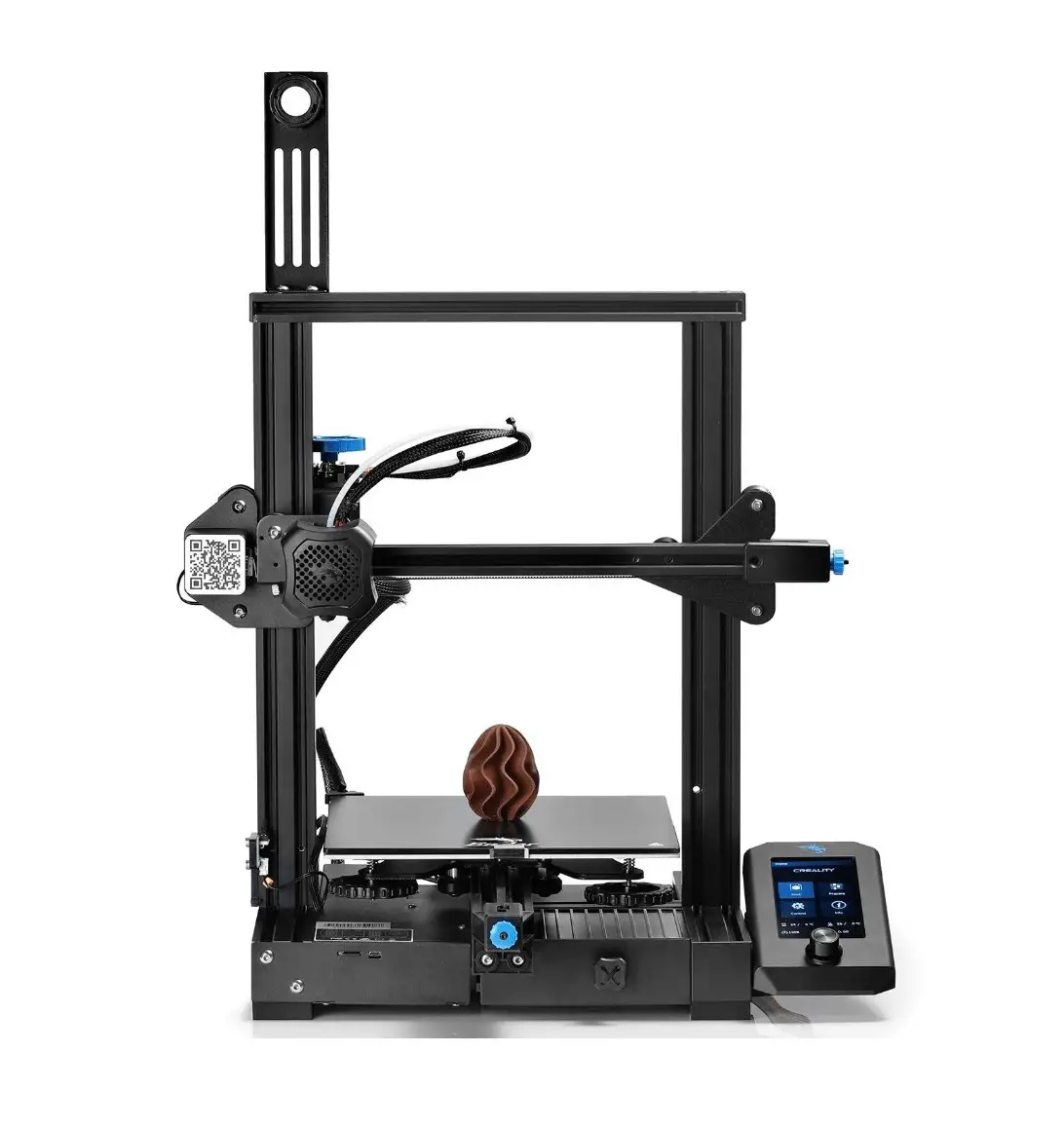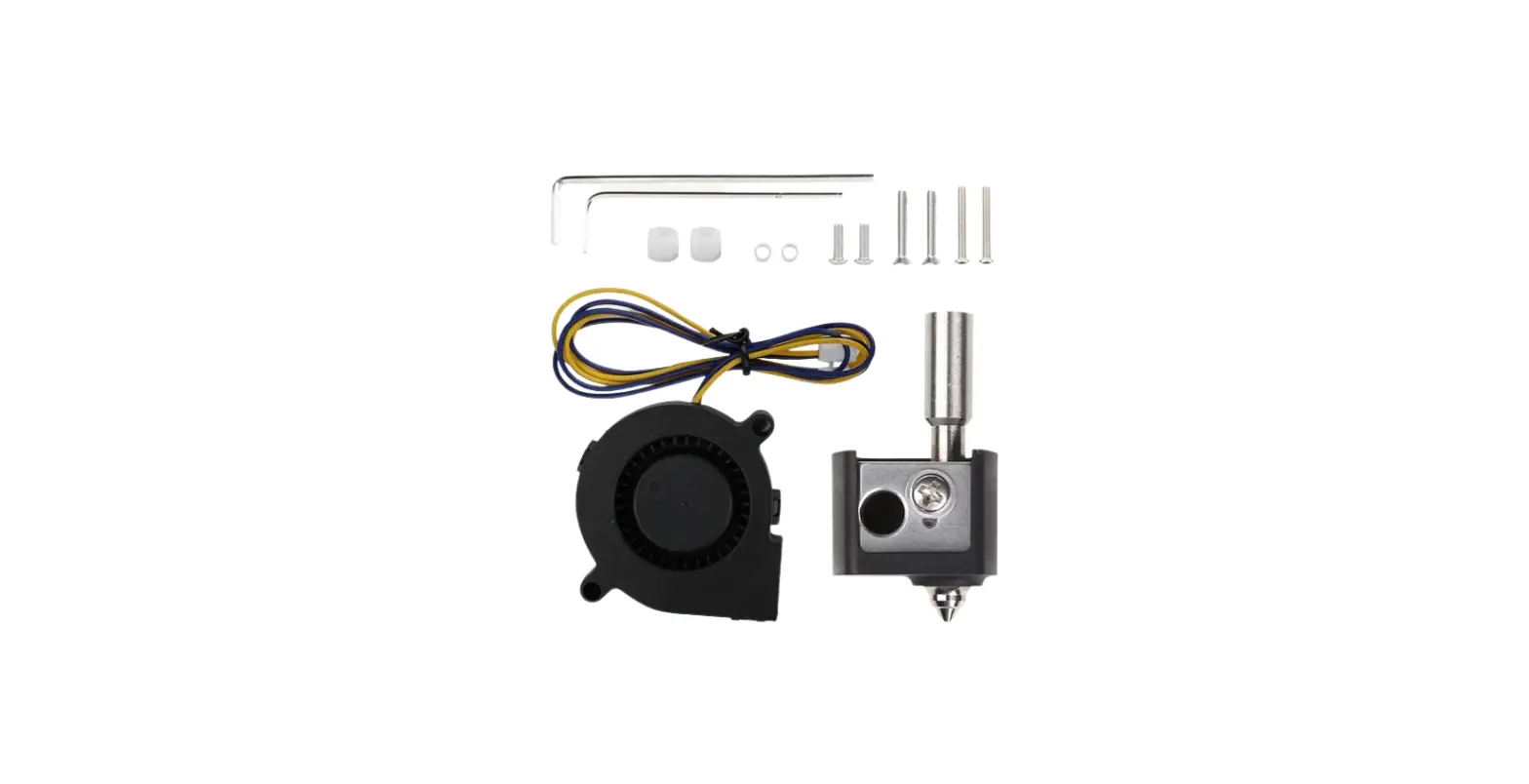

CREALITY Ender-3 V2 High Flow Kit
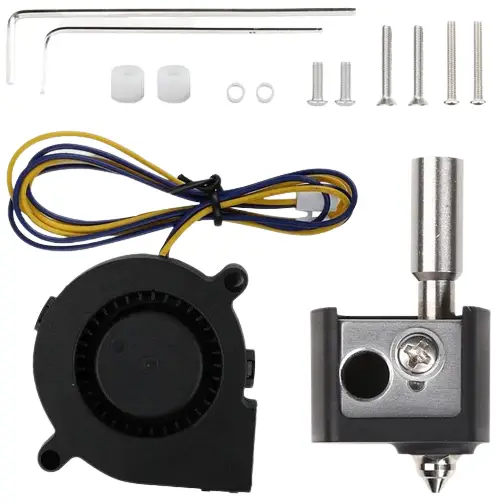
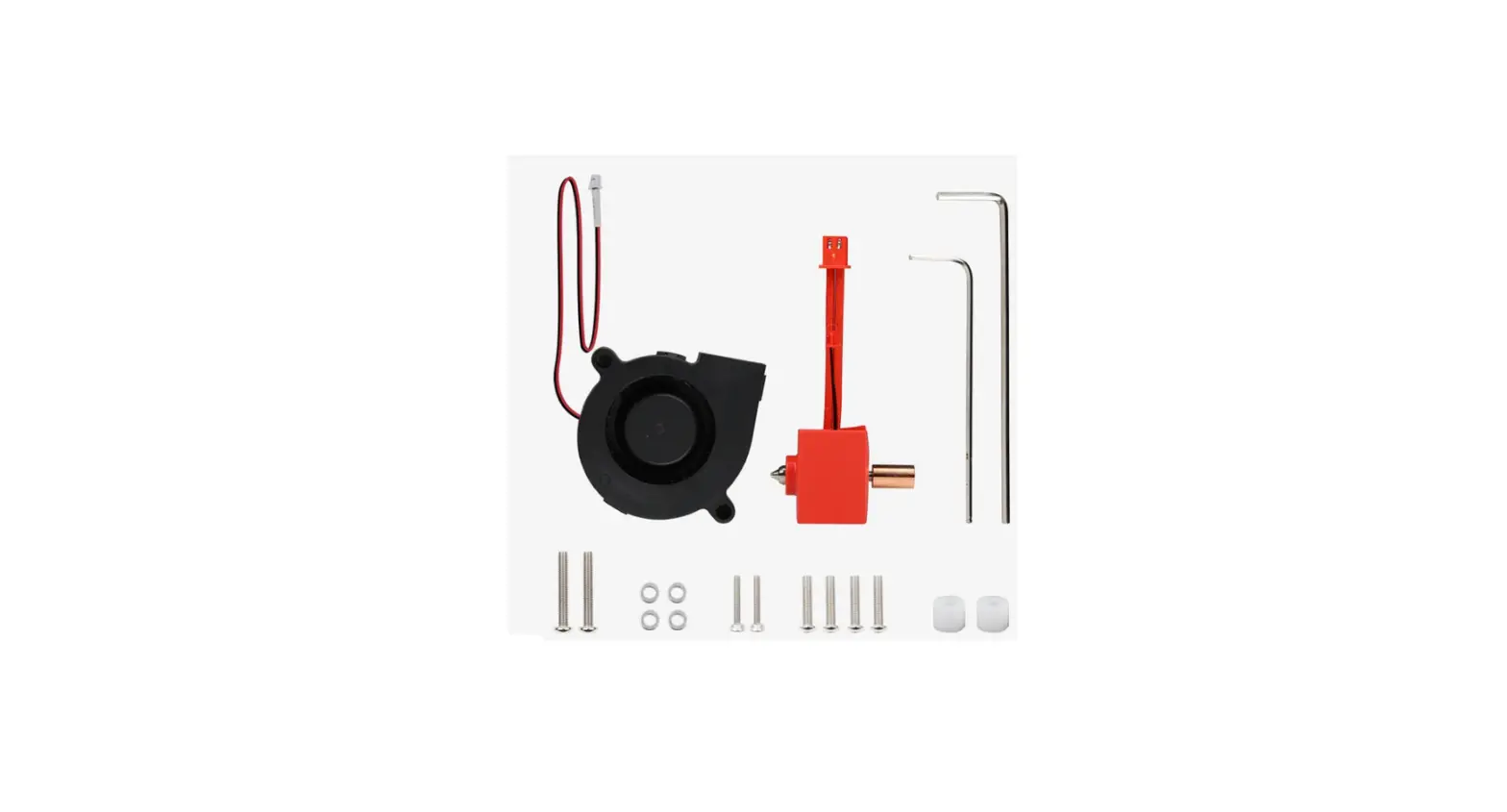
Packing List
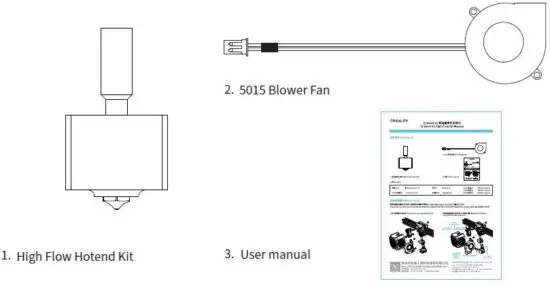
Toolkit
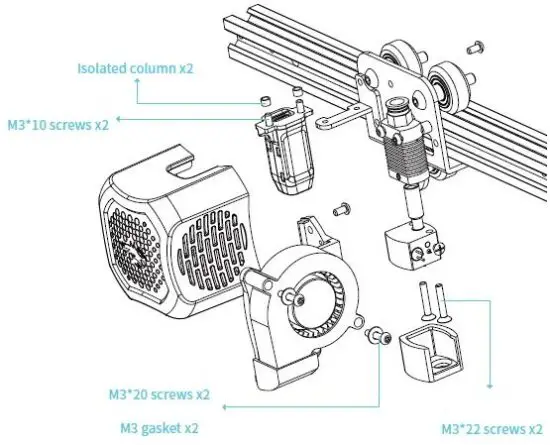
- Isolated column x2
- 0.6mm nozzle x1
- Wrench x2
- M3 gasket x4
- M3*10 screws x2
- M3*20 screws x2
- M3*22 screws x2
Installation Steps
Please print the fan cover model first, the download address of the fan cover model: is https://vip.creality.com/en/goods-detail/1840.
- Remove the original hotend and fan.

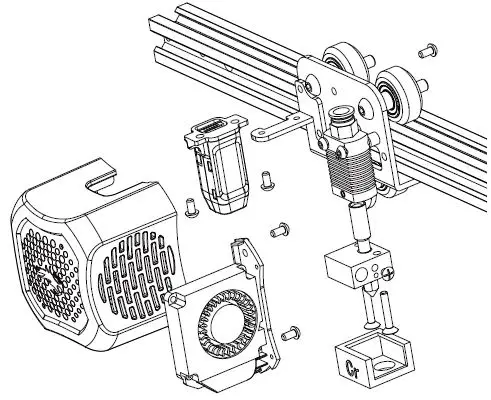
- Install the high-flow hotend kit and 5015 blower fan.

SHENZHEN CREALITY 3D TECHNOLOGY CO., LTD.
- Address: 18F, JinXiuHongDu Building, Meilong Blvd. Longhua Dist., Shenzhen, China 518131
- Official Website: www.creality.com
- E-mail: [email protected]
- Tel: +86 755-8523 4565
- [email protected].


 Creality VIP Mall