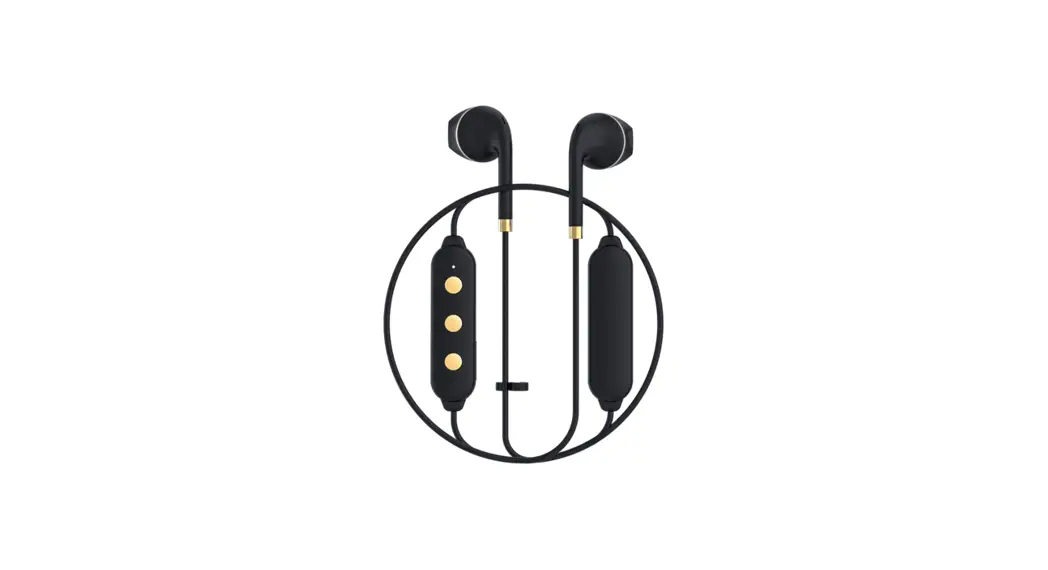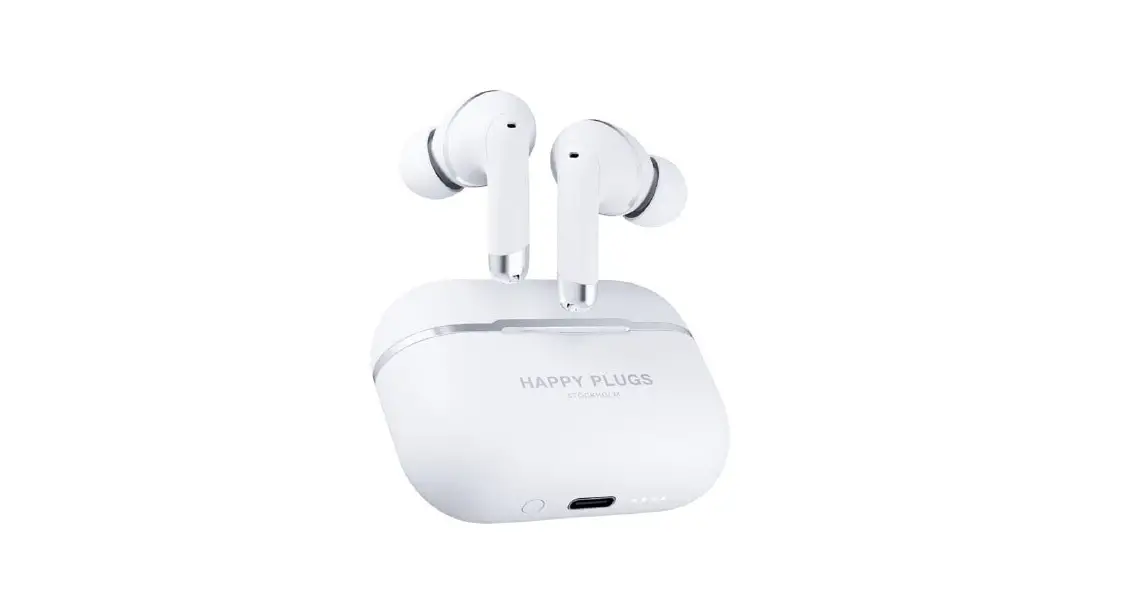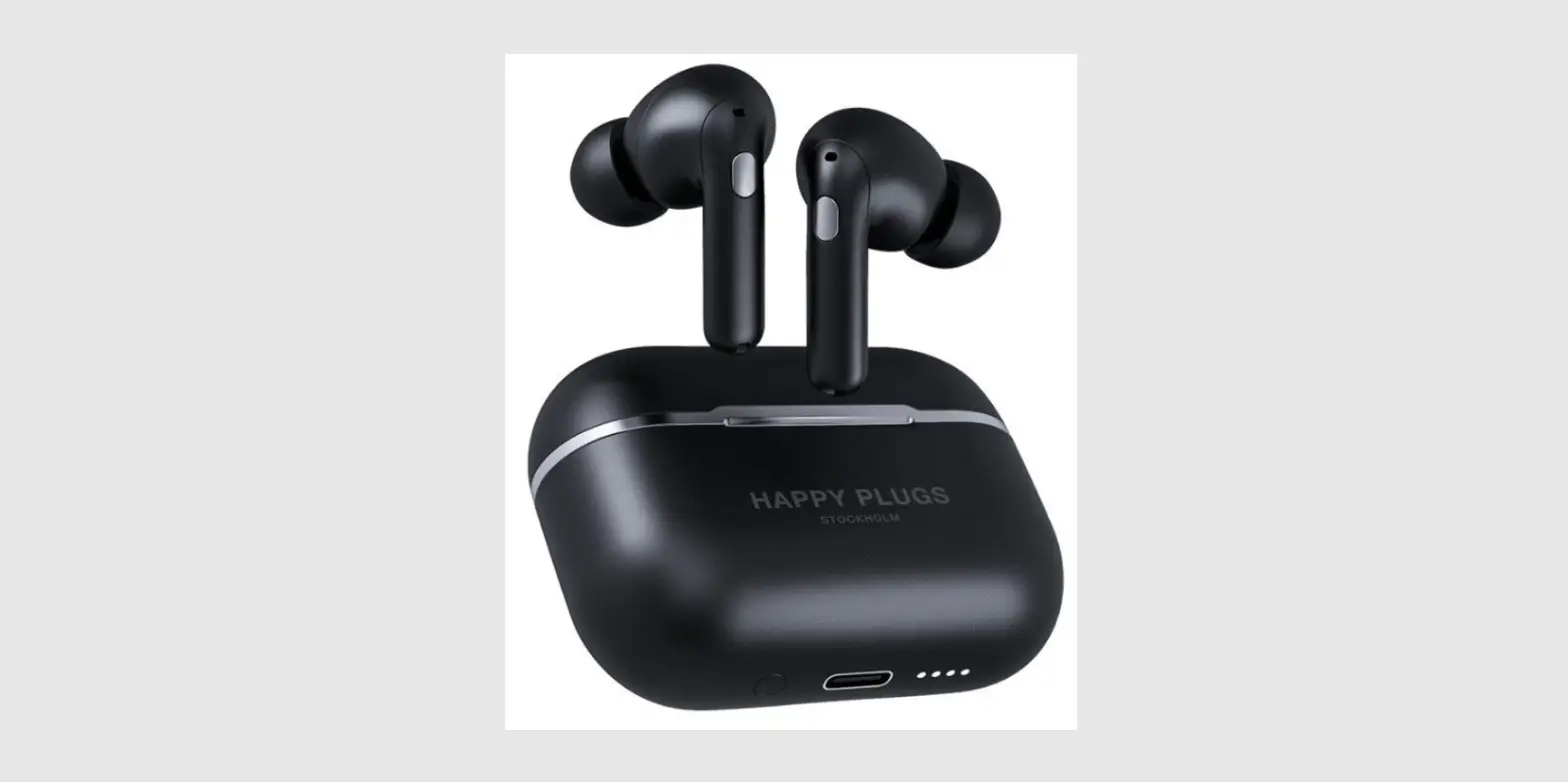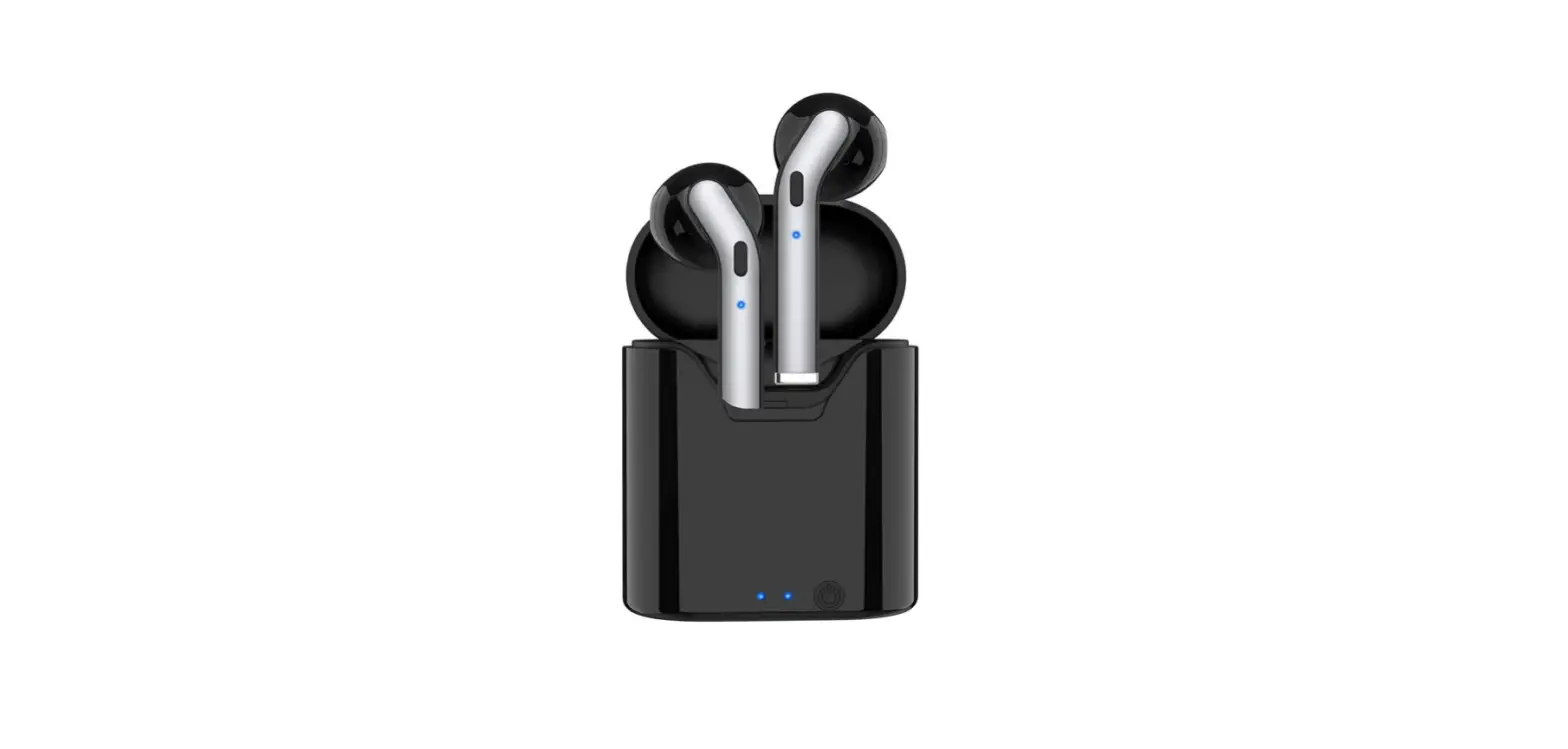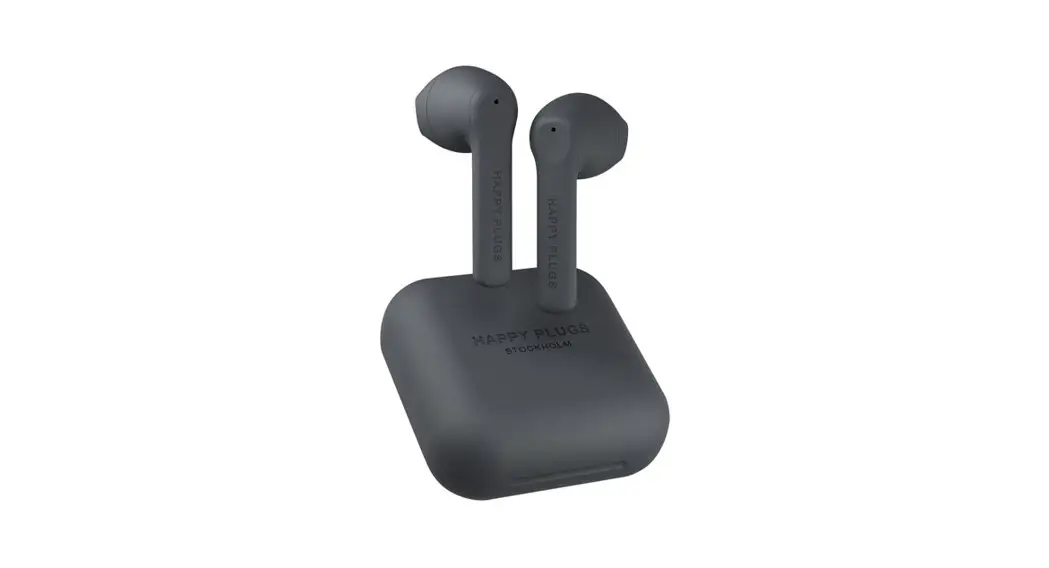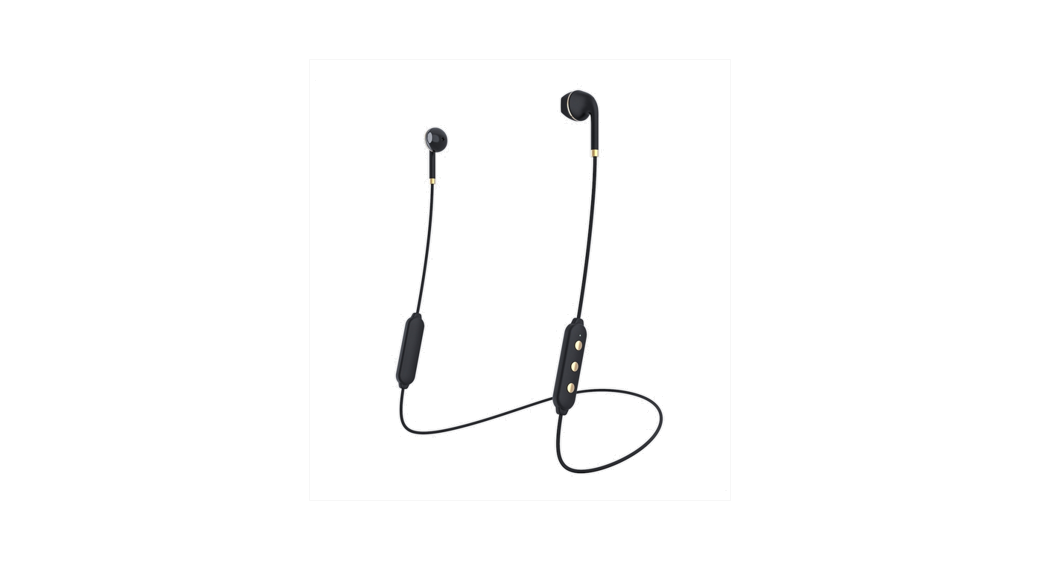
 Earbuds Plus Wireless II Bluetooth Headphones
User Manual
CONNECT AND USE
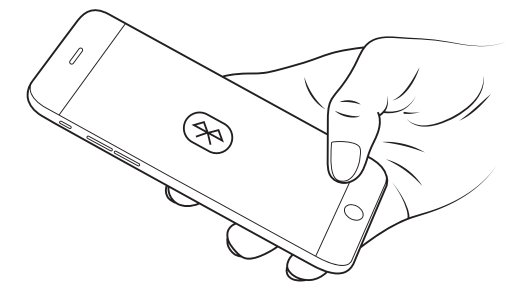
- Activate Bluetooth on your phone/device.
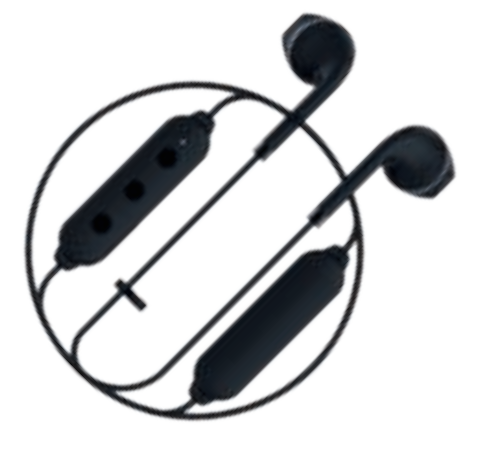
- Press and hold the center button on the Wireless II Remote to turn on and pair.
- Select Wireless II on your device’s bluetooth list.
CHARGING
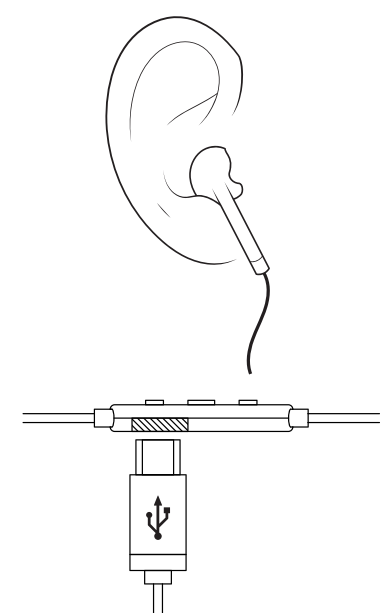
- Connect the included Micro-USB cable to the side port of the Wireless II remote.
- Plug the other end to a USB wall charger or laptop.
- The LED on the front of the remote will light RED when charging. When fully charged, it will switch to GREEN.

| STATUS | LED | FREQUENCY |
| Charging | Red |  |
| Charging full | Green |  |
| Low battery | Red |  |
| Pairing mode | Red & Green | |
| Power on | Green | |
| Power off | Red | |
| Reset | Red | |
REMOTE CONTROL
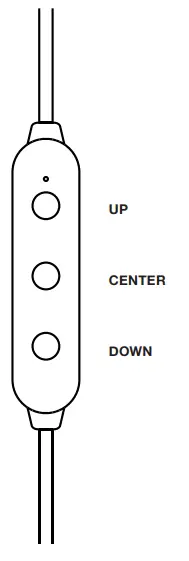
| UP | |
| Next Track | |
| Volume Up |  |
| CENTER | |
| Play / Pause | |
| Answer / Hang Up | |
| Reject Call | |
| Power On | |
| Power On + Pairing | |
| Power On + Reset Bluetooth | |
| Power Off | |
| Siri / Google Voice | |
| DOWN | |
| Previous Track | |
| Volume Down | |
| UP + CENTER | |
| Switch Mic | |
| CENTER + DOWN | |
| Mute Mic | |
| TAP | 2 SEC | 4 SEC | 10 SEC |
| | | |
WARRANTY AND SAFETY / REGULATORY COMPLIANCE INFORMATION
Listen Responsibly
To avoid hearing damage, make sure that the volume on your music player is turned down before connecting your headphones. After placing the headphonesin your ears, adually turn up the volume until you reach a comfortable listening level.
Noise levels are measured in decibels (dB). Exposure to any noise at or above 85 dB can cause gradual hearing loss.
Use Responsibly
Do not use headphones when it’s unsafe to do such as while operating a vehicle, crossing streets, or during any activity or in an environment where your full attention to your surroundings is required.
It’s dangerous to drive while wearing headphones, and in many places it’s illegal because it decreases your chances of hearing life-saving sounds outside of your vehicle, such as another car’s horn or emergency vehicle sirens.
Safety Notice
– The apparatus shall not be exposed to dripping or splashing and no objects filledwith liquids, sush as vases, shall be placed on the apparatus.
– Danger of explosion if battery is incorrectly replaced. Replace only with the same or equivalent type.
– Batteries (battery pack or batteries installed) shall not be exposed to excessive heat such as sunshine, fire or similar.
European Community
 Disposal and Recycling Information
Your product must be disposed of properly according to local laws and regulations. When your product reaches its end of life, contact Happy Plugs or your local authorities to learn about recycling options.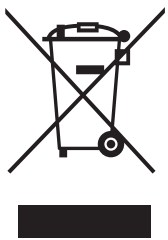 European Union—Disposal Information
The symbol above means that according to local laws and regulations your product and/or its battery shall be disposed of separately from household waste. When this product reaches its end of life, take it to a collection point designated by local authorities. The separate collection and recycling of your product and/or its battery at the time of disposal will help conserve natural resources and ensure that it is recycled in a manner that protects human health and the environment.
FCC Statement
This device complies with Part 15 of the FCC Rules. Operation is subject to the following two conditions:
(1) This device may not cause harmful interference, and (2) this device must accept any interference received, including interference that may cause undesired operation.
NOTE: This equipment has been tested and found to comply with the limits for a Class B digital device pursuant to Part 15 of the FCC rules. These limits are designed to provide reasonable protection against harmful interference in a residential installation. This equipment generates uses and can radiate radio frequency energy and, if not installed and used in accordance with the instructions, may cause harmful interference to radio communications. However, there is no guarantee that interference will not occur in a particular installation. If this equipment does cause harmful interference to radio or television reception, which can be determined by turning the equipment off and on, the user is encouraged to try to correct the interference by on or more of following measures:
– Reorient or relocate the receiving antenna.
– Increase the seperation between the equipment and receiver.
– Connect the equipment into an outlet on a circuit different from that to whichthe receiver is connected.
– Consult the dealer or an experienced radio/TV technician for help.
FCC Radiation Exposure Statement:
– This equipment complies with FCC radiation exposure limits set forth for an uncontrolled environment.
– This transmitter must not be co-located or operating in conjunction with any other antenna or transmitter.
– Caution: The user is cautioned that changes or modifications not expressly approved by the party responsible for compliance could void the user’s authority to operate the equipment.
Certifications
The aim of EU’s Waste Electrical and Electronic Equipment (WEEE) directives 2002/96/EC and the RoHS directive is to reduce waste from electric and electronic products nd to recycle as much of the materials as possible. Anyremaining waste should be virtually risk free to handle and the risk of hazardouemissions should be minimal.
Recycling
For detailed information about how to recycle this product, please contact your local recycling centre or store where you purchased the product.
Industry Canada Notice
For Your Attention
This device complies with Industry Canada license-exempt RSS standard(s). Operation is subject to the following two conditions:
(1) this device may not cause interference,and (2) this device must accept any interference, including interference that may cause undesired operation of the device.
This Class B digital apparatus complies with Canada ICE-003.
CAN ICES-3(B)/NMB-3(B)
IC: 22014-WIRELESS2
FCC ID : 2AJYS-WIRELESS2
IC Radiation Exposure Statement:
This equipment complies with Canada radiation exposure limits set forth for uncontrolled environments. This transmitter must not be co-located or operating in conjunction ith any other antenna or transmitter.
Model name : Happy Plugs Earbud Plus Wireless II
Manufacturer : Happy Plugs AB, Kungsgatan 4B, 111 43 Stockholm, Sweden FULL WARRANTY SECTION ONLINE AT HAPPYPLUGS.ZENDESK.COM/
Just like any other accessory you wear everyday Happy Plugs is made to fit your personality, your mood and your device. And of course, your style.
 happyplugs.com
 /happyplugs
 /happyplugs
 /happyplugs
 Zendesk: Customer Service Software & Sales CRM | Best in 2022