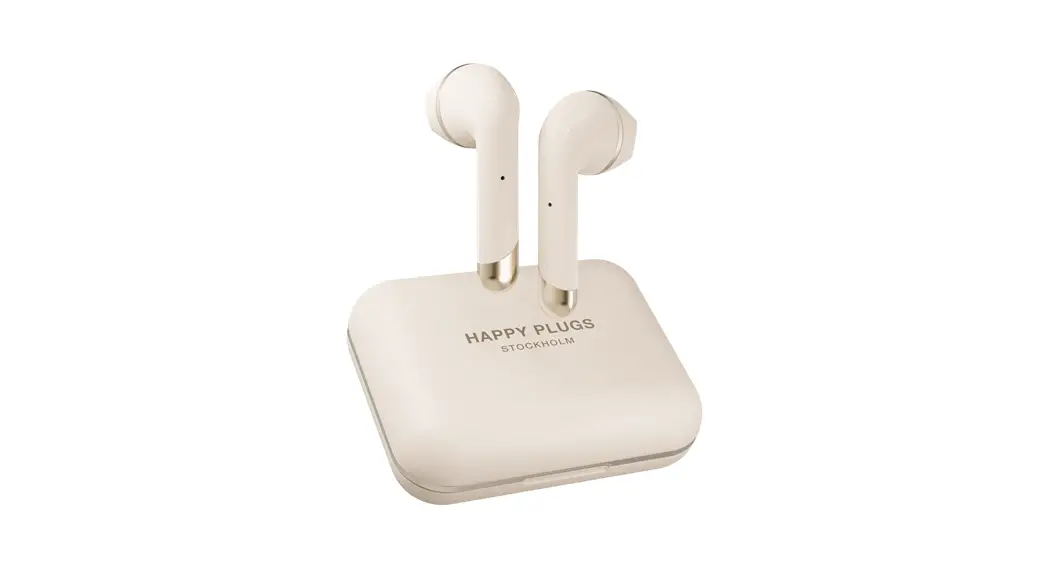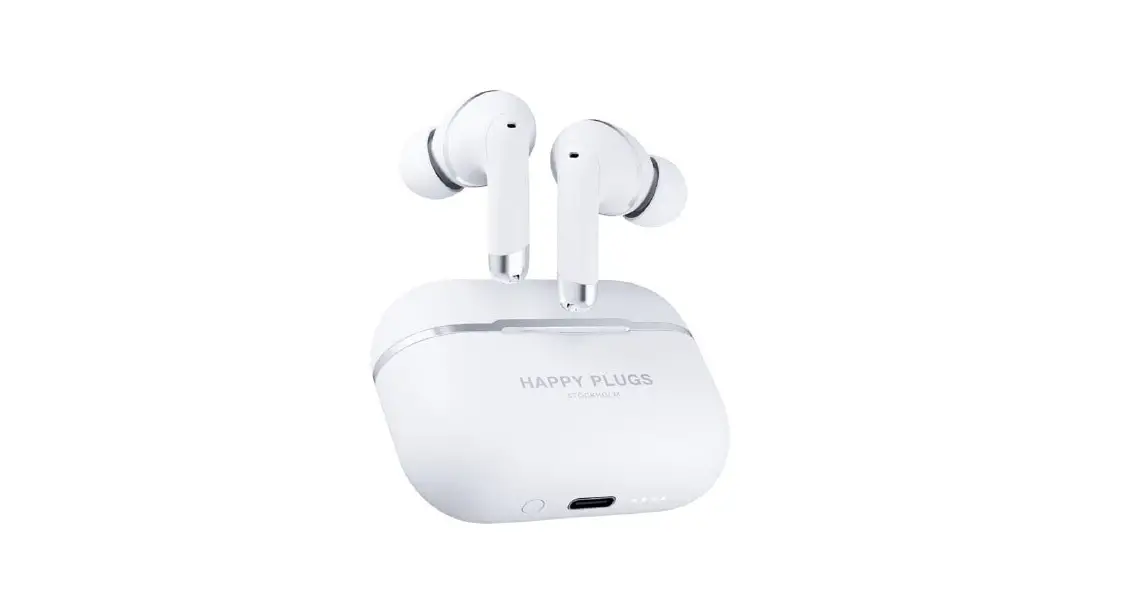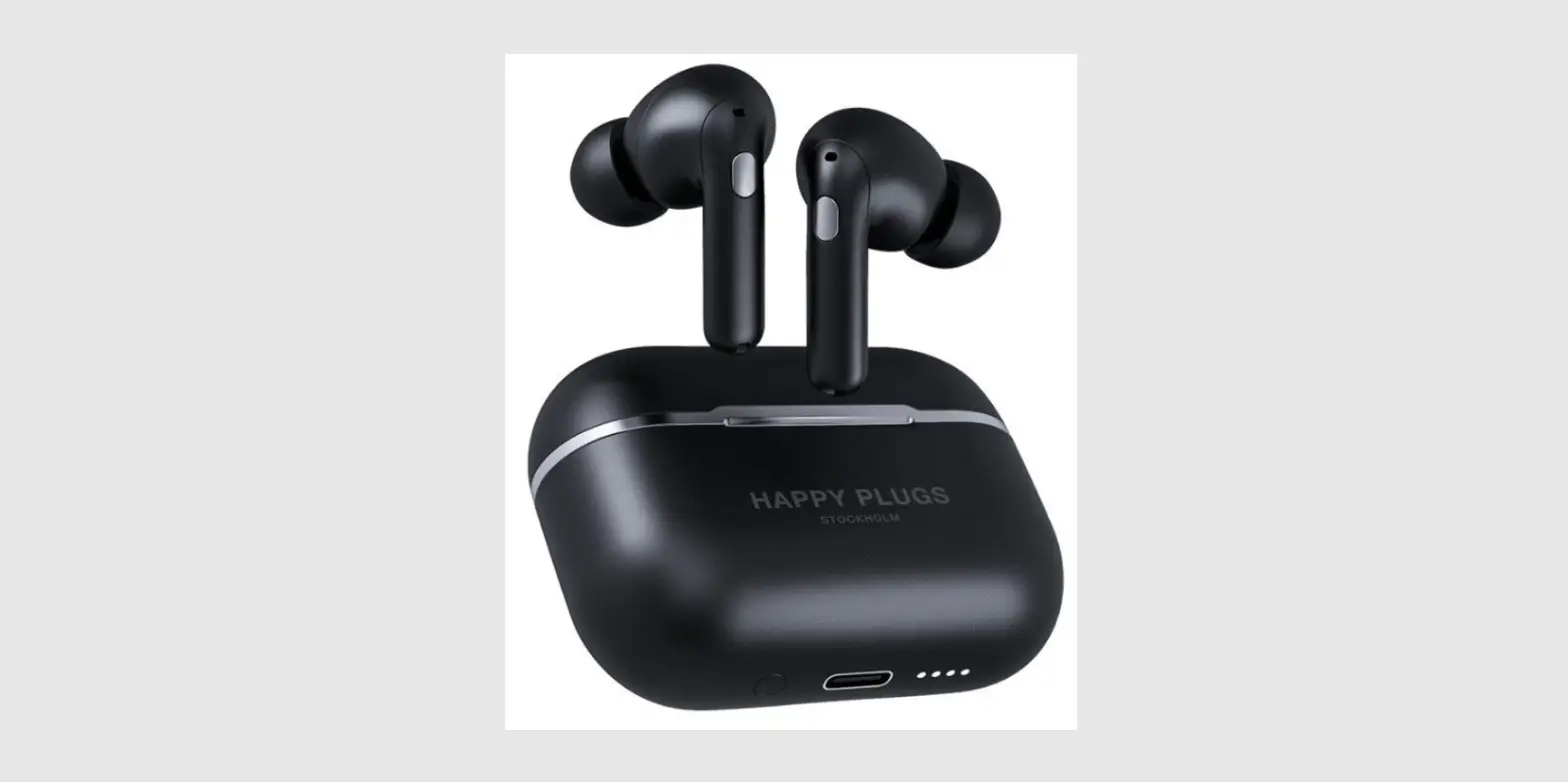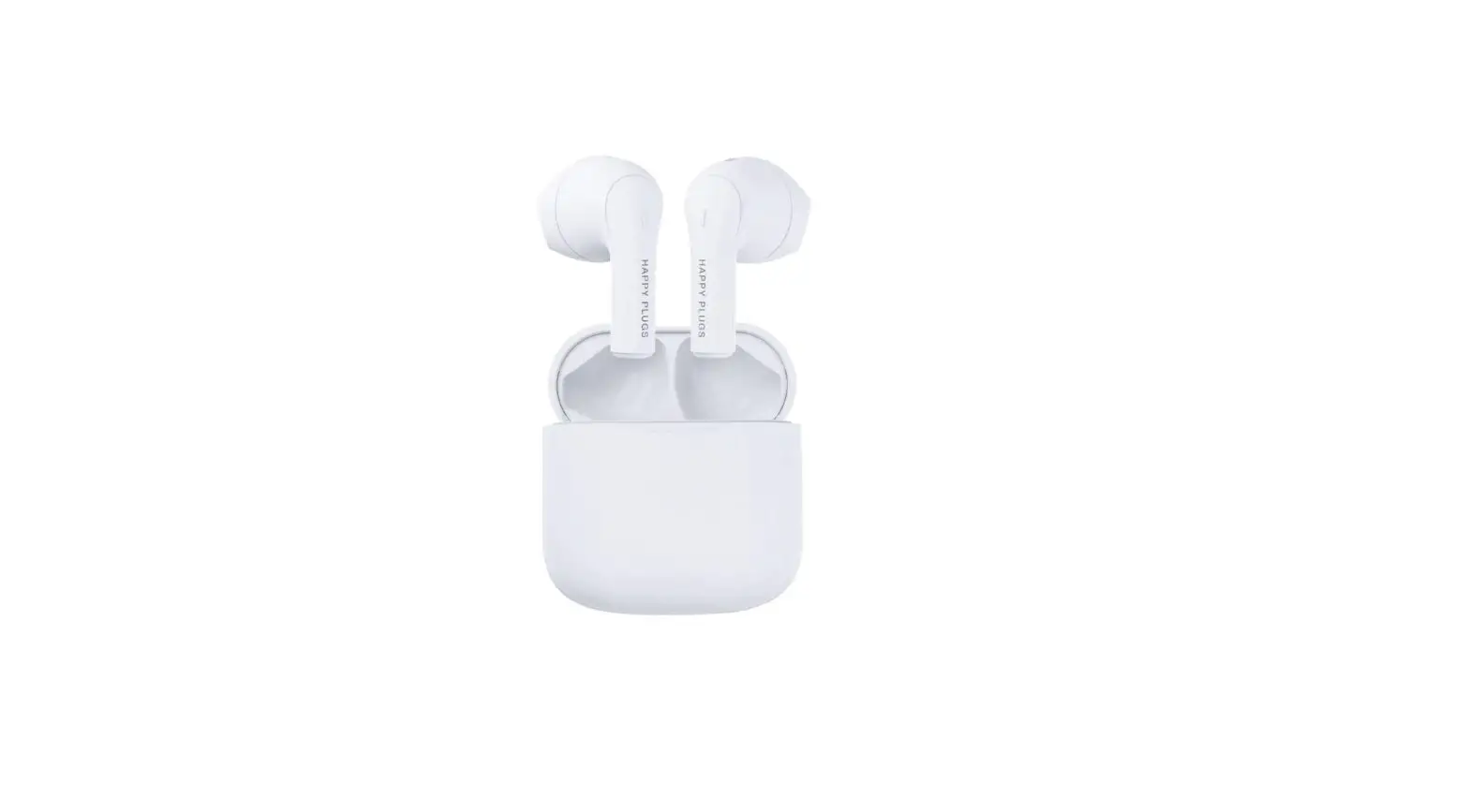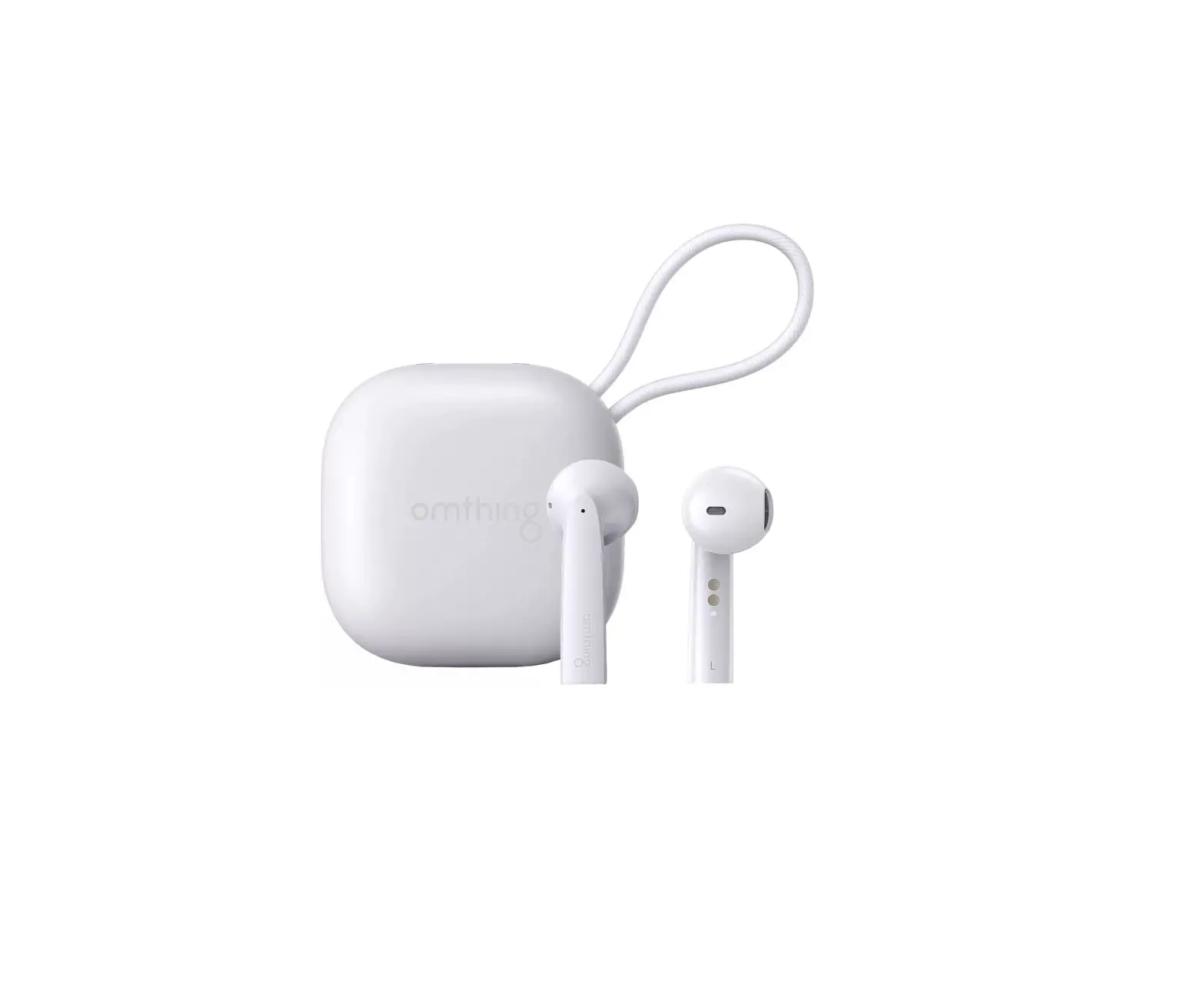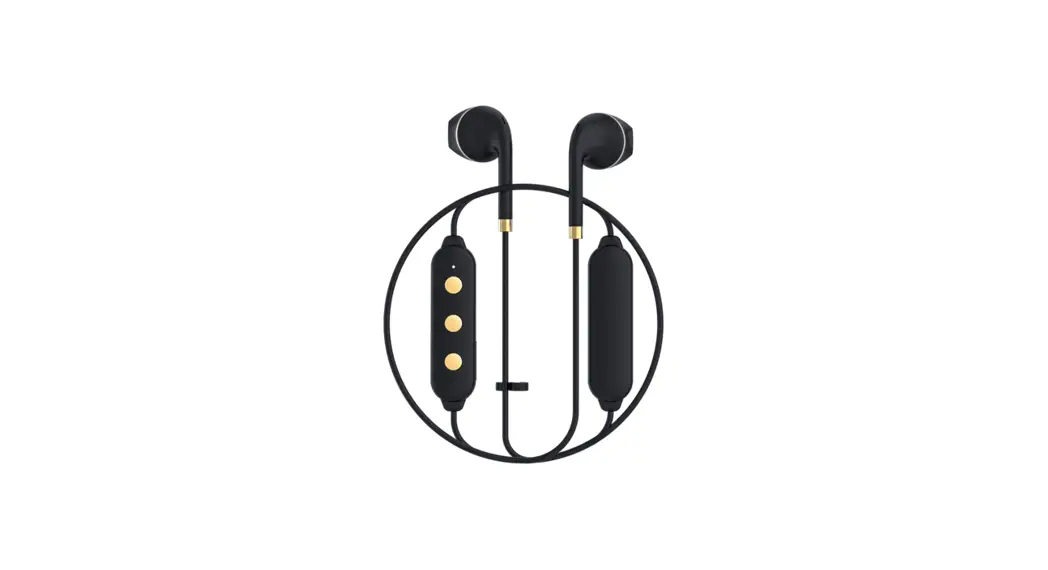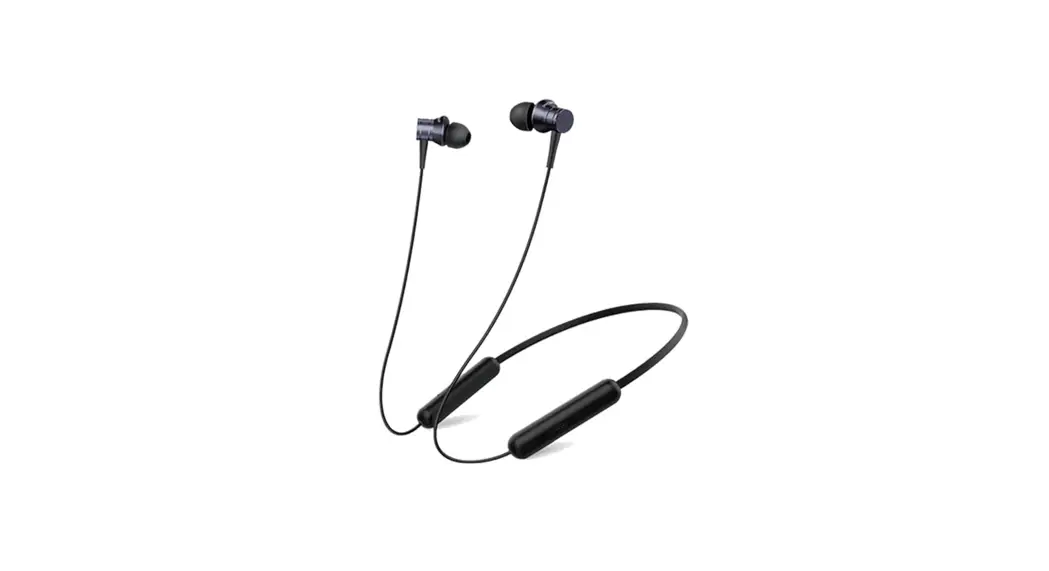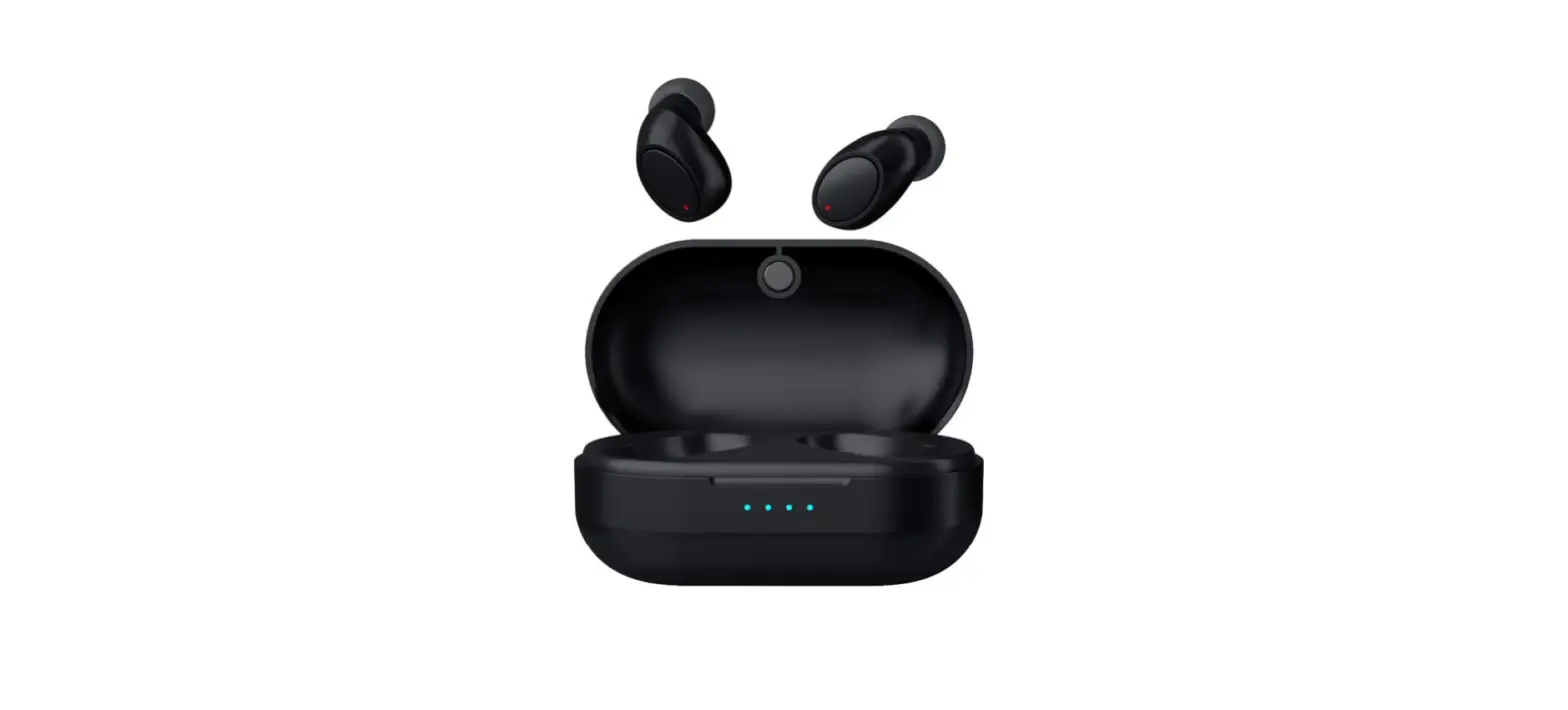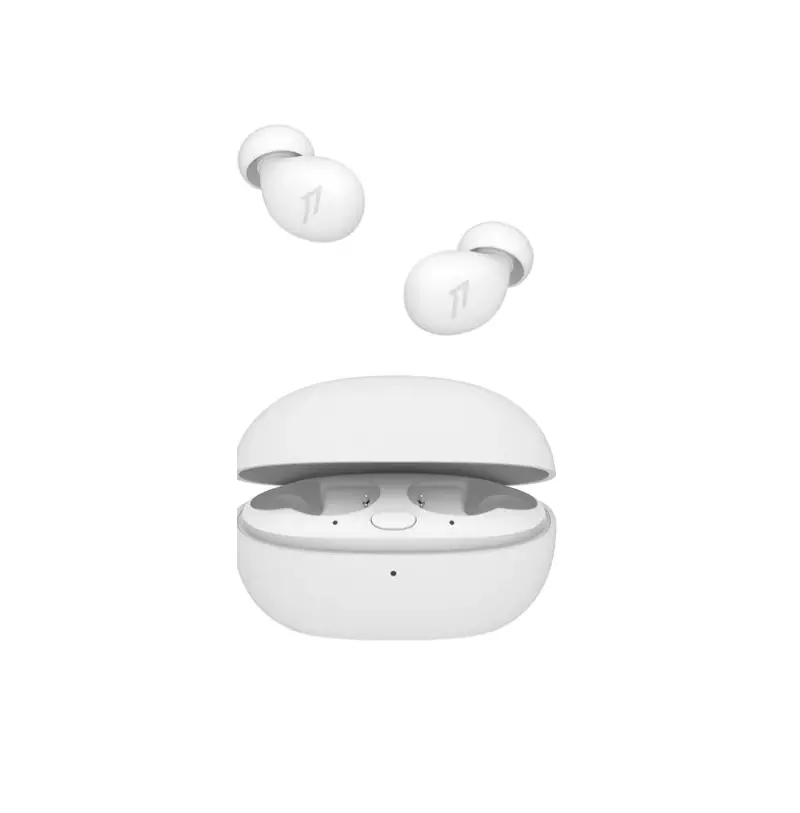


HAPPY PLUGS AIR 1 GO USER MANUAL
CONNECT AND USE
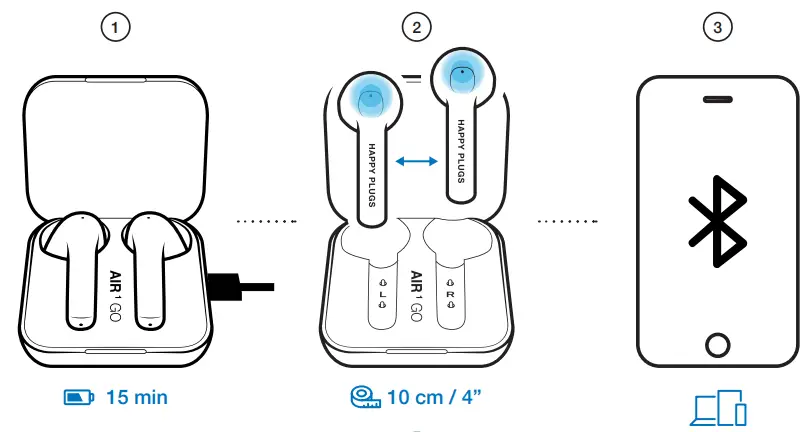
- Charge Air 1 Go for a least 15 minutes before use.
- Remove the earbuds from the charging case. Keep them within 10 cm / 4 inches apart from each other until the LED on the left earbud stops blinking.
- Select “Air 1 Go” on your phone/device to pair.
 When inserting the earbuds into your ears – make sure not to touch the touch control surface. A five-second touch turns the earbud off.
 When inserting the earbuds into your ears – make sure not to touch the touch control surface. A five-second touch turns the earbud off.
RESET TO FACTORY SETTINGS
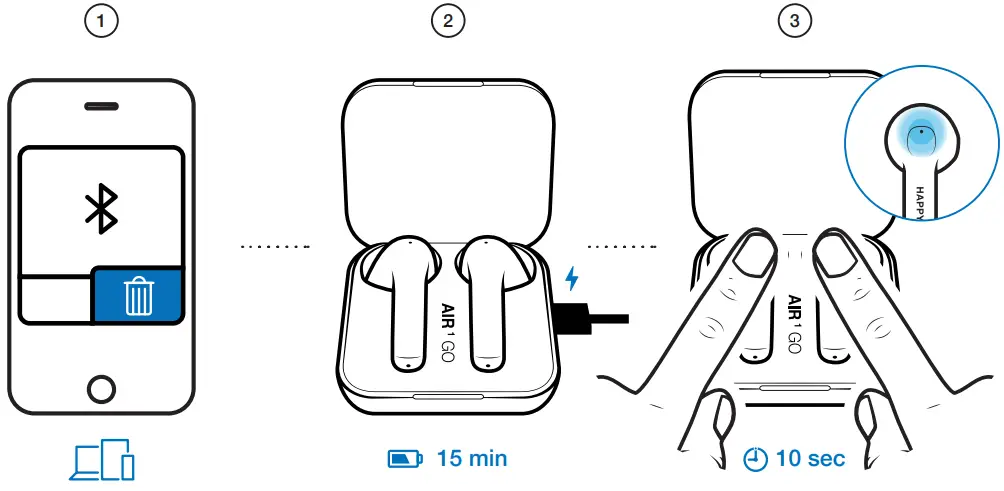
- Delete “Air 1 Go” from your Bluetooth devices list.
- Make sure the charging case is charged. Put the earbuds in the charging case.
- Touch and hold the touch sensors on both earbuds for 10 seconds until the earphone LEDs blink 3 times.
The earbuds are now reset and ready to pair to your device.
Just follow the quickstart steps.
CALLS
When using the Air 1 Go for phone calls, both earbuds are active, but only the right (R) earbud has a microphone for speaking. On Apple devices, while your Air 1 Go is paired; go into Settings > Accessibility > Touch, scroll down to Call Audio Routing, and select Bluetooth Headset.
SIRI OR GOOGLE ASSISTANT
 Control calls and music with Siri or Google Assistant.
On iPhone, go into Settings > Touch ID & Passcode, scroll down to Allow Access when locked and enable Siri.
TOUCH CONTROLS
L + R
| 2S | Power On |
| 5S | Power Off |
| 10S | Reset (In the case) |
L
| × 1 | Volume Up |
| × 2 | Volume Down |
R
| × 1 | Play / Pause |
| × 2 | Next Track |
| × 3 | Previous Track |
| × 1 | Call Answer / Call End |
| × 2 | Reject Call |
| 2 s | Switch Call |
| 2 s | Siri / Google Assistant |
Full instructions & FAQ available at: help.happyplugs.com