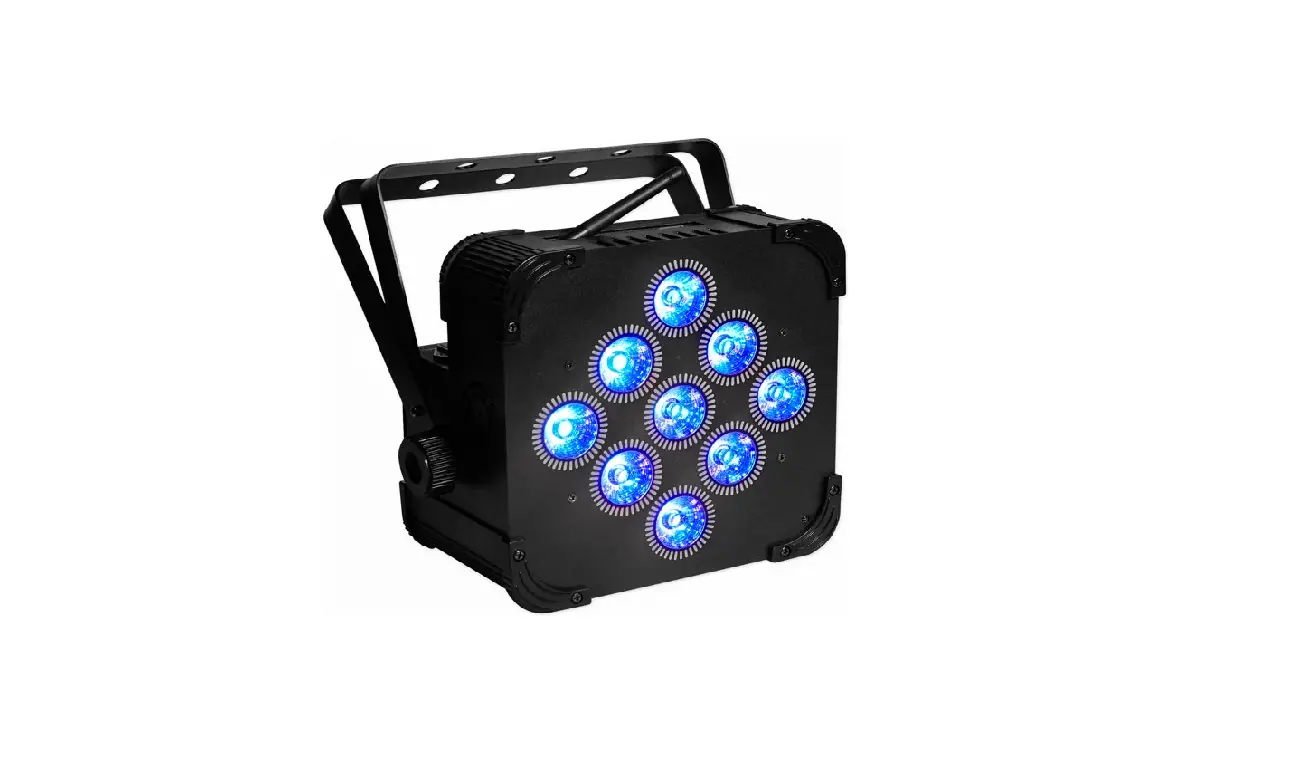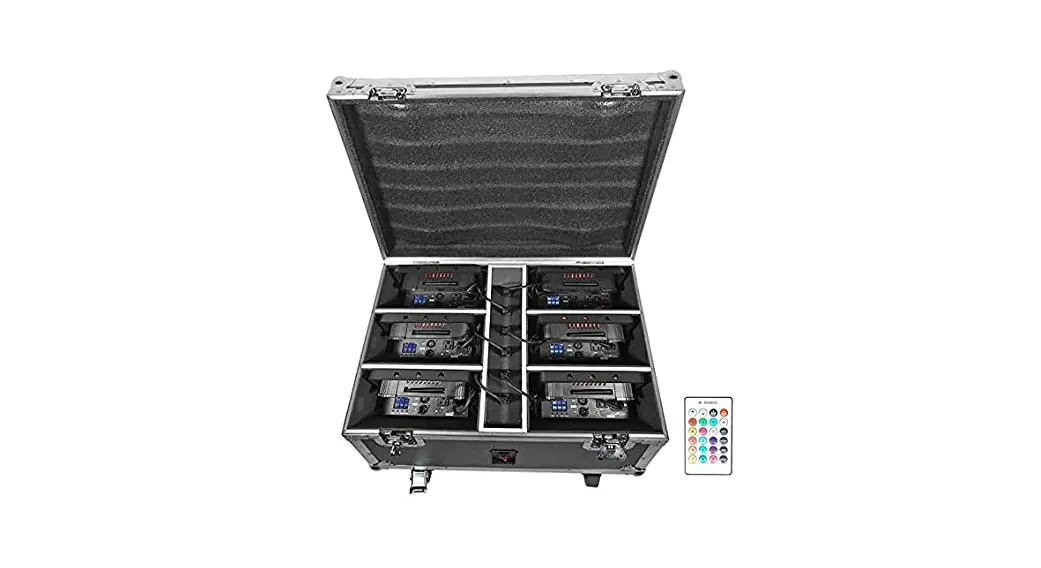
BATTERY PAR 61
Operating Instructions
Should you need assistance, please call our technical helpline at 1-646-758-0144, Monday through Thursday, 9 am to 10 pm EST, and Fridays, 9 am to 3 pm EST. For how-to videos and other helpful information, visit rockvillesupport.com/battery-par-61 or scan the OR code.
Settings
Use the MODE button to enter the settings menu. Use the UP and DOWN buttons to select the desired setting and set their values. Press and hold the UP and DOWN buttons to scroll quickly through the menu options. Press the ENTER button to save your selection. Press MODE to exit.
| Display Mode | Value | Description |
| A001 | A001- A512 | Set DMX address |
| Chnd | 6.ch/10.ch | Set DMX channel mode (6 channel or 10 channel) |
| CLO1 | CLO1 – CL32 | Color change |
| CC99 | CCO1 – CC99 | Automatically cycle through colors |
| EE99 | EE01 – EE99 | Pulse |
| FF99 | FF01 – FF99 | Color fade |
| ST99 | STO1 – ST99 | Select strobe color |
| SoU1 | SoU1 – SoU4 | Select sound control mode |
| IRCL | ON/OFF | Turn remote control function on or off. Factory default is off. |
| 2.4G | ON/OFF | Turn the wireless function on or off. Factory default is off. |
| r255 | r000- r255 | Red dimmer |
| g255 | g000- g255 | Green dimmer |
| b255 | b000- b255 | Blue dimmer |
| u255 | u000- u255 | White dimmer |
| y255 | y000- y255 | Yellow dimmer |
| P255 | P000- P255 | Purple dimmer |
| SoU1:Color change |
| SoU2:Color fade |
| SoU3:Color change + strobe |
| SoU4:Color change + color fade + strobe |
DMX Controller Functions
When using a DMX controller, use the charts below to reference each channel’s function.
6-Channel Mode
| Channel | Function | Value | Description |
| 1 | Red | 0 – 255 | Adjust the individual color brightness |
| 2 | Green | 0 – 255 | |
| 3 | Blue | 0 – 255 | |
| 4 | White | 0 – 255 | |
| 5 | Yellow | 0 – 255 | |
| 6 | Purple | 0 – 255 |
10-Channel Mode
| Channel | Function | Value | Description |
| 1 | Master dimmer | 0 – 255 | Adjust overall brightness |
| 2 | Red | 0 – 255 | Adjust the individual color brightness |
| 3 | Green | 0 – 255 | |
| 4 | Blue | 0 – 255 | |
| 5 | White | 0 – 255 | |
| 6 | Yellow | 0 – 255 | |
| 7 | Purple | 0 – 255 | |
| 8 | Strobe | 0 -10 | Strobe off |
| 11 – 255 | Set strobe speed | ||
| 9 | Manual dimming (CH1 – CH8 valid) | 0 – 9 | Adjust function settings |
| Stationary colors (use CH10 fader to change colors) | 10 – 50 | ||
| Color change | 51 – 100 | ||
| Color fade | 101-150 | ||
| Pulse mode | 151- 200 | ||
| Sound mode: fade | 201- 220 | ||
| Sound mode: strobe | 221- 240 | ||
| Sound mode: pulse | 240- 255 | ||
| 10 | _ Color speed | 0 – 255 | Adjust color change speed for CH9 modes |
©2021 ROCKVILLE // The information presented is subject to change and/or improvement without notice.