Probe Replacement Instruction
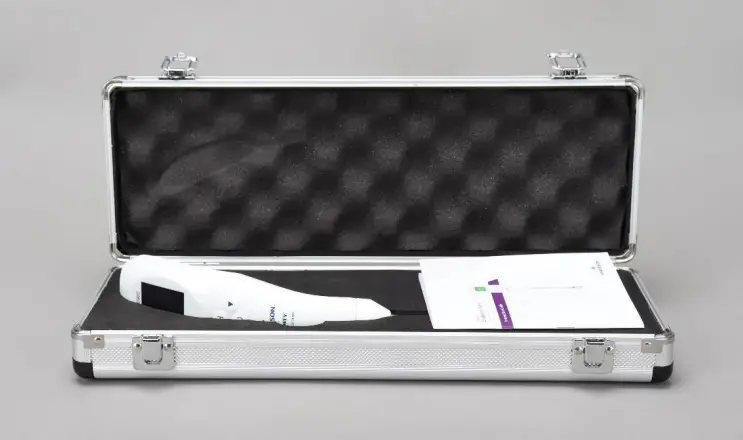
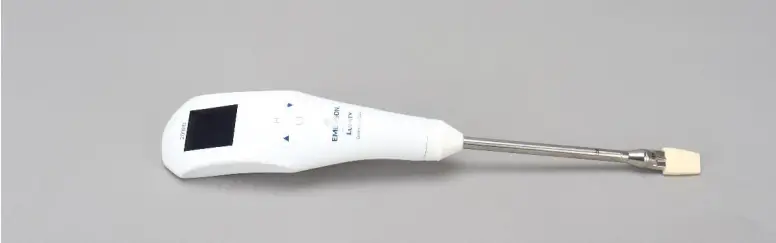
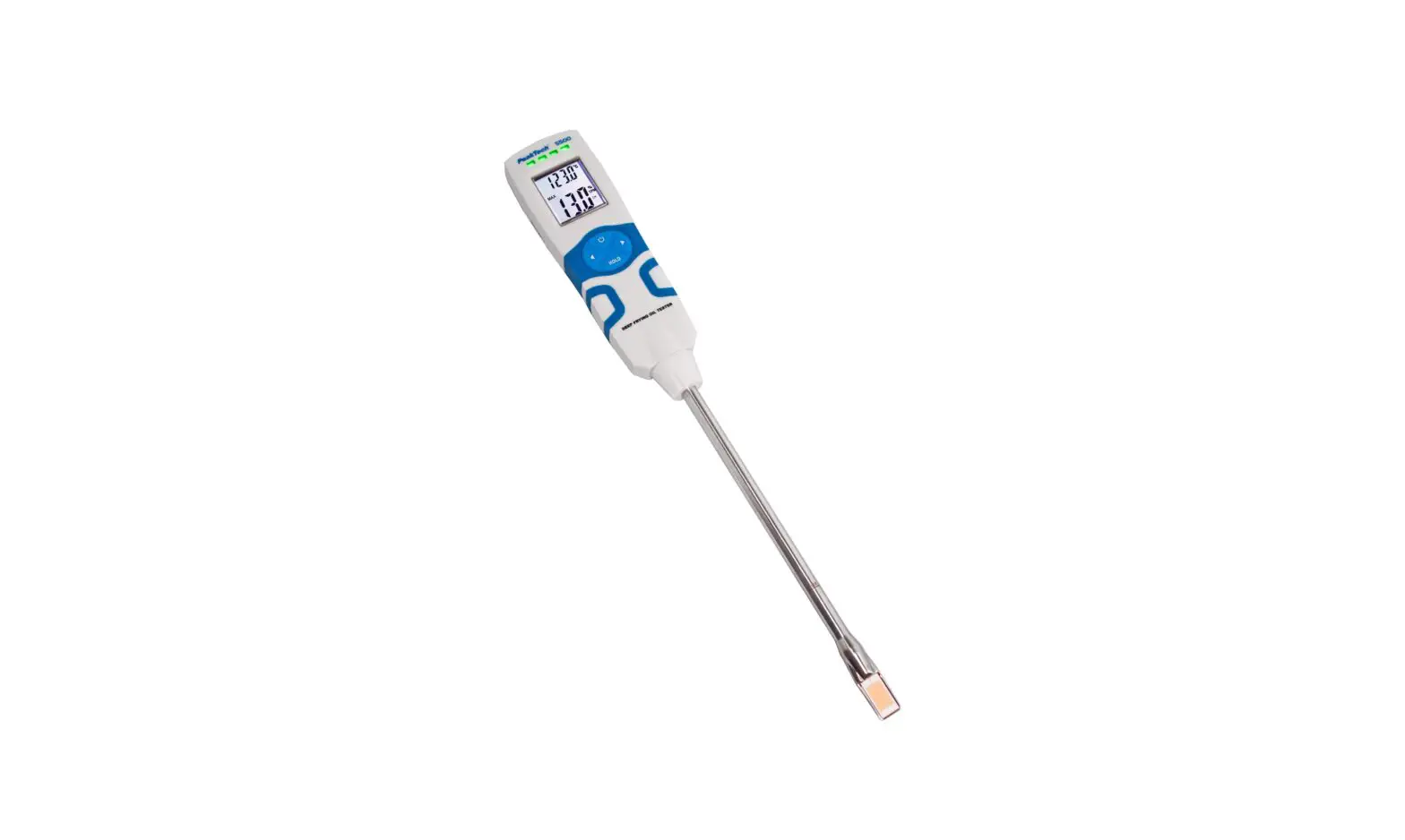
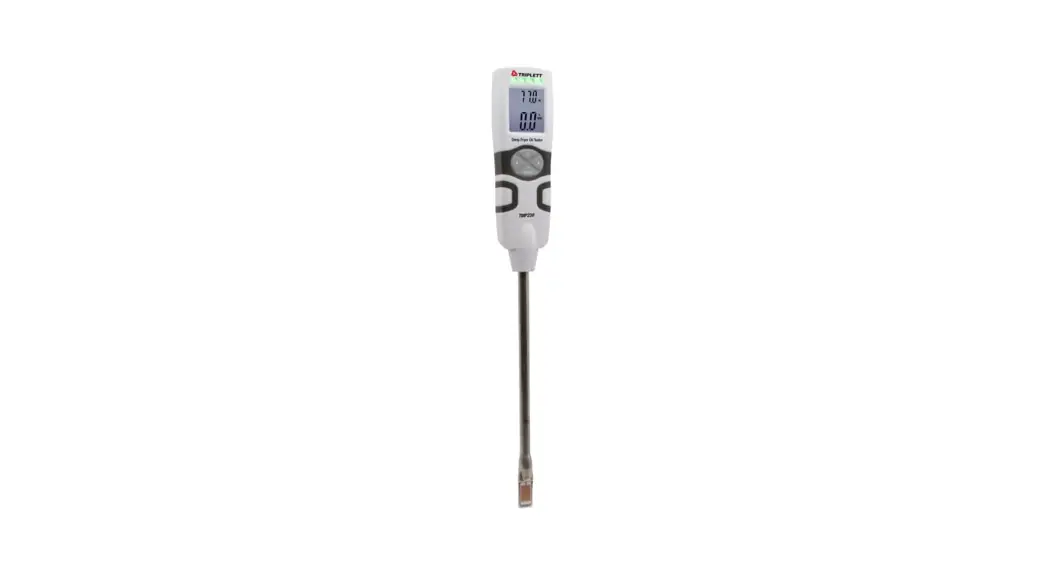
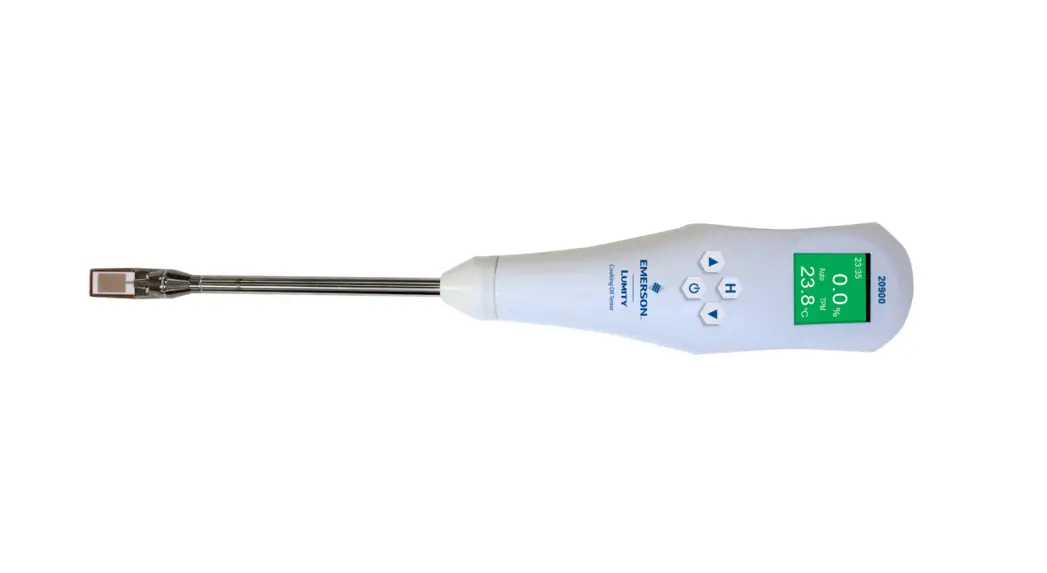
- Take out the device

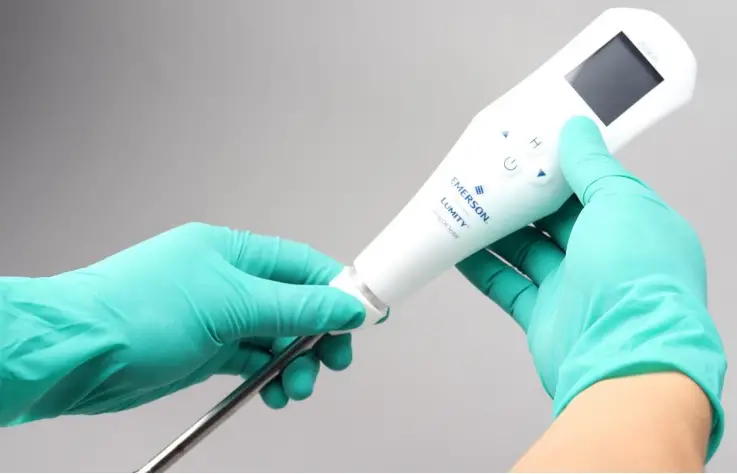
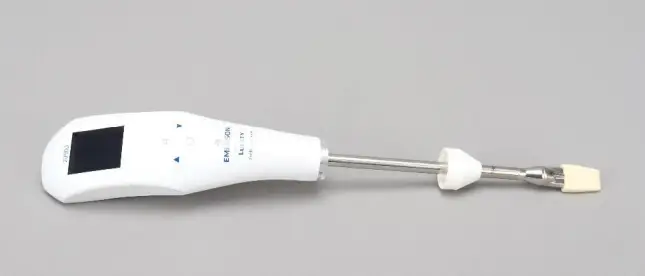
- Rotate and pull down the silicone cap along the front of the probe


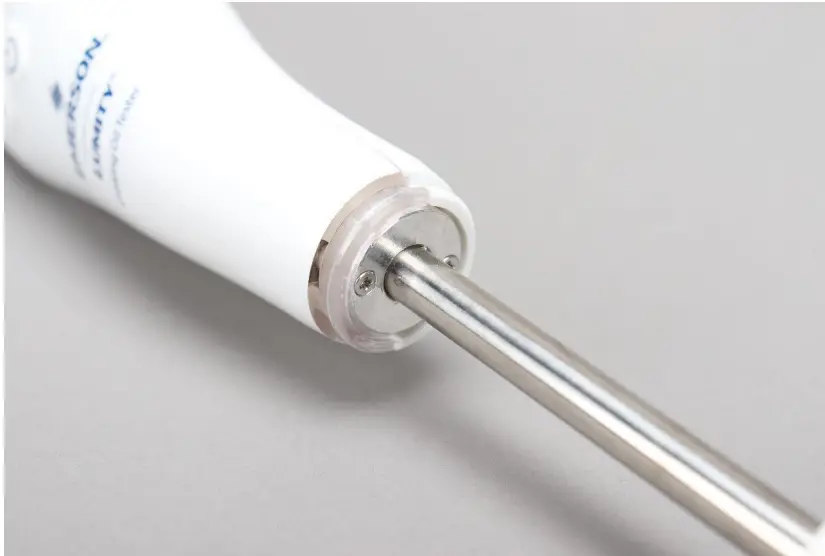
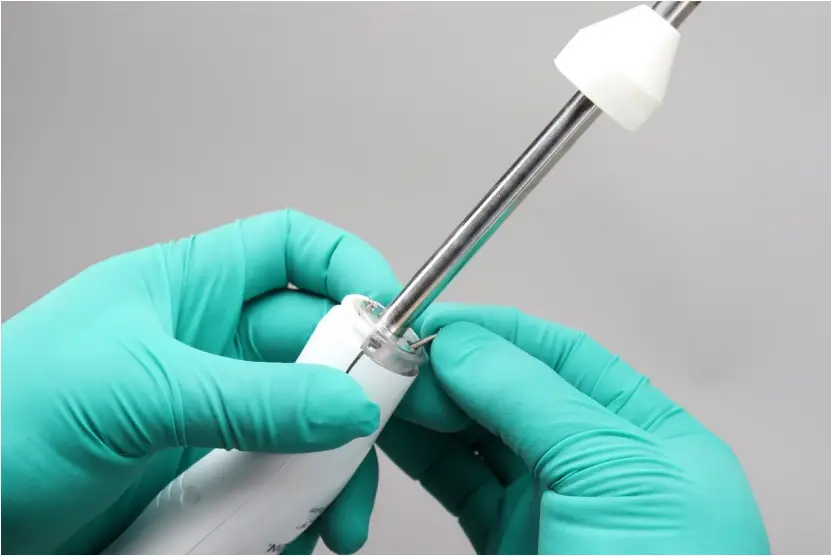
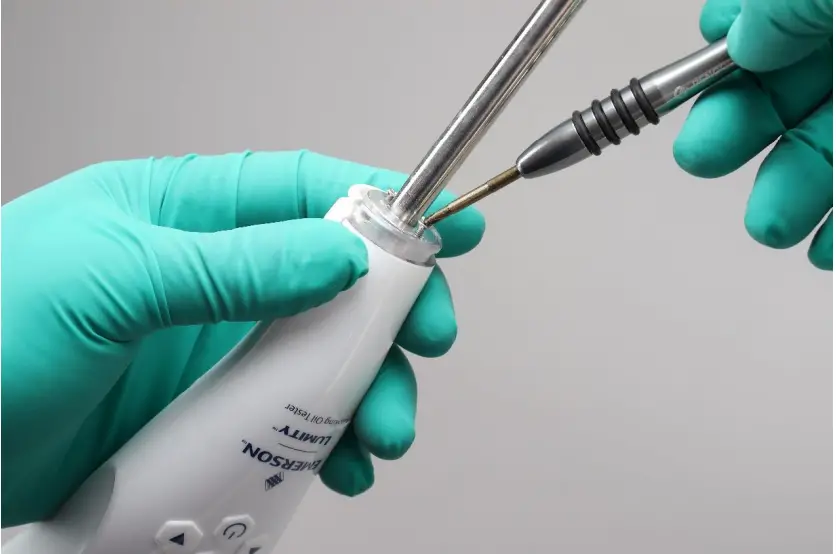
- Use a Phillips screwdriver to loosen the two screws here


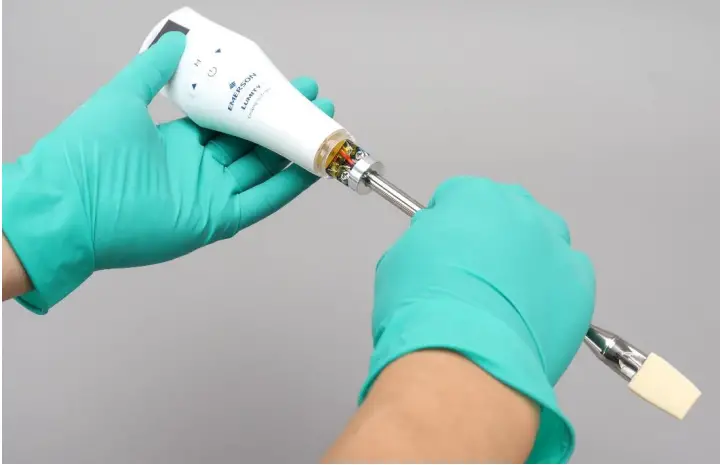
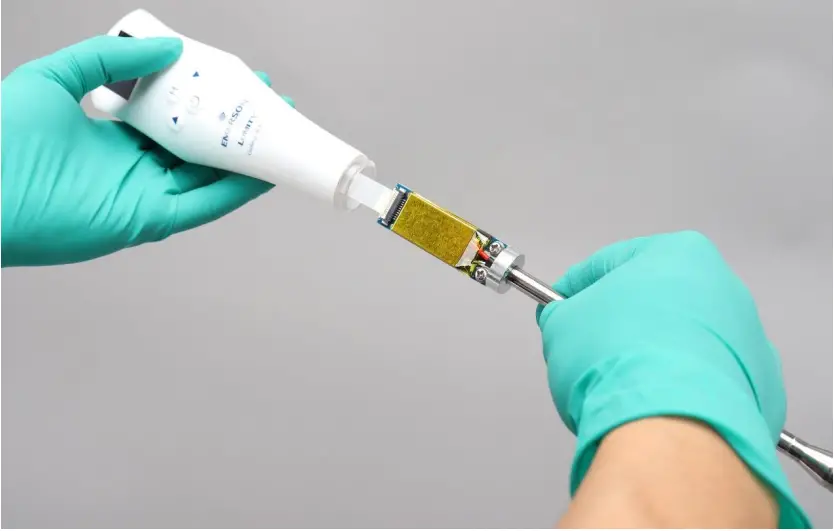
- Gently pull out the probe rod in the vertical direction until you see the cable terminal


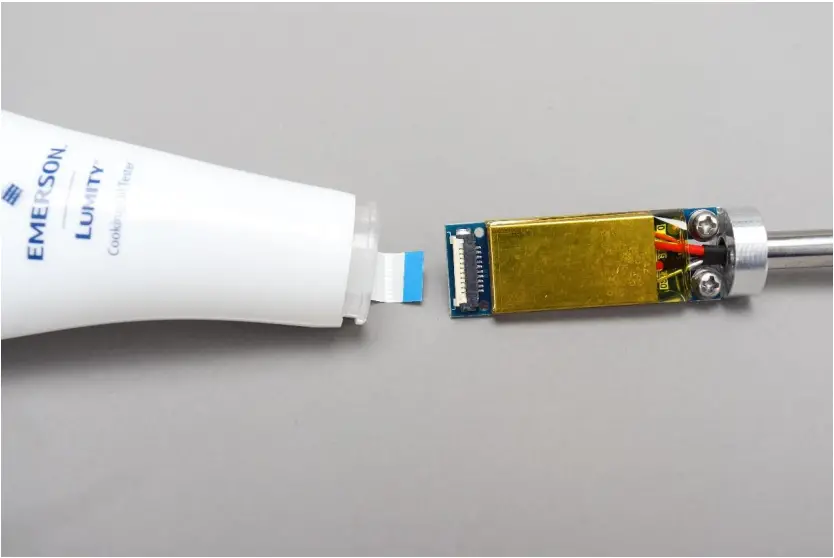
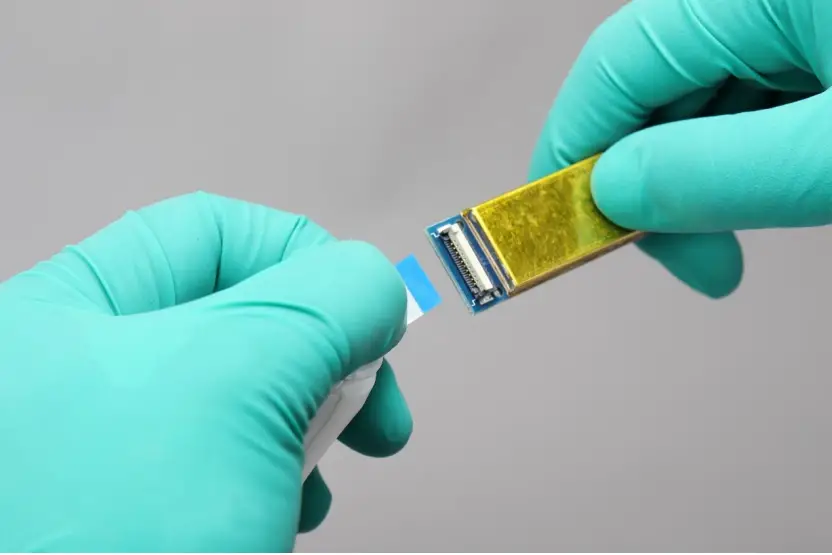
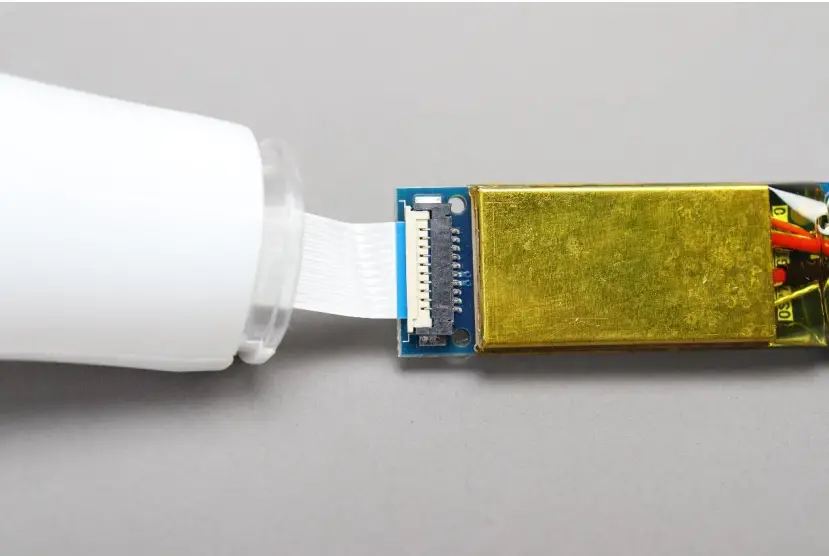
- Lift the white flip cover of the cable terminal to ninety degrees, and gently pull out the cable


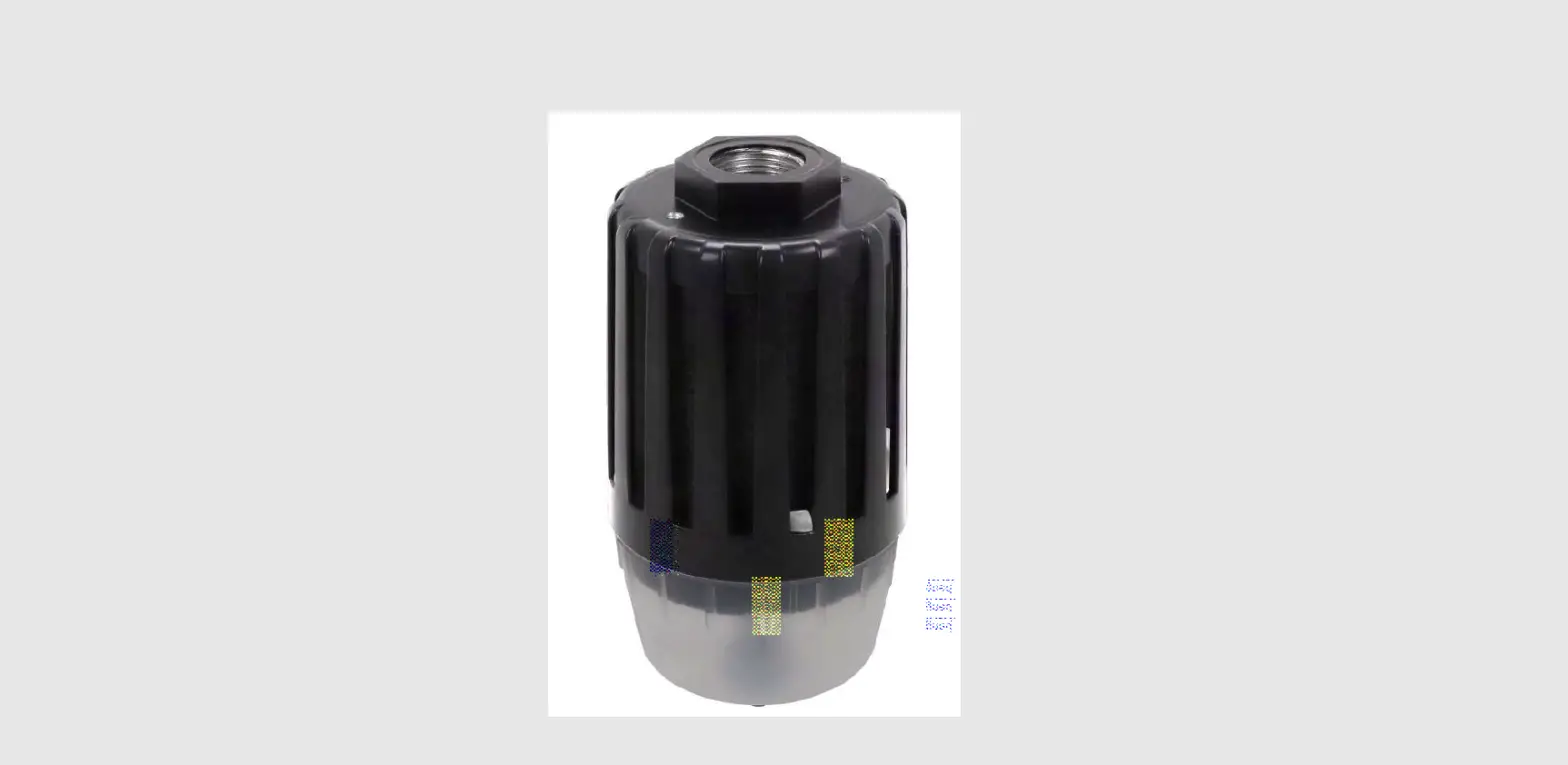
- Insert the cable into the terminal according to the color shown in the figure, and press down the white cable terminal


- Insert the probe into the handle and fix it with screws


- Pull up the silicone cap to its original position