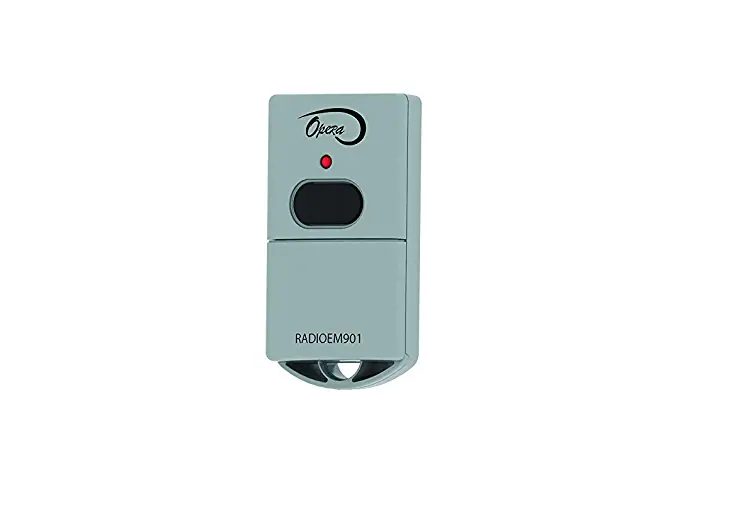
Capital Prospect MM-318 318MHz Transmitter
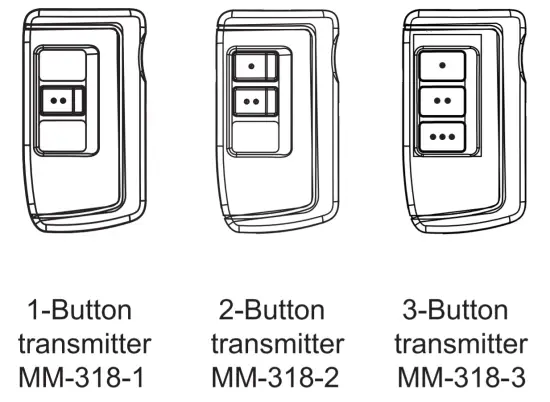
INTRODUCTION
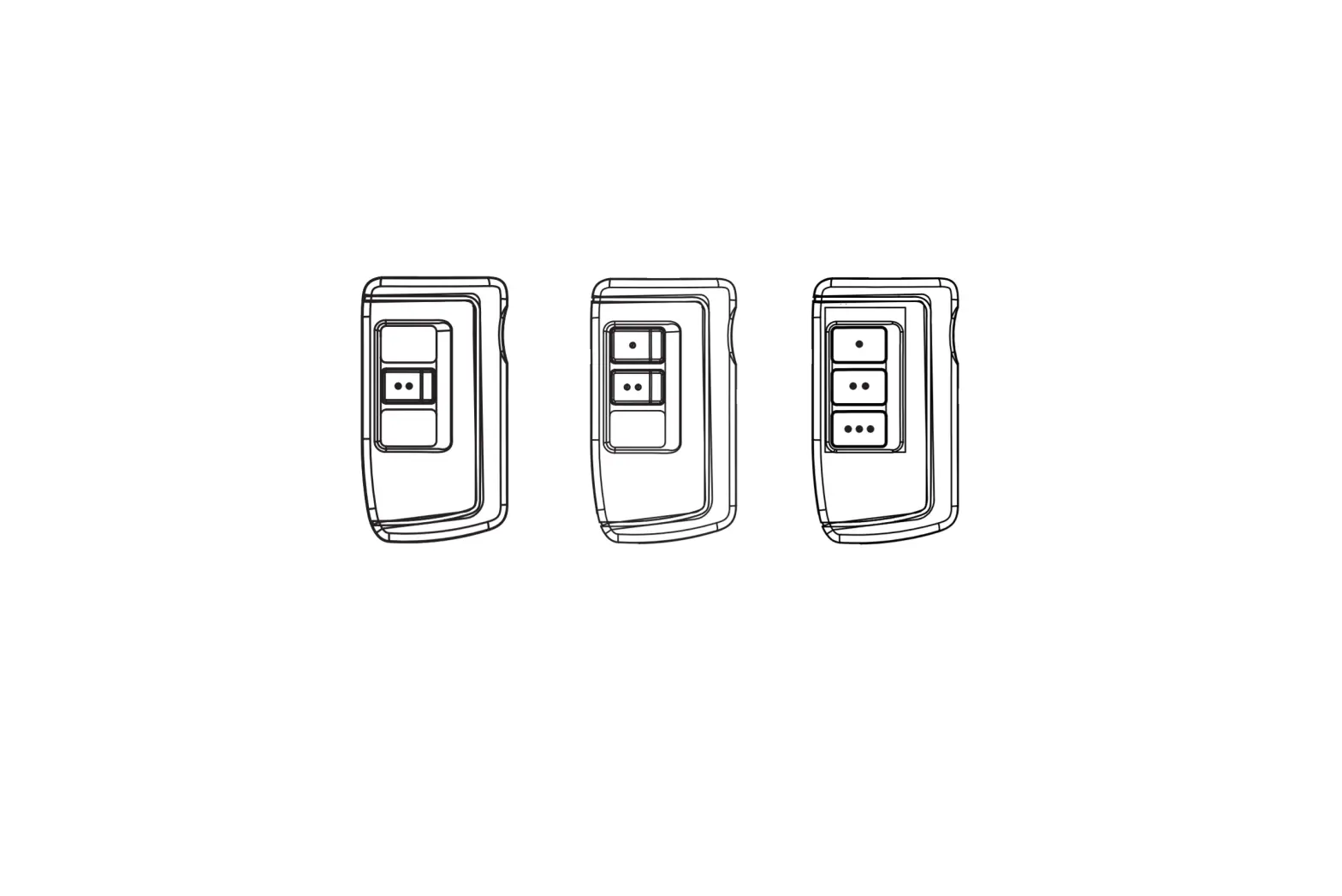
Thank you for your purchase of remote transmitter, Model MM-318-1/MM-318-2/MM-318-3.
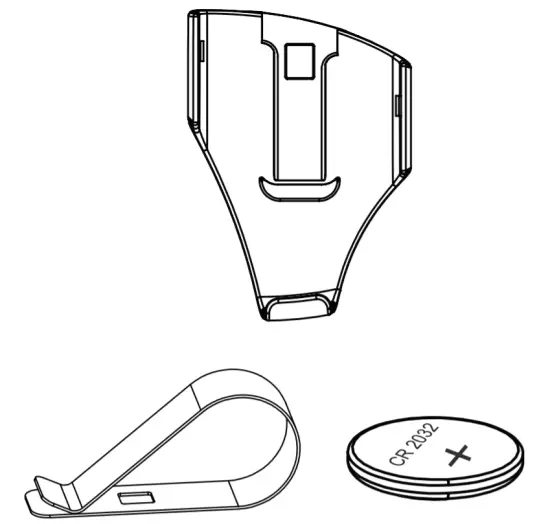
The following items are included in this package:
- One of MM-318 series Remote
- Lithium Battery CR-2032 (Installed)
- Mounting accessories
- User’s instructions
PROGRAMMING
Follow one or more instructions below to program transmitter MM – 318 series to the garage door opener you want to control.
PROGRAMMING A REMOTE TRANSMITTER TO THE GARAGE DOOR OPENER
| 1. Connect the opener to an approved power source. The dot in the LED segment stays on. |  |
| 2. Press the [Set] button for one second, and release the button until the LED segment shows the letter “P”. |  |
| 3. Within 30 seconds, press any button on the remote that you would like to program to the opener. | 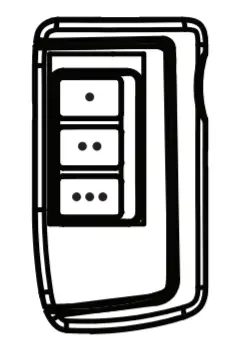 |
| 4. Once the button on the remote is programmed. The LED segment will go off and there will be one beep indicating the programming successfully. | 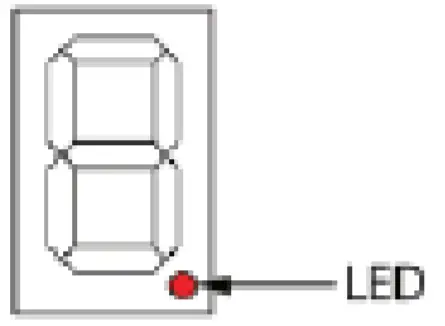 |
PROGRAMMING A REMOTE TRANSMITTER TO THE GARAGE DOOR OPENER· WITH DELUXE LCD WALL CONSOLE
| 1. Connect the opener to an approved power source. The dot in the LED segment stays on. | |
2. Press and hold the [ ] button on the wall console for 5 seconds. ] button on the wall console for 5 seconds. | 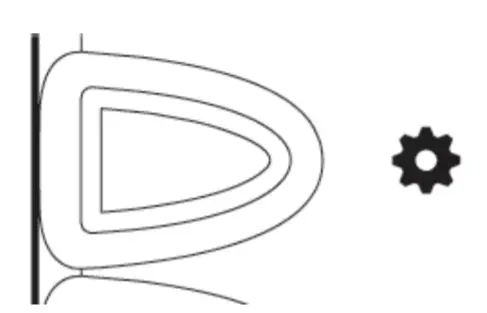 |
| 3. Press and hold the [] button twice and the remote icon will flash on the LCD display. | 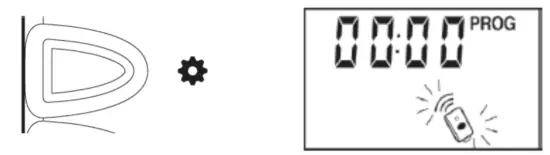 |
| 4. Within 30 seconds, press any button on the remote that you would like to program to the opener. | 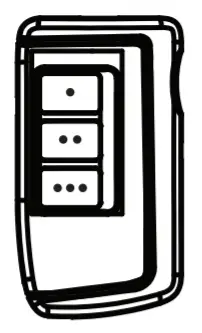 |
| 5. The garage door opener will beep if remote is successfully programmed and the flashing remote icon will change to solid. | 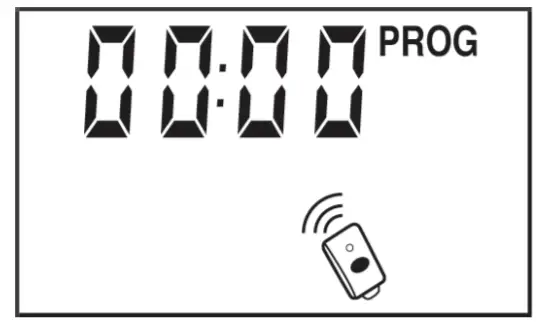 |
PROGRAMMING A REMOTE TRANSMITTER TO THE IN-CAR REMOTE SYSTEM
In order to remotely control the Garage Door Opener with your in-car remote system, a transmitter must be programmed to your in-car remote system. To program the transmitter to your in-car remote system, a “Learn” code must be transmitted, follow the instructions below to transmit the “Learn” code to your in-car remote system. Please disable the password feature in the remote transmitter before programming to the in-car remote system.
- Refer to the user’s instructions of your in car remote system to put your in car remote into programming mode.
- Press and hold the button on the transmitter you already programmed for 10 seconds to program to the car system. Release the button when the red LED changes from solid to flashing.
- The red LED on the transmitter will be flashing for the next 20 seconds advising you to transmit the ‘learn’code.
- Once the transmitter is programmed, your in car remote system will quit from programming mode.
Your in-car remote system is ready to be used.
OPERATION
Press the programmed button to open/close the garage door.
ADVANCED FEATURE – ENABLE I DISABLE PASSWORD FEATURE
Password protection – Only available for MM-318-3 (Not available for MM-318-1 or MM-318-2)
Note: | 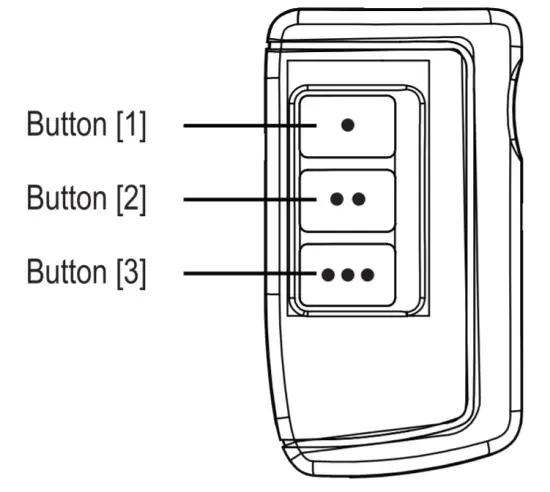 |
Note: If you enable the password feature, the remote can be password protected. You can only operate the remote after you input the correct password.
ADVANCED FEATURE -CHANGE PASSWORD
| 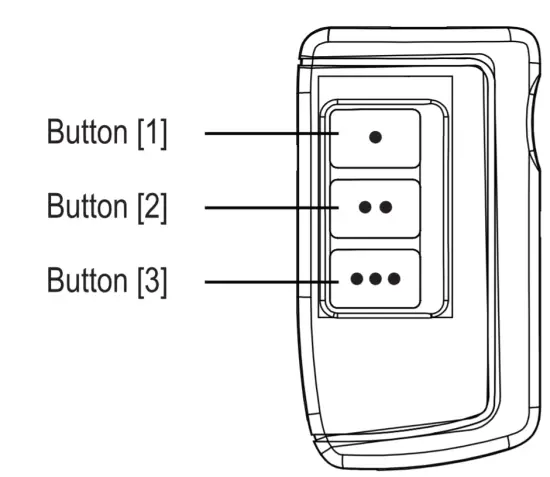 |
ADVANCED FEATURE- RESET PASSWORD
After the reset, password protection is removed, and the remote cannot control any receiver or opener until you reprogram it to receiver or opener you want to control. | 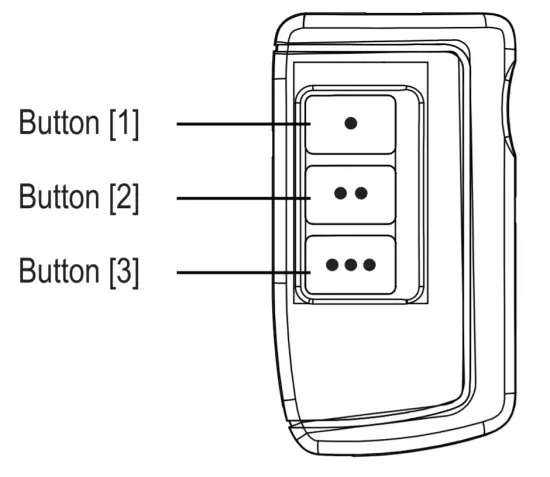 |
BATTERY REPLACEMENT
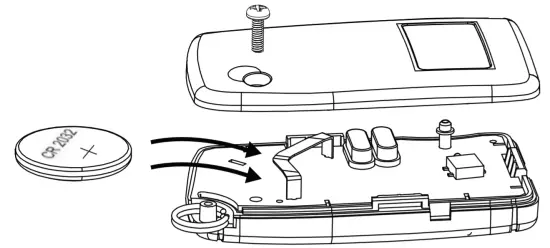
The remote come with a 3 Volt lithium battery (CR 2032) installed. It is time to change the battery when the red LED on the transmitter does not turn on when either button is pressed.
To replace the battery:
|  |
 | Battery Disposal – Dispose used battery according to local regulations. |
FAQ
Q: What can I do if the door opener does not react after I press the button on the transmitter?
A: – Ensure when the button on the transmitter is pressed, the red light on the transmitter comes on. Otherwise, check if the battery is inserted properly.
- Make sure the correct button on the transmitter is pressed.
- Ensure the transmitter has been programmed to the receiver. Refer to section 2 for how to program a transmitter to the receiver.
- Ensure to input the correct password if the password protection is enabled.
FCC
This device complies with Part 15 of the FCC Rules. Operation is subject to the following two conditions: (1) This device may not cause harmful interference, and (2) This device must accept any interference received, including interference that may cause undesired operation.
WARNING: Changes or modifications to this unit not expressly approved by the party responsible for compliance could void the user’s authority to operate the equipment.
ISED
This device is a license-exempt transmitter/receiver that complies with Innovation Science and Economic Development Canada’s license-exempt RSS(s). Operation is subject to the following two conditions:(1) This device may not cause interference, and (2) This device must accept any interference, including interference that may cause undesired operation of the device
WARRANTY
If, within one year from date of purchase, this product should become defective ( except battery), due to faulty workmanship or materials, it will be repaired or replaced, without charge. Proof of purchase and a Return Authorization are required.