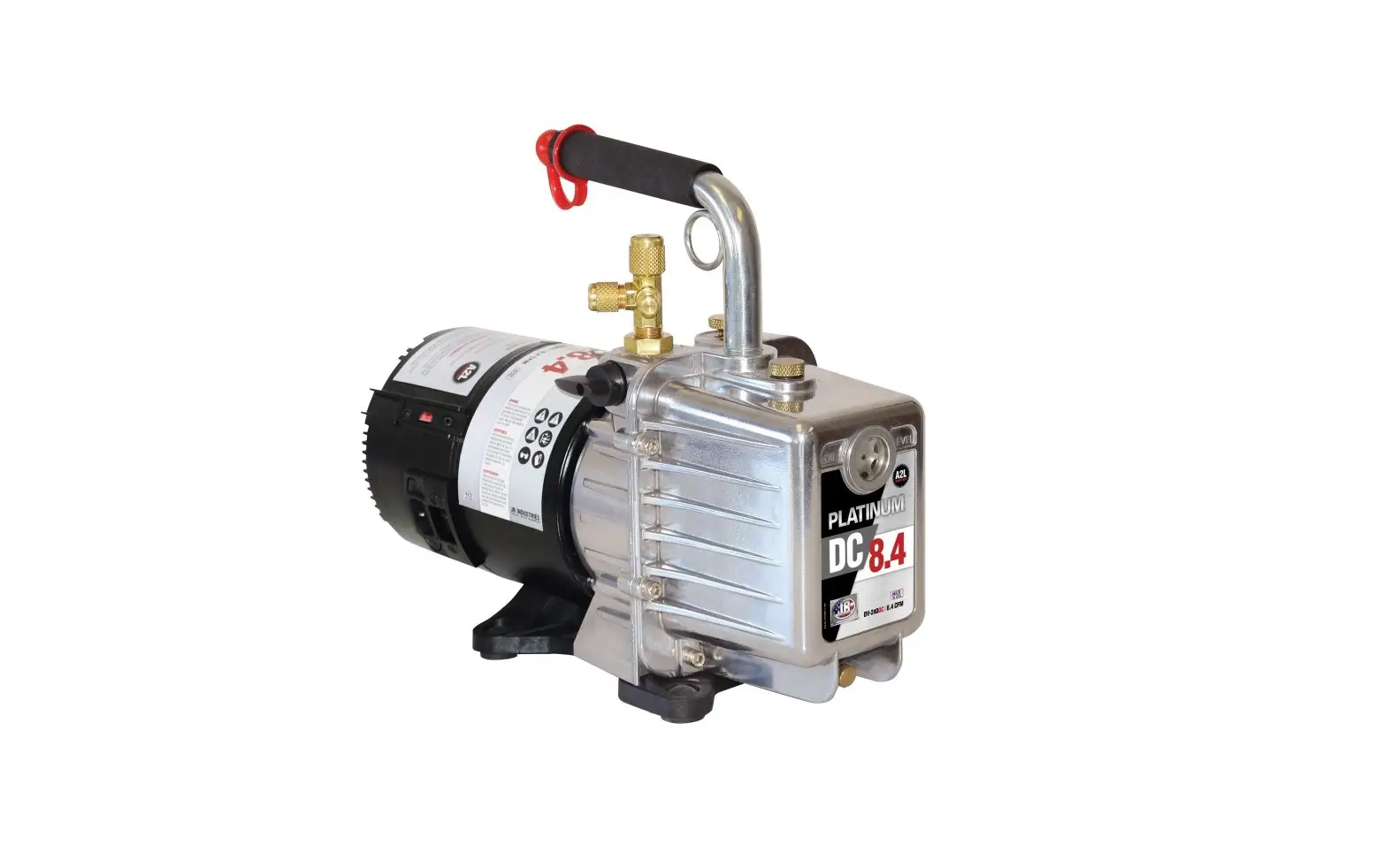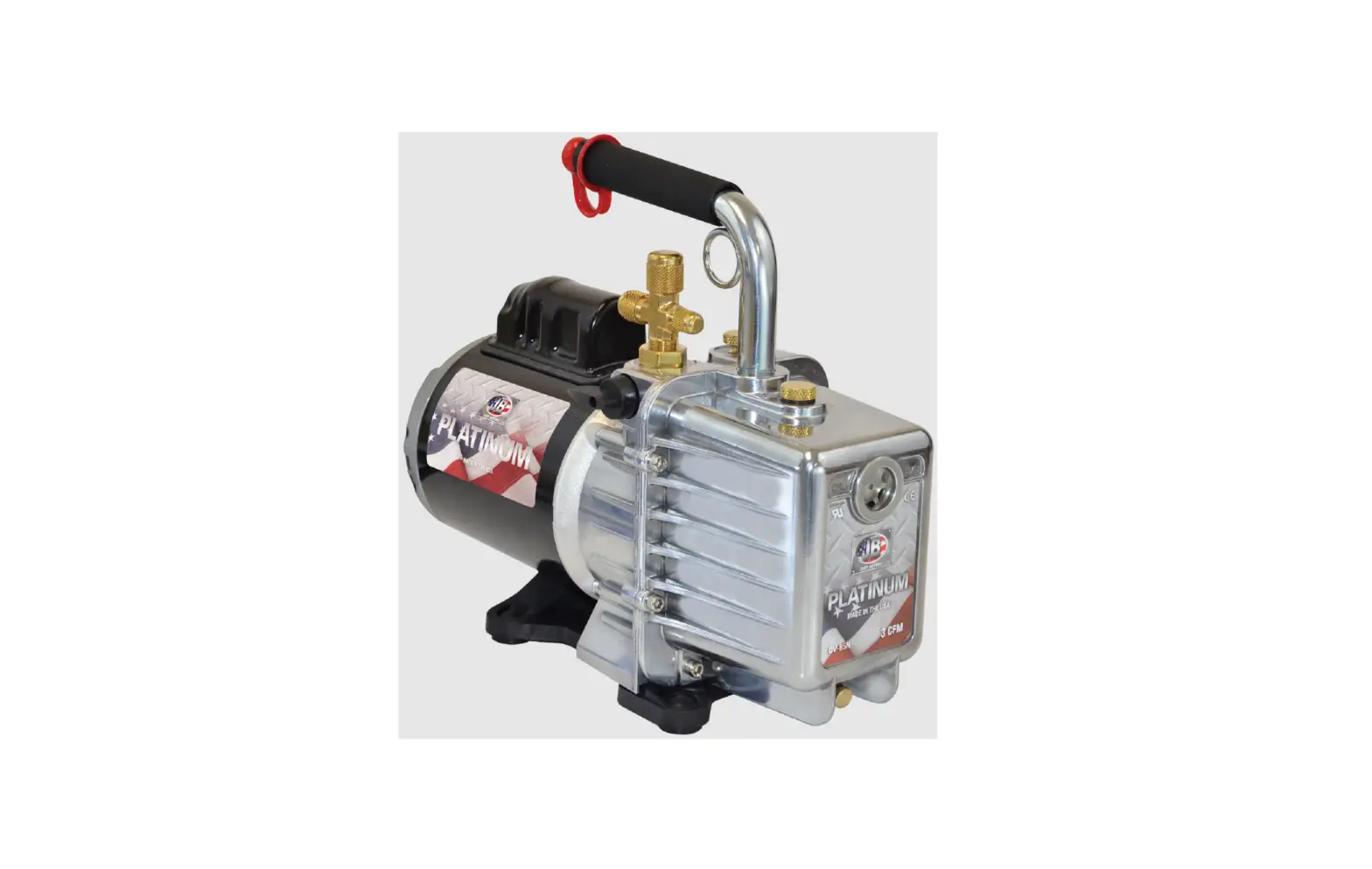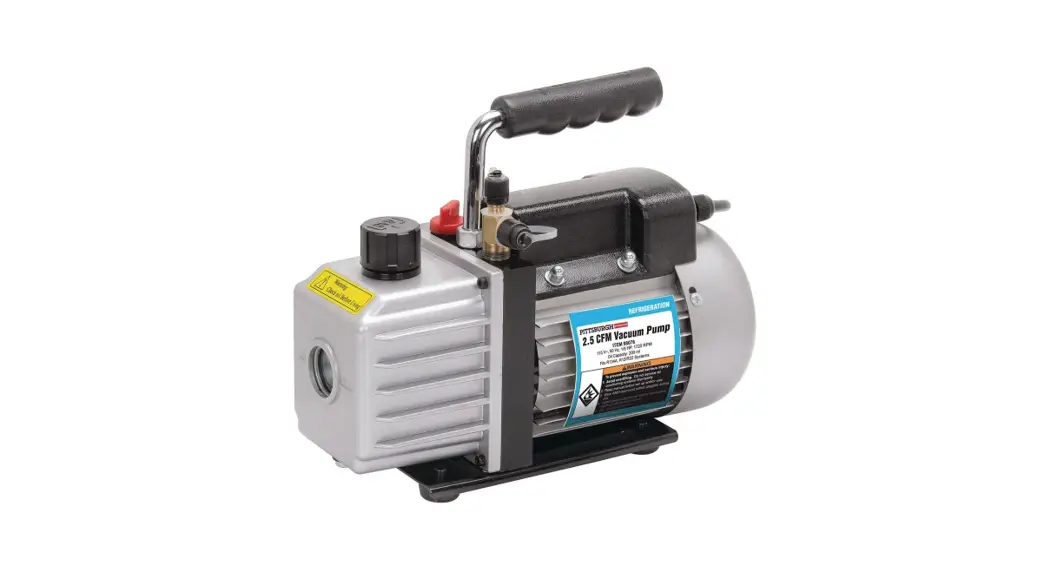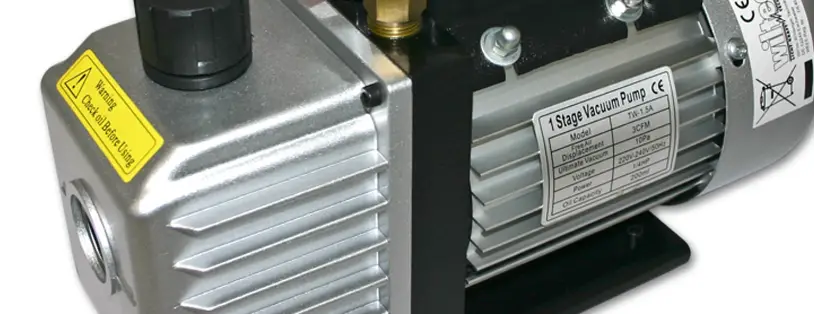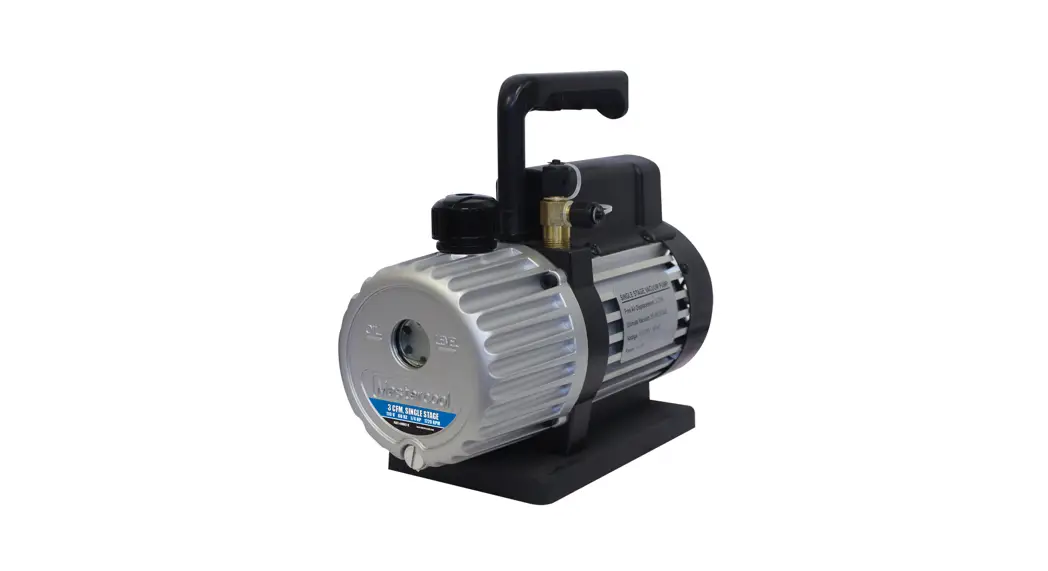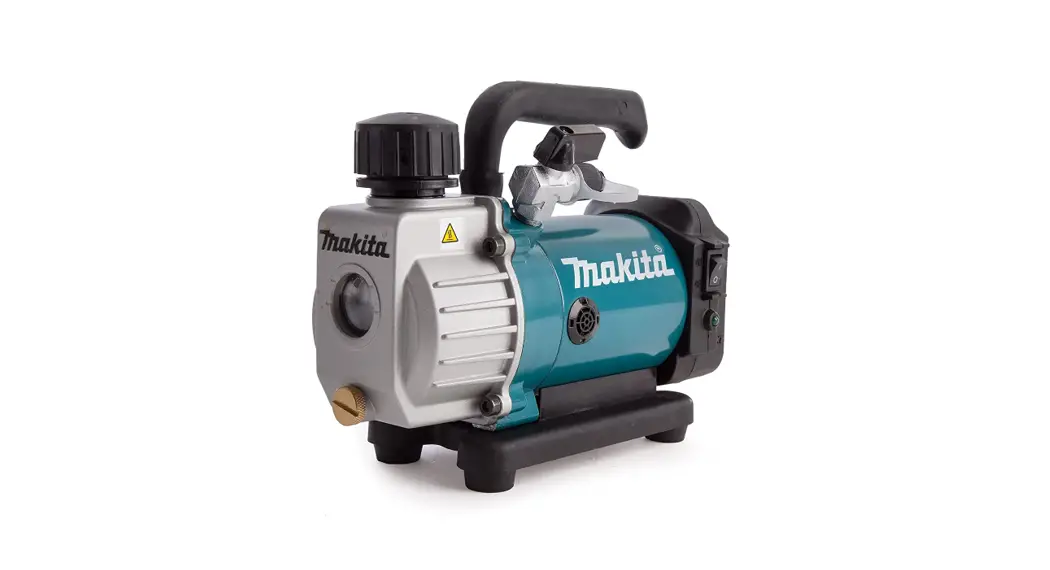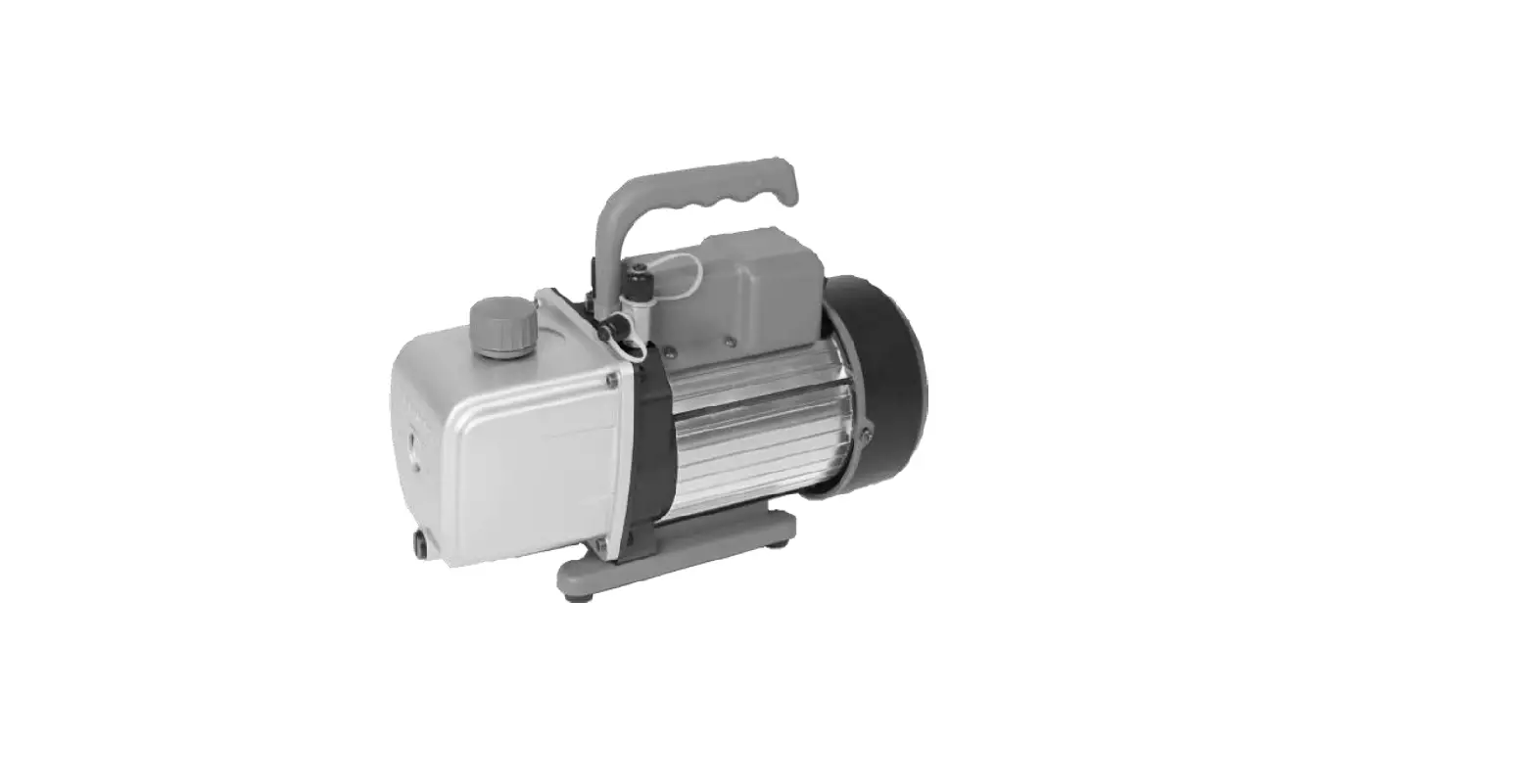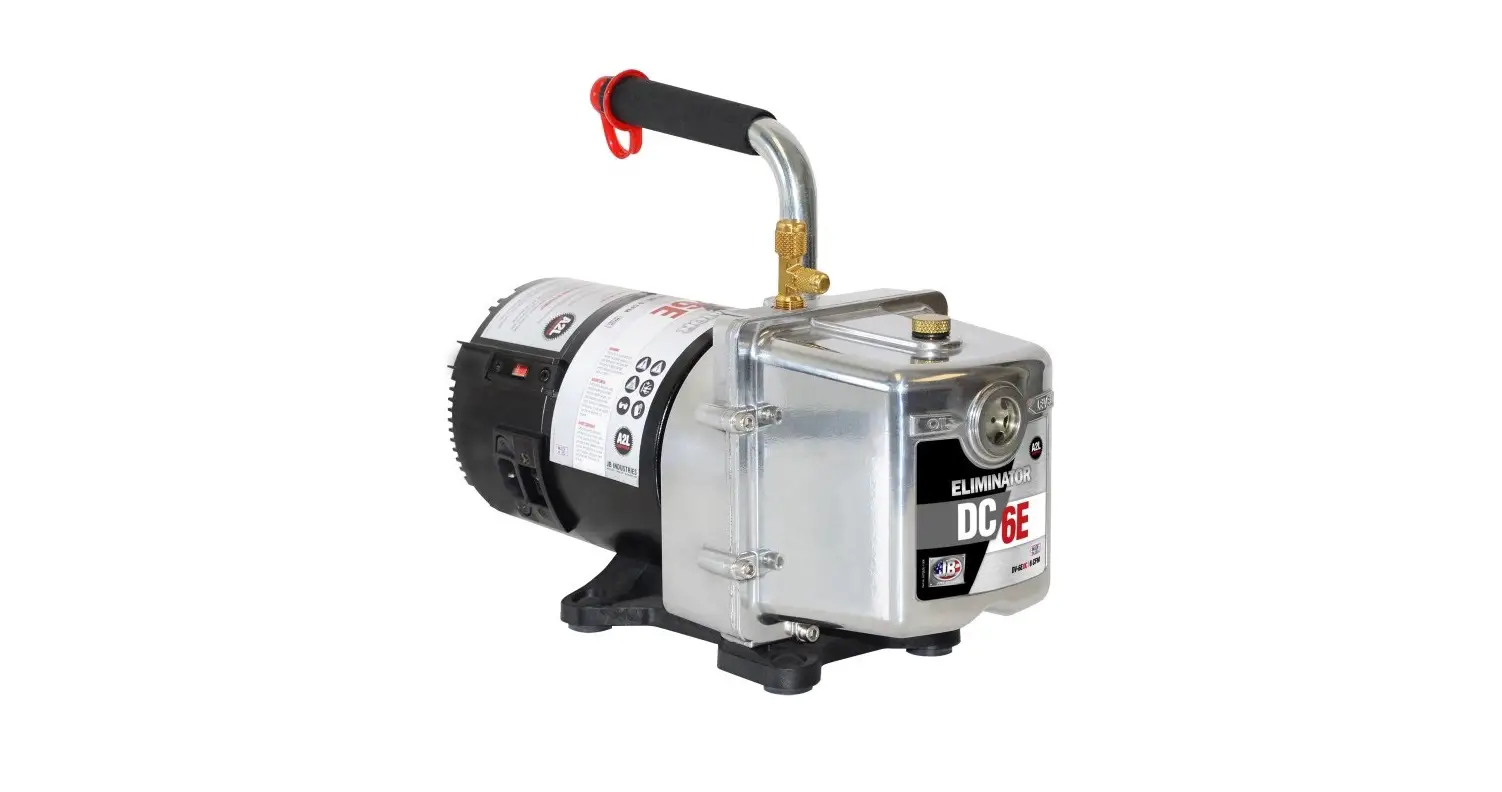
JB INDUSTRIES DV-6EDC 6 CFM Eliminator DC Vacuum Pump Instruction Manual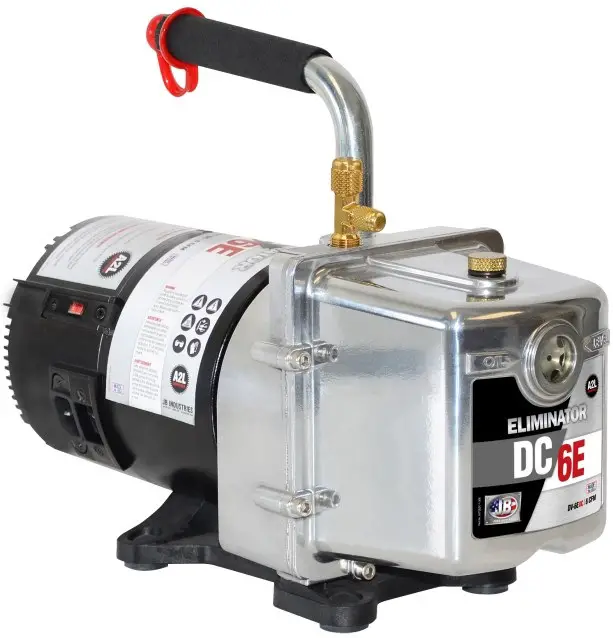
 WARNING: UNIT DRAINED OF OIL FOR SHIPMENT. DO NOT OPERATE WITHOUT ADDING OIL.
| ELIMINATOR® DV-6EDC | |
| CFM | 6 CFM |
| MOTOR | 1/2 HP, DC |
| VOLTAGE | 115v/230v |
| INTAKE PORT | 1/4″ x 3/8″ |
| OIL CAPACITY | 25 oz |
| WEIGHT | 24 lb |
IMPORTANT
WARNING: UNIT DRAINED OF OIL FOR SHIPMENT. DO NOT OPERATE WITHOUT ADDING OIL.
INTRODUCTION
Each ELIMINATOR® vacuum pump has been factory tested to guarantee 25 microns (25,400 Microns = 1 Inch of Hg) or better, and listed CFM performance. The serial number has been recorded. Complete and mail the enclosed Warranty Registration Card or register online at www.jbind.com to validate your warranty.
NOTE: ELIMINATOR® pumps are not to be used on Ammonia or Lithium Bromide (salt water) systems. Pump maintenance is the responsibility of the owner.
MOTOR SPECIFICATIONS
Pump and oil must be above 30°F. Line voltage must be equal to motor nameplate ±10%. Normal operating temperature is approximately 160°F, which is hot to the touch. Line voltage and ambient conditions can slightly affect this. Motor has automatic resetting thermal overload protection.
The ELIMINATOR® is designed for continuous duty and will run for extended periods without overheating.
International Dual Voltage Pump
ELIMINATOR® -250 Series models feature a dual voltage motor with switch and removable, interchangeable power cord. Specify US, EU, UK, AU or BR plug type.
Spark-Proof Pump
ELIMINATOR® -250SP Series models feature a spark-proof, dual voltage motor with switch and removable, interchangeable power cord for use with A2L refrigerant gases such as R32 and 1234yf, DV-6E-250SP.
OPERATION
The following procedures will prevent oil from being drawn into the pump cartridge and creating hard start-up.
Start-up: Close both sides of manifold and make connection to vacuum pump or auxiliary blank-off equipment. Start pump.
Shutdown: Crack open unused port to break vacuum. Allow pump to run 2-3 seconds. Shutdown and remove hose connections and cap intakes.
PUMP MAINTENANCE
In order to make the best use of your investment, familiarize yourself with the features and operating instructions before starting pump. With routine care and following proper maintenance guidelines, your ELIMINATOR® will give you years of reliable service. ELIMINATOR® pumps are designed for deep vacuum work in air conditioning and refrigeration systems.
Adding Oil
Step 1: Slowly add oil until level rises to the top of the oil level line.(Figure 1)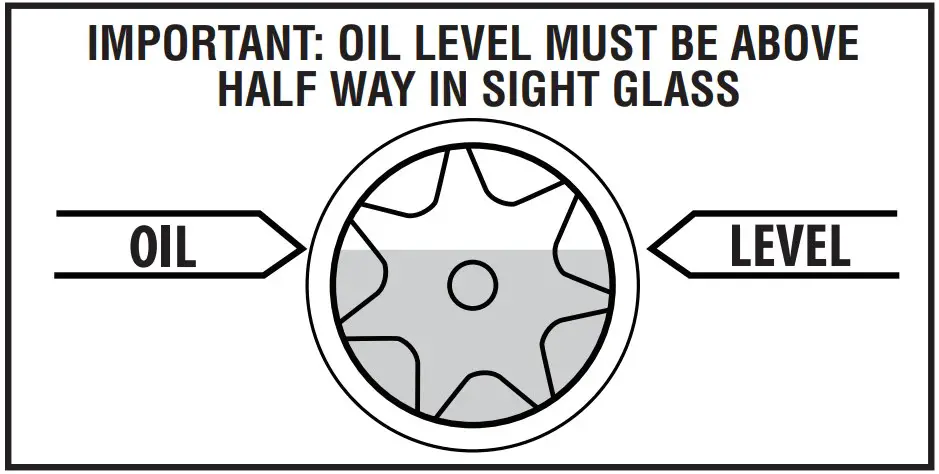
Step 2: Replace oil fill plug.
If oil level is too low, you will hear air out of the exhaust. If oil level is too high, excess oil will be blown out of the exhaust.
IMPORTANT: Use oil specifically refined for deep vacuum pumps. Using oil not refined for deep vacuum pumps and/or operating with contaminated oil will void warranty.
Pump oil should be changed after each use. If system is heavily contaminated, oil may have to be changed several times during evacuation. After initial fill up, it is best to check oil level with pump running.
After evacuation, oil contains rust forming water and corrosive acids. Drain immediately while pump is warm.
Changing Oil
To reach deep vacuum, ELIMINATOR® pumps need clean, moisture-free oil throughout evacuation. Care should be taken to avoid contact on skin and clothing when changing oil. Used oil should be disposed of in the DV-T1 TANK Oil Caddy after every evacuation while the pump is warm and the oil is thin.
Step 1: Place the TANK on a level surface. Unscrew black plug in drain base\ to open.
Step 2: Place vacuum pump in the cradle and drain pump.
Step 3: When pump has finished draining, replace black plug. The TANK can hold up to five oil changes.
Step 4: Close oil drain valve on pump. Remove oil fill plug and fill to top of oil level line with BLACK GOLD Pump Oil (Figure 1). Replace oil fill plug.
Flushing Oil
Step 1: Always drain pump before flushing. If the oil is badly contaminated, flushing may be necessary.
Step 2: Slowly pour 1/3 to 1/2 cup of BLACK GOLD Pump Oil into the intake connection while pump is running.
Step 3: Repeat as required until contamination is removed from oil reservoir, pump rotors, vanes and housing.
Step 4: Dispose of all oil used in flushing of pump.
WARNING: DO NOT START PUMP BEFORE ADDING OIL
Black Gold Pump Oil
Acts as a coolant, lubricant and sealant—simultaneously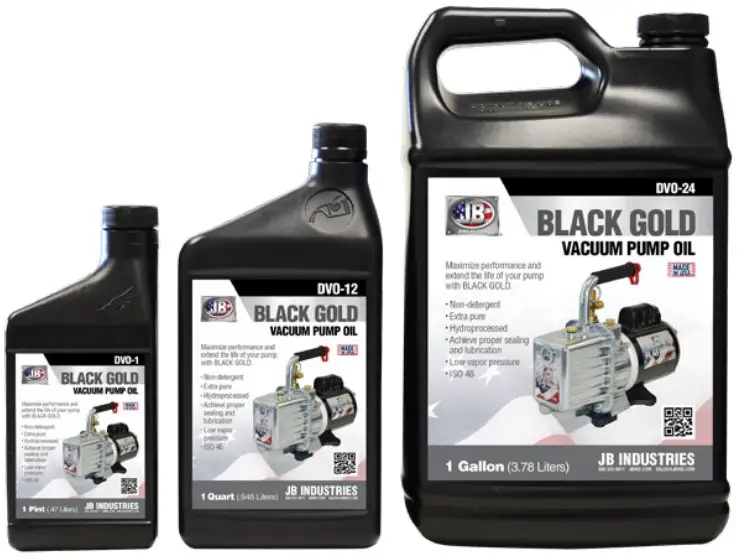
DV-T1 Tank Pump Oil Caddy
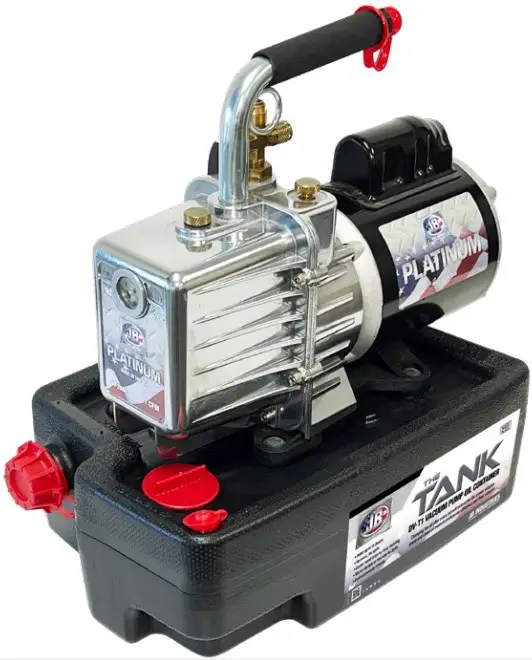
- Change oil between jobs
- No more mess and spills
- Easy, convenient, and portable
- Capacity for five oil changes
REPAIR PARTS – DV-6EDC
Repair parts can be ordered from your local JB wholesaler. When ordering please provide the following information:
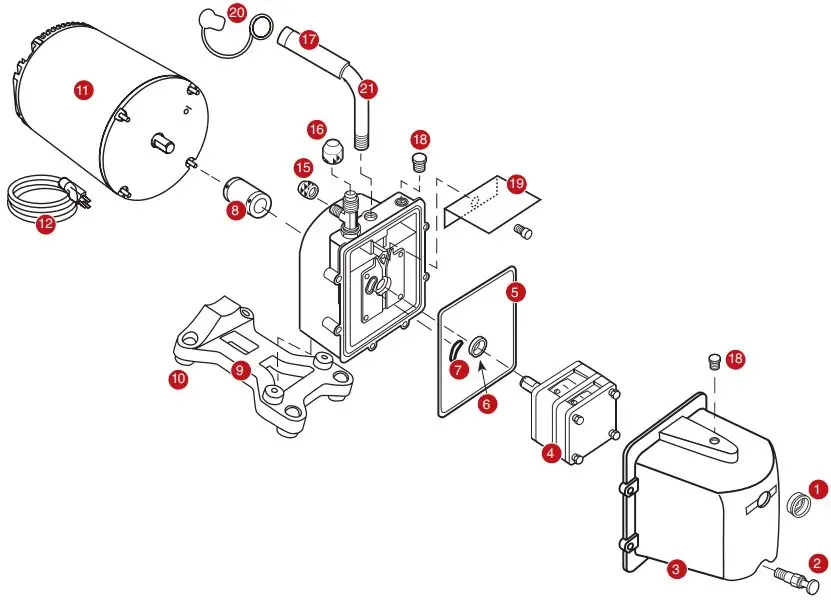
| REF.NO. | PART NO. | DESCRIPTION |
| 1 | PR-1 | Sight glass* |
| 2 | PR-2 | Oil drain valve* |
| 3 | PR-10 | DV-3E, DV-4E and DV-6E cover assembly w/sight glass, drain valve and oil fill plug |
| 4 | PR-406 | DV-6E Cartridge complete w/o-rings and cover seal |
| 5 | PR-217 | Cover seal |
| 6 | PR-3 | Shaft seal |
| 7 | PR-315 | Trap intake o-ring |
| 8 | PR-208 | 2-1/2” Flexible coupler* |
| 9 | PR-62 | Pump base w/rubber feet and screws (4) |
| 10 | PR-59 | Rubber pump foot (1) |
| 11 | PR-607 | DC Motor |
| 12 | PR-49 | IEC 10 ft. locking cord |
| 14 | PR-63 | Intake tee w/cap |
| 15 | NFT5-4 | 1/4″ O-ring cap |
| 16 | NFT5-6 | 3/8″ O-ring cap |
| 17 | PR-501 | 1/2″ Rubber grip and cap |
| 18 | PR-22 | Oil fill plug w/o-ring |
| 19 | PR-40 | Stainless steel splash guard w/screw |
| 20 | DV-EP8 | 1/2″ Red tethered safety exhaust cap |
| 21 | PR-205 | 3/8″ Cushioned handle |
| PR-65 | 1/2″ Cushioned handle |
- Model number
- Serial number
- Part number and description
TROUBLESHOOTIN
| SYMPTOM | POSSIBLE CAUSE(S) | CORRECTIVE ACTION |
| Pump hard to start | A. Power cord not plugged in securely B. Motor switch not on C. Pump temperature below 30°F D. Pump has not been shut down properly | A. Plug power cord in securely B. Turn motor switch to ON position C. Warm up pump to 30°F and turn motor switch on D. Follow proper start up and shut down procedures |
| Pump won’t pull deep vacuum In order for your pump to pull to a near perfect vacuum, oil must be clean and moisture-free throughout evacuation. | A. Contaminated oil B. Oil level too low C. Air leak in system being evacuated D. Pump inlet fittings missing or not tightened E. Coupler slipping F. Missing or damaged seals or o-rings | A. Change oil B. Add oil C. Locate and repair leak(s) D. Clean or replace o-ring E. Tighten coupler set screws to flats of cartridge and motor F. Replace damaged seals or o-rings |
| Oil drips from point where shaft enters the pump housing | Damaged shaft seal | Replace shaft seal |
| Pump shuts down and will not start | A. Thermal overload may be open | A. Step 1: Disconnect pump from system Step 2: Wait approximately 15 minutes for motor to cool Step 3: Turn pump on Step 4: If it cycles off again, return for repair |
| Pump cycles on and off from a completely cold start and then runs smoothly | A. Oil backed up into cartridge and was being cleared out B. Pump has not been shutdown properly | Step 1: Remove 1/4″ cap Step 2: Turn pump on |
| Motor just hums | If pump has been dropped, the armature in motor may be out of alignment with the motor’s bell housing | Step 1: Set pump on bench with motor standing up Step 2: Loosen the four motor bolts Step 3: Shake motor and re-tighten motor bolts Step 4: Start pump If this doesn’t work, the pump most likely will need to be sent in for repair. |
| Motor runs, but no suction | A. Flexible coupler is either broken or loose | Step 1: Set pump on bench with motor standing up Step 2: Look between motor and pump housing from the bottom to see if the flexible part of the coupler is split or broken. If the coupler is not broken, the coupler may be spinning on either the shaft to motor or cartridge. Step 3: Replace cartridge. Instructions at www.jbind.com – Support – User Manuals. |
WARRANTY
ELIMINATOR® DC pumps are warrantied against defects in materials and workmanship for two years OTC— not changing oil will void warranty.
JB products are guaranteed when used in accordance with our guidelines and recommendations. Warranty is limited to the repair, replacement, or credit at invoice price, (our option) of products which in our opinion are defective due to workmanship and/or materials. In no case will we allow charges for labor, expense or consequential damage. Repairs performed on items out of warranty will be invoiced on a nominal basis; contact wholesaler for details. Product Warranty Registration, Limited Warranty and OTC Warranty are available online at www.jbind.com.
RETURN FOR REPAIR
In the event your pump requires repair, please contact JB Customer Service Department to obtain a Return Goods Authorization (RGA) number. Ensure that all returned products are packed to avoid any damage in shipment. Paperwork should be placed in a separate plastic bag and should include JB’s assigned RGA number, a description of the problem and any customer assigned repair or purchase order number, if applicable.
Contact Customer Service for RGA number:
800.323.0811 Toll-free phone
800.552.5593 Toll-free fax
Customers in Alaska, Arizona, California, Idaho, Montana, Nevada, Oregon, Utah, and Washington have the option of sending vacuum pump repairs to JB or Merced
| JB Industries | Merced AC Equipment Service |
| RGA#_________ | RGA#_________ |
| 601 N. Farnsworth Ave. | 805 S. Fremont |
| Aurora, IL 60505 | Alhambra, CA 91803 |
| 630.851.9444 Tel | 626.293.5710 Tel |
| 630.851.9448 Fax | 626.289.1961 Fax |
JB INDUSTRIES • ELIMINATOR DC 6 CFM VACUUM PUMP OPERATING MANUAL • 800.323.0811 • [email protected] • JBIND.COM PART NO.10348-308 0523

 HVAC Tools Manufacturer | JB Industries, Inc.
 IIS7
IIS7