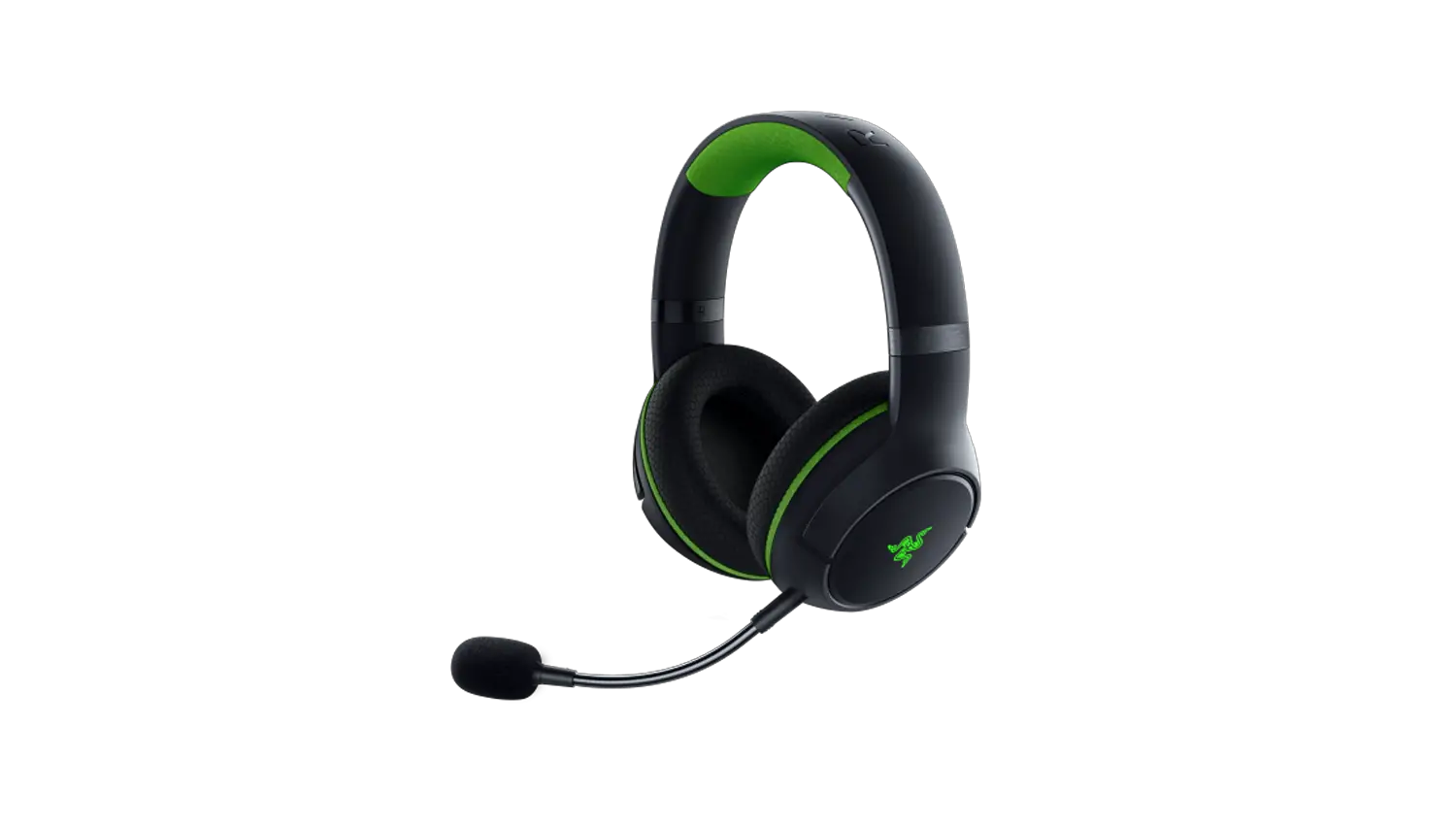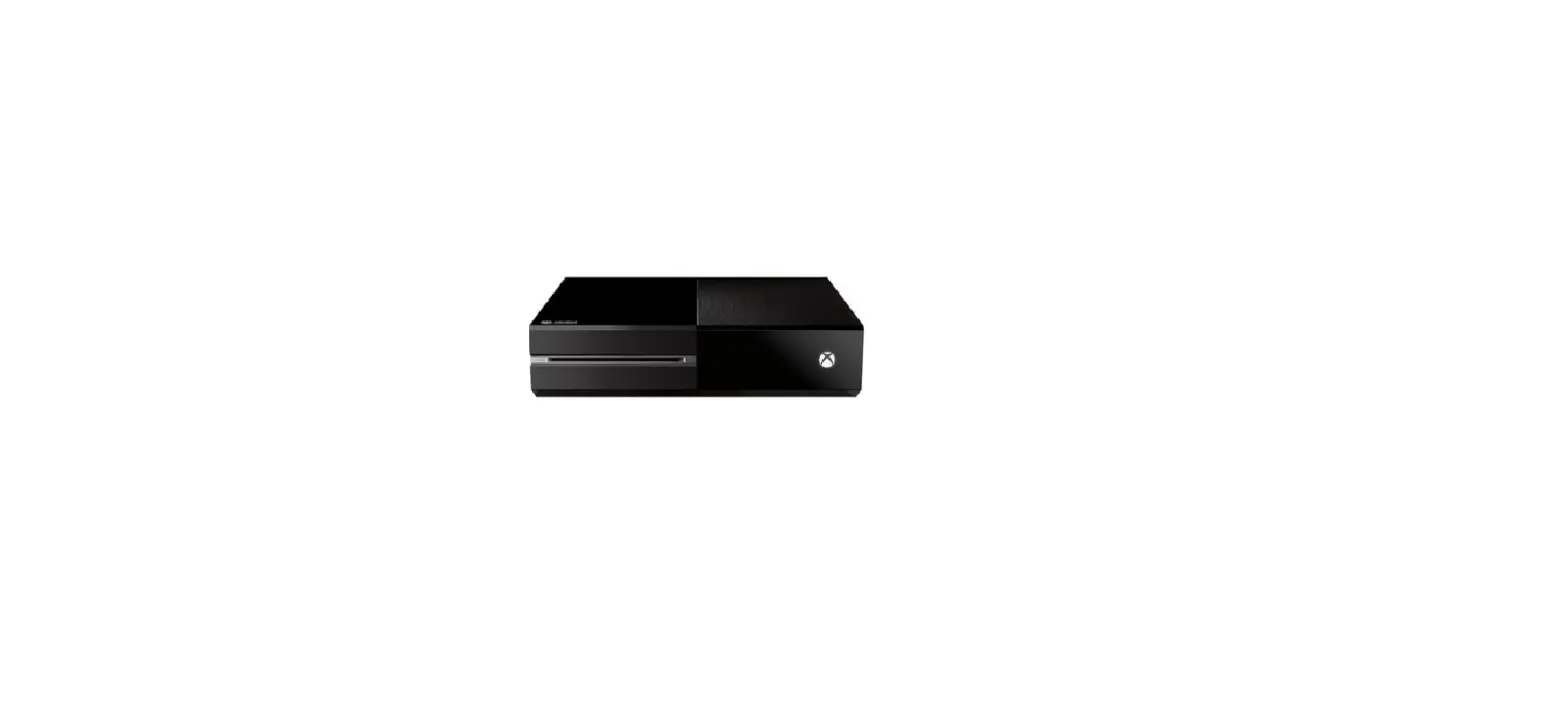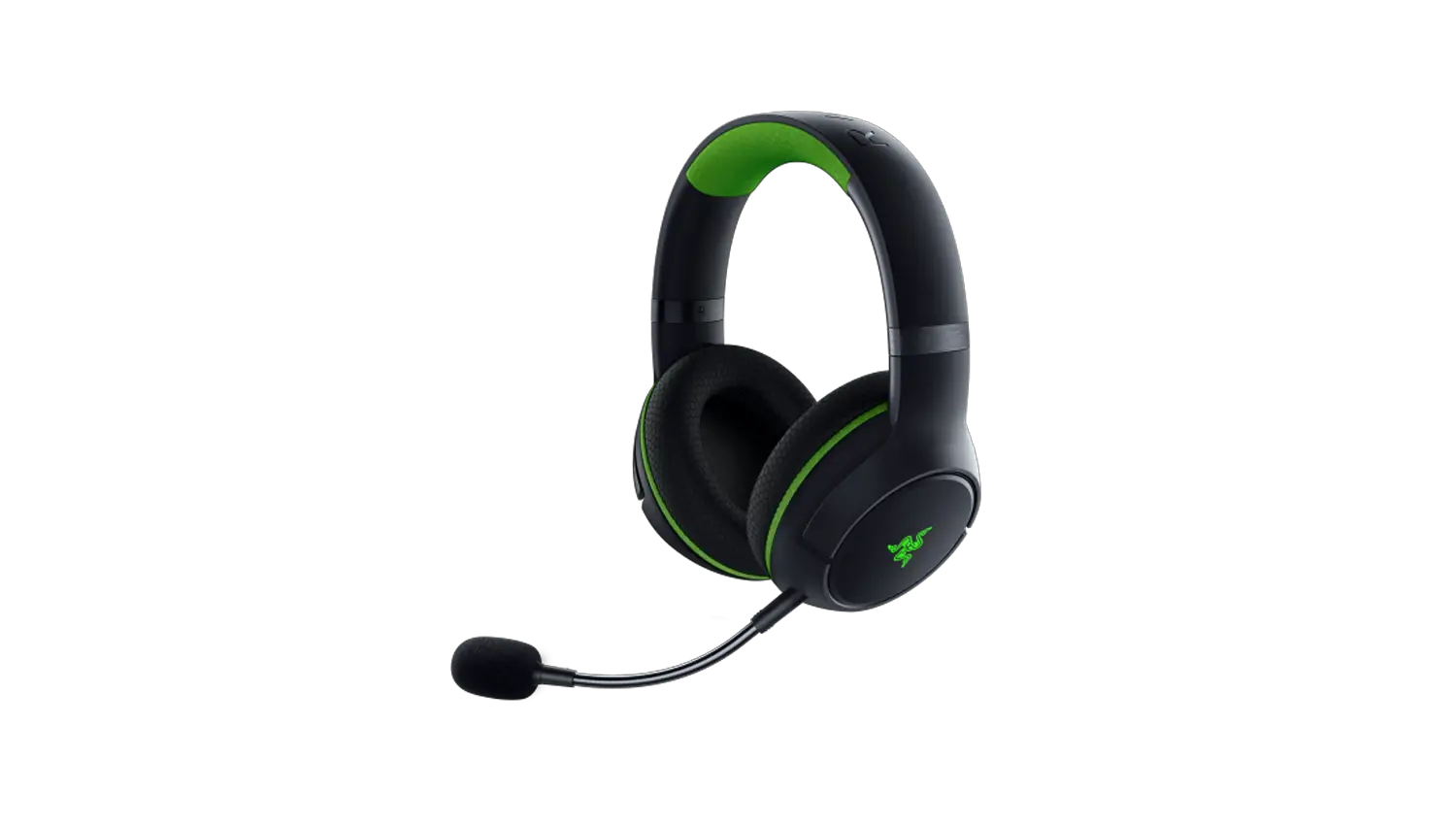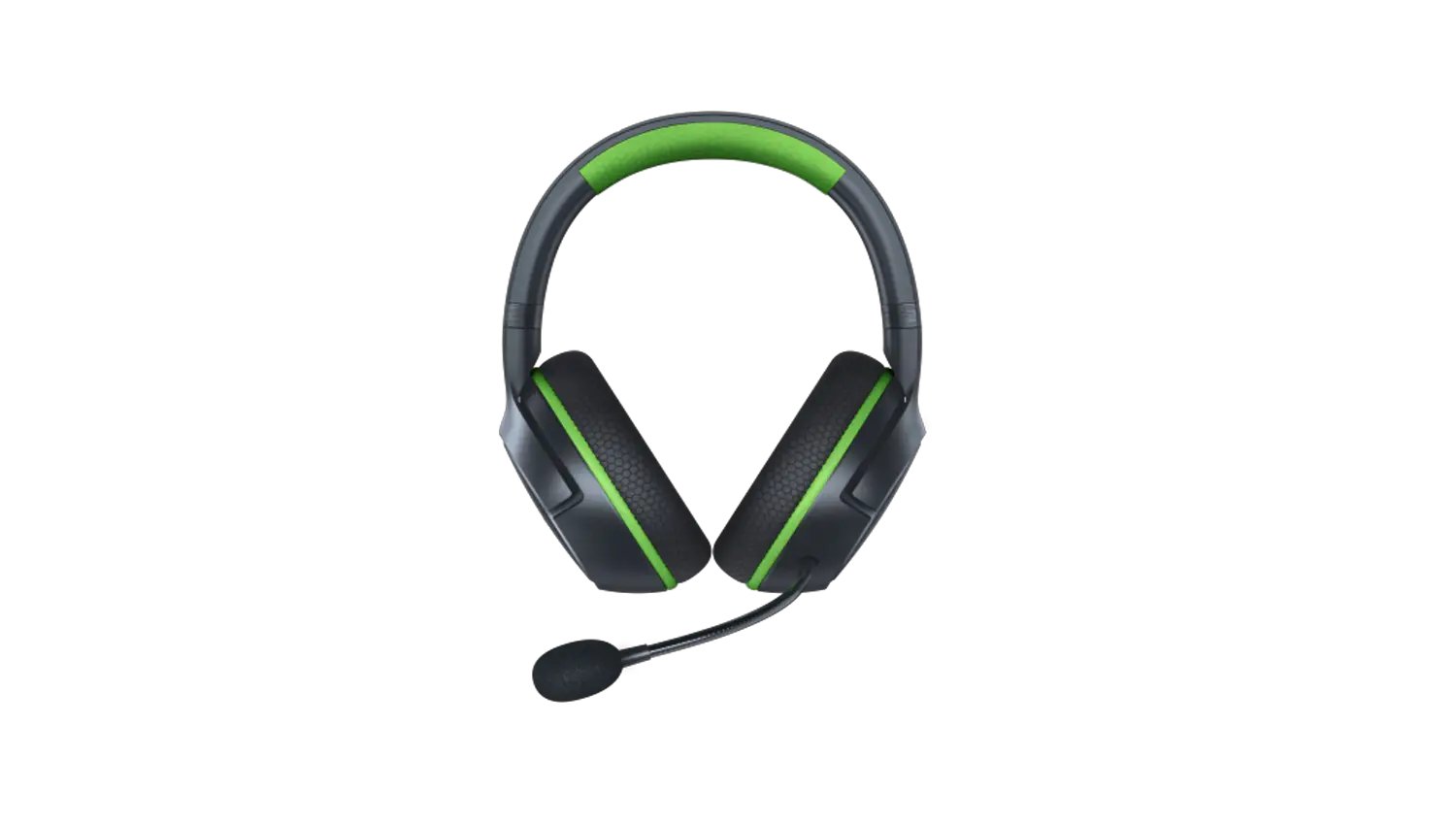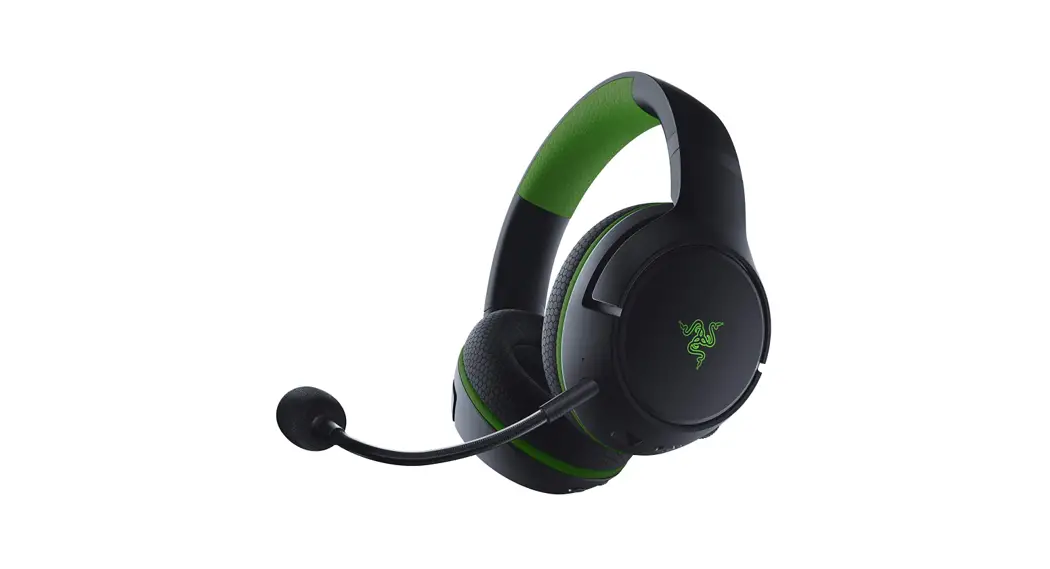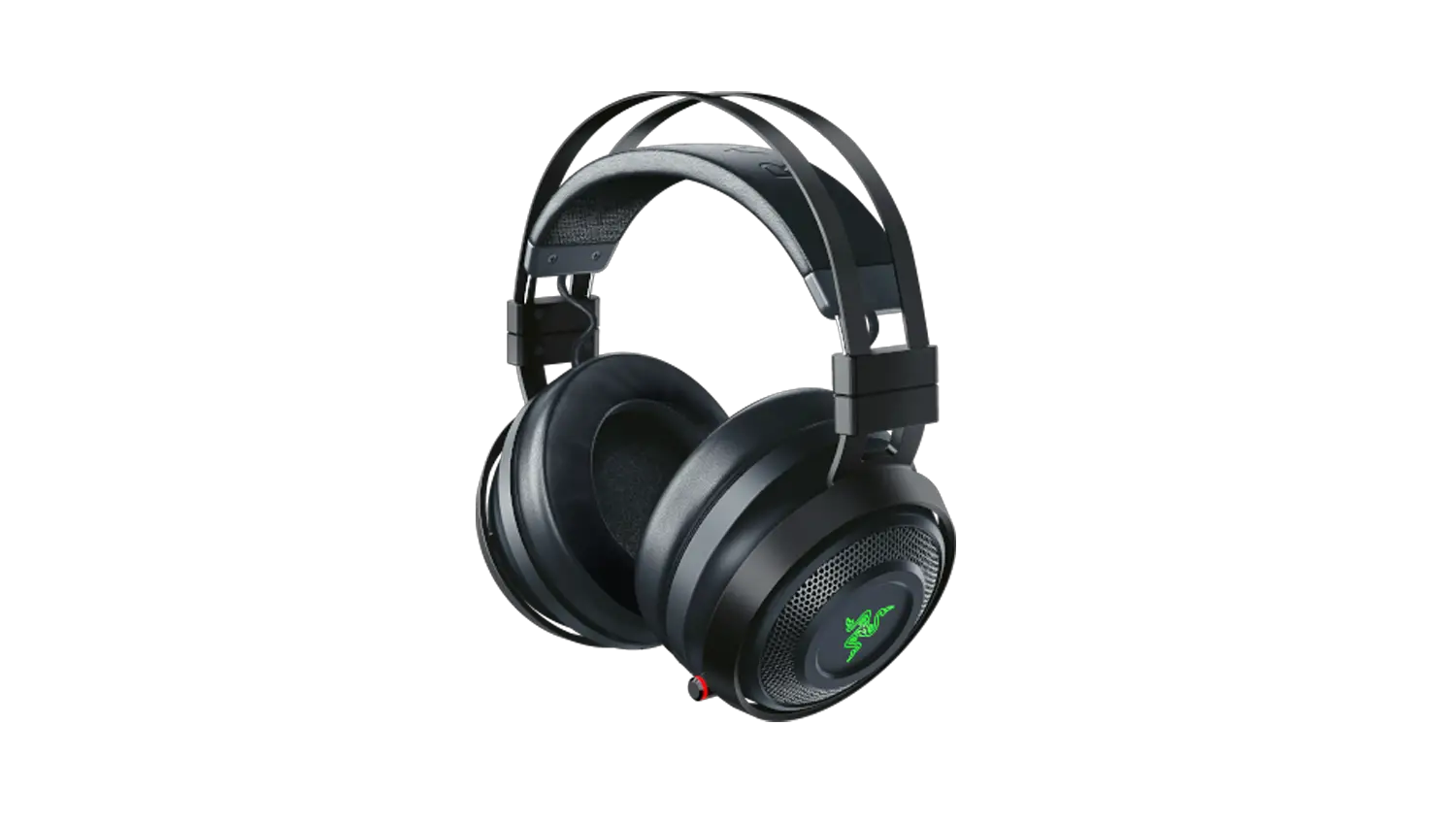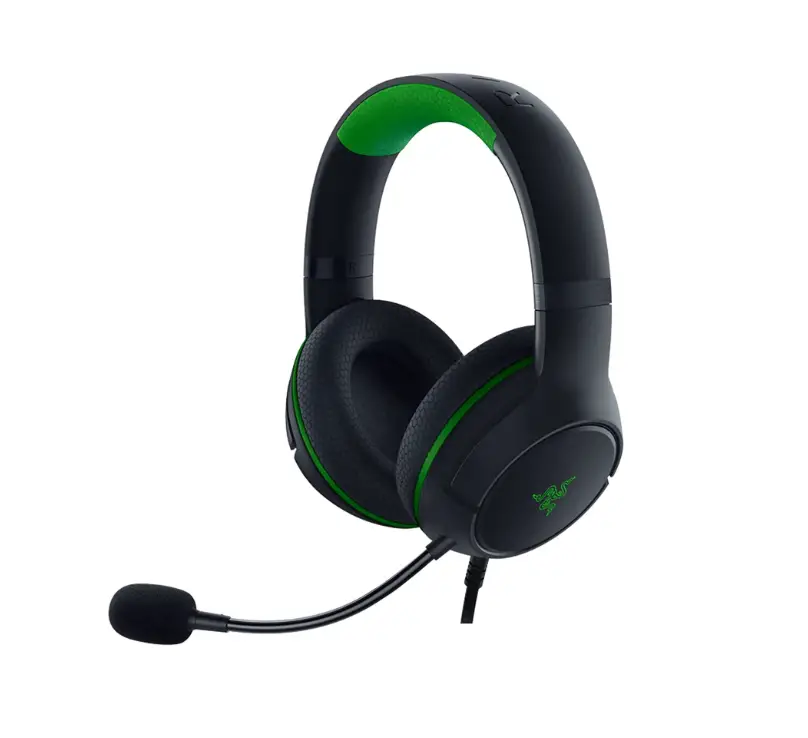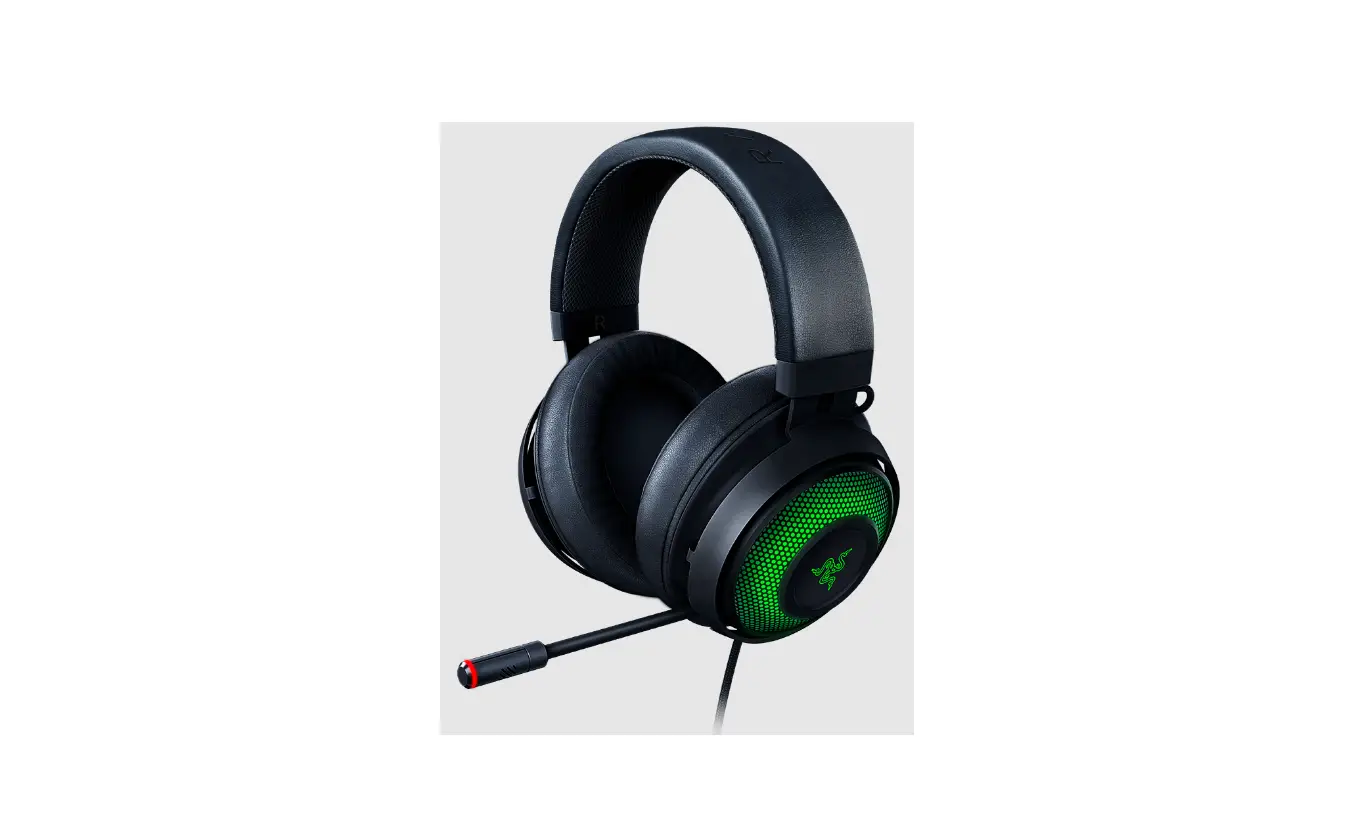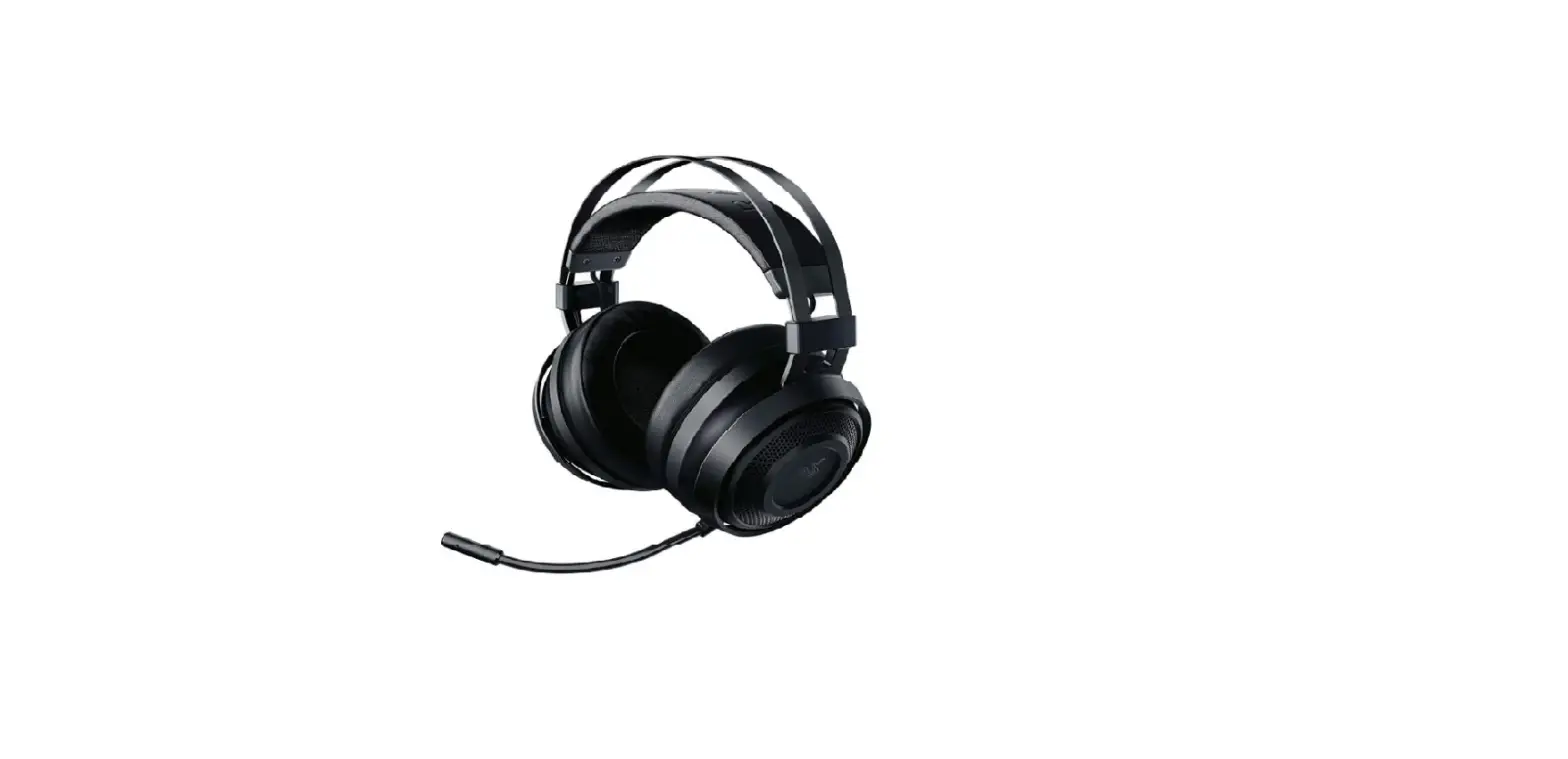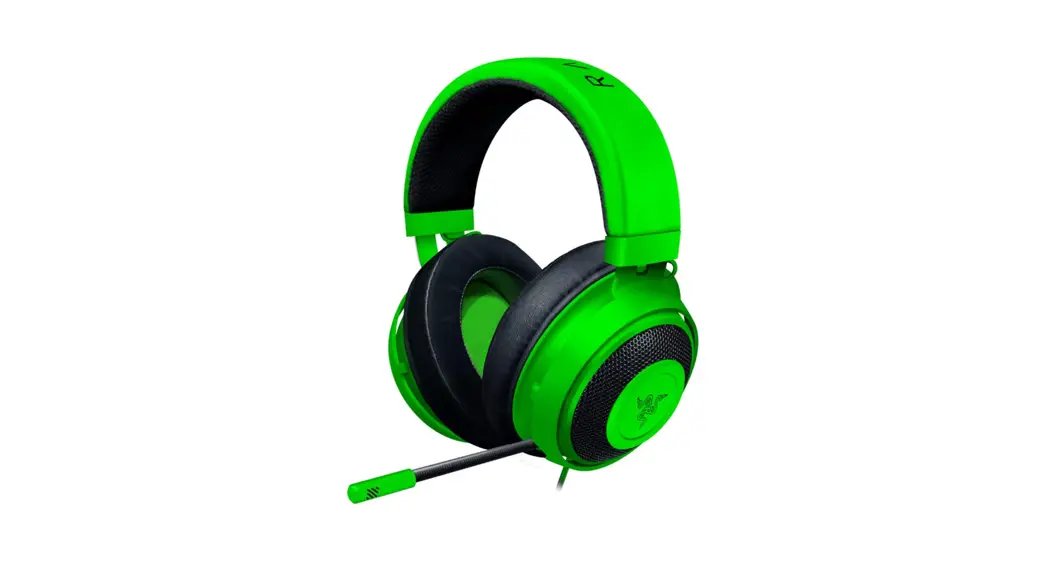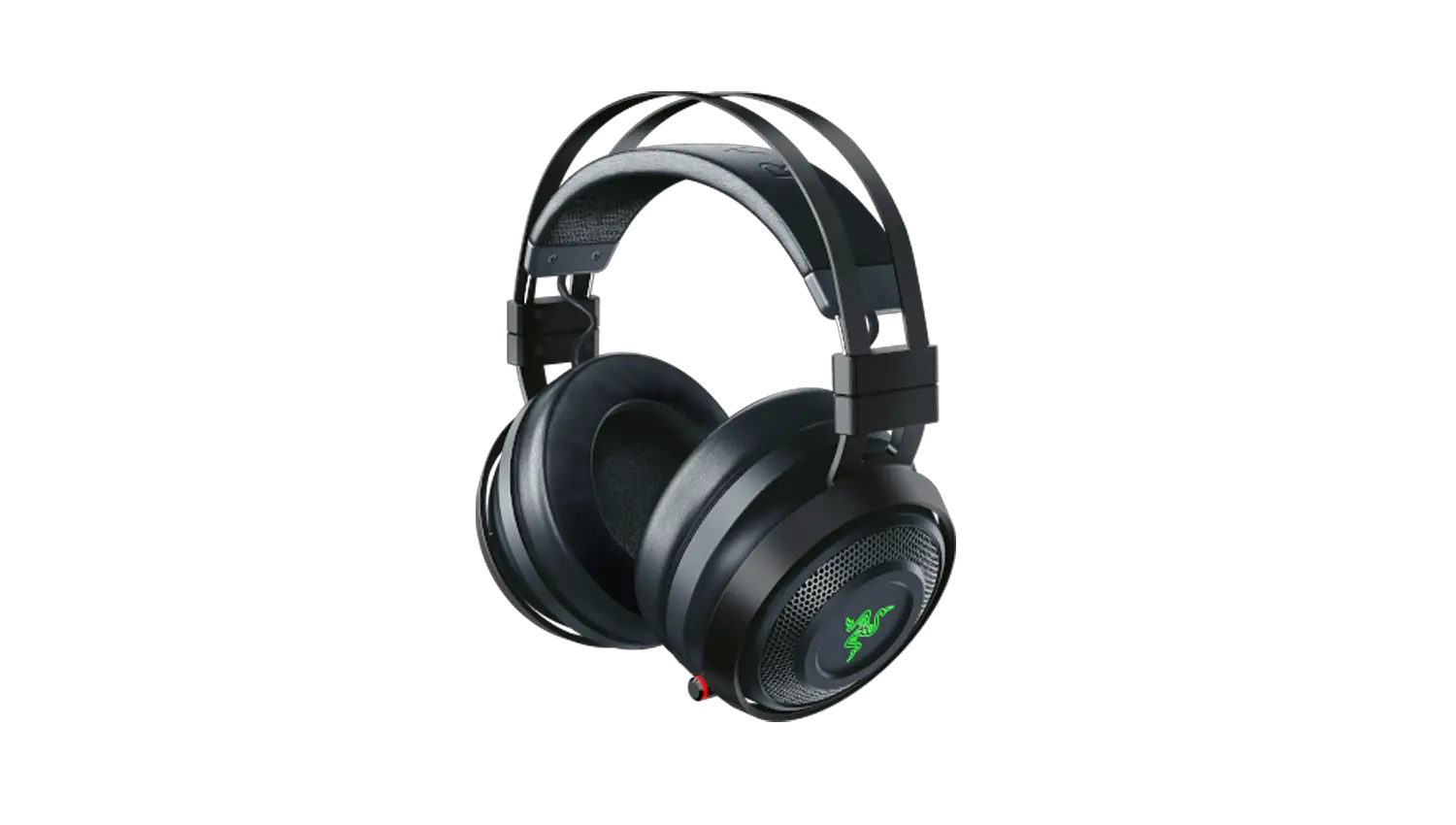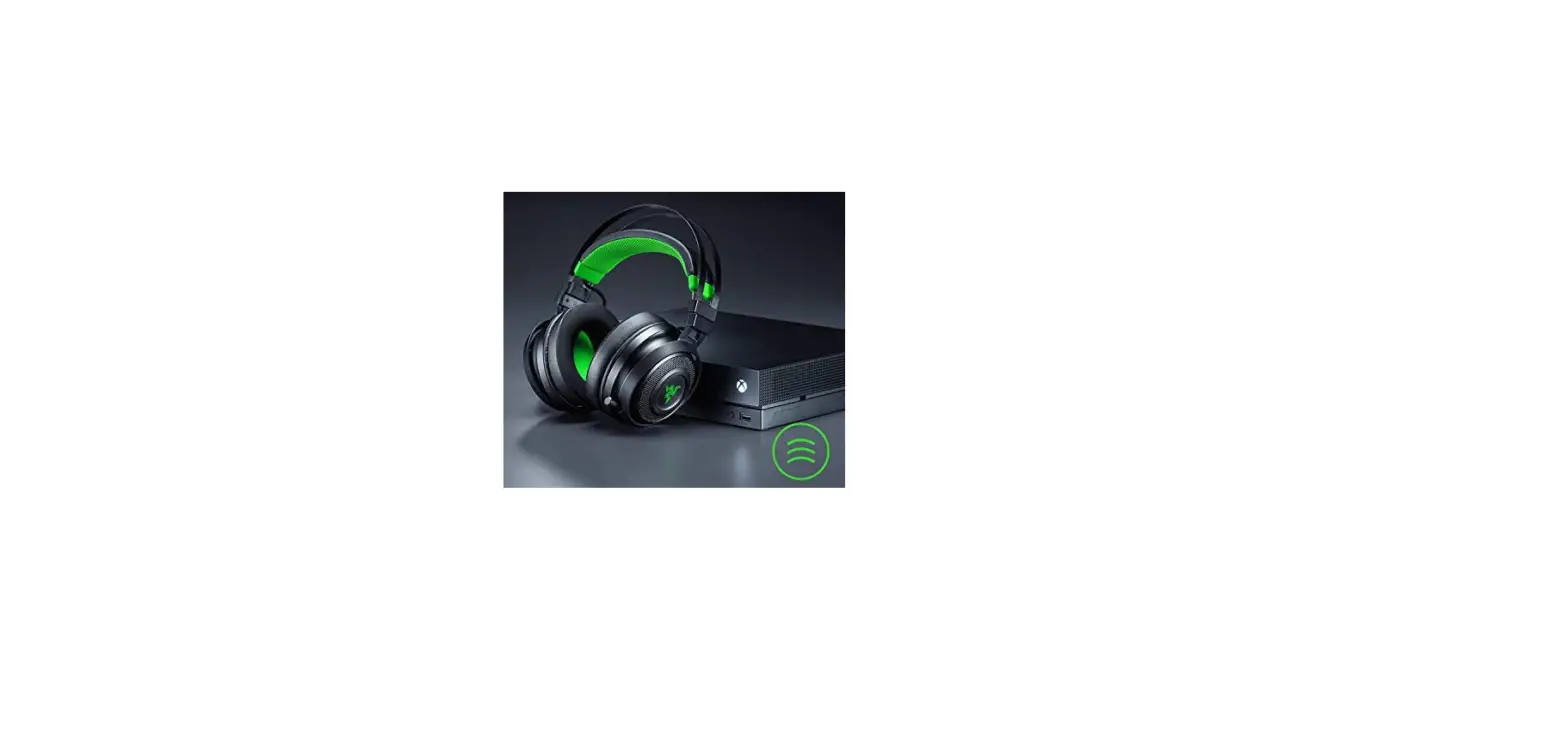
Pair a Razer Nari Ultimate for Xbox One headset to a Xbox One console
The steps below will guide you on how to pair your headset to your Xbox One.
Note: Make sure to power on your Xbox One and log into your Xbox Live account before connecting your Razer Nari Ultimate for Xbox One.
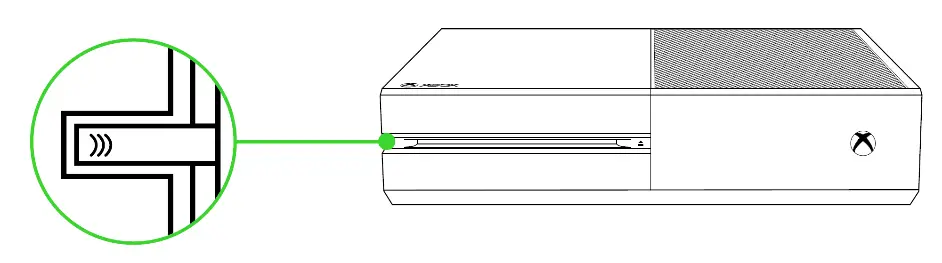
- Press the connect button on your console.

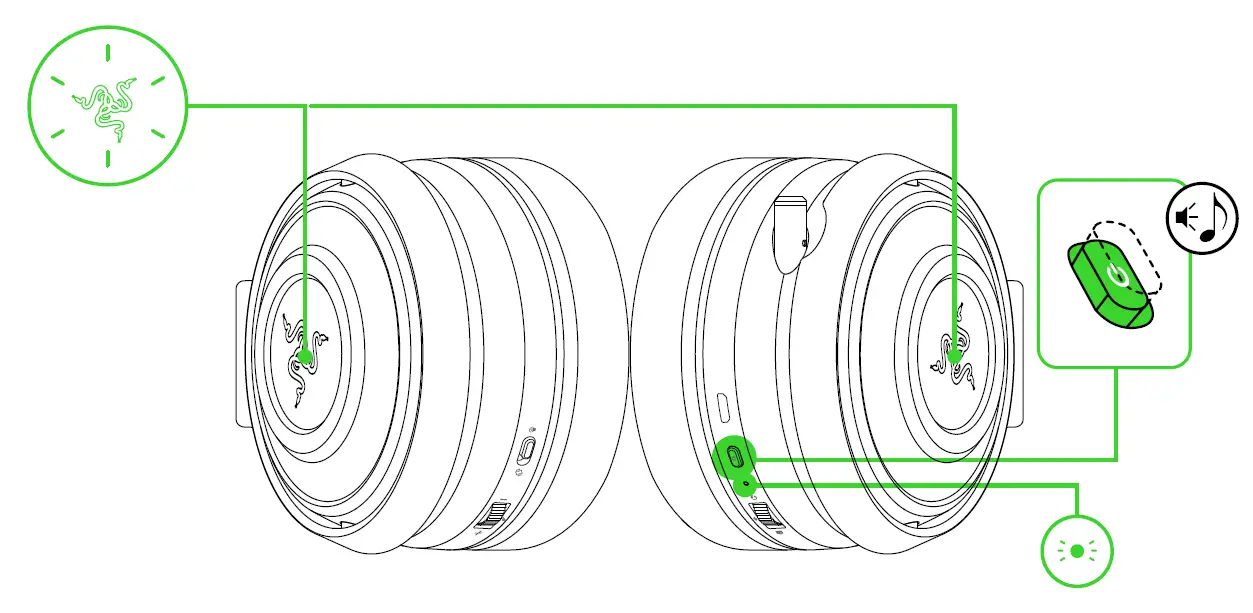
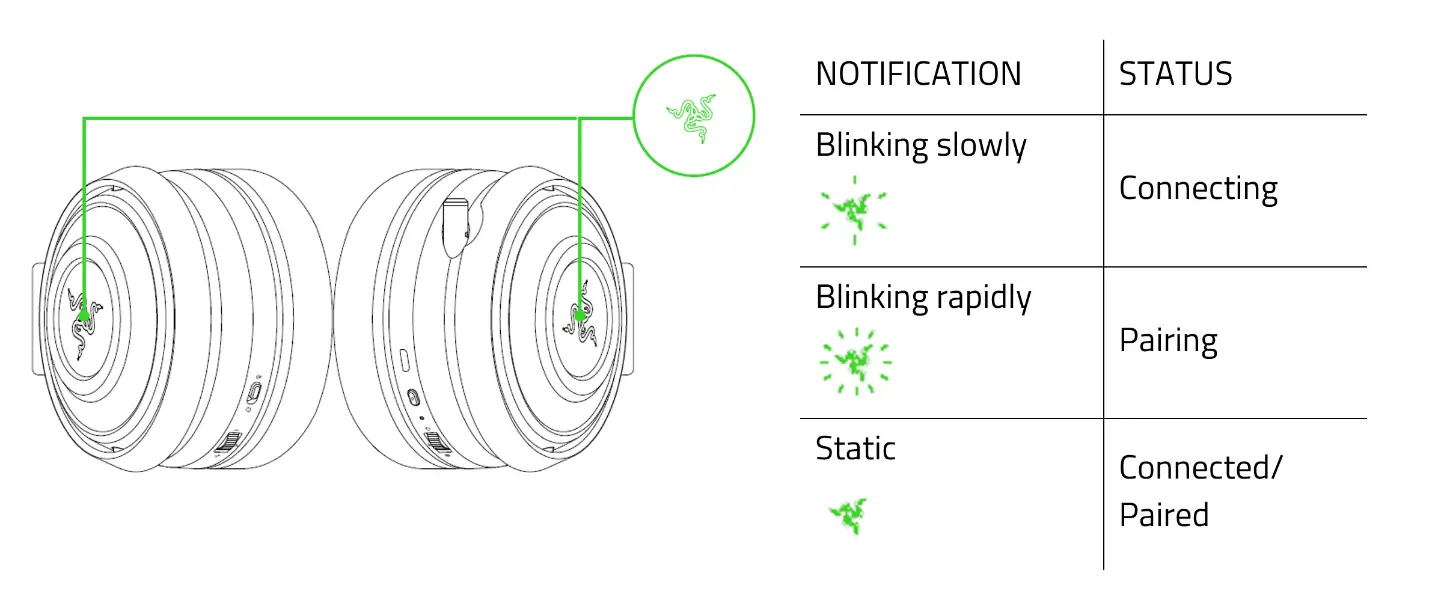
- While in power-off state, press and hold the headset power button until the Razer logo starts blinking rapidly.

- Wait until the Razer logo becomes static green to notify that the headset is paired.