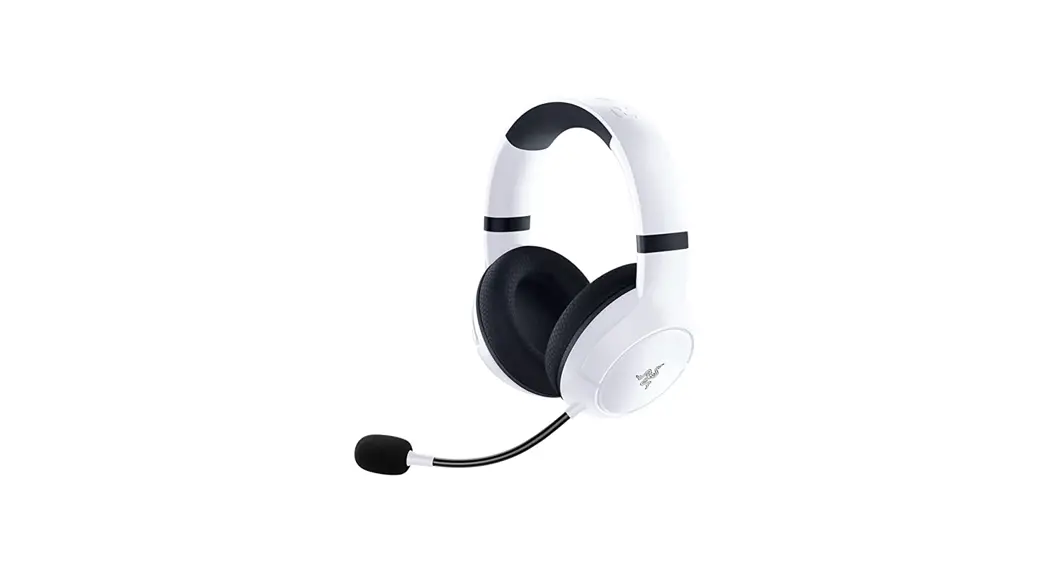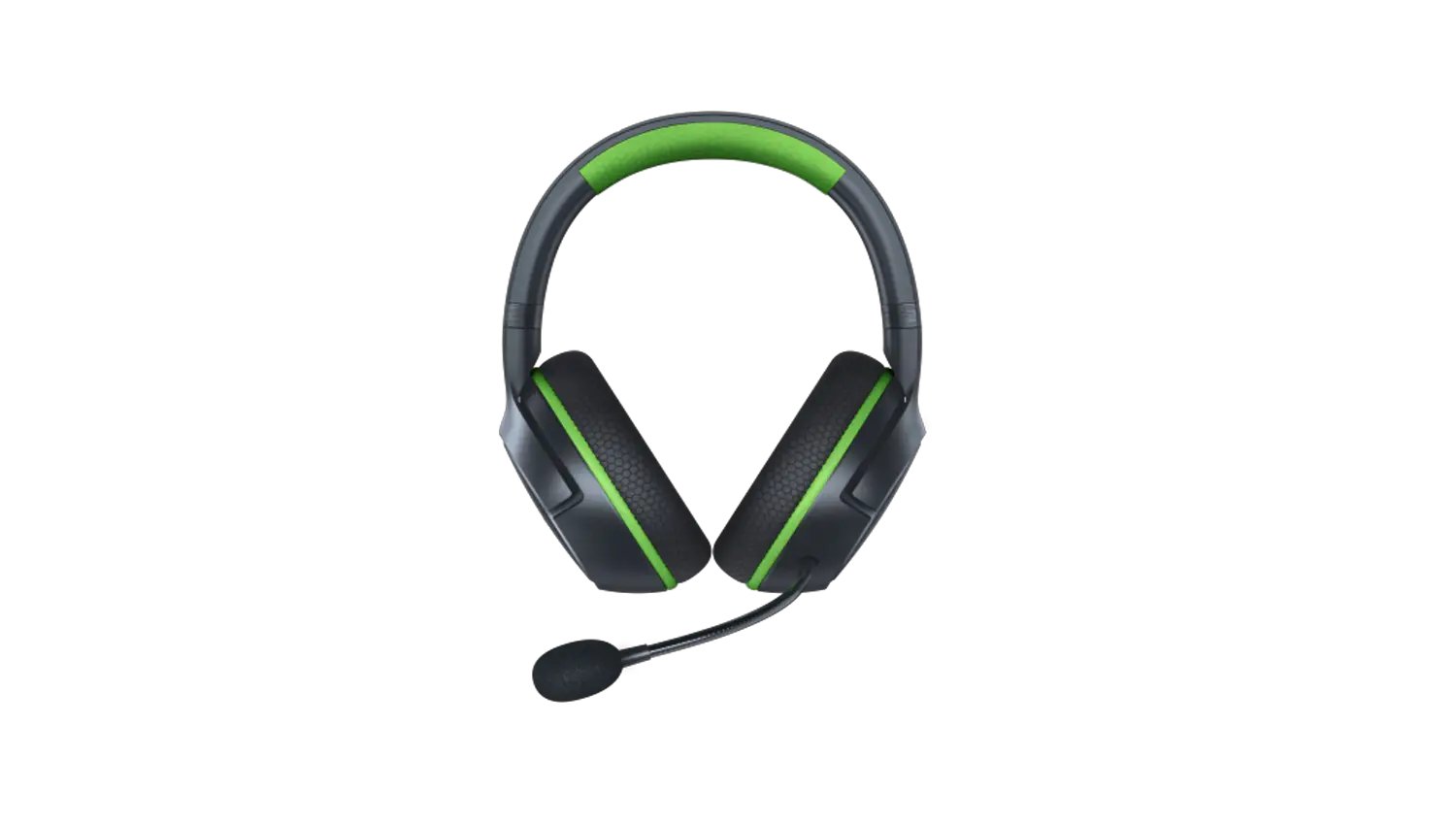
How to pair my Razer Kaira for Xbox
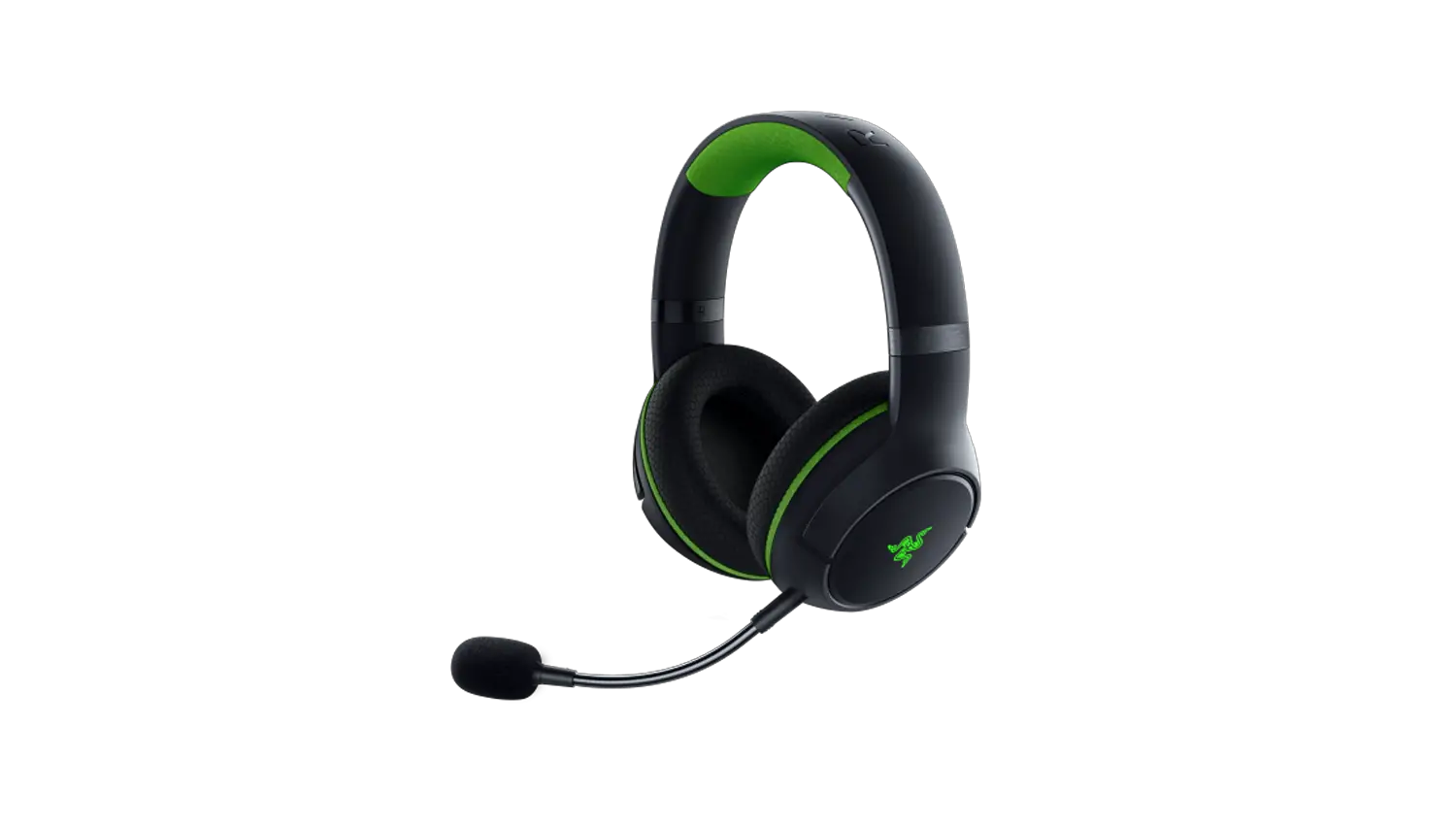
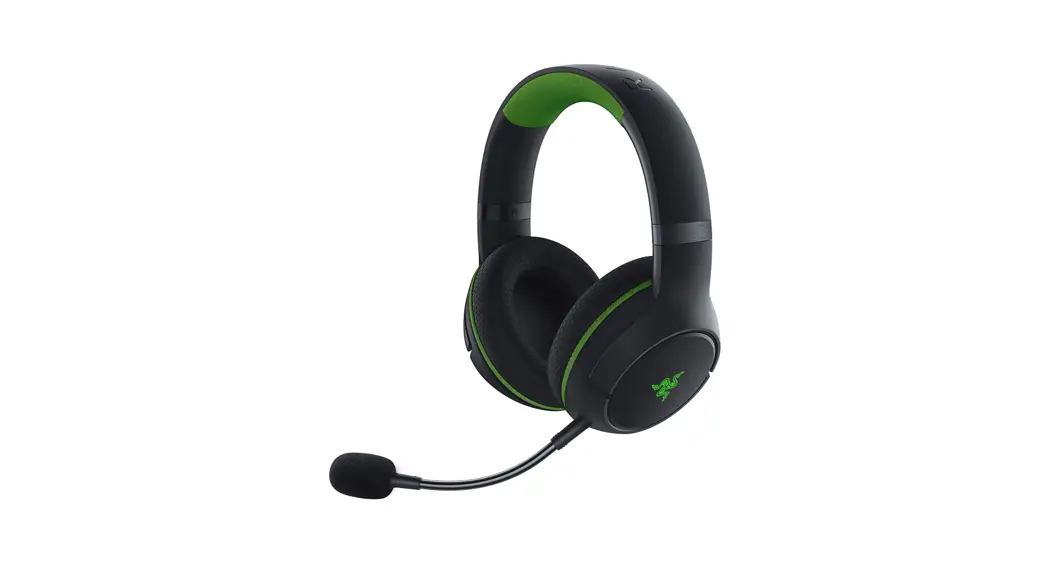
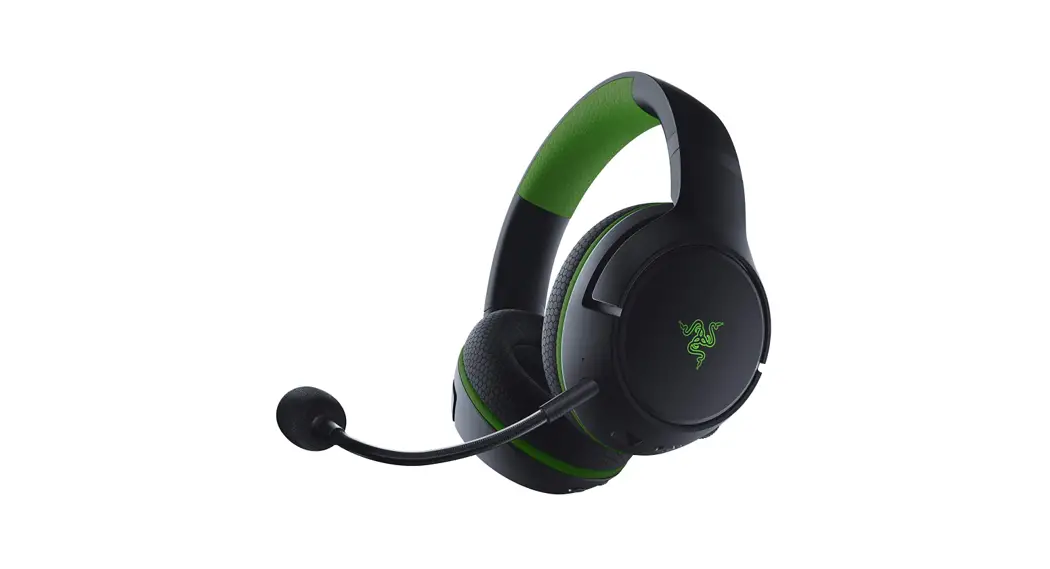
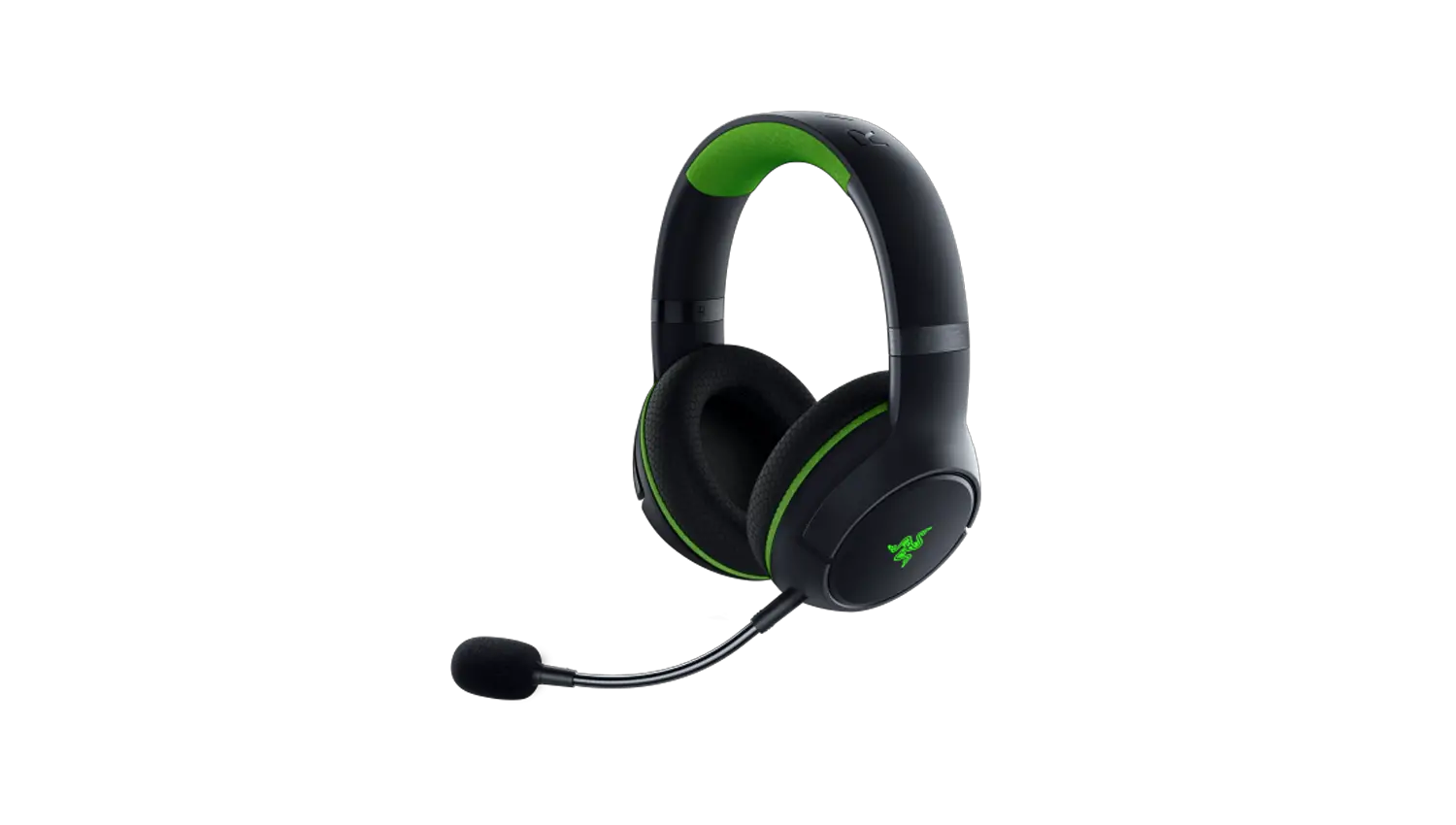
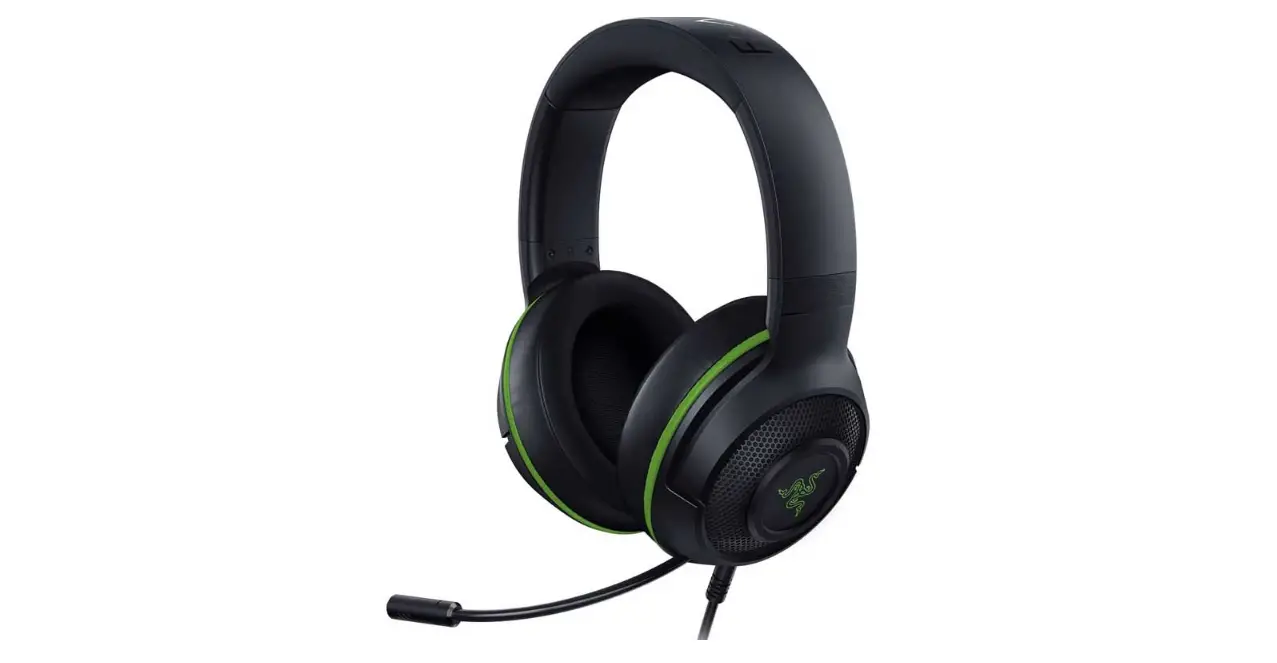
There are two ways to pair your Razer Kaira for Xbox, please follow the steps below to pair your Razer Kaira for Xbox to your Xbox console.
A. TO YOUR XBOX CONSOLE
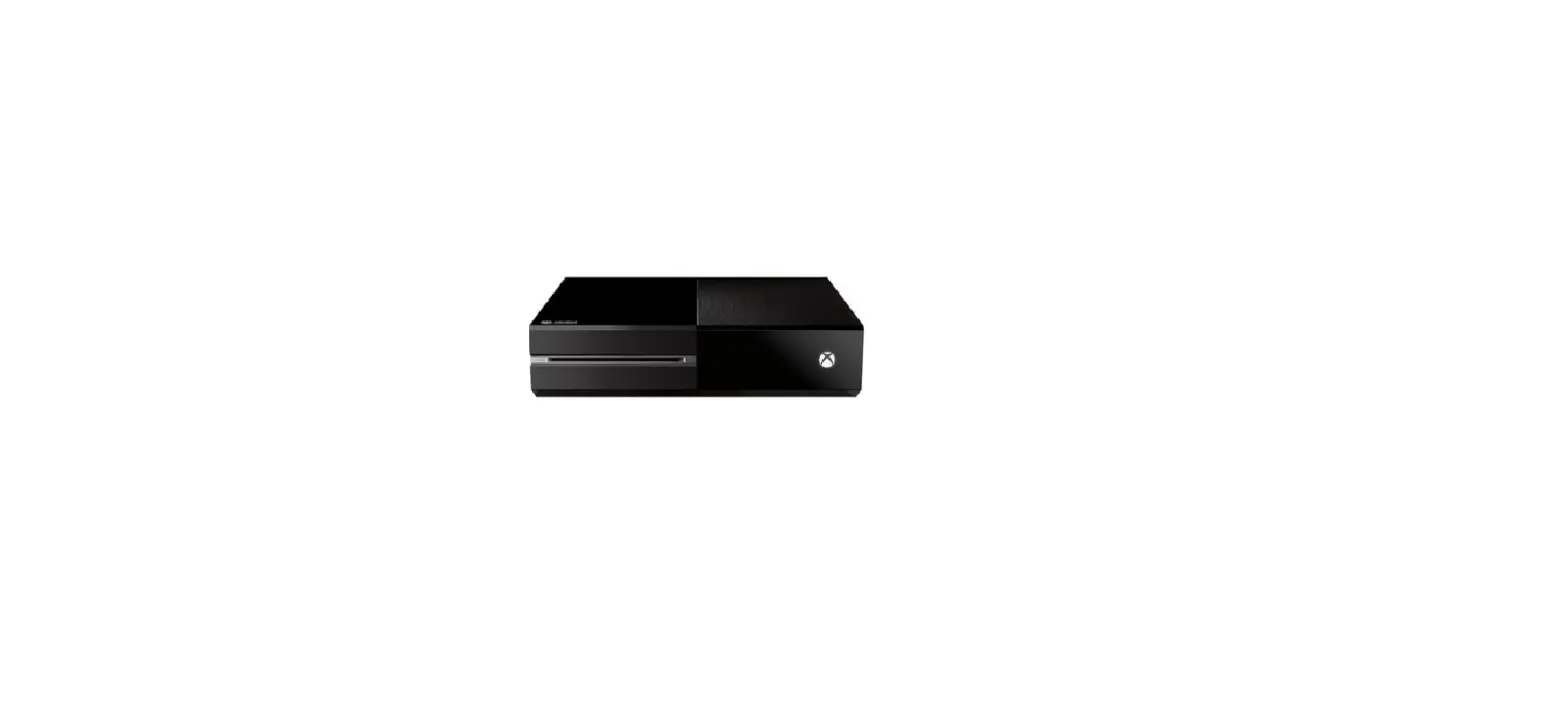
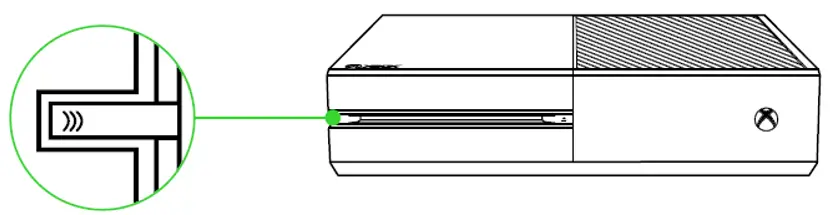
- Press the Connect button on your console.

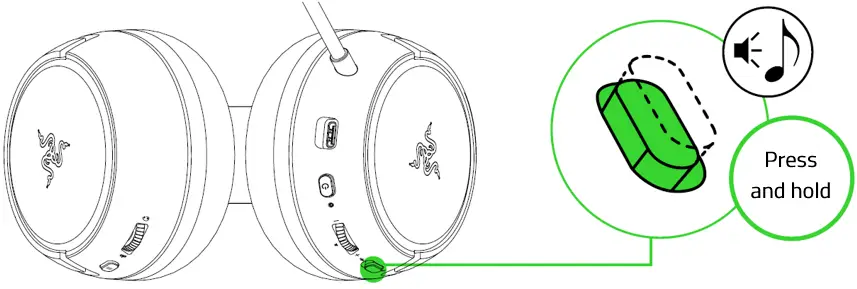
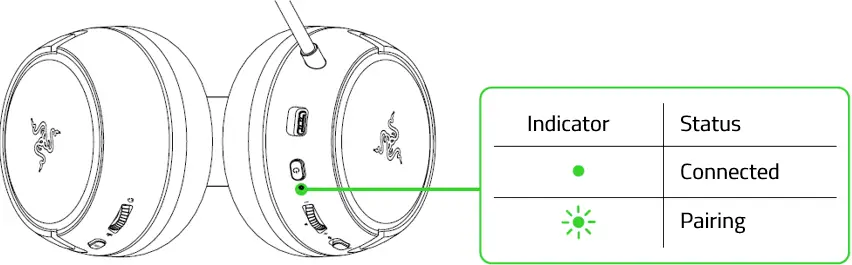
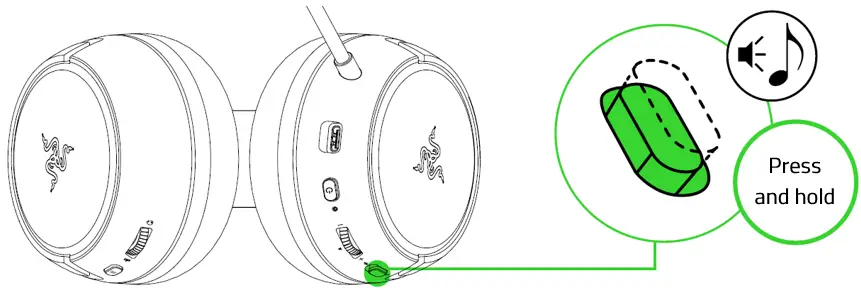
- Press and hold the power button until the status indicator is briefly lit or until you hear a tone.

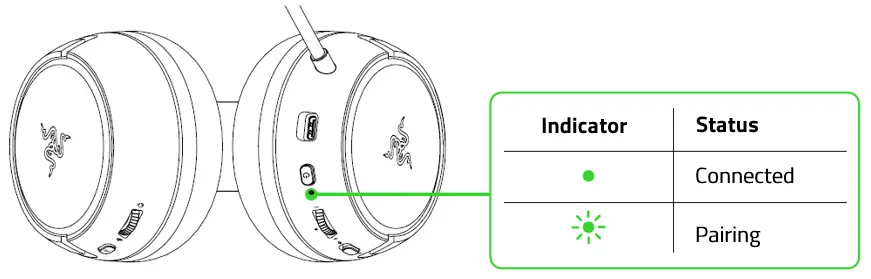
- Wait until the status indicator becomes static green, indicating that the headset is now paired to the Xbox console.

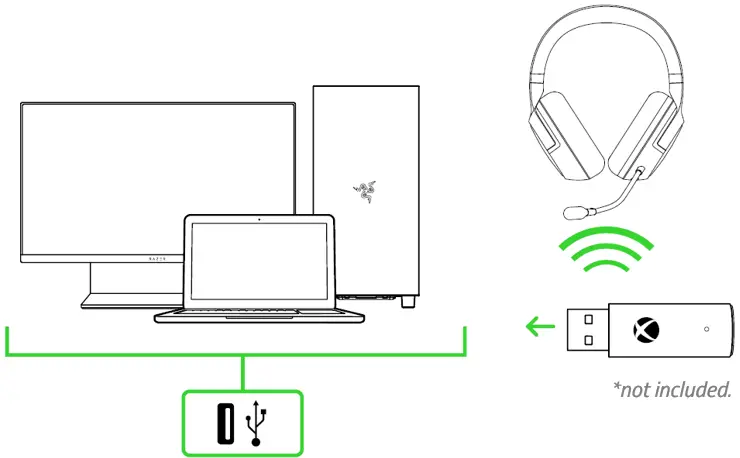
B. TO YOUR PC VIA XBOX WIRELESS ADAPTER FOR WINDOWS 10*
Make sure that your Xbox Wireless Adapter for Windows 10 is up-to-date. Some systems have Xbox Wireless built-in which allows you to pair your headset by using Bluetooth & other devices in Settings.
- Plug your Xbox Wireless Adapter in for Windows 10* to your PC and then press its Connect button.

- While powered off, press and hold the power button until the status indicator is lit, or until you hear a tone.

- Wait until the status indicator becomes static green, indicating that the headset is now paired to the wireless adapter.