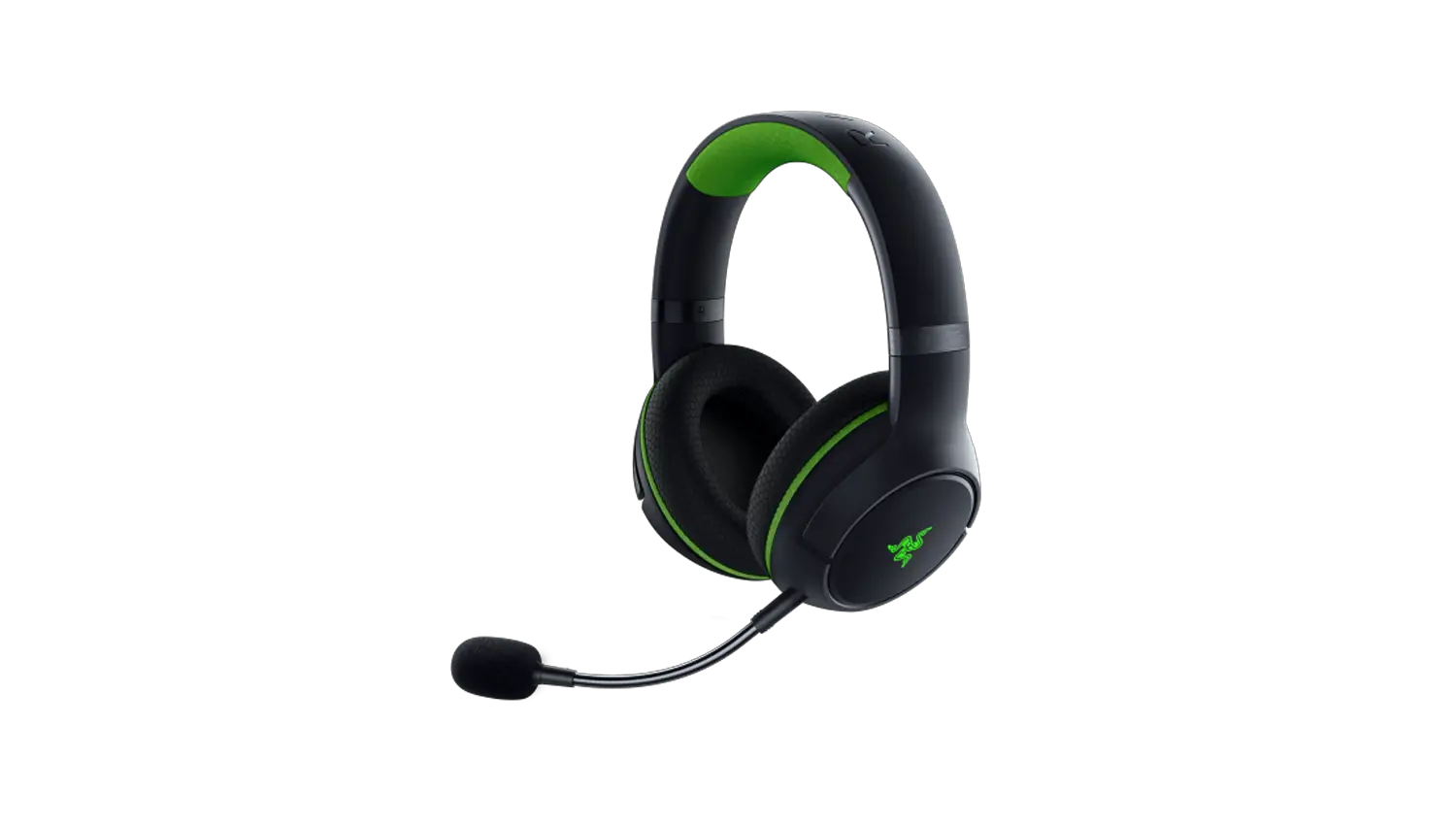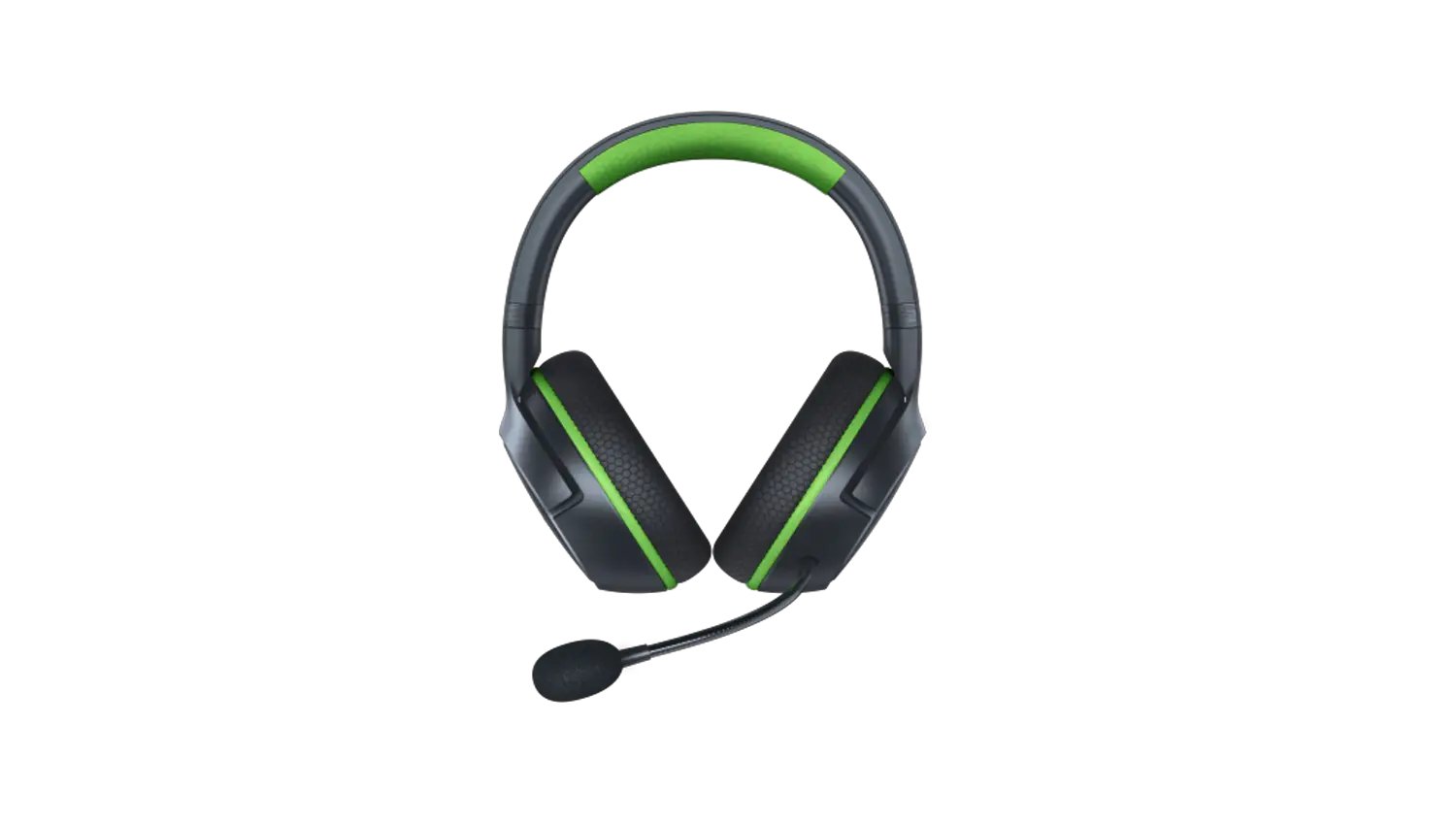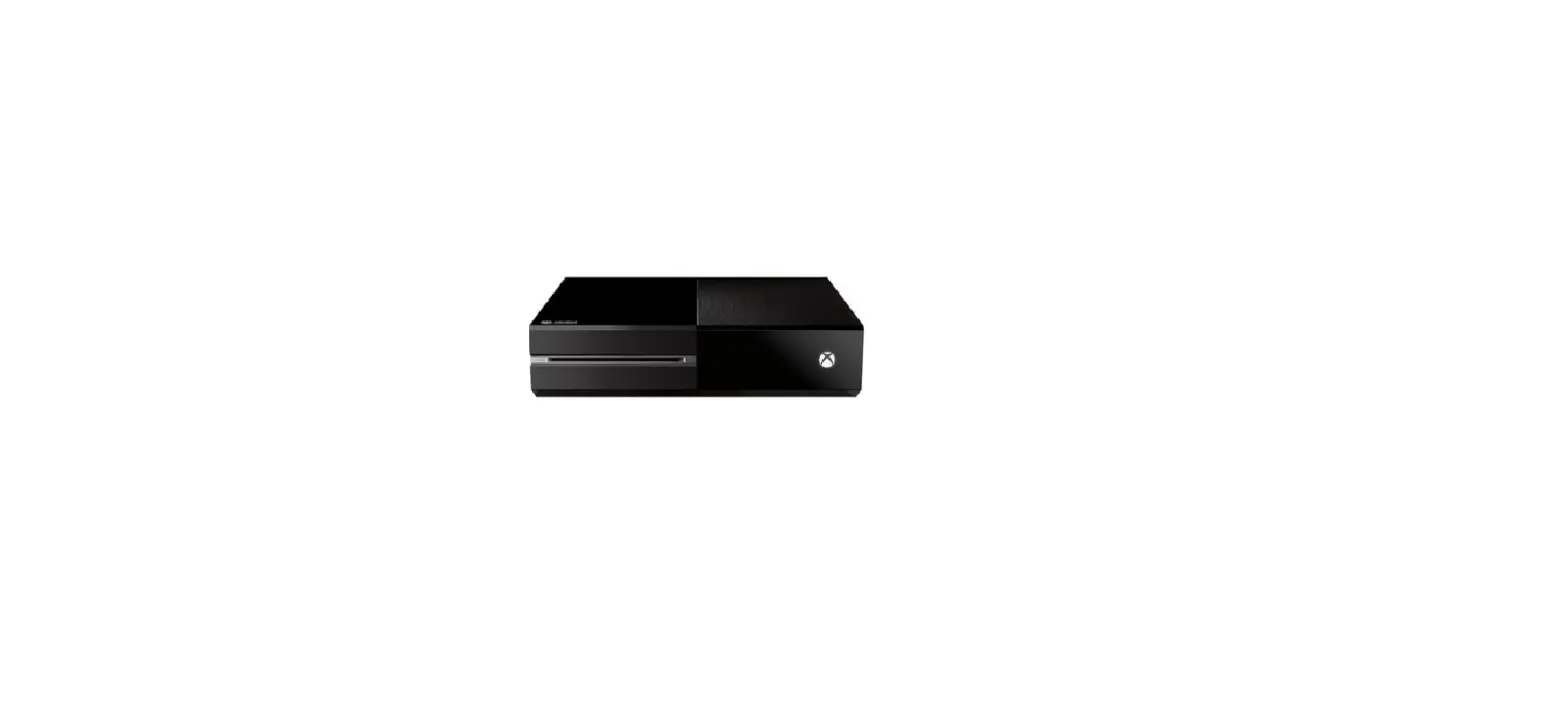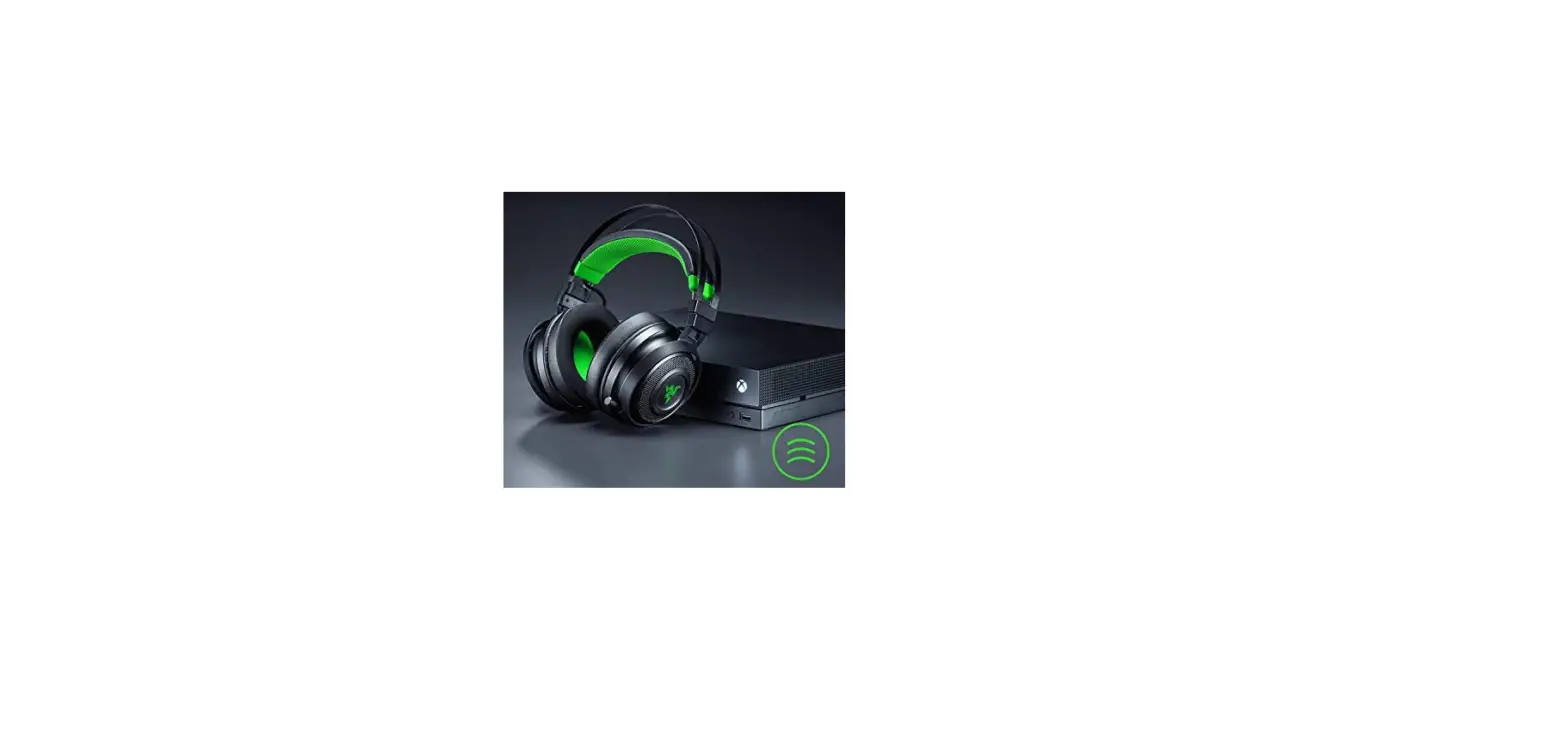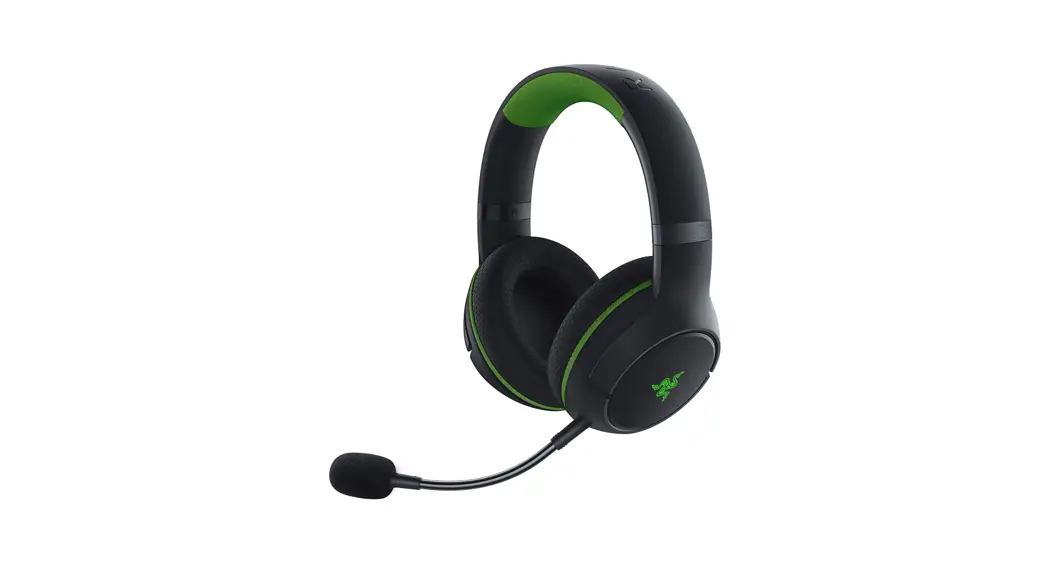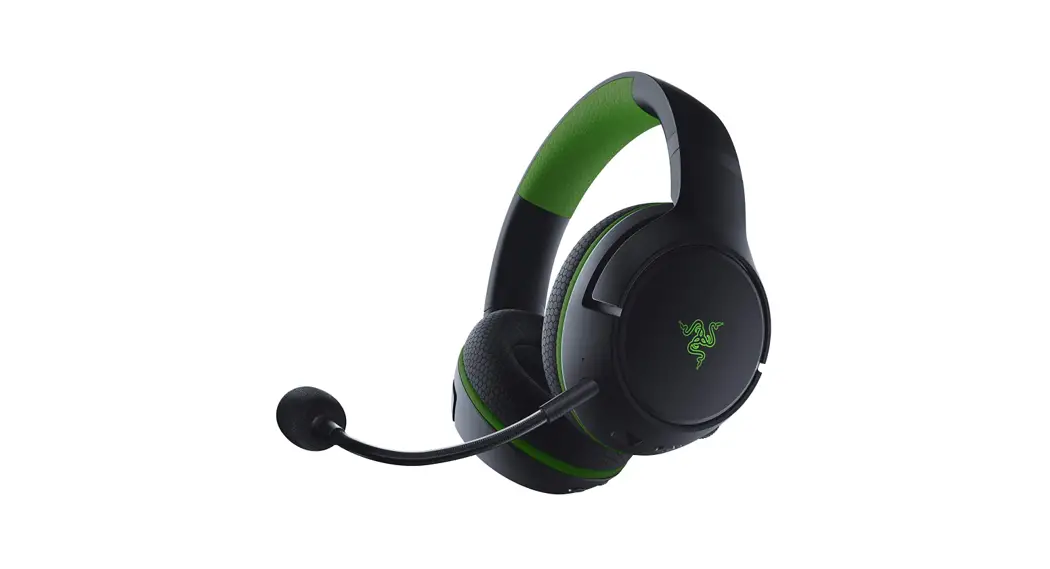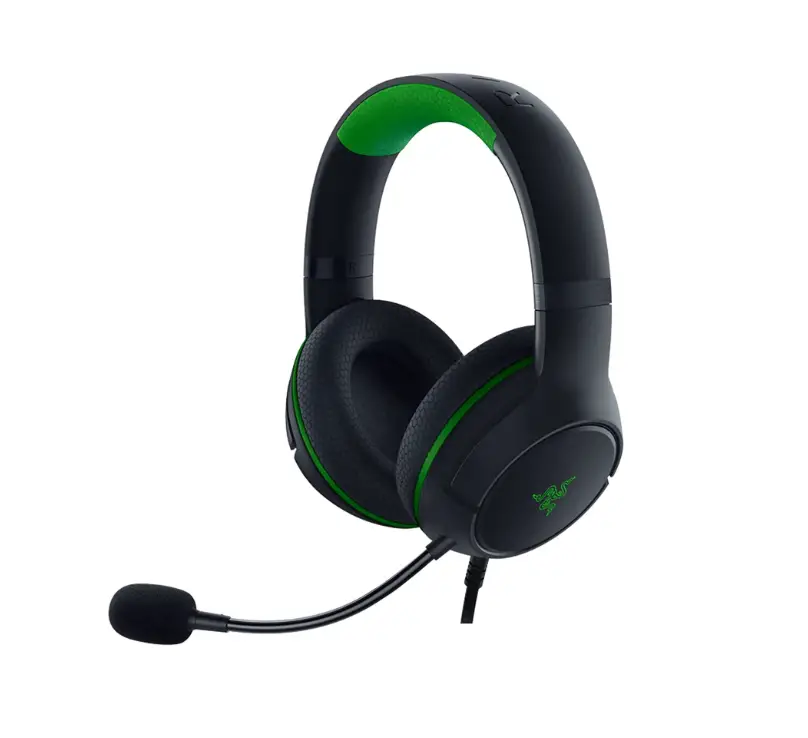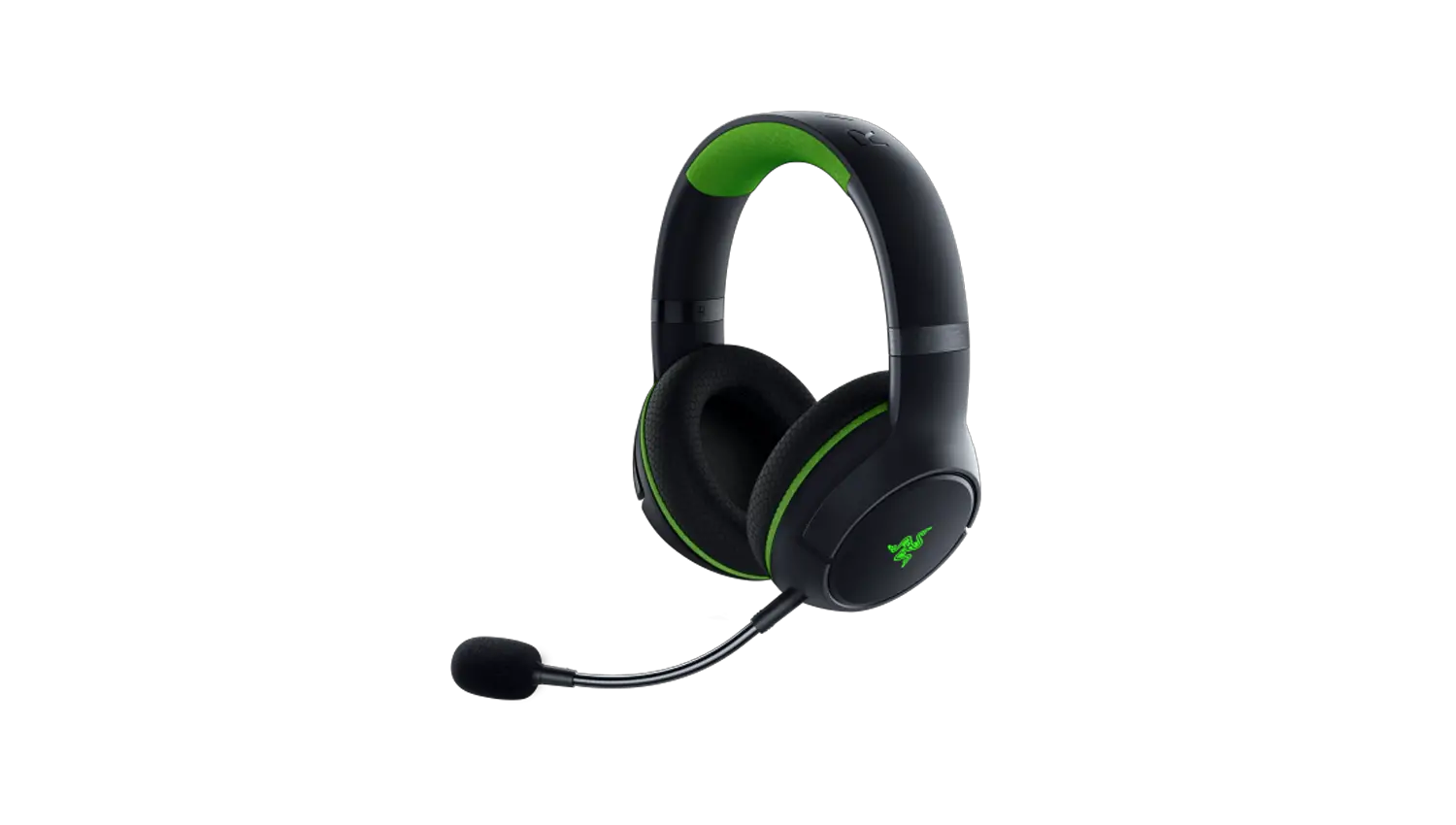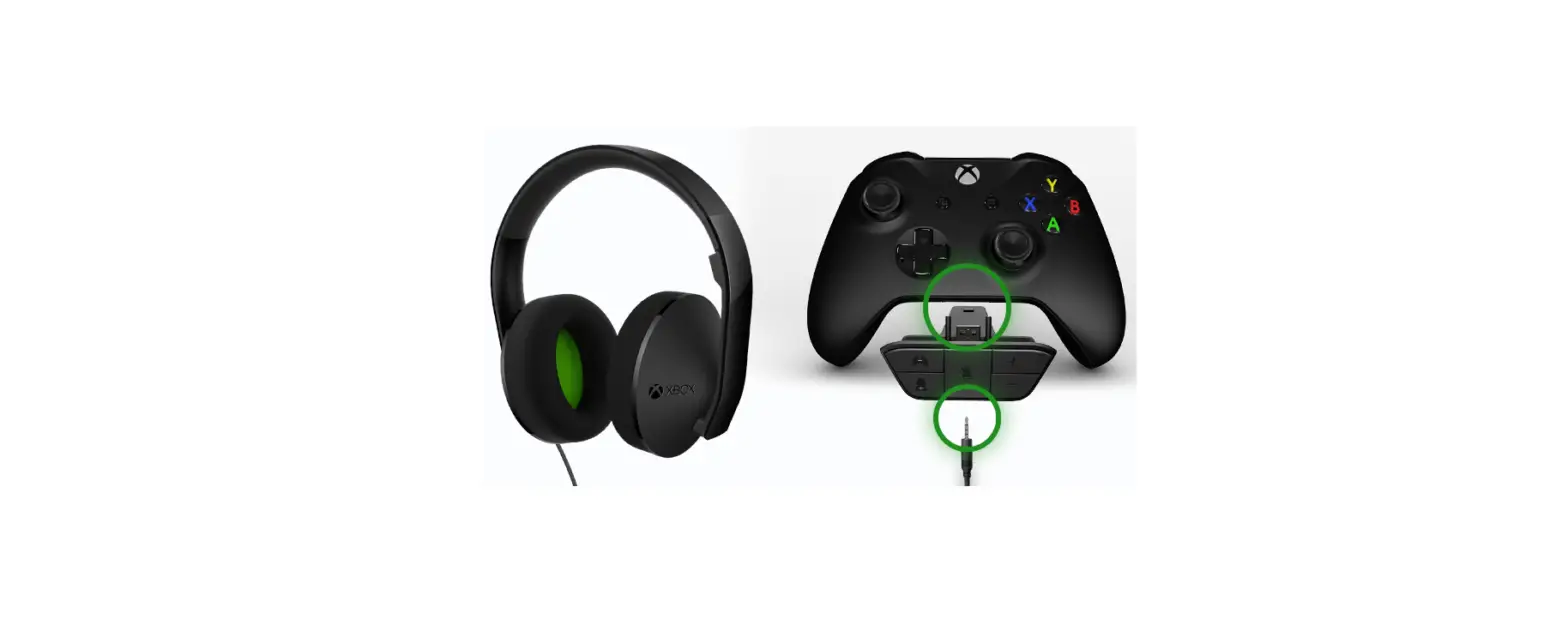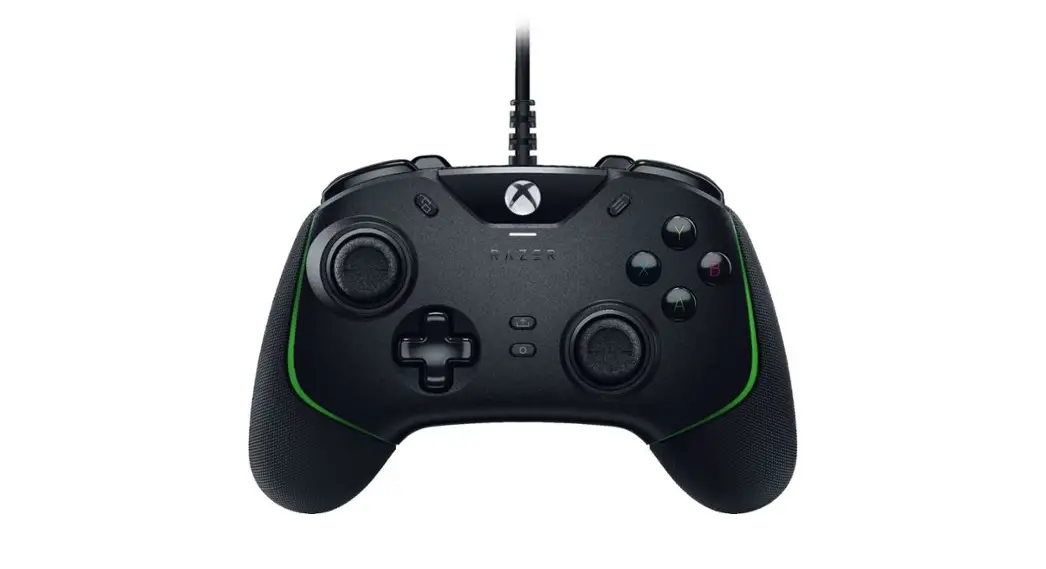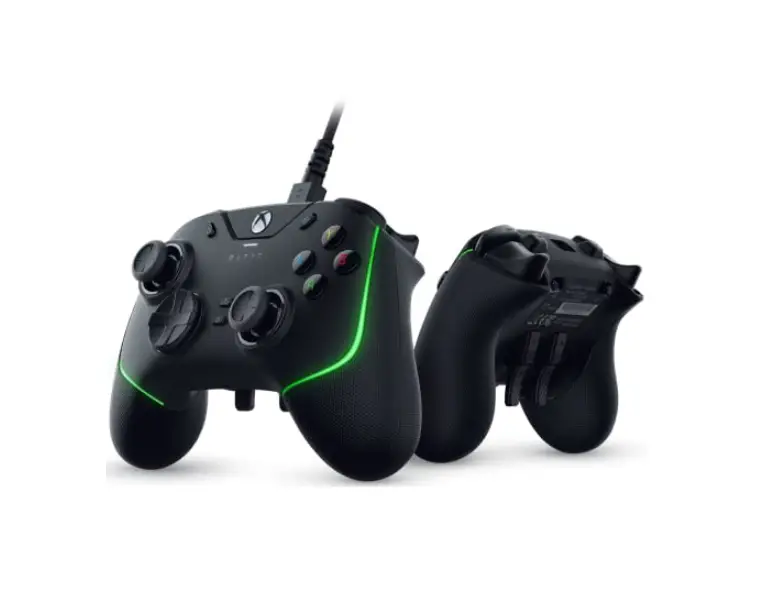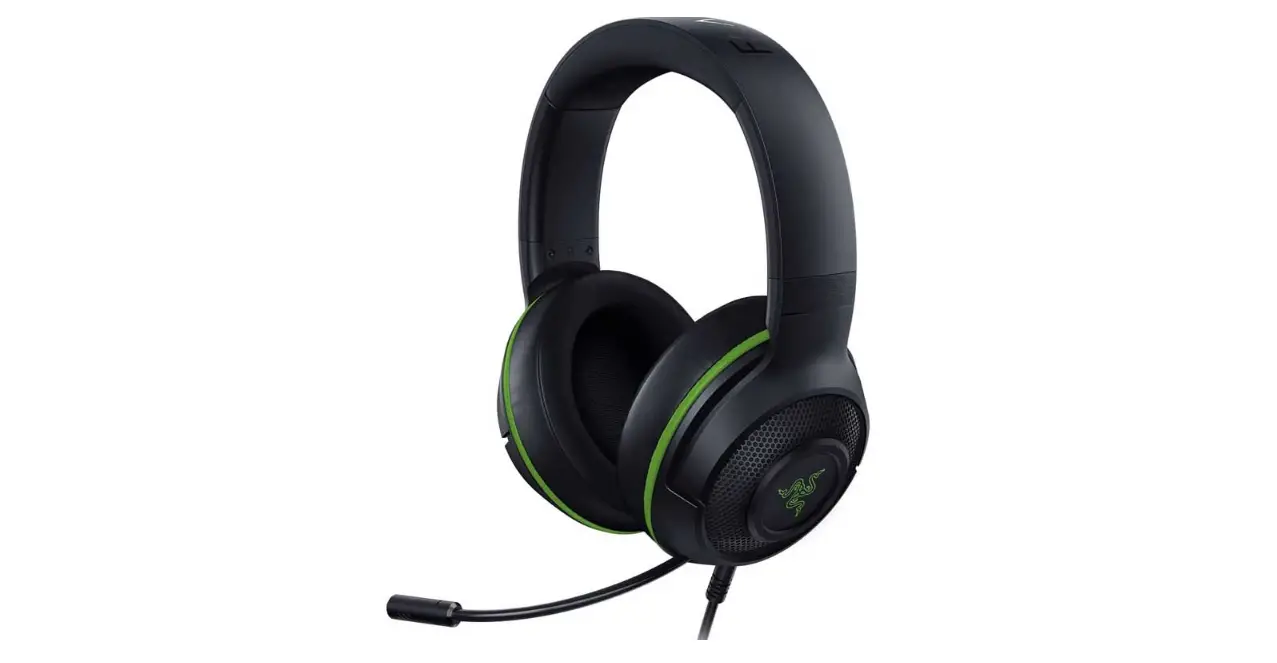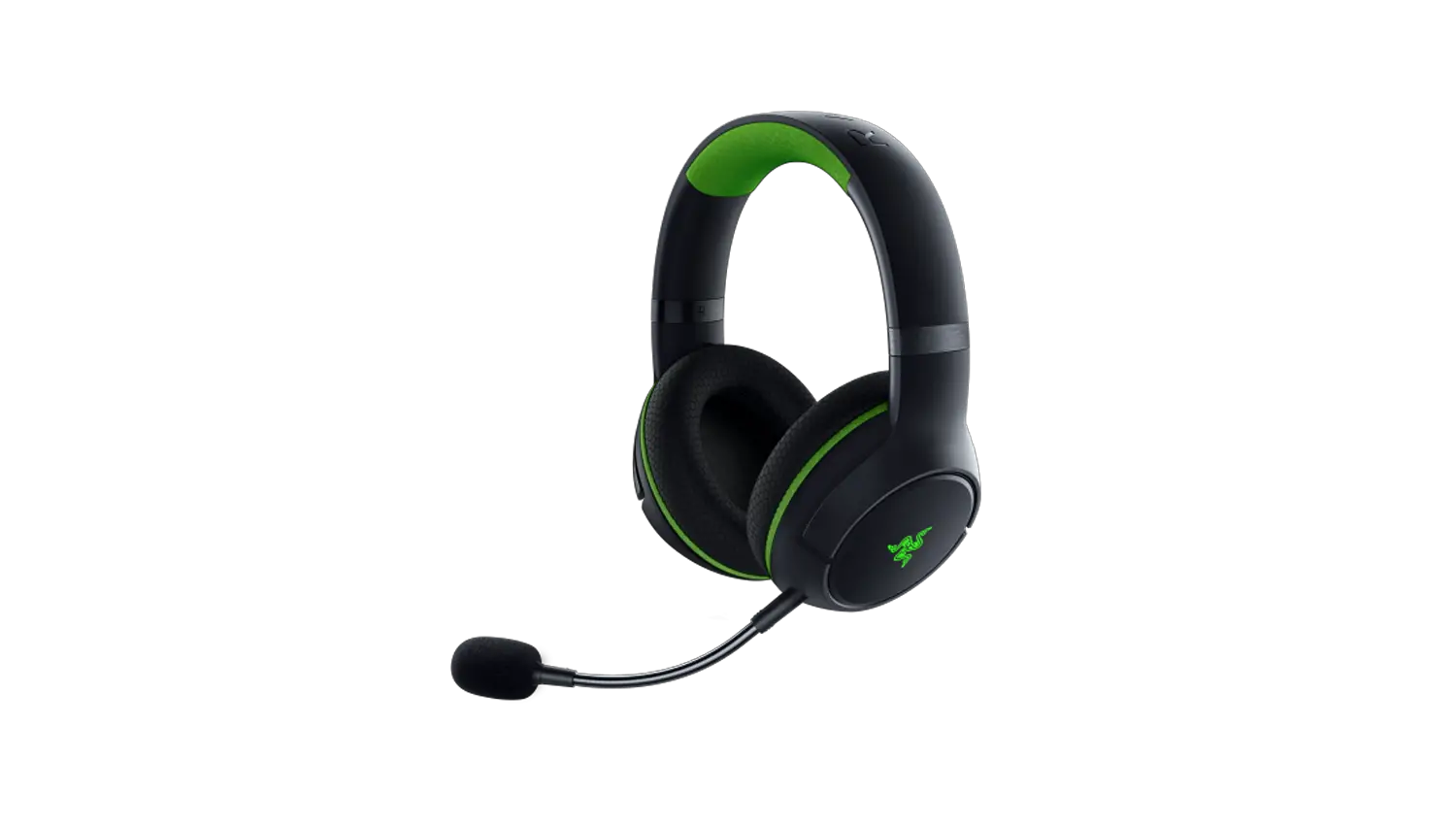
To pair the Razer Kaira Pro for Xbox to your Xbox One console, follow the steps outlined below:
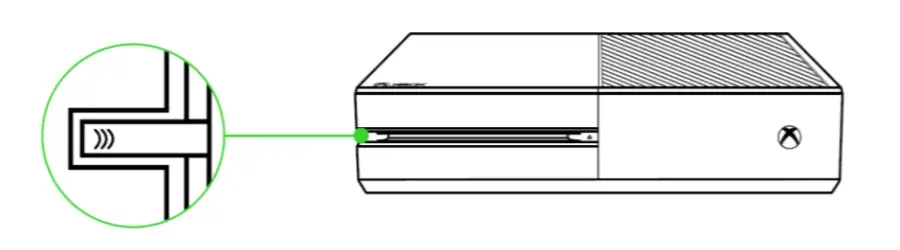
- Press the connect button on your console.

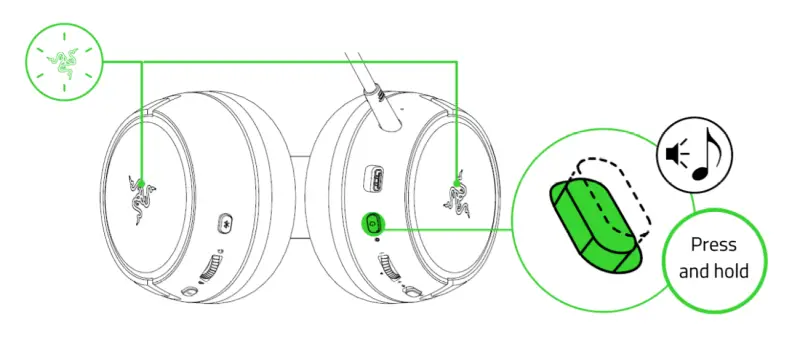
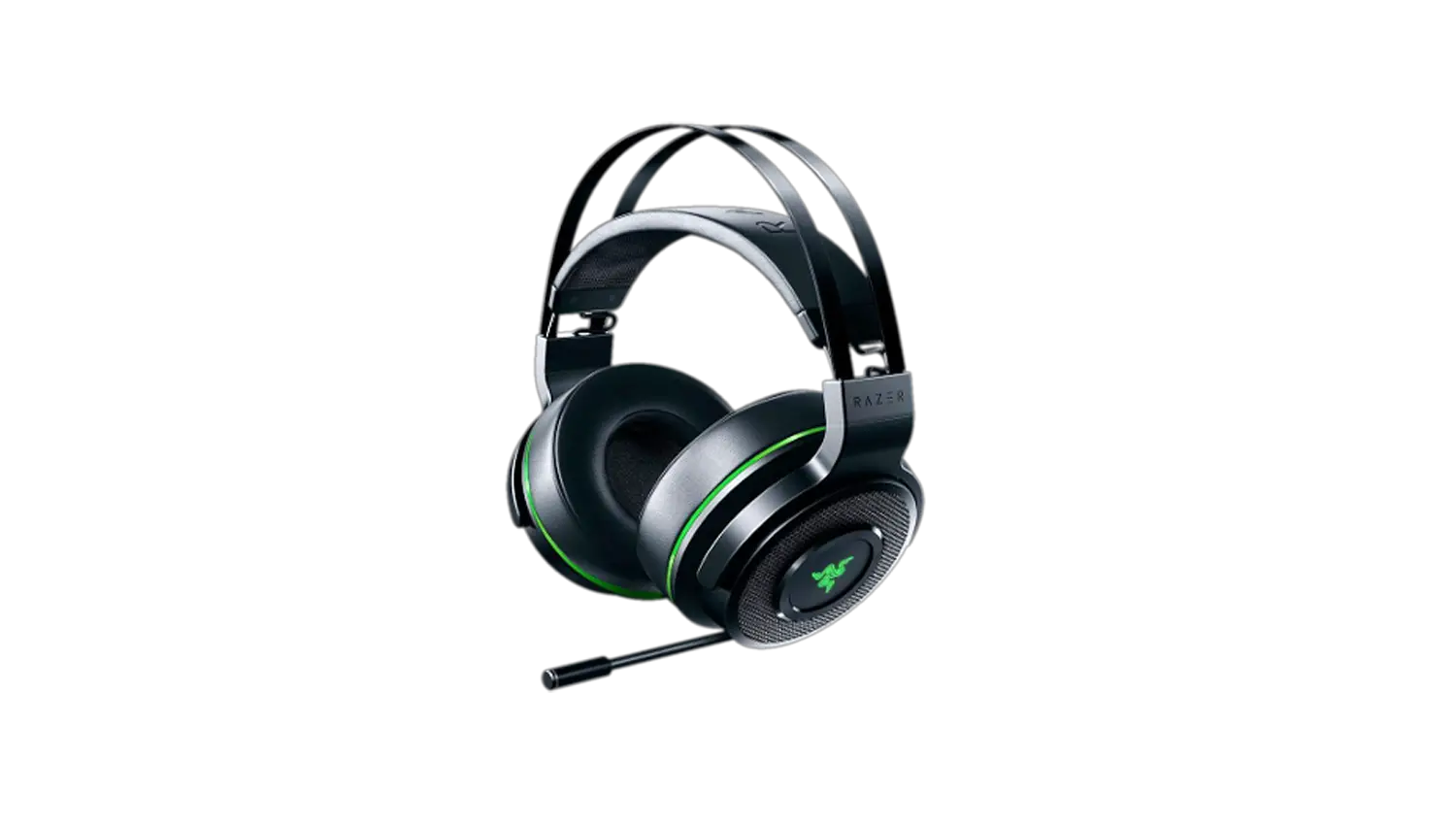
- Press and hold the power button until the status indicator is briefly lit or until your hear a tone. The Razer logos on both earcups will also start blinking green to indicate that the headset is in Xbox pairing mode.

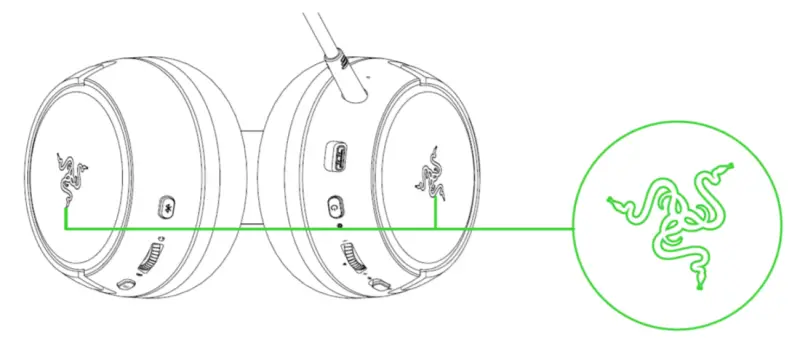
- Wait until the Razer logos briefly becoming static green indicating that the headset is now paired to the Xbox console.