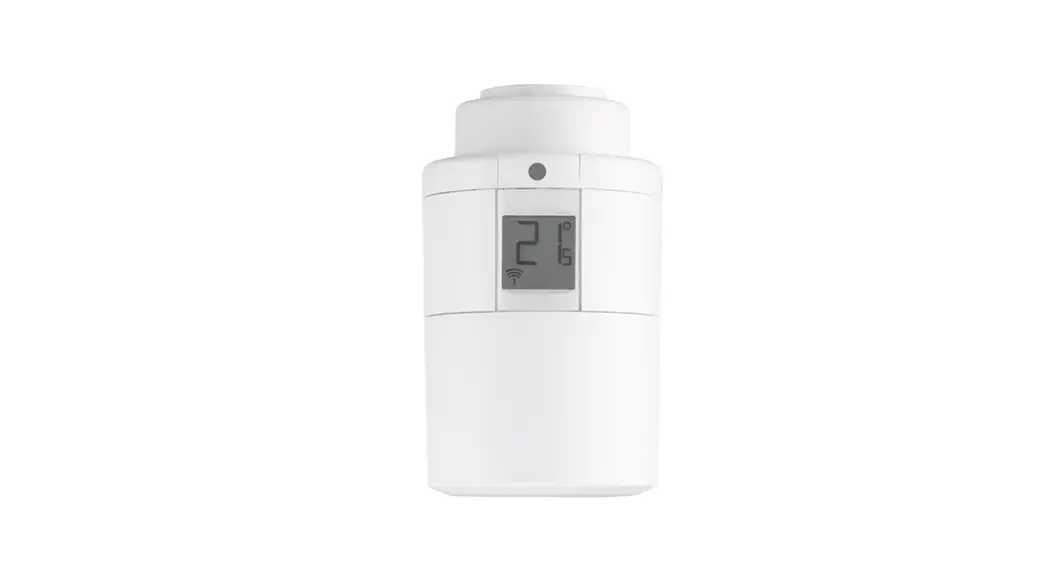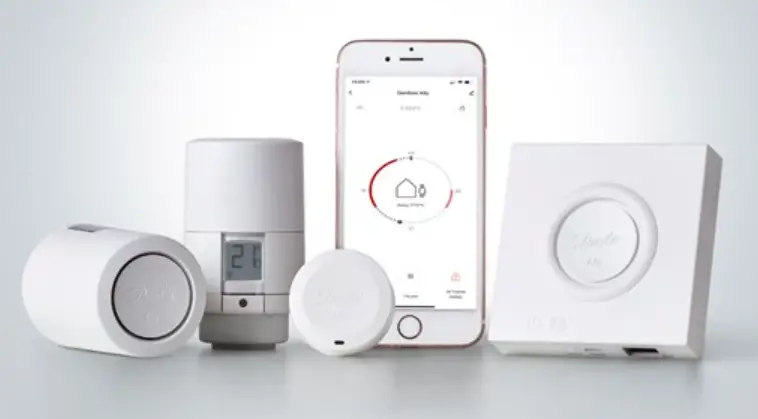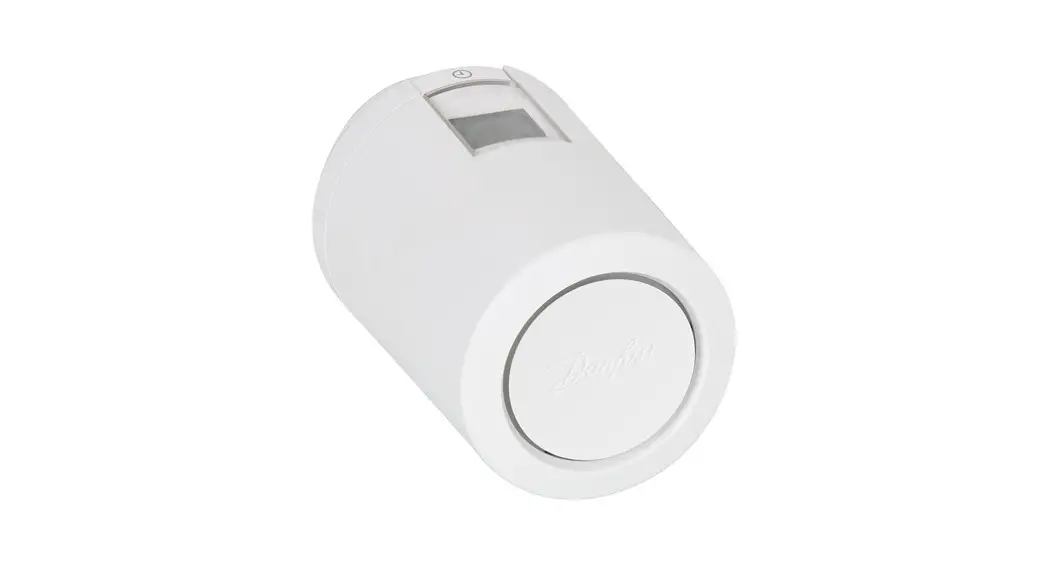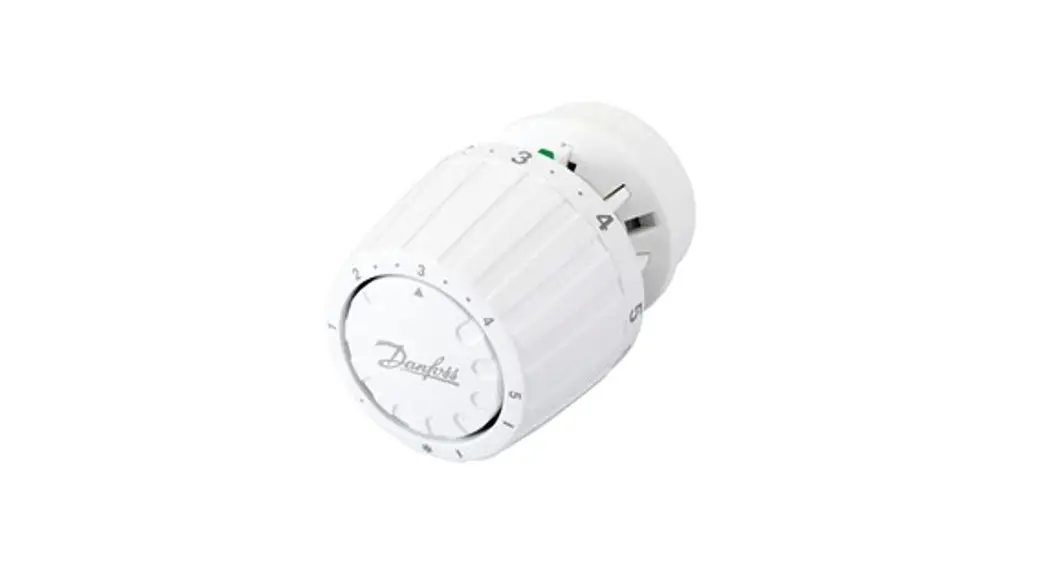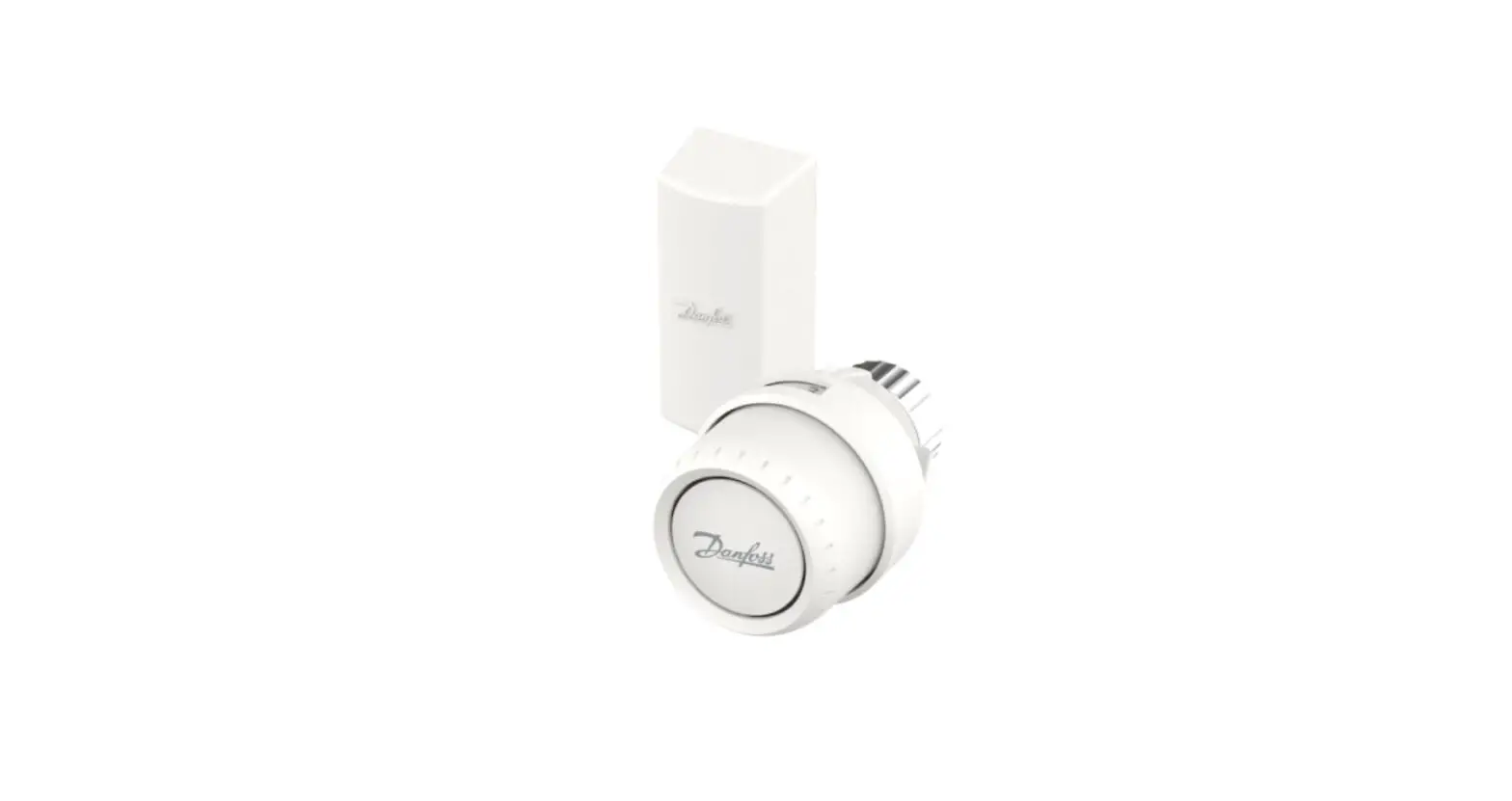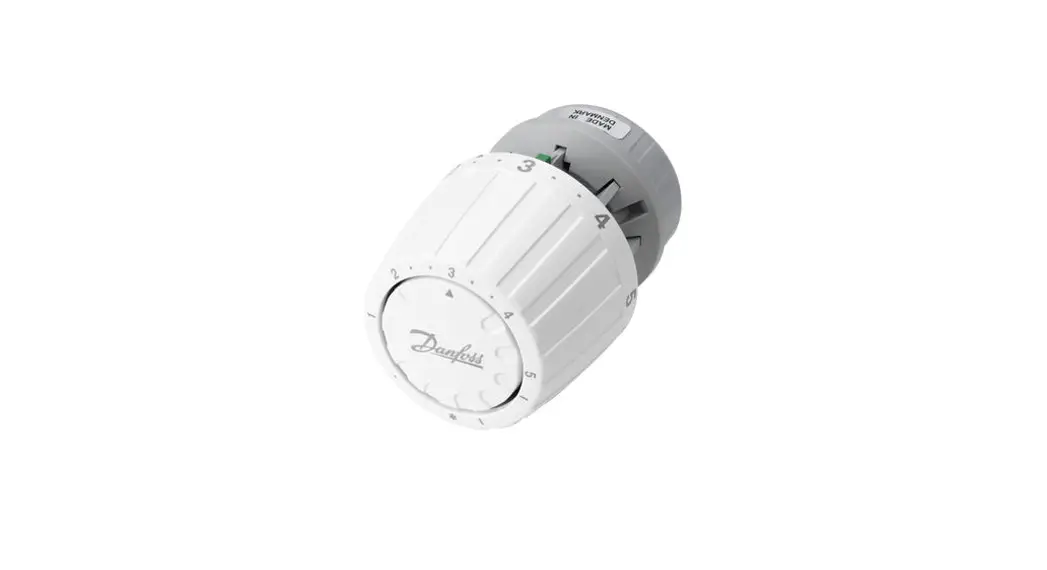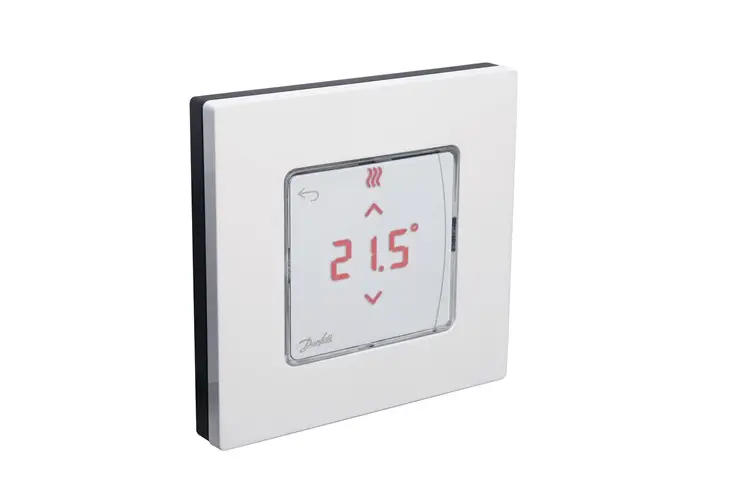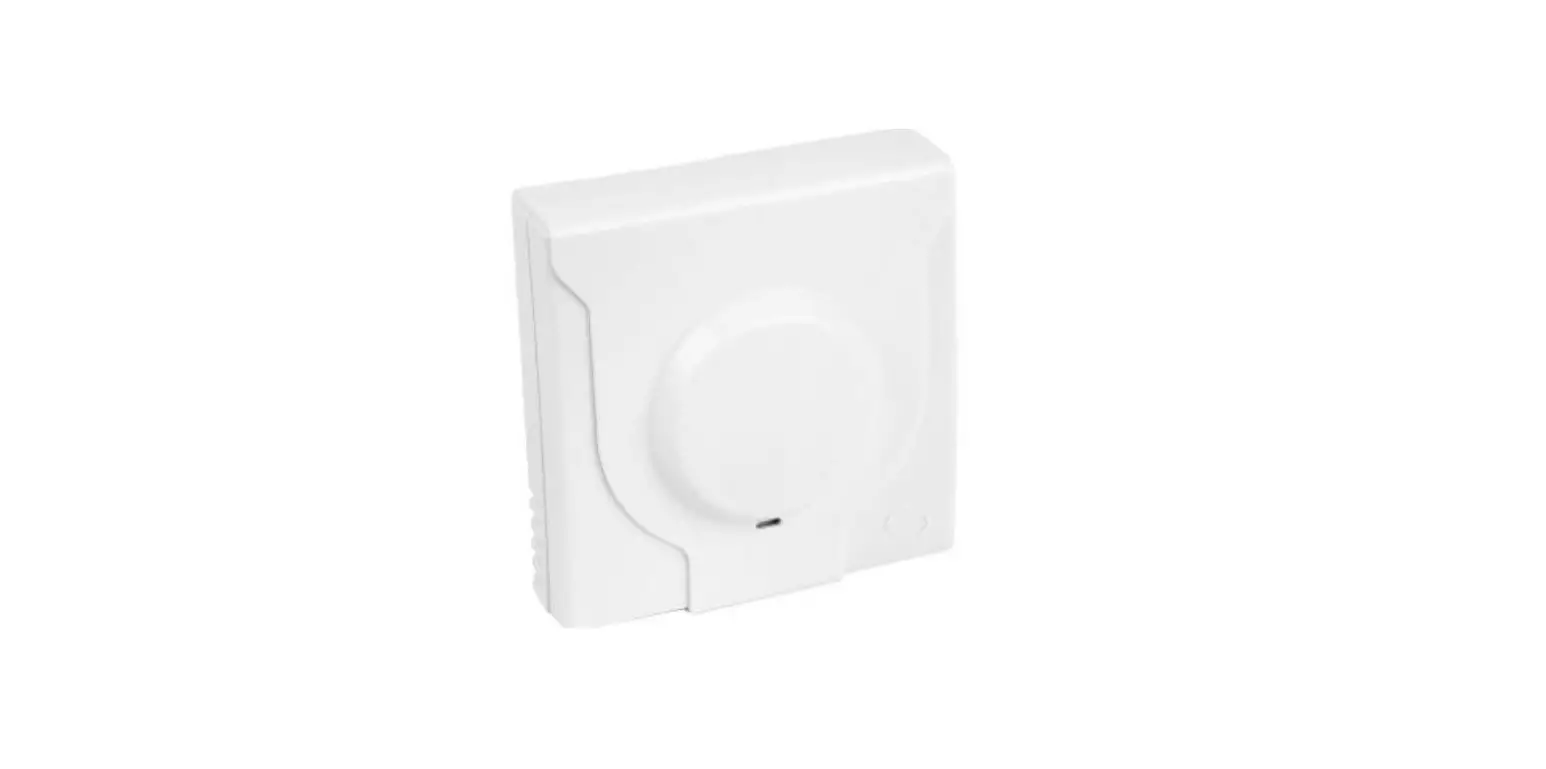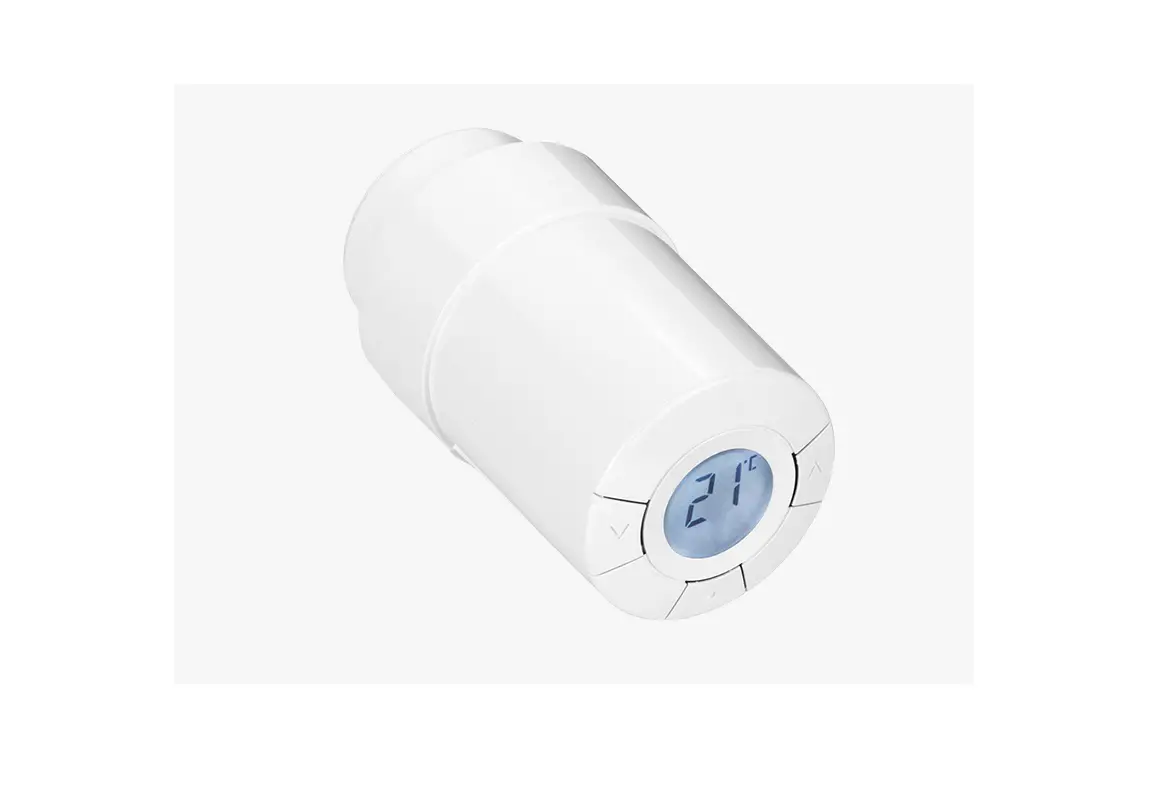

010205 Danfoss Ally Radiator Thermostat
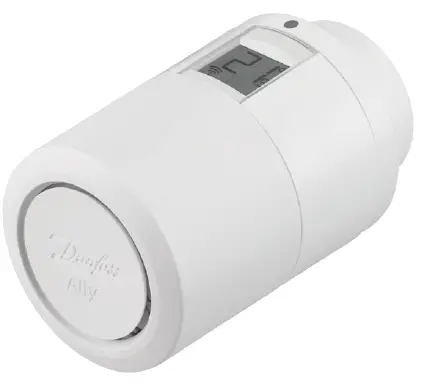
Please use the manual provided with your gateway, and follow the instruction to download the App.
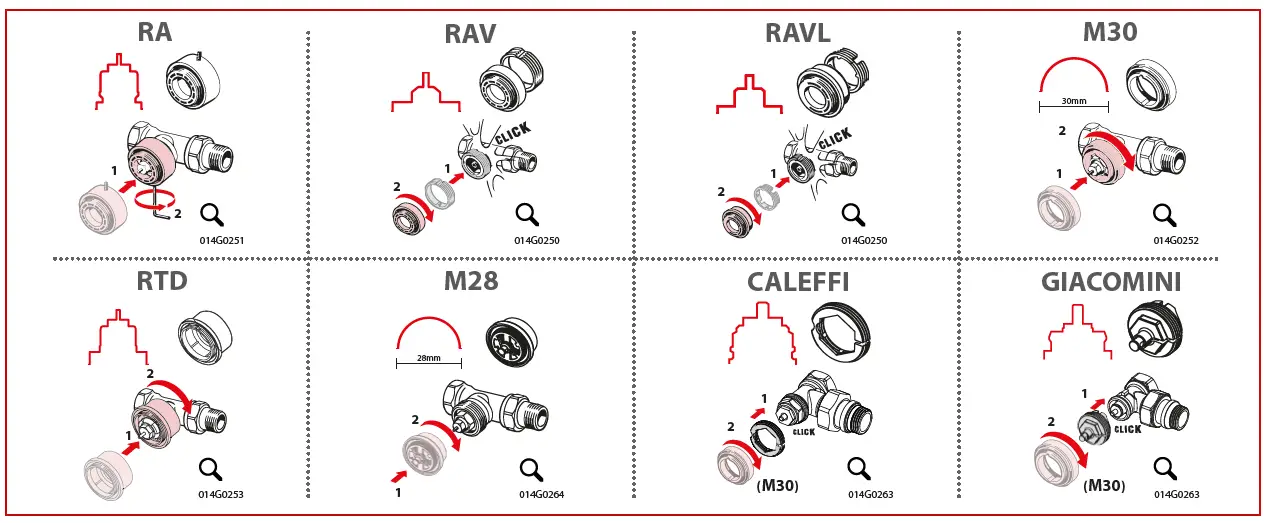
The adapters from the right box side are included. Remaining adapters in the overview above must be purchased separately. Adapter code numbers can be found below each adapter illustration.

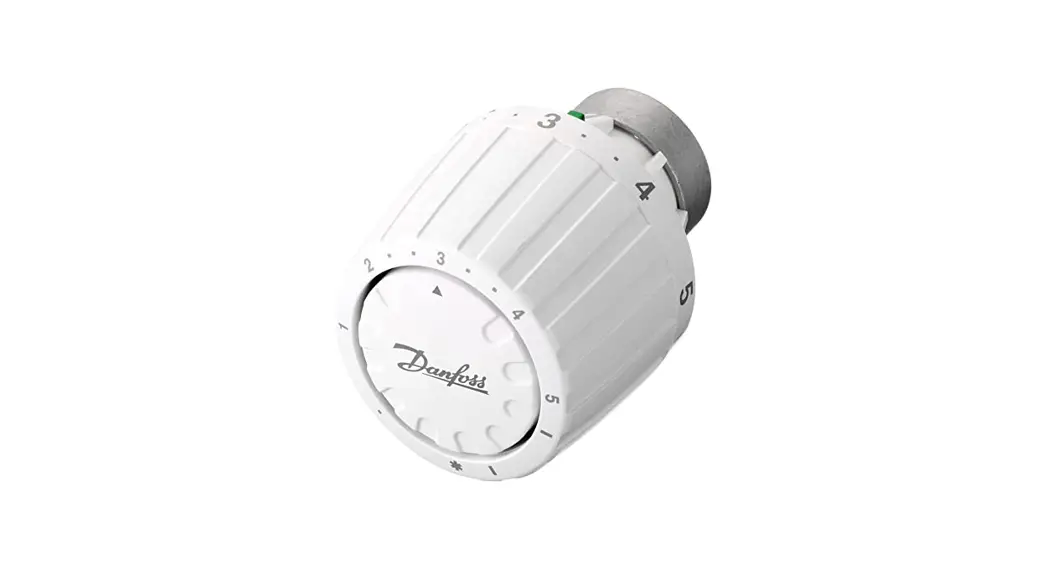
How to mount the thermostat. Remove the battery cover as shown in the diagram and insert two AA batteries. Make sure the batteries are correctly oriented. Screw the Danfoss Ally™ onto the mounted adapter until a click sound appears. Press and hold the button for 3 seconds. The temperature set point will show on the screen once the Danfoss Ally™ is mounted

How to reset the thermostat
- Remove the cover and take out one battery.
- Press and hold , Keep holding while reinserting the battery.
- The screen will go blank after approximately 3 seconds.
Continue system setup in the App.

 Danfoss Ally™ | Danfoss
 Danfoss Ally™ support | Danfoss
 Danfoss - Engineering Tomorrow | Danfoss