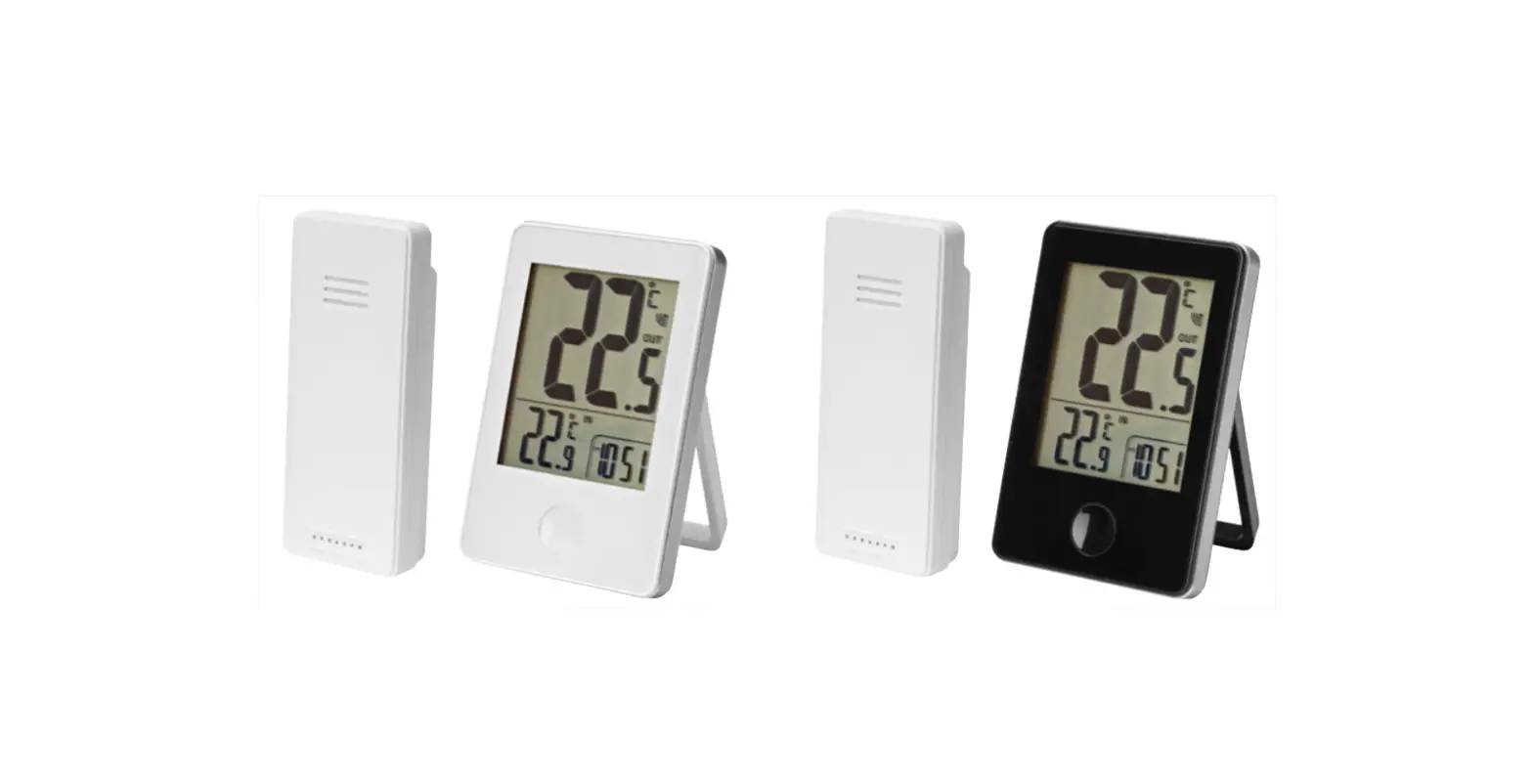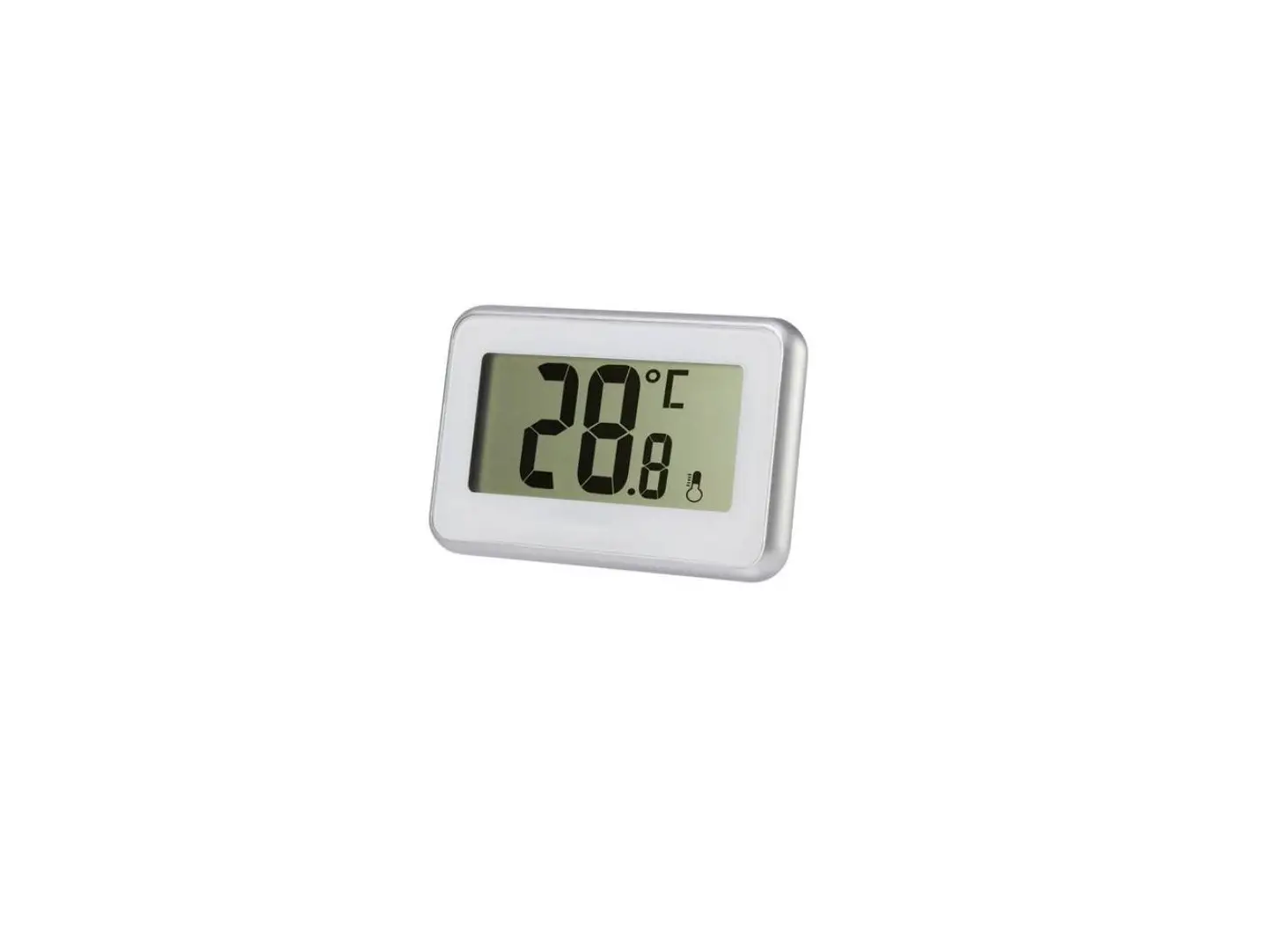

Bright 021352 Thermometer
OPERATING INSTRUCTIONS
Important: Read the user instructions carefully before use. Save them for future reference. (Translation of the original in-structions)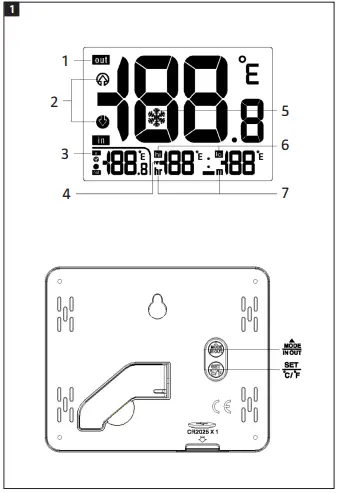
TECHNICAL DATA
- Battery: 1 x CR2025
- Measuring range: Indoors: 0 to 50°C Outdoors: -40 to 70°C
DESCRIPTION
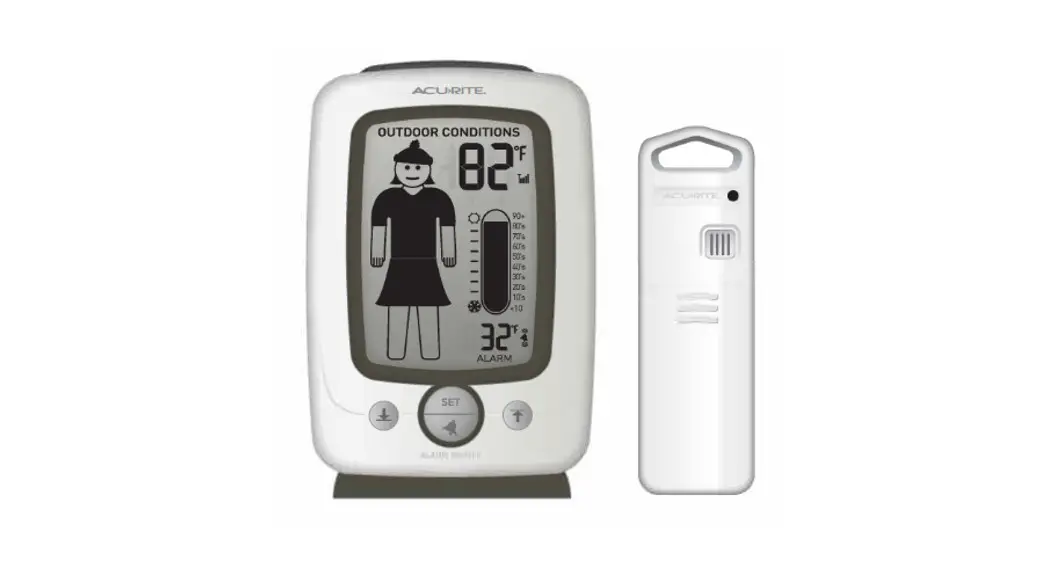
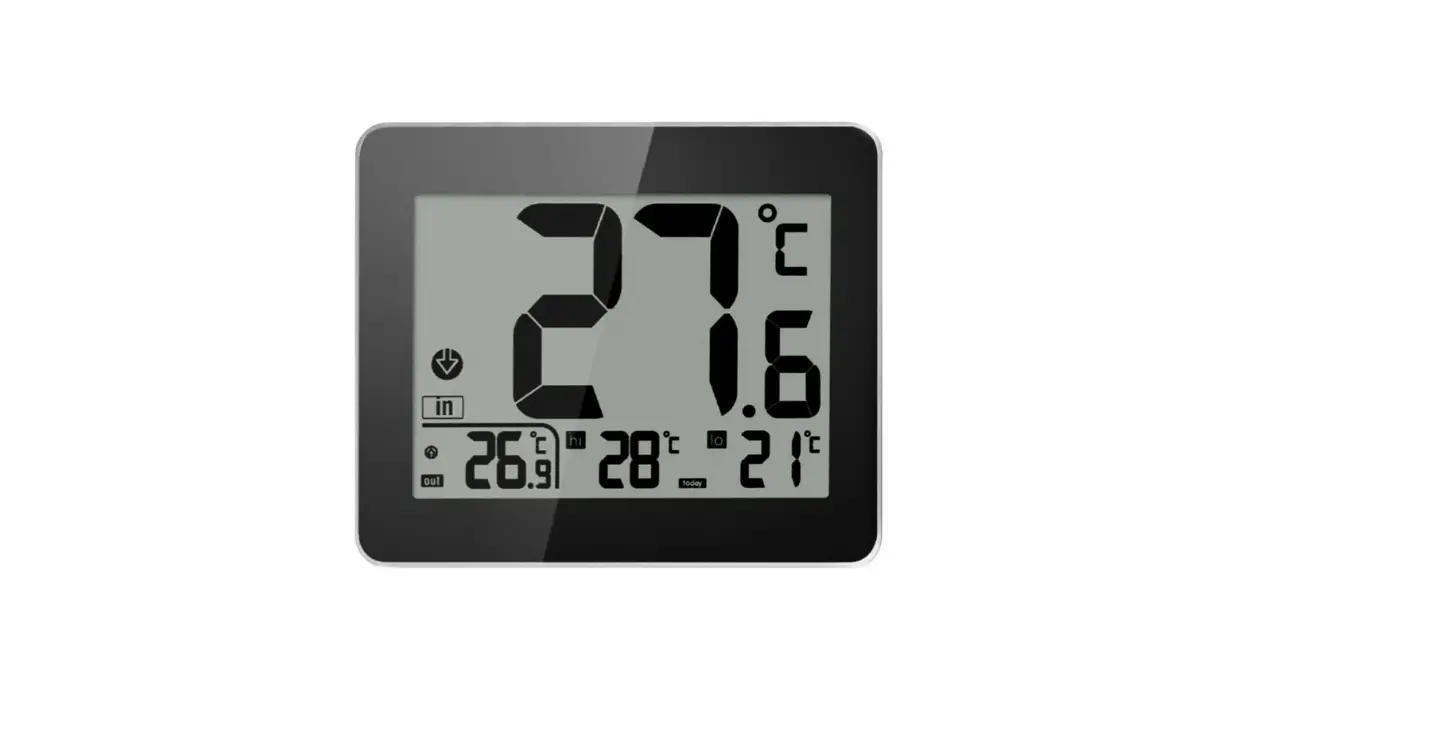
- Outdoor temperature display in °C or °F
- Temperature trend display
- Indoor temperature display in °C or °F
- AM/PM format
- Frost warning
- Highest and lowest temperature display in °C or °F
- Time display
USE
BEFORE USING FOR FIRST TIME
- Open the battery cover on the rear and insert the battery with the correct polarity.
- Replace the battery cover.
- When the battery is inserted, all the icons on the display light up for 3 seconds and the time display flashes for 30 seconds. The indoor and outdoor temperature as well as the highest and lowest temperatures are registered.
MANUAL SETTING OF THE CLOCK
- Press the SET button for 2 seconds. The hour display starts to flash. Press
 to set the hour.
 - Press SET to confirm. The minute display flashes. Press to set the minutes.
- Press SET to confirm and exit, and to switch to clock mode.
 to set the hour.
FROST WARNING
If the registered temperature is between -3 and 1°C, the  icon appears on the display.
TEMPERATURE
- Press MODE/IN OUT briefly in temperature mode in order to switch between displaying indoor and outdoor temperature.
- Press MODE/IN OUT for 3 seconds to switch between clock and displaying highest or lowest temperature.
TEMPERATURE DISPLAY IN °C/°F
The temperature is shown in °C or °F. Switch between these modes with the SET °C/°F button.
TEMPERATURE TREND
- The thermometer reads off and displays the current temperature every 30 seconds.
- The temperature is compared with the previous measurement and
 appears if the temperature has risen by 1°C.
 If the temperature has dropped by 1°C, appears. If the temperature change is less than 1°C, no arrow is displayed.
NOTE: If the temperature reading is below the measurement range, LL,L appears on the display. If the temperature reading is above the measurement range, HH,H appears on the display.
 appears if the temperature has risen by 1°C.
 If the temperature has dropped by 1°C, appears. If the temperature change is less than 1°C, no arrow is displayed.