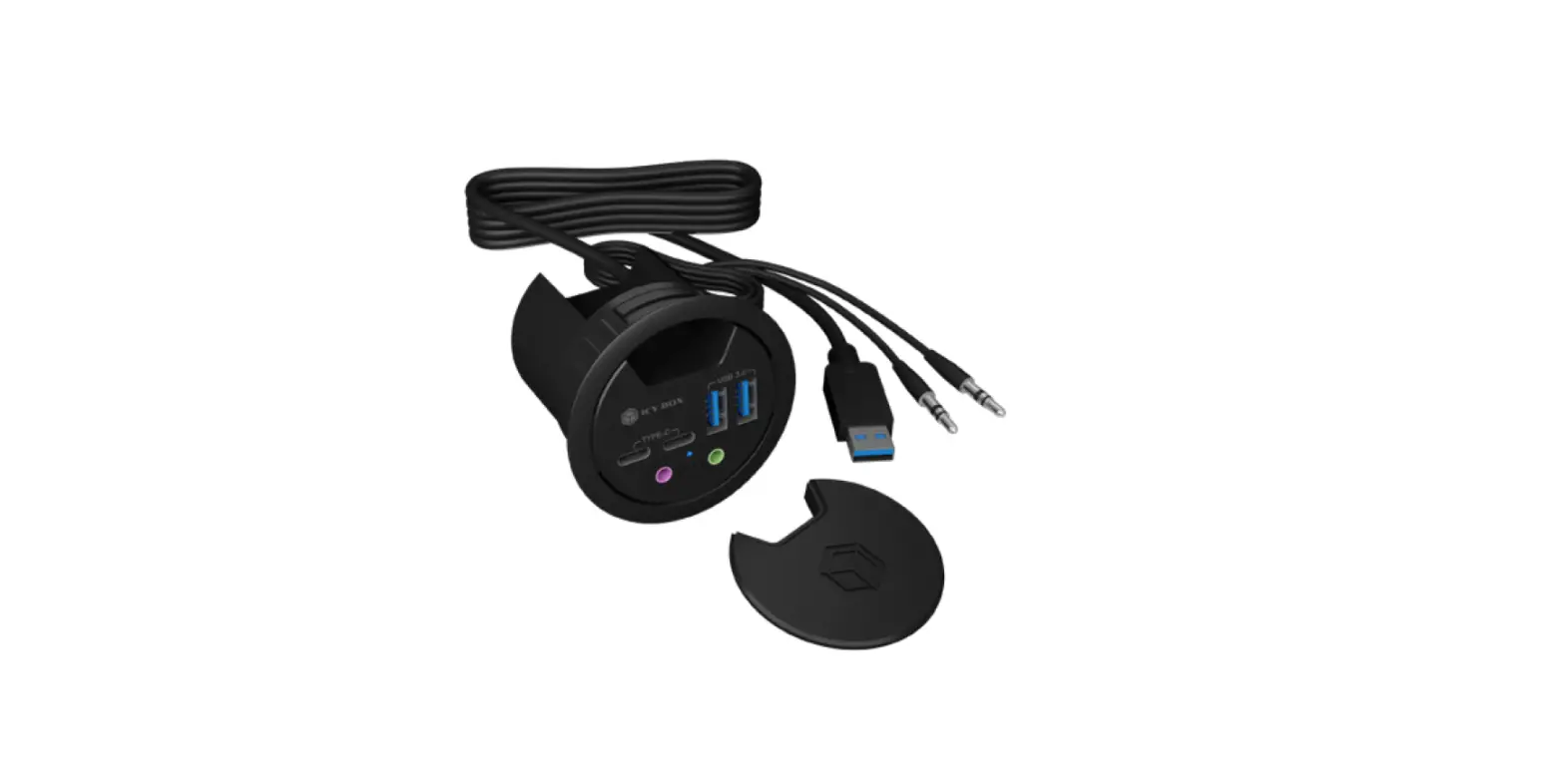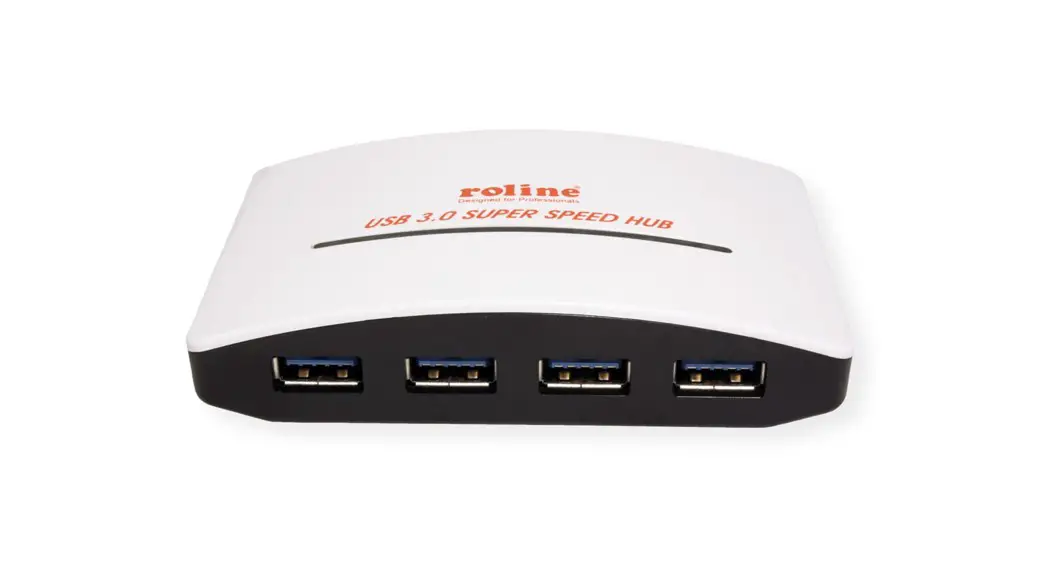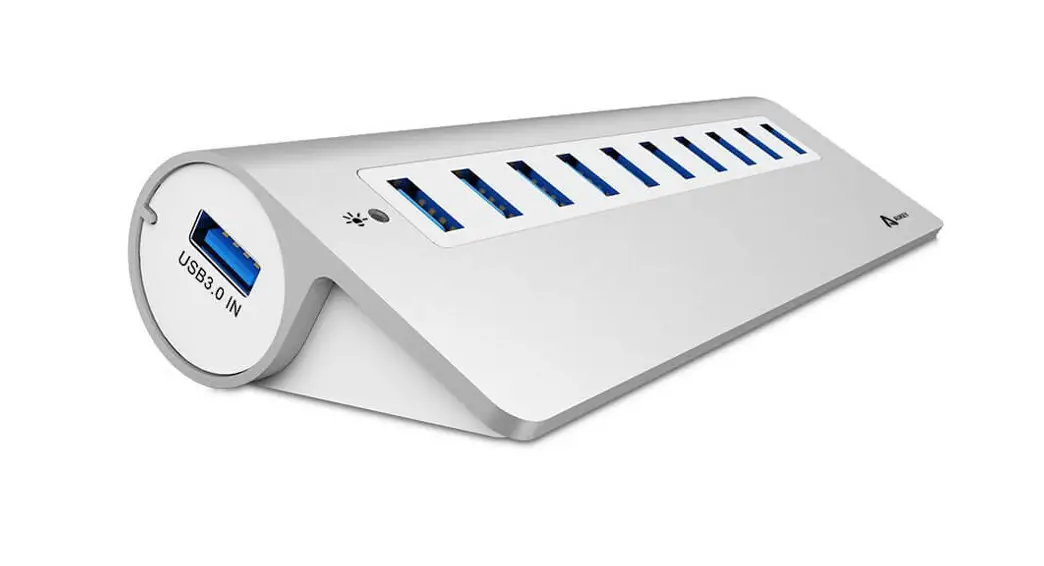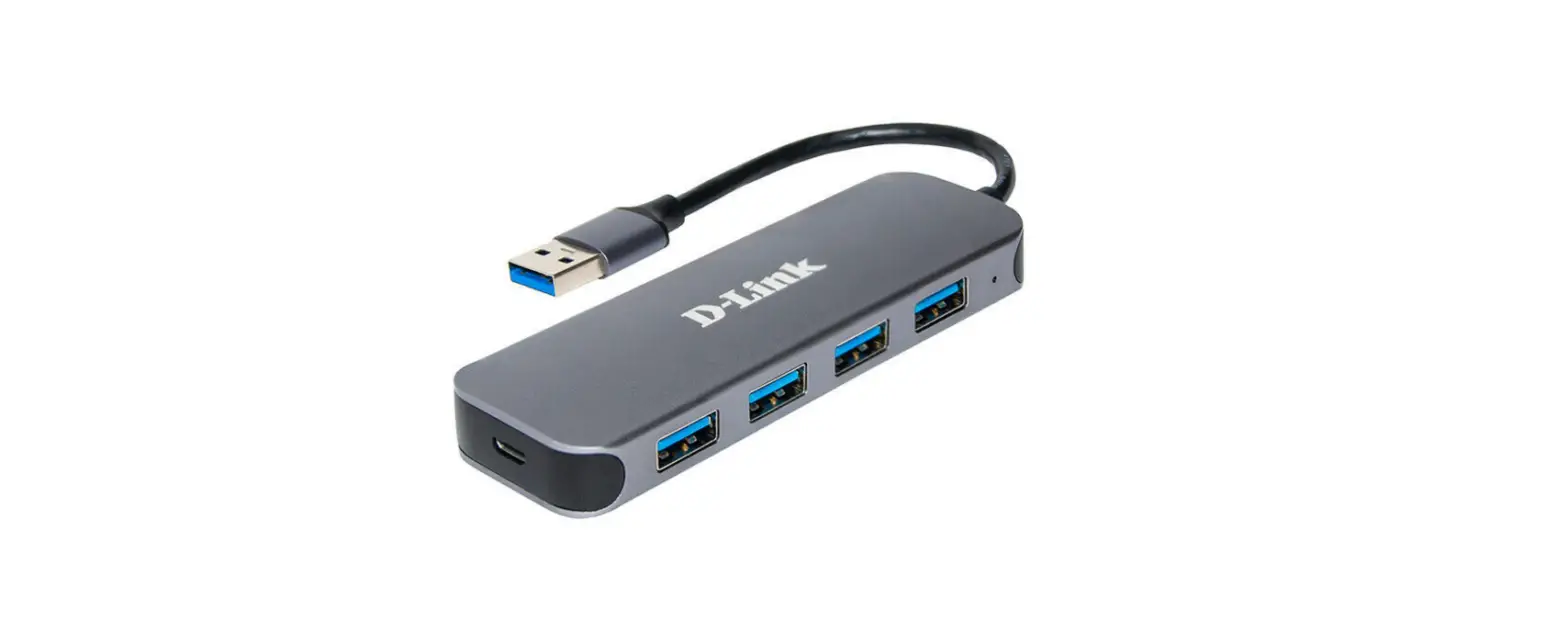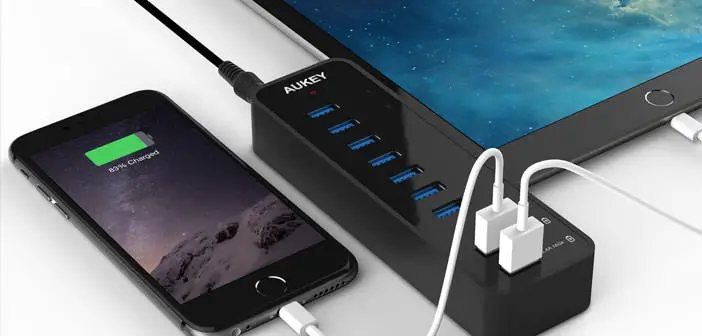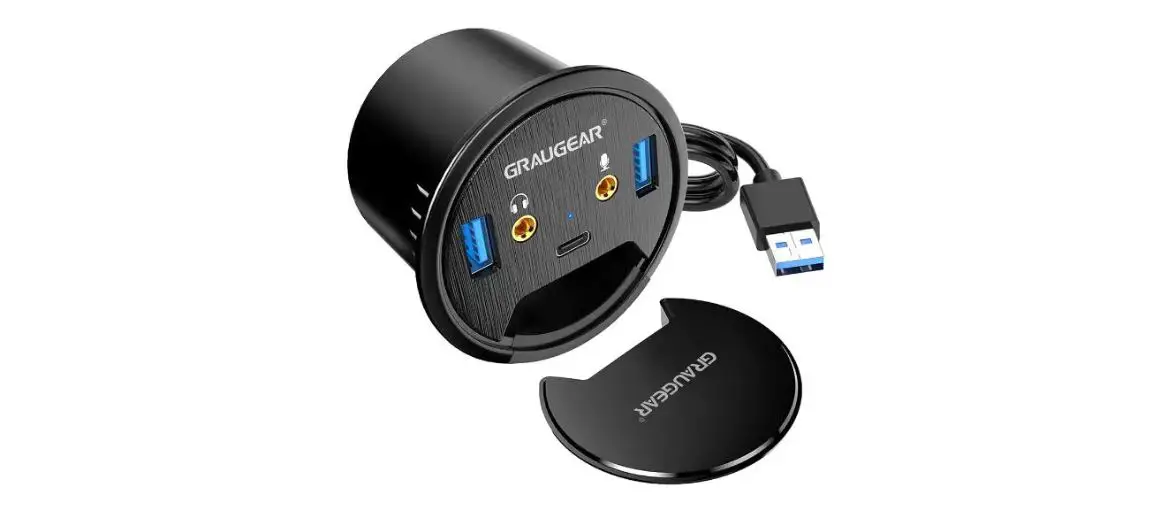
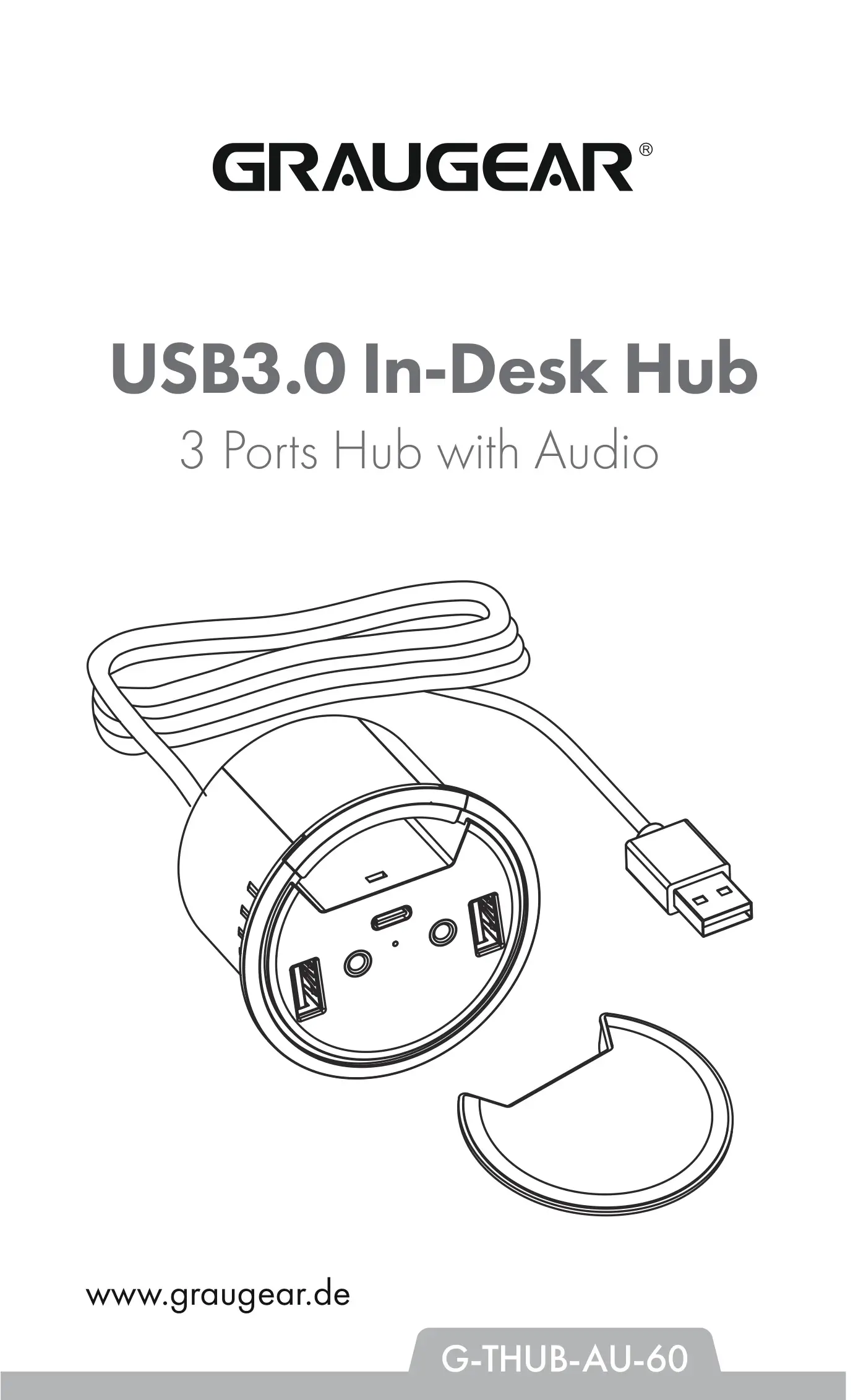
GRAUGEAR G-THUB-AU-60 USB3.0 In-Desk Hub 3 Ports
Hub with Audio User Manual
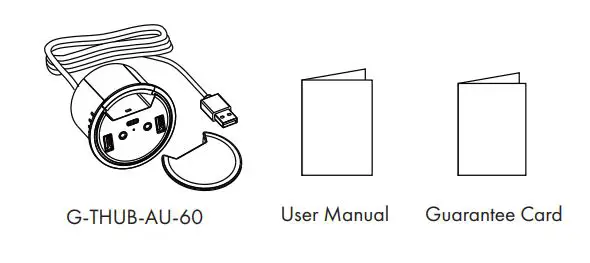
Package Contents
Features
- USB 3.0 In-Deck HUB with audio ports
- Integrated 150 cm USB 3.0 cable for pc connection
- Round housing allows for mounting in 60 mm cable gland
- Including cover against dust
- Transfer rate up to 5 Gbit/s
- Plug & Play and HotSwap
Specification
- Dimensions : Ø69 x 47 mm
- Material : Plastic
- Input : USB 3.0 Type-A
- Output : 2x USB 3.0 Type-A interface
1x USB 3.0 Type-C® interface
1x Audio Microphone
1x Audio Earphone - Transfer : 5 Gbit/s
- Integrated : 150 cm USB 3.0 cable
- Weight : 93g
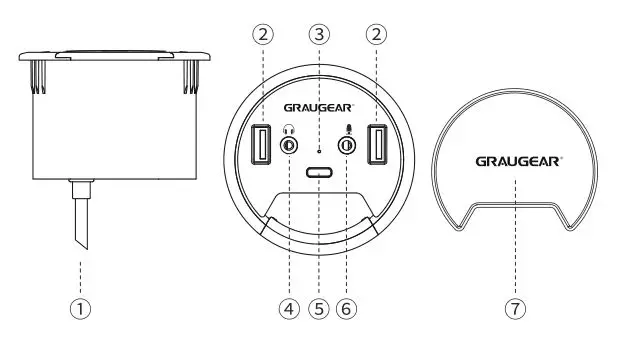
- Data cable
- Type-A interface
- LED Indicator
- Earphone
- Dust cover
- Type-C® interface
- Microphone
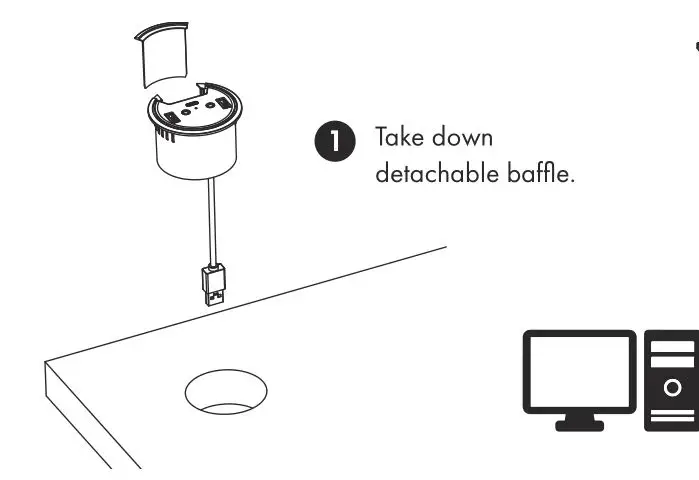
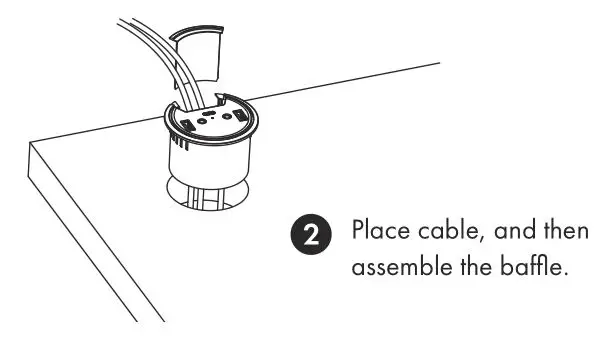
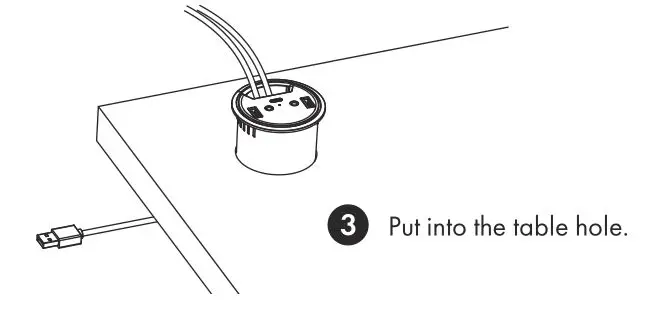
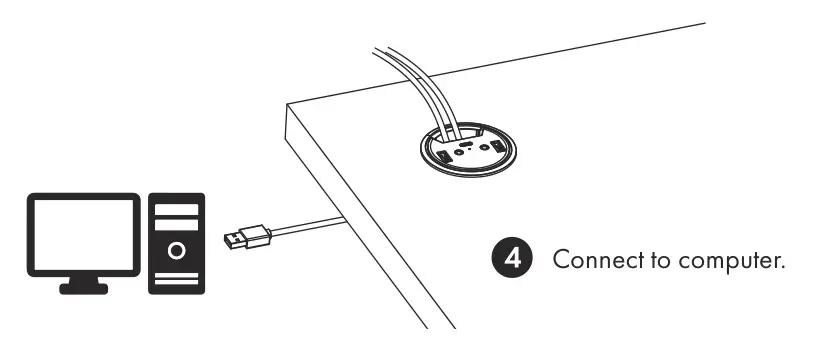
Installation Steps
Safety information
For your own safety and to avoid physical damage as well as damage to property, equipment and loss of data, please observe the following instructions
Warning signs
 You will be alerted to an imminently hazardous situation which may result in serious injury or even death!
 You will be alerted to a potentially dangerous situation that could result in serious injury, even death!
 You will be alerted to a potentially dangerous situation that may result in minor injury!
 Your attention is drawn to a possible situation that could result in property damage and possibly environmental damage and disrupt operations.
1. Dangers due to electric current and voltage!
- Avoid any contact with electrically conductive parts, there is a danger to life due to electric shock.
- Please read the operating instructions before use.
- Make sure the product is not energized before opening or working on it.
- Please do not remove the contact protection cover under any circumstances.
- Avoid contact with live parts.
- Do not touch any plug-in connectors with metallic or pointed objects.
- Use the product only in designated environments.
- If necessary, operate the product only with power supplies that correspond to the nameplate.
- Do not expose the product or power supply to moisture and liquid, steam and dust.
- Do not make any independent modifications to the product.
- Do not connect / use the product during a thunderstorm.
- In case of repair, please contact the specialist dealer or GrauGear
2. Possible dangers during assembly due to sharp-edged components!
Cutting and hand injuries possible during assembly.
- Please read the operating instructions before assembly.
- Avoid contact with sharp or pointed objects.
- Do not use force during assembly.
- Only use suitable tools or supplied accessories and tools.
In this case, overheating and/or failure of the product/power supply unit is possible.
- Avoid external heat supply and provide air exchange.
- Keep fan outlets and heat sinks free.
- Avoid direct sunlight on the product/power supply.
- Make sure there is enough environmental space for the product/power supply.
- Do not place any objects on the device/power supply
4. Danger of suffocation! Danger due to small parts and packaging!
Danger to life due to choking and swallowing.
- Please be sure to read the instructions for use.
- Keep small parts and accessories safe from children.
- Keep and dispose of plastic bags and packaging from children.
- Never put small parts and packaging into children’s hands!
5. Possible data loss / data loss during commissioning.
Irrecoverable data loss possible!.
- Please be sure to read the operating instructions.
- Use the product only if all specifications and requirements are met.
- Always perform a data backup of storage media to be installed.
- Always perform a data backup before commissioning.
- Always perform a data backup before connecting new hardware.
- Only use the accessories supplied with the product.
6. Cleaning of the product.
Damaging cleaning agent – scratches, color changes, moisture damage or short circuit on the device.
- Take the product out of operation before each cleaning.
- Do not use aggressive / harsh cleaners.
- Make sure that there is no residual moisture in the device after cleaning.
- It is best to use an antistatic cloth for cleaning.
7. Disposal of the product – environmental pollution, recycling not possible!
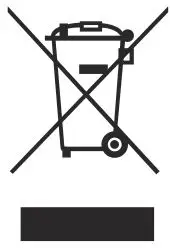 “The adjacent symbol on the product and packaging indicates that this product must not be disposed of with other household waste. If necessary, remove old batteries, rechargeable batteries and lamps before returning the product (if possible without destroying the old device and if it is not to be reused). According to the Waste Electrical and Electronic Equipment (WEEE) Directive, you may not dispose of this product and any batteries/rechargeable batteries it may contain in your normal household waste. If you wish to dispose of this product/batteries, please take them to a suitable disposal point (recycling collection point in your city) or return them to your point of purchase.”
If you have any questions, please do not hesitate to contact our support at [email protected] or visit our website www.graugear.de


© Copyright 2021 by CHAB GmbH. All Rights Reserved
Ohlstedter Strasse 17, 22949 Ammersbek / Germany
Made in China
Windows and the Windows logo are registered trademarks of Microsoft Corporation.
Apple, macOS, MAC, iTunes and Macintosh are registered trademarks of Apple Computer.
 GRAUGEAR - USB Enclosures, USB Adapters, USB Hubs, M.2 SSD Cooling and more