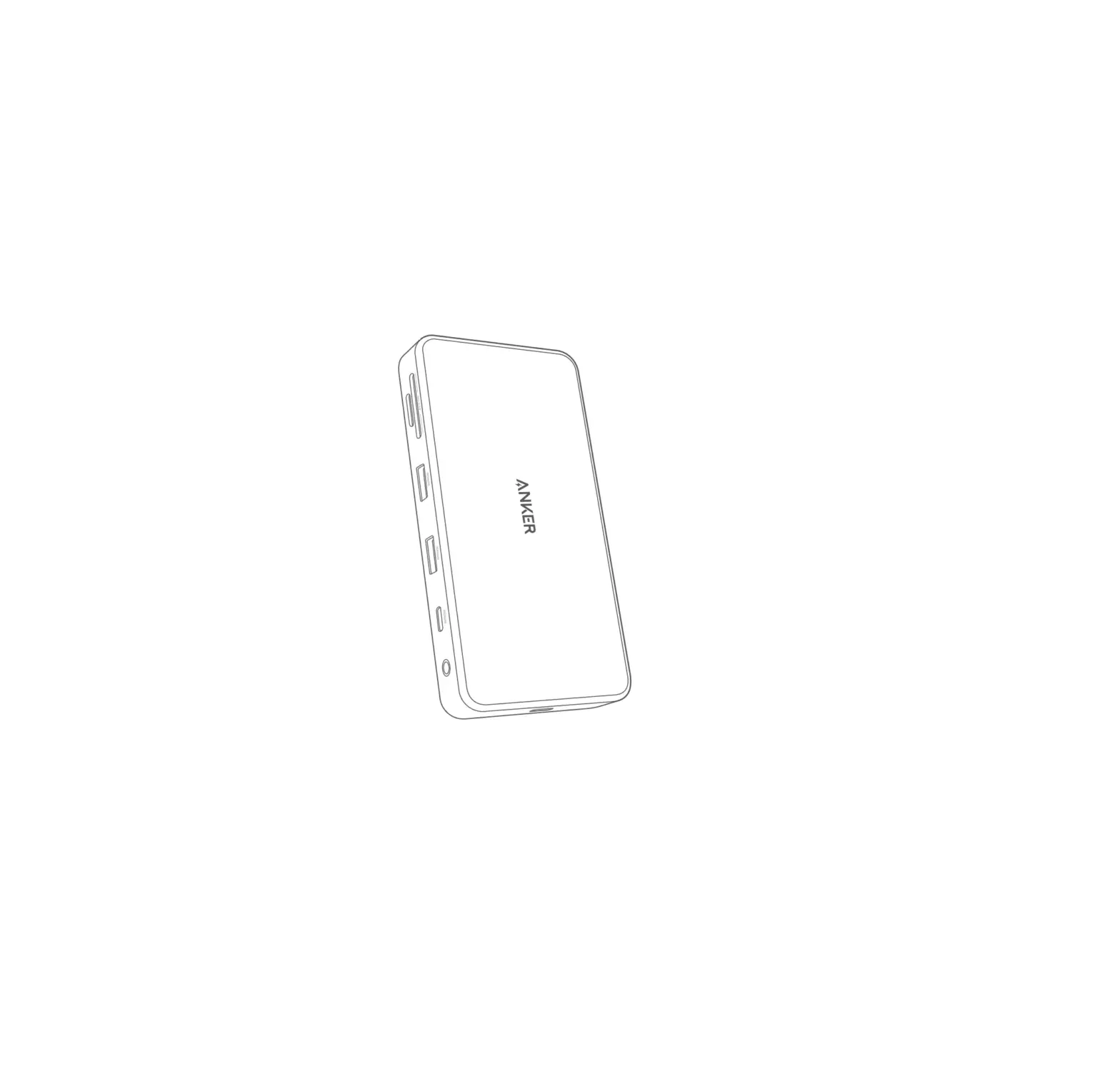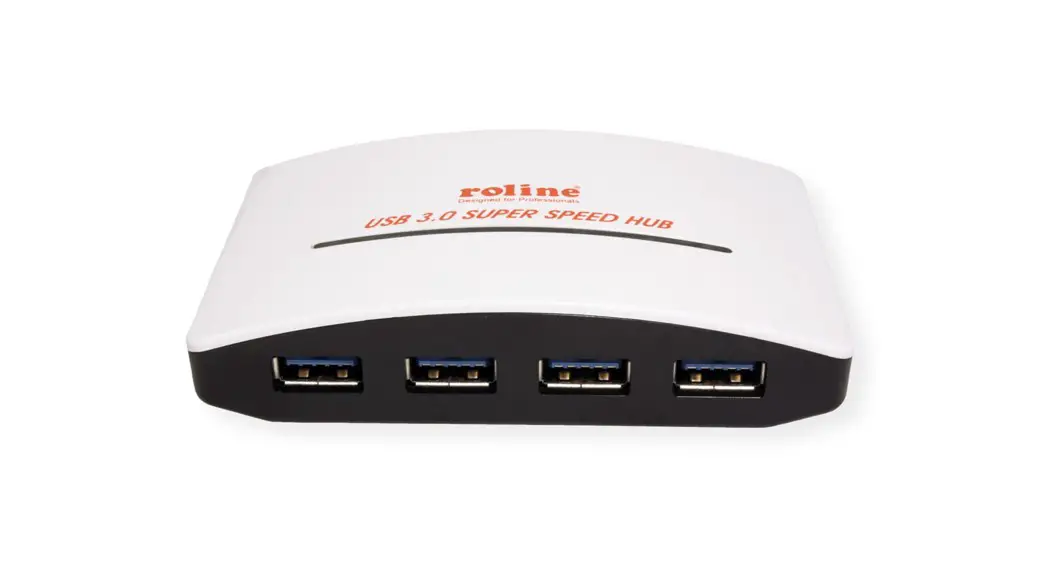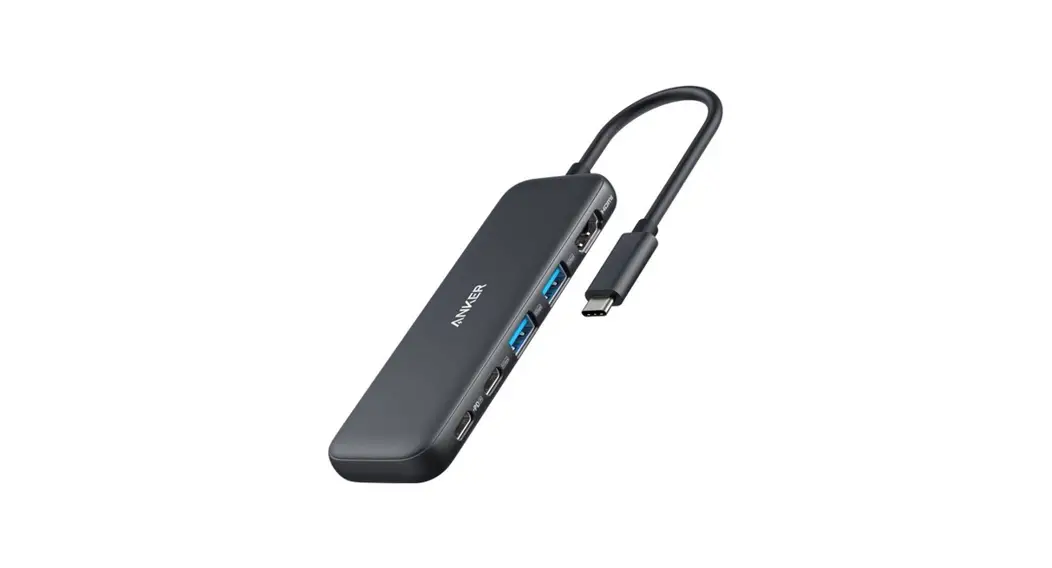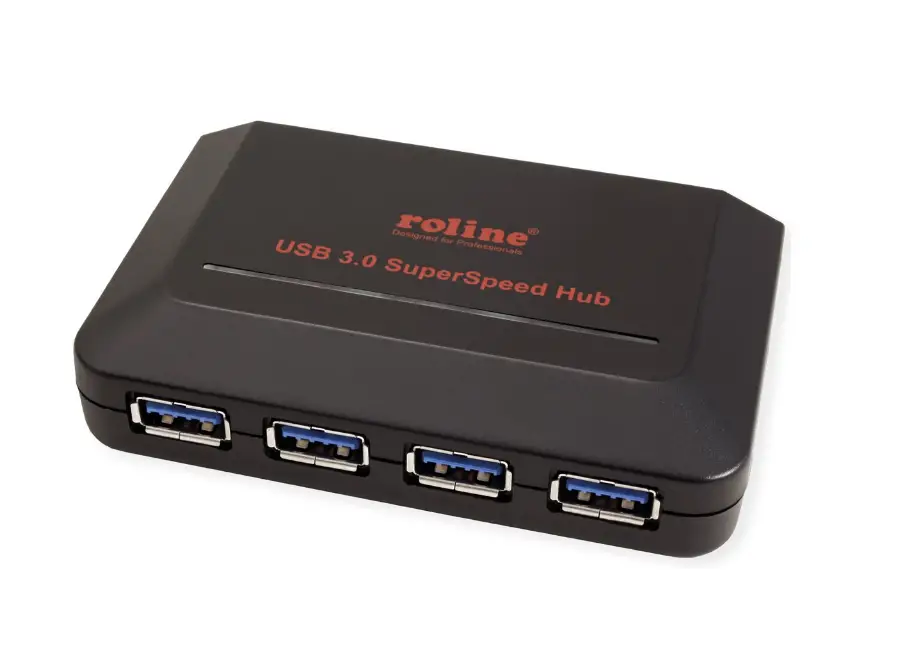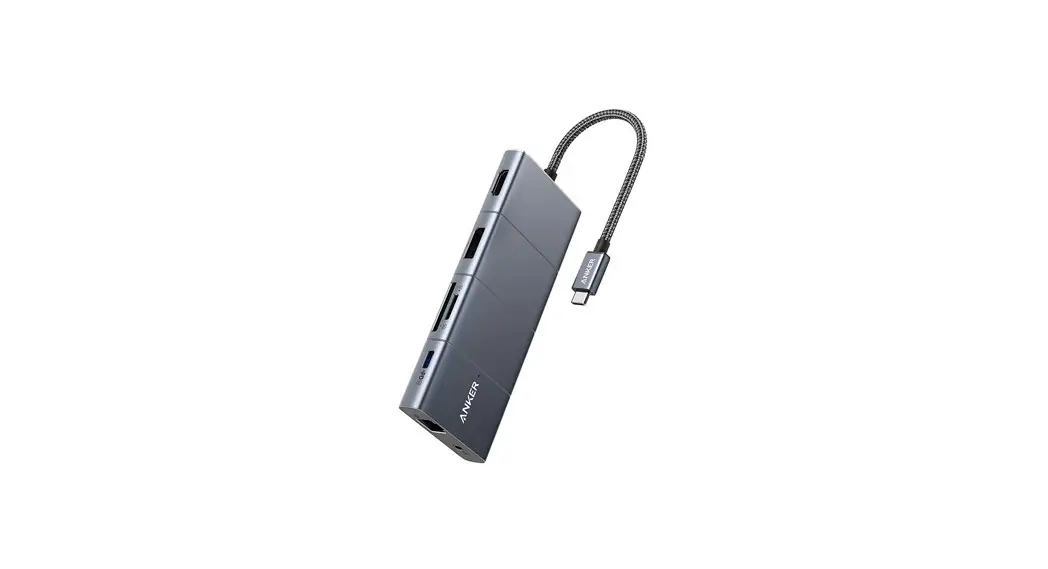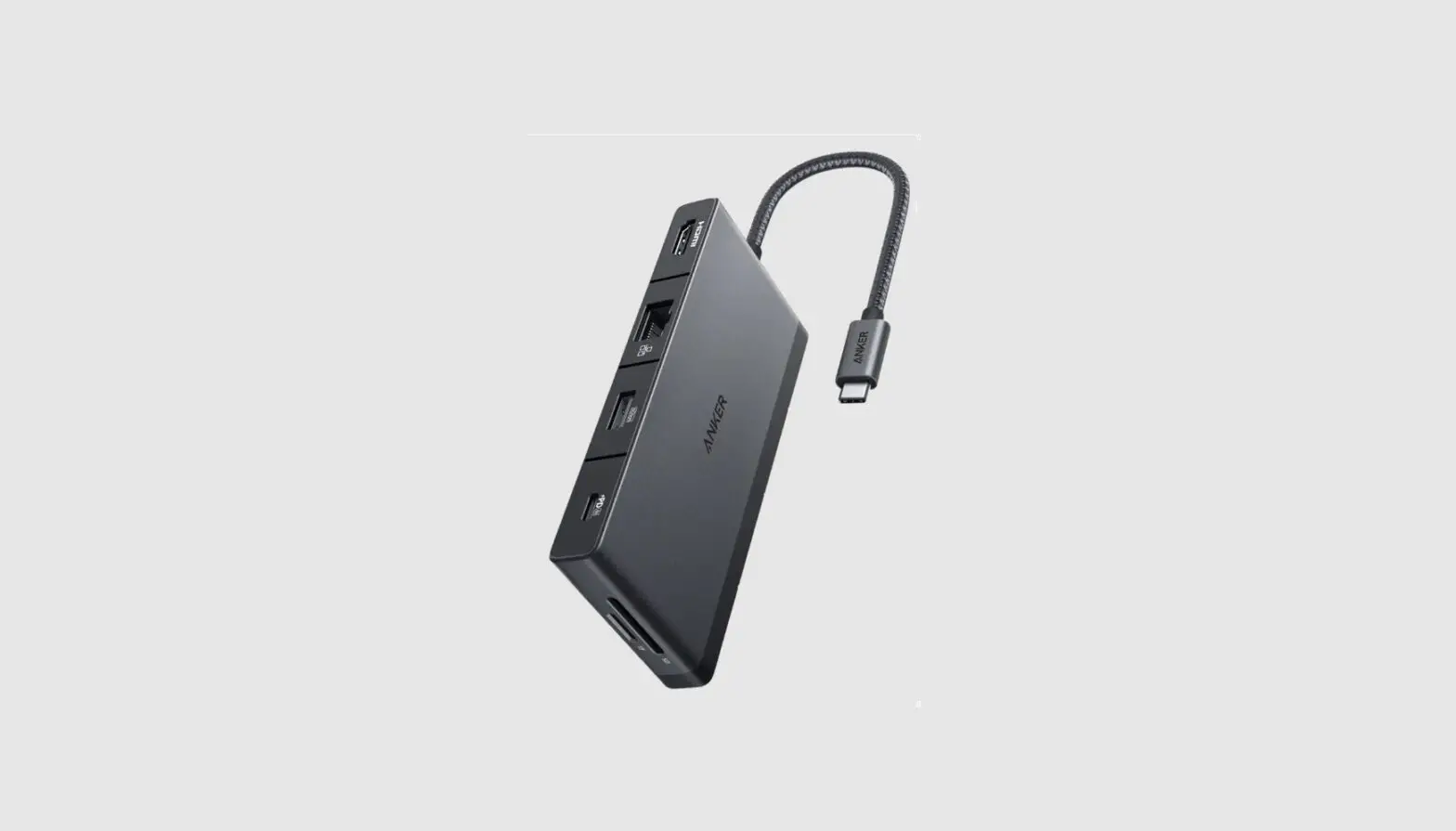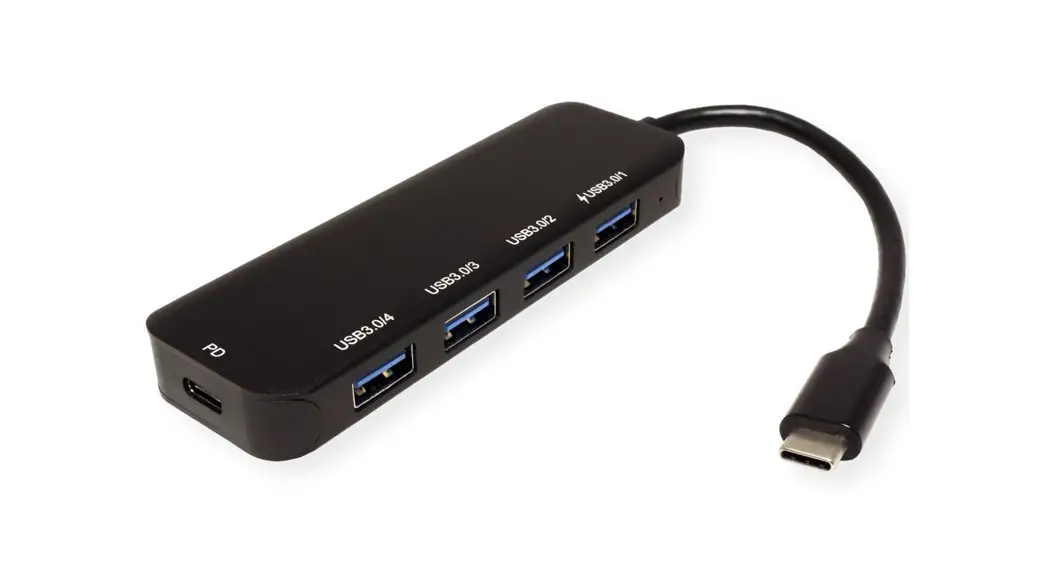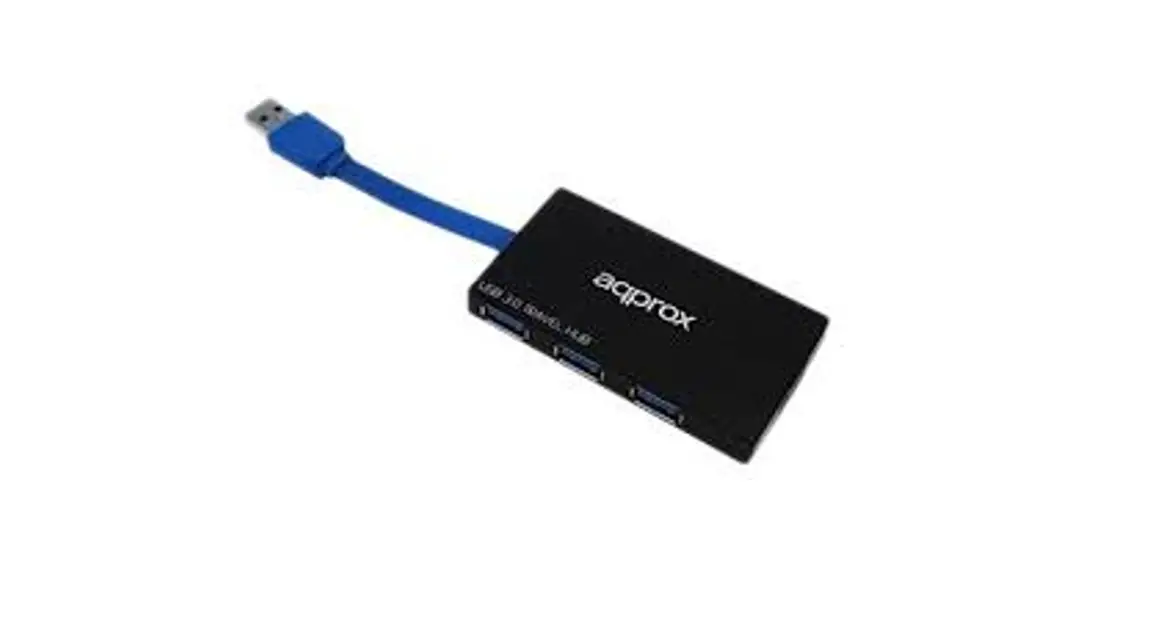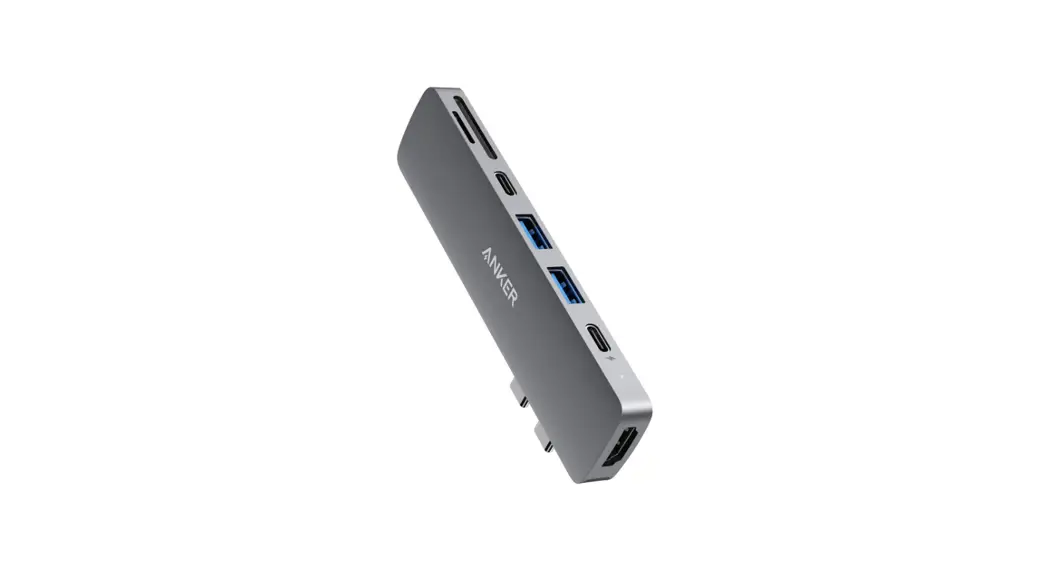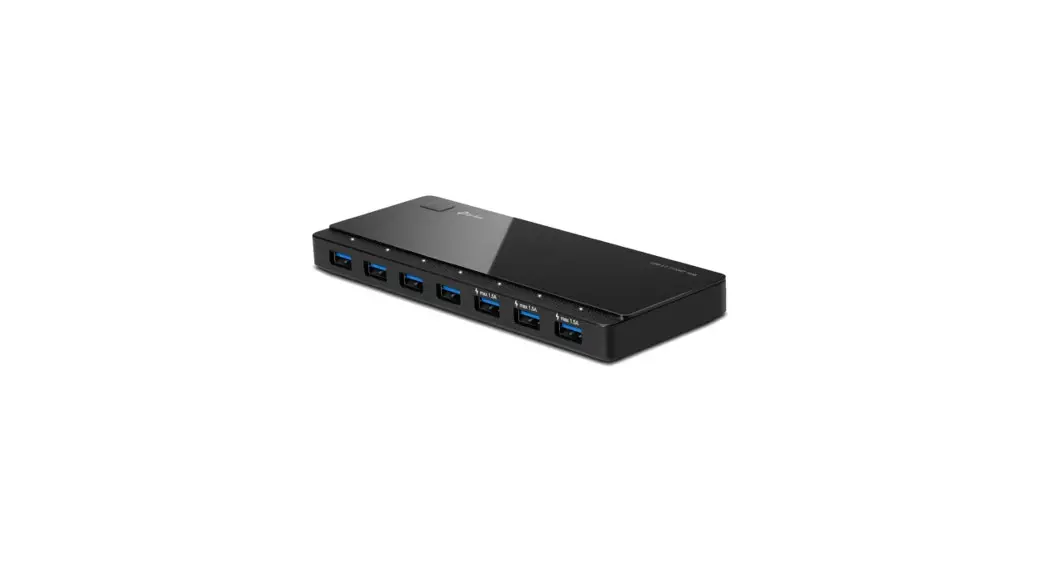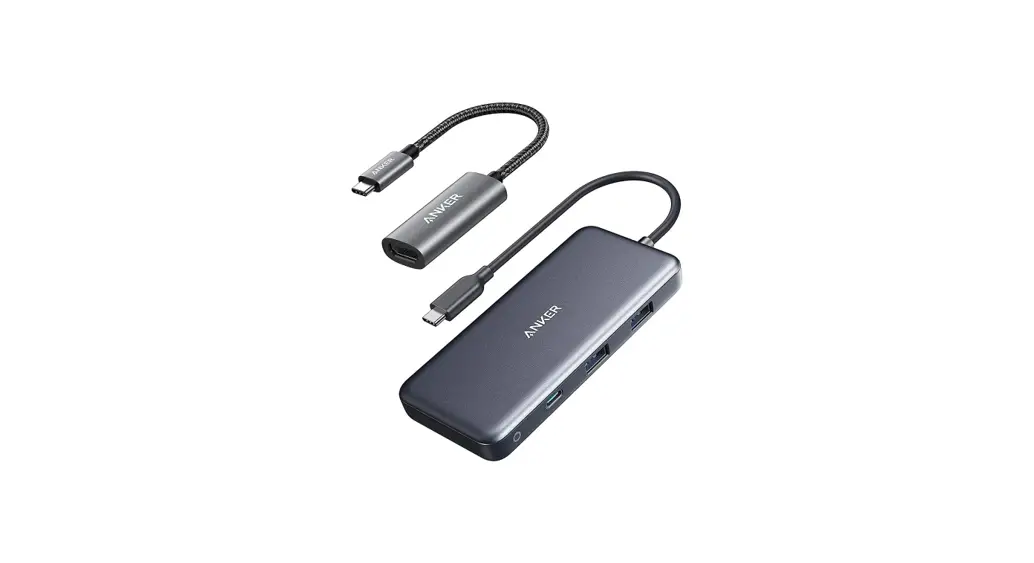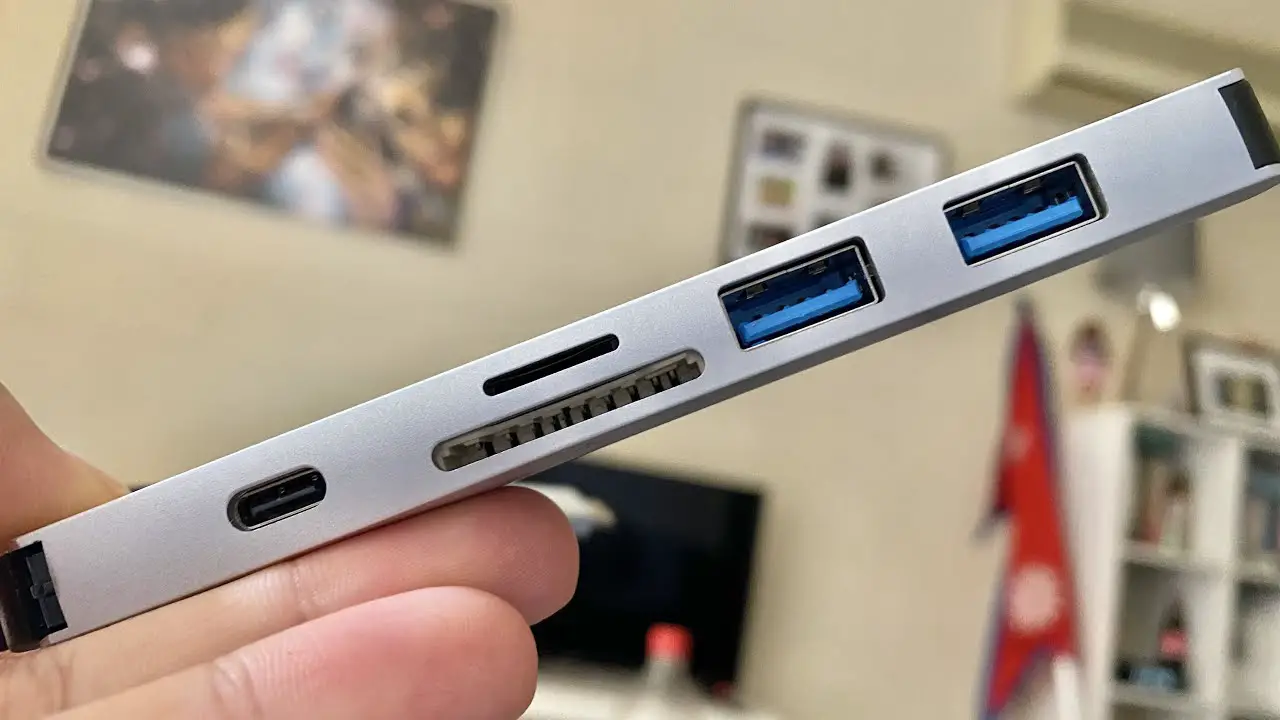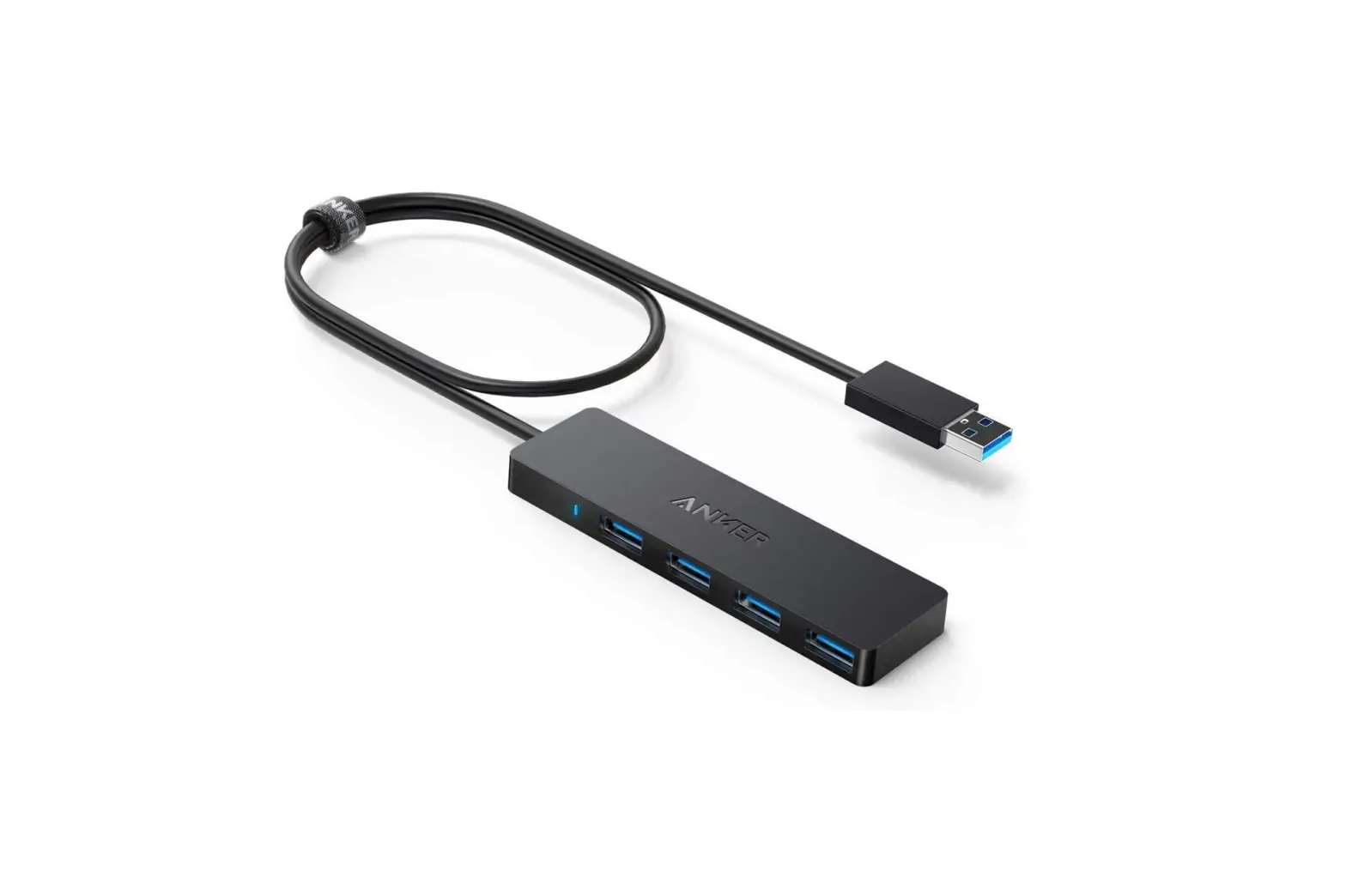

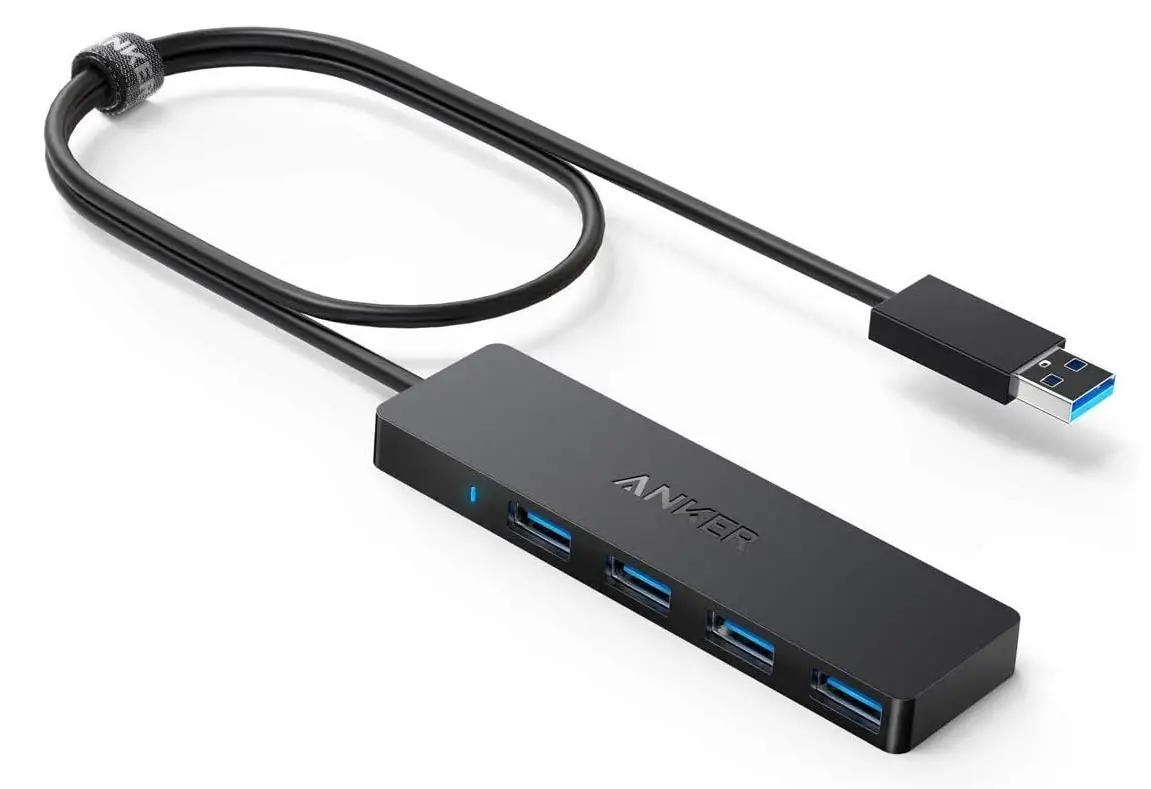
Anker AK-A7516012 4-Port USB 3.0 Hub
Introduction
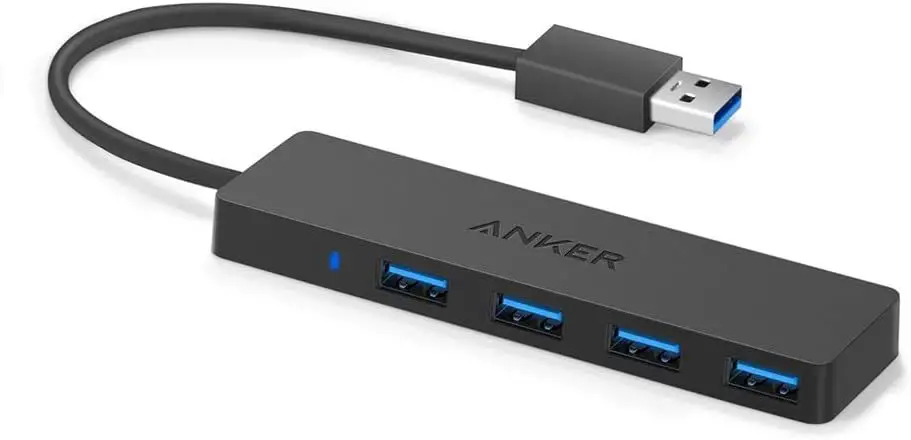
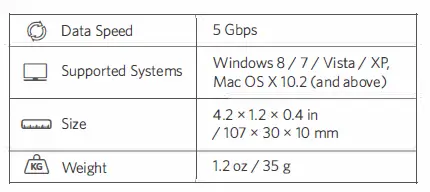
With 5Gbps internet rates, you can transfer movies, music, or a whole photo library in a matter of seconds. Some USB hub cords are so absurdly brief that the convenience is all but lost. You may modify the length of the cable to properly fit your laptop or desktop workstation with two full feet of cable and a cable tie. This cable will remain firmly linked to the USB hub regardless of how you bend or twist it; even when it is covered in a bag. A remarkably small design reduces clutter and makes room for all the plug-in attachments.
Using Your Hub
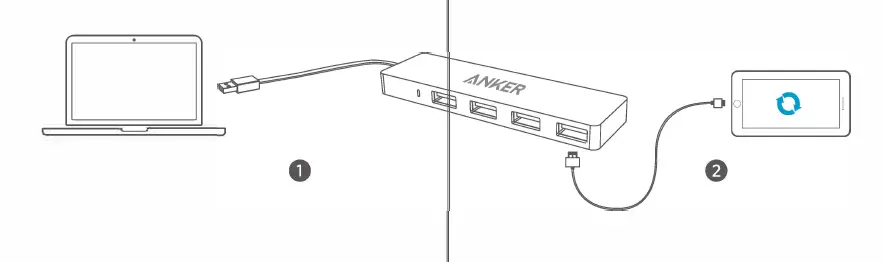
- Plug it in
- Connect your devices
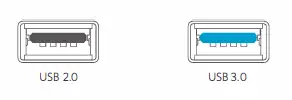
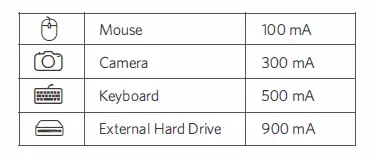
To transfer data at superfast speeds, your computer, peripherals, cables, and software must all support USB 3.0 To ensure stable connections, connected devices should not exceed a combined current of 900 mA. Devices are usually rated as follows:
Specifications
Attention

- Don’t expose to liquids
- Don’t disassemble
- Avoid dropping
- Avoid extreme temperature
Customer Service

- 18-month limited warranty
- Lifetime technical support
[email protected]
anker.com/support
Frequently Asked Questions
Will USB 2.0 devices be supported by the Anker 4-port USB 3.0?
It is backward compatible, meaning 2.0 devices (or even the original USB 1.0/1.1 devices) will function at the speed that they were intended for; hence, an older device won’t be “sped up” by this.
only if the PC you’re using has a USB port.
connect and play
The original PS4 should be compatible with this hub.
Please be aware that the four USB 3.0 ports on this hub can only supply 0.9A total, making it a data-only device. As a result, it cannot charge other gadgets.
If your hearing aids have a USB connection, you can use this device to connect USB speakers, earphones, or a headset. Check with the manufacturer of your hearing aids to make sure.
Although it can support 4, it is not advised.
Yes, solid-state devices (tested with a thumb drive). Probably not enough to power a hard drive.
I don’t have much experience with Mac Books, but if it contains USB ports, then absolutely. Although a USB 3.0 port would be ideal, any USB port would do
Please be aware that the hub’s integrated USB 3.0 cable is 2 feet long. To accommodate the demands of various consumers, we offer USB 3.0 cables in a variety of lengths.