
Welcome Guide
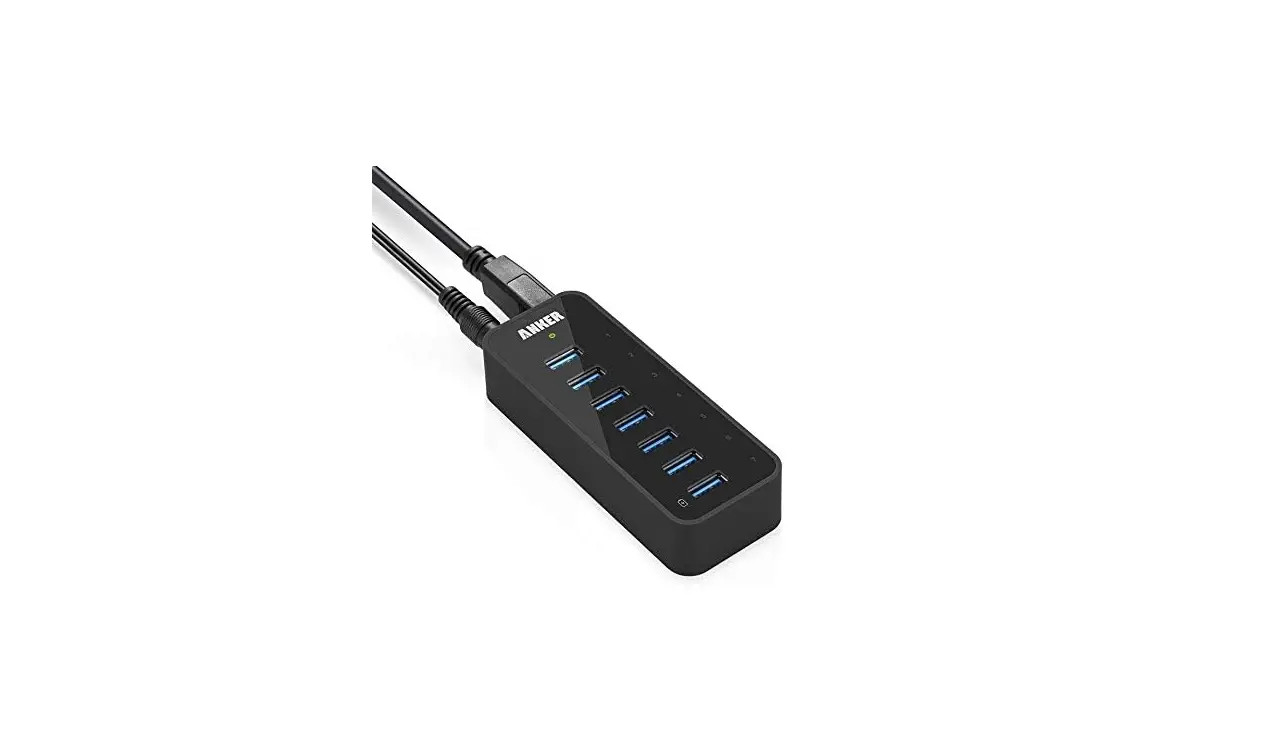
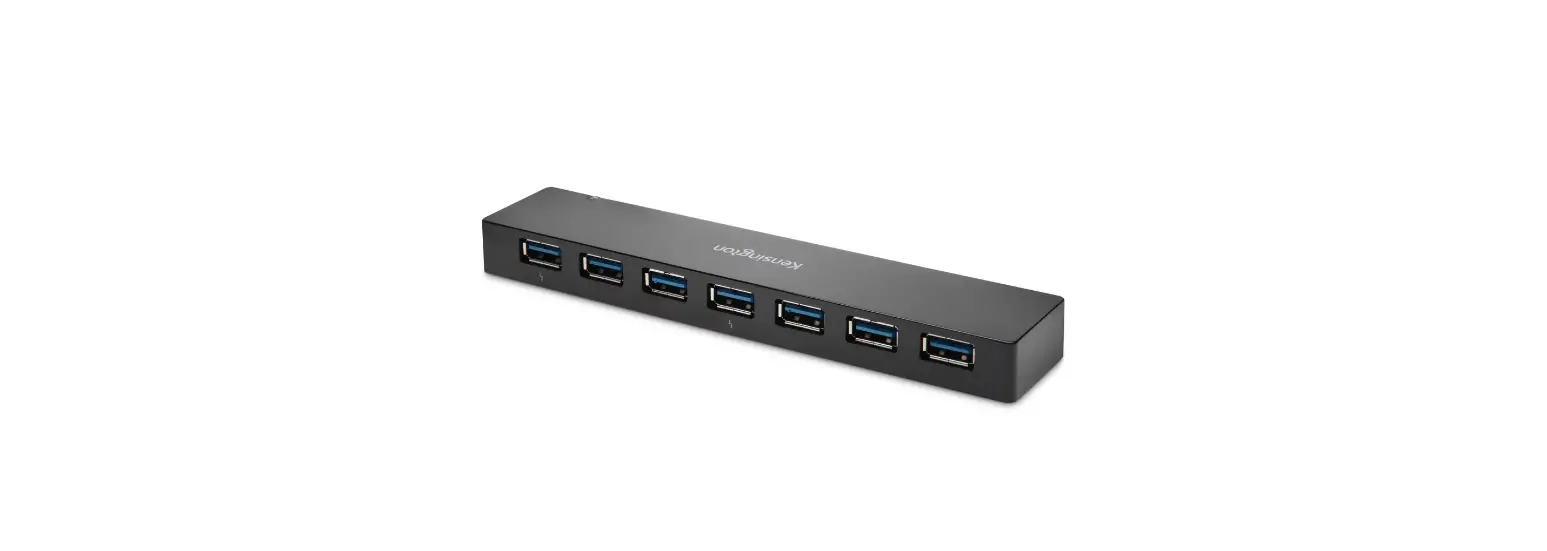
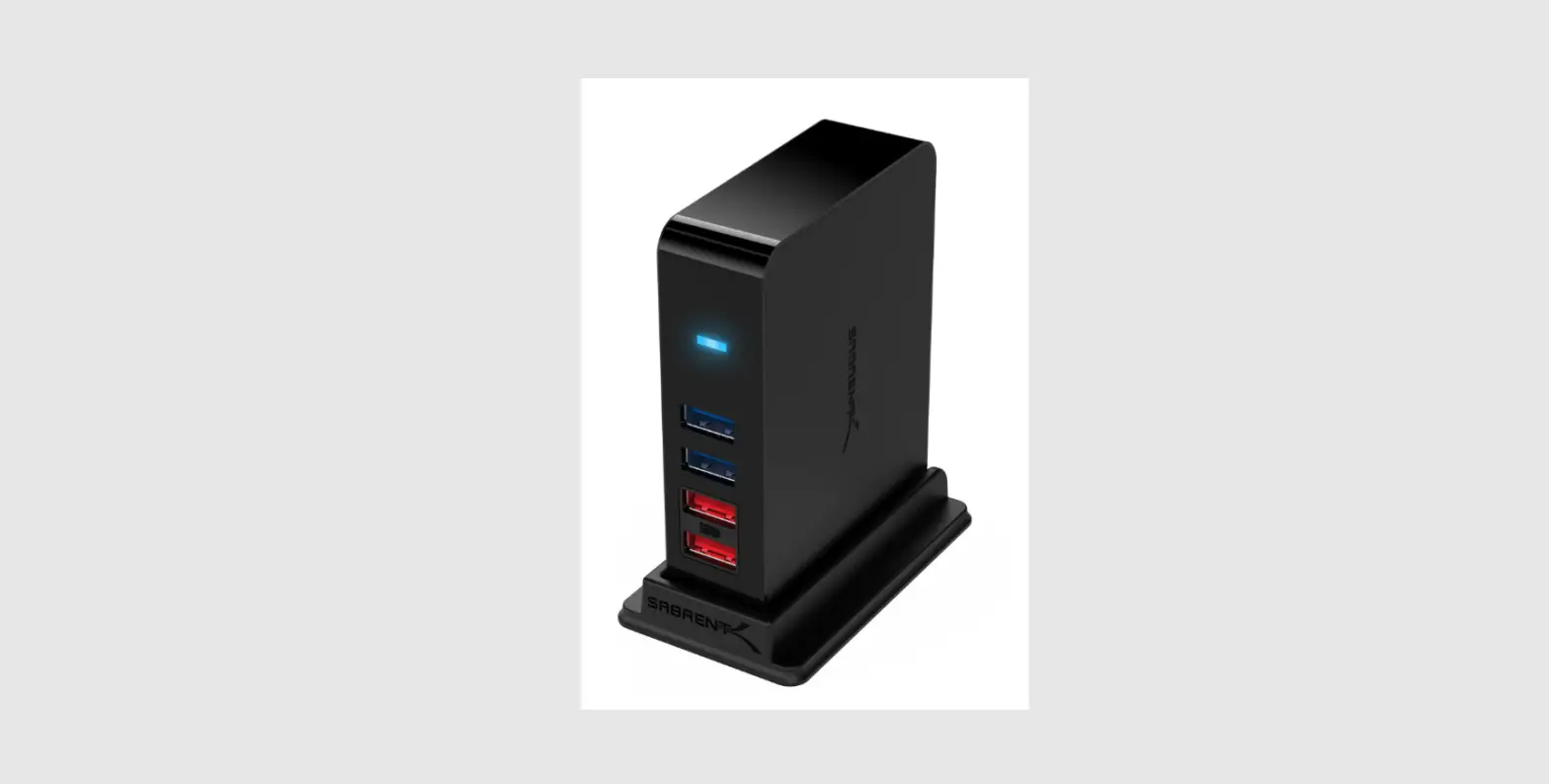
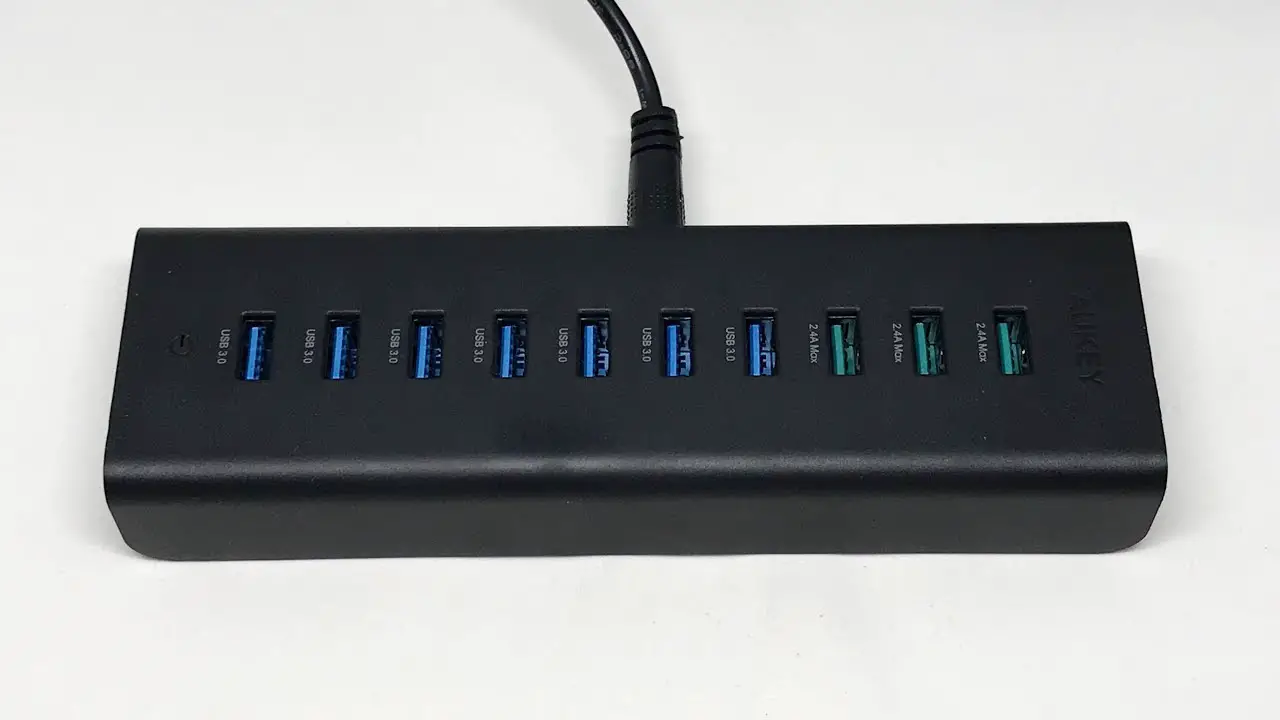
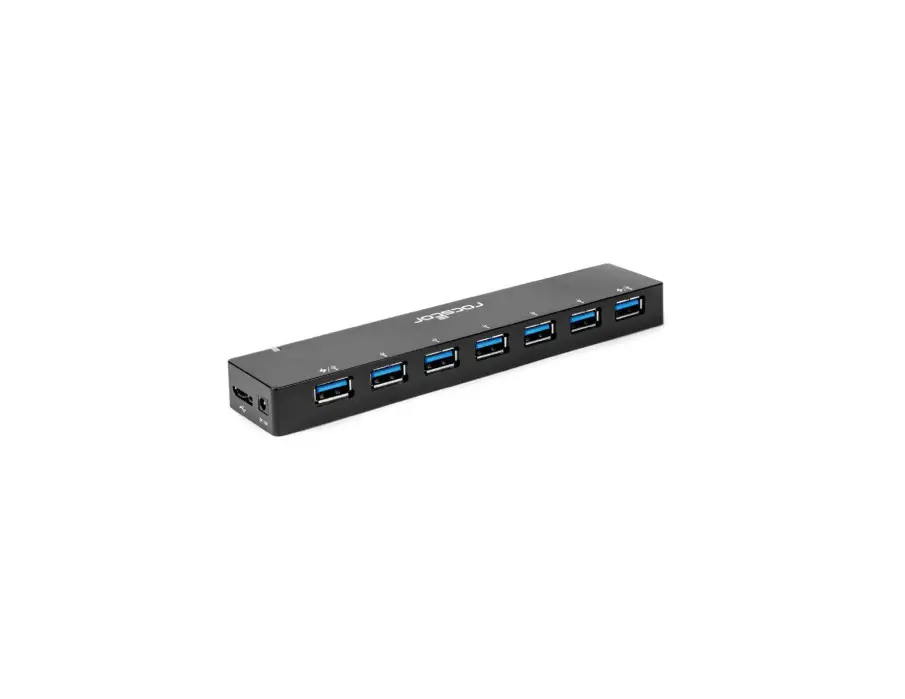
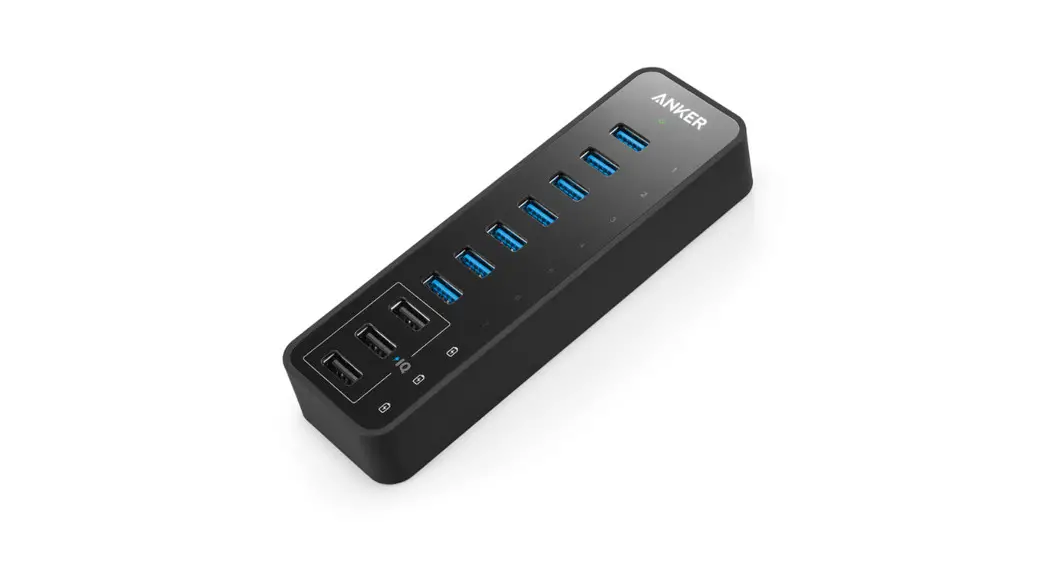
USB 3.0 7-Port Data & Charging Hub
Package Contents
• USB 3.0 7-Port Data & Charging Hub
• 12V / 5A power adapter
• 2.6 ft USB 3.0 cable
• Welcome Guide
Features
- 7 USB 3.0 ports save on sync time with data transfer rates of up to 5 Gbps (much faster than USB 2.0).
- 3 charging ports using PowerIQ™ amp-adjustment technology intelligently identify your device to deliver its fastest possible charge.
- Horizontally positioned ports give a wider berth for over-sized USB connectors.
- Built-in surge protector keeps your devices and data safe and supports hot-swapping.
- Compatible with USB 2.0 and 1.1 specifications. No drivers are required for Windows XP / Vista / 7 / 8 and Mac OS X 10.2 and above.
Specifications
| Dimensions | 145 x 44 x 22mm / 5.7 x 1.7 x 0.9in |
| Weight | 105g / 3.7oz |
| Input | 100-240V |
| Data Transfer Rate | 5Gbps |
| Charging Output | 2.1A × 3 |
| Supported System | Windows 8 / 7 / Vista / XP or Mac OS X 10.2 and above |
Instructions
Depending on how you use the hub, choose the power supply option that’s best for you.
(a) For both data transfer and charging: Connect the hub with both the power adapter and USB cable to ensure a stable connection. To achieve maximum data transfer rates, your computer system, peripherals, cables, and software must all support USB 3.0.
(b) For charging only: Connect the hub with the power adapter only. The hub will serve as a standalone charger featuring 3 full-speed PowerIQ™ charging ports.
Usage Tips
• For optimal performance, connected devices should not exceed a combined current of 10A (power adapter
attached) otherwise, connections may become unstable or disconnect entirely.
For reference, the devices below are often rated as follows:
| Mouse | 100mA |
| Camera | >300mA |
| Portable hard disk | max. 500mA |
| USB 3.0 portable hard disk | max. 900mA |
| Keyboard | max. 500mA |
• 2.4GHz wireless devices, MIDI devices, and some USB 3.0 devices may not be supported. Try using the host port or a USB 2.0 connection.
ATTENTION
- Do not tamper with this product or expose it to excessive heat, humidity, or direct sunlight.
- We are not responsible for any damage to drives or hard disk data caused by improper use and/or disassembly. Please use this product according to its instructions.
Packungsinhalt
- Anker USB 3.0 7-Port Daten- & Ladehub
- 12V / 5A Netzteil
- 80 cm USB 3.0 Kabel
- Bedienungsanleitung
Customer Service
 | 18-Month Limited Warranty |
 | Lifetime Technical Support |
 | [email protected] |
 | 1-800-988-7973 | Mon-Fri 9:00-17:00 PST (US) |
For FAQs and more information, please visit: http://goo.gl/jesXbf
 | @Anker @Anker Japan @Anker Deutschland |
 | @AnkerOfficial @Anker_JP |
 | @Anker |
 Anker | Live Charged. - Anker US
 Anker | Live Charged. - Anker US