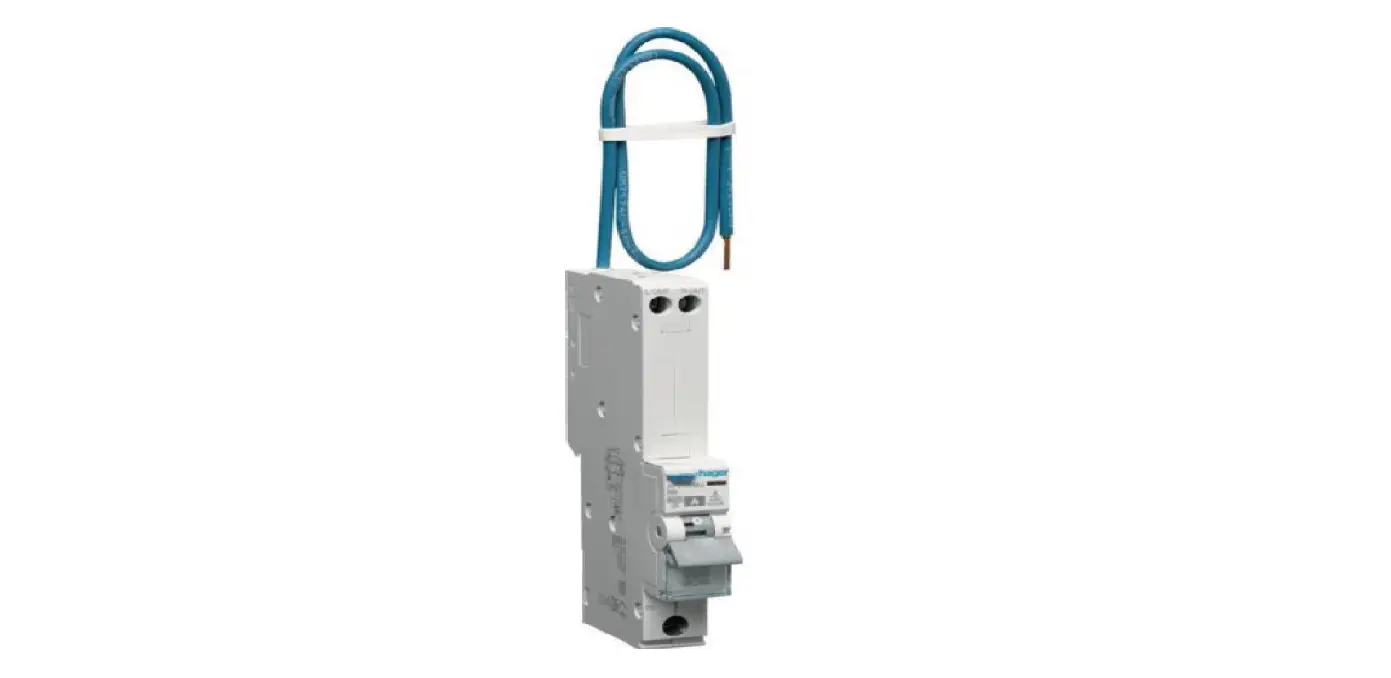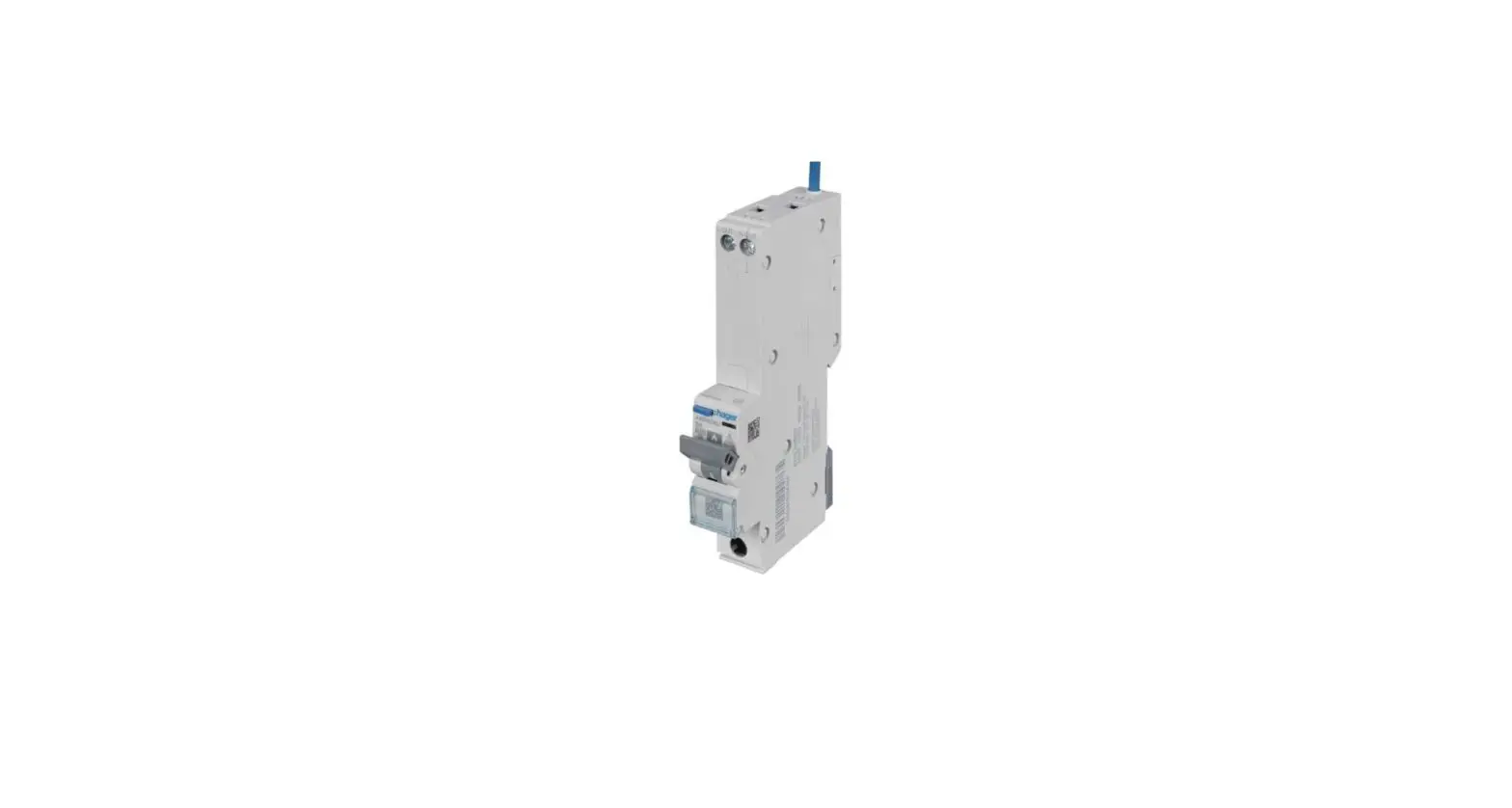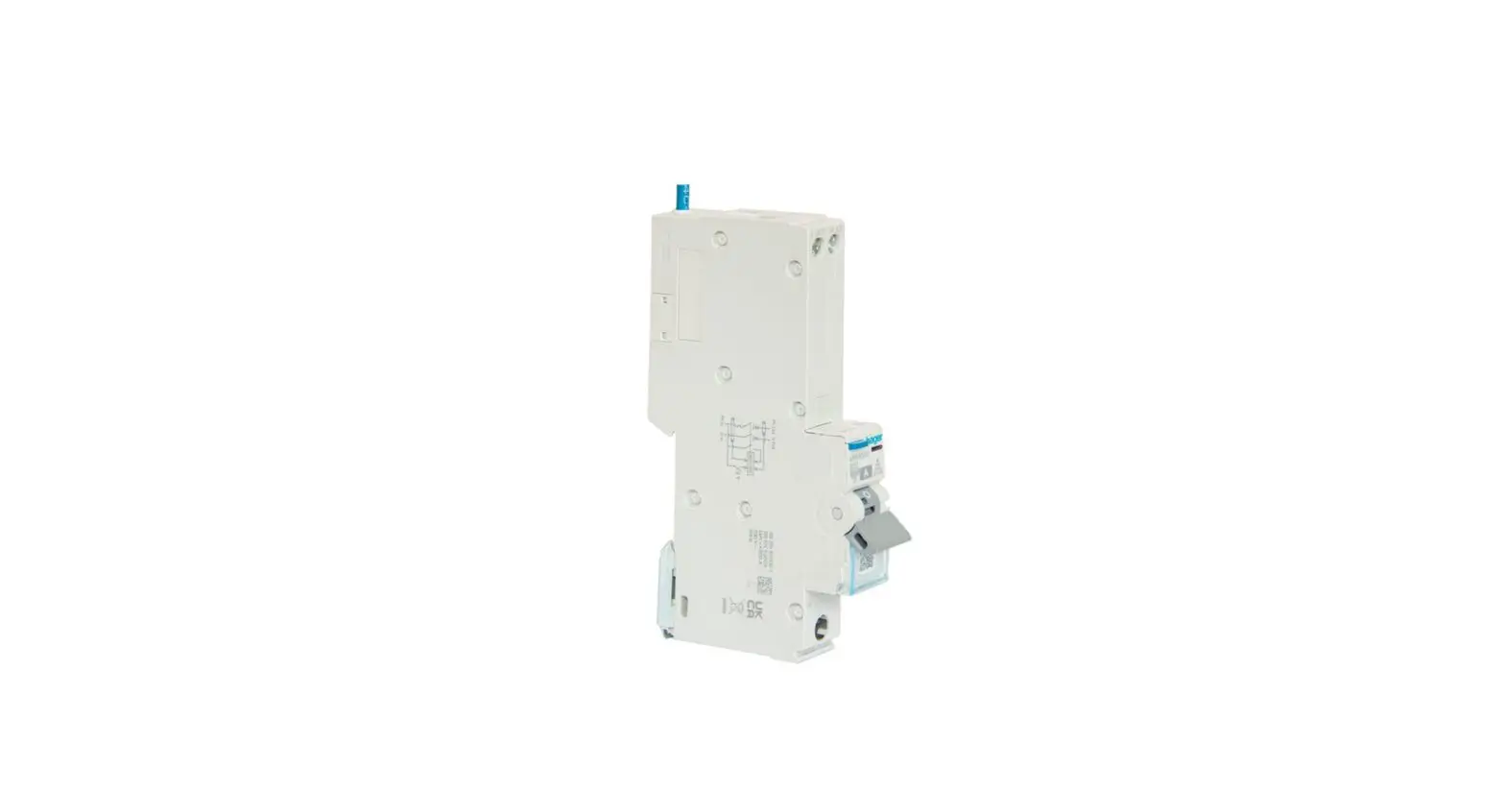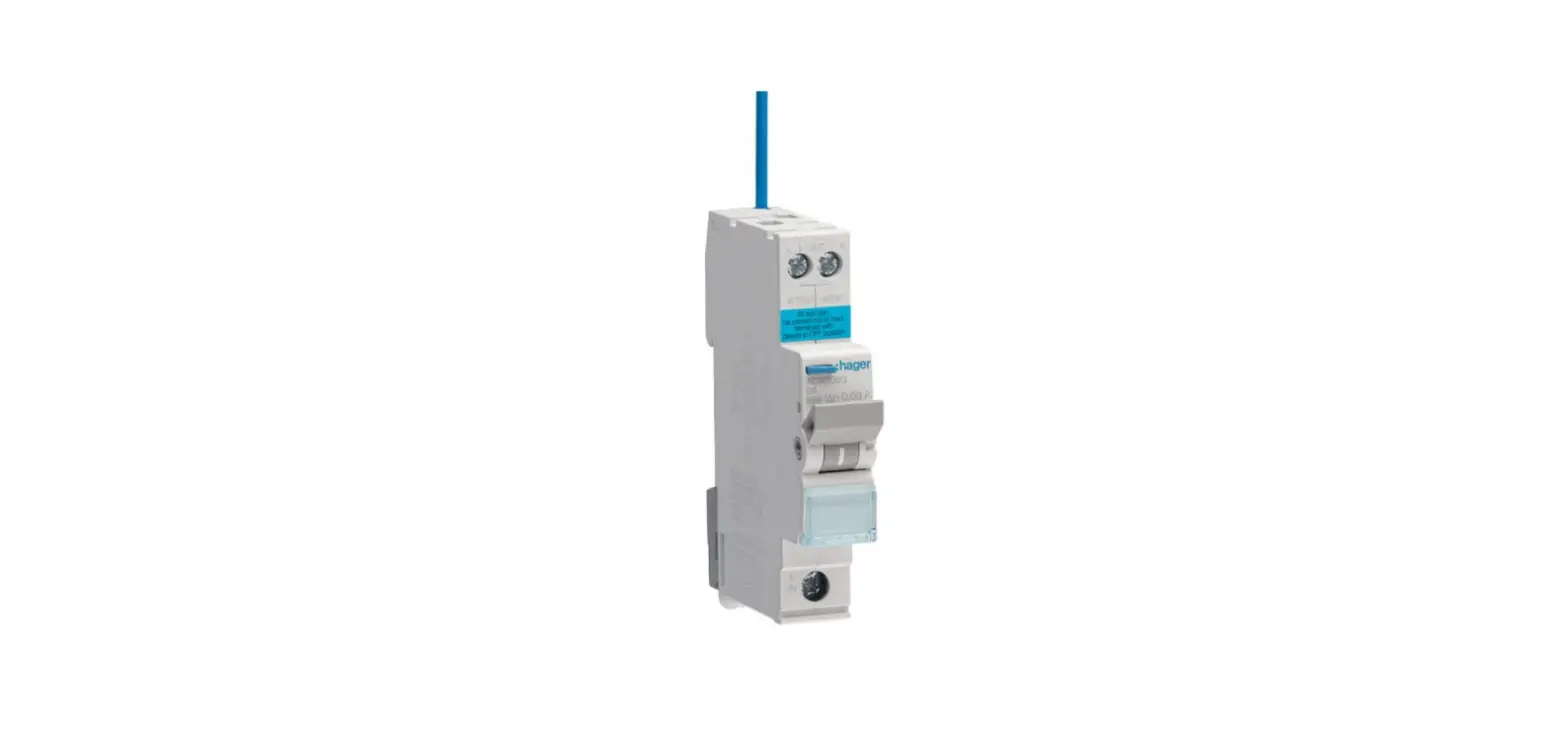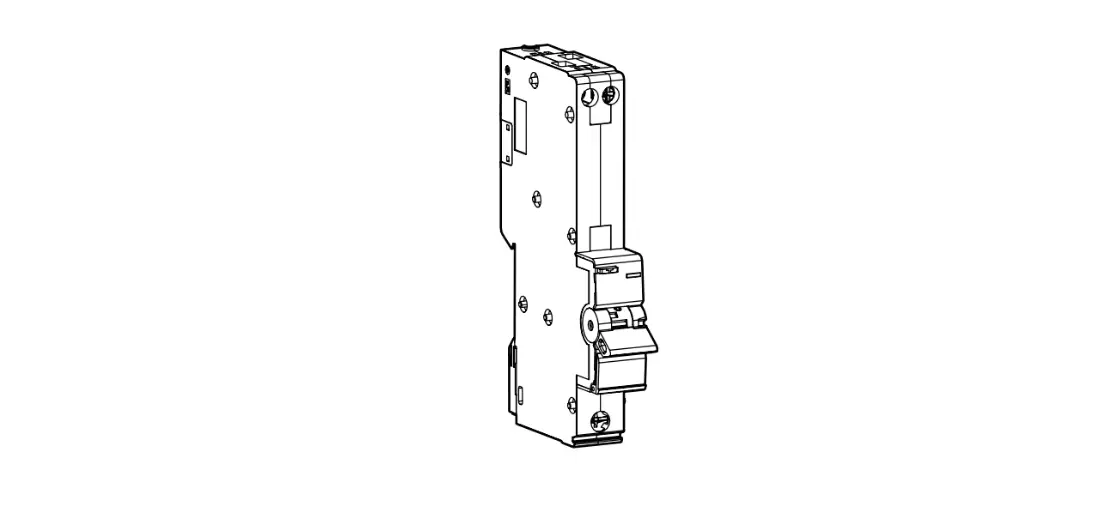

Hager Arr910u Afdd Rcbo 10 Amp Arc Fault Detection Device User Guide

Hager Arr910u Afdd Rcbo 10 Amp Arc Fault Detection Device User Guide

hager-logo

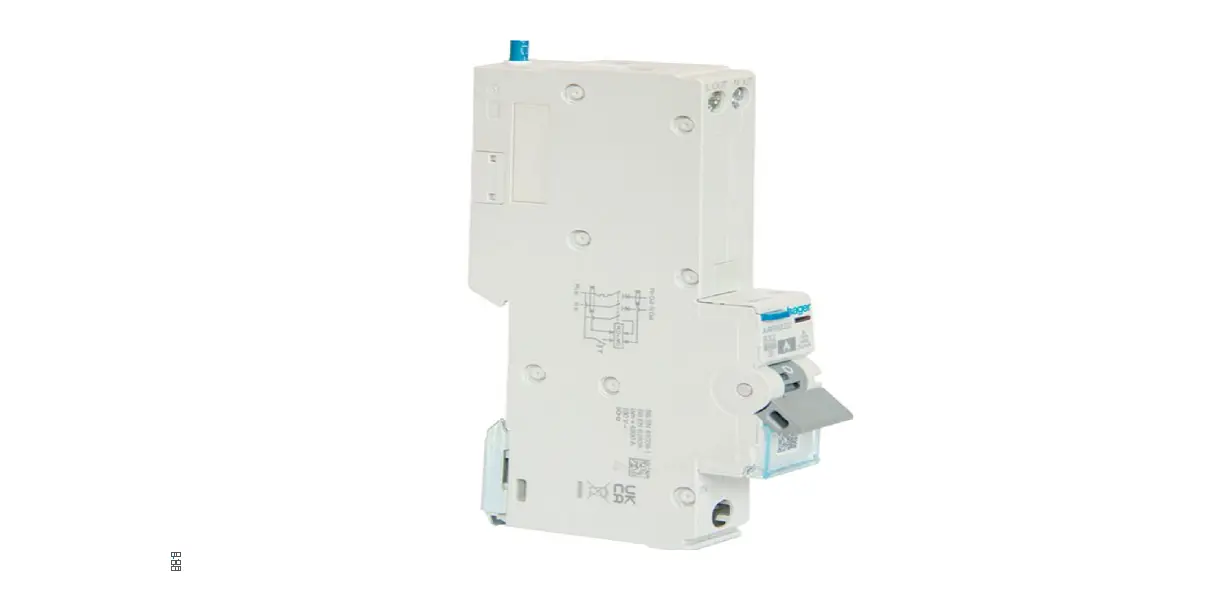
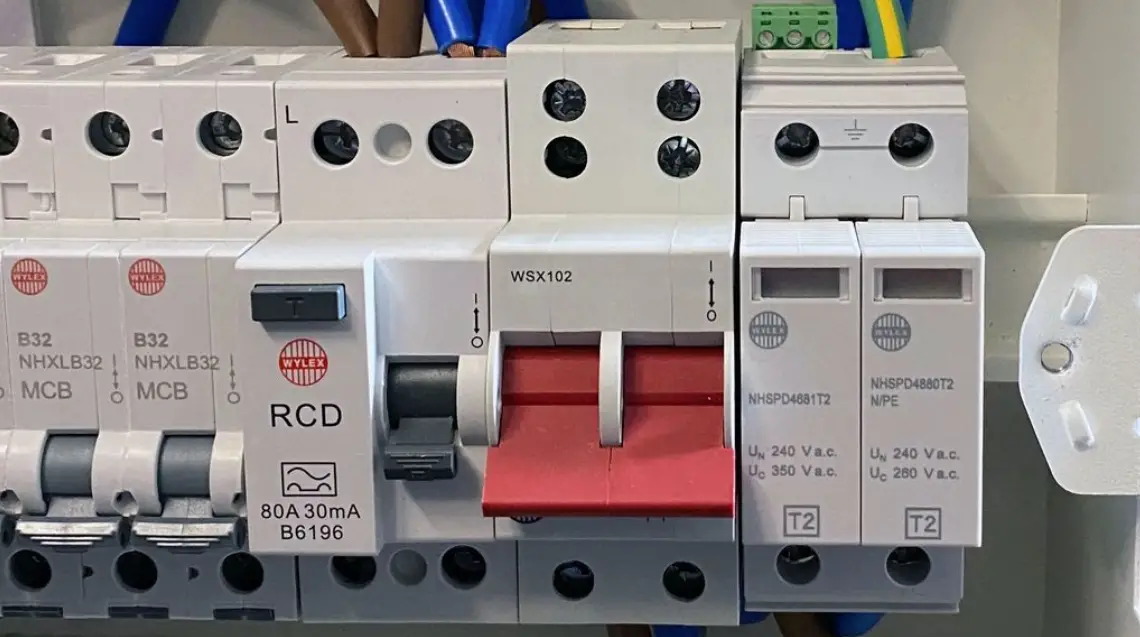
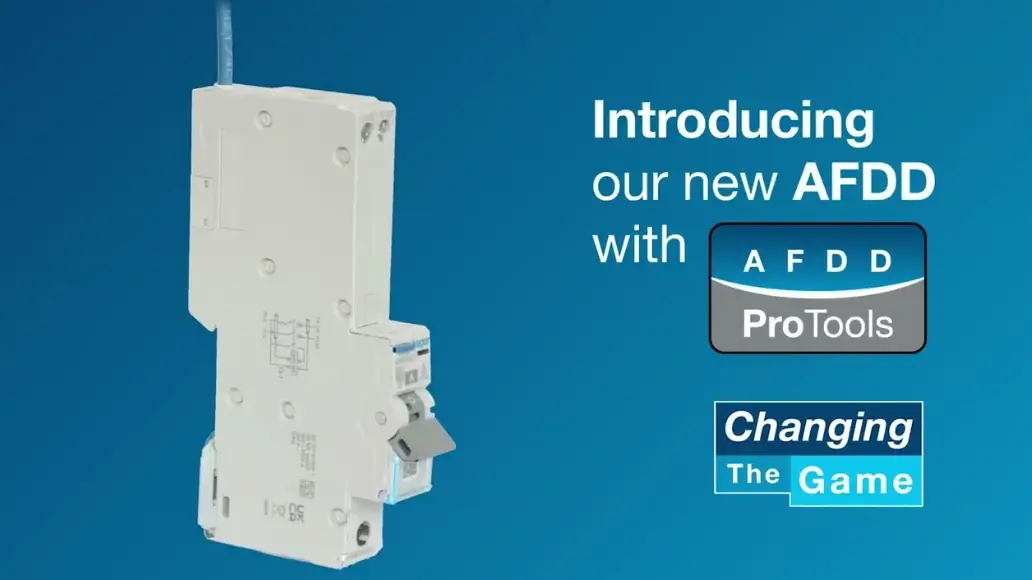
hager ARR910U AFDD RCBO 10 Amp ARC Fault Detection Device
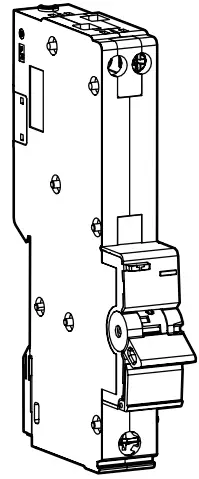
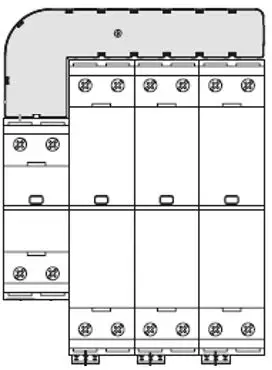
hager ARR910U AFDD RCBO 10 Amp ARC Fault Detection Device-fig1

What to do if the AFDD has tripped?

hager ARR910U AFDD RCBO 10 Amp ARC Fault Detection Device-fig2

warning
The outgoing lines may only be connected or disconnected in a de-energized state.

Perform a diagnostic

To test the product:

AFDD is switched off.

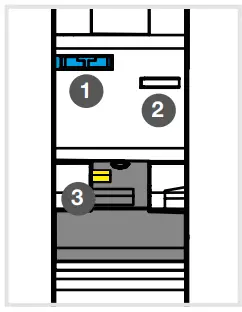
  1. Press the test button.
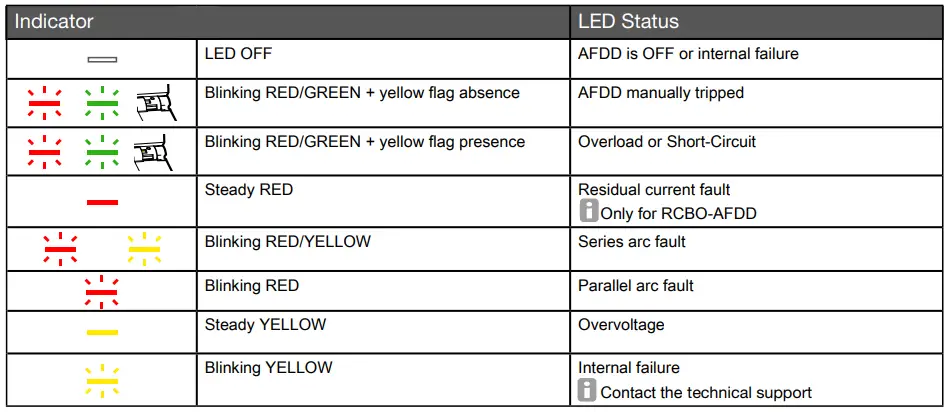
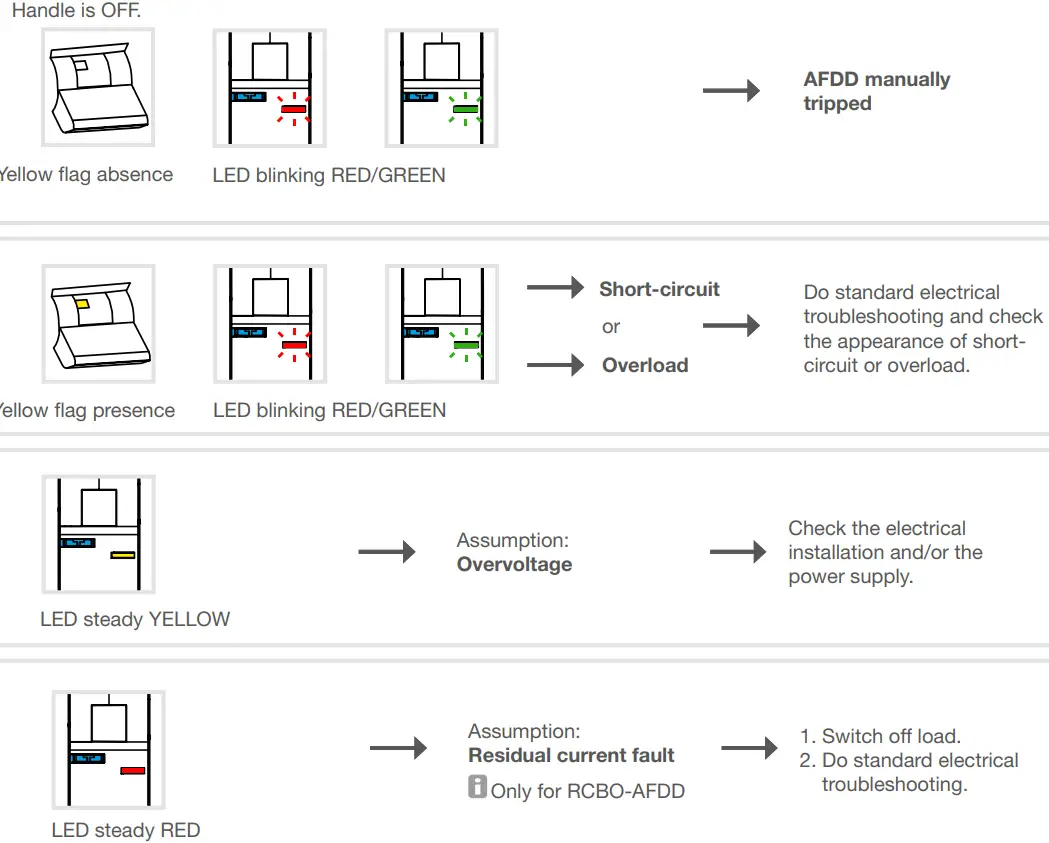
  2. Check the status of the LED (Table 1)
  3. Check the status of the yellow flag.

    hager ARR910U AFDD RCBO 10 Amp ARC Fault Detection Device-fig3

LED color-codes

hager ARR910U AFDD RCBO 10 Amp ARC Fault Detection Device-fig4

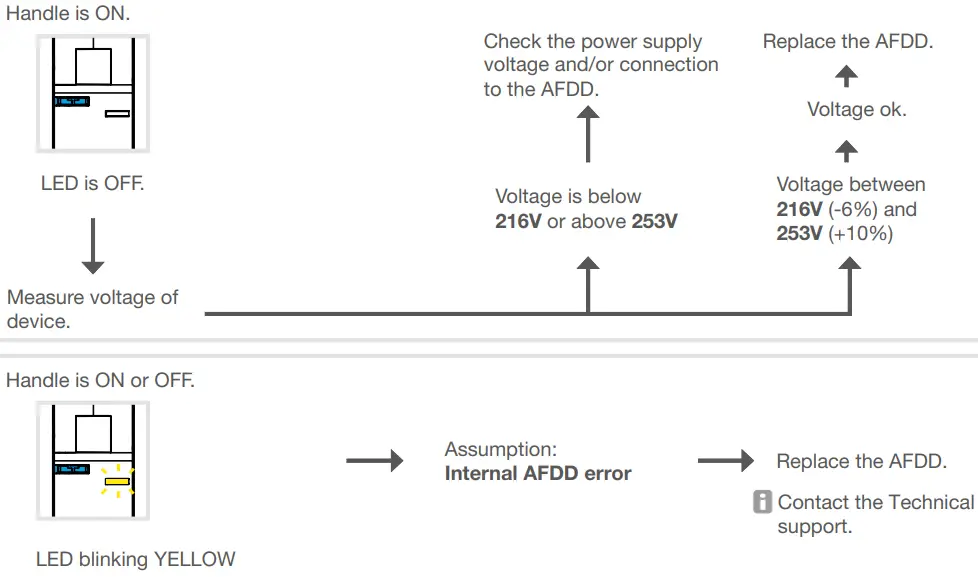
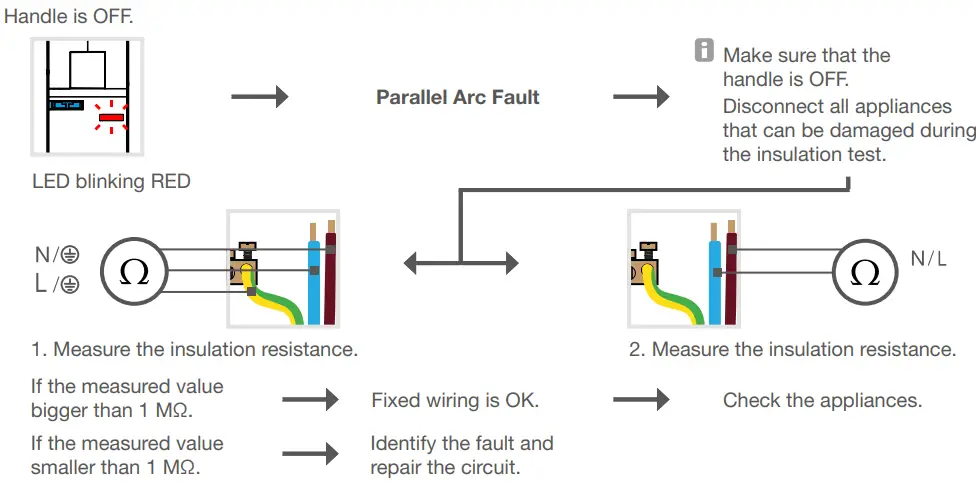
AFDD troubleshooting

hager ARR910U AFDD RCBO 10 Amp ARC Fault Detection Device-fig5

Standard electrical troubleshooting

hager ARR910U AFDD RCBO 10 Amp ARC Fault Detection Device-fig6

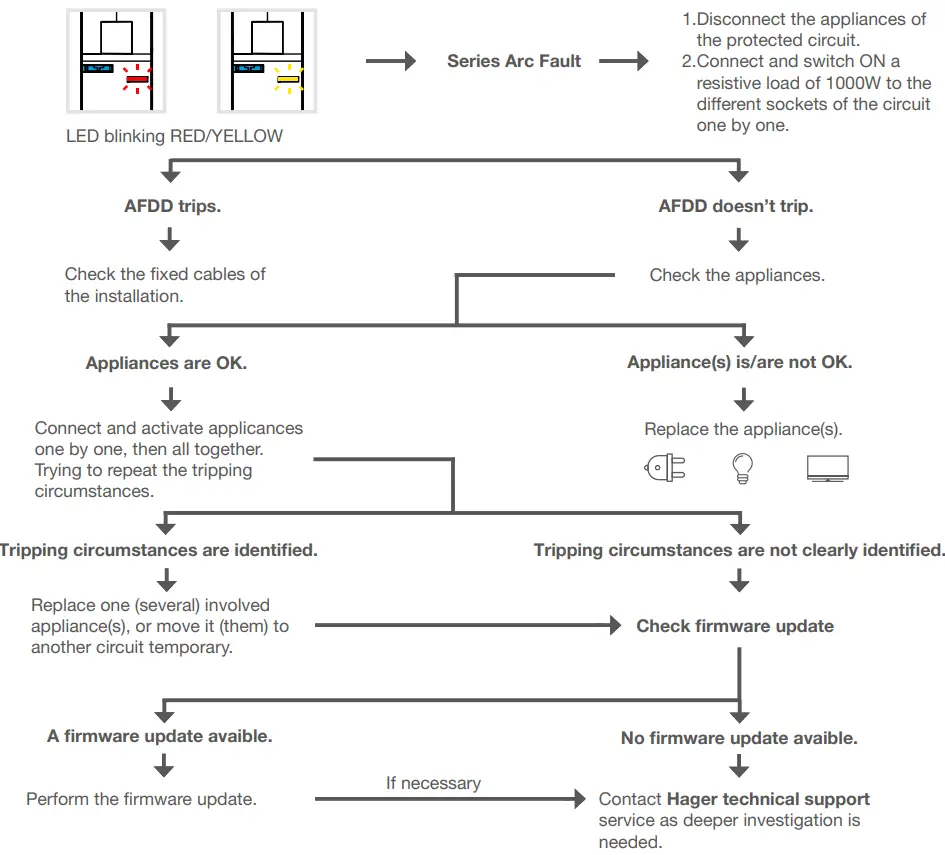
Arc fault troubleshooting

hager ARR910U AFDD RCBO 10 Amp ARC Fault Detection Device-fig7

hager ARR910U AFDD RCBO 10 Amp ARC Fault Detection Device-fig8

Hager technical support: +441952675689
[email protected]

Documents / Resouces

Download manual
Here you can download full pdf version of manual, it may contain additional safety instructions, warranty information, FCC rules, etc.


Related Manuals