

Quick Installation Guide
———– X1 Series 0.6KW-3.6KW
 I Packing Lists
 I Packing Lists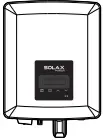
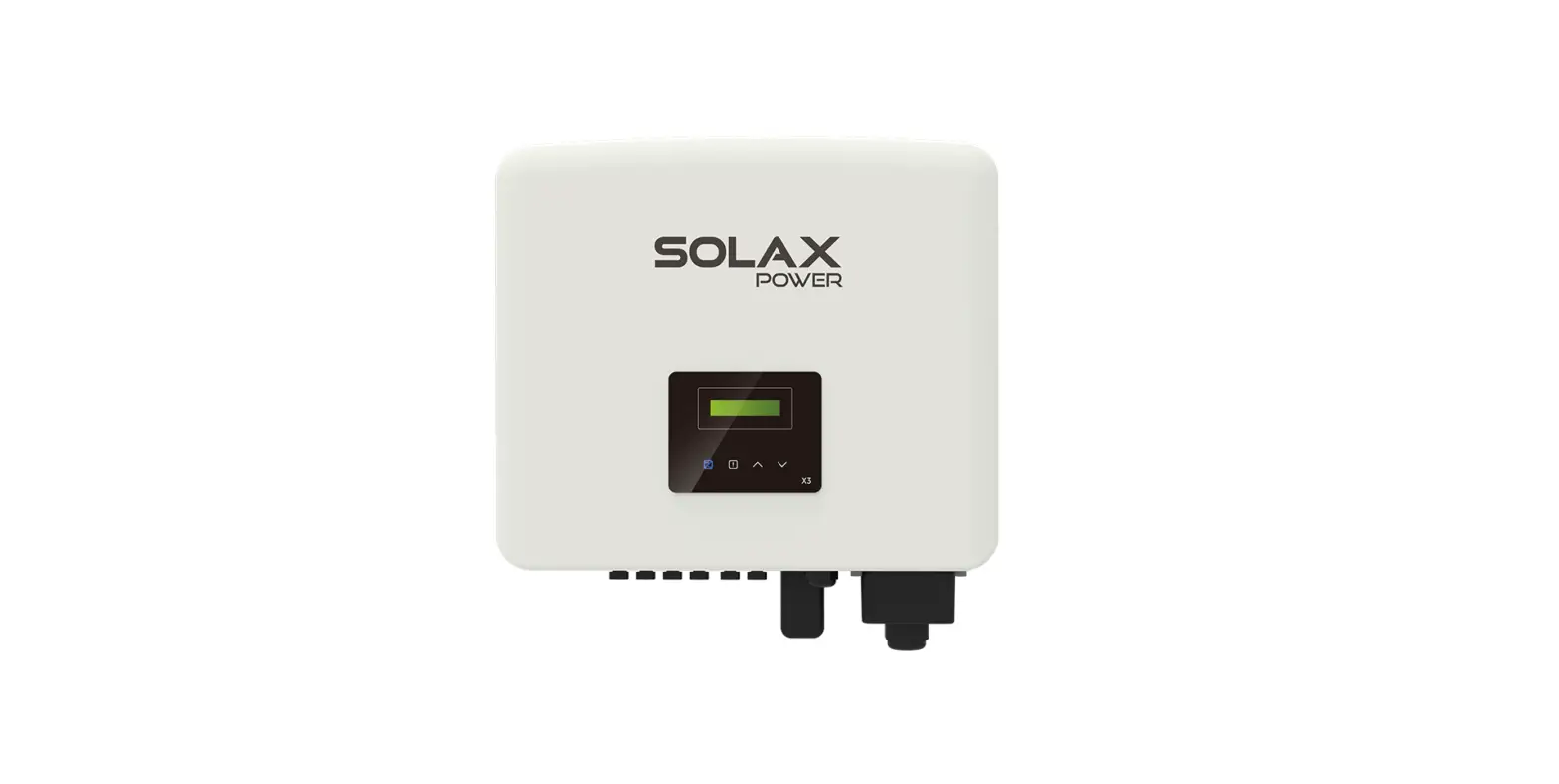
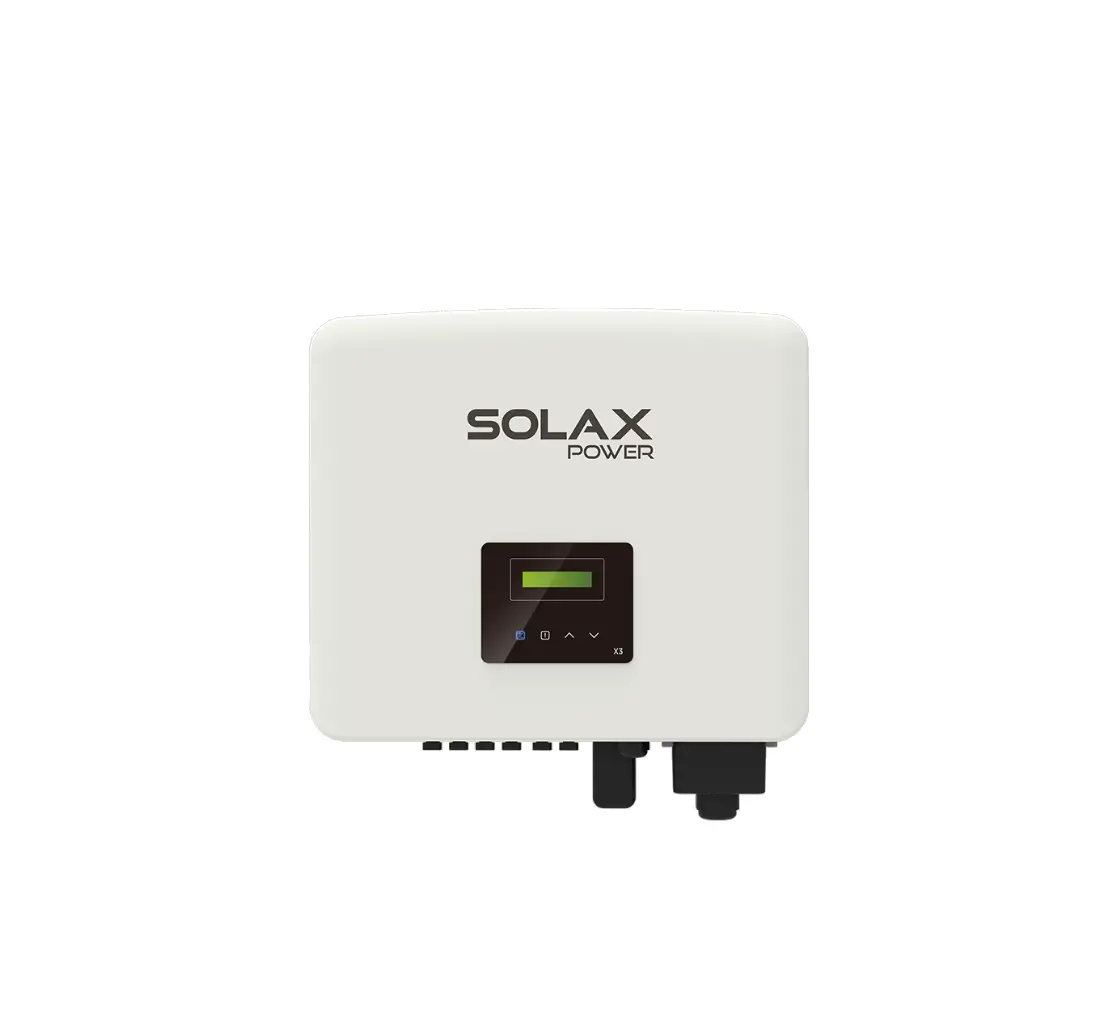
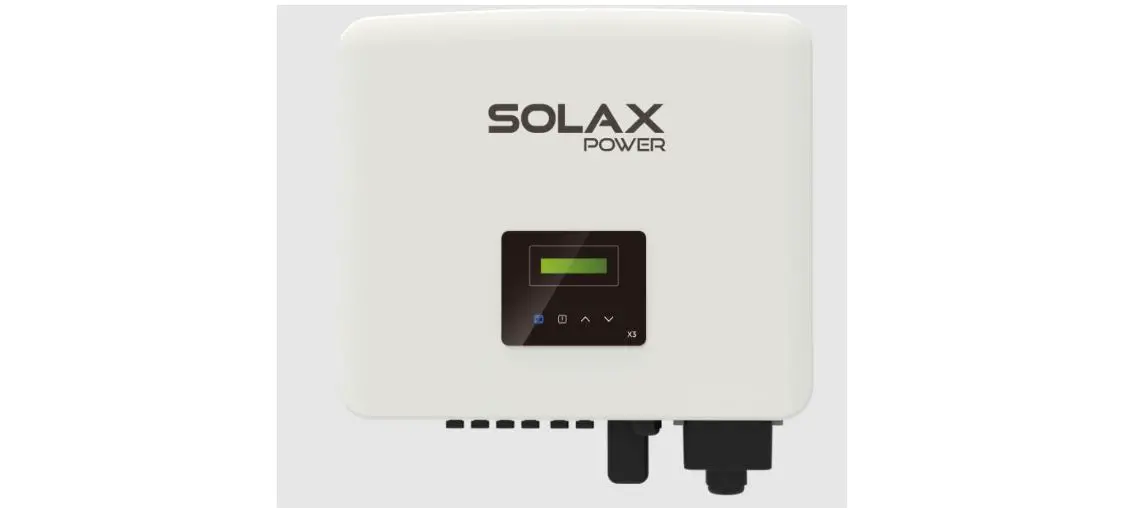
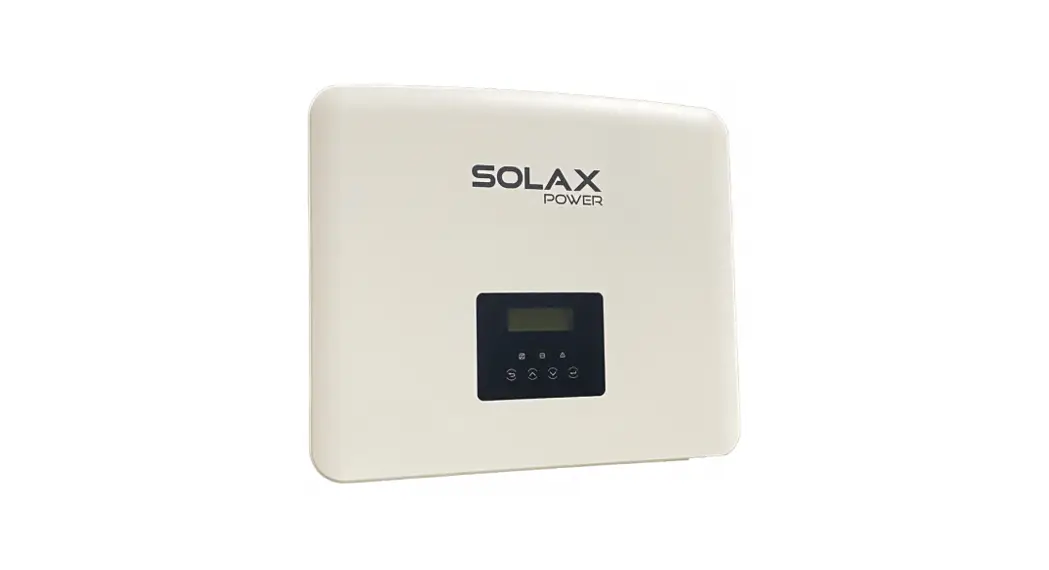
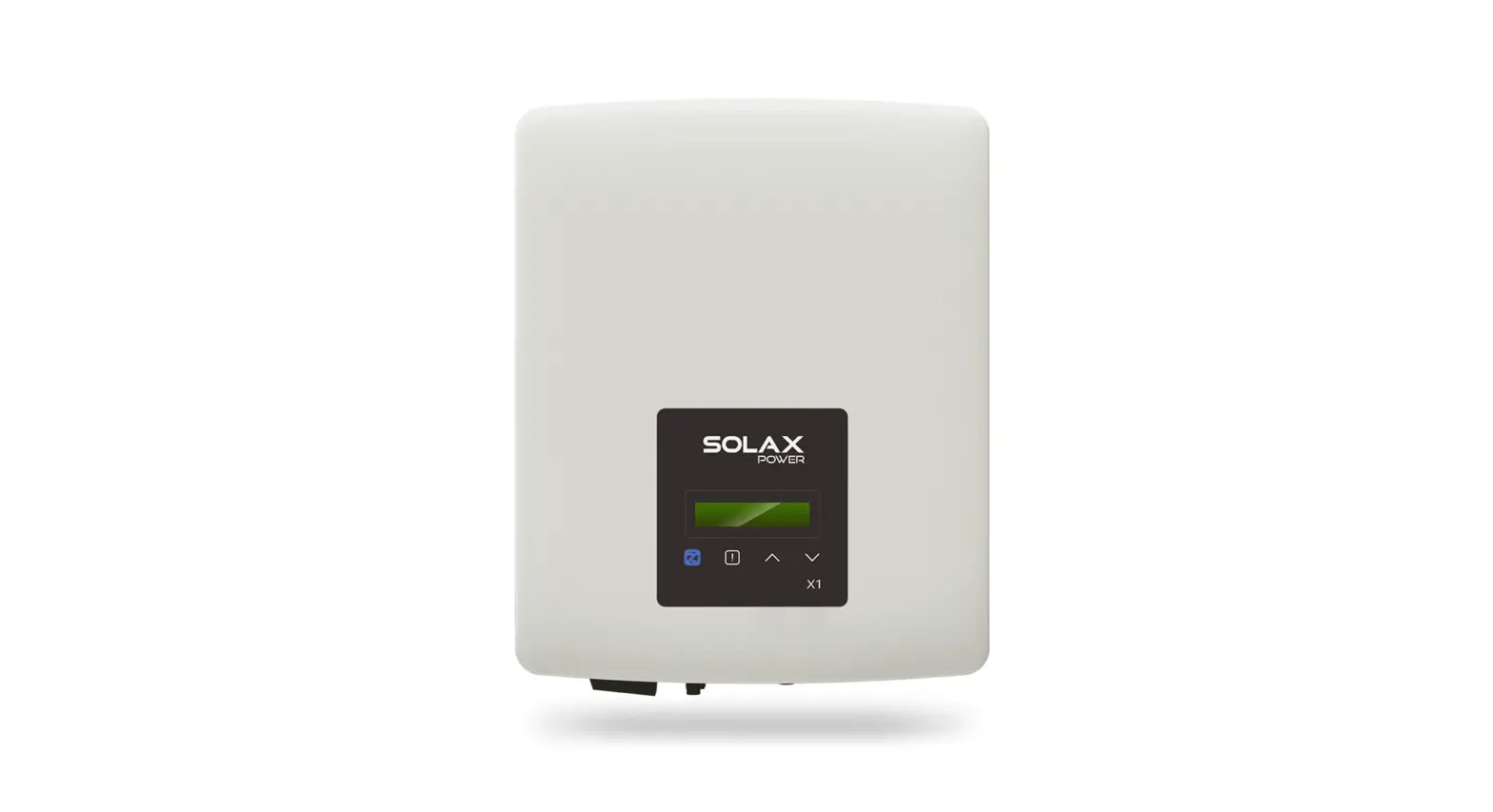
Inverter ×1
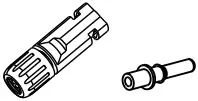
Female DC unit×1
Negative DC pin contact ×1
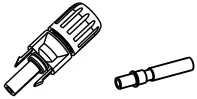
Male DC unit×1
Positive DC pin contact ×1
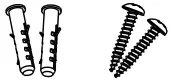
Expansion tube×2
Expansion screw ×2


Ring terminal ×1 AC terminal×1
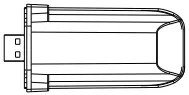
Pocket WiFi×1 (optional) Product manual×1
Quick installation guide×1 Warranty card×1
Note:
1) Please refer to the appropriate instruction manual for the usage of optional accessories.
II Inverter Installation
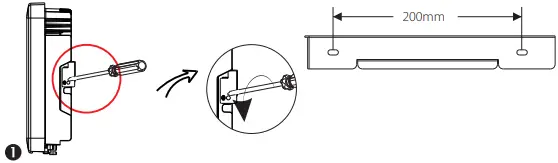
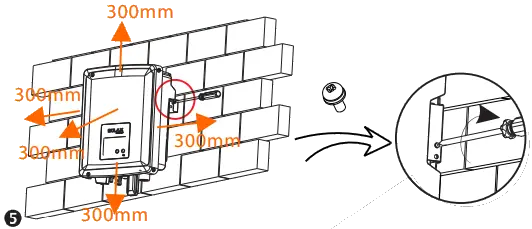
– Unscrew the bracket from the back of the inverter.
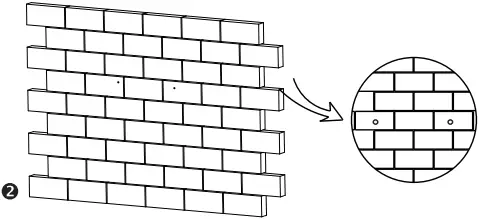
– Mark the position of the two holes.
– Drill holes with φ10.
– Depth: at least 50mm.
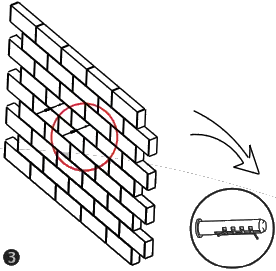
– Tighten the expansion tubes.
– Screw the expansion screws.
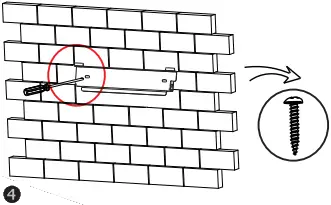
– Match the inverter with the bracket.
– Screw the cross recessed screw on the right side.
III PV Connection
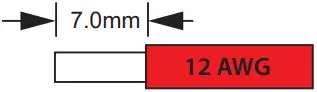
Cable size: 12 AWG
trip length:
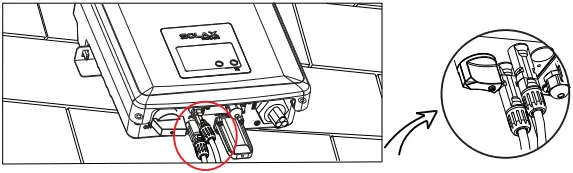
-Align the two halves connectors.
positive DC pin contact
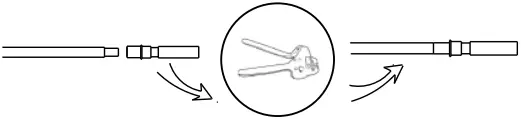
male plug
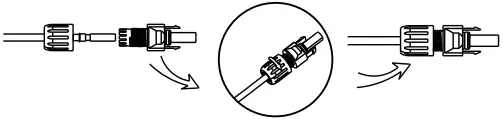
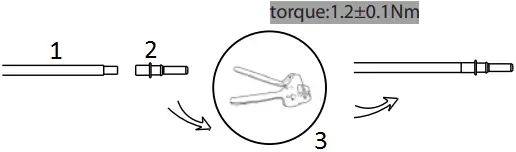
- cable
- negative DC pin contact
- clamp contact
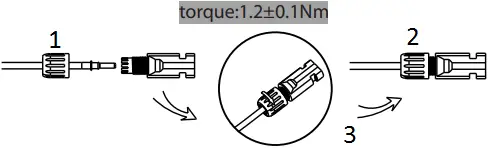
- nut
- female plug
- tight nut
IV AC Connection
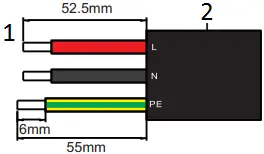
- trip length
- outer jacket
| Model | X1-0.6/0.7/1.1/1.5 | X1-2.0 | X1-2.5/3K/3.3K | X1-3.6K |
| L,N cable(mm²) | 2.5-6 | 2.5-6 | 2.5-6 | 4-6 |
| PE cable(mm²) | 2.5-6 | 2.5-6 | 2.5-6 | 2.5-6 |
| Micro-breaker | 10A | 16A | 20A | 20A |
1. Slide the cable nut and back shell onto the cable.
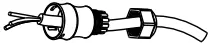 2. Insert the tripped end of each three wires into holes in the female insert, then tighten each screw with L-type wrench.
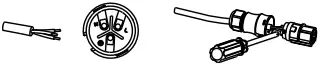 3. Screw down the threaded sleeve of the pressure screw
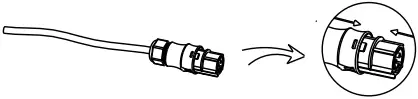
4. Screw down the pressure screw.
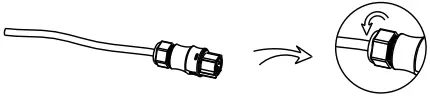
5.Connect the AC plug to the inverter, and screw down the pressure screw on the top part of AC terminal.
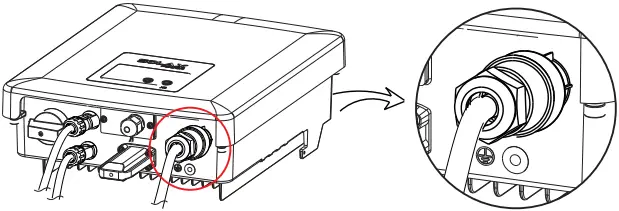
V Connections and Overview
– Screw the ground screw with Φ4 hexagon wrench shown as follow.
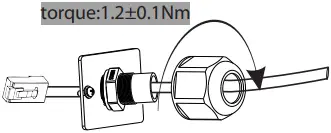
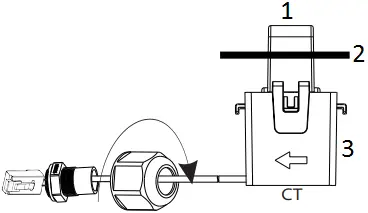
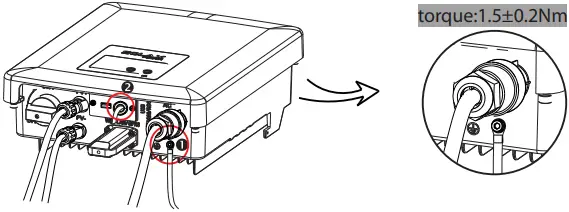 – Prepare the connector and the communication cable, following the PIN definition and assembly order bellow, then insert the cable into the corresponding RS485 port of the inverter, and tighten the waterproof connector
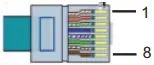
| PIN | 1 | 2 | 3 | 4 | 5 | 6 | 7 | 8 |
| Definition | CT+ | Com/DRM0 | GND_COM | Meter_A/ 485_A | Meter_B/485_B | E_Stop | RefGen | CT- |
CT/DRM/Meter/RS485
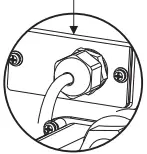
RS485 port DRM/Meter/RS485
- Public grid ← AC port
- L line
- arrow point to the public grid
– Overview for connection.
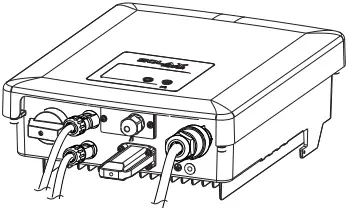
– After checking all connections are correct, turn on the external DC /AC breakers.
– Turn on the DC switch to the “ON” position.
– Inverter will start automatically when PV panels generate enough energy. The LED will be blue and the LCD screen will display the main interface.
Firmware Upgrading
– Open the communication lid on the bottom of the inverter as below.
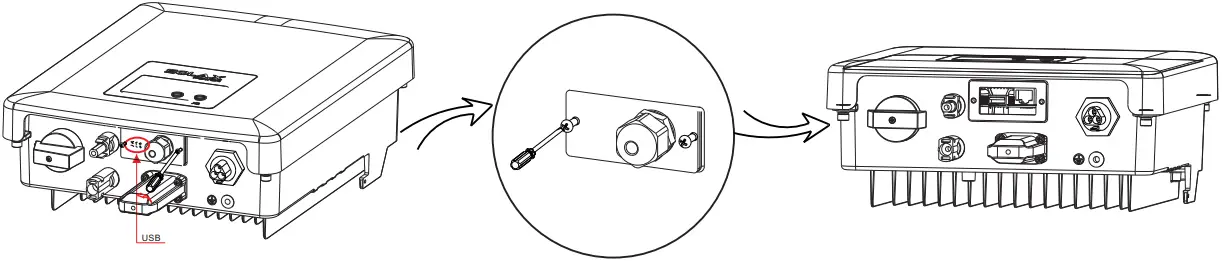 – Download the upgrade program into USB flash drive.
– Insert the USB flash drive with program into the “USB” port on the bottom.
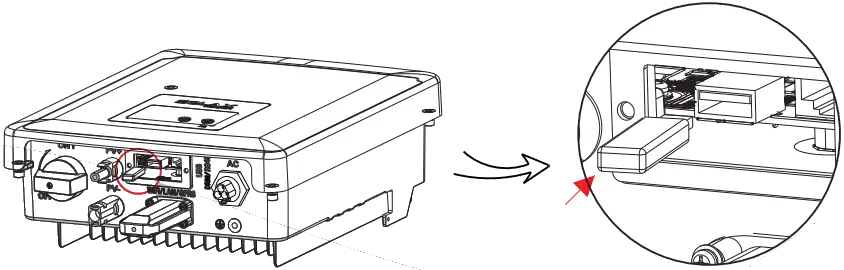
 For the inverter with LCD, user can refer to the following:
-Please contact Solax service to get the latest firmware. Then add a new folder named “Update” in the root directory on your Udisk, and two more sub-folders named “ARM” and “DSP” under “Update”. Please copy the firmware files into ARM and DSP respectively. It will be like:
update\ARM\618.00207.00_X1_BOOST3.0_MINI2.0_AIR2.0_ARM_V1.21_20200826.usb;
“update\DSP\618.00381.00_X1_BOOST3.0_MINI2.0_AIR2.0_DSP_V2.03_20201117.usb
Press and hold the “Enter” key for 5 seconds to enter Off Mode. Then unscrew the waterproof lid and insert the U-disk into the “upgrade” port.
– When the user turns on all the switches, the LCD will show pictures as bellow.
And at the same time, the user can choose the program you need by short pressing “∧” and “∨” key , and then long press “∨” to confirm and upgrade the inverter.
> ARM DSP  Cancel > OK — Update(ARM) — >618.00207.00… — Update(ARM) — Updating—-25%
ARM > DSP — Update(DSP) — > 618.00381.00… … — Update(DSP) — Updating—-25%
— After the upgrade is complete, please pull off the USB flash drive, and then screw the panel of USB port.
* Please contact our service support to get the update package, and extract it into your USB flash drive.
Please DO NOT modify the program file name ! Otherwise it may cause the inverter not work anymore !
614.00398.05