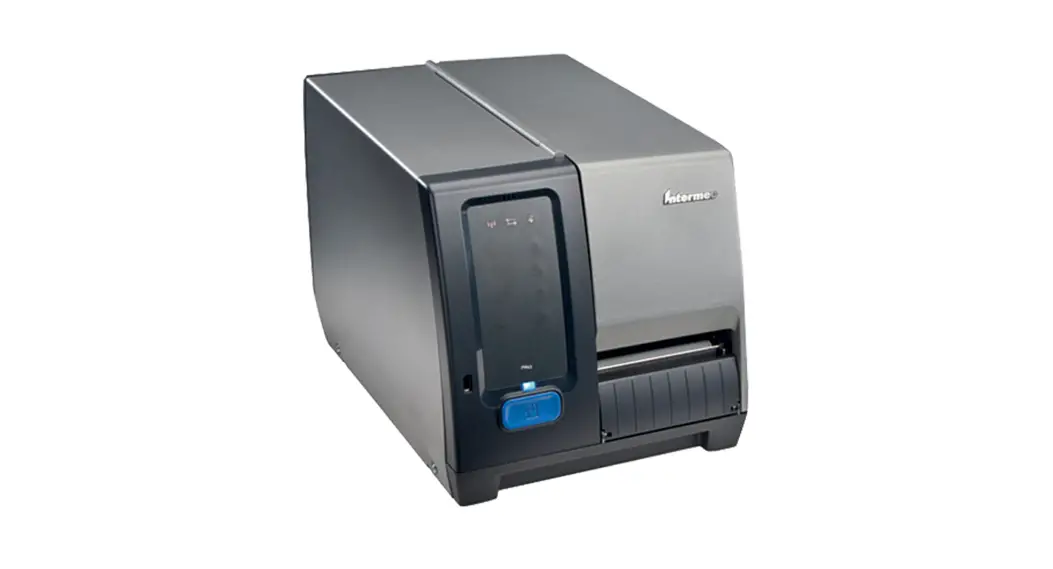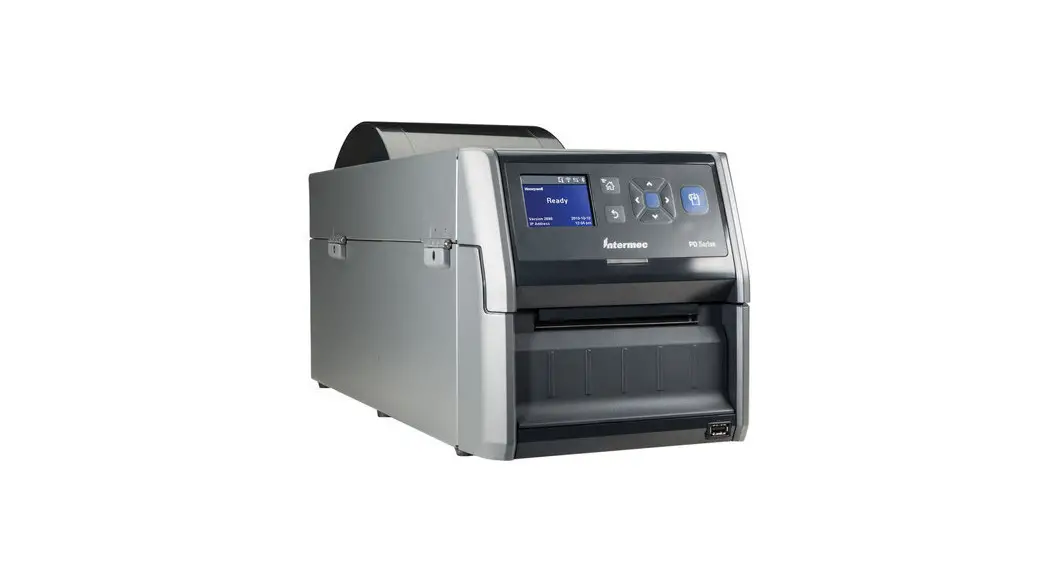

PD Series
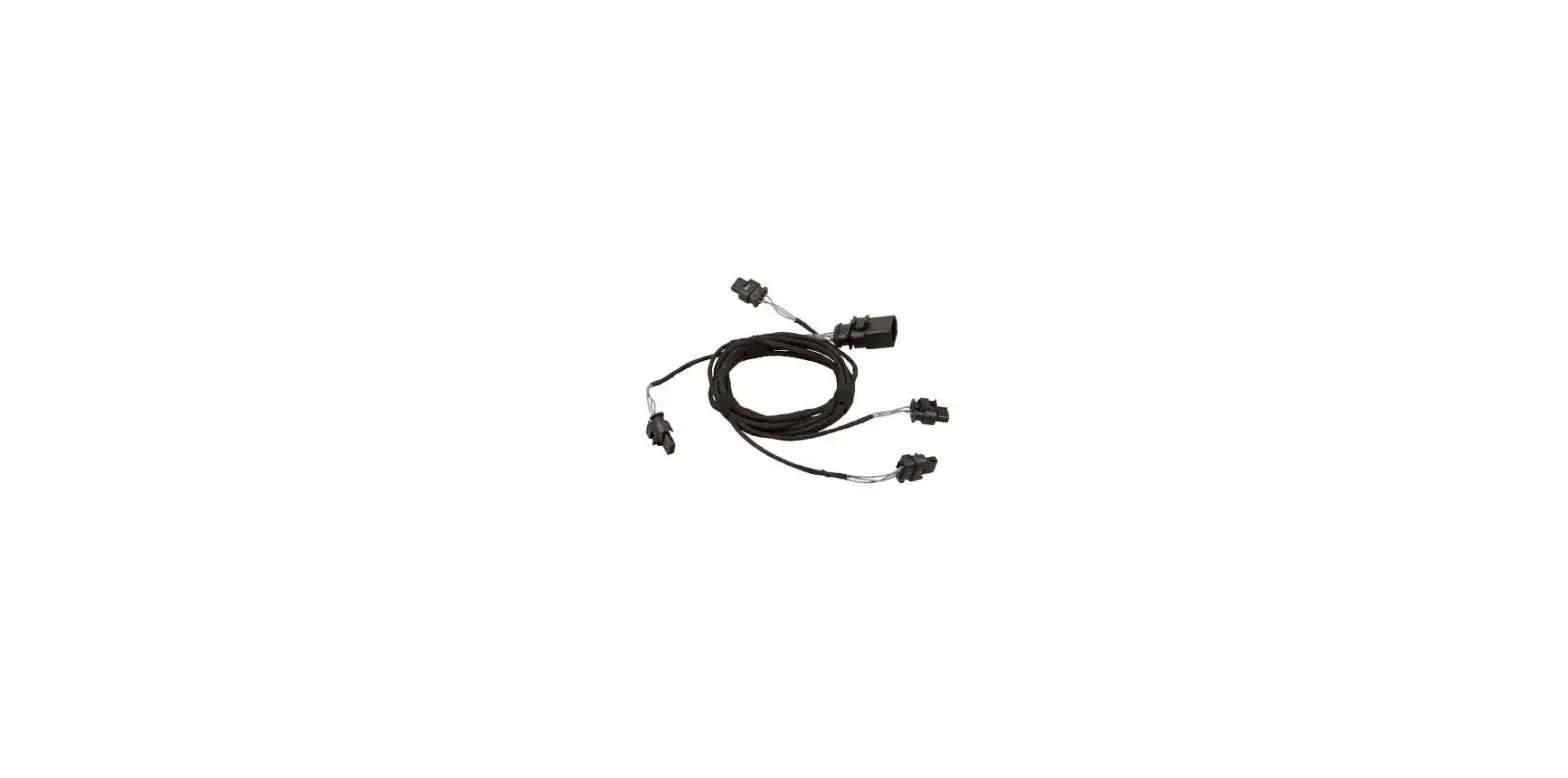
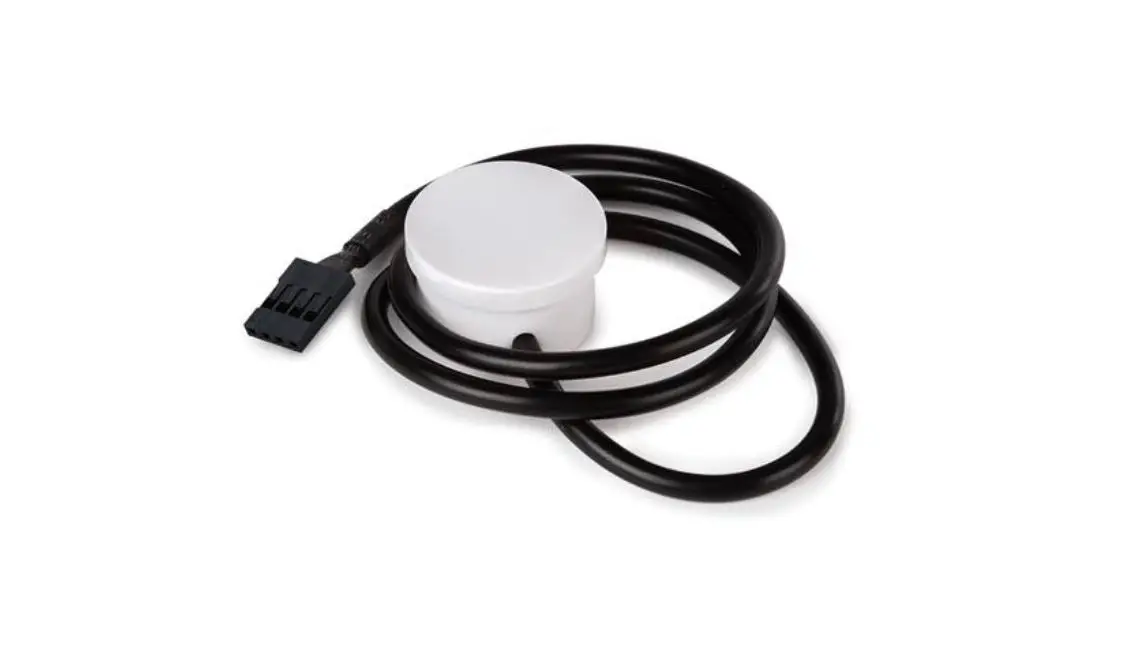
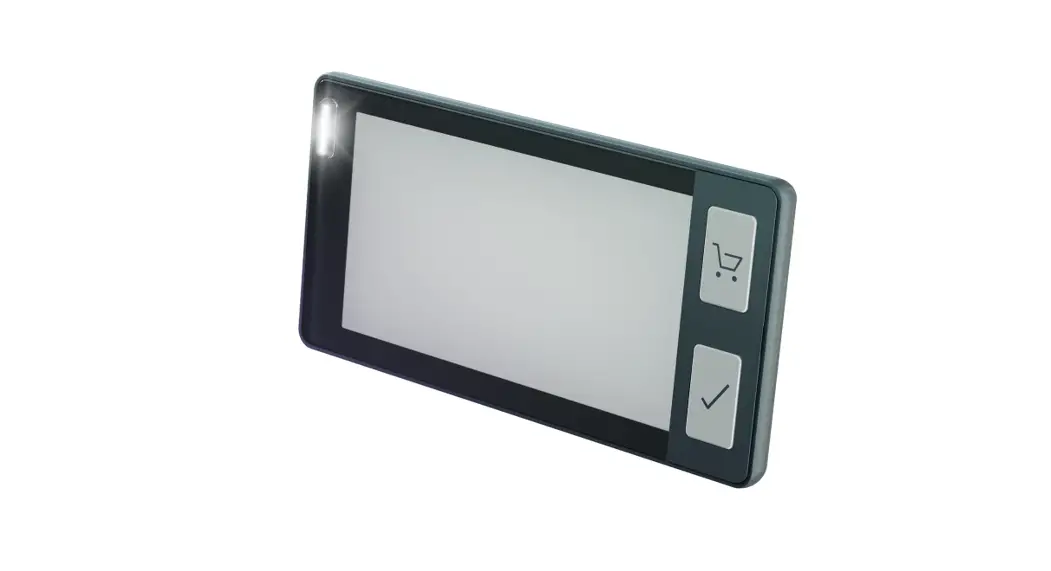
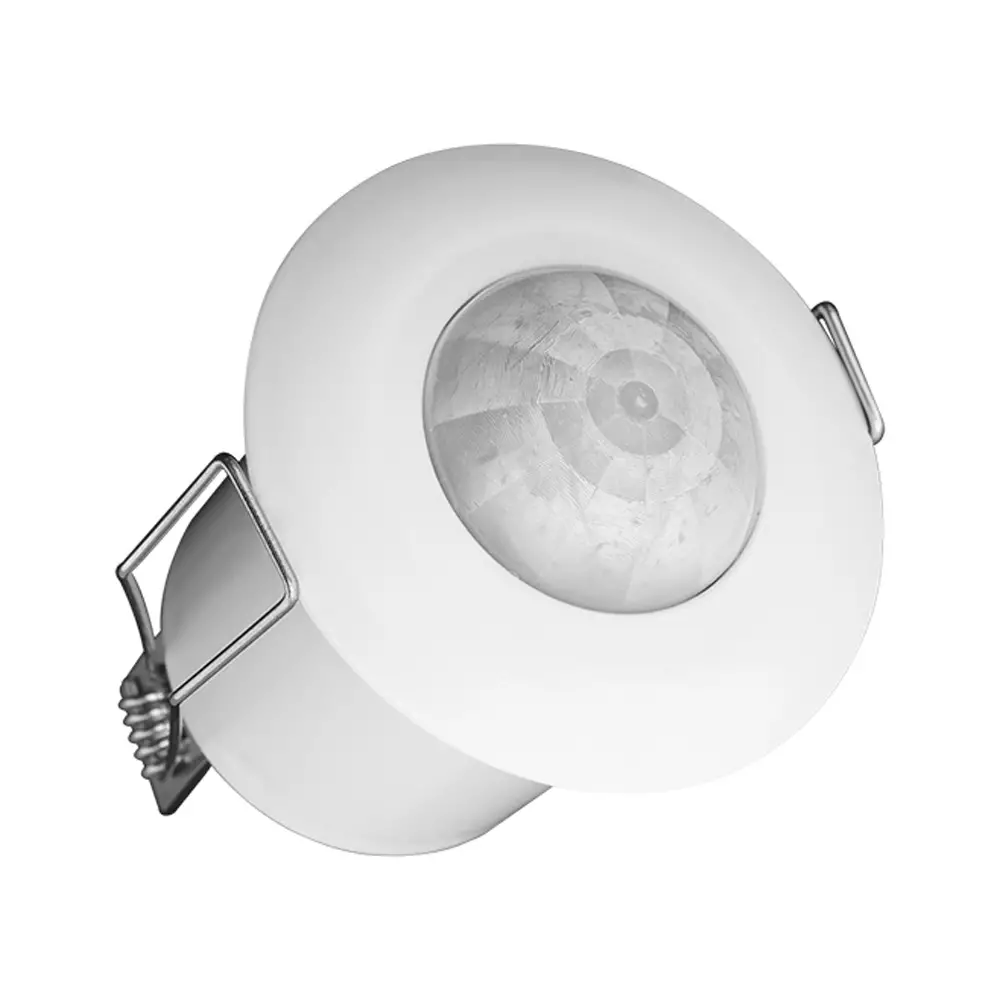
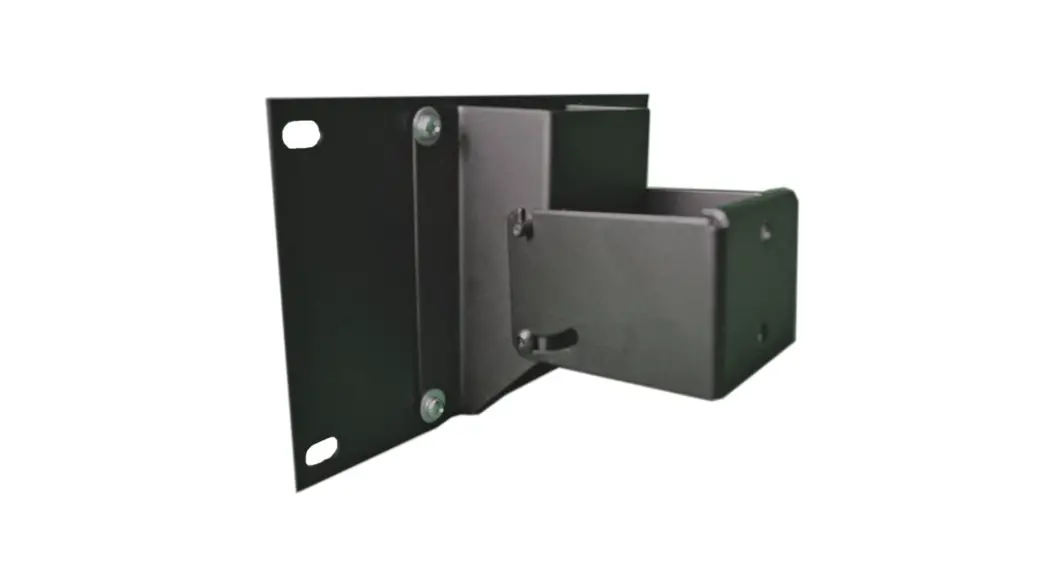
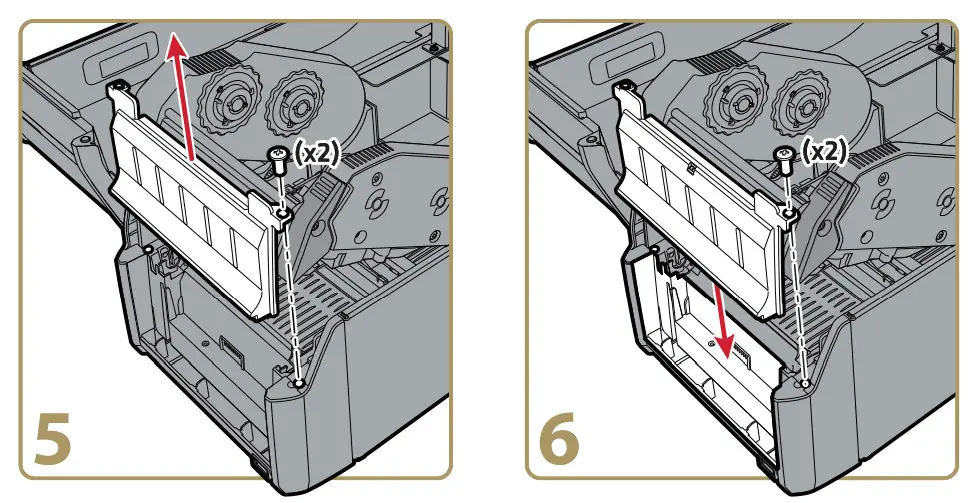
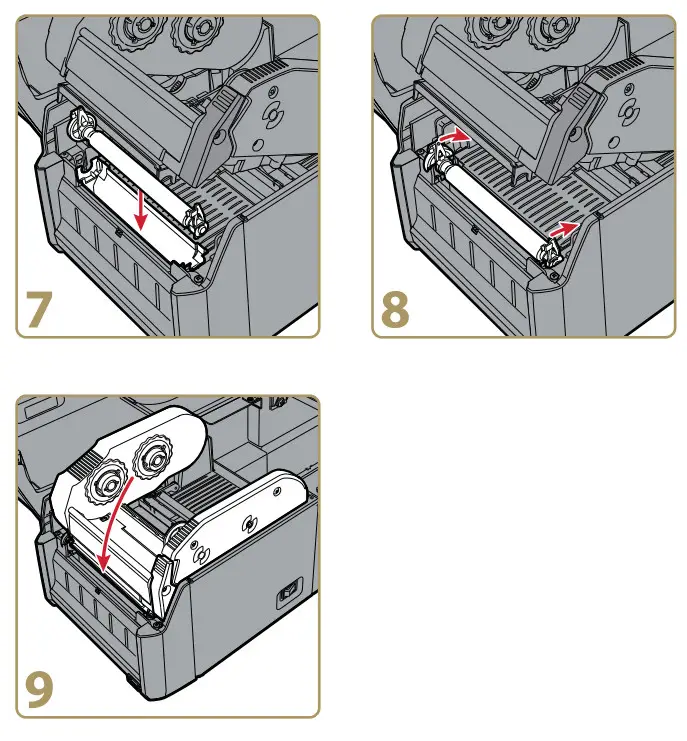
Label Taken Sensor Module Installation Instructions
Label Taken Sensor-Modul Installationsanweisung
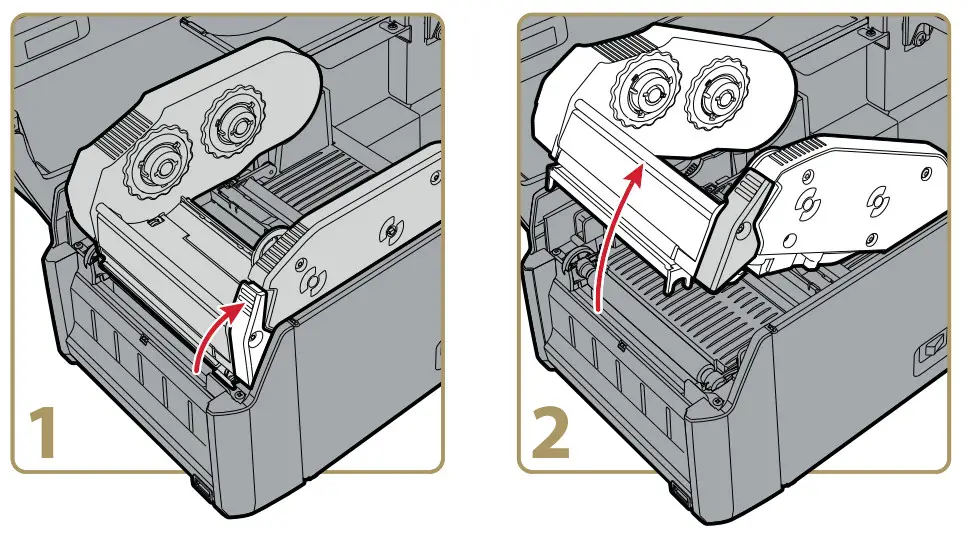
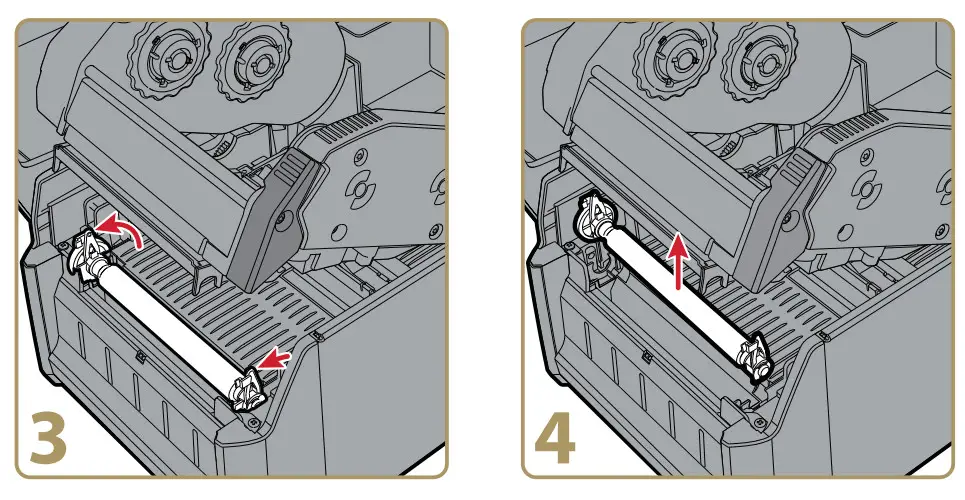
Turn the printer off and disconnect the power cable before you begin. Do not touch the printhead while installing this accessory. For more information on using this accessory, see the printer user manual.

by Honeywell
6001 36th Avenue West
Everett, Washington 98203
U.S.A.
tel 425.348.2600
fax 425.355.9551
www.intermec.com
© 2014 Intermec by Honeywell
All rights reserved.

PD Series Label Taken Sensor Module Installation Instructions