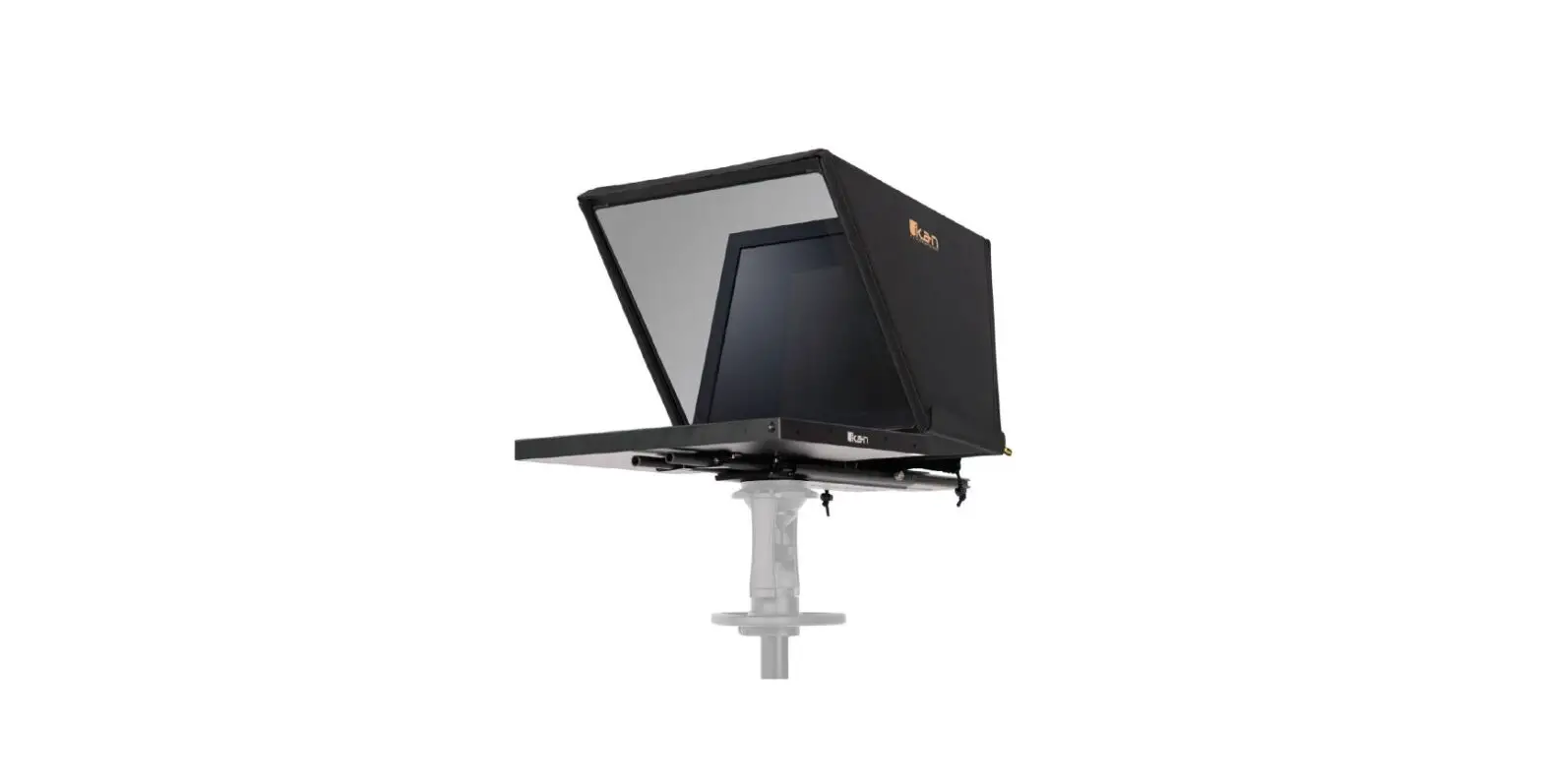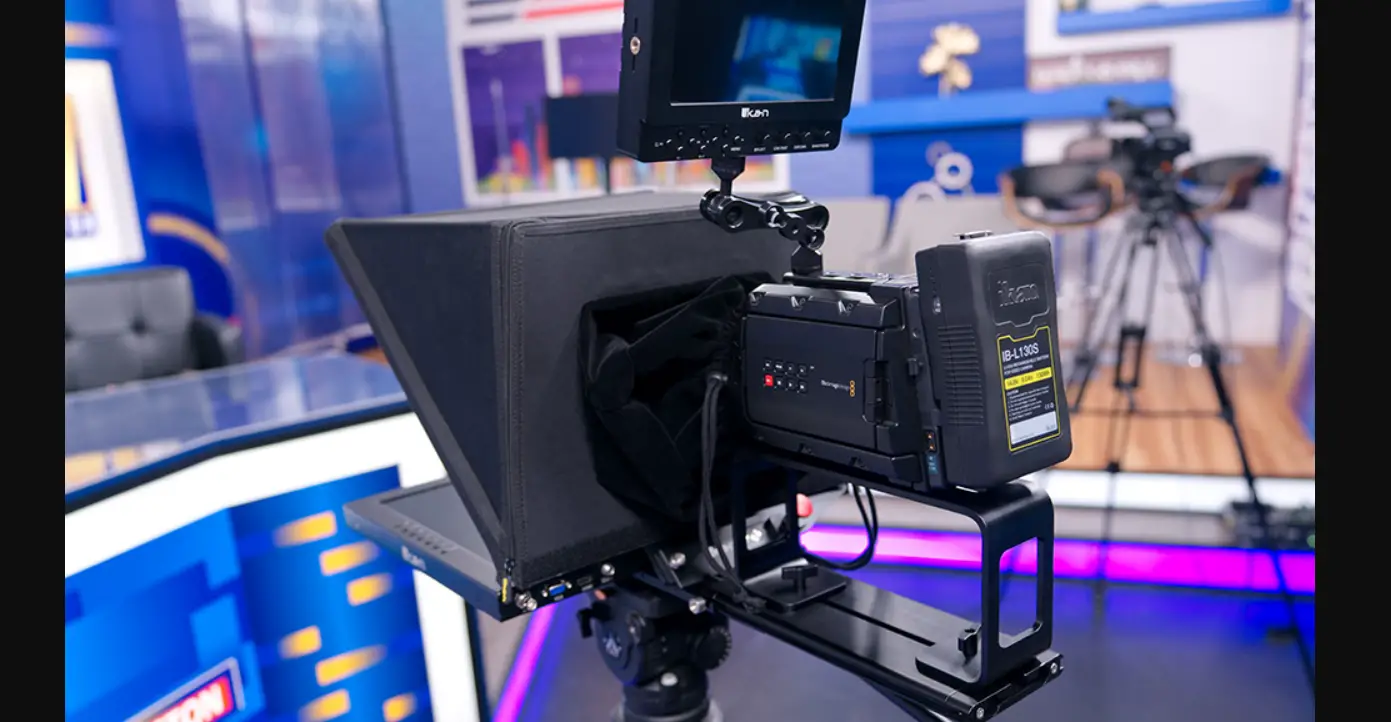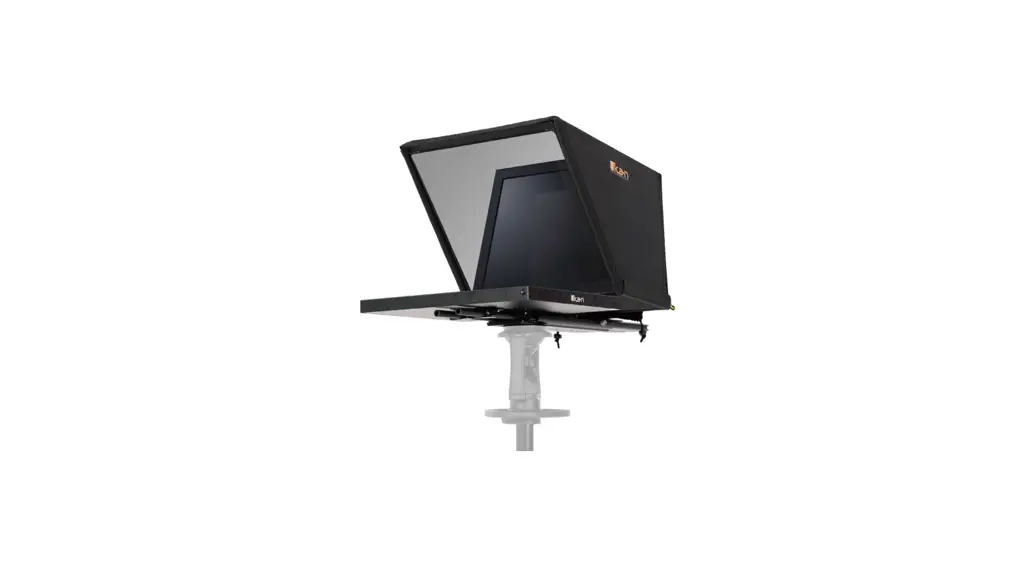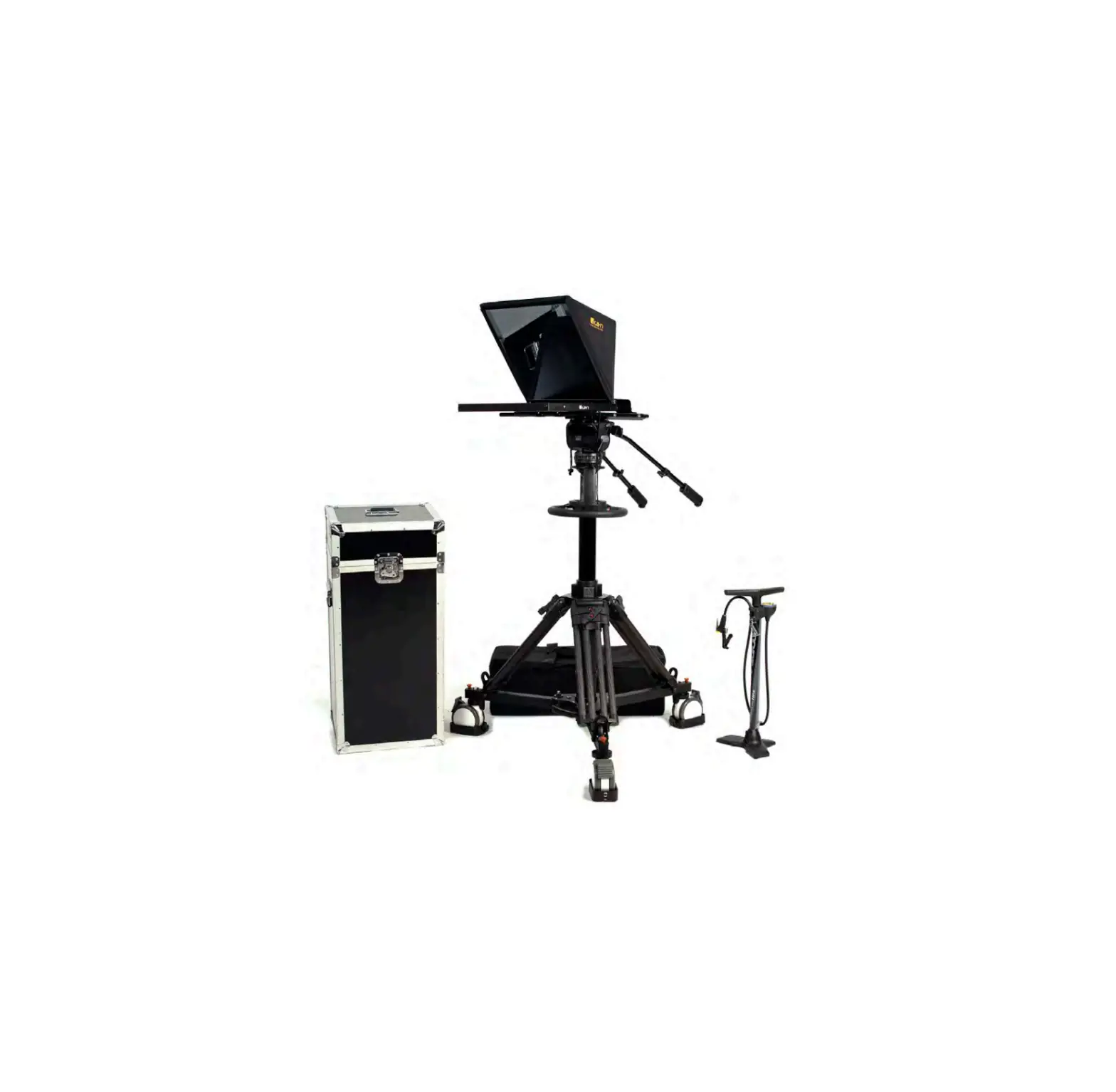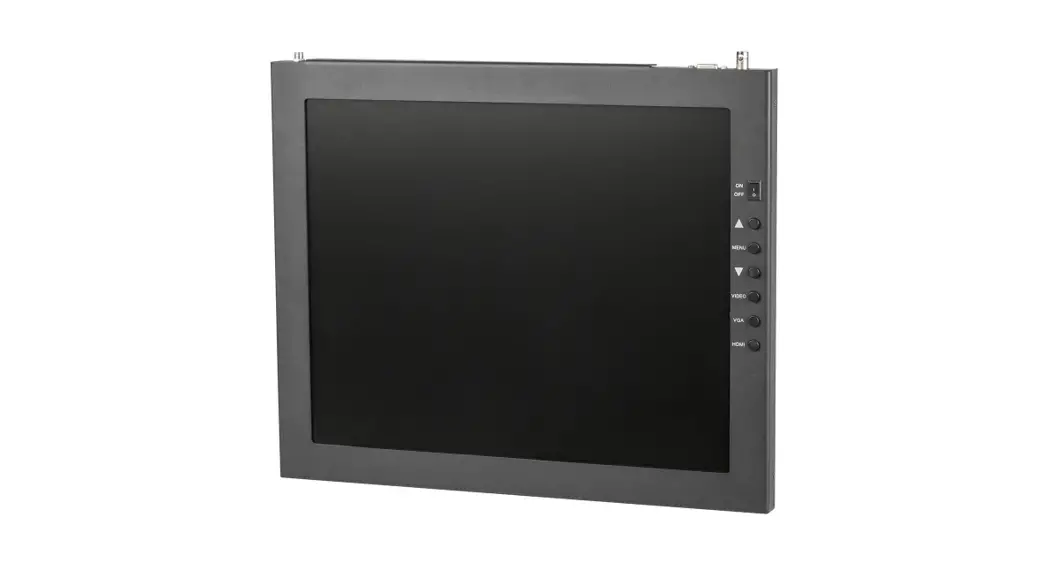
 TELEPROMPTER MONITORS
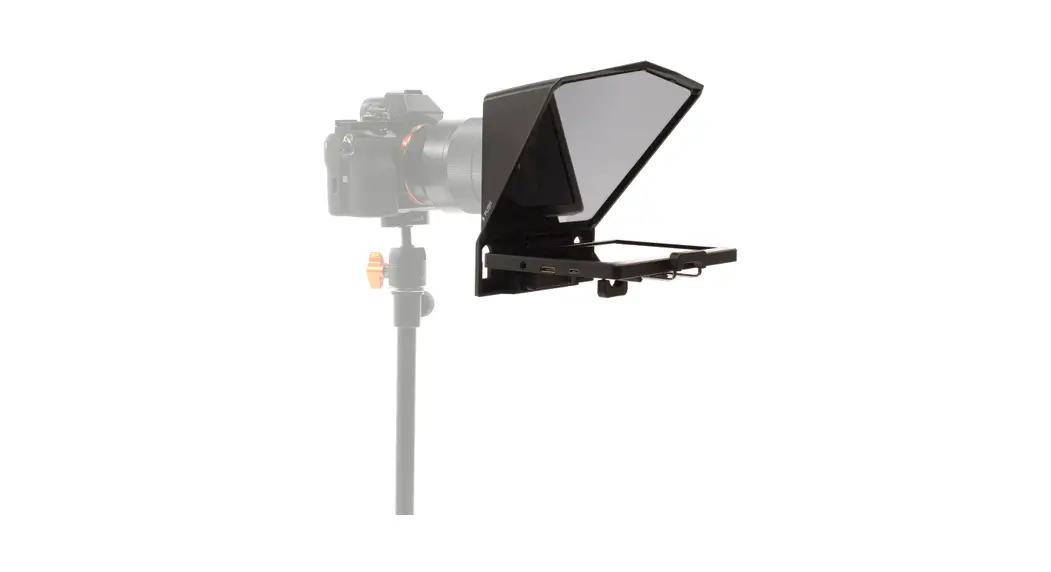
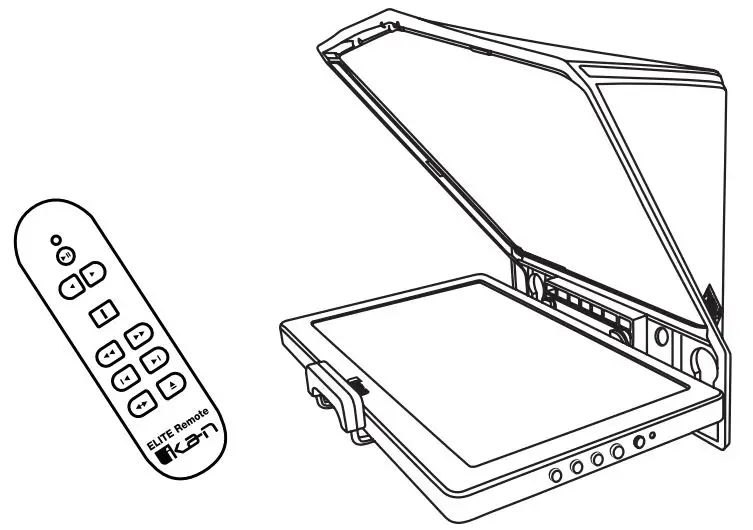
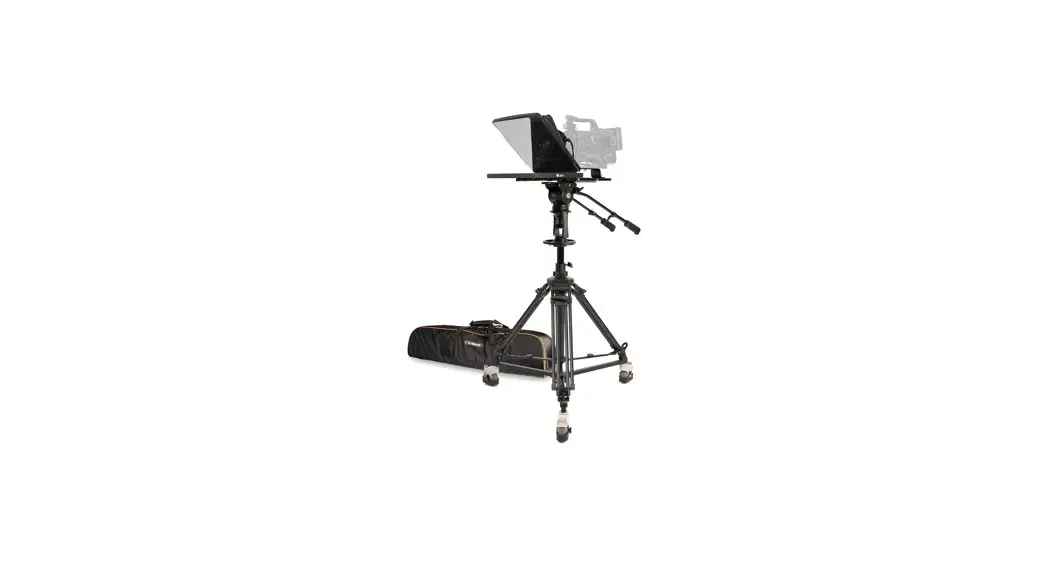
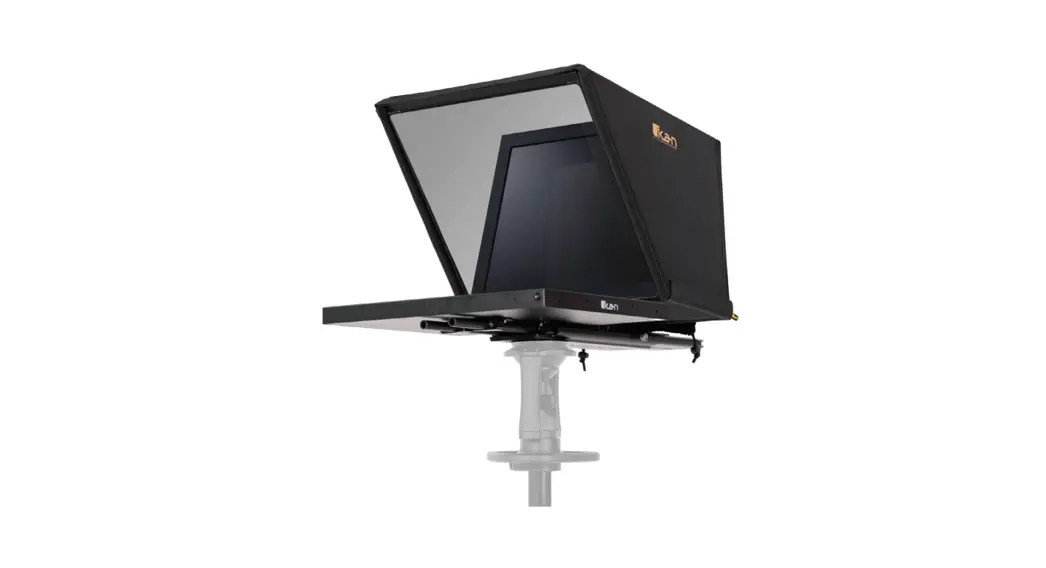
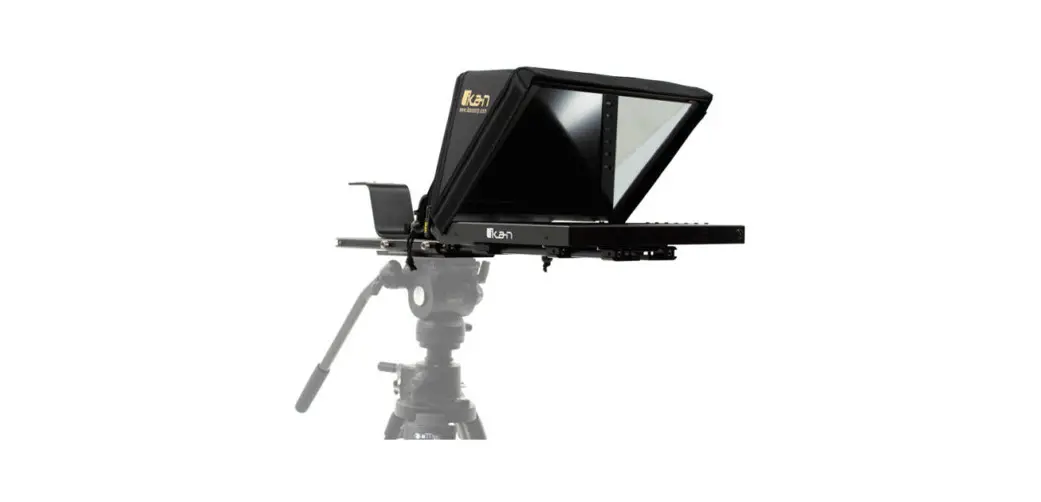
12″ – 17″ Monitors Compatible with Ikan Teleprompters
Quick Start Guide
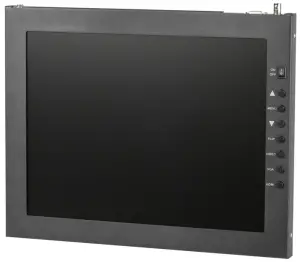
What’s Included
1 x Teleprompter Monitor
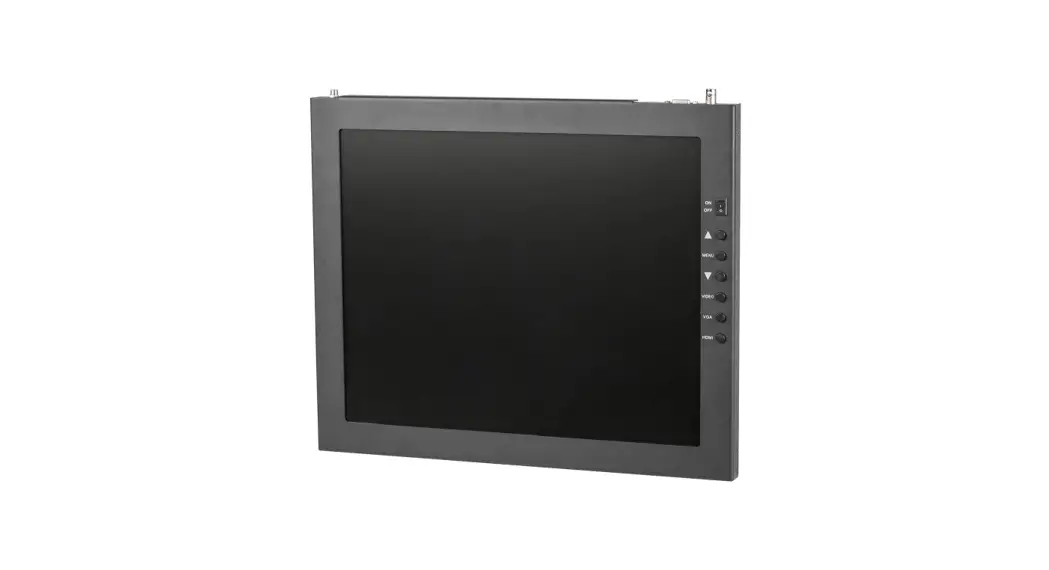
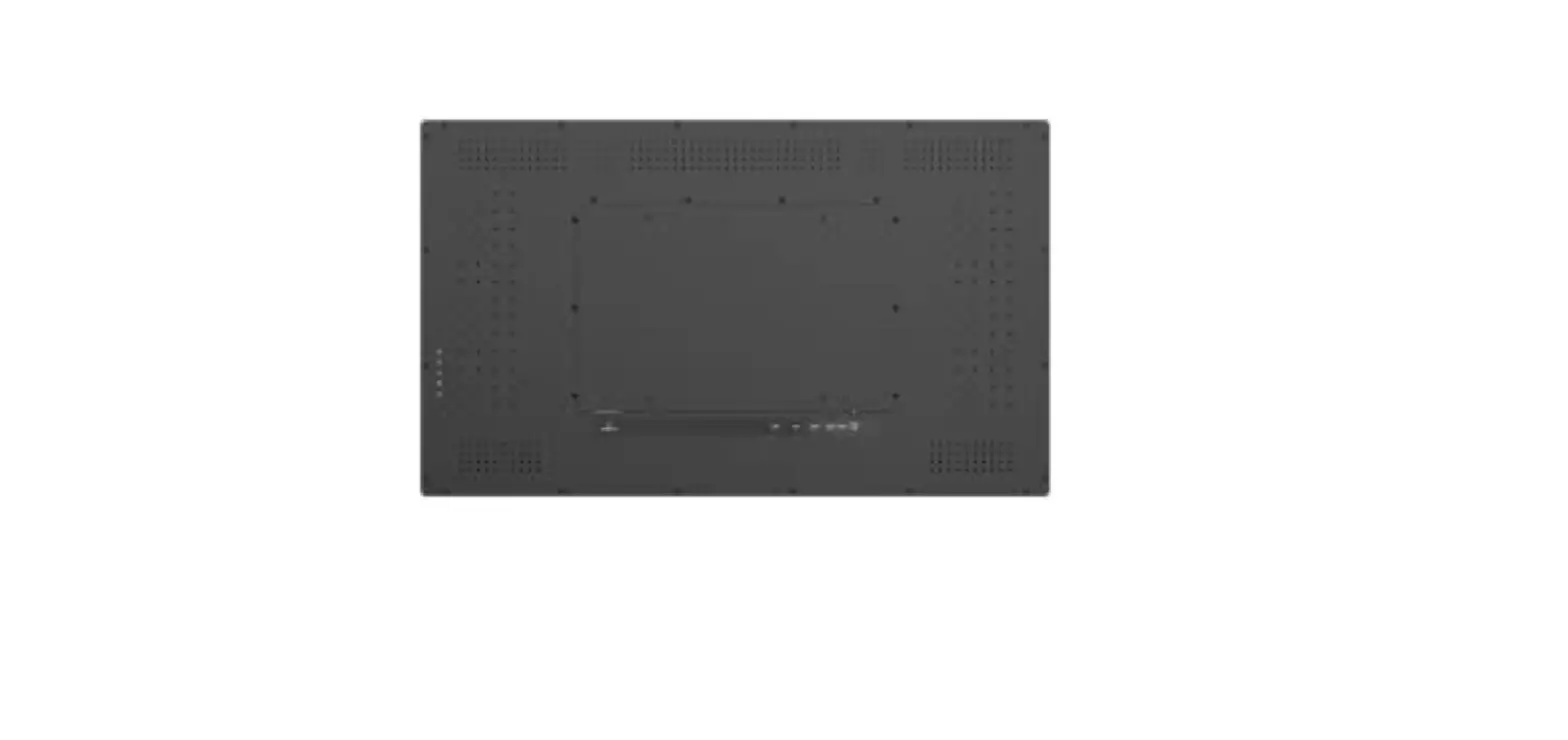
Monitor Ports
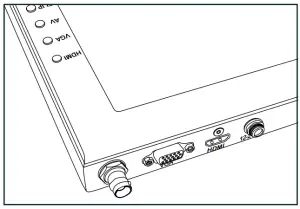
BNC – AV Composite Input
VGA – Video Graphics Array DE15 Connection
HDMI – High-Definition Multimedia Interface Input Connection
Power Port – 12-24v Input
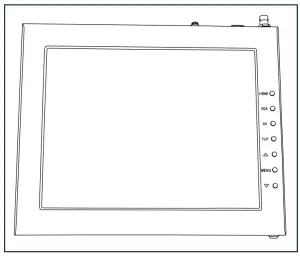
HDMI – Switch HDMI input
VGA – Switch to VGA input
AV – Switch to the composite BNC input
Flip – Toggle image flip
(Can be set to horizontal, vertical, or both via menu)
Up Arrow – Toggle up to adjust the setting
Menu – Access to monitor settings
Down Arrow – Toggle down to adjust the setting
Video Config
Contrast (White Level)
Brightness (Black Level)
Tint (Chroma Hue)
Chroma (Chroma Saturation)
Sharpness (Detail)
RGB Setup – Manually configure RGB
Return
System Config
Menu Duration – Set duration of how long menu stays on screen
Video Ratio – Set screen aspect ratio 16:9 or 4:3 (4:3 is
native resolution, 16:9 will create black bars)
Flip-H – Assign toggle button to flip image horizontally
Flip-V – Assign toggle button to flip image vertically
Reset – Factory reset
Return
PC Setup (Only available for VGA)
H-Position – Adjust horizontal position
V-Position – Adjust vertical position
Auto – Monitor automatically adjust position
Return
Exit
- Press the MENU button
- Navigate to SYSTEM CONFIG.
- Navigate to FLIP-V or FLIP-H
- Change FLIP-V and/or FLIP-H to “ON”
- Exit MENU
- The FLIP button should now be activated and can be pressed to mirror the image Horizontally or Vertically
- When FLIP-H is ON, the image will flip Horizontally
- When FLIP-V is ON, the image will flip Vertically
- If both are ON, the FLIP button will toggle both Horizontal and Vertical flip
Specifications
PT3700-M
17” Teleprompter Monitor
| Aspect Ratio | 4:03 |
| Brightness | 300 cd/m2 |
| Diagonal | 17″ |
| Input Signal | Composite BNC, VGA, HDMI |
| Input Voltage | DC 12v / 4A |
| Power Consumption | 10 w |
| Product Weight | 6 lbs |
| Product Dimensions | 15.75″ x 13″ x 1″ |
| Resolution | 1280 x 1024 |
| Shipping Weight | 8 lbs |
| Shipping Dimensions | 16.25″ x 14.25″ x 2″ |
| Viewing Angle | 160° (H) / 170° (V) |
| UPC | 847983014415 |
Supported Video Signals
HDMI
720x480i & 720x480p @ 59.94, 60 Hz
720x576i & 720x576p @ 50 Hz
1280x720p @ 50, 59.94, 60 Hz
1920x1080i @ 50, 59.94, 60 Hz
1920x1080psf @ 24, 25, 29.97, 30 Hz
1920x1080p @ 23.97, 24, 25, 29.94, 30, 50, 59.94, 60 Hz
PT17-HB-V2
17” High-Bright Teleprompter Monitor (Version 2)
| Aspect Ratio | 4:03 |
| Brightness | 1000 cd/m2 |
| Diagonal | 17″ |
| Input Signal | Composite BNC, VGA, HDMI |
| Input Voltage | DC 12v / 4A |
| Power Consumption | 10 w |
| Product Weight | 6 lbs |
| Product Dimensions | 15.75″ x 13″ x1″ |
| Resolution | 1280 x 1024 |
| Shipping Weight | 8 lbs |
| Shipping Dimensions | 16.25″ x 14.25″ x 2″ |
| Viewing Angle | 160° (H) / 170° (1/) |
| UPC | 847983032785 |
Supported Video Signals
HDMI
720x480i & 720x480p @ 59.94, 60 Hz
720x576i & 720x576p @ 50 Hz
1280x720p @ 50, 59.94, 60 Hz
1920x1080i @ 50, 59.94, 60 Hz
1920x1080psf @ 24, 25, 29.97, 30 Hz
1920x1080p @ 23.98, 24, 25, 29.97, 30, 50, 59.94, 60 Hz
PT3100E-M
15” Teleprompter Monitor
| Aspect Ratio | 4:03 |
| Brightness | 300 cd/m2 |
| Diagonal | 15″ |
| Input Signal | Composite BNC, VGA, HDMI |
| Input Voltage | DC 12v / 4A |
| Power Consumption | 10 w |
| Product Weight | 5 lbs |
| Product Dimensions | 14.25″ x 11.25″ x 1″ |
| Resolution | 1280 x 1024 |
| Shipping Weight | 7 lbs |
| Shipping Dimensions | 15″ x 12″ x 4″ |
| Viewing Angle | 160° (I-1) / 170° M |
| UPC | 847983011377 |
Supported Video Signals
HDMI
720x480i & 720x480p @ 59.94, 60 Hz
720x576i & 720x576p @ 50 Hz
1280x720p @ 50, 59.94, 60 Hz
1920x1080i @ 50, 59.94, 60 Hz
1920x1080psf @ 24, 25, 29.97, 30 Hz
1920x1080p @ 23.97, 24, 25, 29.94, 30, 50, 59.94, 60 Hz
PT15-HB-V2
15” High Bright Teleprompter Monitor (Version 2)
| Aspect Ratio | 4:03 |
| Brightness | 1000 cd/m2 |
| Diagonal | 15″ |
| Input Signal | Composite BNC, VGA, HDMI |
| Input Voltage | DC 12v / 4A |
| Power Consumption | 10 w |
| Product Weight | 5 lbs |
| Product Dimensions | 14.25″ x 11.25″ x 1″ |
| Resolution | 1280 x 1024 |
| Shipping Weight | 7 lbs |
| Shipping Dimensions | 15″ x 12″ x 4″ |
| Viewing Angle | 160° (11) / 170° M |
| UPC | 847983032778 |
Supported Video Signals
HDMI
720x480i & 720x480p @ 59.94, 60 Hz
720x576i & 720x576p @ 50 Hz
1280x720p @ 50, 59.94, 60 Hz
1920x1080i @ 50, 59.94, 60 Hz
1920x1080psf @ 24, 25, 29.97, 30 Hz
1920x1080p @ 23.97, 24, 25, 29.94, 30, 50, 59.94, 60 Hz
PT1200-M
12” Teleprompter Monitor
| Aspect Ratio | 4:03 |
| Brightness | 350 cd/m2 |
| Diagonal | 12″ |
| Input Signal | Composite BNC, VGA, HDMI |
| Input Voltage | DC 12v / 4A |
| Power Consumption | 9 w |
| Weight | 21b |
| Product Dimensions | 12″ x 10″ x 1″ |
| Resolution | 1024 x 768 |
| Viewing Angle | 160° (I-1) / 170° M |
| Shipping Weight | 3.76 lb |
| Shipping Dimensions | 15″ x 14″ x 3″ |
| UPC | 847983015887 |
Supported Video Signals
HDMI
720x480i & 720x480p @ 59.94, 60 Hz
720x576i & 720x576p @ 50 Hz
1280x720p @ 50, 59.94, 60 Hz
1920x1080i @ 50, 59.94, 60 Hz
1920x1080psf @ 24, 25, 29.97, 30 Hz
1920x1080p @ 23.97, 24, 25, 29.94, 30, 50, 59.94, 60 Hz
Learn More
More dynamic information at official website: www.ikancorp.com
Support
Contact email: [email protected]
CONDITIONS OF WARRANTY SERVICE
- Free service for one year from the day of purchase if the problem is caused by manufacturing errors.
- The components and maintenance service fee will be charged if the warranty period is expired.
Free Service will not be provided in the Following Situations:(*Even if the product is still within the warranty period.)
- Damage caused by abuse or misuse, dismantling, or changes to the product not made by the company.
- Damage caused by natural disasters, abnormal voltage, and environmental factors, etc.
©2021 Ikan International. All rights reserved.
www.ikancorp.com | 1.713.272.8822 | [email protected]

because we’re filmmakers too