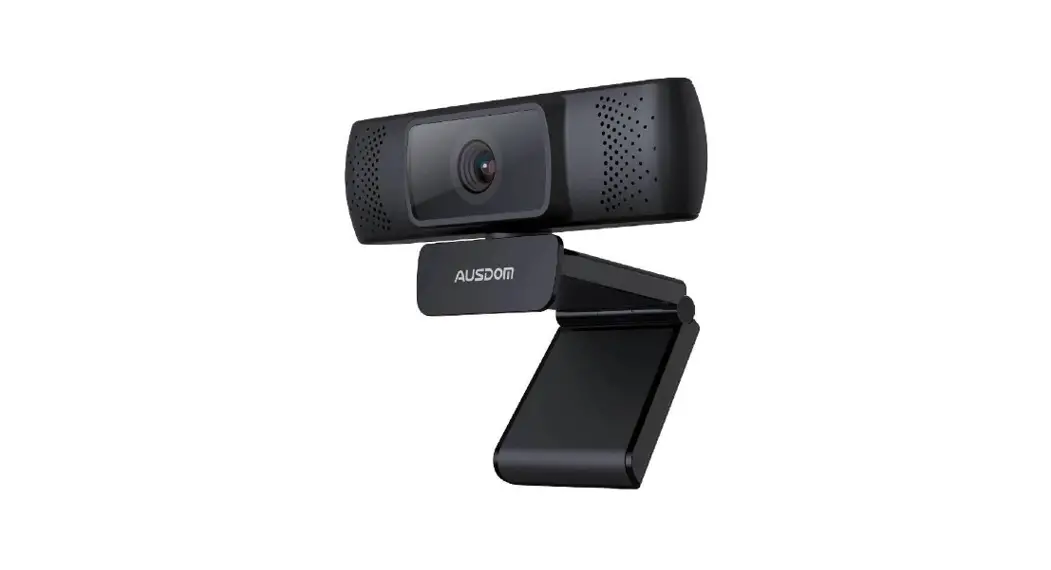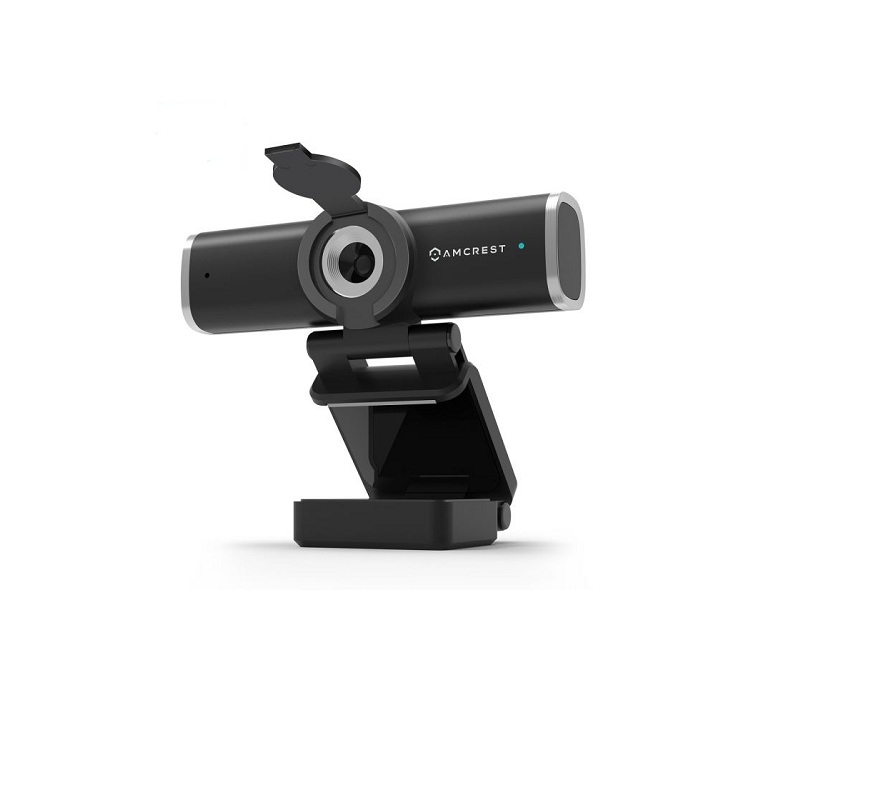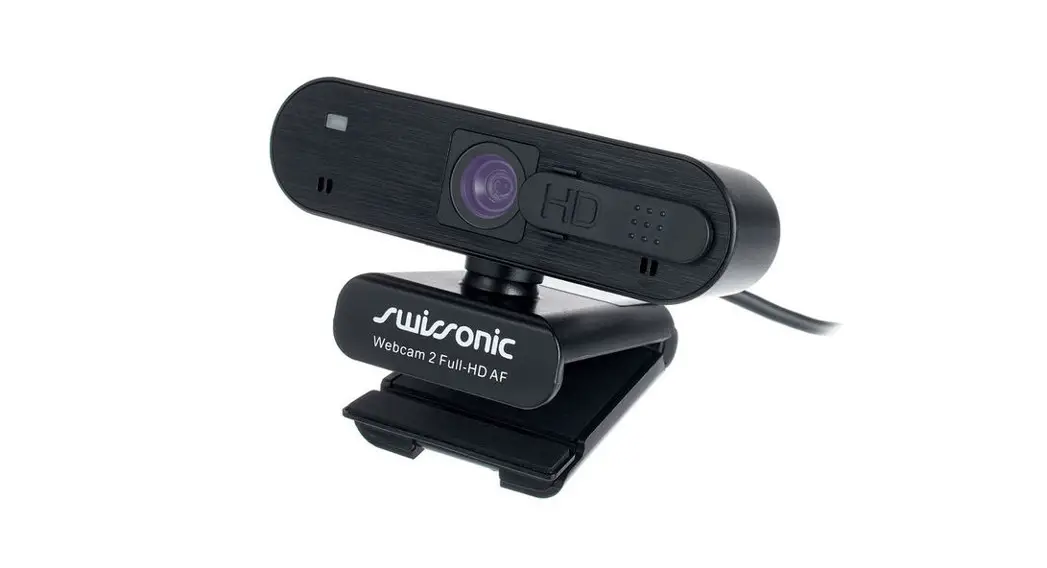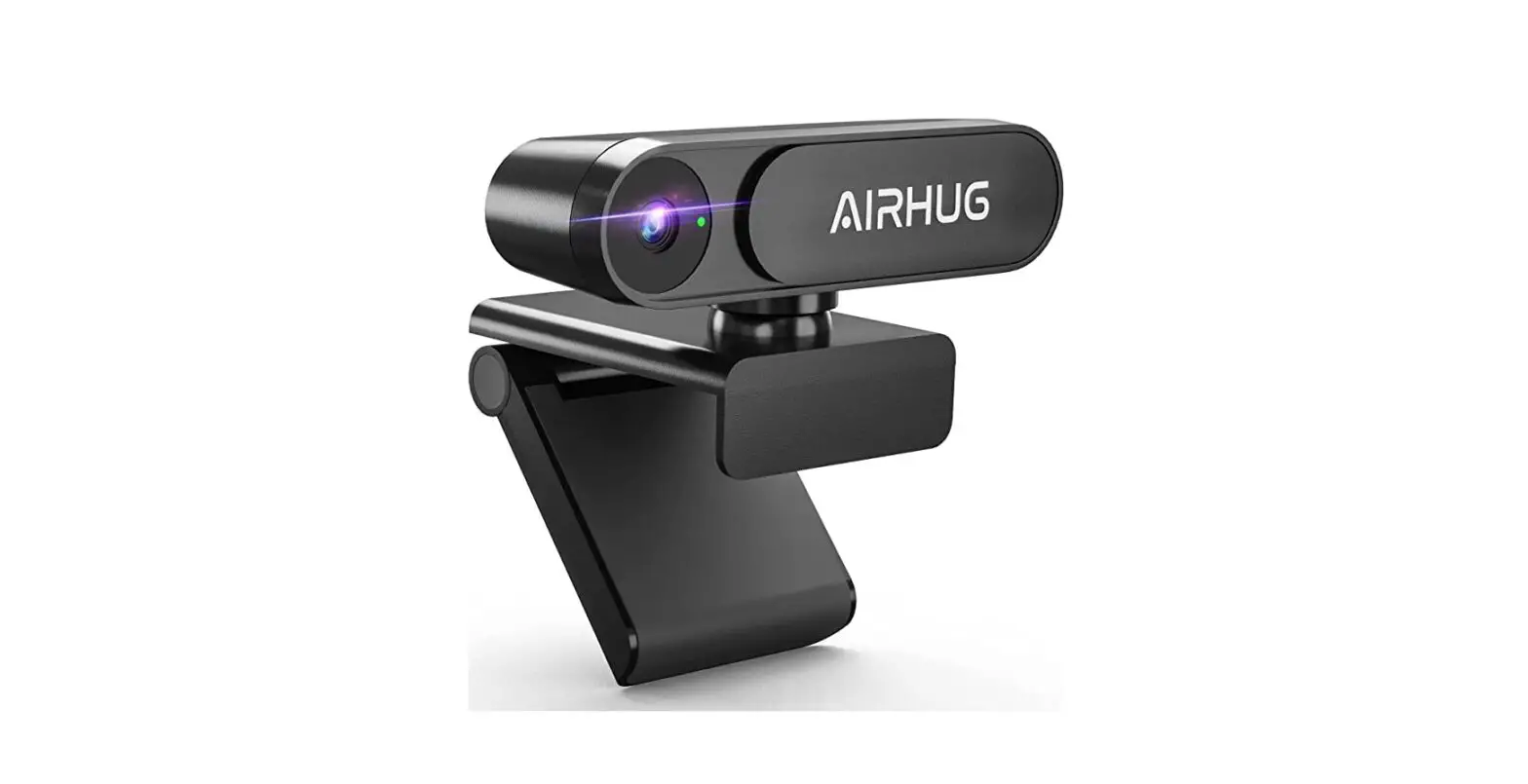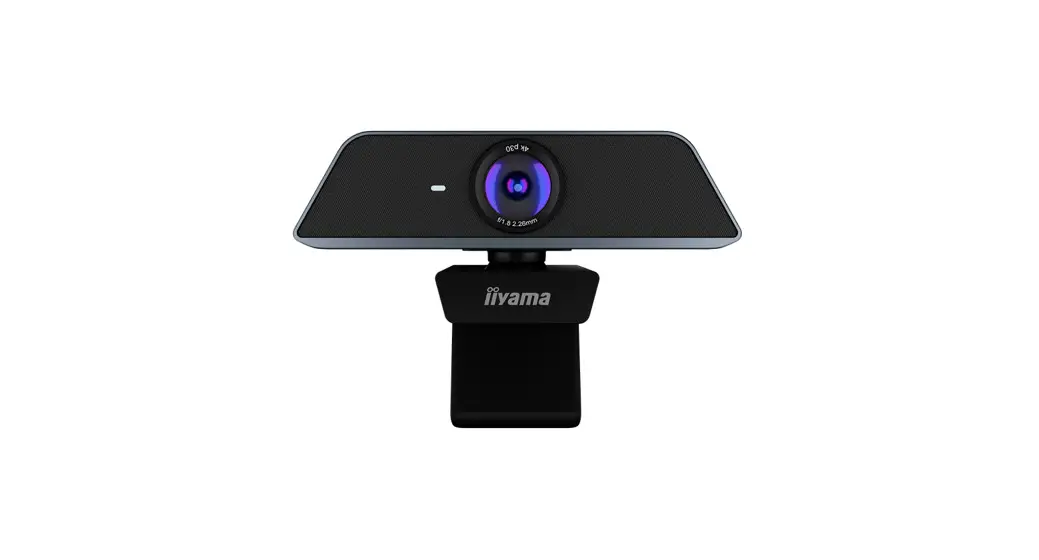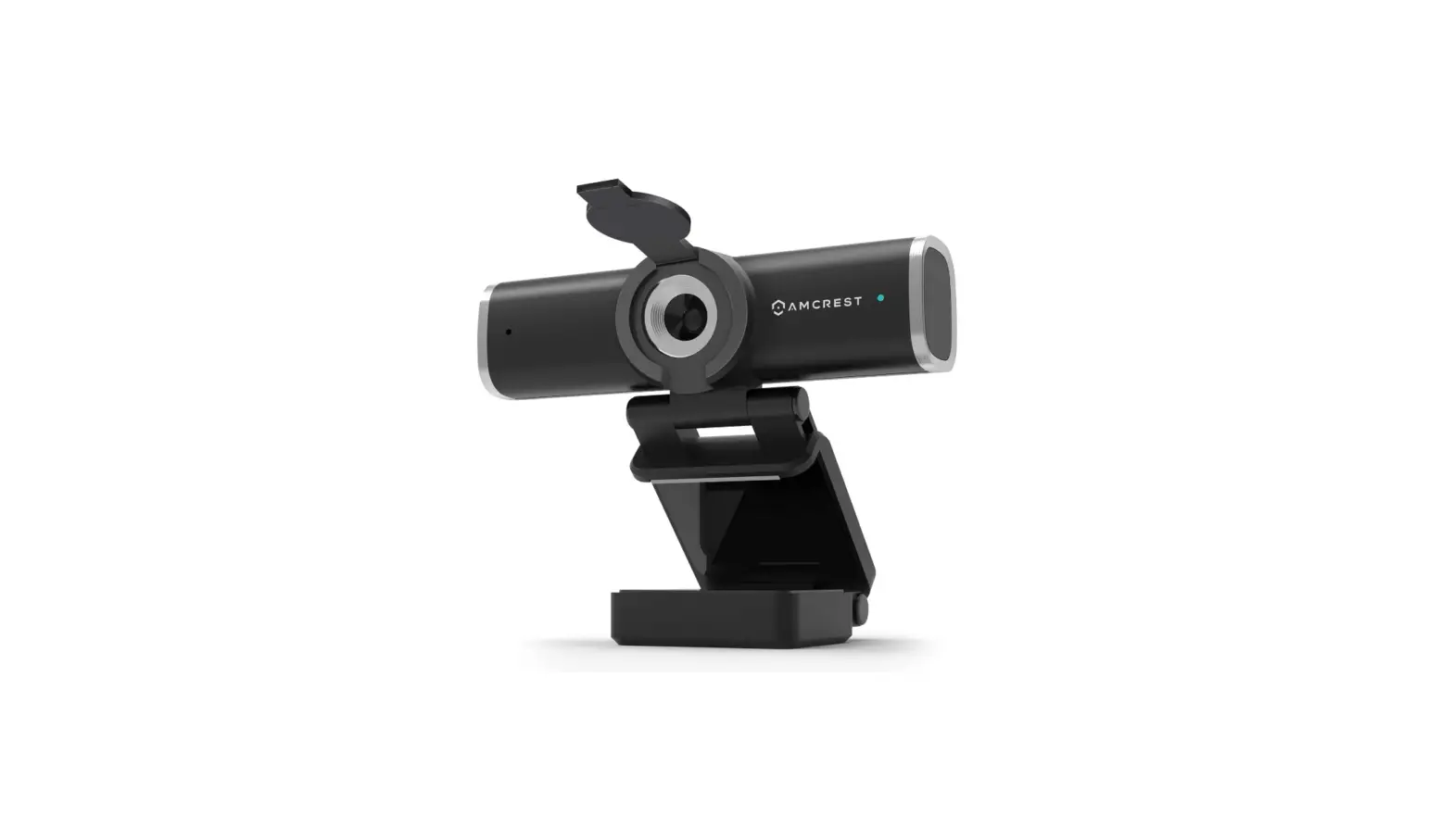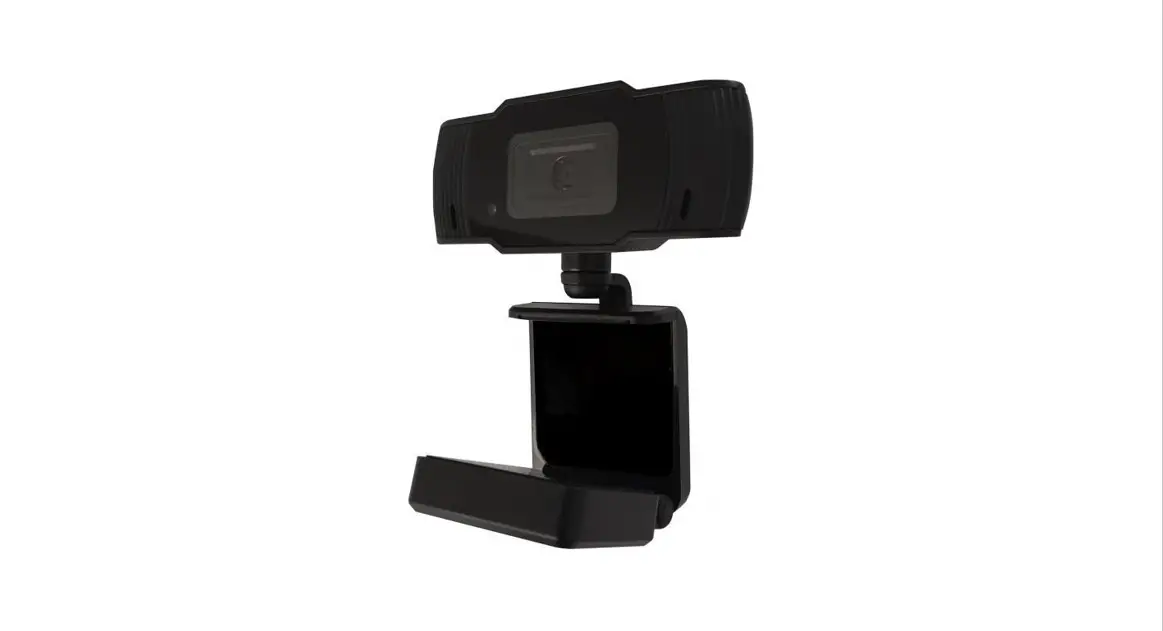
 WEBCAM W5
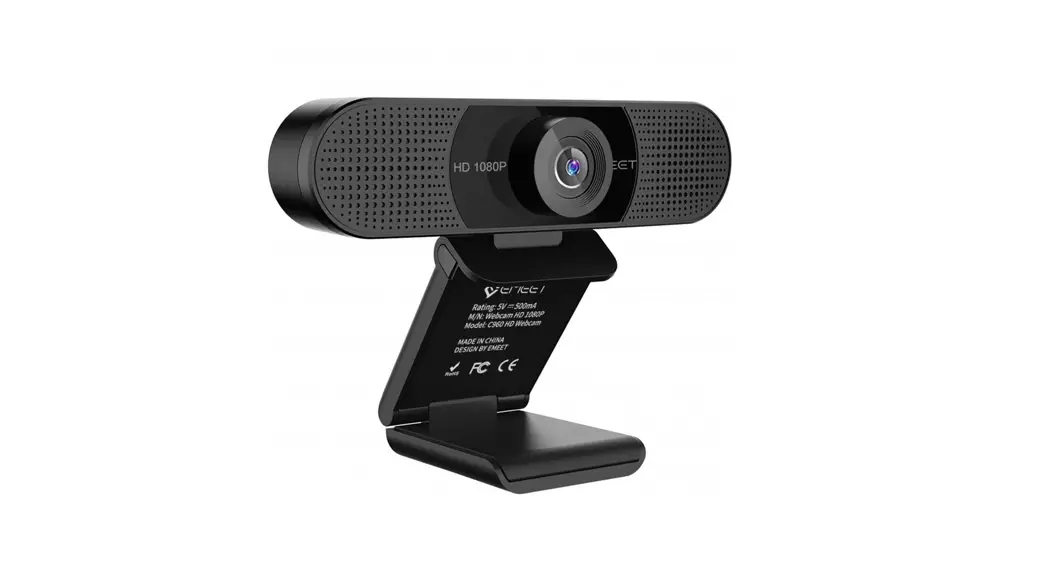
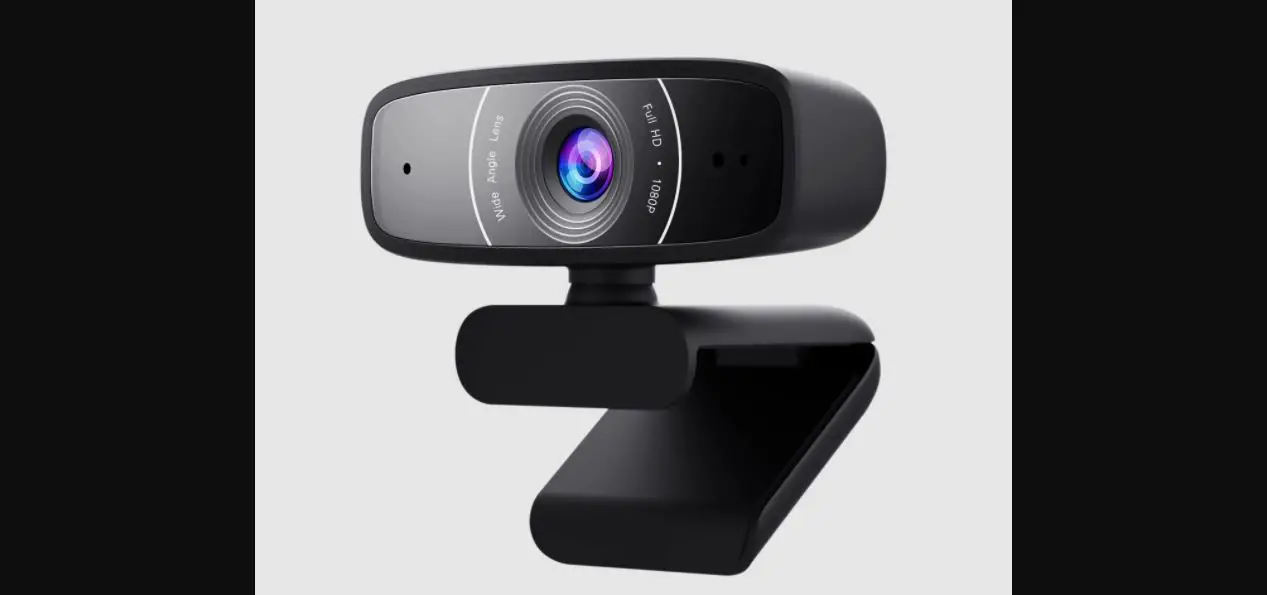
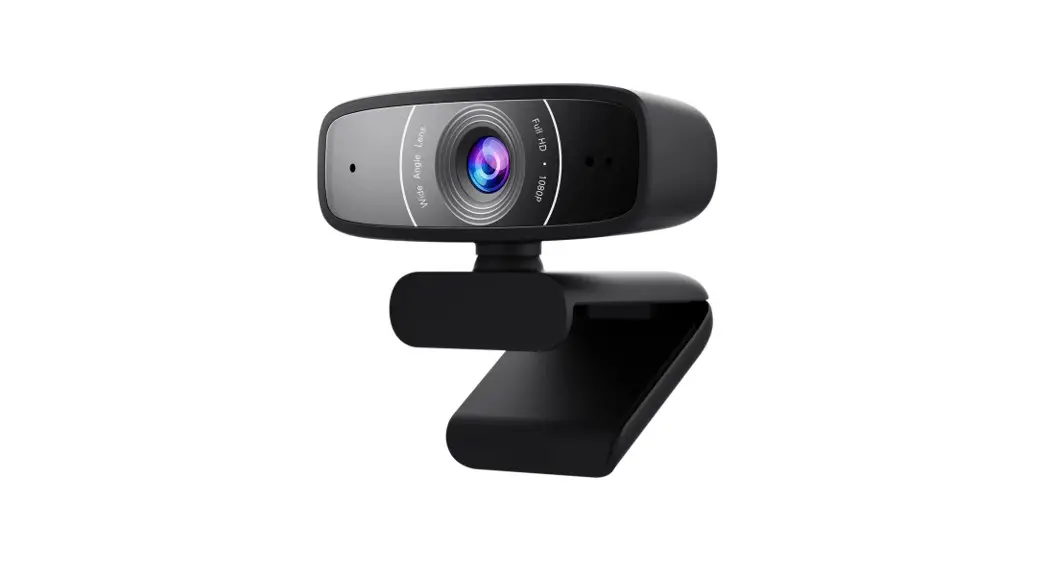
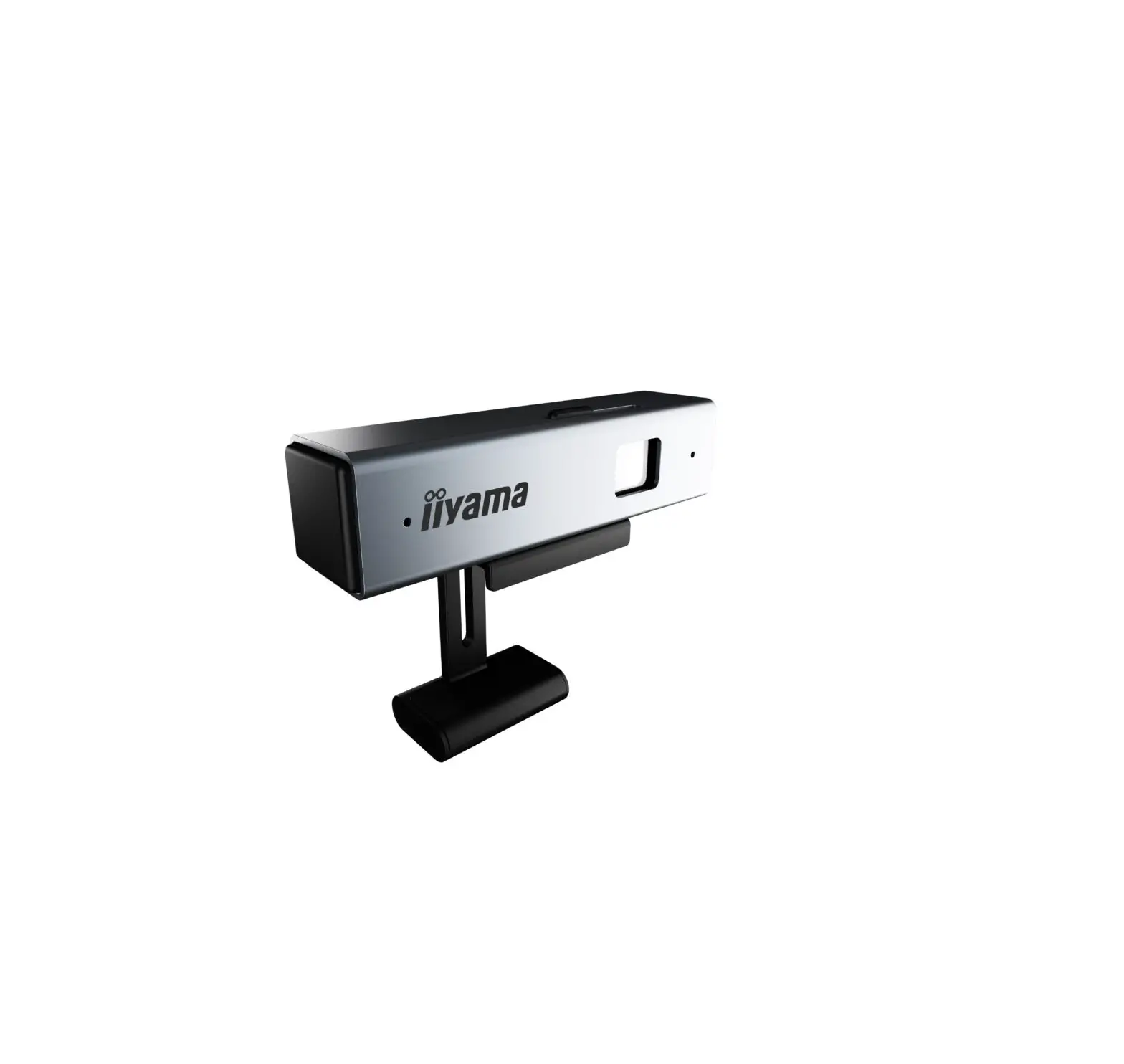
Place the camera on top of the screen and plug it into a USB port on your computer. The driver will be installed automatically and then you can use the camera.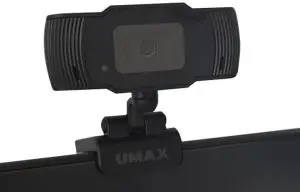
- Resolution: 2592*1944, 1920*1080, 1280*720, 640*480
- Framerate: 30fps
- Autofocus
- Built-in noise cancellation microphone
- Works on Windows, macOS, Android, Chrome OS, Linux
Technical support | Service center
+420 800 118 629
[email protected]
Umax Czech a.s.
Kolbenova 962/27e, 198 00 Prague 9
Czech Republic
Website umax.cz
Facebook umax.cz
YouTube UMAX Czech Republic
Umax Czech a.s.
Kolbenova 962/27e, 198 00 Prague 9 Czech Republic
© 2020 Umax Czech a.s. All rights reserved. Umax and the Umax logo are registered trademarks of Umax Czech a.s.
 | Do not dispose of electrical appliances as unsorted municipal waste, use separate collection facilities. Contact your local authority for information regarding the collection systems available. If electrical appliances are disposed of in landfills or dumps, hazardous substances can leak into the groundwater and get into the food chain, damaging your health and well-being. Please contact your local or regional waste authority for more information on collection, reuse, and recycling programs. |
 | Importer hereby declares that this wireless device is in compliance with the essential requirements and other relevant provisions of the R&TTE Directive and Radio Equipment Directive 2014/53/EU, as applicable. A copy of the EU Declaration of Conformity is available at www.umax.cz. |