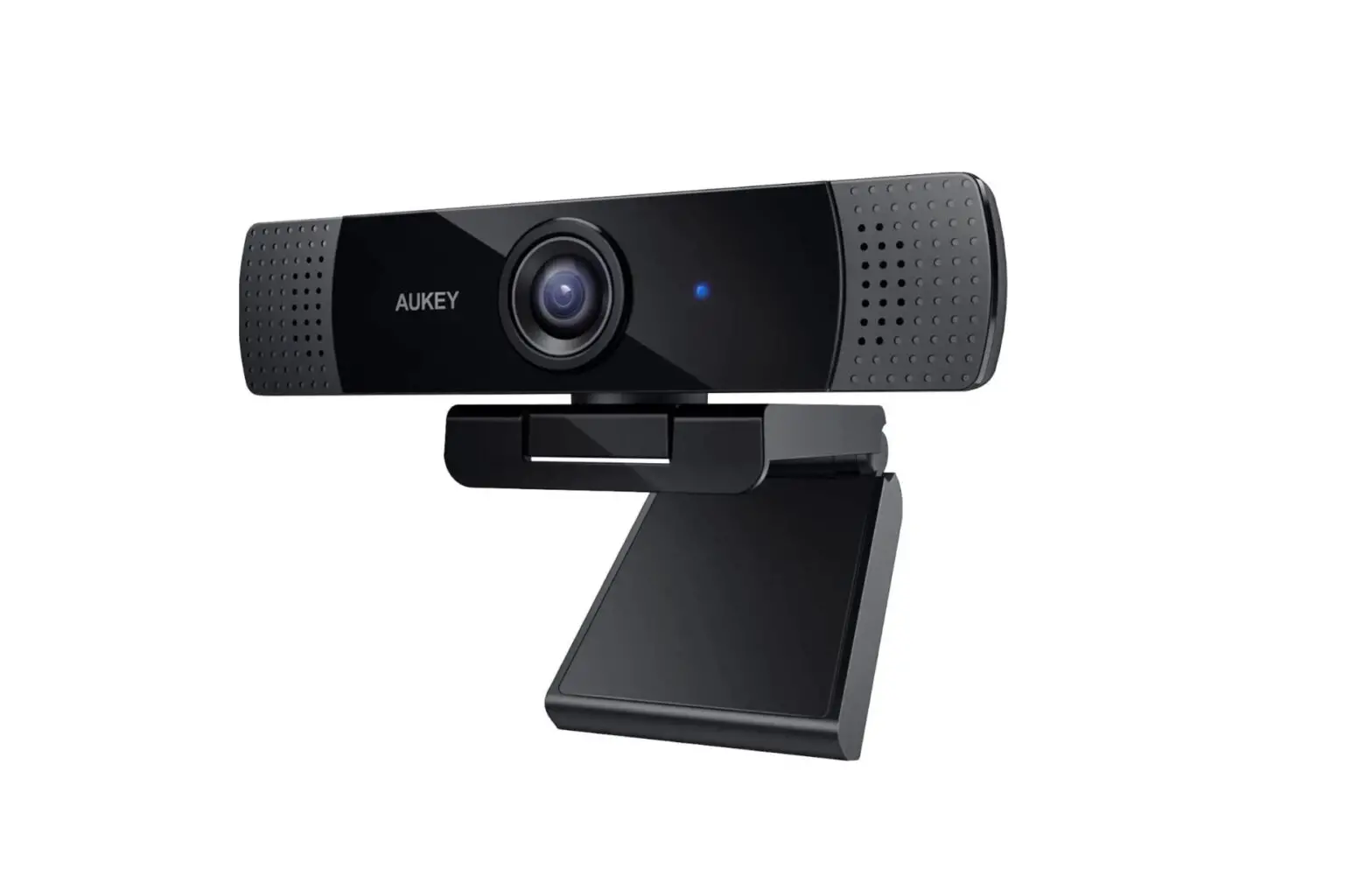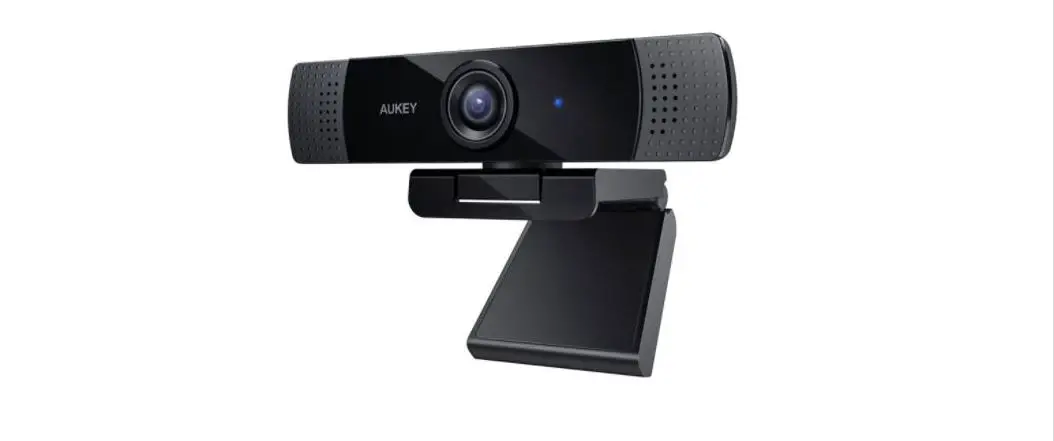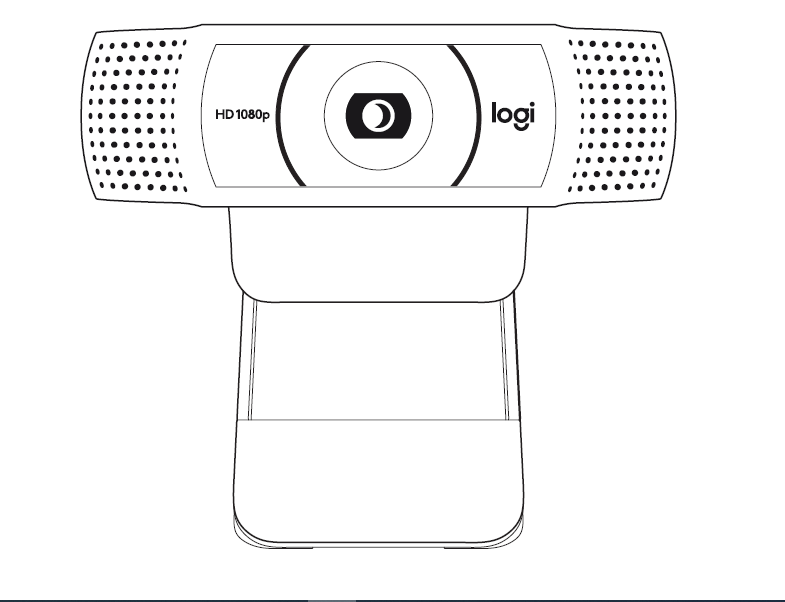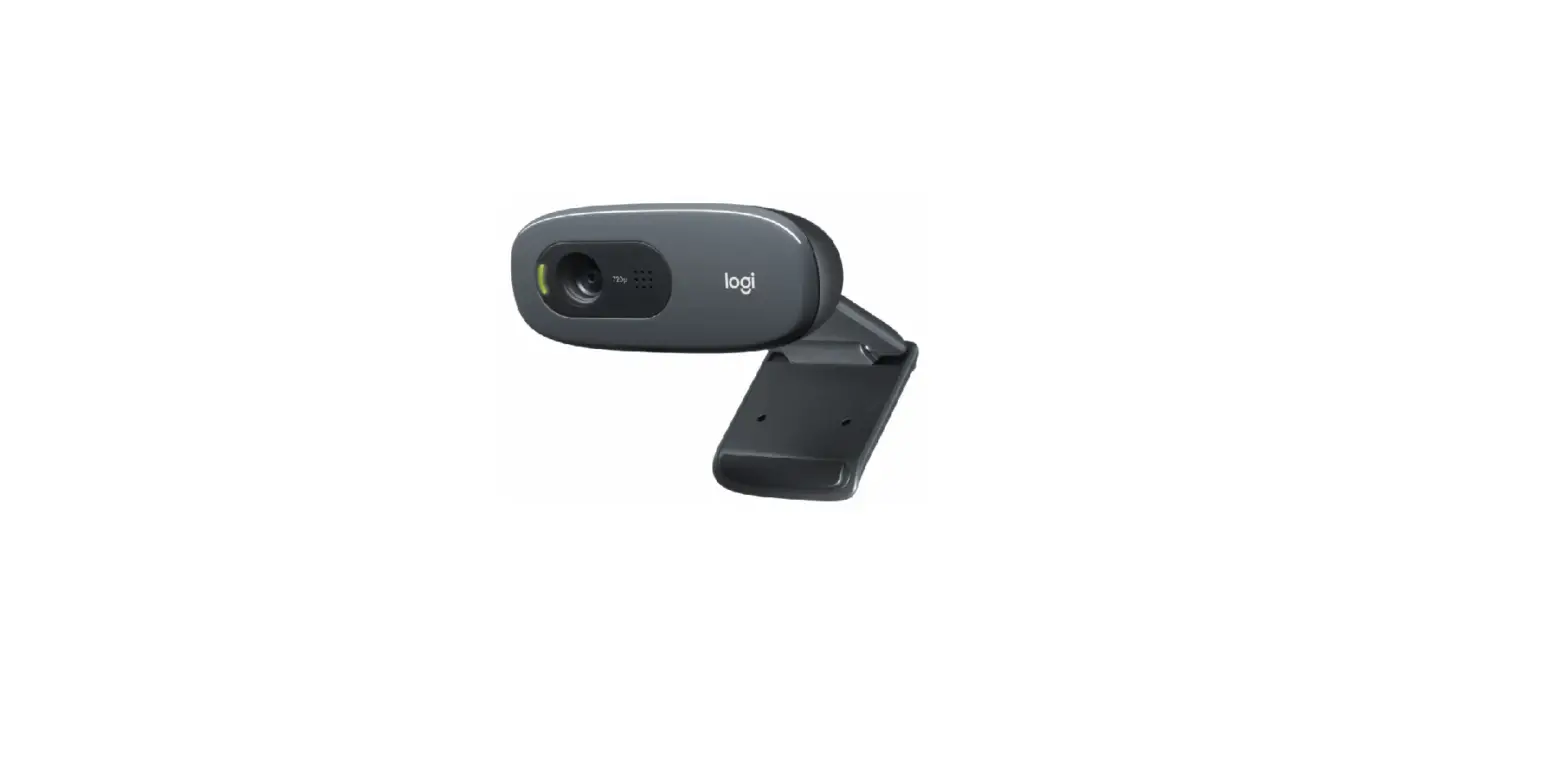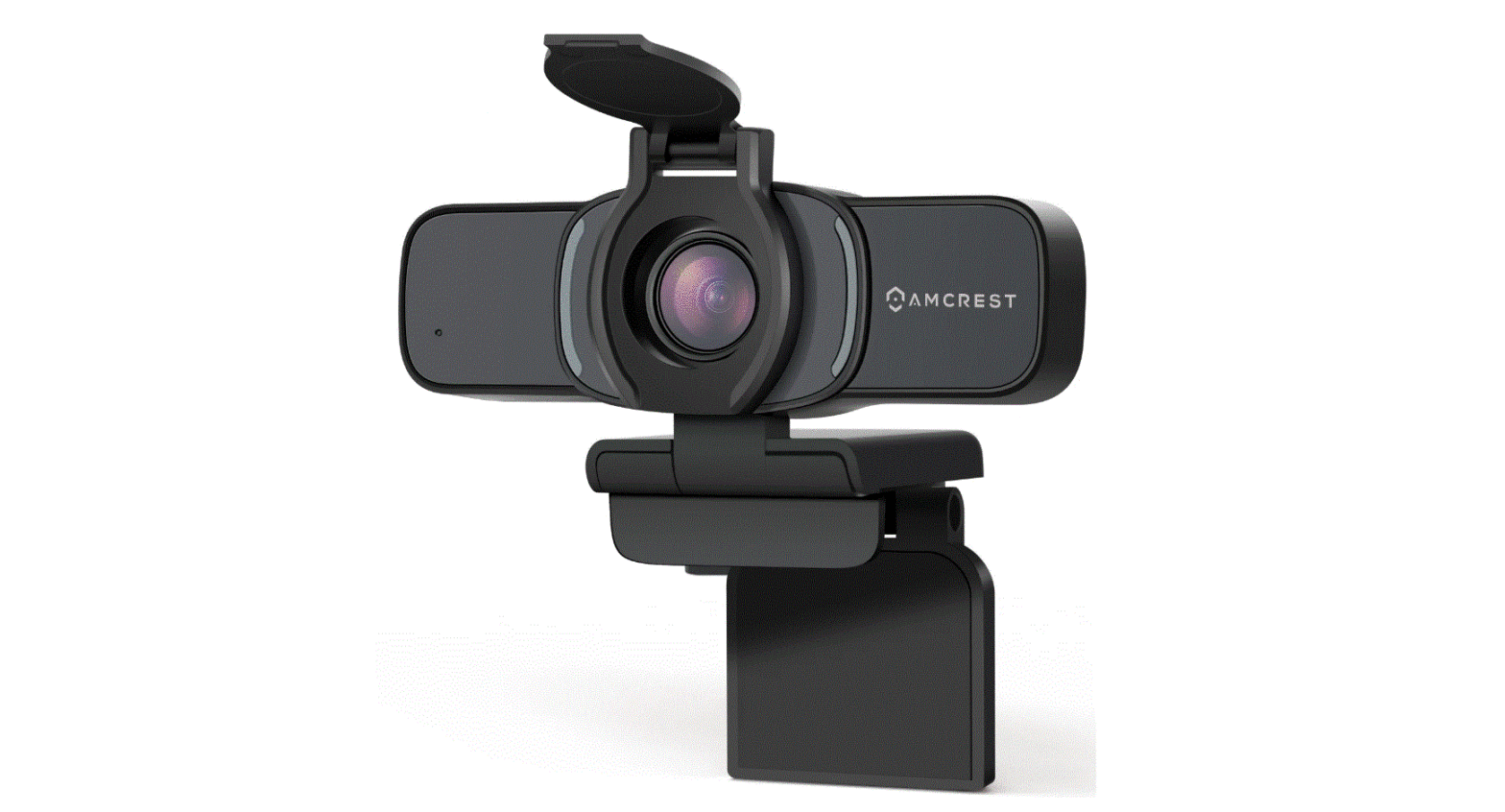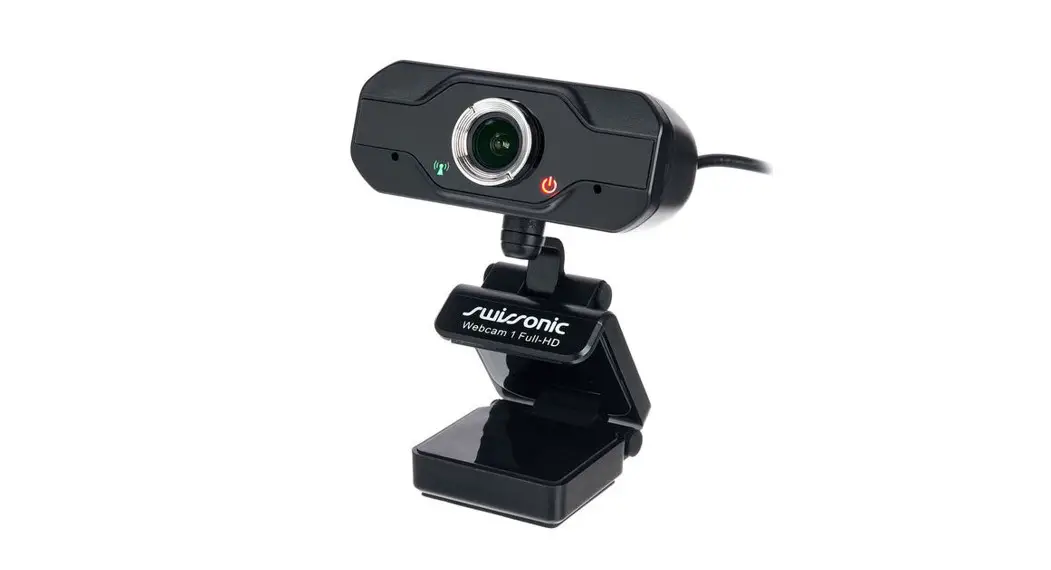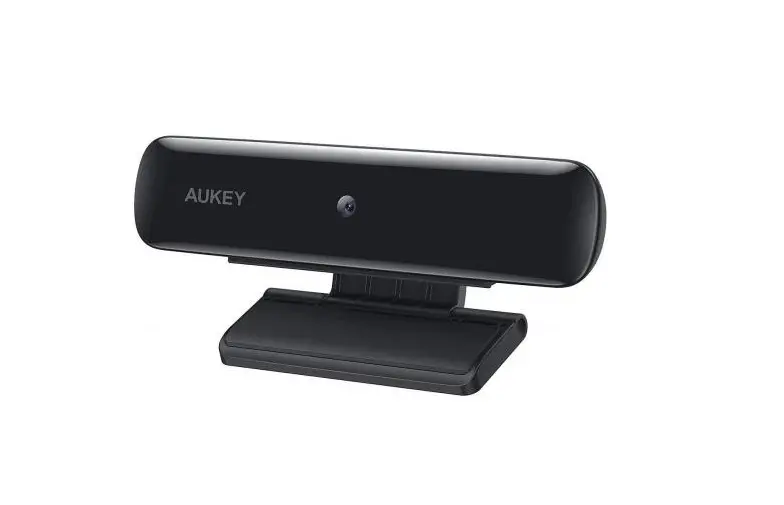
AUKEY 1080p Webcam User Manual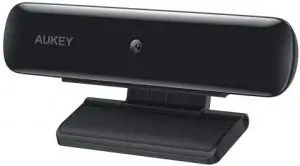
PC-W1
Thank you for purchasing the AUKEY PC-W1 1080p Webcam. Please read this user manual carefully and keep it for future reference. If you need any assistance, please contact our support team with your product model number and Amazon order number.
Package Contents
- 1080p Webcam
- User Manual
- Warranty Card
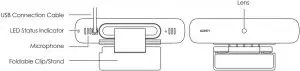
Product Diagram
Specifications
| Model | PC-W1 |
| Sensor | 1/2.7” CMOS image sensor |
| Recording Resolutions | 1080p (30fps), 720p (30fps), 480p (30fps), 240p (30fps) |
| Video Format | MJPEG |
| Effective Pixels | 2.0 megapixels |
| Focus Distance | 0.5 – 3m (fixed focus) |
| Angle of View | ≥75° |
| Minimum Illumination | ≤5 lux |
| Microphone | Built-in microphone |
| Input | DC 5V |
| System Requirements | Windows XP / Mac OS 10.7 / Android 4.0 or above |
| Material | ABS, PC |
| Operating Temperature | -10°C – 50°C / 14°F – 122°F |
| USB Cable Length | 170mm / 6.69” |
| Dimensions | 106 x 50 x 35mm / 4.17” x 1.97” x 1.38” |
| Weight | 80g / 2.82oz |
Getting Started
Positioning the Webcam
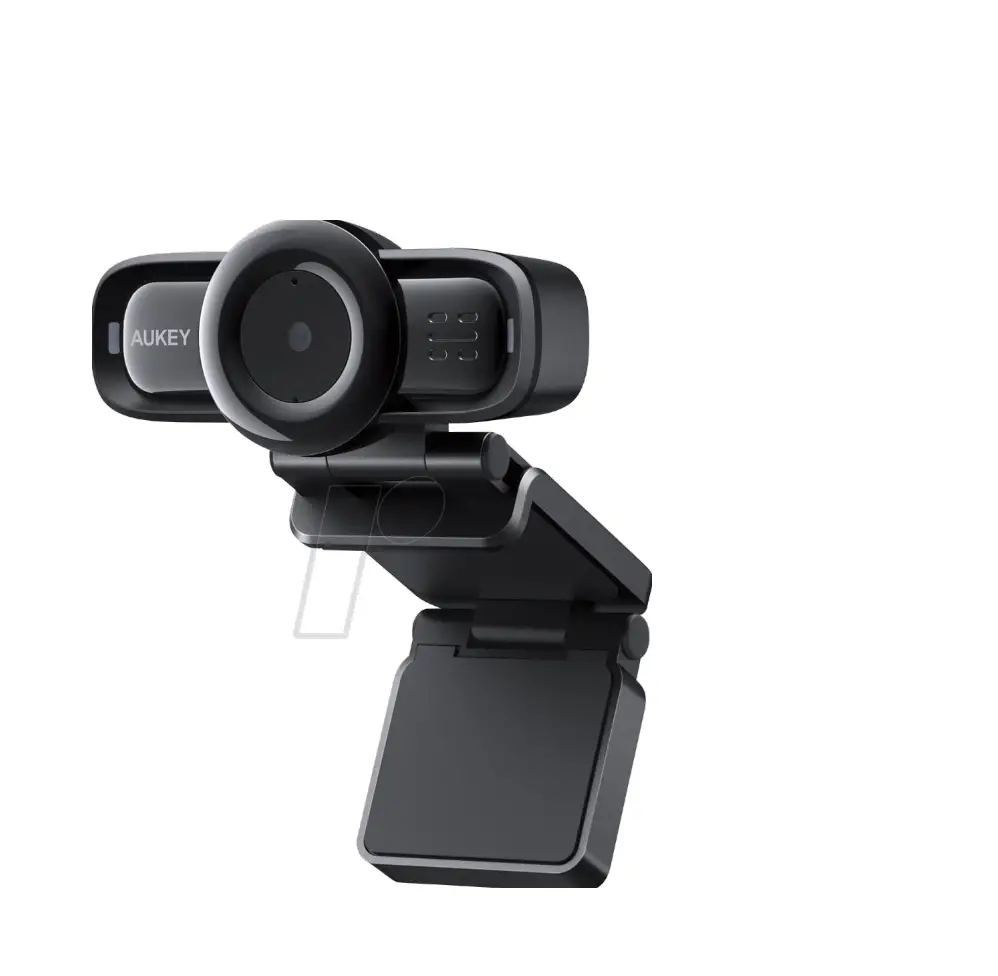
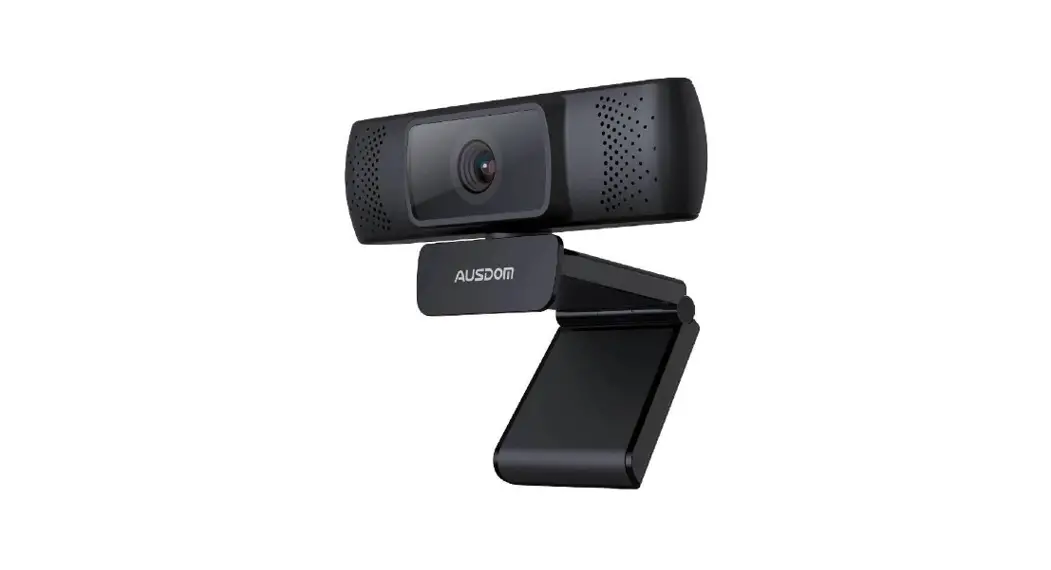
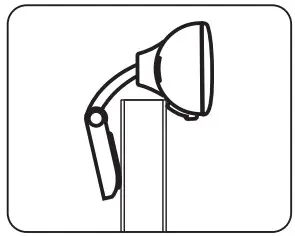
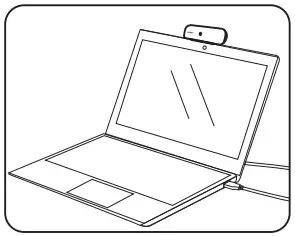
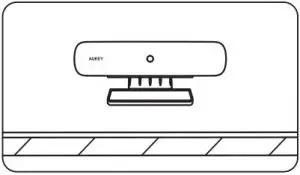
On a flat-screen computer monitor or laptop screen: Rest the rubber-padded bottom of the webcam on the top edge of the screen. The rubber pad of the clip/stand should be touching the back of the screen. The camera can be tilted up or down (ensure that both rubber pads are still in contact for a secure fit).
On a desk or other flat surface: The plain plastic side of the attached clip/stand should be on the surface (below the camera). Angle the two clip/stand hinges for the most stable position, with the webcam tilted up or down for the best view.
Connecting the Webcam
- Connect the webcam USB cable to your computer USB port (the camera will then appear in the ‘Devices and Printers’ section of the ‘Control Panel’). The LED status indicator will light up red.
- Open the video chat or recording software you want to use and begin a video call or video recording. While the camera is active, the LED status indicator will be purple.
- Adjust the clip/stand or pivot the camera to fine-tune the angle and view.
Product Care & Use
- Ensure camera and mount are firmly fixed in place or stable before use to avoid falls
- Keep away from liquids, extreme heat, and strong magnetic fields
- Avoid touching the lens surface. It may be cleaned with a cotton swab or lens cleaning cloth. If any dirt is difficult to remove, a non-abrasive glasses lens cleaner may be used. Don’t use corrosive solutions
Warranty & Customer Support
For questions, support, or warranty claims, contact us at the address below that corresponds with your region. Please include your Amazon order number and product model number.
- Amazon US orders: [email protected]
- Amazon EU orders: [email protected]
- Amazon CA orders: [email protected]
- Amazon JP orders: [email protected]
*Please note, AUKEY can only provide after sales service for products purchased directly from AUKEY. If you have purchased from a different seller, please contact them directly for service or warranty issues.
Support
AUKEY International Ltd.
www.aukey.com | [email protected]
No.102, Building P09, Electronics Trade Center
Huanan City, Pinghu Town, Longgang District
Shenzhen, Guangdong, 518111, CN


 AUKEY Official - No.1 Power & Charging Solutions | AUKEY Online...