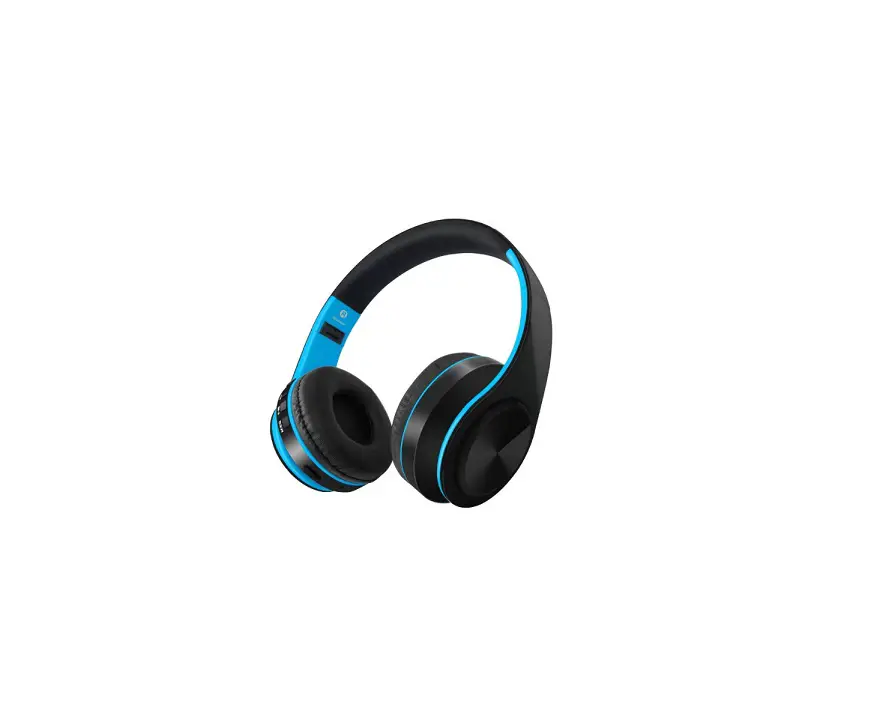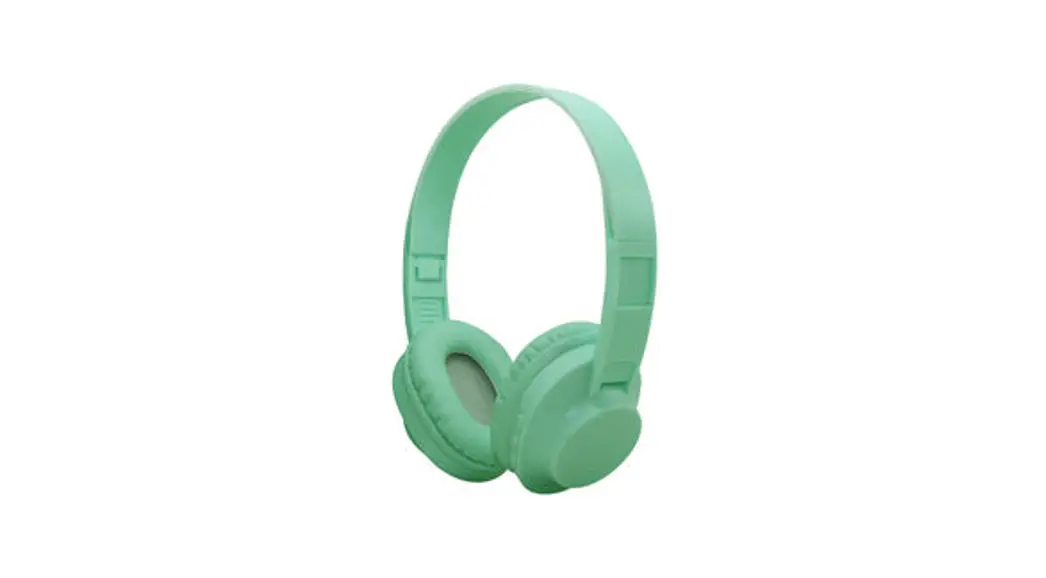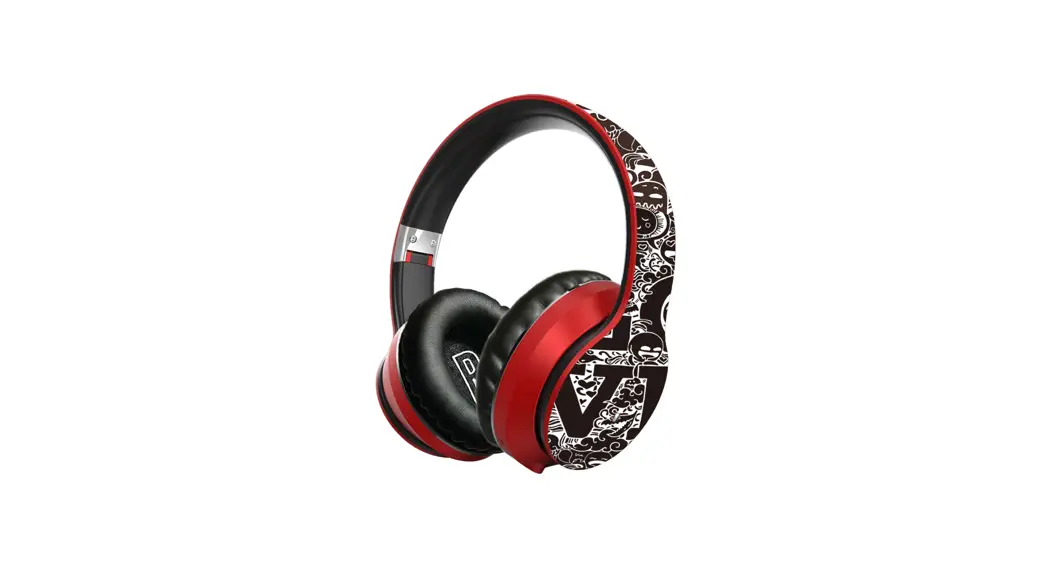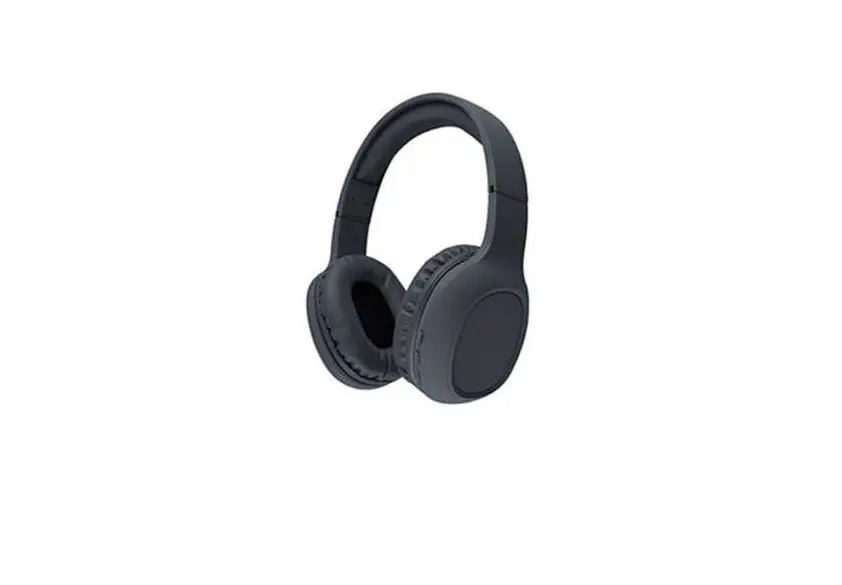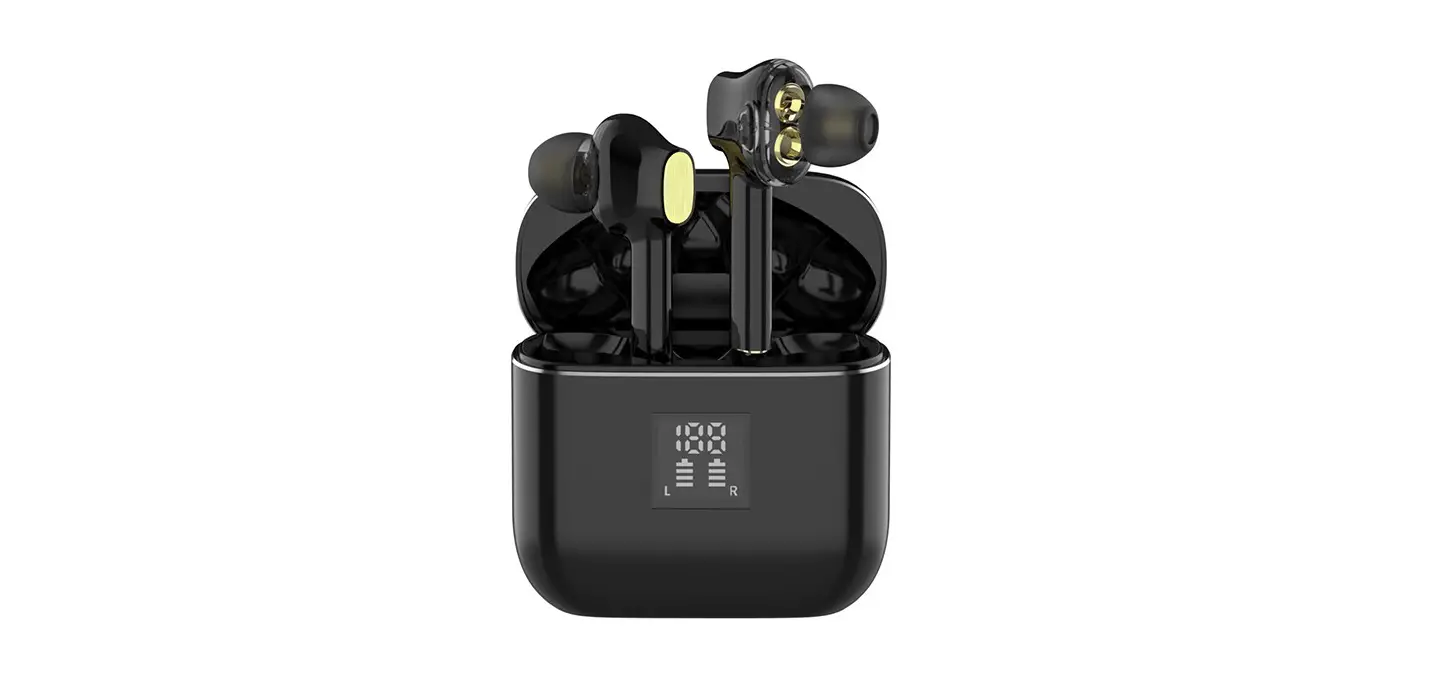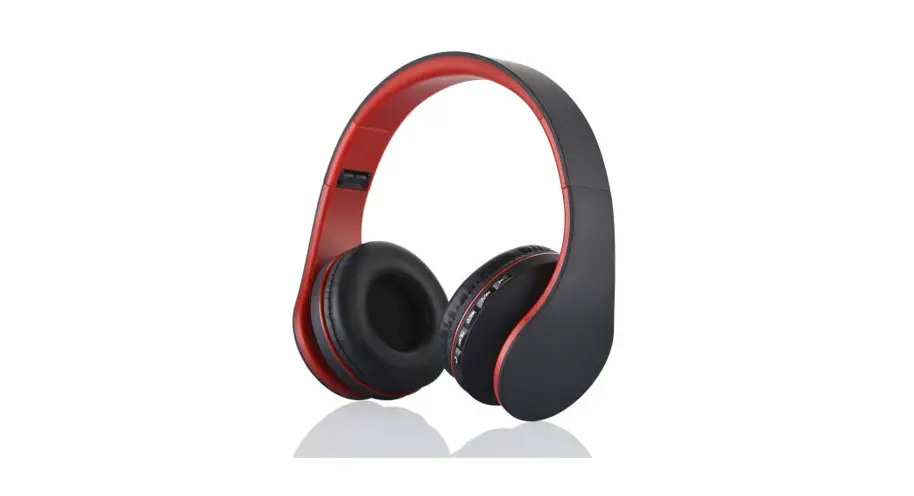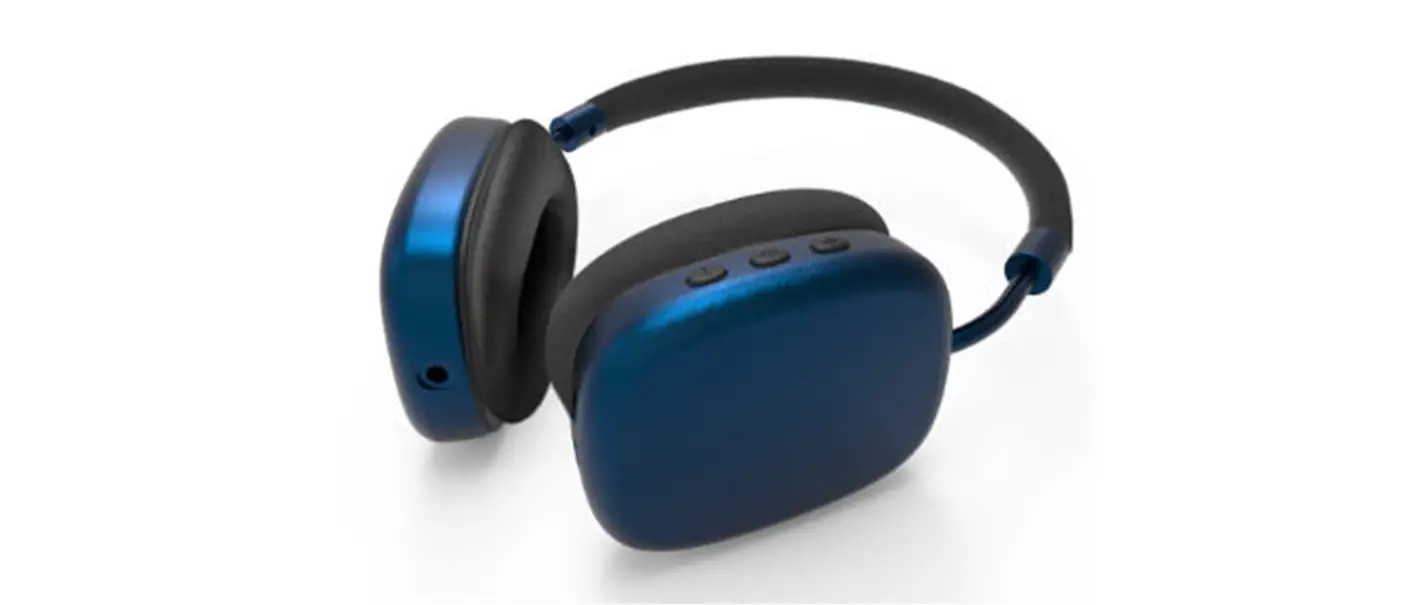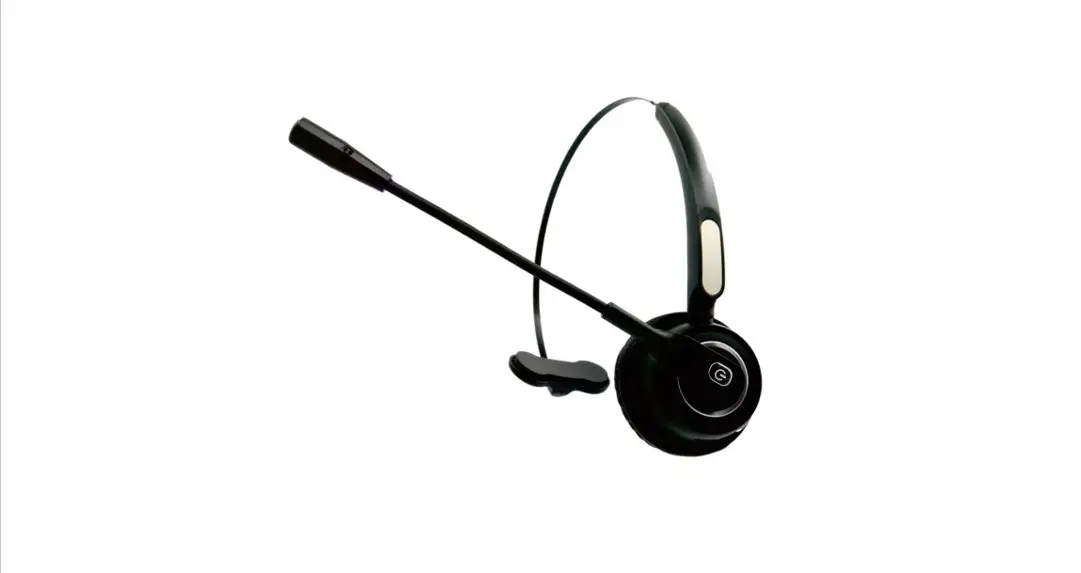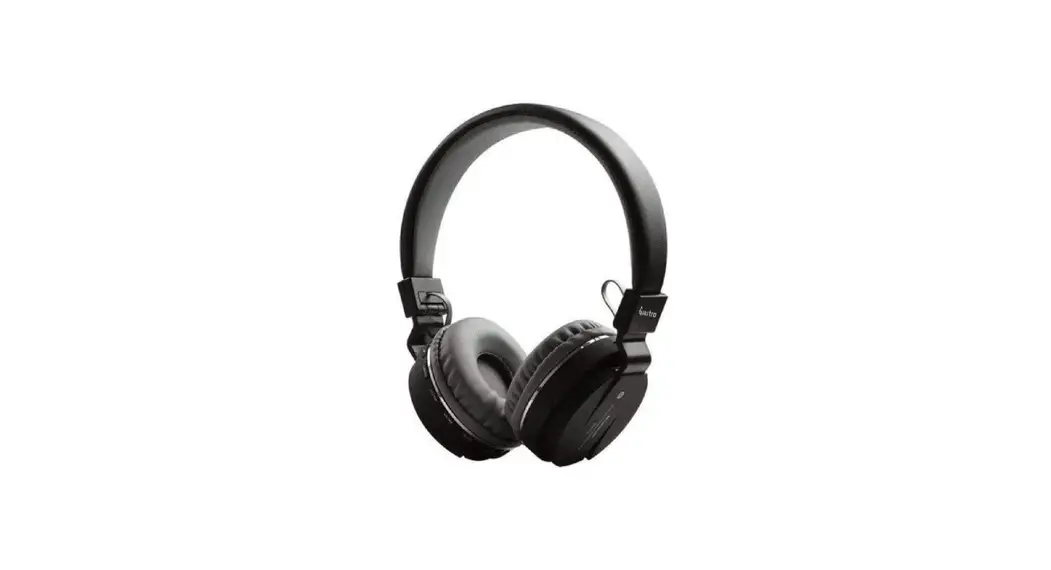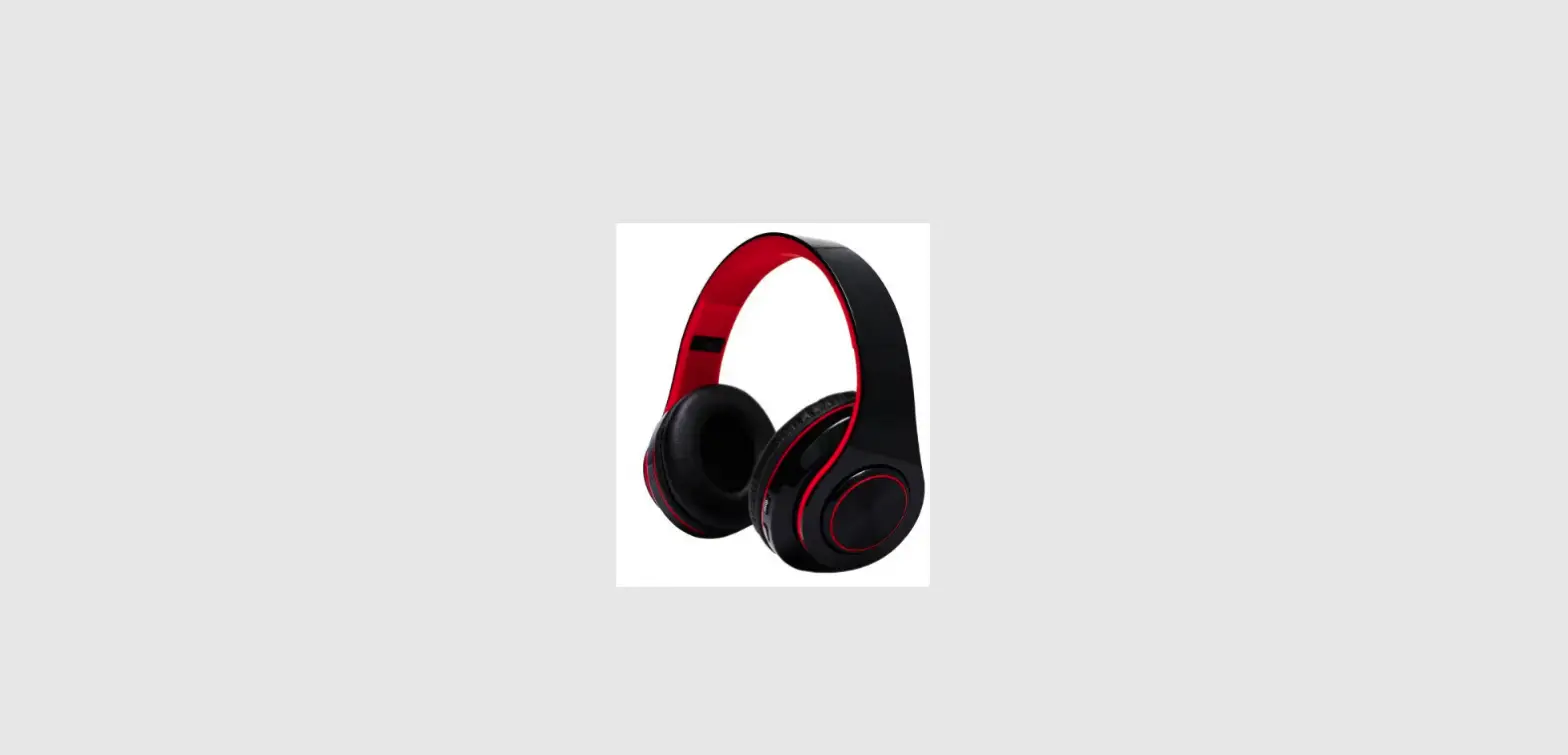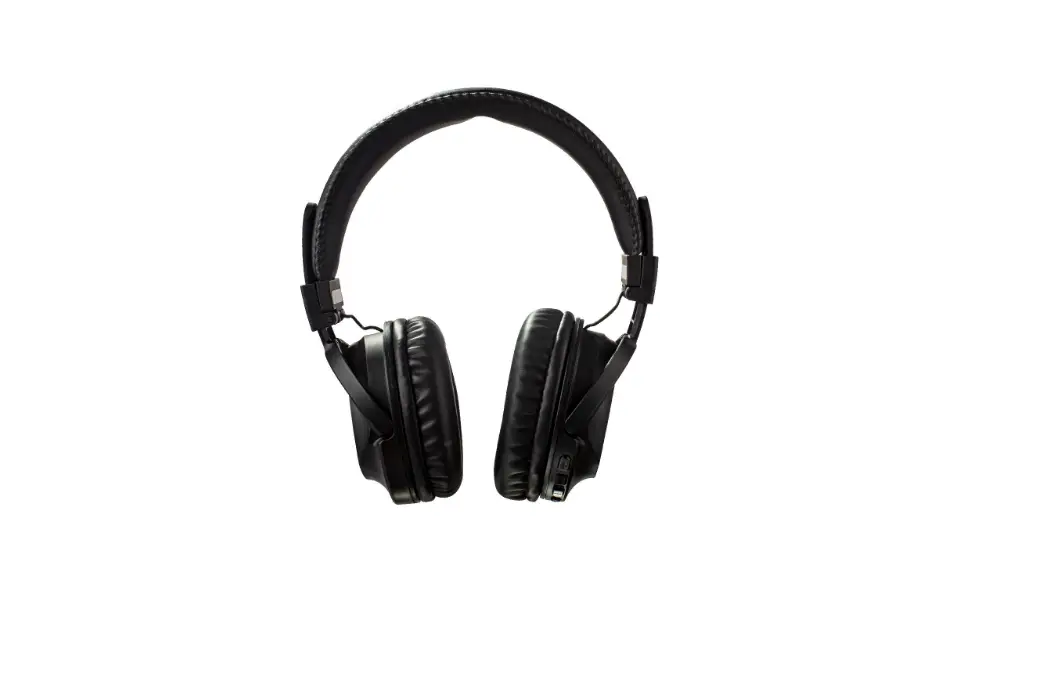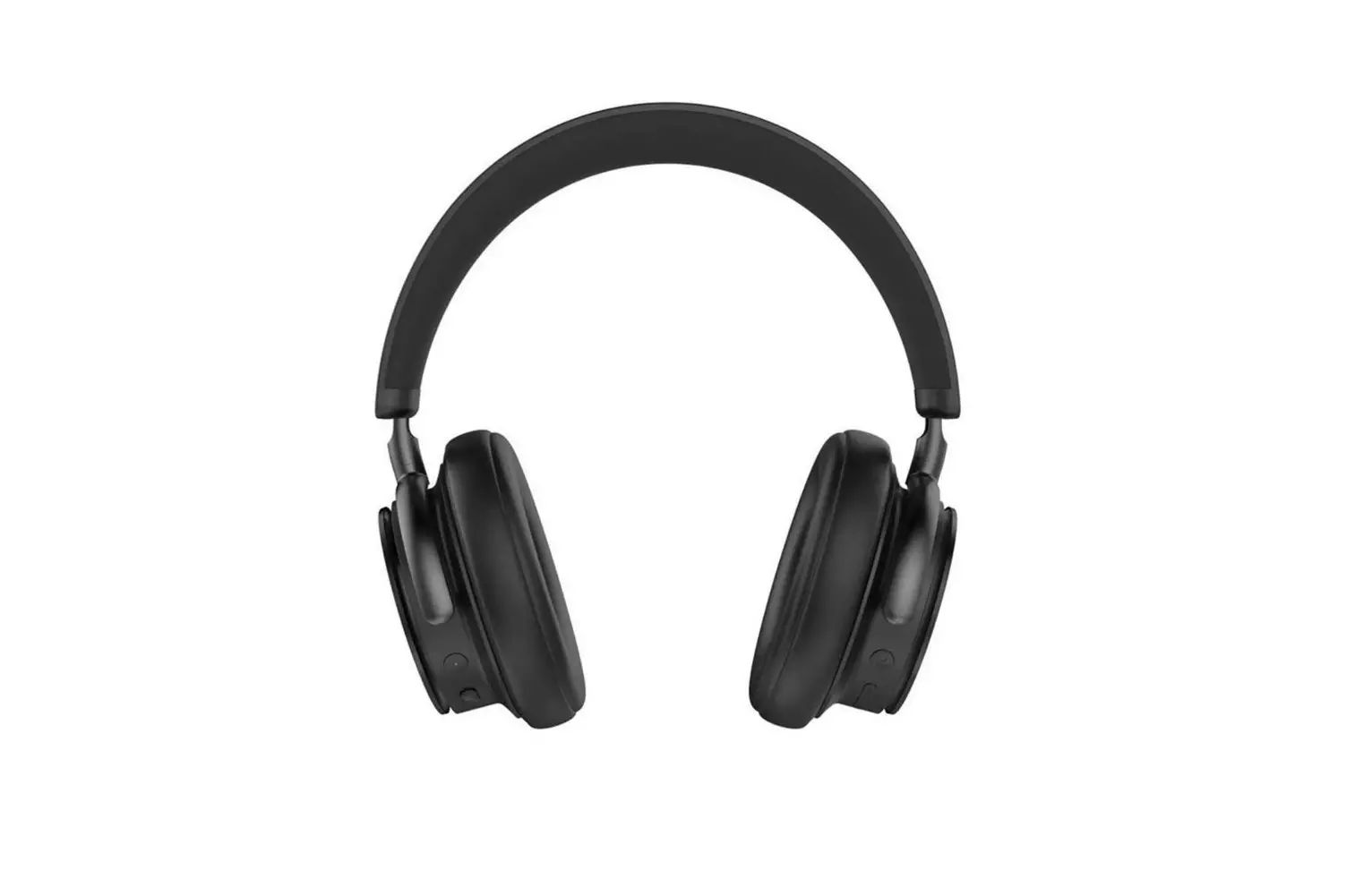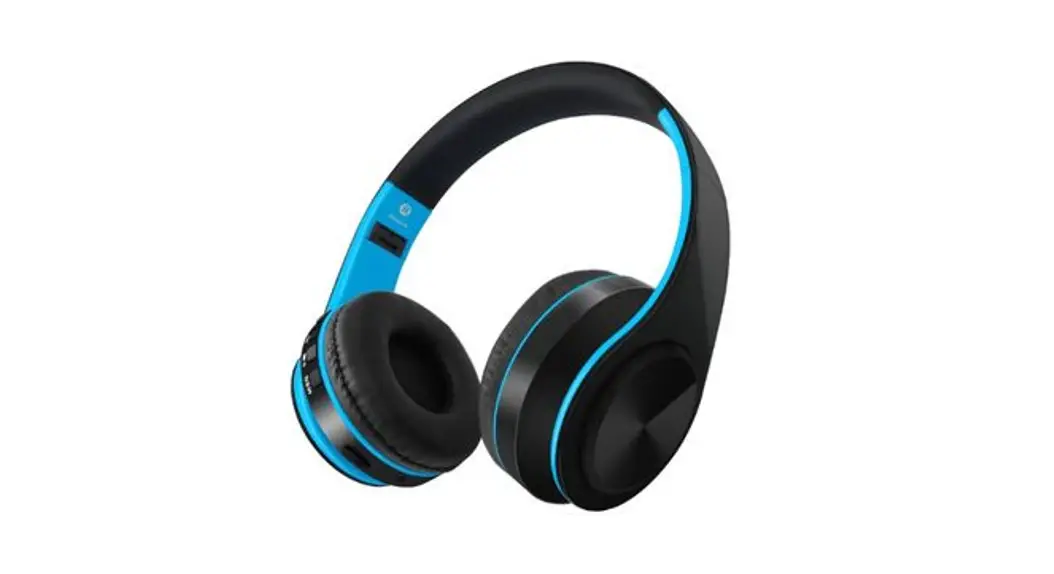
 Shike Kam Wah Electronic SBT-186 Bluetooth Headphones
User Manual
SBT-186 Bluetooth Headphones
Thank you very much for choosing SBT-186 Bluetooth.Headphones produced by JBUNION and Kakabomi!
Your new JBU Over Ear Wireless Headphones are designed to link with your Bluetooth enabled device to allow you to wirelessly listen to music and answer phone calls within the normal 10 meter Bluetooth operating range. SBT-186 is compatible with Apple iPhone, iPad, iPod, Android phones or any tablets and notebooks with Bluetooth audio support.
SBT-186 has a small size structure, fit, soft, adjustable headband cushion and earmuff, which is specially tailored for children aged 3-8 years. The product has built-in sound pressure control technology. No matter how you adjust it, the volume is always controlled within the safe range of 85dB. The materials are high-grade environmental protection materials certified by European and American safety certification. They meet the European Union EN71 and American ASTM, CPSIA international certification standards for children’s products. Please feel free to use them.
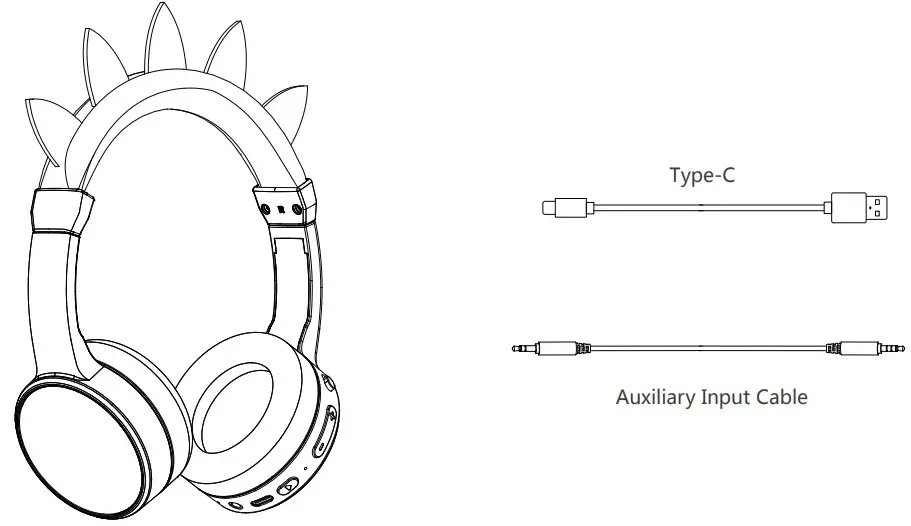
Specifications
| BT Specification | Bluetooth V5.3 |
| BT Profiles Supported | A2DP, AVRCP, HFP, HSP. |
| Effective range | Appox. 10 m |
| Speaker diameter | 40mm |
| Impedance | 32Ohm |
| Sensitivity | 82±3dB at 1KHz |
| Frequency Range | 20Hz – 20KHz |
| Rechargeable Battery | 300mAh |
| Working Voltage: | 3.7V |
| Standby Current | <8uA |
| Max working electric current | 17mA |
| Charging socket | Type-c |
| Talk time | 12hours |
| Music Play time | 11hours at 80% volume |
| Standby Time (un-paired) | 90 days or more |
| Charging Time | 2 hours |
Product outline
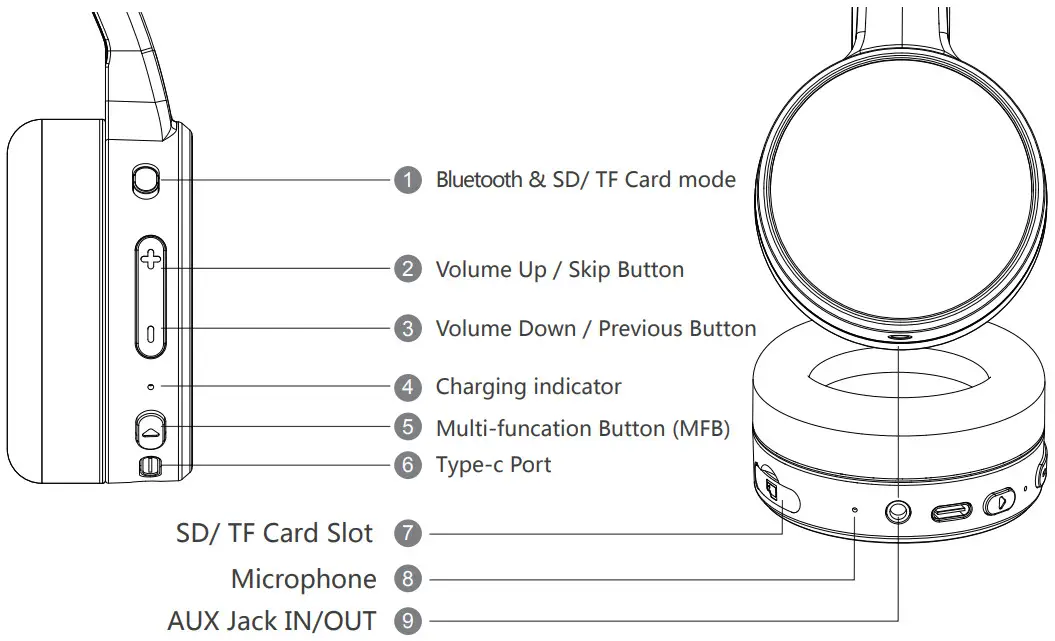
Using Your Earphone
Very happy you own this Kids headphones stereo Bluetooth wireless headphones, We are here showing you how to use it, you will easy to use this headphones after reading this instructions. The headphones have voice prompt function,real-time reporting of the current state, it is easy to use and convenient.
Power On/Off, First Time Pairing
While the headphones are switched off, press and hold the MFB Button for 2 seconds until you hear the voice ‘Power on’ and ‘Pairing’.
The white Indicator will flash alternately to enter pairing mode. Go to the Bluetooth settings on your phone and select ‘SBT-186’ from the list. Once paired, you will hear ‘Connected’, That meant pairing is completed.
While the headphones are switched on, press and hold the Button for 5 seconds until hear the voice ‘Power off’ to switch off the headphone.
| Power on | Press and hold Button 2 seconds |
| Power off | Press and hold Button 5 seconds |
| Volume + | Single press Button Button |
| Volume – | Single press Button Button |
| Previous song | Press and hold Button |
| Next song | Press and hold Button |
| Pause/Play | Single press Button |
| Pick up/Hang up | Single press Button |
| Refuse phone call | Long press Button |
| TF version | Slide switch according to the icons |
| BT version | Slide switch according to the icons |
| Set up siri | Double clic Switch on button |
MICRO-SD/TF CARO MODE
- In no-card state, insert the Micro -SD/TF card, the LED indicator flashes quickly,the voice prompts “SD card”, automatically enter the Micro-SD/TF Card play mode,the LED indicator flashes once every seconds.
- When the card is inserted, slide switch to start the play mode.
Note: Some of the functions described above may not be supported on your specific Bluetooth device. Please check the manual of your device to ensure the features supported by your device.
Charging
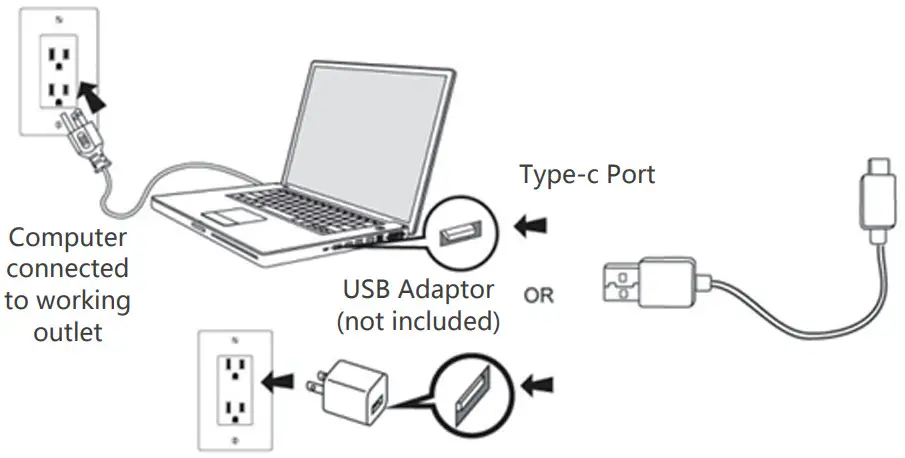
Before charge,turn off the headphone,The headphones charging cable connect to the computer/Adaptor Type-c port,the LED light Indicator will turn on in Red, it means connect with the Type-c successfully and the headphone is charging. When the charging is completed, the headphones charging indicator will turn off. When the headphones broadcasts a voice prompt: “low battery, please charge”, it indicates that the power of the headphones is too low. Please charge your headphones in time.
Note:
- Do not turn on the headphone when charge,Or will damage headphone hardware and battery life.
- This headphones haven’t waterproof function,Please pay attention to water and moisture,so that to confirm the headphone can working perfectly.
- The headphones can not be long-term placement, please charge and discharge once a week, thereby extending battery life.
KINDLY REMINDER
Continuous use high volume might damage hearing
WARNING
Adjust headset to the proper volume. Too Loud sound may damage your ears. for traffic safety, never use the headset while riding a bicycle, motor bike, or while driving a car, it is dangerous to increase the volume too much because you can not hear external sounds.
Take great care about traffic around you.
please don’t pull the cord too hard in case of breakage.
The “JBU” & “JBUNION” logo and other products,service names and logos are the intellectual property of its owner.other third-party trademarks belong to their respective owners are used for reference only and if third -party owners wished to removed their reference in association with this packaging. please contact the owner of “JBU” & “JBUNION” logo, Any use of the “JBU” & “JBUNION” Mark is prohibited without express written permission. FCC Statement
This device complies with Part 15 of the FCC rules. Operation is subject to the following two conditions:
- this device may not cause harmful interference, and
- this device must accept any interference received, including interference that may cause undesired operation.
Note: This equipment has been tested and found to comply with the limits for a Class B digital device, pursuant to part 15 of the FCC Rules.
These limits are designed to provide reasonable protection against harmful interference in a residential installation. This equipment generates uses and can radiate radio frequency energy and, if not installed and used in accordance with the instructions, may cause harmful interference to radio communications. However, there is no guarantee that interference will not occur in particular installation. If this equipment does cause harmful interference to radio or television reception, which can be determined by turning the equipment off and on, the user is encouraged to try to correct the interference by one or more of the following measures:
- Reorient or relocate the receiving antenna.
- Increase the separation between the equipment and receiver.
- Connect the equipment into an outlet on a circuit different from that to which the receiver is connected.
- Consult the dealer or an experienced radio/TV technician for help. Changes or modifications not expressly approved by the party responsible for compliance could void the user’s authority to operate the equipment.
FCC RF Radiation Exposure Statement
The device has been evaluated to meet general RF exposure requirement. The device can be used in portable exposure condition without restriction.
Proprietor of a mark: Shenzhen Shike Kam Wah Electronic Co.,Ltd.
Manufacturer: Shenzhen Shike Kam Wah Electronic Co.,Ltd.
Address: 1st Floor NO.#36,LangKou Industrial Park,LangKou Community, Dalang,Longhua
District,ShenZhen,Guangdong,P.R.China
Website: www.china-headphone.com
E-mail: [email protected]
Service hotline: 0086-755-29538997
 Headphones.com — Shop the best headphones and home audio