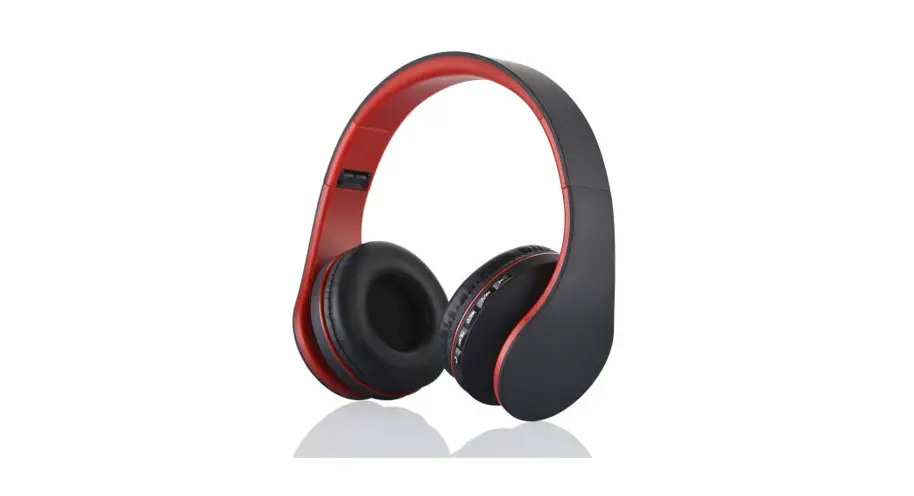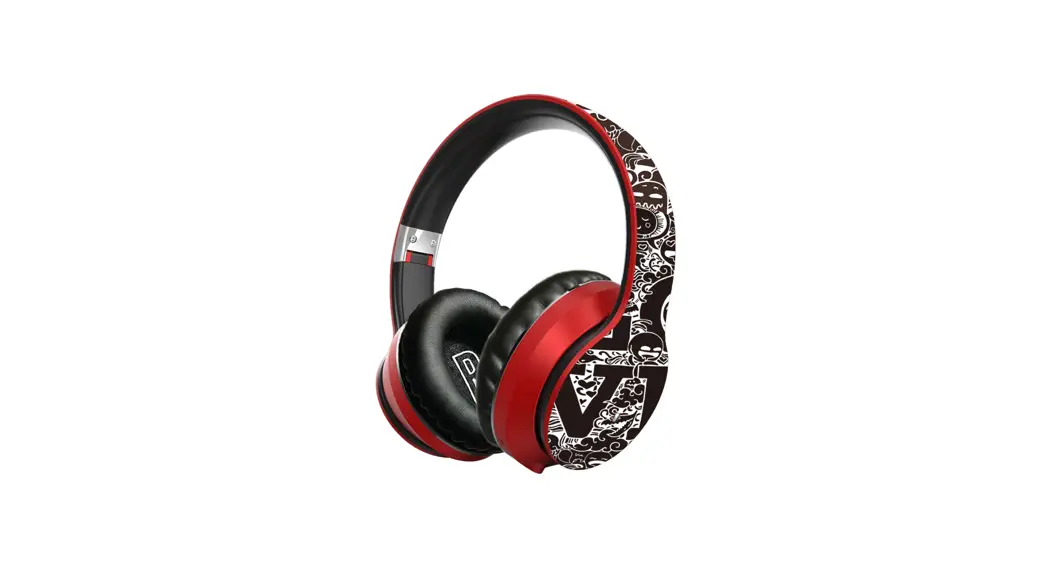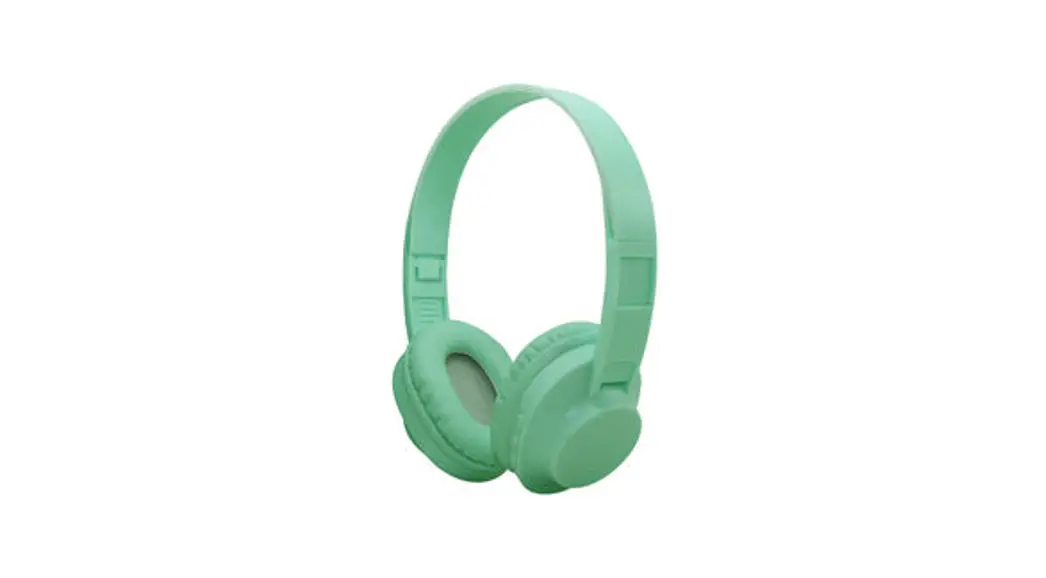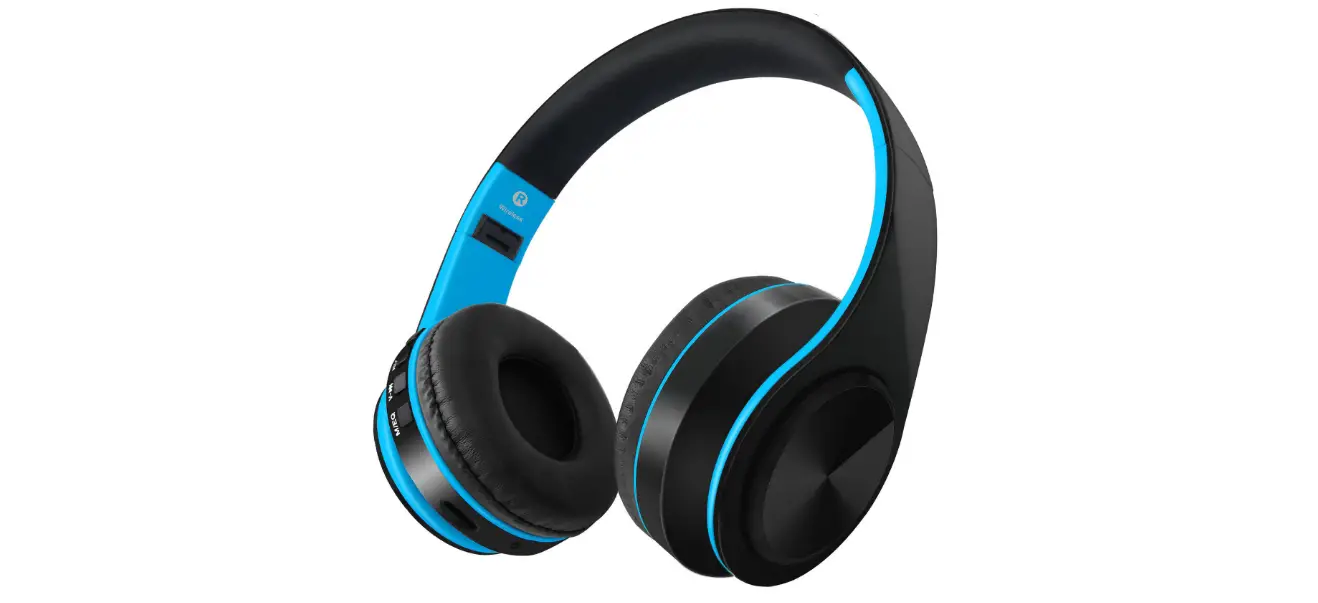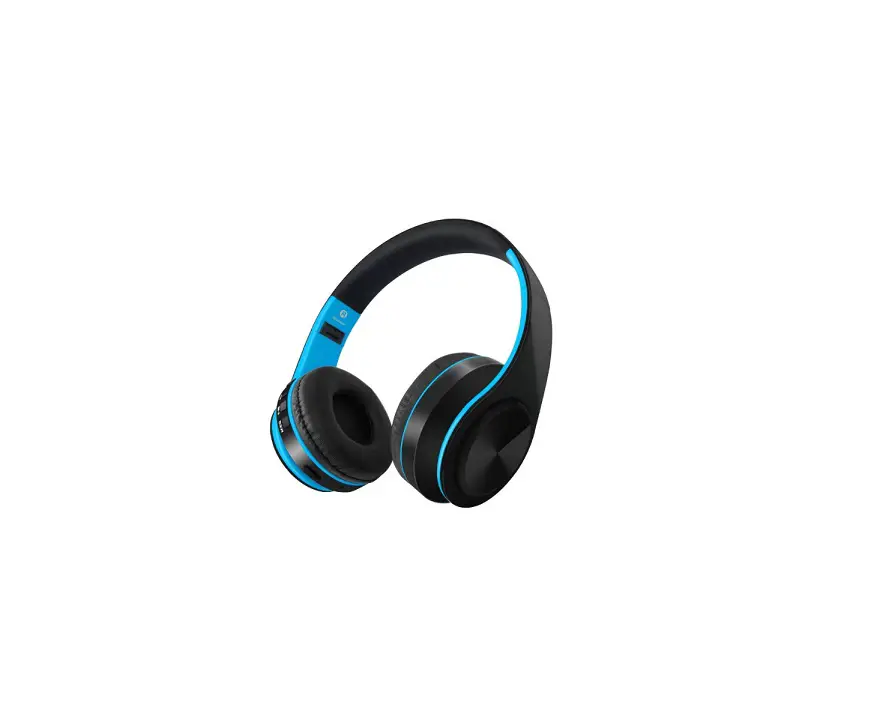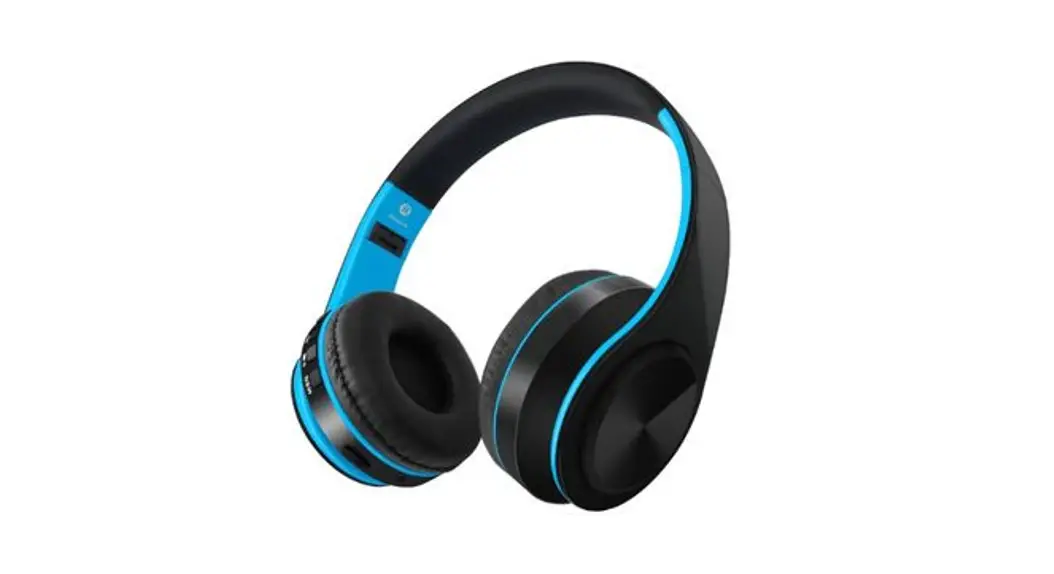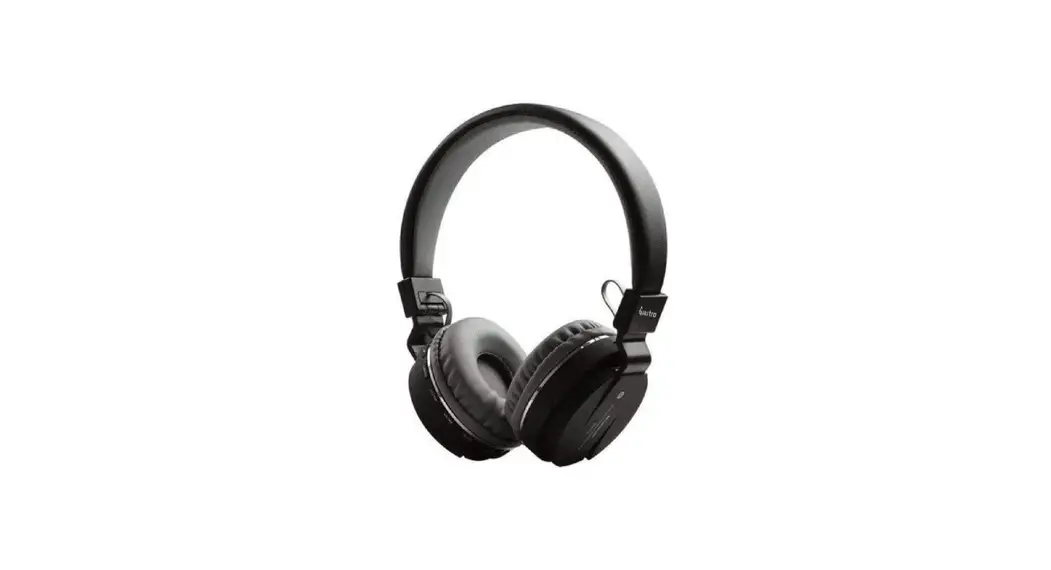
Shenzhen Jiuhu Technology EMBT-01 Bluetooth Headphone User Manu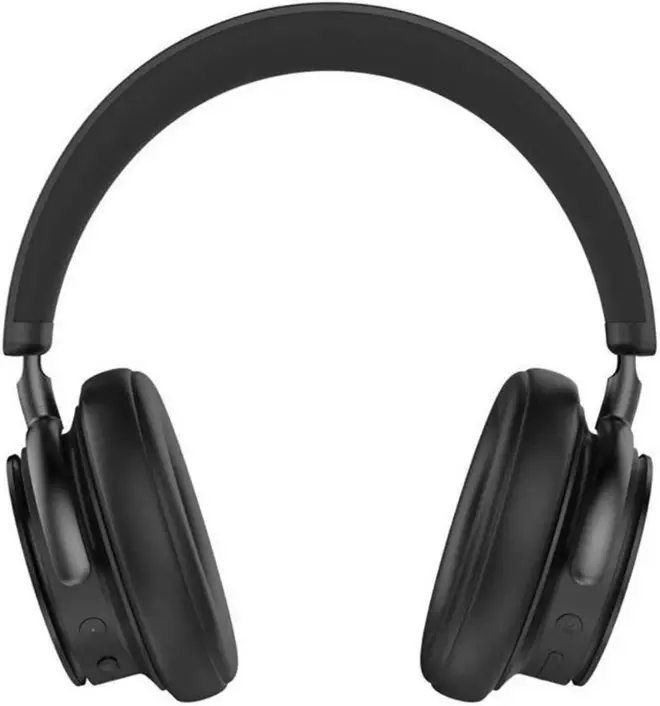
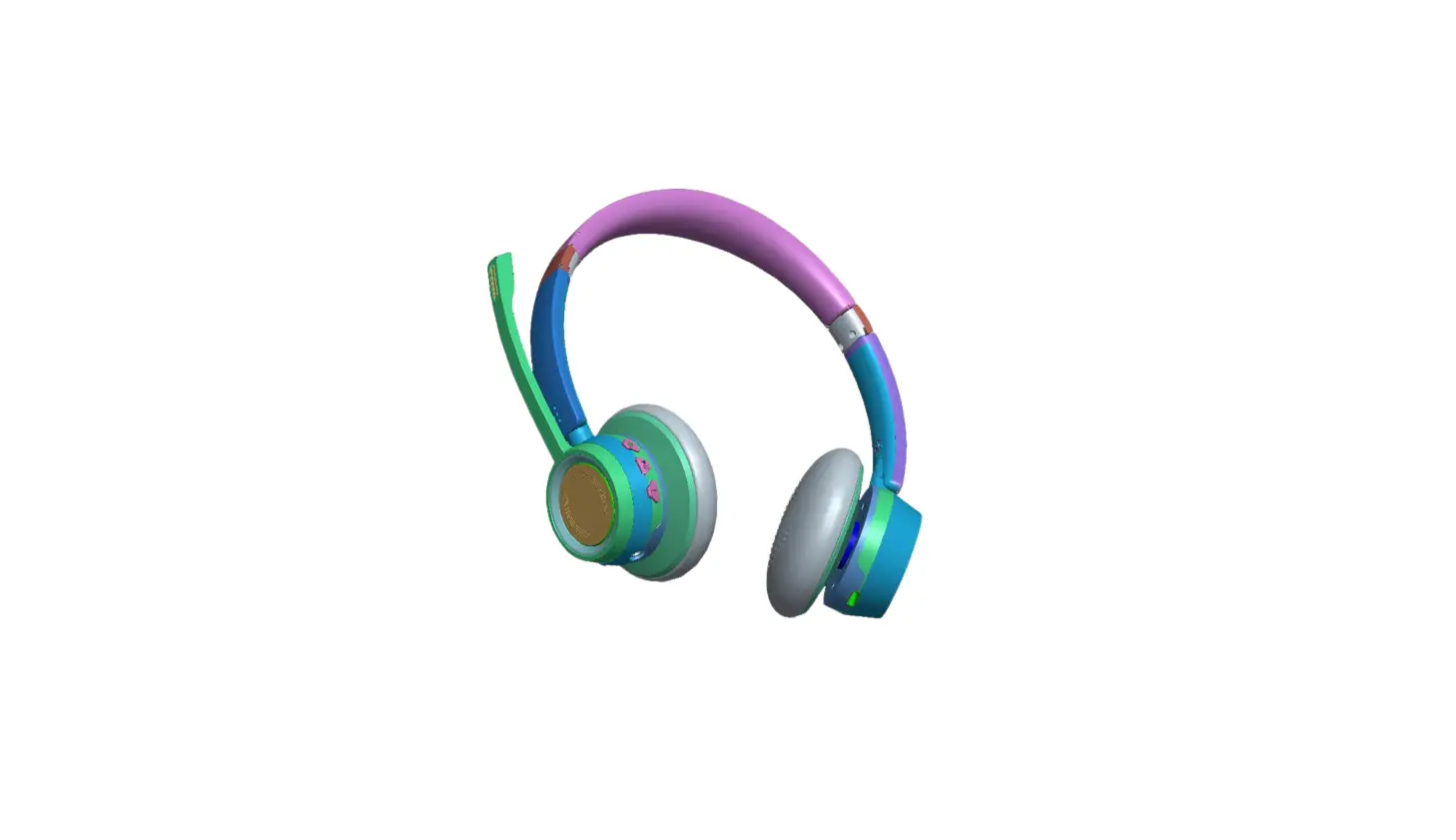
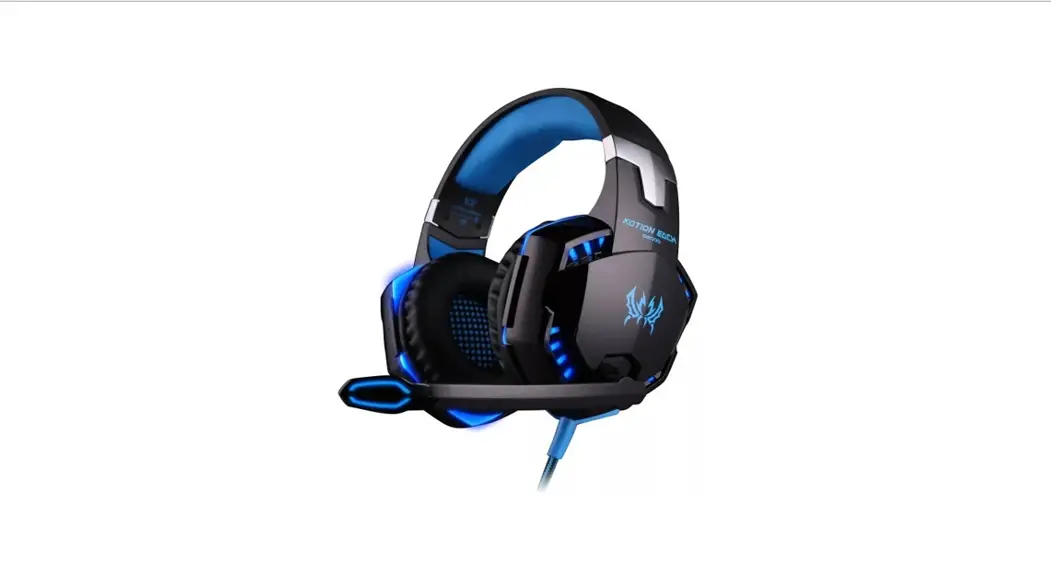
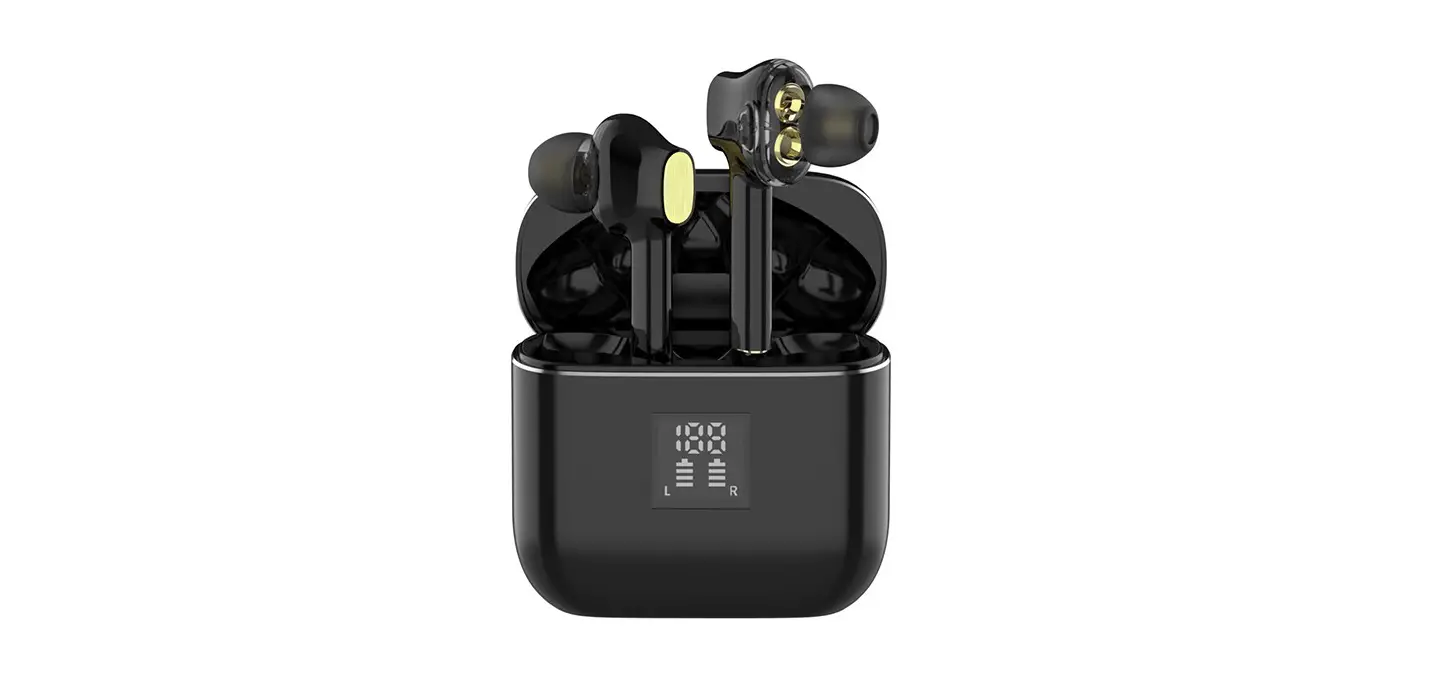
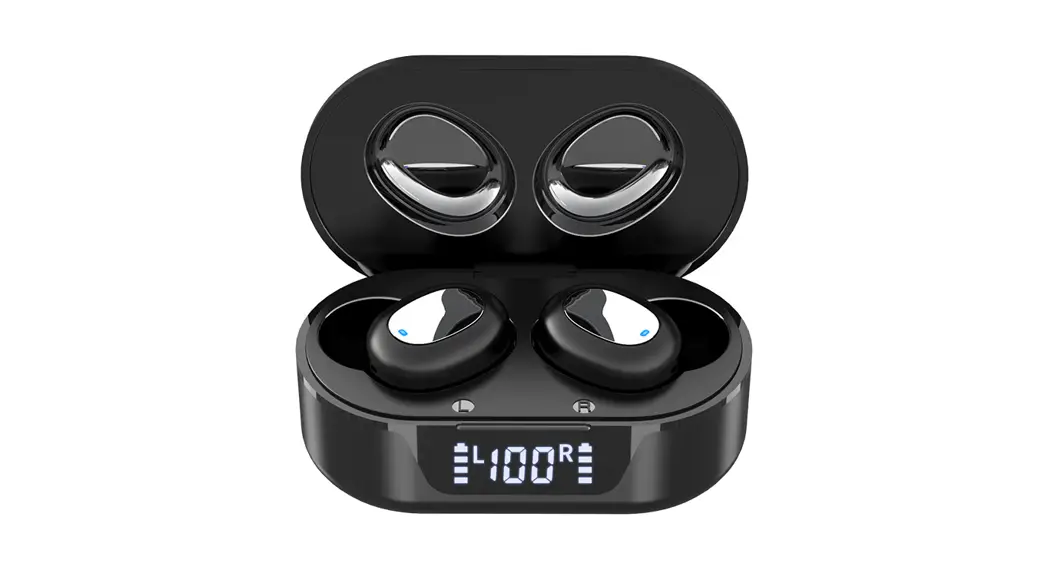
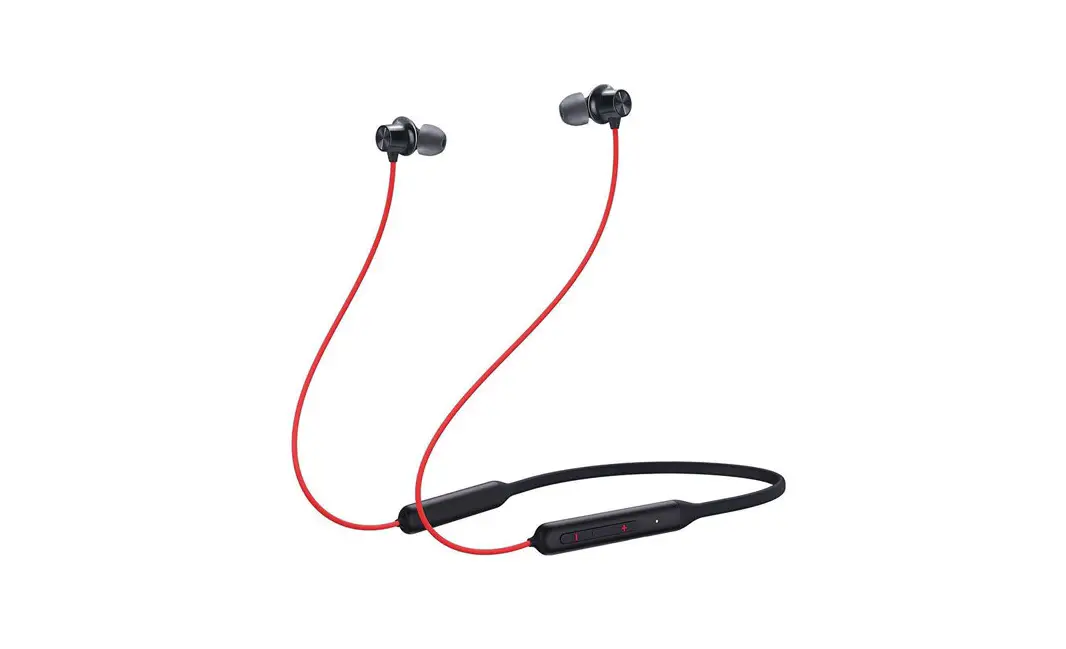
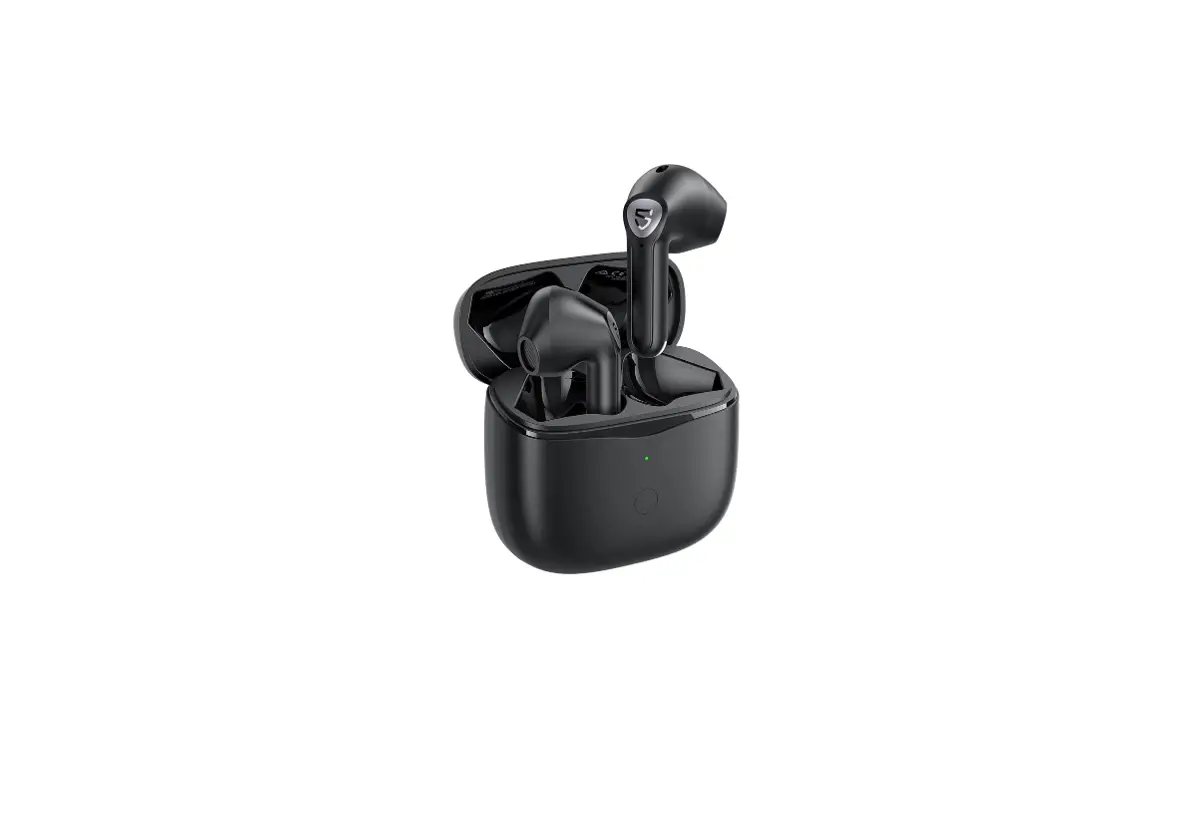
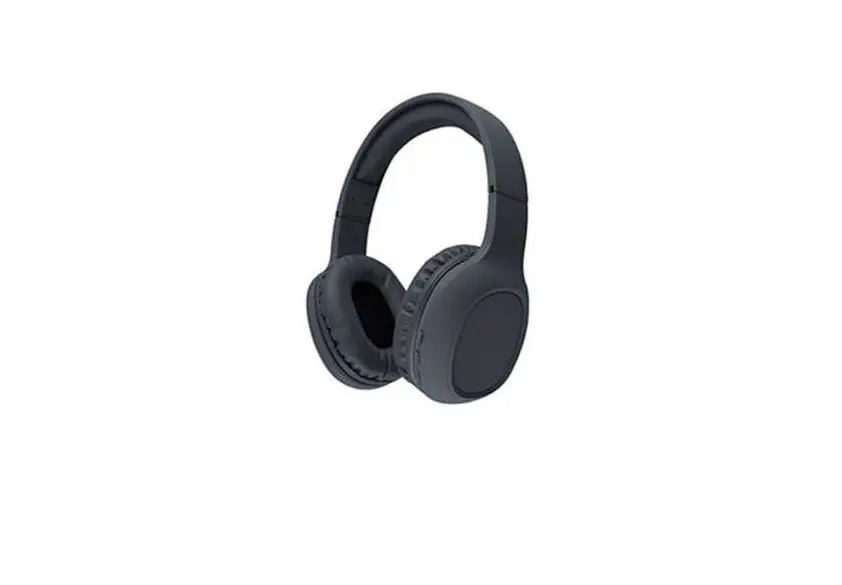
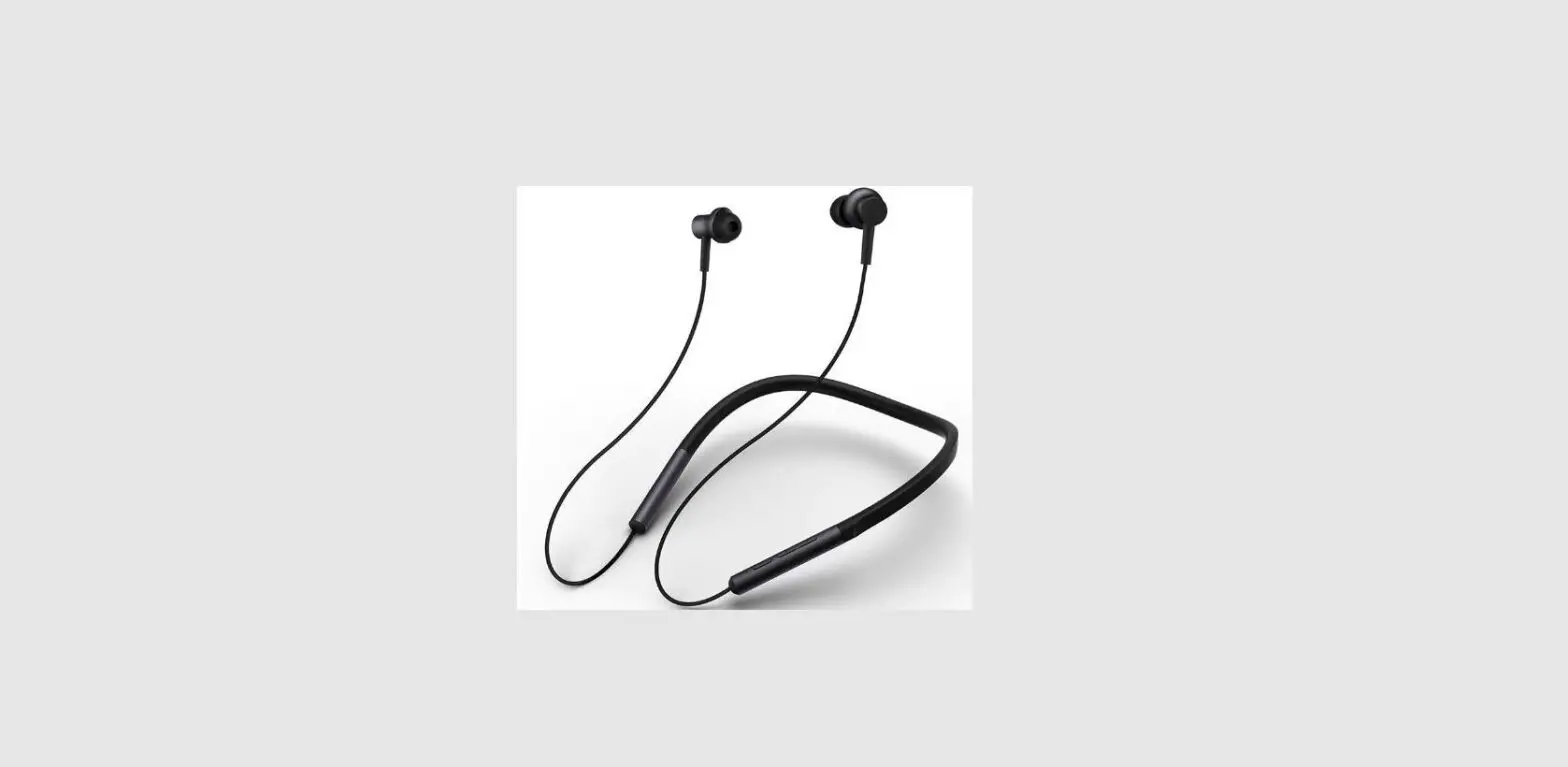
PACKING LIST
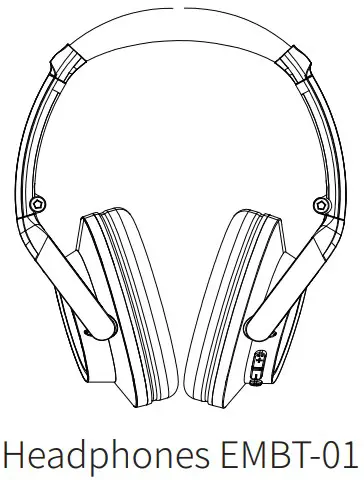
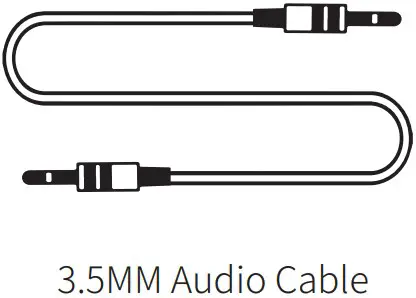
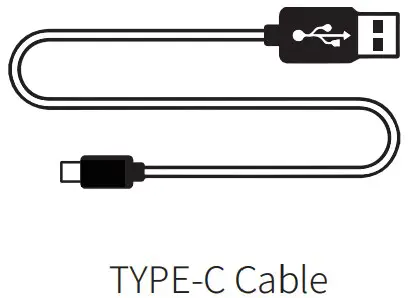
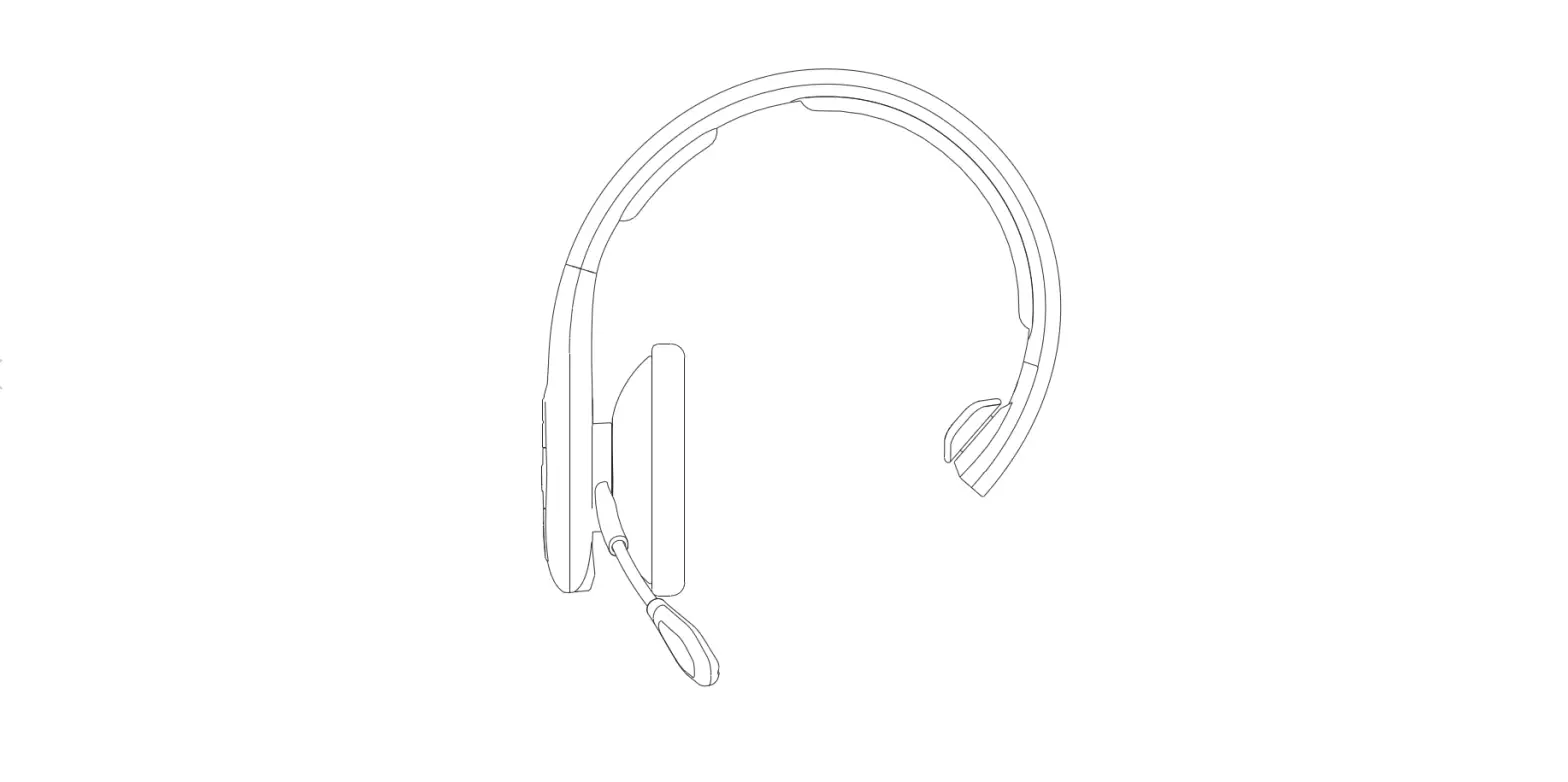
DIAGRAM
©
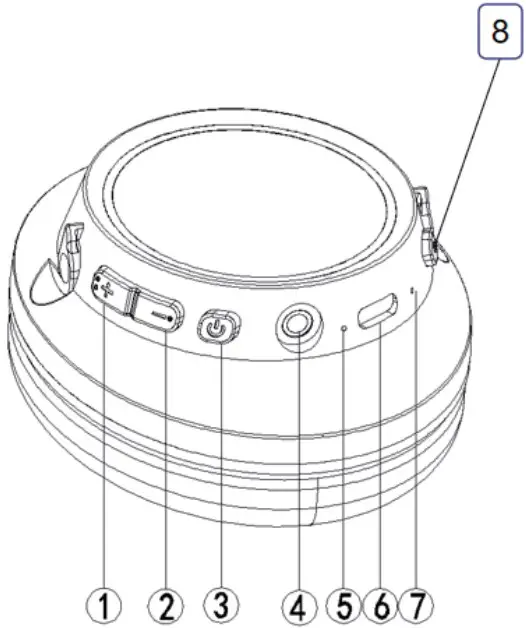
- “+” : Volume up/Next song
- “-“:Volume down/Previous song
- Power on/off,Music play/pause
- 3.5mm jack
- Bluetooth indicator,charging indicator
- Type-C charging port
- Microphone (8- )
- Call button/3 EQ Mode button
Power on/off
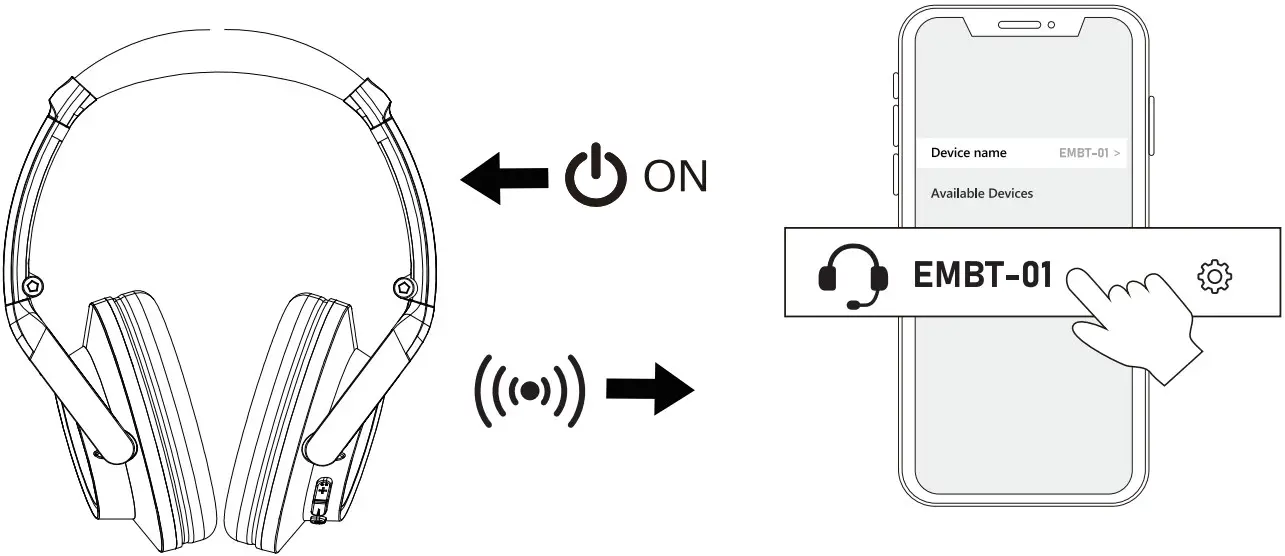
Power on: Press and hold oabout 2 seconds until the blue indicator will be on 3 seconds ,then the red and blue indicator flash alternately,it will be pairing status,you can hear voice tone” power on” and “pairing”;
Power off: Press and hold “0” about 2 seconds ,the red indicator will be on around 1 seconds and goes off,you can hear voice tone” power off’;
Paring
Turn on the Blutooth switch of the mobile or other device(such as PC,Tablet etc) ,and enter the bluetooth list ,search for the paring name “EMBT-01”;
When seeing the pairing name “EMBT-01” on the list,click it to connect the headset with your device,once paired successfully,you can hear voice tone “connected”,and the blue indicator flashes every 6 seconds.
Music play
| Volume up | Click the “+” to increase volume |
| Volume down | Click the “-” to decrease volume |
| Next song | Press and hold the “+” around 2 seconds |
| Previous song | Press and hold the “2 around 2 seconds |
Calling (Mobile)
| Answer call | Click the call button when call is coming |
| End call | Click the call button when call is over |
| Reject call | Press and hold the call button around 2 seconds when call is coming |
| Redial | Double click the call button to redial last call number |
Charging
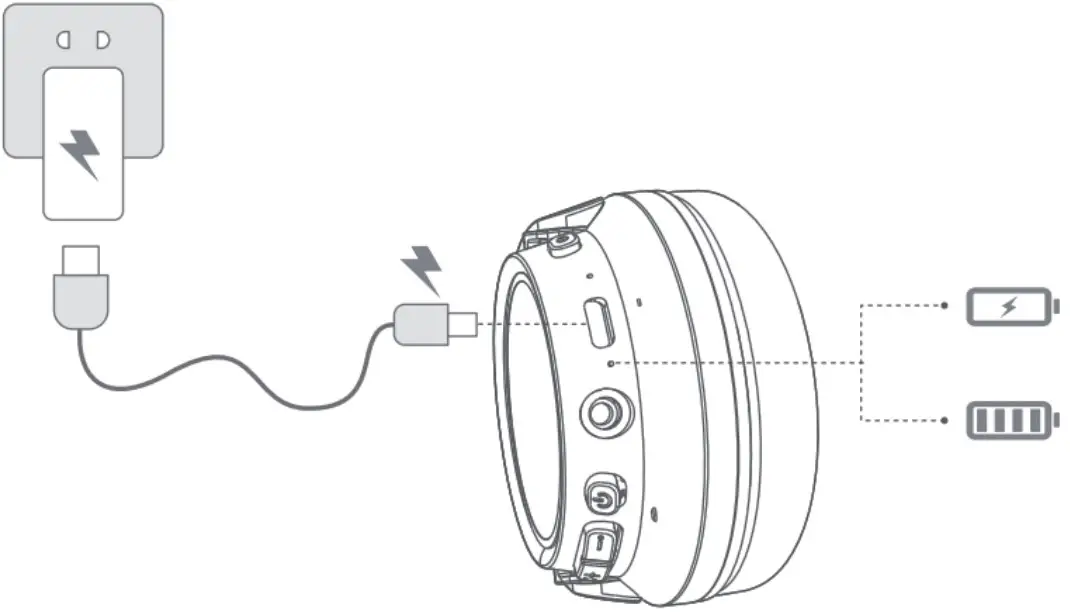
Before using,please check and assure the battery is enough. While the Bluetooth headset is charging, the charging indicator will show a red LED light until fully charged.Once fully charged,the indicator will be off.
EQ switch
There are 3 different EQ mode for choice,they are :Bass mode,Pop mode and vocal mode. When playing music,click the call button to switch the different EQ mode.
Other function
Siri: In standby mode or music mode, Press and hold the call button around 2 seconds Reset:Press and hold the “+” and “:’ button at the same time around 3 seconds until the red and blue indicator flash alternately. Low battery alert:The indicator will flash slowly with voice tone “didi”
TECHNICAL DATA SHEET
| Type | Feature | Description or Details |
| BT | Version | 5 .1 |
| Paring name | EMBT-01 | |
| Operated distance | 10M | |
| Transmission range | 2402 -2480MHz | |
| Speaker | Diameter | Ø40 ±0.05mm |
| Frequency Response | 50HZ-5KHZ At15mW | |
| Impedance | 32 Ω ±15% | |
| Sensitivity/S.P.L. | 121±3dB(At 1000Hz) | |
| Rated Power | 10mW | |
| Battery | Type | Rechargeable lithium battery |
| Capacity | 600mAh |
Manufacturer: Shenzhen Jiuhu Technology Co., LTD
Address of manufacturer :4 / F, Building E, BafangZhigu, Huanguan South Road, Guanlan Street, Longhua District, Shenzhen
 FCCID:2A9OY-EMBT-01
Made in china
FCC Warning:
Any Changes or modifications not expressly approved by the party responsible for compliance could void the user’s authority to operate the equipment.
This device complies with part 15 of the FCC Rules. Operation is subject to the following two conditions:(1) This device may not cause harmful interference , and (2) this device must accept any interference received , including interference that may cause undesired operation .
Note:This equipment has been tested and found to comply with the limits for a Class B digital device, pursuant to part 15 of the FCC Rules. These limits are designed to provide reasonable protection against harmful interference in a residential installation. This equipment generates, uses and can radiate radio frequency energy and, if not installed and used in accordance with the instructions, may cause harmful interference to radio communications. However, there is no guarantee that interference will not occur in a particular installation. If this equipment does cause harmful interference to radio or television reception, which can be determined by turning the equipment off and on, the user is encouraged to try to correct the interference by one or more of the following measures:
- Reorient or relocate the receiving antenna.
- Increase the separation between the equipment and receiver.
- Connect the equipment into an outlet on a circuit different from that to which the receiver is connected.
- Consult the dealer or an experienced radio/TV technician for help.
RF Exposure Information
This equipment complies with FCC radiation exposure limits set forth for an uncontrolled environment . This transmitter must not be co-located or operating in conjunction with any other antenna or transmitter.