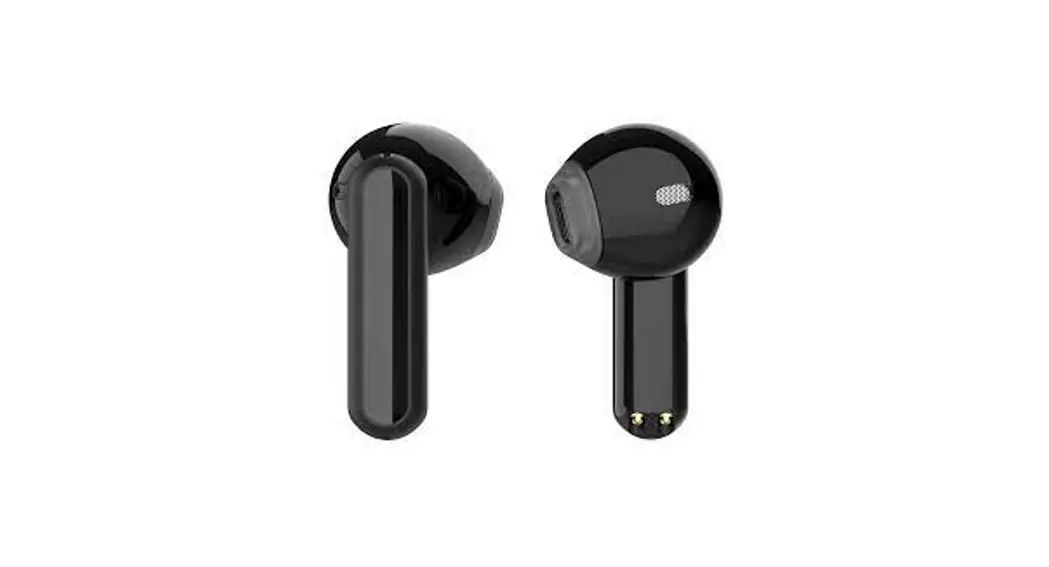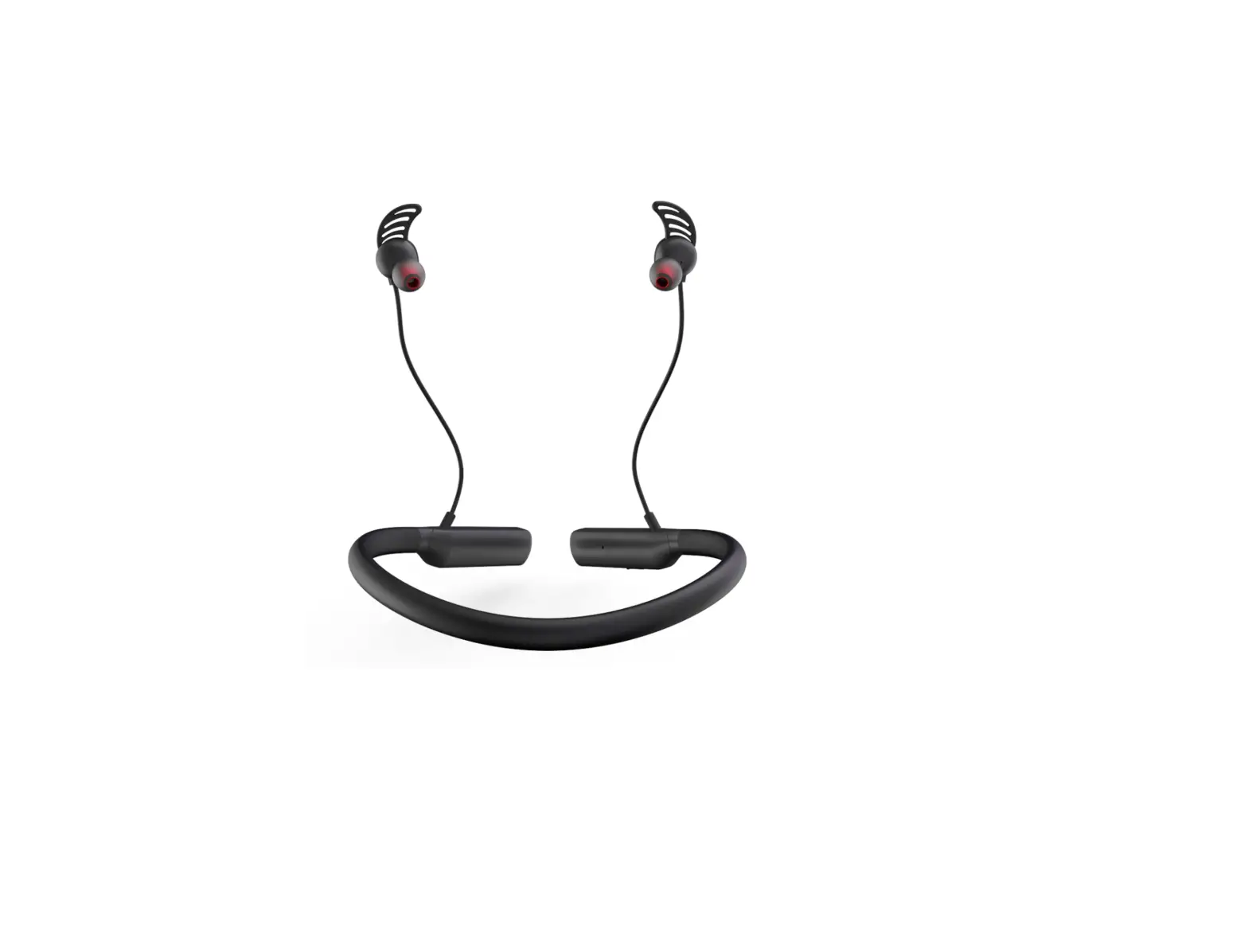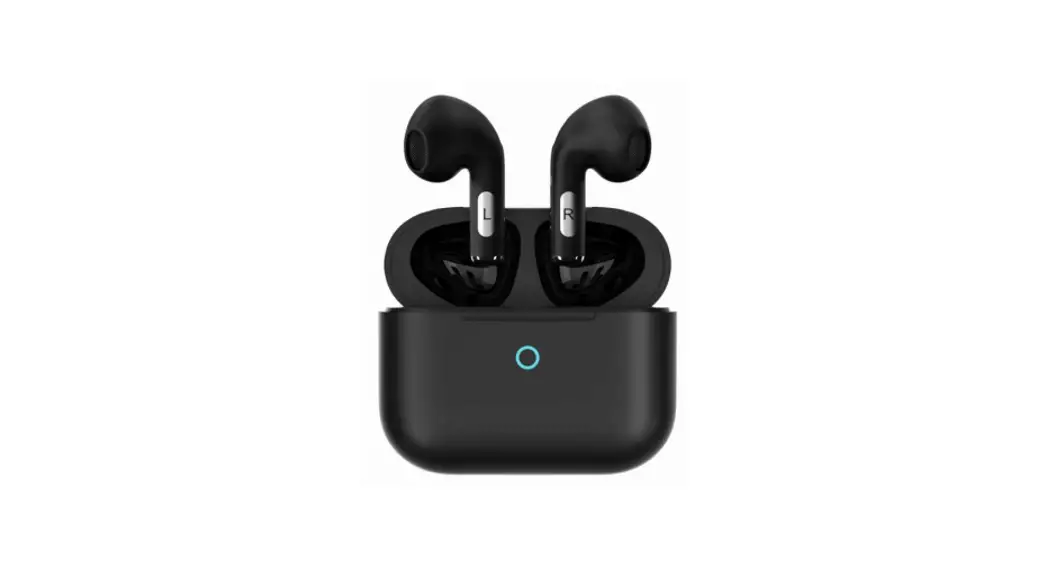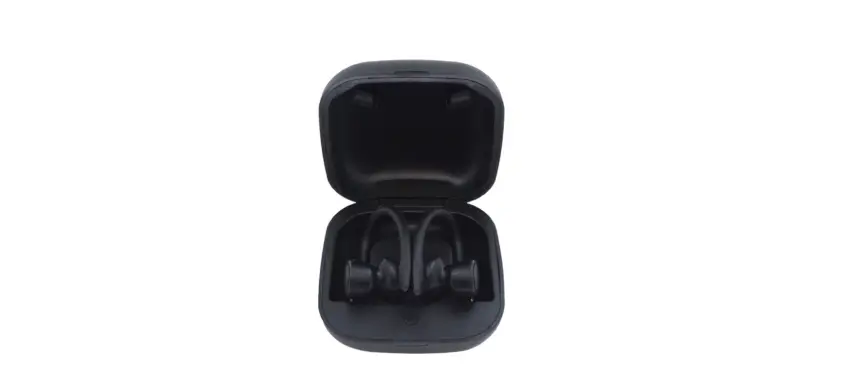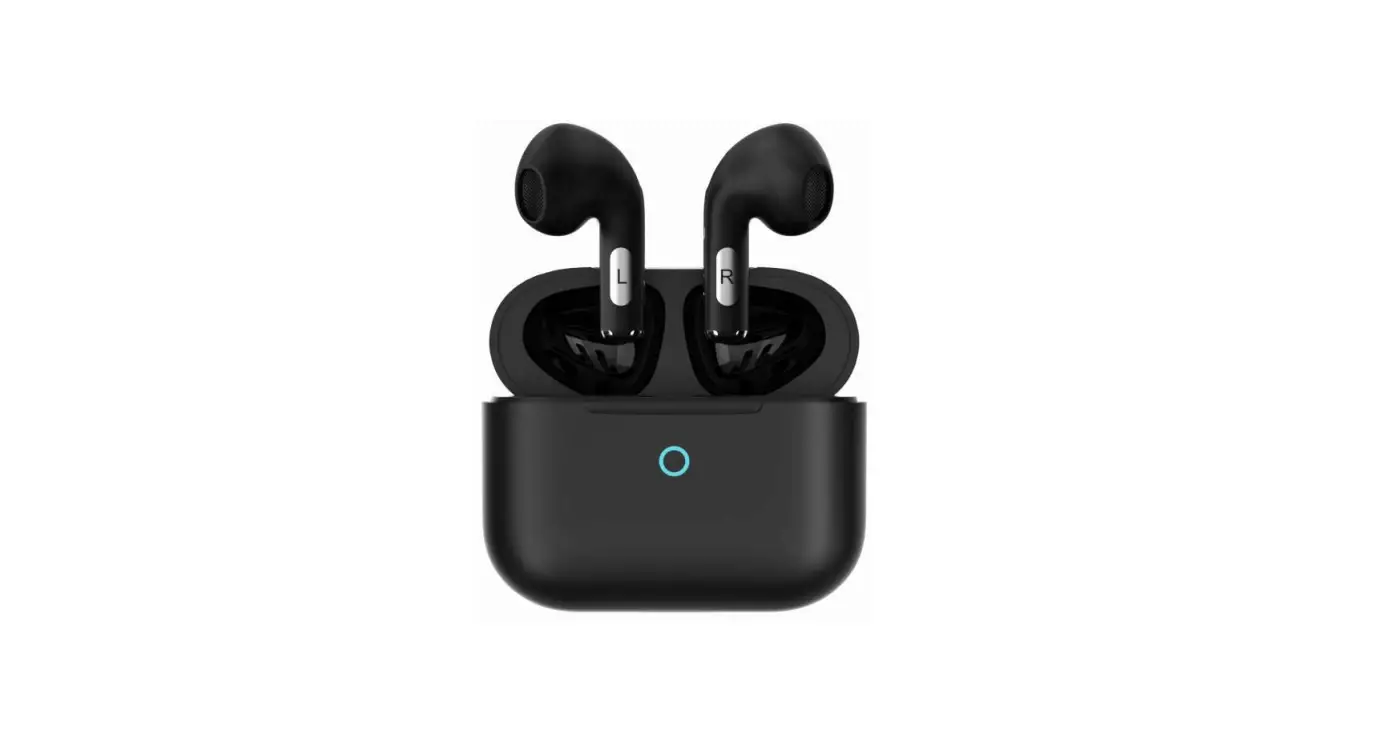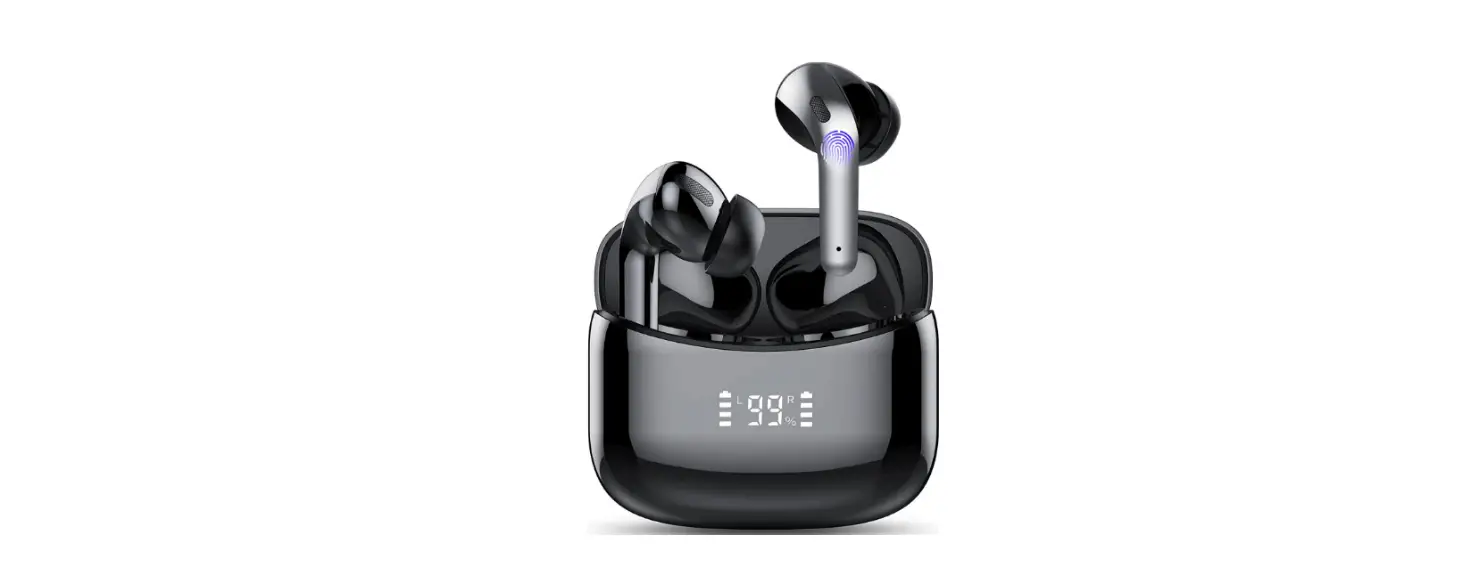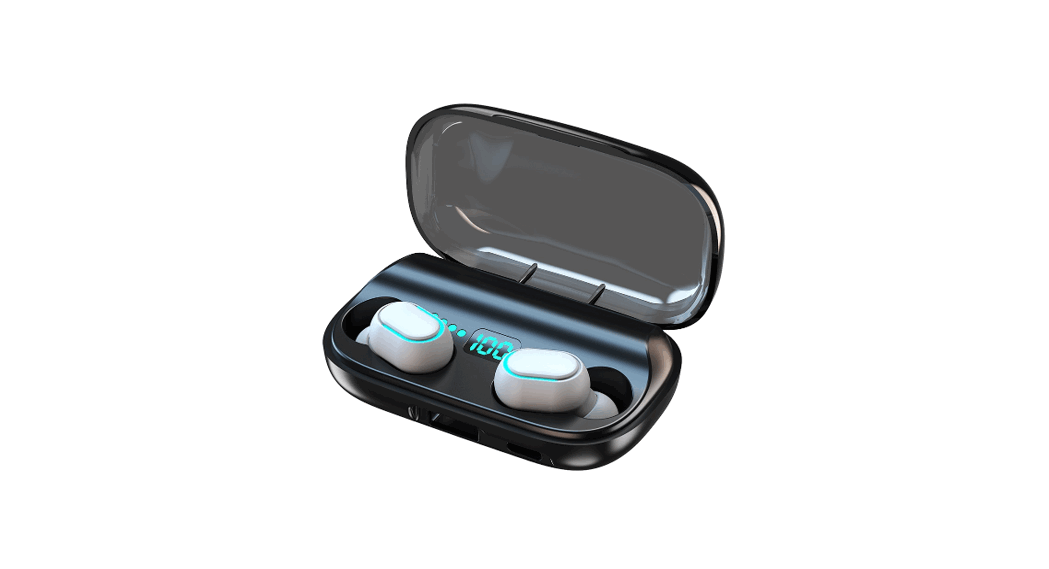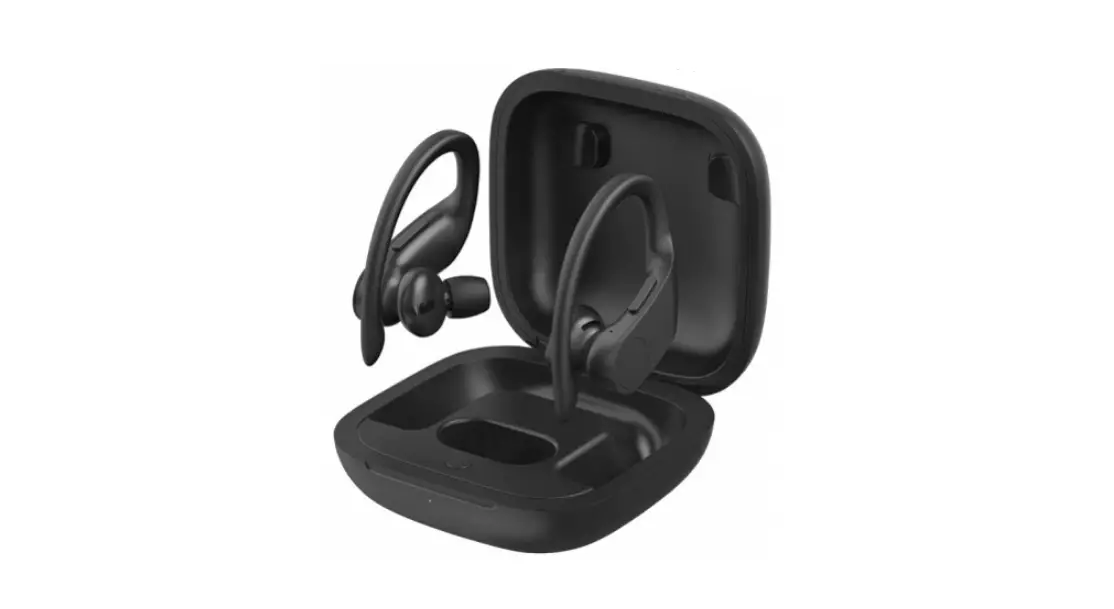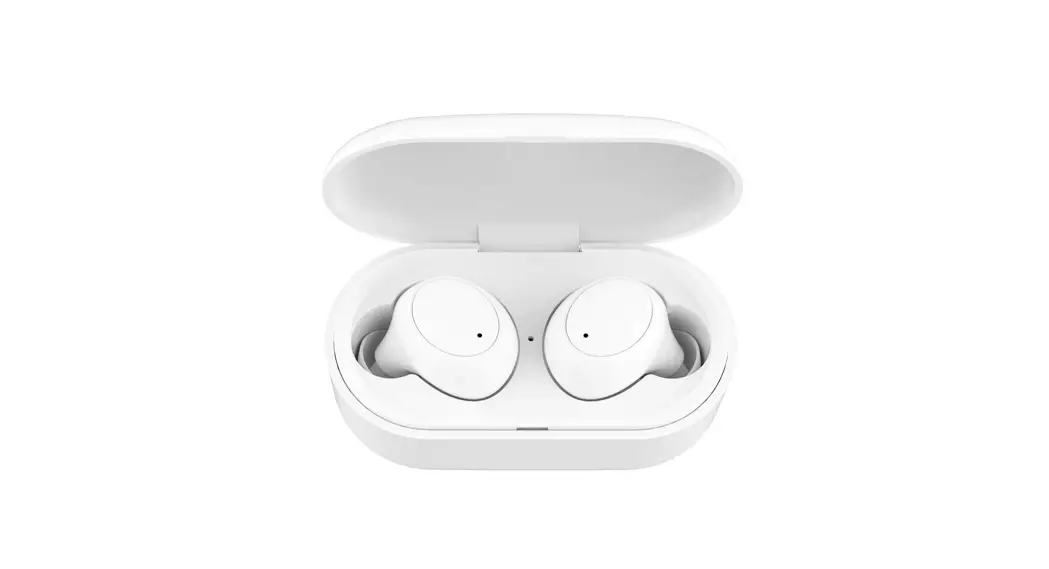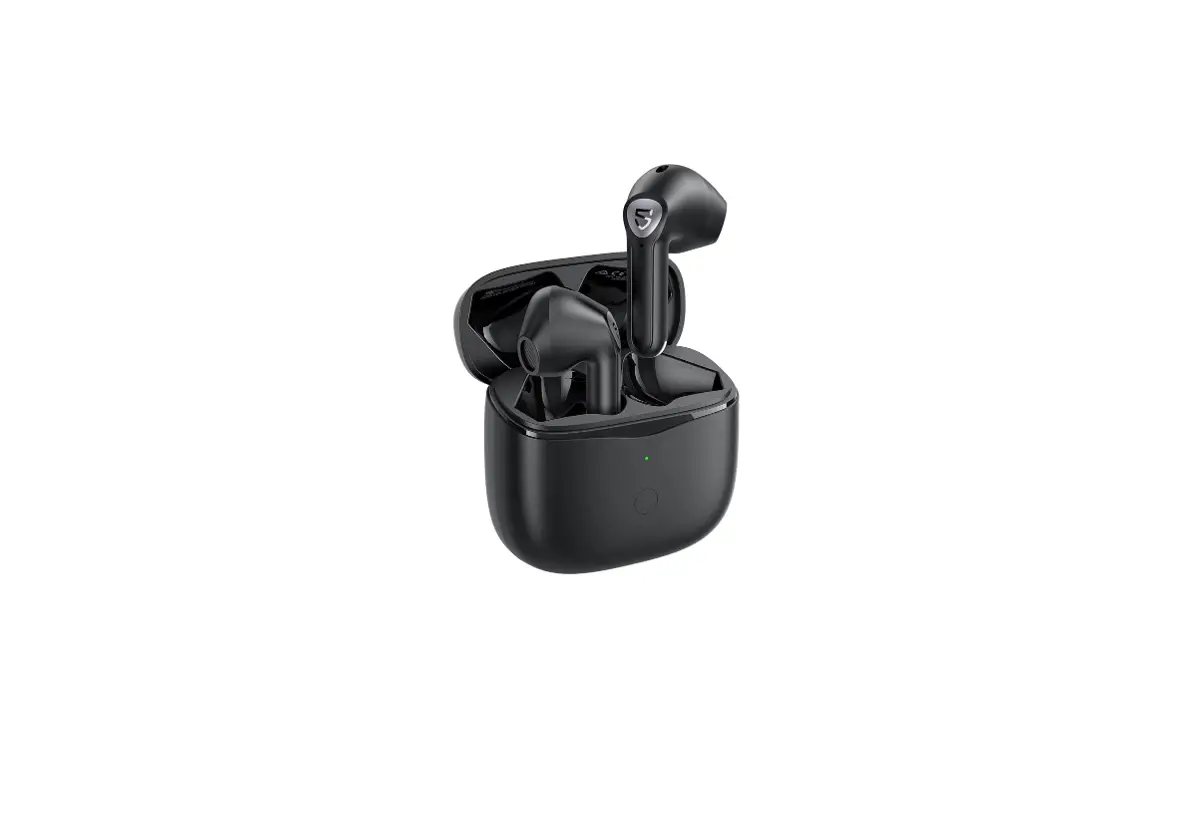
Shenzhen Xingman Smart Technology B2 Bluetooth Earphone User Manual
Packing List
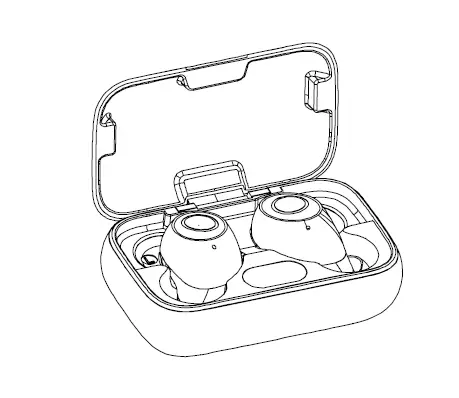
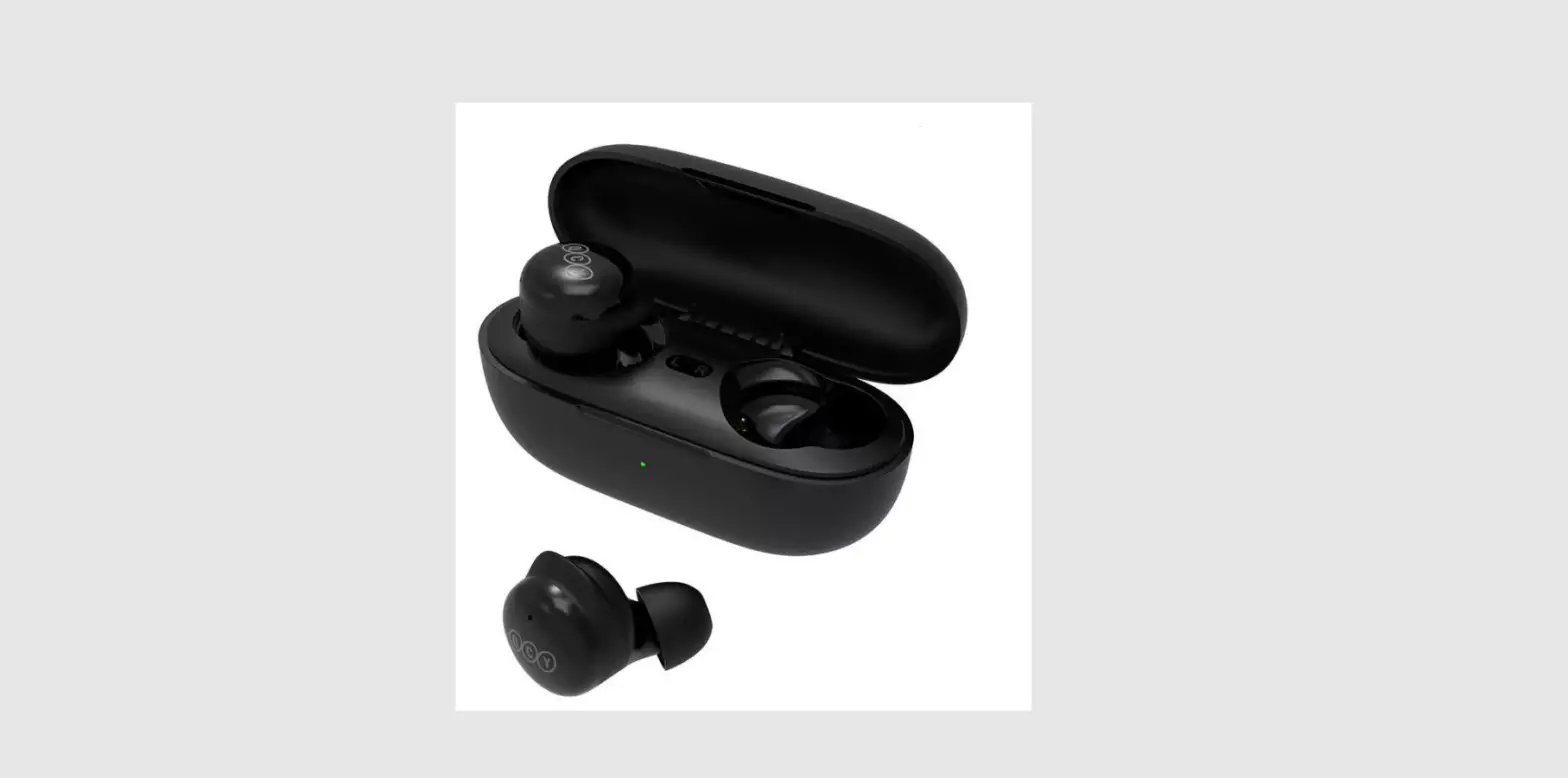
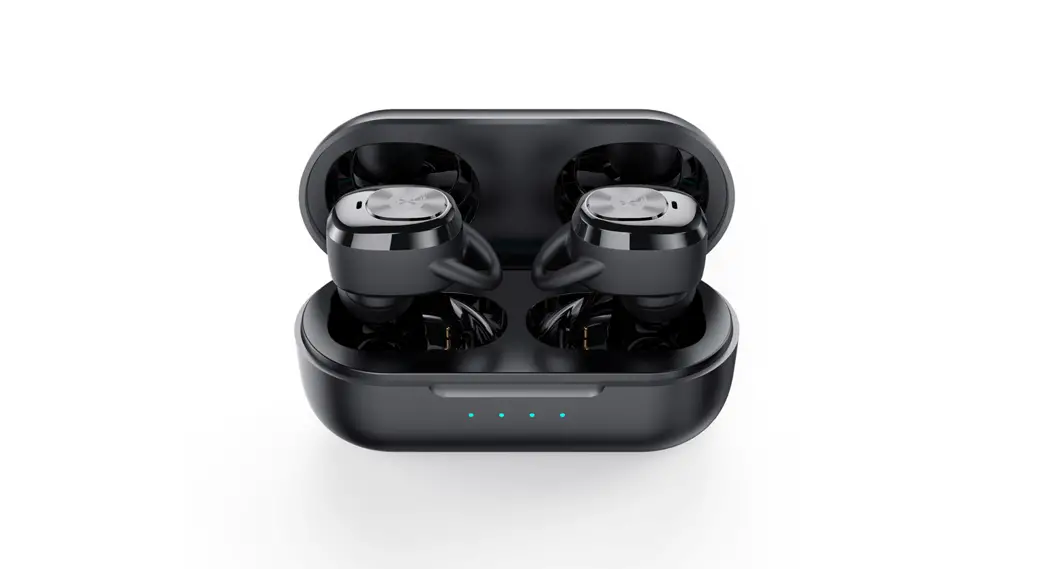
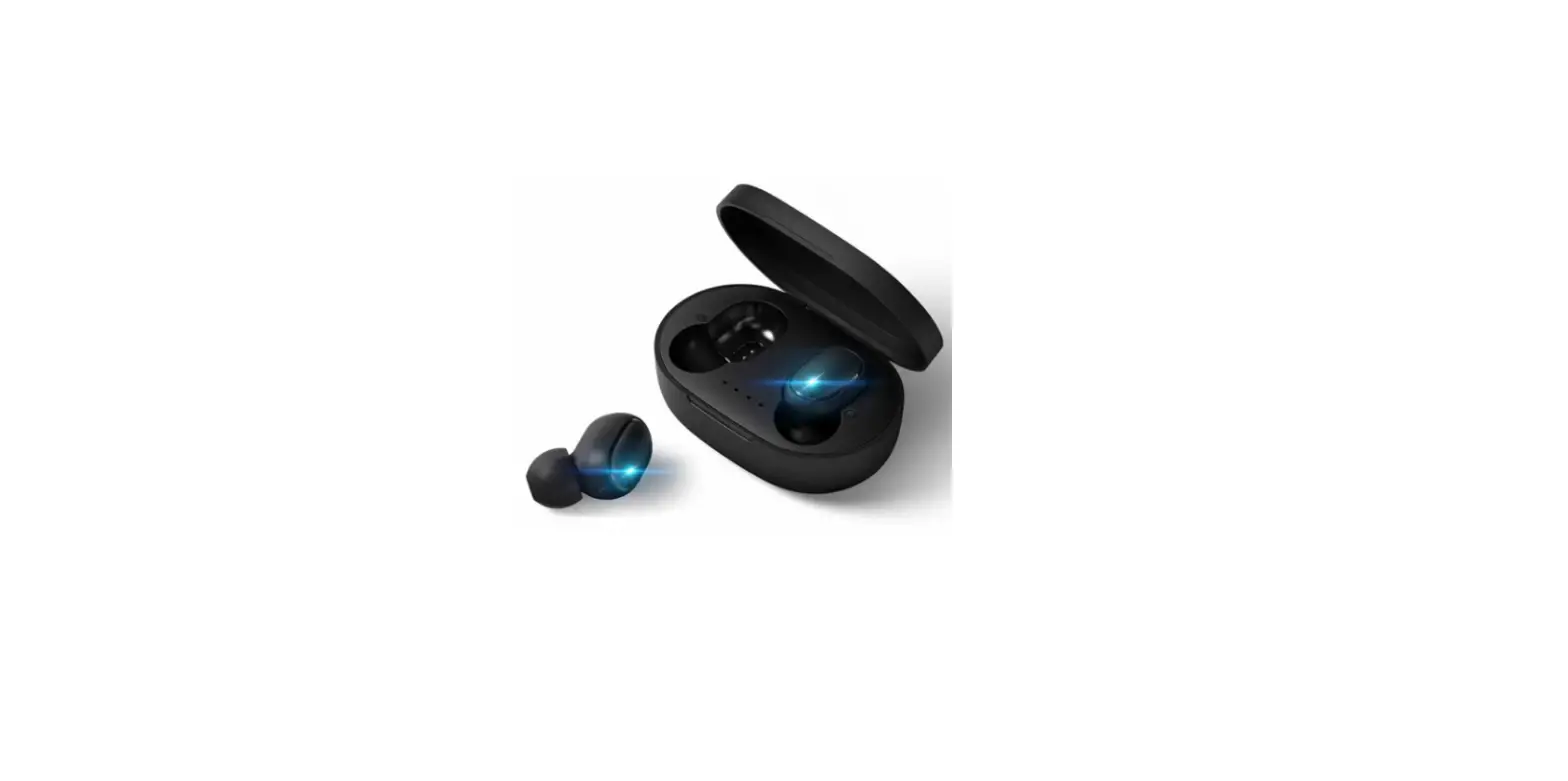
- Bluetooth earbuds (2PCS) A charging case
- A USB-C charging cable
- Silicone ear tips (2pcs for each large and small size) User manual
- Packaging box


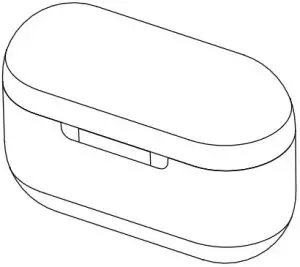
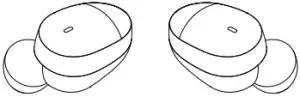
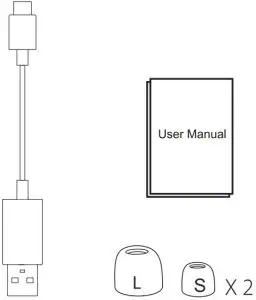
One box contains extra small and large size silicone tips and comply tips with middle size.
Product Overview
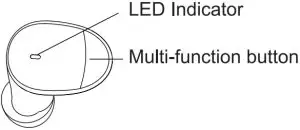
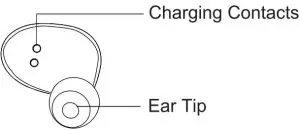
Product Specifications
| Product name | Bluetooth earbuds |
| Bluetooth version | V 5.2 (QCC3040)B |
| Bluetooth distance | 10M |
| Bluetooth name | W2 |
| Input | DC 5V |
| Working time | Approx 6hrs single time |
| Battery capacity | 2*30mAh |
| Charging case capacity | 200mAh |
| IPX Rating | IPX4 (sweatproof) |
| Bluetooth protocol | A2DP/HFP/HSP/AVRCP |
| Decoding format | SBC/APT-X |
| Frequency response | 20Hz-20KHz |
| Sensitive | 108±3db |
| Impedance | 160 |
| Charging case size | 56.3*40.7*24.3mm |
| N.W | 34.1g |
| Earbuds size | 20.8*19.3*21.5mm |
| N.W | 3.9g |
Using Guide
Bluetooth Connection
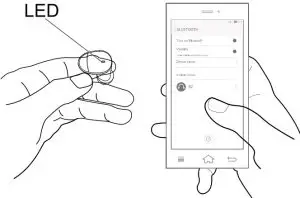
- Open the charging case,Bthe red and green light flash
- Turn on Bluetooth on your device and select B2, click the connection to After the phone is connected, a “beep”sound prompt can be heard in about 5 seconds ,the indicator light is off. ( keep a distance of less than 20 cm between the left and right earbuds,and the earbuds can’t not link another device at the same time).
- Use it again for the same device, the earbuds will remember and automatically connect back to the previous devices

Kindly Reminder
- Single ear use supported If you want to use just one buds ,either of earbuds are ok. But please make sure both earbuds should connected with your device successful after first pairing.
- When the erabuds are working normally,put them into the charging case to charge and power off automatically.
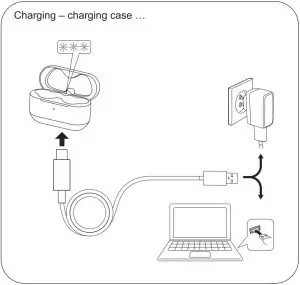
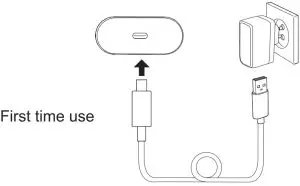
- For first time use after unpacking, charge the case and earphones using the USB cable at least 10 minutes. Do not take the earbuds out during this time if the earbuds are at low battery.

Operations
Left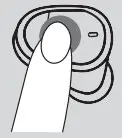 | Right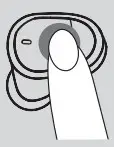 | ||
Play/pause ( ) )
| xl
| or | xl
|
Next song (  ) )
| x2
| ||
Previous song ( ) ) | x2 | ||
Volume control (  ) + ) +
| Hold & long press
| ||
| Volume control () — | Hold & long press
| ||
Voice activation ( ) )
| x3 | ||
Gaming mode ( ) ) | x4 | or | x4 |
Exit gaming mode ( ) ) | x4 | or | x4 |
Incoming call (  ) ) | xl | or | xl |
Reject call ( ) ) | x2 | or | x2 |
End call ( ) ) | x2 | or | x2 |
| Power on/off Blutooth pairing
| Automatic | ||
| Reset | Press L and R button quickly for 5 times at the same time in the charging case, restore the factory settings. | ||
Power Display
Charging case | Orange light | 1%-20% Low battery |
Green light | 20%-99% Breathes when charging | |
Green light | 100% Always on when fully charged | |
Earbuds | Flashs red | Low battery |
Red light | Charging (Inside case) | |
Green light | Fully charged (Inside case) | |
Red and green light cross flashing | Pairing | |
| Flashs green | Phone call |
Trouble Shooting
- Make sure charging case has enough
- Put the earbuds into the case and recharge for a
- Take out both earbuds from charge case,waiting until the earbuds LED flashes red and This method only applies for right and left earbuds being not able to pair.
- Failure to connect,check whether the earbuds are in searching Turn off other Bluetooth devices.
- Small or distorted sound,test the volume of the device and adjust the volume to the suitable
- The earbuds should be correctly and professionally used according to the Pay attention to the influence of the use environment on the earbuds. To ensure the smooth connection, it is recommended that the distance between the Bluetooth device and the earbuds be within 10M.
Care and Maintenance
- Earbuds should be stored in a dry and ventilated environment to avoid contact with oil, water vapor, steam, moisture and dust, so as not to affect product performance.
- Charge the earbuds at least once every 6
- Do not use chemicals or detergents to clean the
- Do not drop or knock your earbuds on hard surfaces.
- Do not scrape the surface with sharp objects.
- If the earbuds is not connected or the communication is not smooth, etc., please do not try to take the product apart., otherwise it will not be
- Please use the standard car charger or the charger specified by the company.
FCC Caution
This device complies with part 15 of the FCC Rules. Operation is subject to the following two conditions:
- This device may not cause harmful interference, and
- this device must accept any interference received, including interference that may cause undesired operation.
Any Changes or modifications not expressly approved by the party responsible for compliance could void the user’s authority to operate the equipment.
Note: This equipment has been tested and found to comply with the limits for a Class B digital device, pursuant to part 15 of the FCC Rules. These limits are designed to provide reasonable protection against harmful interference in a residential installation.
This equipment generates uses and can radiate radio frequency energy and, if not installed and used in accordance with the instructions, may cause harmful interference to radio communications. However, there is no guarantee that interference will not occur in a particular installation. If this equipment does cause harmful interference to radio or television reception, which can be determined by turning the equipment off and on, the user is encouraged to try to correct the interference by one or more of the following measures:
- Reorient or relocate the receiving antenna.
- Increase the separation between the equipment and receiver.
- Connect the equipment into an outlet on a circuit different from that to which the receiver is connected.
- Consult the dealer or an experienced radio/TV technician for help.
The device has been evaluated to meet general RF exposure requirement. The device can be used in portable exposure condition without restriction.