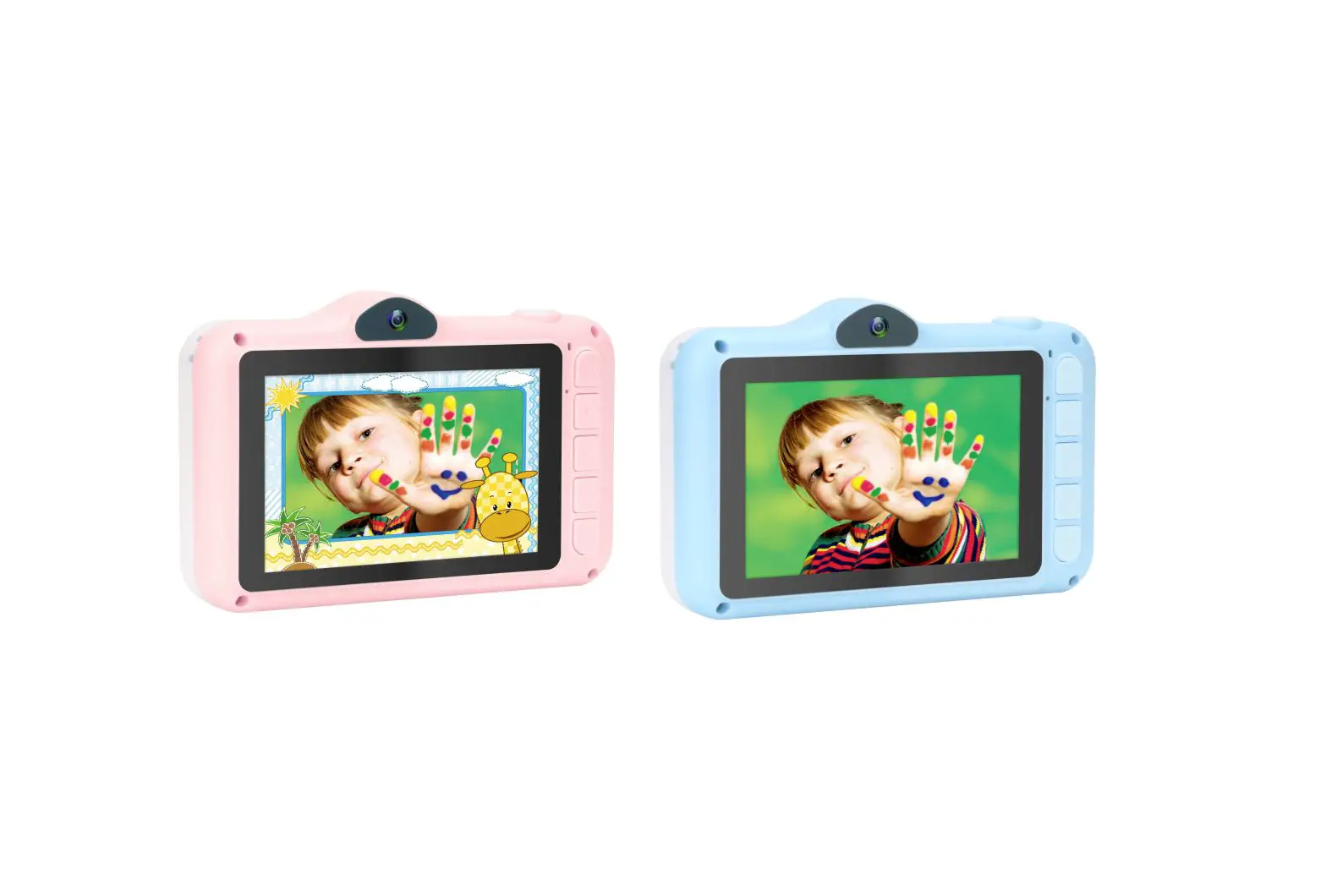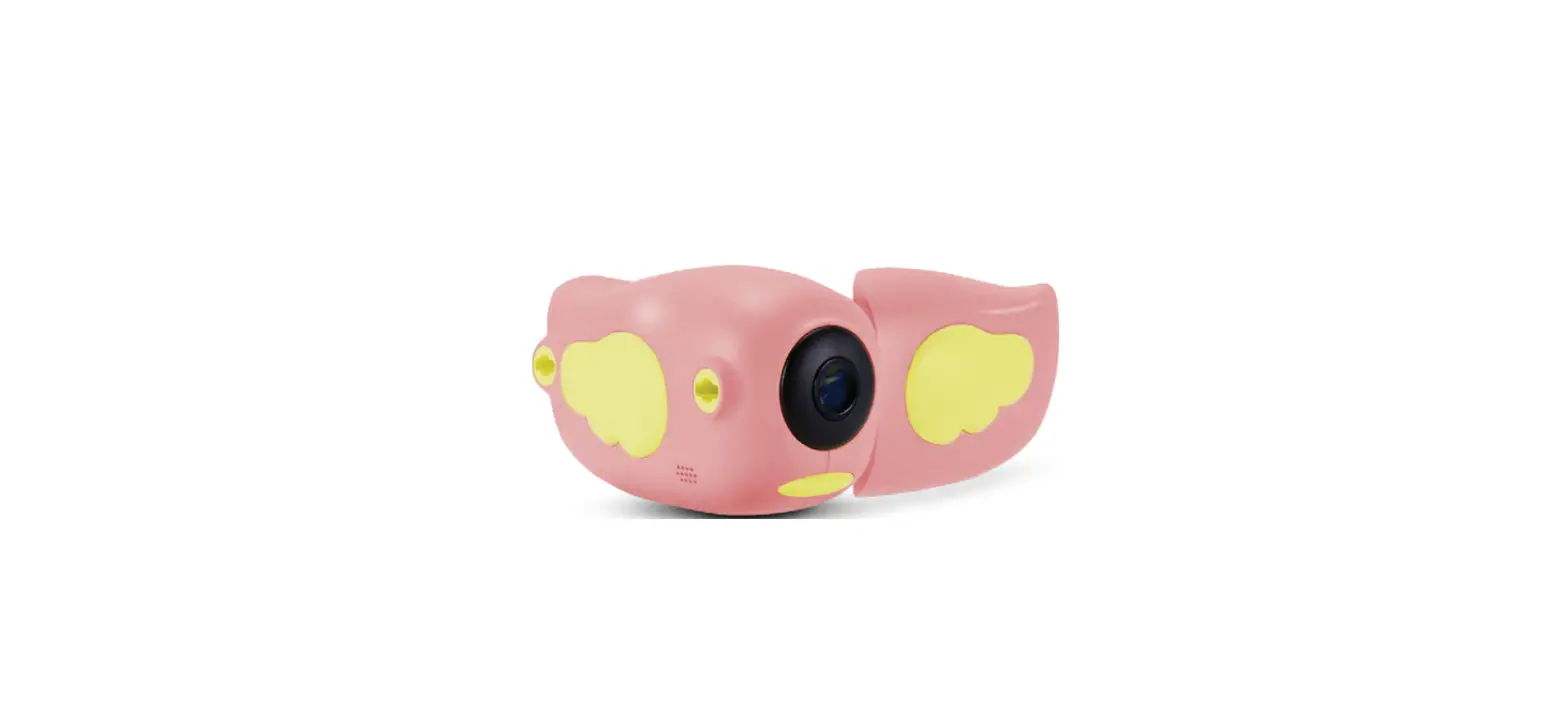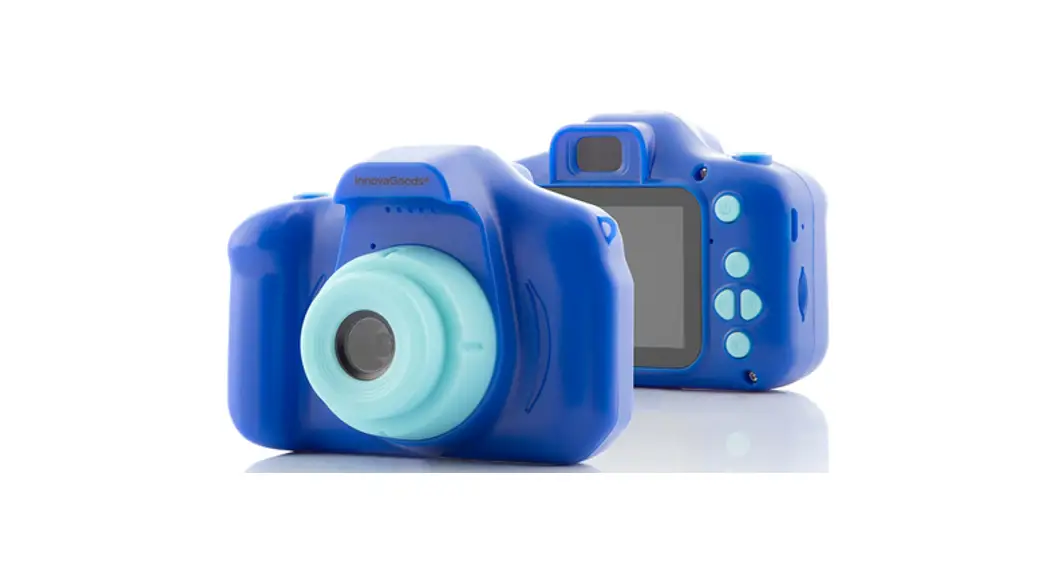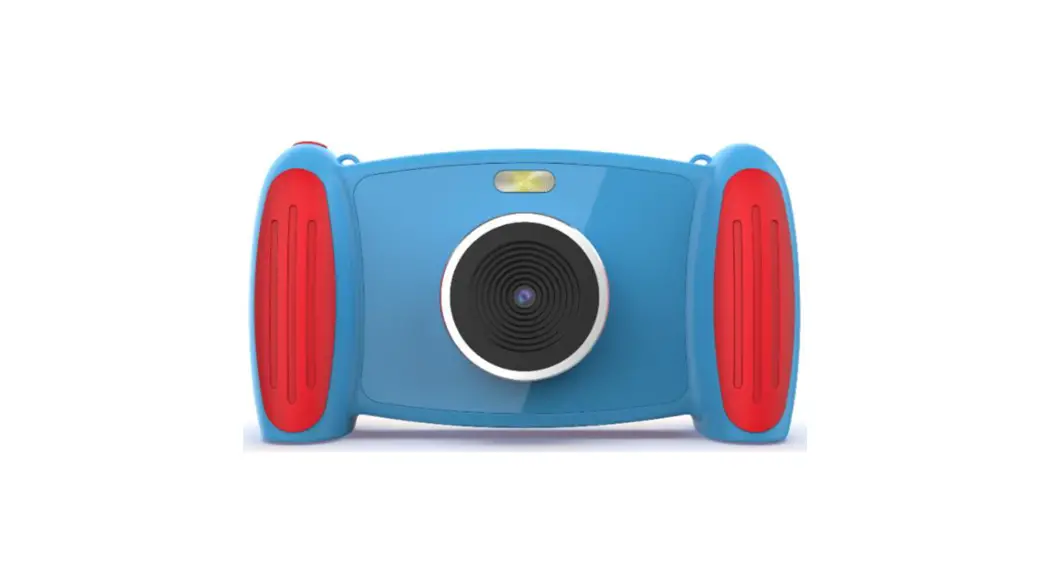
 Kids Camera Toys
Instruction Manual
Product Description
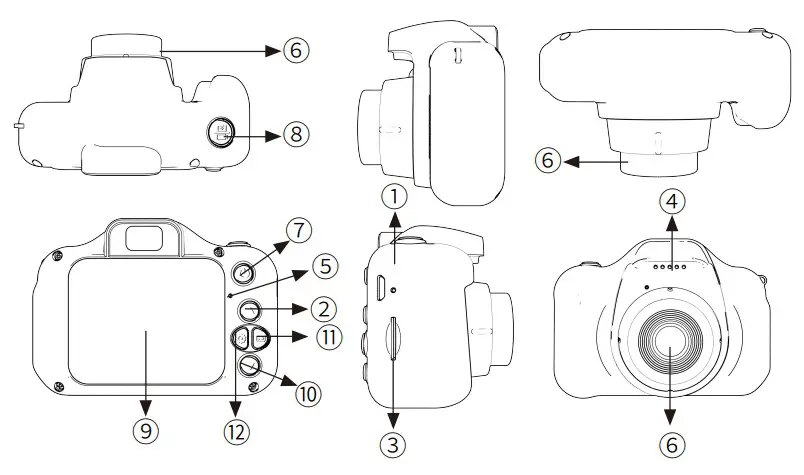
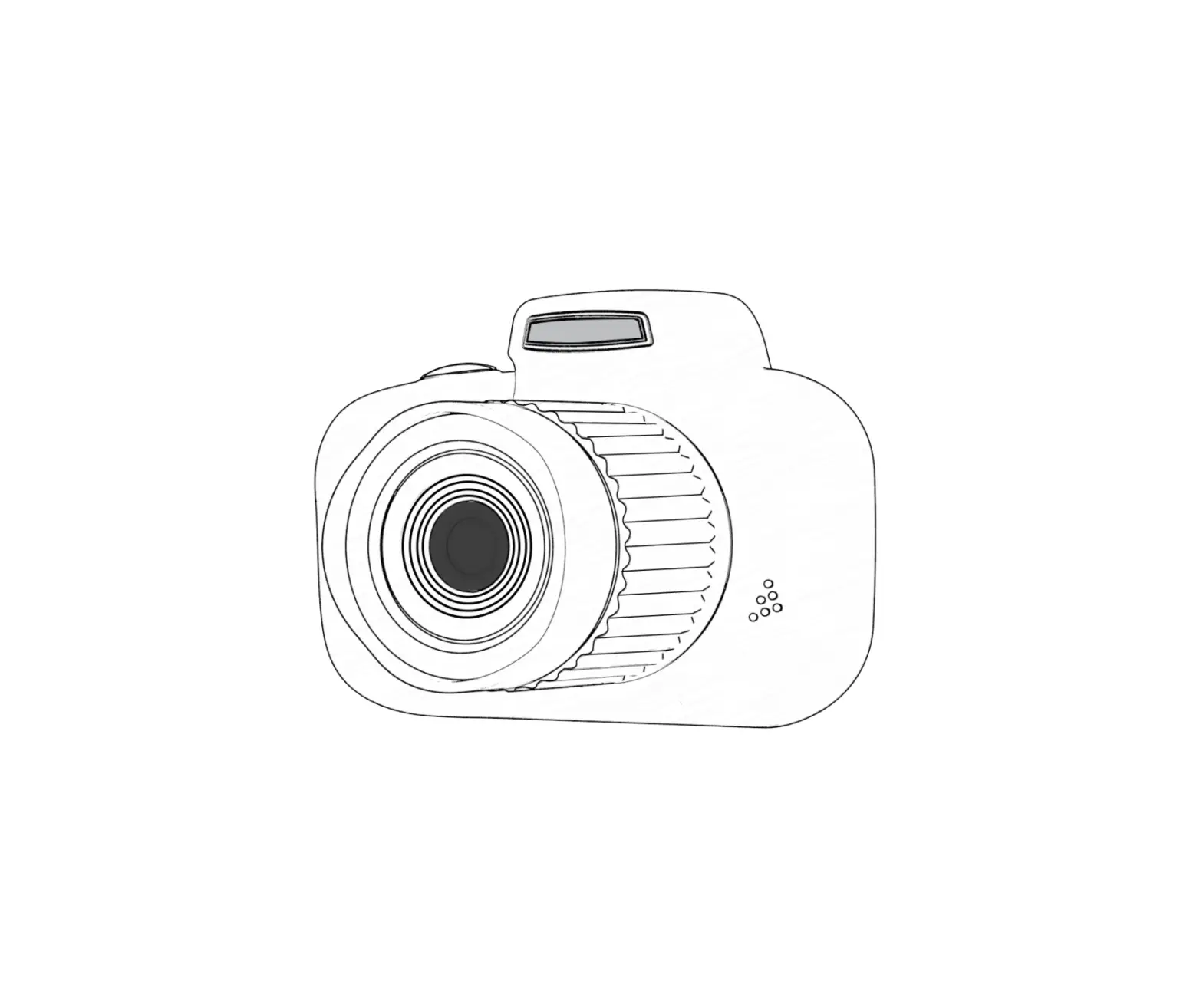
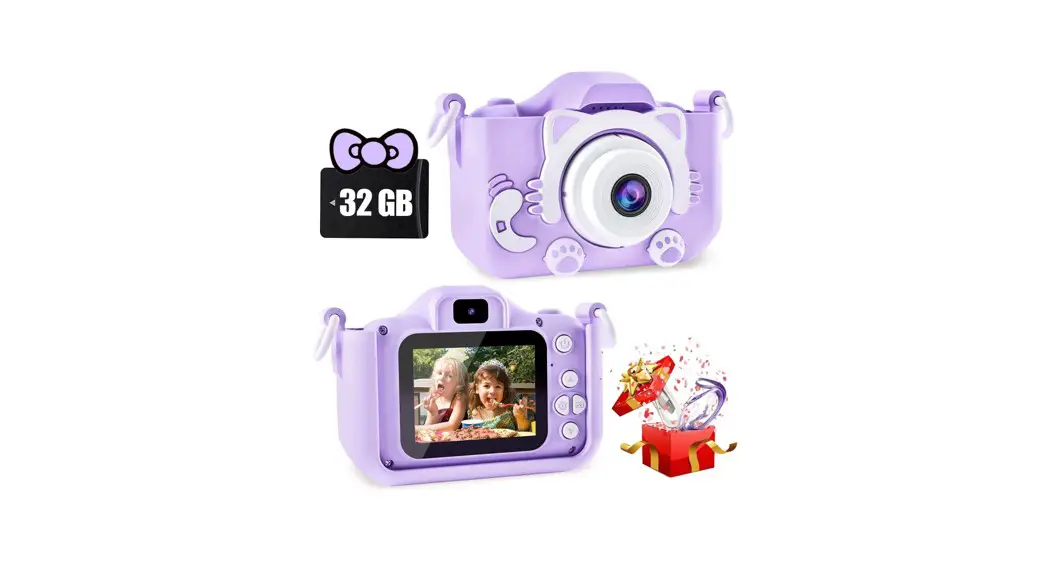
| 1.USB interface | 7.Power switch |
| 2.UP | 8.Shutter button / “Confirm” button |
| 3.SD card slot | 9.Screen Display |
| 4.Speakers | 10.Screen reduction button |
| 5.Charging indicator | 11.Camera switching |
| 6.Front Camera | 12.Timer shooting button |
Button Functions
- With USB interface
①Connects to PC and transfers data.
②Connect an external power source to charge the battery or provide operating power. - Zoom-in function
①In take photo mode, press and hold this button to zoom in of the screen. Press briefly to select the filter type. Select ‘up’ of the button in the menu options. - SD card slot
It supports different capacity of sd card. - Speakers
It is equiped with high quality speakers. - Charging indicator
When charging, the light will turn red. - Front Camera
- Power switch
①Turns the power on and off. - Shutter button / “Confirm” button
①In video mode, press this button to start recording. Press again to stop recording.
Note: The video recording function is available when an SD card is inserted.)
②Press this button in photo mode to take a picture.
③In Menu mode, this is the “Confirm” button. - Display Screen
HD Display
②Exit button in menu mode - Screen reduction button
①In take picture mode, press and hold this button to change the screen magnification. Short press this button to select a filter type.
②In menu options, this is the function button to select down. - Switch camera button (right)
①This is the function button to select to the right in the menu options.
②In shooting mode, short press this button to switch between the front-camera and rear camera. - Timer taking button (left)
①This is the function button selected to the left in the menu options.
②In shooting mode, press this button briefly to shoot with a timer.
Operation Explanation
- Power ON/OFF
Press and hold the power switch for about 3 seconds, the screen will turn on. Press and hold this button again for about 3 seconds to turn off the indicator light and turn off the main menu. - Mode setting
Short press on the”Up, Down, Right, Left” button selects the corresponding mode. - Video Recording Mode
Short press on the “shutter button” starts recording. Short press again will stop recording. - Picture taking mode
Short press on the “shutter release button” takes a picture. - Game Mode
After selecting a game with the “Left/Right” buttons, press the”Shutter” button briefly to enter the game. Short press the “Power Switch” to exit the game.
How to use the battery:
Refer to the figure below for an indication of the battery status.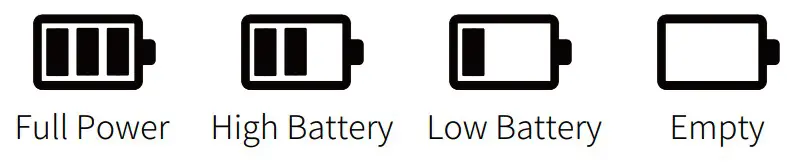
- USB mode
Connect the cable to a computer to read and save videos and photos. - There are three ways to charge the battery. During charging, the indicator light turns red. After the light goes out, the charge is complete.
①Charge the battery with the power adapter.
②Charging via PC-USB
③Charging with the vehicle power supply.
Caution: When using this product, improper operation may cause a crash phenomenon, so first turn off the product, then turn it on again to get back to normal.
Product Specifications
| Model No. | G CO308 |
| Features | Photo, Video, Games |
| Display | 2.0 inches |
| Lens | 1080P |
| Languages | Russian, English, Simplified Chinese, Traditional Chinese, Korean, Japanese, etc. |
| Expanded memory | SD card, can support up to 32G |
| Photo Format | J PEG |
| Shooting Format | AVI |
| Photo Resolution | 20M, 12M,8M, 5M, 3 M |
| Shooting Resolution | 1080P:1440’1080 720P:1280’720 |
| Battery Capacity | 600mAh |
| Charging Time | 2 hours |
| Charging Voltage | DC-5V |
| Games | five available |
| Main unit weight | 57.8G |
Warranty Card
Thank you for purchasing our products, please fill in the following contents when purchasing and save this card properly.
User profile
| Contact | |
| contact number | |
| Order ID | |
| Address | |
| Remarks |