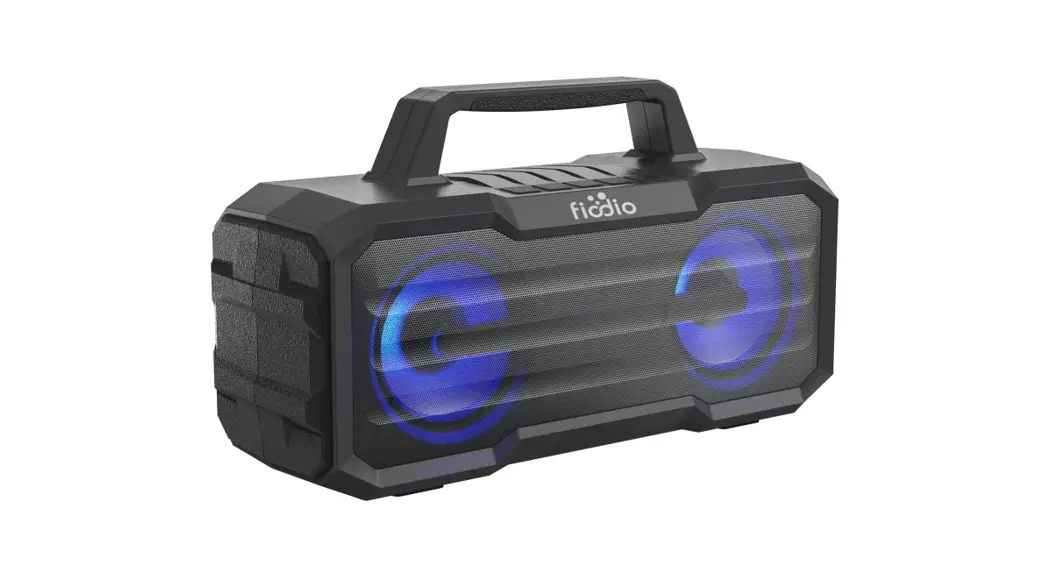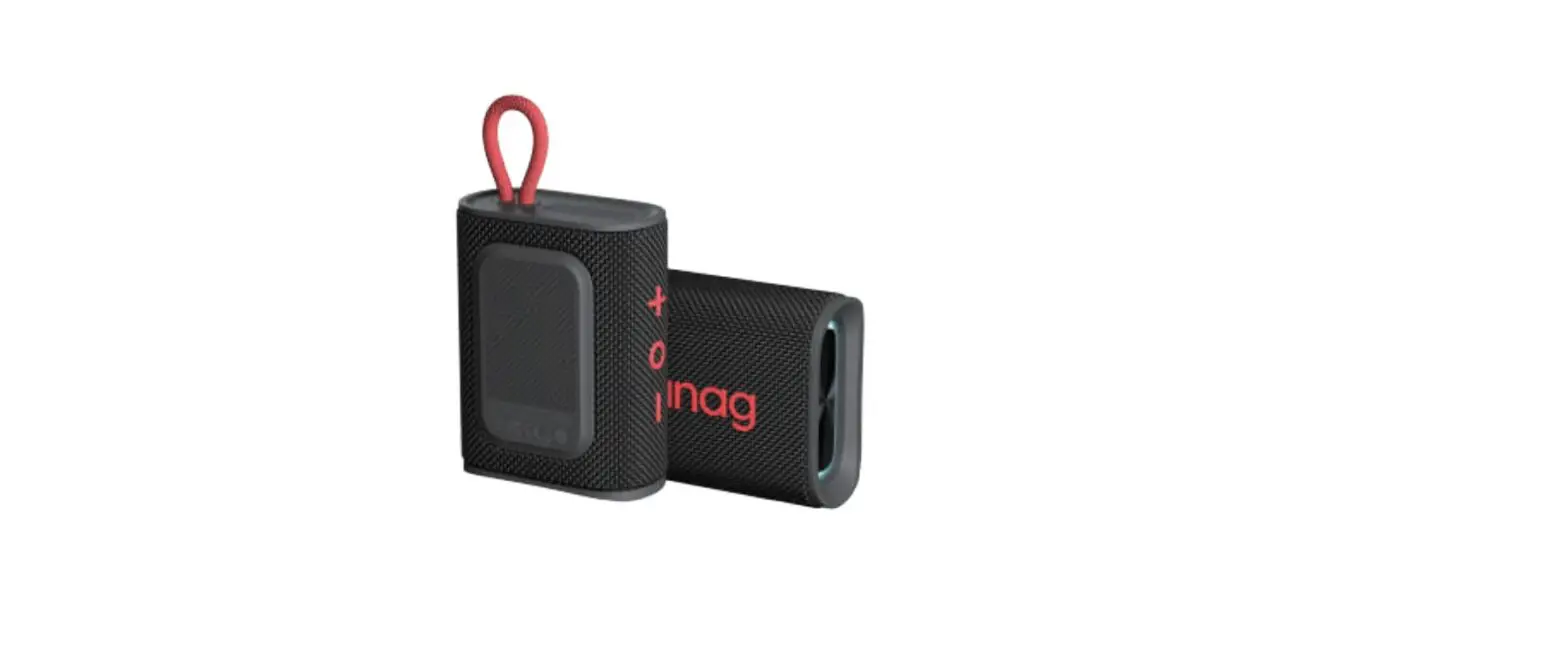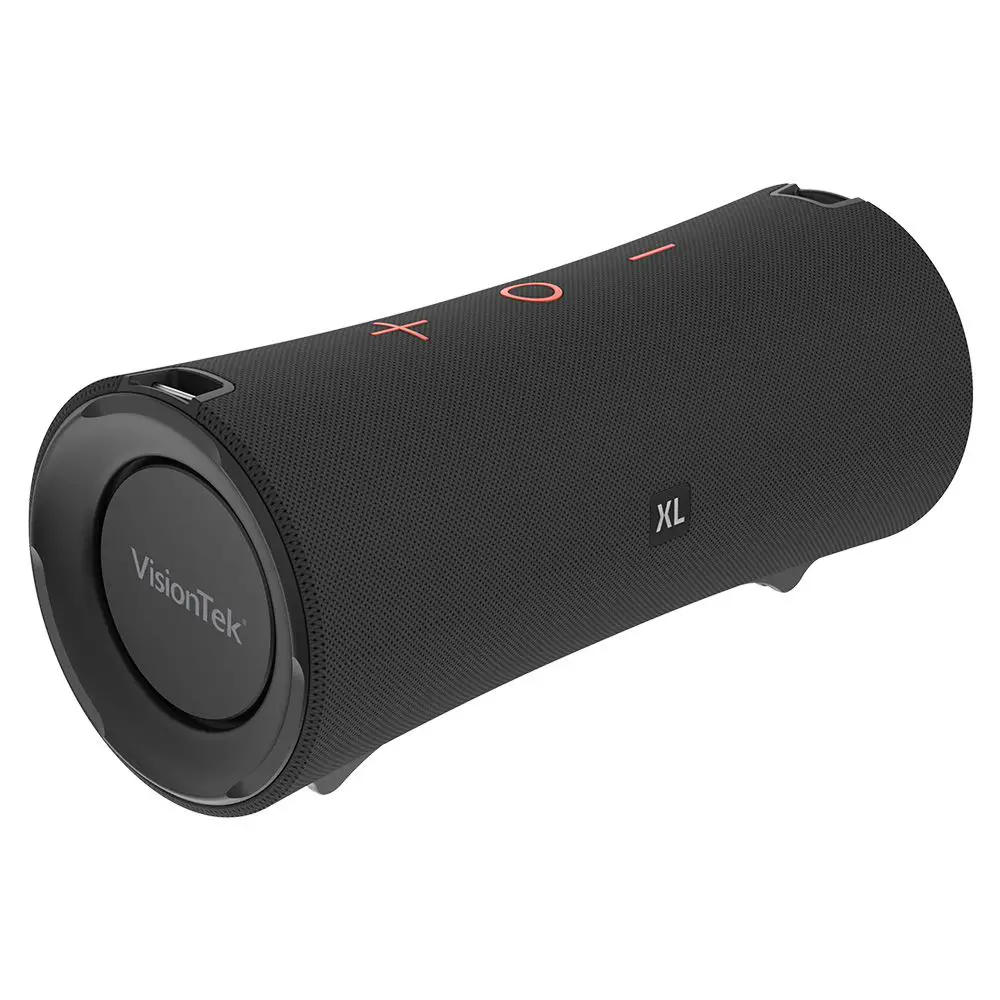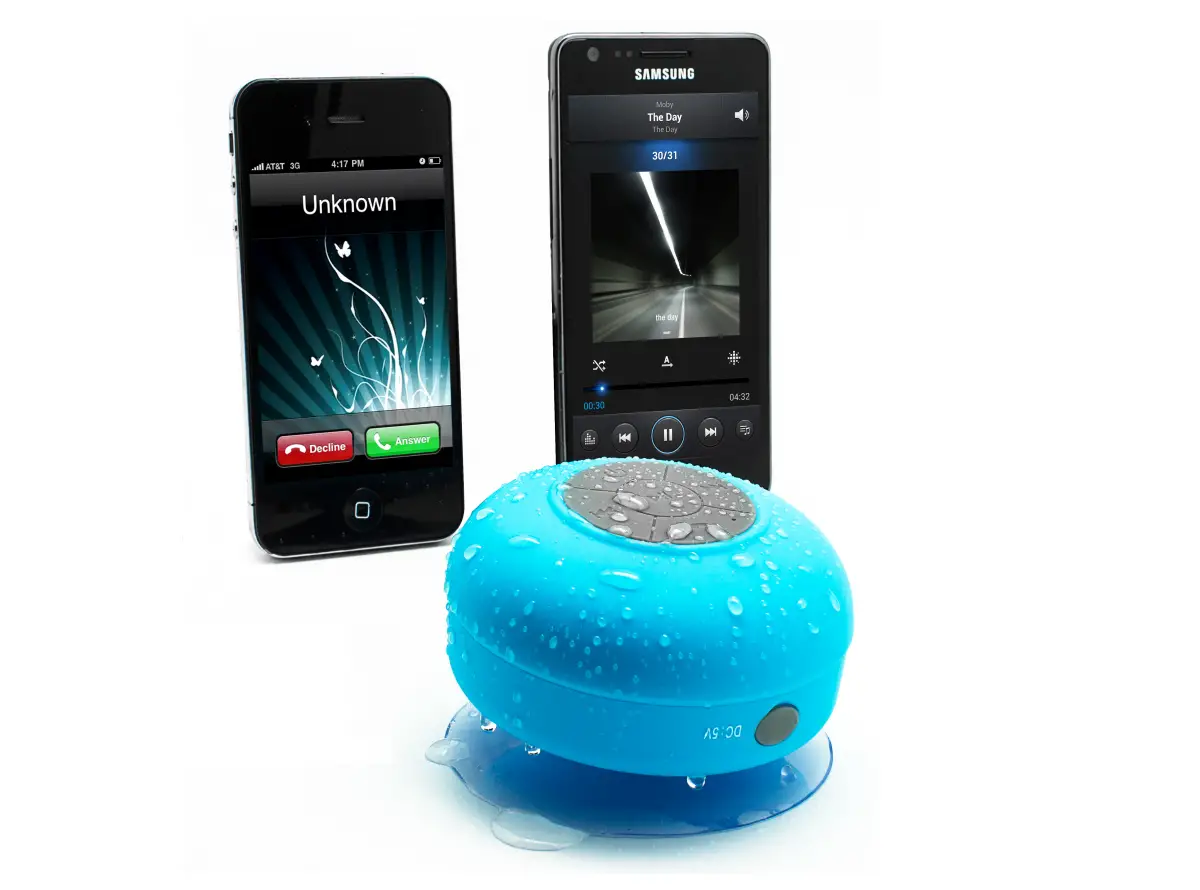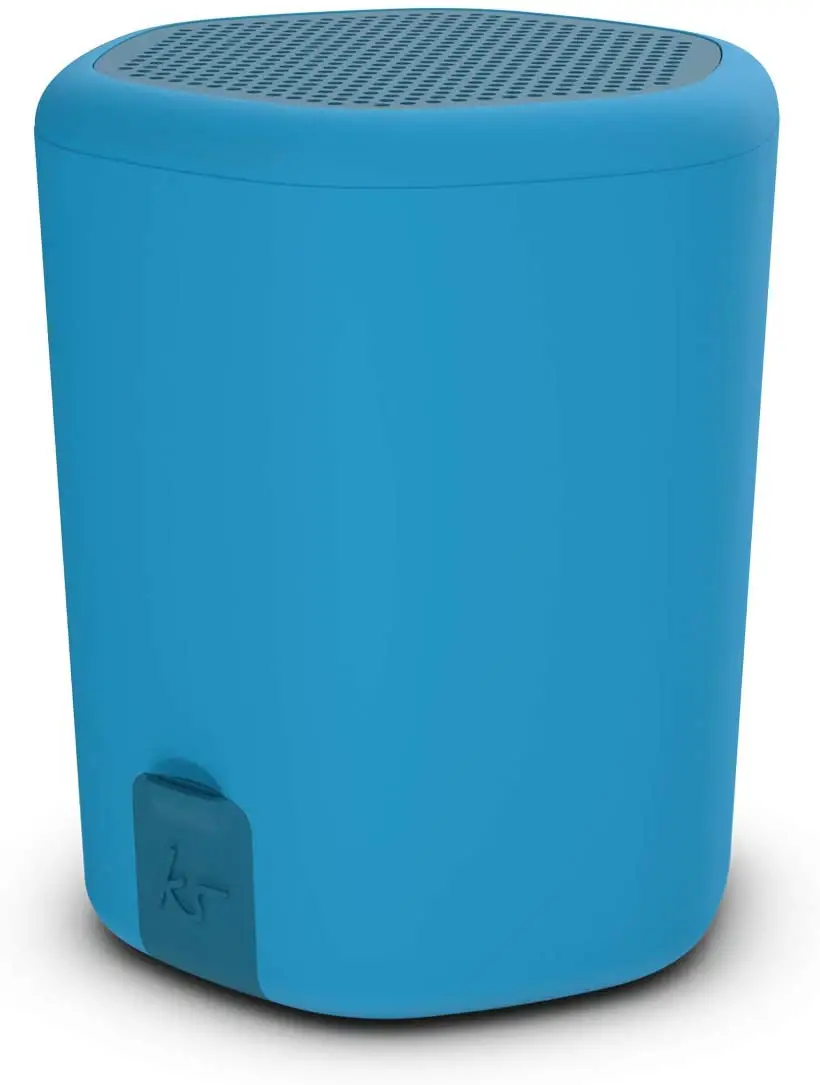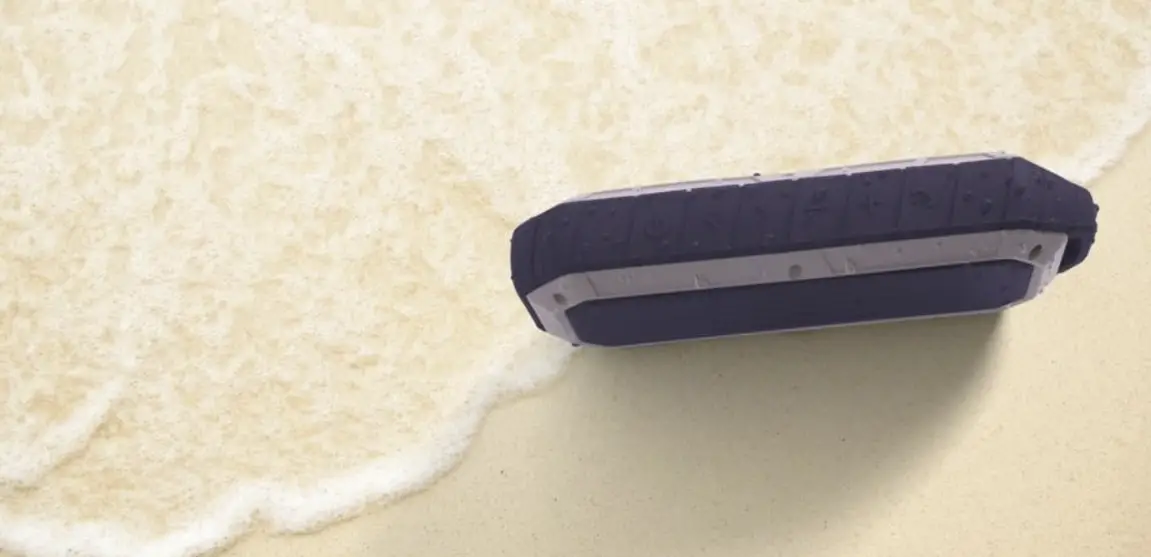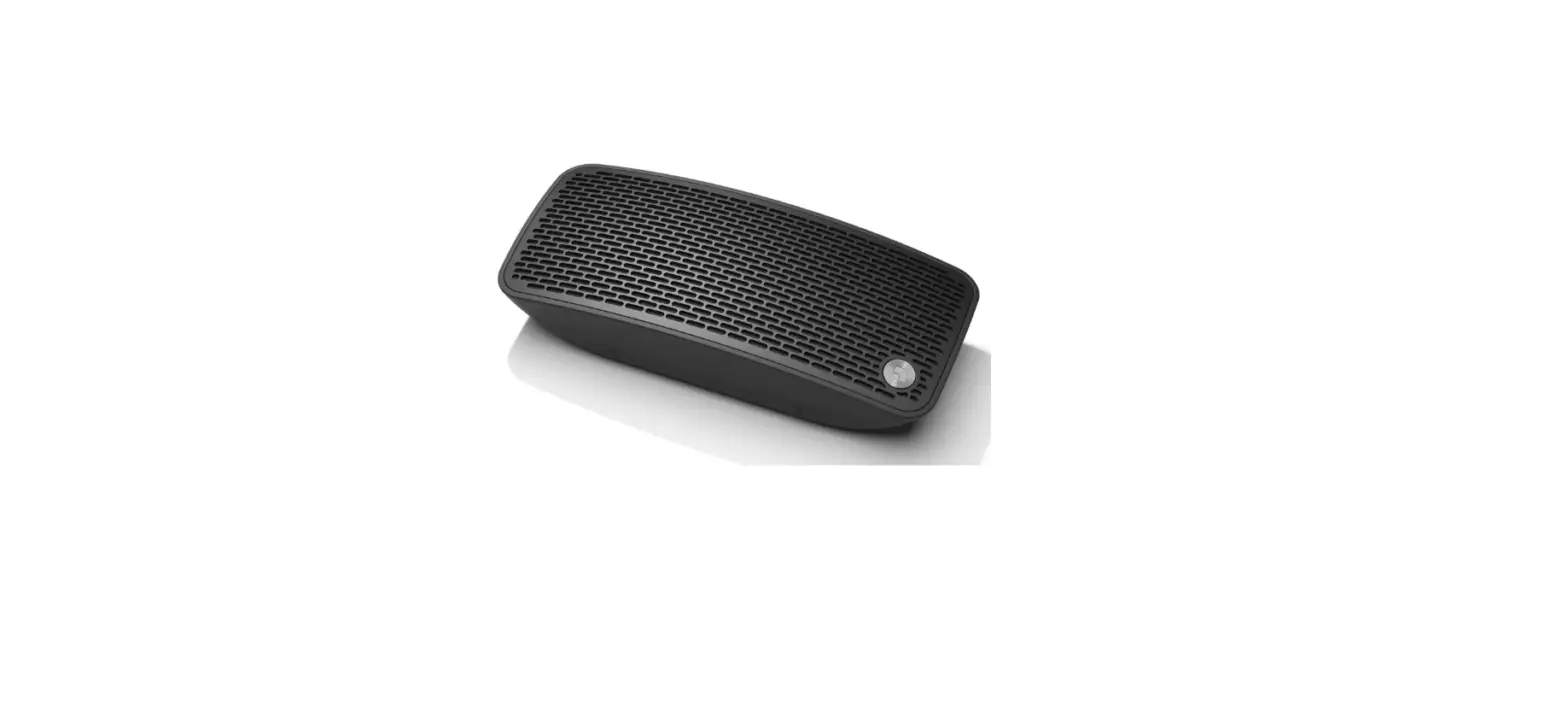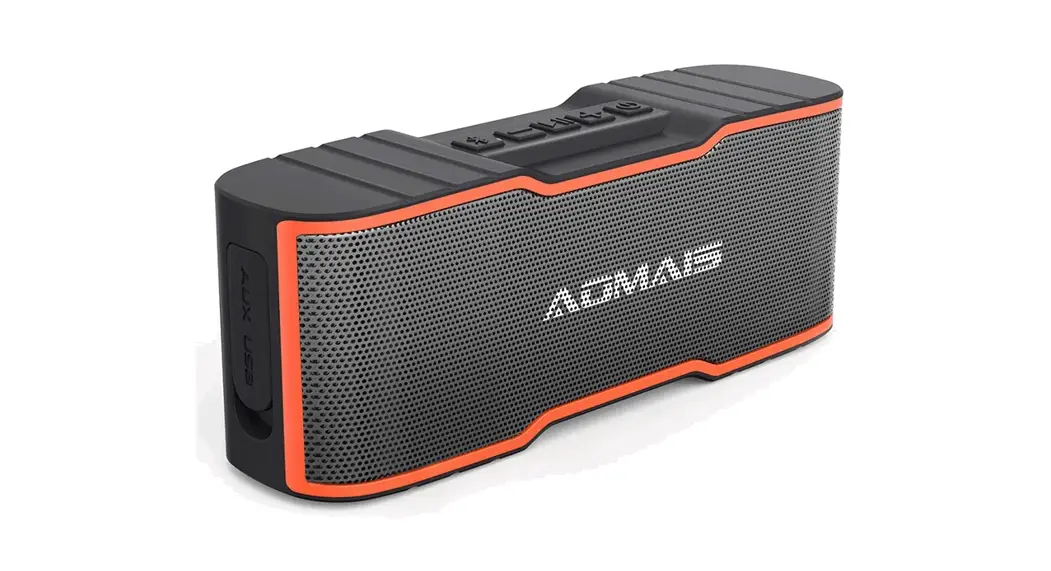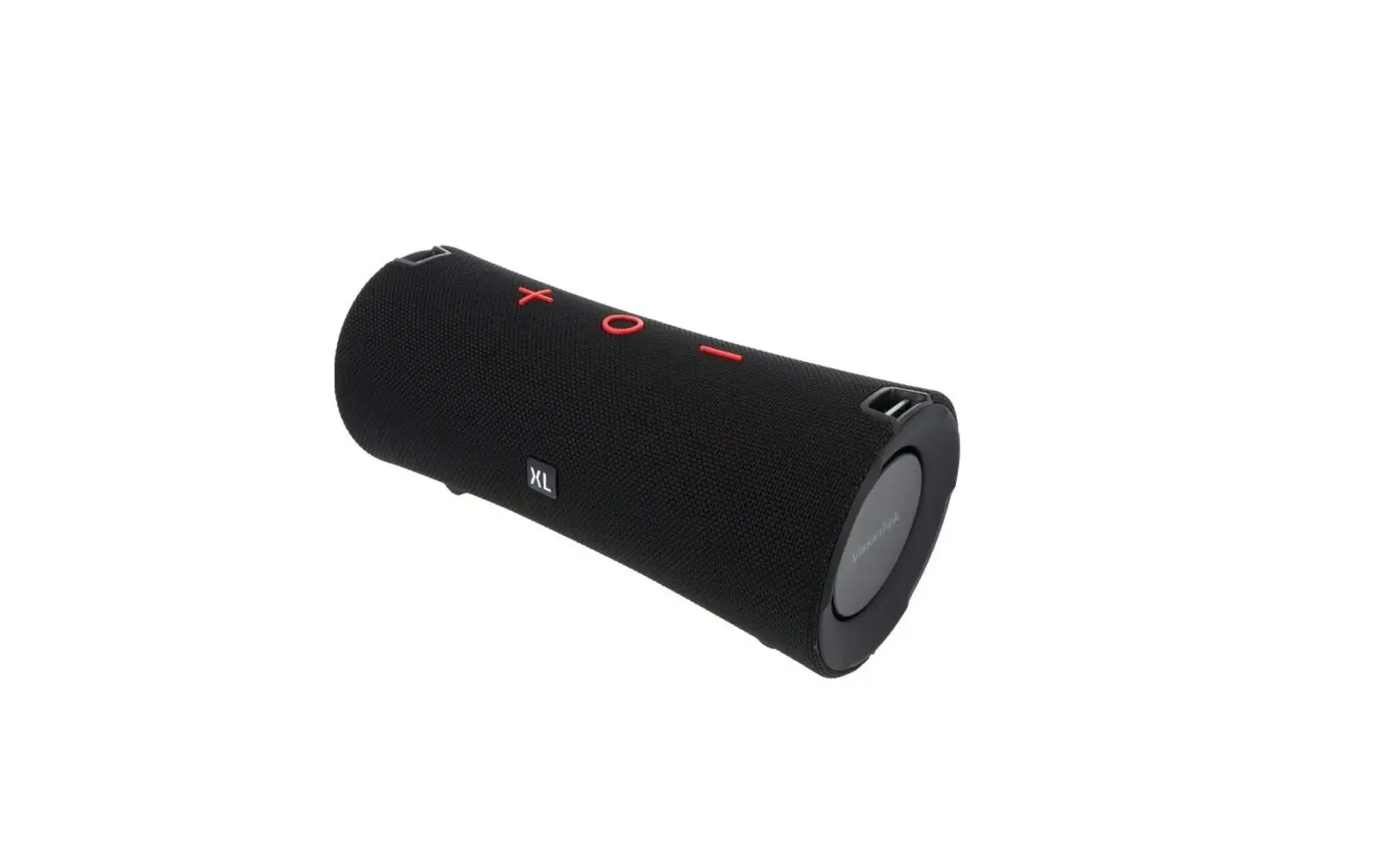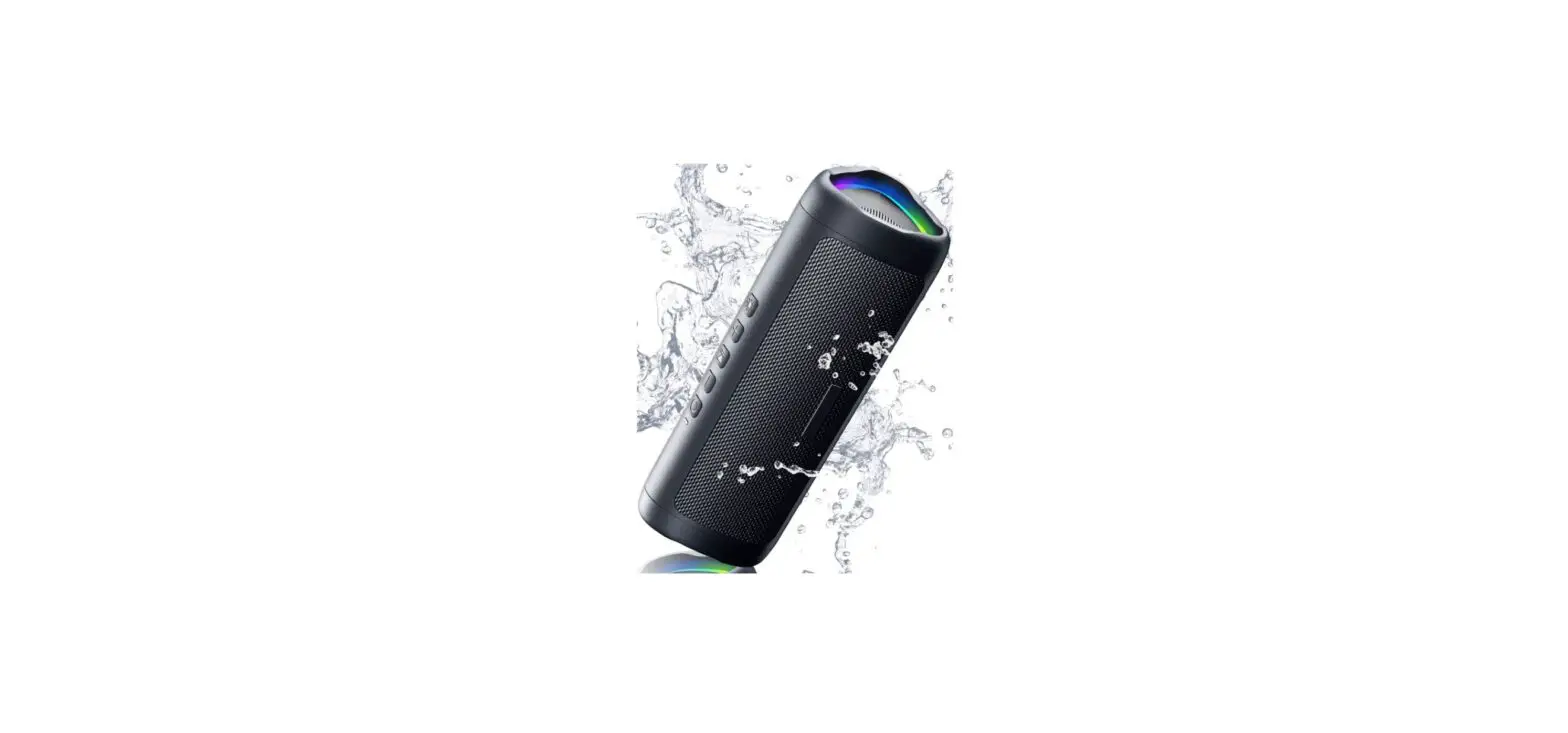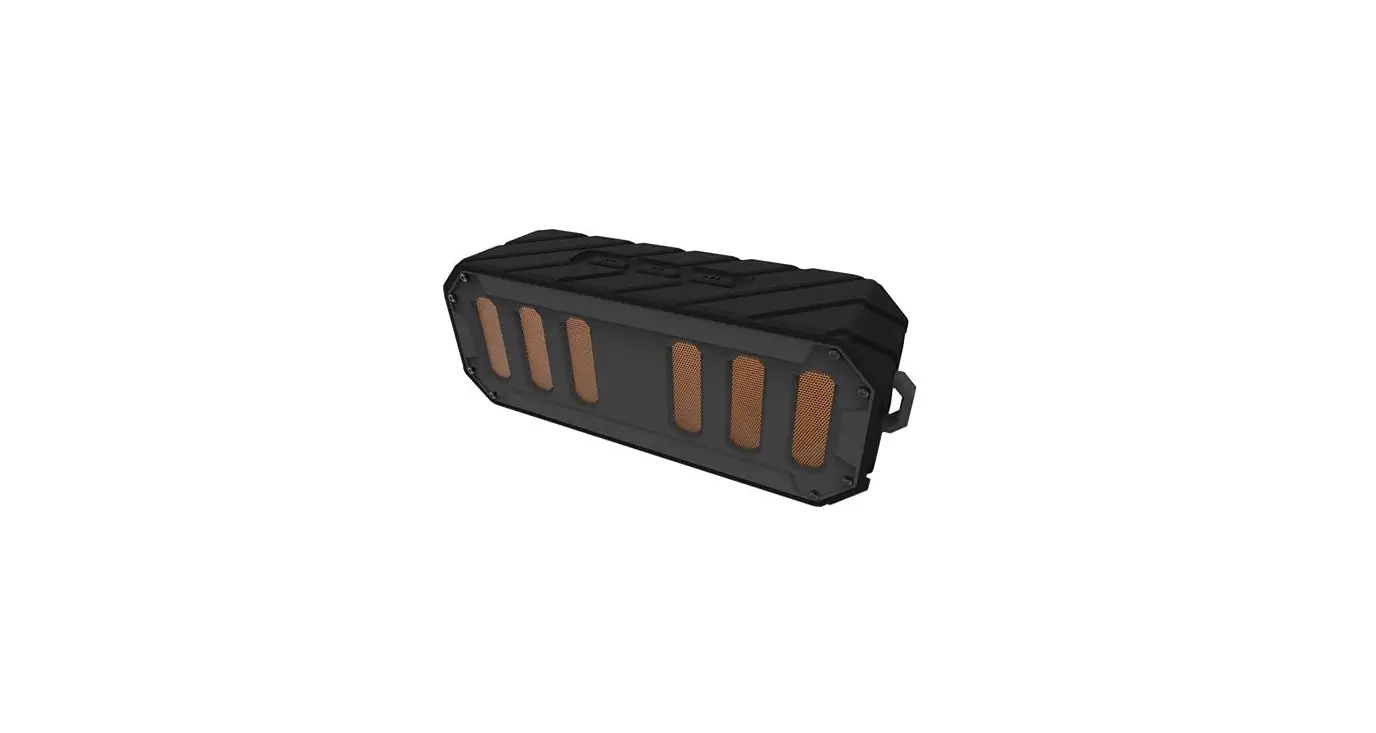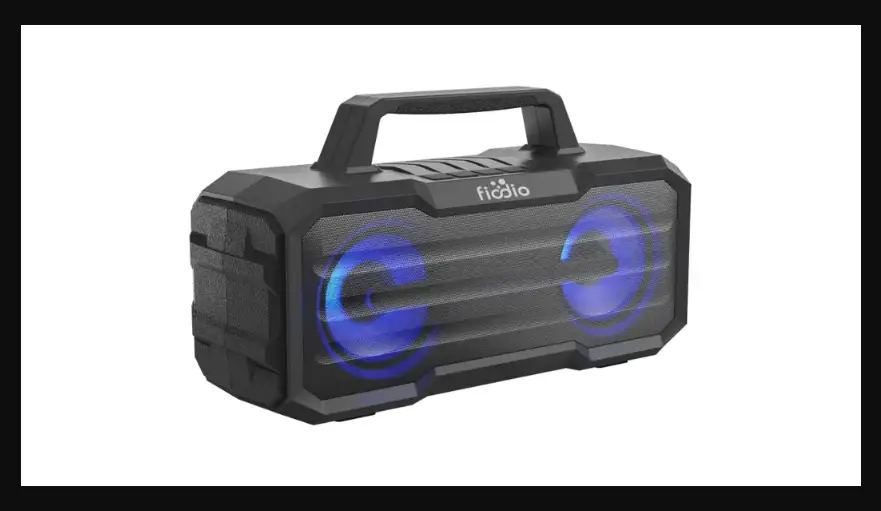

Waterproof
Bluetooth Speaker
F-510
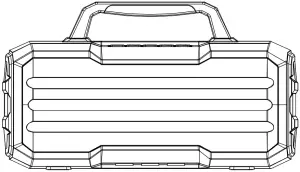
Product Specifications
Bluetooth Version: V5.0
- Output Power: 5W*2 (RMS)
- Driver Size: 3 inches 4O 10W*2
- S/N Ratio: ≥ 70dB
- Size: 298*102*168.8mm
- Water Resistant Level: IPX5
Pack Contents:
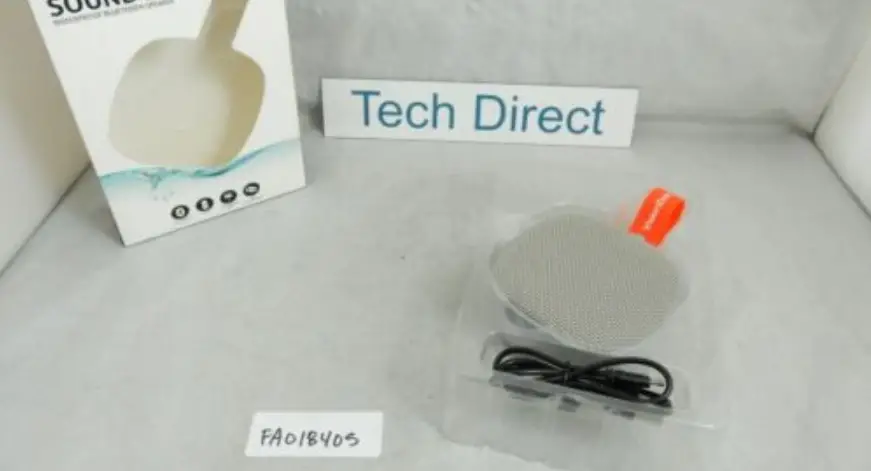
- Wireless Speaker x 1
- Instruction Manual x 1
- USB Charging Cable x 1
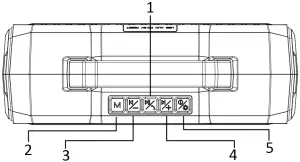
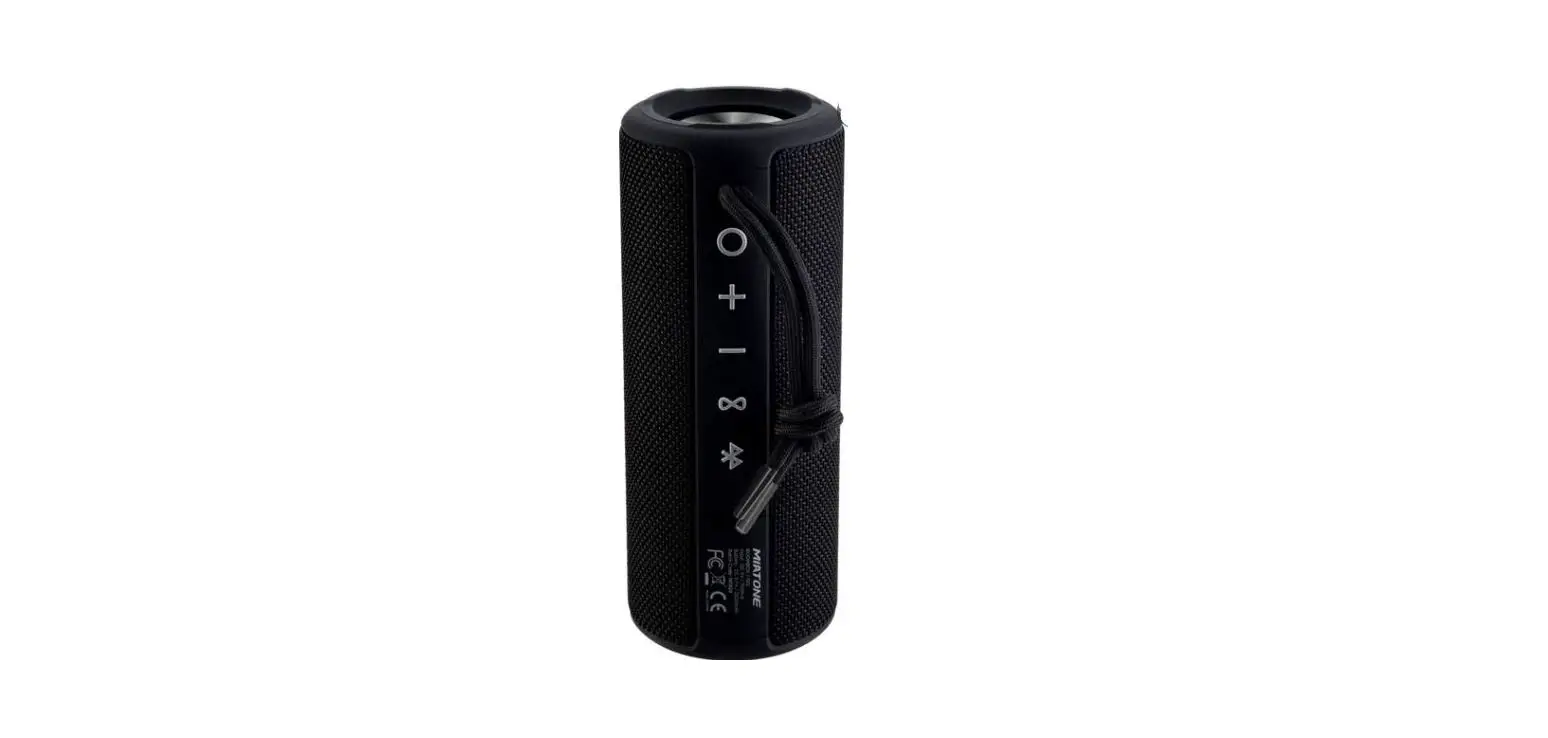
- Play / Pause / Hands-free: When playing music, press for pause; press for answer the call, long press for reject, during the call, press for hang up; double click for call back.
- Mode Switching: Press
- Press for volume down, long press for previous
- Press for volume up, long press for next
- Power ON/OFF: Press for LED mode, long press for power on / off
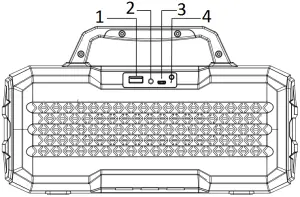
- USB
- AUX
- MICRO USB
- Reset
Charging the Speaker
Before using the speaker for the first time, charge it for at least two hours.
- Plug the USB cable into the port on the speaker, plug the other end into the USB port on a computer / AC USB power adaptor.
- Red LED will turn on to indicate that the unit is charging.
- Red LED will turn off when fully charged.
Power ON/OFF
- Long press “
 ” to turn on the bluetooth speaker, and the machine prompts “POWER ON”
 - The prompt sounds and enters the Bluetooth mode
- Long press “” again to turn off the bluetooth speaker. The machine prompts “POWER OFF”
 ” to turn on the bluetooth speaker, and the machine prompts “POWER ON”
Pairing the Speaker
- Place the speaker near the Bluetooth enabled device.
- Long press the Power button to start the Bluetooth speaker, speaker prompt sounds, the speaker is now in pairing mode.
- Follow the instructions of your device to search for the speaker.
- The speaker is called “FIODIO F-510”, enter the PIN ‘0000’ if needed.
- When the connection is successful, there will be a voice prompt.
- Once the speaker is on, it will trying to paid with the last connected device, if connection fails speaker enters pairing mode.
- To re-enter Bluetooth pairing mode if already connected to a device, press and hold the play/pause button for three seconds
Bluetooth operating instructions:
- After the Bluetooth connection is successful, press “
 ” to play music, press again to pause music
 - Press the “
 ” to decrease volume, and long press for previous song.
 - Press the “
 ” to increase volume, and long press for next song.
 ” to play music, press again to pause music
 ” to decrease volume, and long press for previous song.
 ” to increase volume, and long press for next song.
AUX operating instructions:
- Power ON, insert the 3.5mm audio cable into the AUX port, and automatically switch to AUX. You can also press the “
 ” to switch to AUX mode to play music, and voice prompt AUX status.
 - Press the “” to decrease volume.
- Press the “” to increase volume.
- Press the “” to play / pause music.
 ” to switch to AUX mode to play music, and voice prompt AUX status.
USB operating instructions:
- Turn on the speaker, insert the USB flash drive into the USB port, and automatically switch to USB. You can also press the “” to switch to USB mode to play music, and voice prompt USB status
- Press the “” to decrease volume, and long press for previous song.
- Press the “” to increase volume, and long press for next song.
- Press the “” to play / pause music.

MADE IN CHINA