 Class 2 Power Supply
The Lithium Battery Pack Charger
User Manual
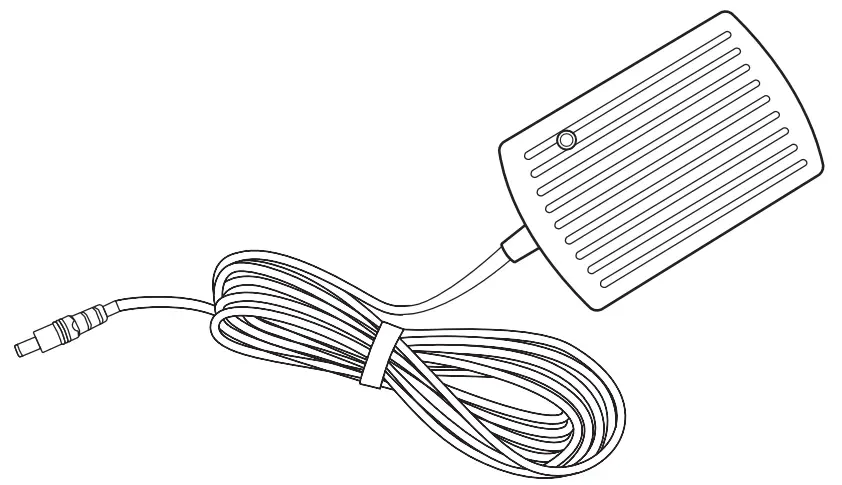 Model: X7.2150 – 1700G/L – V1.0 –
XZ2150-1700GL Class 2 Power Supply The Lithium Battery Pack Charger
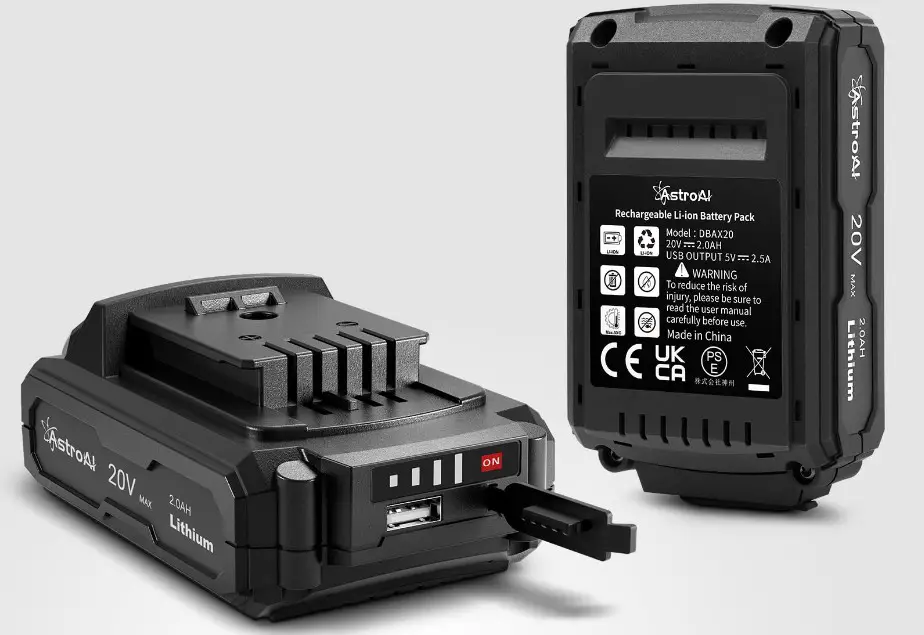
Thank you for purchasing the Lithium battery pack charger from Astro. The Lithium battery pack charger is compatible with the Lithium battery pack from Astro. With the fast-charging technology, the 18V Lithium battery pack can be fully charged in one hour. Thank you again for choosing AstroAl, if you have any questions or concerns regarding your product, please contact us at [email protected].
WARNING
- The charger is designed for an astronaut Lithium battery pack only.
- Please use the astronaut charger to charge the Lithium battery pack. The use of other chargers may cause product damage and potential safety hazards.
- Please pay attention to electricity safety when using.
- Please do not plug and unplug the Lithium battery pack or the charger frequently when charging.
- The charger should be used in a clean, dry, well-ventilated place, please keep the charger away from fire, heat, and corrosive liquid.
- Please do not leave the charger plugged into the socket when not in use.
- Modification of the charger structure and circuitry is forbidden.
- Non-Professionals must not detach the charger personally. Do not throw the charger Into a fire; do not sink the charger Into any liquids (such as freshwater, seawater, beverages, and Juices), this may cause a short circuit.
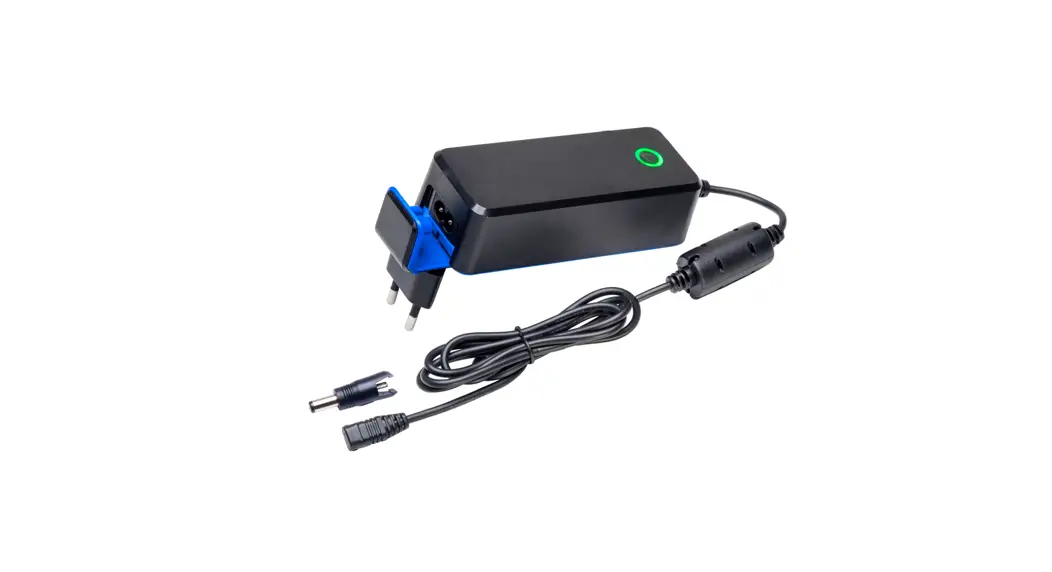
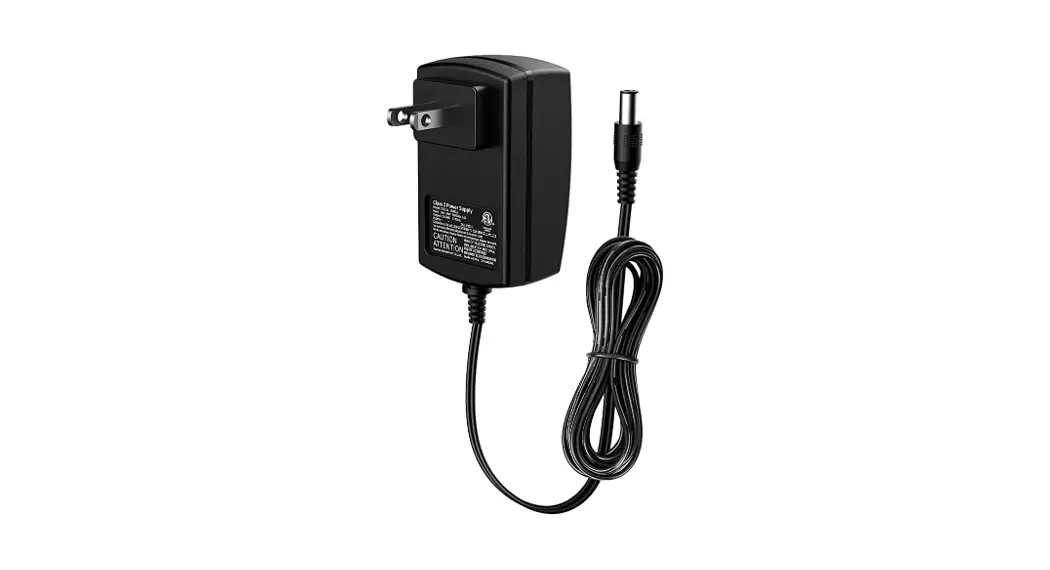
DIAGRAM
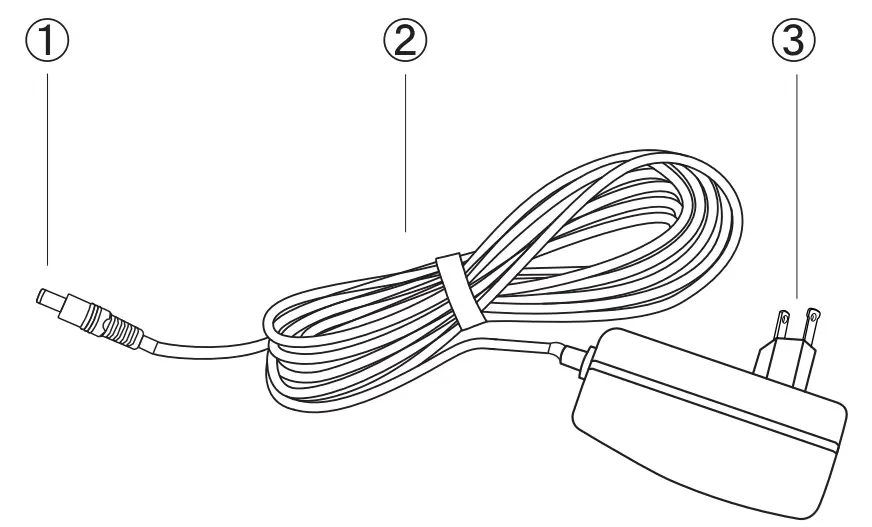
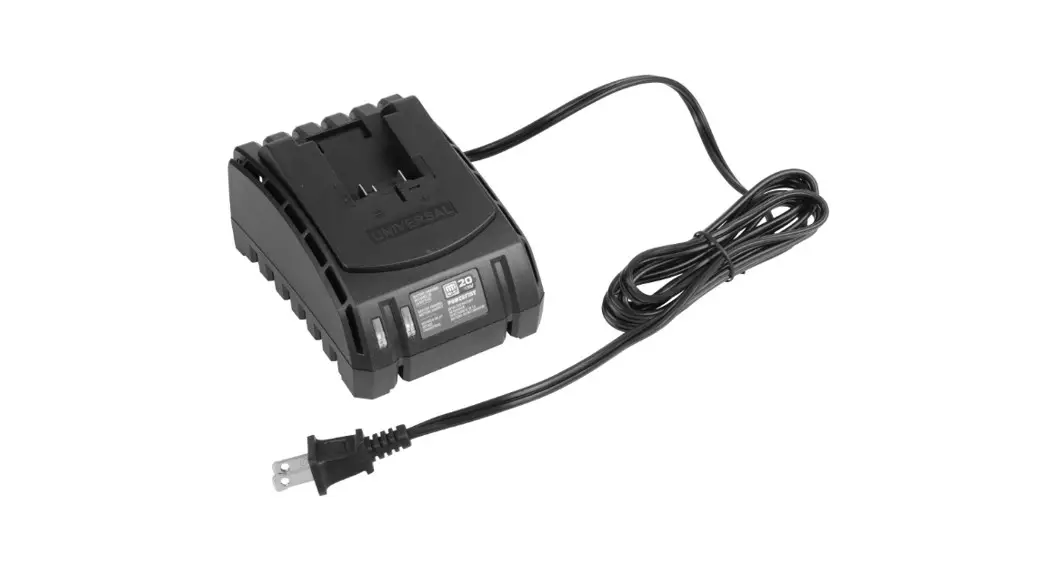
- Charge Port
- Power Cord
- Plug
OPERATION INSTRUCTIONS
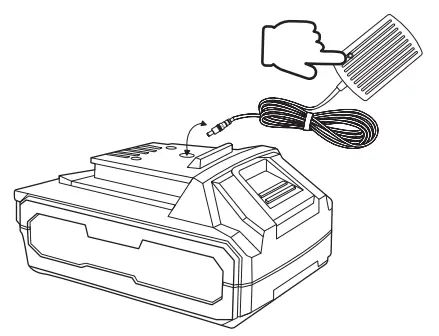
- Connect the charger to the Round hole jack on the top of the 18V Lithium battery pack, plug in the charger; when the LED lights up it means it is charging.

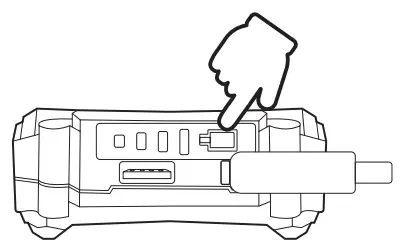
- Press the Battery Level Indicator button to know the remaining battery level of the 18V Lithium battery pack, the lights will be lit for seconds only.

- Please unplug the charger when the Lithium battery pack is fully charged.
TROUBLESHOOTING
THE CHARGER DOES NOT WORK
- Ensure the charger is fully connected with the Lithium battery pack charge port.
- Check if the Lithium battery pack is fully charged.
PRODUCT HIGHLIGHTS
- 5.9ft(1.8m) Power Cord.
- Fast Charging Function.
SPECIFICATIONS
| Input Voltage | AC 100-240V-50/60Hz |
| Maximum Input Current | 1A |
| Output Voltage | 21.5V |
| Output Current | 1.7A |
| Power Cord Length | 5.9ft(1.8m) |
PACKAGE CONTENTS
- 1 x Charger
- 1 x User Manual
1 YEAR WARRANTY LIMITED WARRANTY FROM ASTROAI
Each AstroAl Lithium battery pack charger will be free from defects in material and workmanship. This warranty does not cover damage from neglect, misuse, contamination, alteration, accident, or abnormal conditions of operation or handling. This warranty covers the original purchaser only and is not transferable.
Questions or Concerns? We’re happy to help! [email protected].
Web:www.astroai.com E-mail:[email protected]