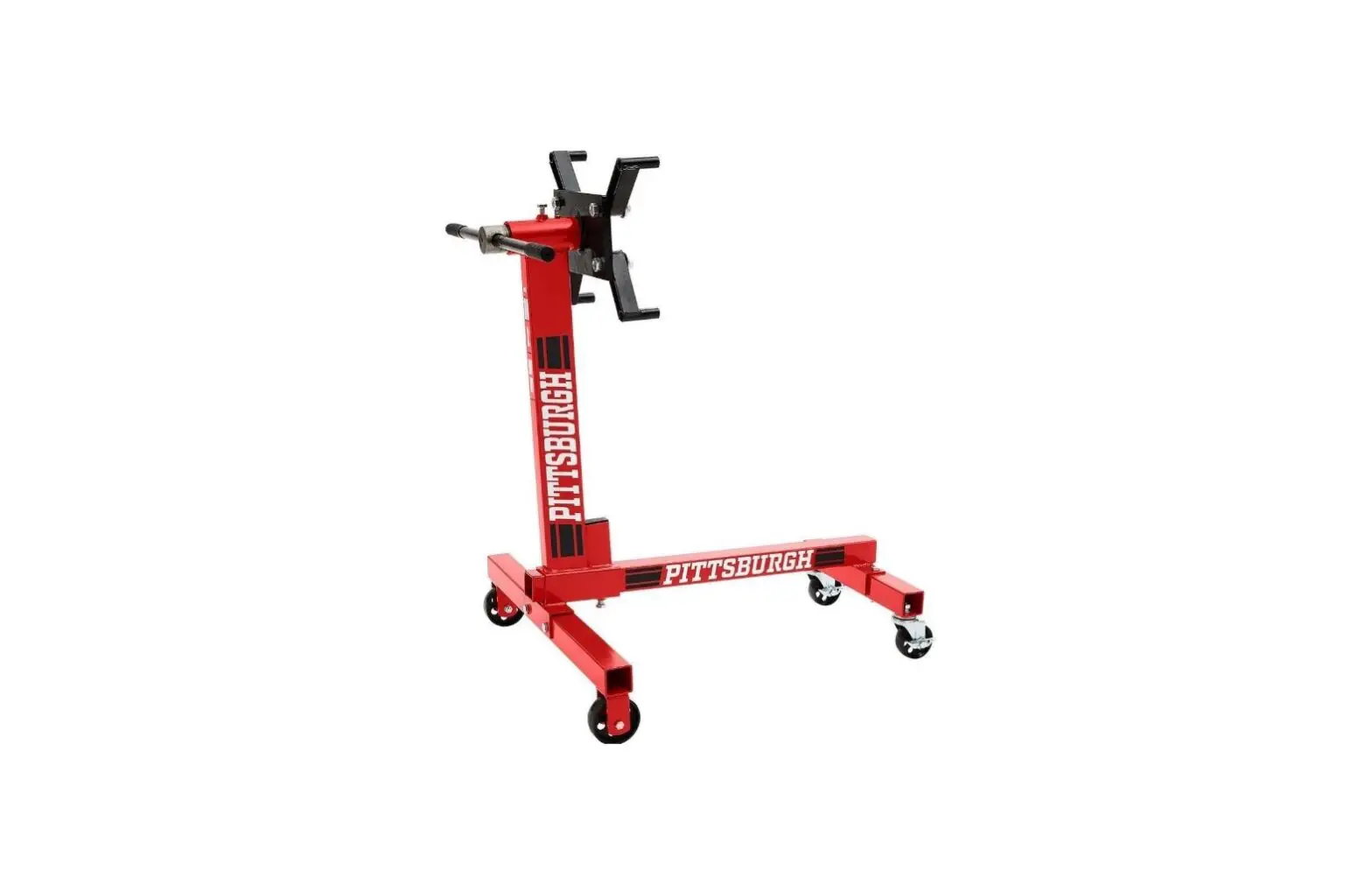
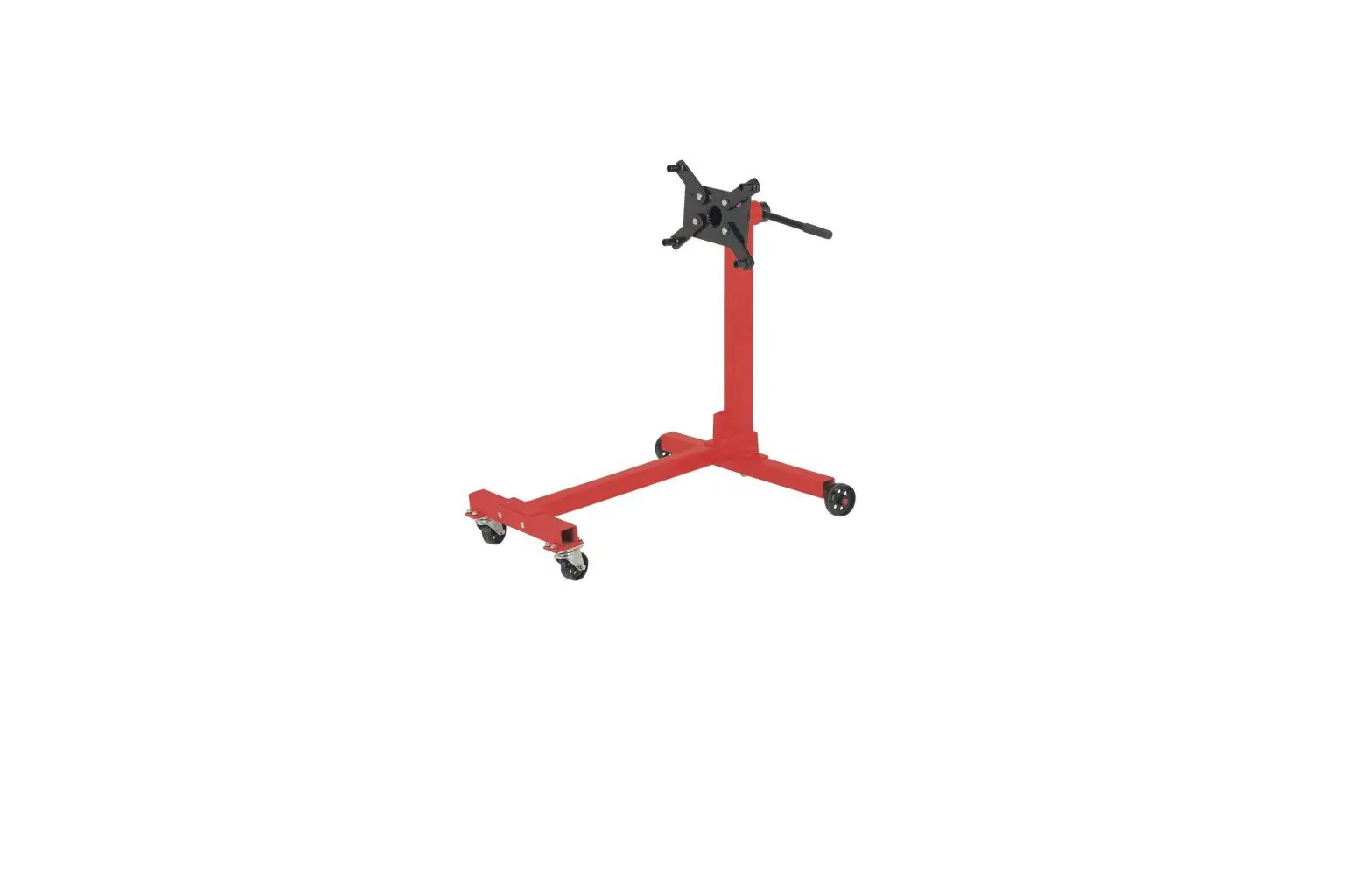
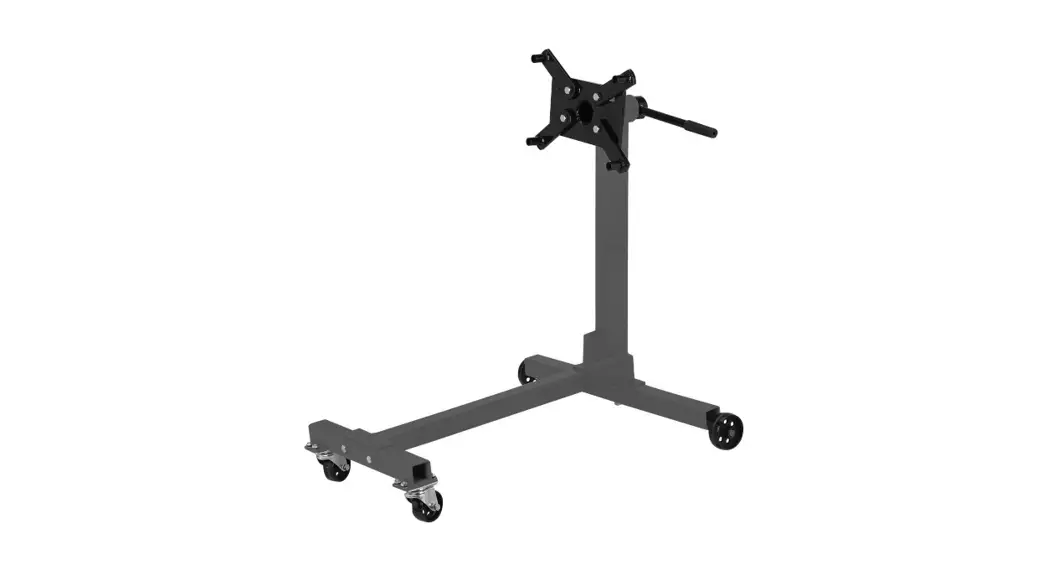
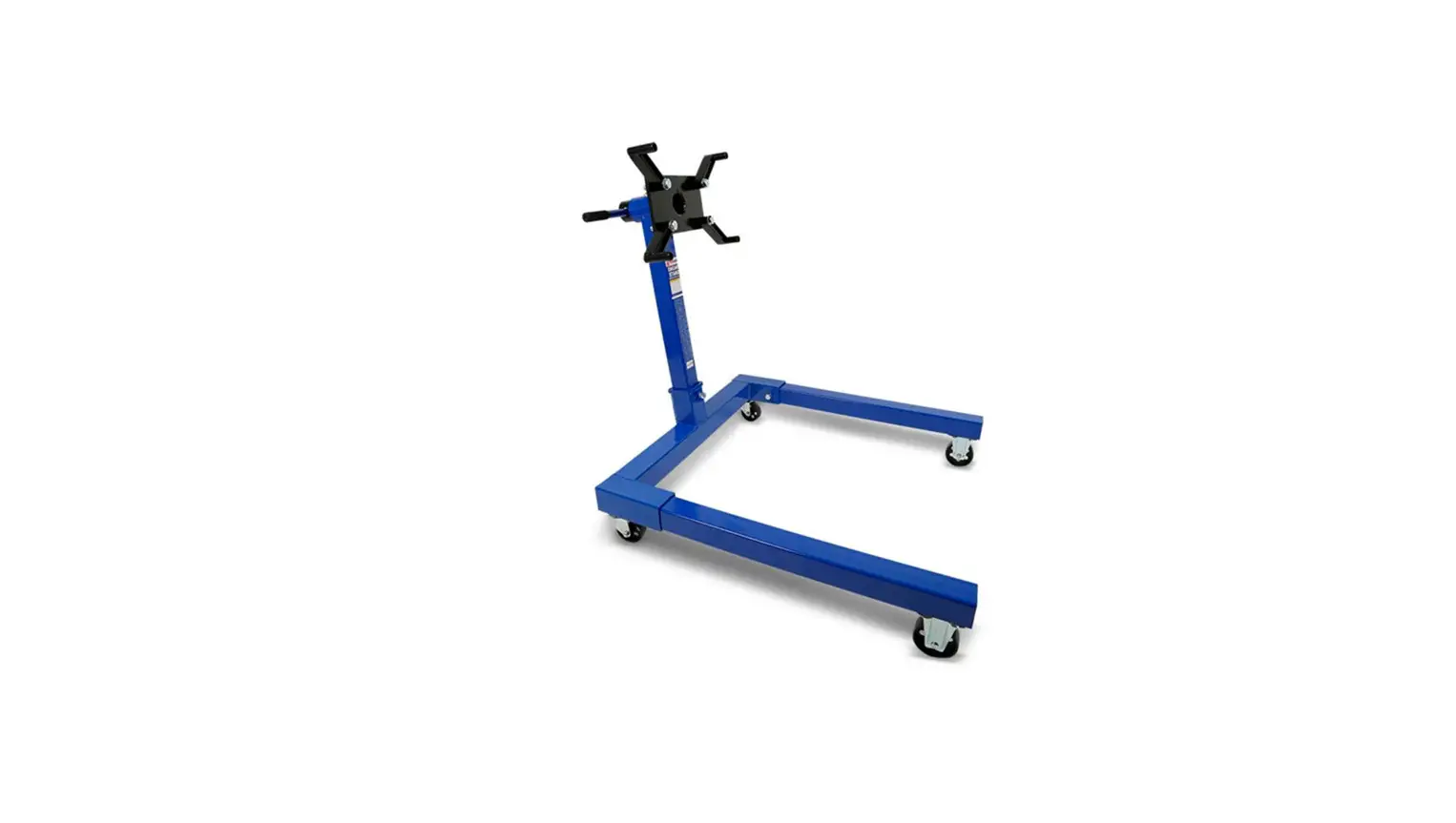
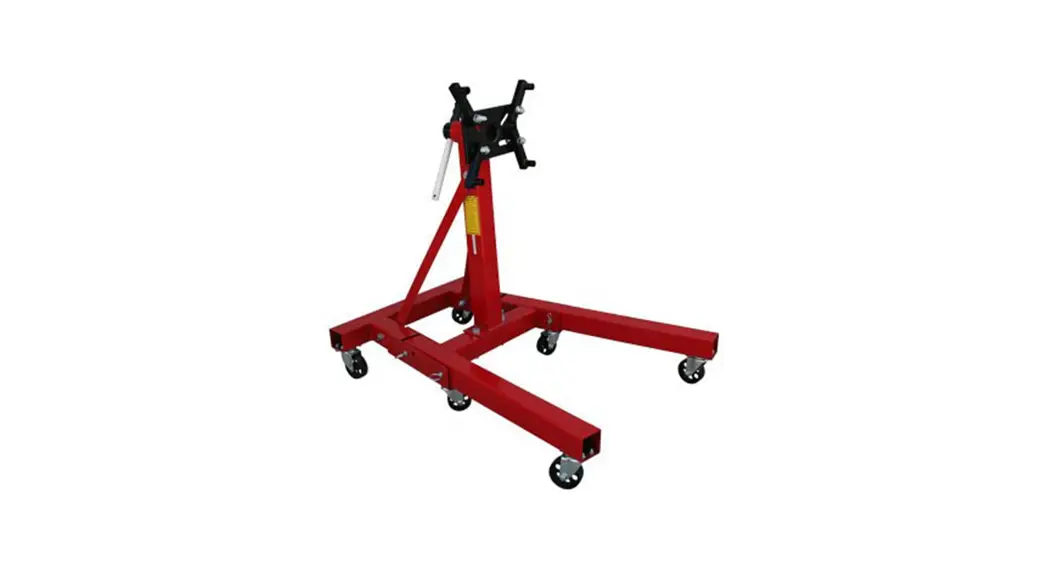
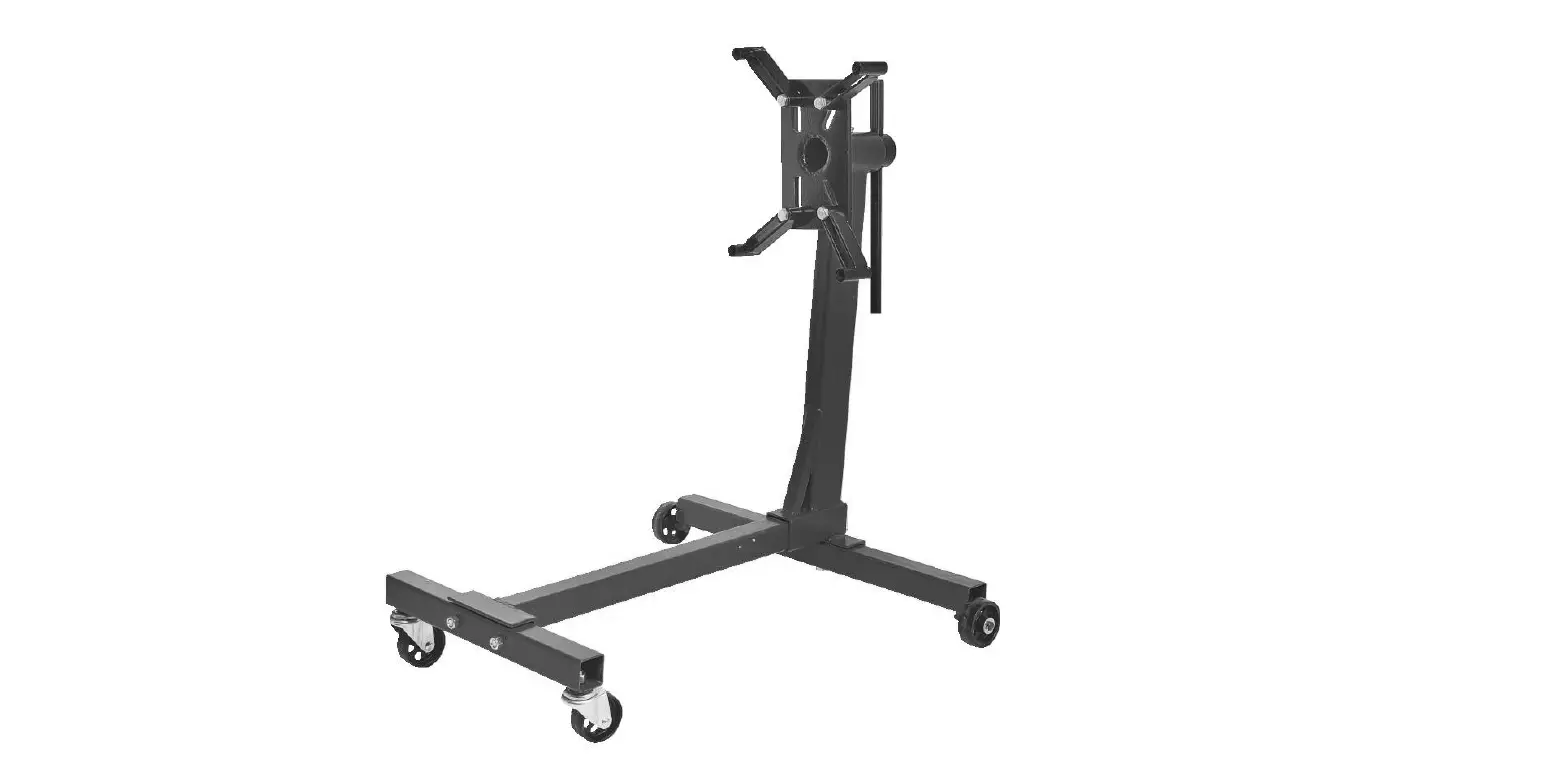
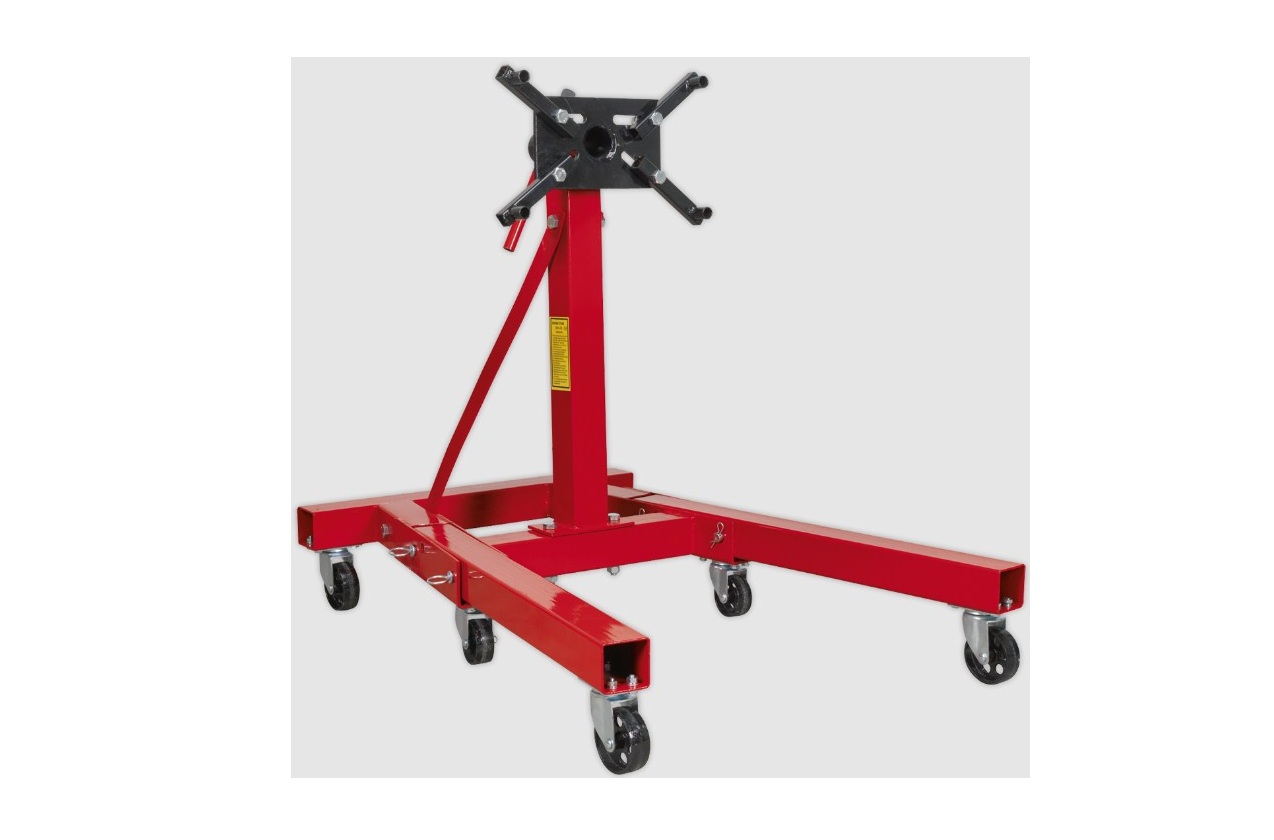
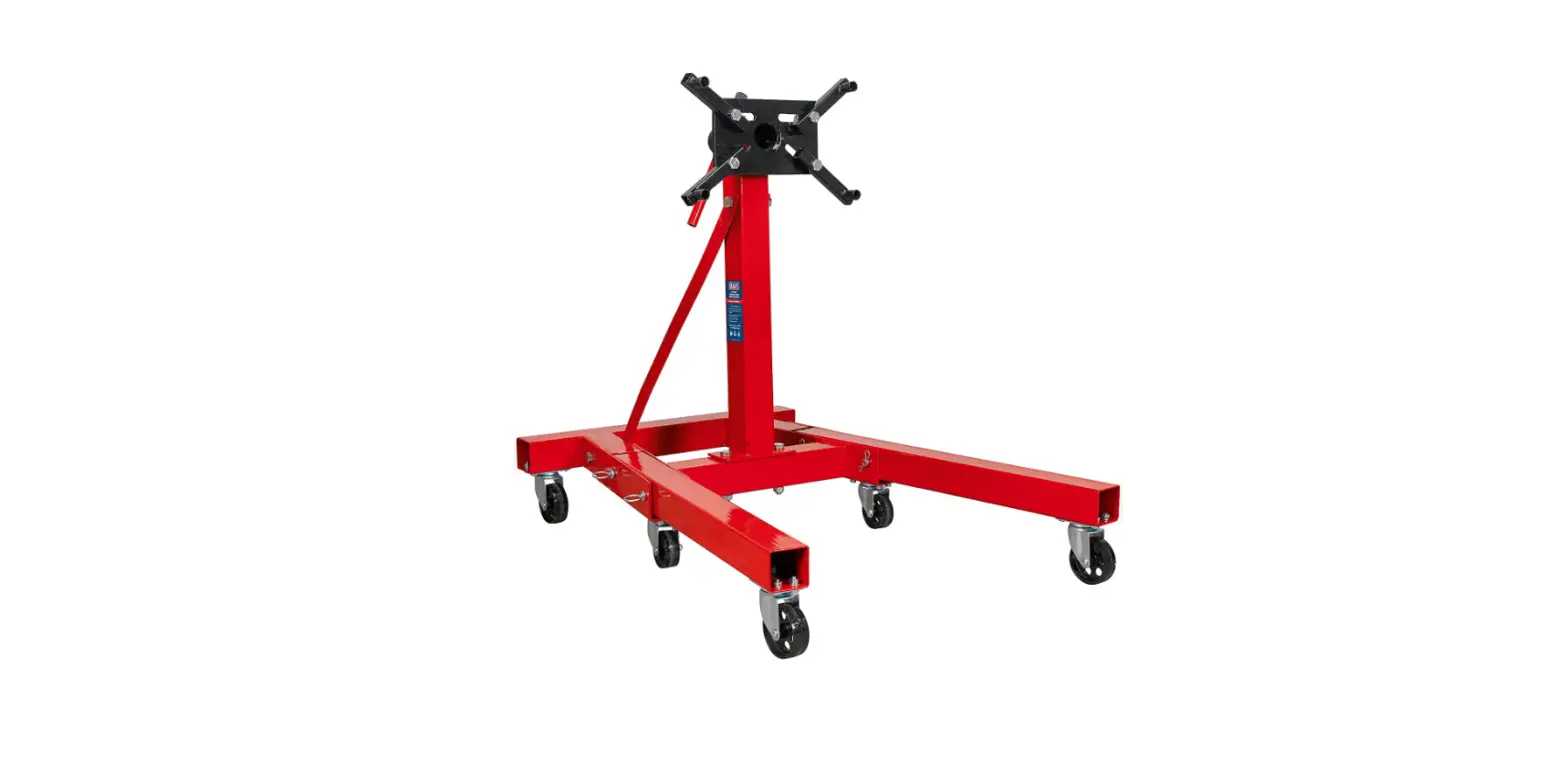
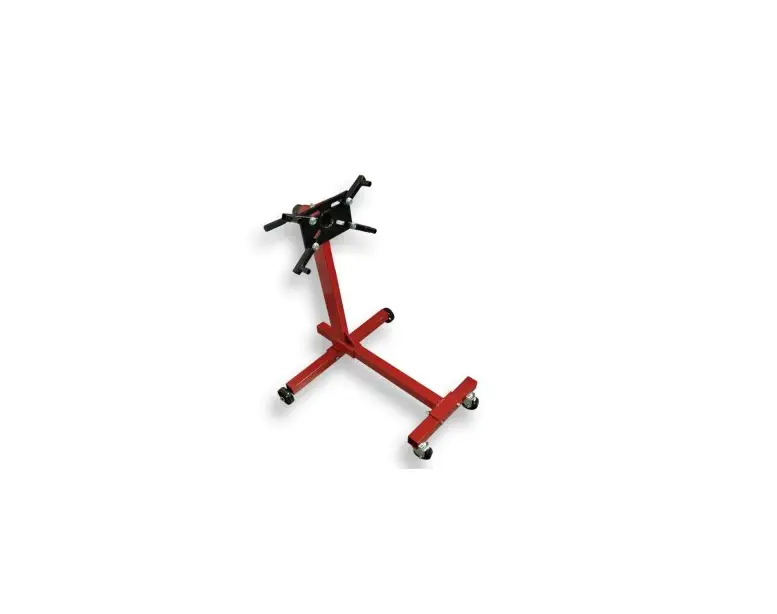
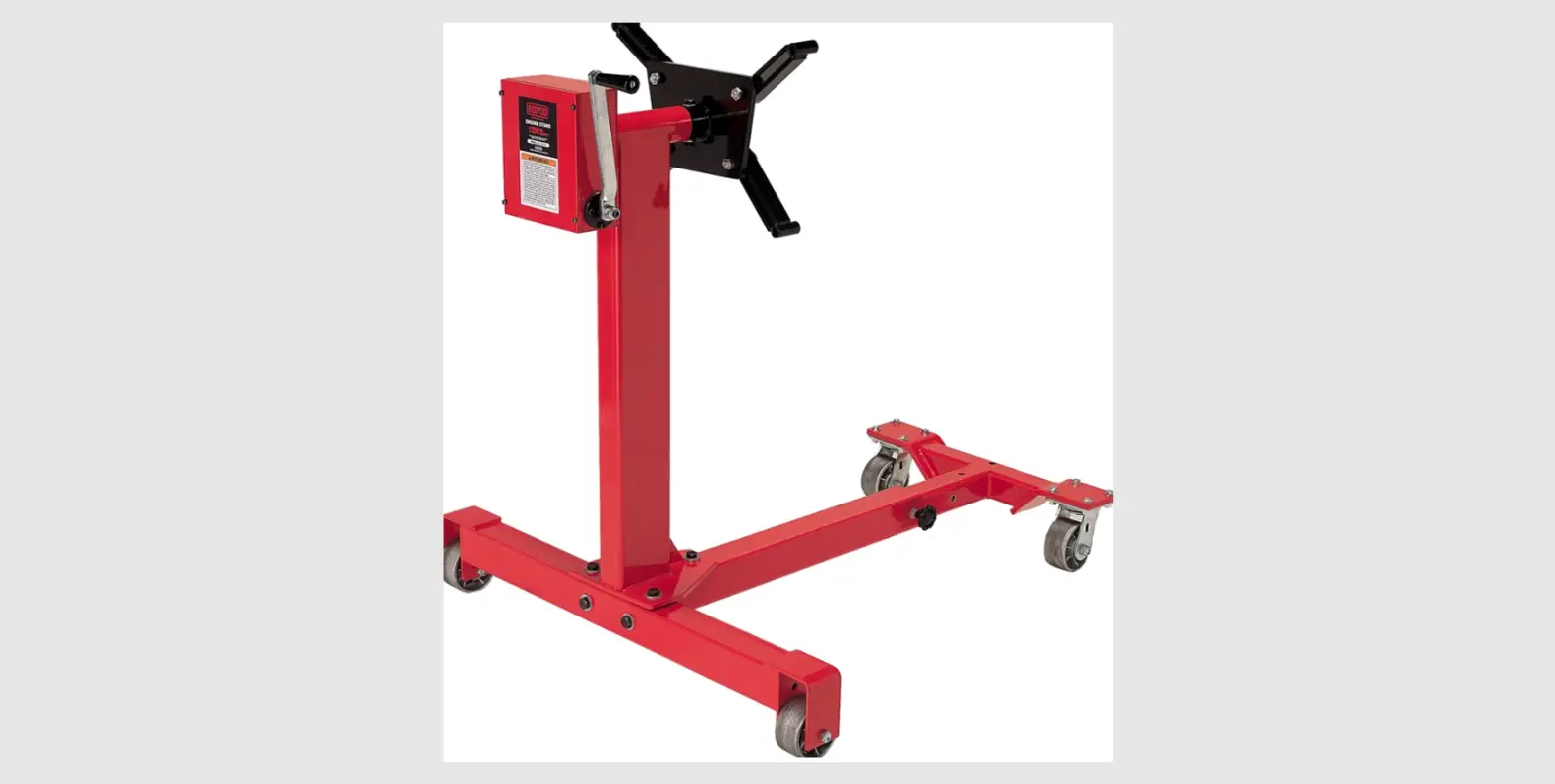
1000 LB Engine Stand
Product Information
The product is a Stand with a weight capacity of 1,000 lb. It
has assembled dimensions of 33-1/2 L x 27-1/2 W x 36 H and a Face
Plate with a wheel diameter of 10 L x 6 W x 5/8 thick (3 (x2),
3-1/2 (x2)). The product conforms with ASME PASE 2019.
Product Usage Instructions
Before using the Stand, ensure that it is intact and undamaged.
If any parts are missing or broken, call the customer support
number provided.
For assembly, follow the instructions provided in the user
manual. Wear ANSI-approved safety goggles and heavy-duty work
gloves during assembly. Keep the assembly area clean and well lit,
and do not assemble when tired or under the influence of drugs or
medication. Weight capacity and other product capabilities apply to
properly and completely assembled product only.
Before using the Stand, study, understand, and follow all
instructions provided in the user manual to prevent personal injury
and/or property damage. Do not exceed the rated capacity and assure
the load is centered and secured to mounting attachments. Use the
Stand only on a flat, level, hard, and smooth surface capable of
supporting the weight of the Stand and engine.
Lock the mounting plate rotating mechanism before applying a
load and hold the handle while removing the pin. Wear ANSI-approved
safety goggles and heavy-duty work gloves during use. Do not use
for aircraft purposes and inspect before every use; do not use if
parts loose or damaged. The product is not a toy, so do not allow
children to play with or near this item. Use as intended only.
Maintain product labels and nameplates as they carry important
safety information. If unreadable or missing, contact Harbor
Freight Tools for a replacement.
Owner’s Manual & Safety Instructions
Save This Manual Keep this manual for the safety warnings and precautions, assembly,
operating, inspection, maintenance and cleaning procedures. Write the product’s serial number in the
back of the manual near the assembly diagram (or month and year of purchase if product has no number).
Keep this manual and the receipt in a safe and dry place for future reference.
22d
Item Weight Capacity Assembled Dimensions Face Plate Wheel Diameter
59201 1,000 lb. 33-1/2 L x 27-1/2 W x 36 H 10 L x 6 W x 5/8 thick 3 (x2), 3-1/2 (x2)
Conforms with ASME PASE 2019
Visit our website at: http://www.harborfreight.com Email our technical support at: [email protected]
When unpacking, make sure that the product is intact and undamaged. If any parts are missing or broken,
please call 1-888-866-5797 as soon as possible.
Copyright© 2021 by Harbor Freight Tools®. All rights reserved. No portion of this manual or any artwork contained herein may be reproduced in any shape or form without the express written consent of Harbor Freight Tools. Diagrams within this manual may not be drawn proportionally. Due to continuing improvements, actual product may differ slightly from the product described herein.
Tools required for assembly and service may not be included.
Read this material before using this product. Failure to do so can result in serious injury. SAVE THIS MANUAL.
IMPORTANT SAFETY INFORMATION
Assembly Precautions
1. Assemble only according to these instructions. Improper assembly can create hazards.
2. Wear ANSI-approved safety goggles and heavy-duty work gloves during assembly.
3. Keep assembly area clean and well lit.
4. Keep bystanders out of the area during assembly.
5. Do not assemble when tired or when under the influence of drugs or medication.
6. Weight capacity and other product capabilities apply to properly and completely assembled product only.
Use Precautions
Failure to heed these instructions may result in personal injury and/or property damage:
1. Study, understand, and follow all
6. Hold Handle while removing the Pin.
instructions before operating this device. 7. Wear ANSI-approved safety goggles
2. Do not exceed rated capacity.
and heavy-duty work gloves during use.
Be aware of dynamic loading! Sudden load movement may briefly create excess load causing product failure.
8. Do not use for aircraft purposes.
9. Inspect before every use; do not use if parts loose or damaged.
3. Use Stand only on a flat, level, hard and 10. This product is not a toy. Do not allow
smooth surface capable of supporting
children to play with or near this item.
the weight of Stand and engine.
11. Use as intended only.
4. Lock mounting plate rotating mechanism before applying a load.
5. Assure load is centered and secured to mounting attachments.
12. Maintain product labels and nameplates. These carry important safety information. If unreadable or missing, contact Harbor Freight Tools for a replacement.
Page 2
For technical questions, please call 1-888-866-5797.
Item 59201
ASSEMBLY INSTRUCTIONS
Read the ENTIRE IMPORTANT SAFETY INFORMATION section at the beginning of this document including all text under subheadings therein before set up or use of this product.
2. Use Bolts (3), Lock Washers (13), and Nuts (14) to attach the Front Beam (16) to the Middle Beam (17).
Column (1)
3. Also, use Bolts (3), Lock Washers (13), and Nuts (14) to attach the Rear Beam (4) to the bottom of the Column (1), with the wheel brackets on bottom.
Middle Beam (17)
Bolt (10)
Figure A: Attach Column to Middle Beam
1. Insert Middle Beam (17) into the receiver at the base of the Column (1) and secure with Bolt (10).
Lock Washer (12)
Nut (29)
Lock Washer (28) Washer (27)
Bolt (3)
Bolt (5)
Nut (11) Washer (21)
Rear Beam (4)
Bolt (3)
Nut (14)
Front Beam (16)
Lock Washer (13)
Nut (14) Figure B: Attach Front and Rear Beams
Bushing Wheel (7) (23)
Caster (15) Figure C: Attach Wheels and Casters
4. Attach each Caster (15) to the Front Beam (16) using one Washer (27), Lock Washer (28), and Nut (29).
5. Insert a Bushing (23) into each Wheel (7), and place one wheel into each bracket on the Rear Beam (4).
6. Slide a Wheel (7) onto each axle at end of Rear Beam (4). Then secure with Bolt (5).
Item 59201
For technical questions, please call 1-888-866-5797.
Page 3
Smart Cover (26)
Handle (2) Clip
Spring (24)
Column (1)
Handle Grip (22)
Nozzle (25)
Pin (9)
Mounting Plate (18)
Nut (8)
Mounting Plate (18)
Column (1)
Mounting Arm (19)
Washer (6) Bolt (20)
Figure D: Attach Mounting Plate and Handle
7. Remove one of the Handle Grips (22) from the Handle (2).
8. Grease the Mounting Plate (18) shaft using chasis grease (sold separately).
9. Insert Mounting Plate shaft into the top of Column (1) Spring Clip (24), and Smart Cover (26).
10. Insert the Handle (2) through Smart Cover and Mounting Plate (18) and replace the Handle Grip (22) that was removed previously to secure.
Figure E: Install Mounting Arms and Lock Rotation
11. Attach the slots of Mounting Arms (19) to the Mounting Plate (18) using the Bolts (20), Washers (6), and Nuts (8).
12. To lock Mounting Plate (18) rotation, align a hole on it with the hole on the top of the Column (1), and insert the Pin (9).
Page 4
For technical questions, please call 1-888-866-5797.
Item 59201
OPERATING INSTRUCTIONS
Read the ENTIRE IMPORTANT SAFETY INFORMATION section at the beginning of this document including all text under subheadings therein before set up or use of this product.
Mounting Engine
TO PREVENT SERIOUS INJURY: Before attaching an engine to the stand, confirm that its weight does not exceed the Stand maximum capacity.
1. Position Stand on a flat, level, hard
5. Place the bolts (not included) through
and smooth surface capable of
the Mounting Plate (18) side and
supporting the weight of Stand and
securely tighten them into the engine.
engine. Lock Locking Swivel Casters.
The bolt heads must press
2. Remove the Pin (9) from the Column (1).
against the back of the Arms: if needed, use flat washers
3. Determine the thread type and
(not included) as spacers.
length of bolts (not included) needed to thread into the engine block. Use grade 8 bolts that are long enough to fit through the Arms and thread as
6. Tighten the Bolts (20) and Nuts (8) that hold the Mounting Arms (19) to the Mounting Plate (18) securely.
deeply as possible into the engine block. 7. Slowly lower the hoist/engine crane
4. Loosen bolts holding Mounting Arms (19) and align
(sold separately) until all the engine’s weight is held by the stand.
them with four mounting bolt
8. Safely release the engine from
locations on the engine.
the hoist/engine crane.
WARNING! TO PREVENT SERIOUS INJURY: Use all four Arms when attaching an engine to the Stand.
9. Slowly rotate the engine to the desired angle and insert the Pin (9) into the top of the Column (1).
Rotating Engine
TO PREVENT SERIOUS INJURY: Be prepared for sudden engine movement before removing Pin. Stay clear of engine.
1. While holding onto the Handle (2) and the engine to prevent it from accidental rotation, remove Pin (9).
2. Use assistance to rotate the engine to the desired angle and insert the Pin (9) into the top of the Column (1).
Removing Engine
1. With assistance, rotate the
3. Once the engine is properly supported
engine to its initial position.
by the crane, remove the bolts securing
2. Secure the engine properly to the crane.
the Mounting Arms (19) to the engine.
Use the crane to support all of the
engine’s weight directly overhead, but
do not start lifting the engine stand.
Item 59201
For technical questions, please call 1-888-866-5797.
Page 5
MAINTENANCE AND SERVICING
Procedures not specifically explained in this manual must be performed only by a qualified technician.
TO PREVENT SERIOUS INJURY FROM STAND FAILURE: Do not use damaged equipment. Make sure the stand is stable. If any unsafe conditions are found, take it to a qualified technician for service or repair.
1. BEFORE EACH USE, inspect the general condition of the Stand. Check it for cracks, bends in the metal, signs of unusual wear or any other condition that may affect its safe operation. If any are found, do not use the Stand.
2. Keep Engine Stand clean and free of dirt or grease.
3. Before each use, check that hardware is securely fastened.
4. Check that the Casters are clean and turn properly.
5. AFTER USE, clean external surfaces of the stand with a clean, moist cloth.
PLEASE READ THE FOLLOWING CAREFULLY
THE MANUFACTURER AND/OR DISTRIBUTOR HAS PROVIDED THE PARTS LIST AND ASSEMBLY DIAGRAM IN THIS DOCUMENT AS A REFERENCE TOOL ONLY. NEITHER THE MANUFACTURER OR DISTRIBUTOR MAKES ANY REPRESENTATION OR WARRANTY OF ANY KIND TO THE BUYER THAT HE OR SHE IS QUALIFIED TO MAKE ANY REPAIRS TO THE PRODUCT, OR THAT HE OR SHE IS QUALIFIED TO REPLACE ANY PARTS OF THE PRODUCT. IN FACT, THE MANUFACTURER AND/OR DISTRIBUTOR EXPRESSLY STATES THAT ALL REPAIRS AND PARTS REPLACEMENTS SHOULD BE UNDERTAKEN BY CERTIFIED AND LICENSED TECHNICIANS, AND NOT BY THE BUYER. THE BUYER ASSUMES ALL RISK AND LIABILITY ARISING OUT OF HIS OR HER REPAIRS TO THE ORIGINAL PRODUCT OR REPLACEMENT PARTS THERETO, OR ARISING OUT OF HIS OR HER INSTALLATION OF REPLACEMENT PARTS THERETO.
Note: Some parts are listed and shown for illustration purposes only, and are not available individually as replacement parts. Specify UPC 193175459695 when ordering parts.
Record Serial Number Here:
Note: If product has no serial number, record month and year of purchase instead.
Page 6
For technical questions, please call 1-888-866-5797.
Item 59201
PARTS LIST AND DIAGRAM
Part Description 1 Column 2 Handle 3 Bolt M10x70 4 Rear Beam 5 Bolt M8x65 6 Big Washer Ø14 7 3-1/2″ Wheel 8 Nut M14 9 Pin 10 Bolt M12x25
Qty Part Description Qty
1
11 Nut M8
2
1
12 Lock Washer Ø8 2
4
13 Lock Washer Ø10 4
1
14 Nut M10
4
2
15 3″ Wheel
2
4
16 Front Beam
1
2
17 Middle Beam
1
4
18 Mounting Plate
1
1
19 Mounting Arm
4
1
20 Bolt M14x60
4
Part Description Qty
21 Washer Ø8
2
22 Handle Grip
2
23 Bushing
2
24 Clip Spring
1
25 Nozzle
1
26 Smart cover
1
27 Washer Ø12
2
28 Lock Washer Ø12 2
29 Nut M12
2
Item 59201
For technical questions, please call 1-888-866-5797.
Page 7
Limited 90 Day Warranty
Harbor Freight Tools Co. makes every effort to assure that its products meet high quality and durability standards, and warrants to the original purchaser that this product is free from defects in materials and workmanship for the period of 90 days from the date of purchase. This warranty does not apply to damage due directly or indirectly, to misuse, abuse, negligence or accidents, repairs or alterations outside our facilities, criminal activity, improper installation, normal wear and tear, or to lack of maintenance. We shall in no event be liable for death, injuries to persons or property, or for incidental, contingent, special or consequential damages arising from the use of our product. Some states do not allow the exclusion or limitation of incidental or consequential damages, so the above limitation of exclusion may not apply to you. THIS WARRANTY IS EXPRESSLY IN LIEU OF ALL OTHER WARRANTIES, EXPRESS OR IMPLIED, INCLUDING THE WARRANTIES OF MERCHANTABILITY AND FITNESS. To take advantage of this warranty, the product or part must be returned to us with transportation charges prepaid. Proof of purchase date and an explanation of the complaint must accompany the merchandise. If our inspection verifies the defect, we will either repair or replace the product at our election or we may elect to refund the purchase price if we cannot readily and quickly provide you with a replacement. We will return repaired products at our expense, but if we determine there is no defect, or that the defect resulted from causes not within the scope of our warranty, then you must bear the cost of returning the product. This warranty gives you specific legal rights and you may also have other rights which vary from state to state.
26677 Agoura Road · Calabasas, CA 91302 · 1-888-866-5797