S25-W ATX Midi Tower
Product Information:
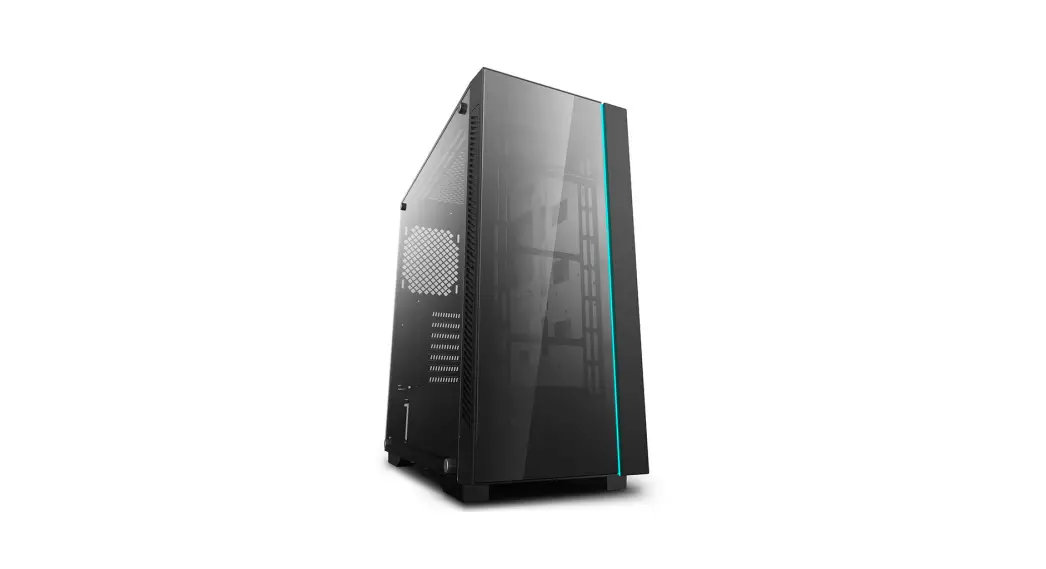
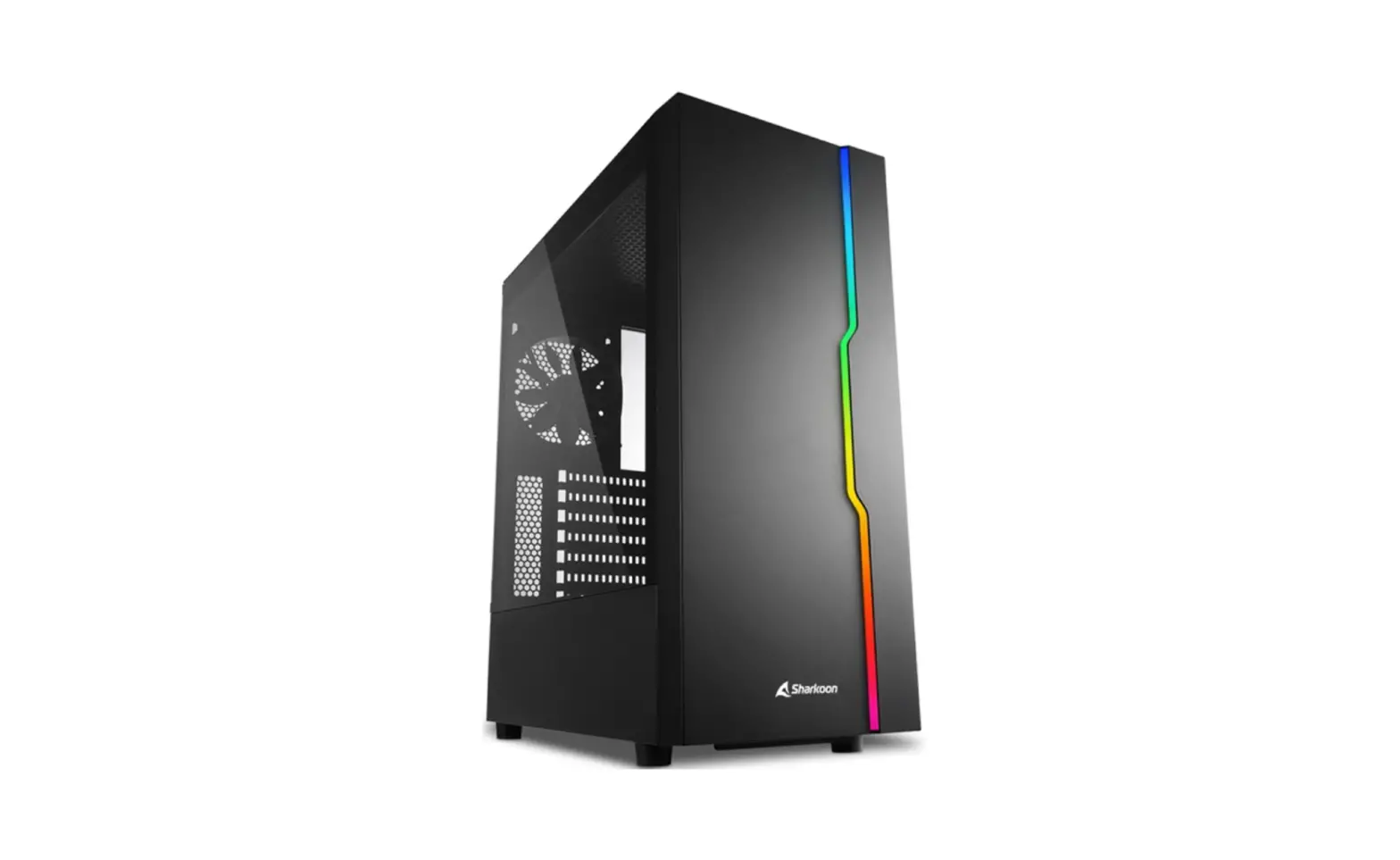
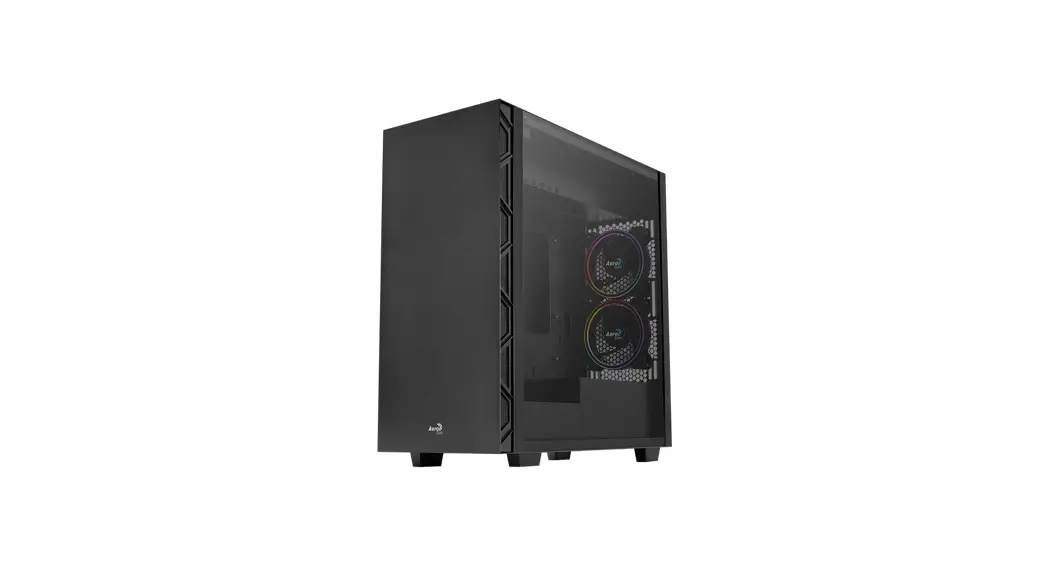
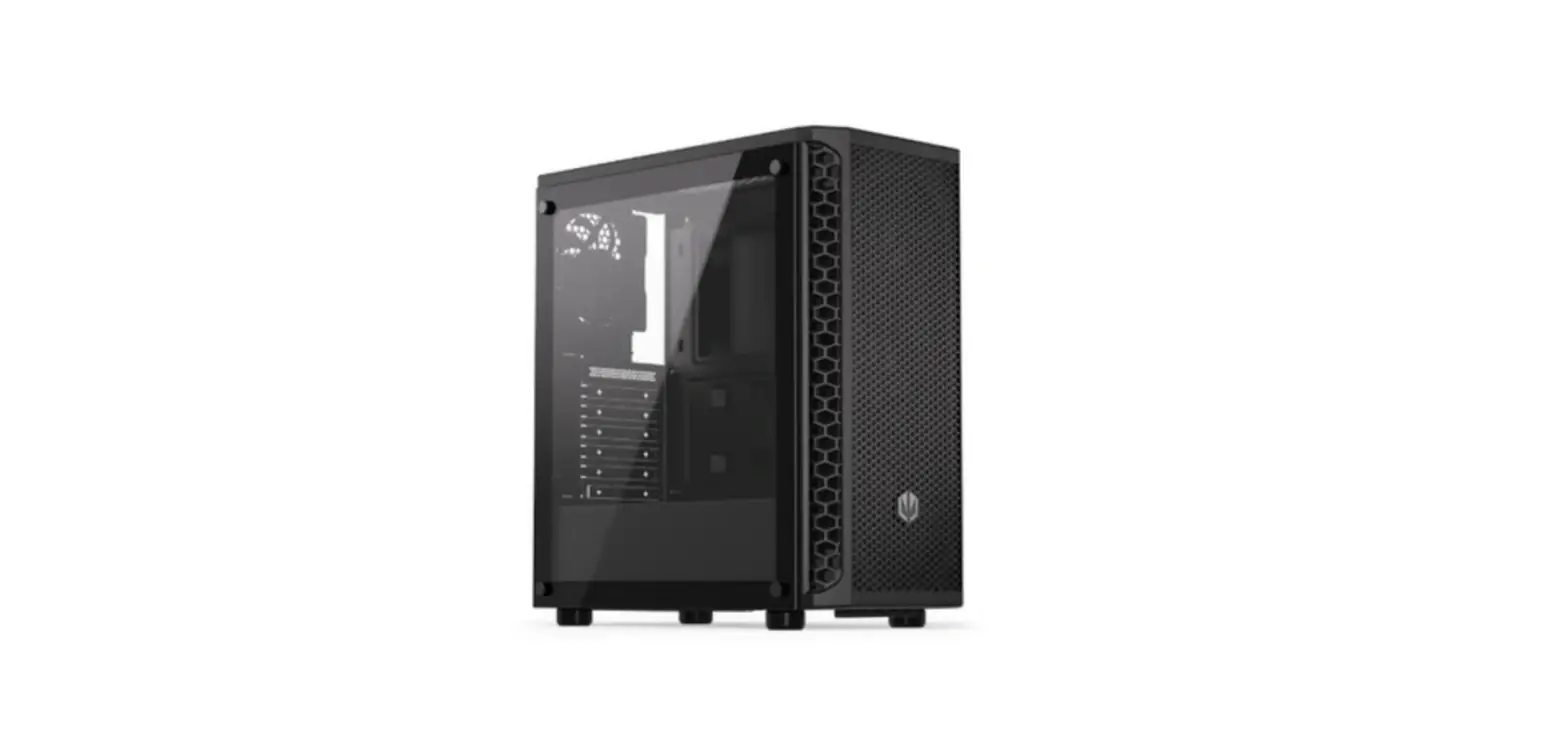
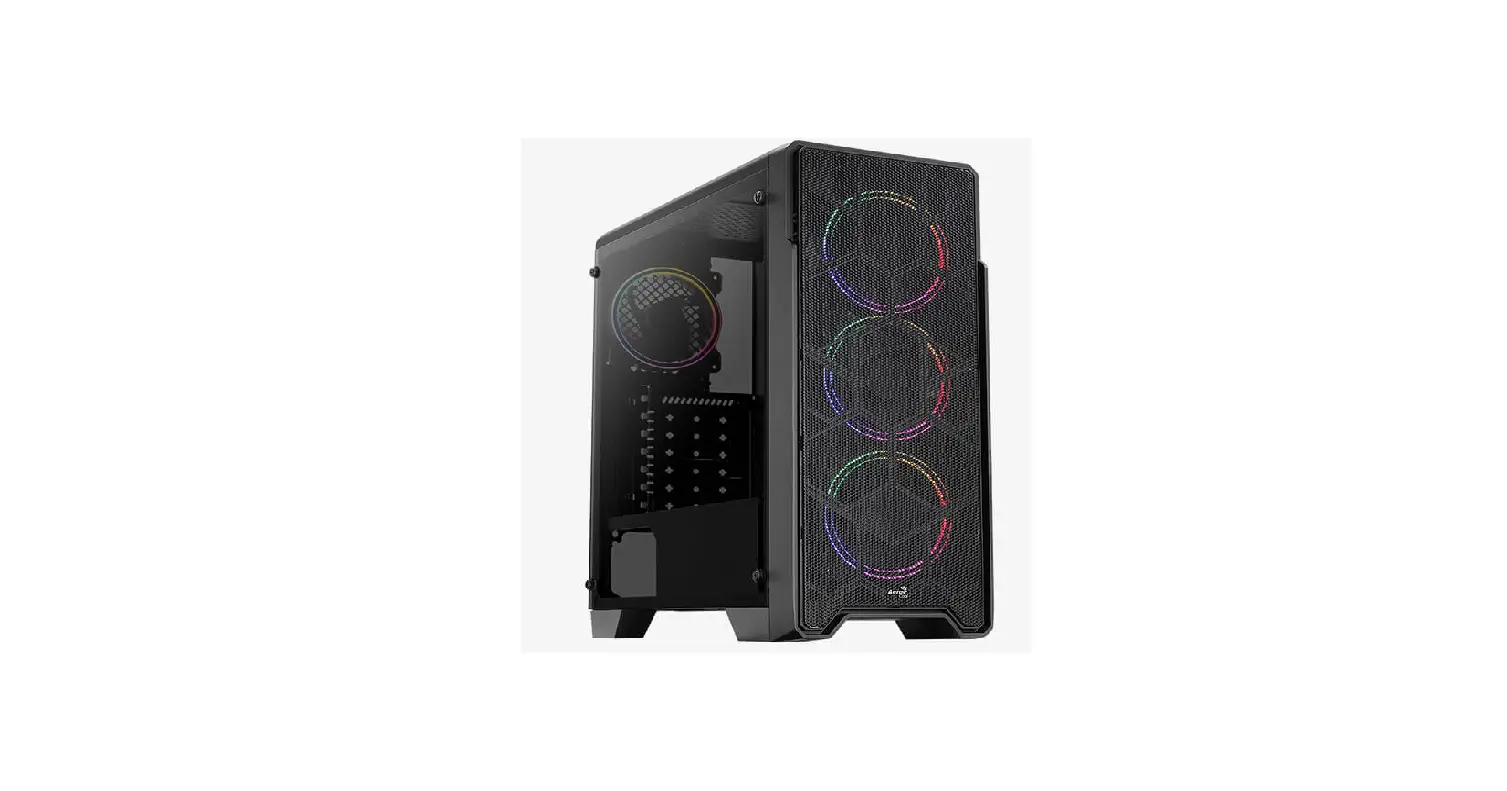
The S25-W is a gaming case designed with a classic and
minimalistic aesthetic. It features a large acrylic window on the
case, showcasing the installed hardware. The case comes with a
pre-installed LED fan on the rear panel, providing atmospheric blue
lighting against the matt black casing. The S25-W is also designed
for optimal airflow, with a pre-installed 120mm LED fan at the back
and two pre-installed fans behind the front panel. It can
accommodate up to four additional fans or a radiator of up to 280mm
behind the front panel. The case has dust filters behind the front
panel, top panel, and bottom panel for easy removal and cleaning.
It also features a power supply tunnel for cable management and
cable pass-throughs to keep the cabling tidy. The front panel is
cable-free and can be easily detached without disconnecting any
wiring. The S25-W offers various installation possibilities,
including room for larger components such as graphics cards, CPU
coolers, power supplies, SSDs, HDDs, and optical drives.
Product Usage Instructions:
- Ensure that all necessary components are compatible with the
S25-W case based on the provided specifications. - Place the S25-W case on a stable surface with enough space for
installation. - Open the case by removing the side panel.
- Install the mainboard into the case, ensuring it aligns with
the expansion slots. - Install the graphics card into the appropriate slot, making
sure it doesn’t exceed the maximum height specified. - If using an aftermarket CPU cooler, install it according to its
instructions. Take advantage of the opening in the mainboard tray
for easier installation. - Install the power supply into the power supply tunnel, making
sure it doesn’t exceed the maximum height specified. - Install any desired SSDs, HDDs, and optical drives into their
respective drive mounts. The drive mounts can be removed if
desired. - Connect the necessary cables from the components to the
appropriate connectors on the mainboard. - Route the cables through the cable pass-throughs to ensure a
tidy cable management system. - Install additional fans or a radiator behind the front panel if
desired, following the specifications provided. - Attach the side panel back onto the case.
- Connect any peripherals or devices to the USB 3.0 ports and
audio jacks on the front panel. - Refer to the provided manual for any additional information or
troubleshooting.
Note: Always handle the case and its components with care to
avoid any damage. Follow proper safety precautions when working
with electrical components.
S25-W
Specifications
The S25-W is an ATX midi tower which combines a design made for high-end hardware with a classically minimalistic and straightforward appearance. With its various installation possibilities, the S25-W is suitable as either a gaming case, a media center or an office PC. There is space for up to seven fans, numerous drives and larger versions of graphics cards, CPU coolers and power supplies. The S25-W is completed with features such as removable and easy-to-clean dust filters, a cable management system and an easily detachable front panel.
Features
FOCUSED ON THE ESSENTIALS Although the S25-W has a layout which is fully made for gaming, the classic and minimalistic design addresses gamers who want, above all, to just concentrate on the essentials. Due to low-key design of the S25-W, the main highlight will be the installed hardware behind the large acrylic window of the case. The pre-installed LED fan on the rear panel provides atmospheric lighting in blue, which is perfectly accentuated against the matt black of the casing.
READY FOR THE OPTIMAL AIRFLOW The S25-W has a pre-installed 120 mm LED fan at the back and two preinstalled fans behind the front panel. In addition to this, four more fans can be installed for a customized airflow. One of these fans can be located in the HDD/SSD cage at the bottom of the case, while three other fans can be mounted under the top panel. Of course, instead of fans, a radiator of up to 280 mm can be installed behind the front panel.
CLEVER DUST PROTECTION The front panel of the S25-W has numerous air inlets (only visible from the sides of the case) to ensure a supply of cool air. So that the inside of the case is sufficiently protected from dust, there are dust filters behind the front panel, on the top panel and on the bottom panel. All the dust filters can be removed and cleaned. The dust filter on the top panel is conveniently attached with a magnetic fastening.
SYSTEMATIC TIDINESS Apart from a power supply tunnel, which houses the power supply together with its cabling, the S25-W also has cable pass-throughs to ensure that the entire cabling is tidy. An opening in the mainboard tray facilitates the installation of CPU coolers. Another advantage of the S25-W is the cable-free design of the front panel: The panel can be easily detached without having to disconnect any wiring.
VARIOUS INSTALLATION POSSIBILITIES The S25-W offers sufficient room for the installation of larger components. Graphics cards with a length of 40 cm, CPU coolers with a height of up to 16.7 cm as well as power supplies with a length up to 20.5 cm can all be accommodated within the case. In addition, up to six SSDs and three 3.5″ HDDs will find room. Even two optical drives can be installed. The drive mounts can also be removed if desired.
Product Name Form Factor Expansion Slots Interior Painting Tool-free Devices Installation Cable Management System Side Panel Weight Dimensions (L x W x H)
S25-W ATX 7 Acrylic 6.5 kg 45.0 x 21.0 x 46.5 cm
Max. Drive Bays
2 x 5.25″ | 4 x 3.5″ | 4 x 2.5″
I/O
USB 3.0 (Front): 2 | Audio (Front):
Fan Configuration
Front Panel
Rear Panel Top Panel
2x 120 mm Fan (Pre-Installed) or Radiator (Optional)
1x 120 mm LED Fan (Pre-Installed)
3x 120 mm or 2x 140 mm Fan (Optional)*
Compatibility
Mainboard Max. Length Graphics Card Max. Height CPU Cooler Max. Length PSU Max. Height Radiator incl. Fan (Front)
Mini-ITX, Micro-ATX, ATX 40.0 cm 16.7 cm 20.5 cm 5.5 cm
Package Contents
S25-W, Accessory Set, Manual
EAN Code
S25-W
* when 5.25″ drive mounting bracket is removed
4044951019304
01
02