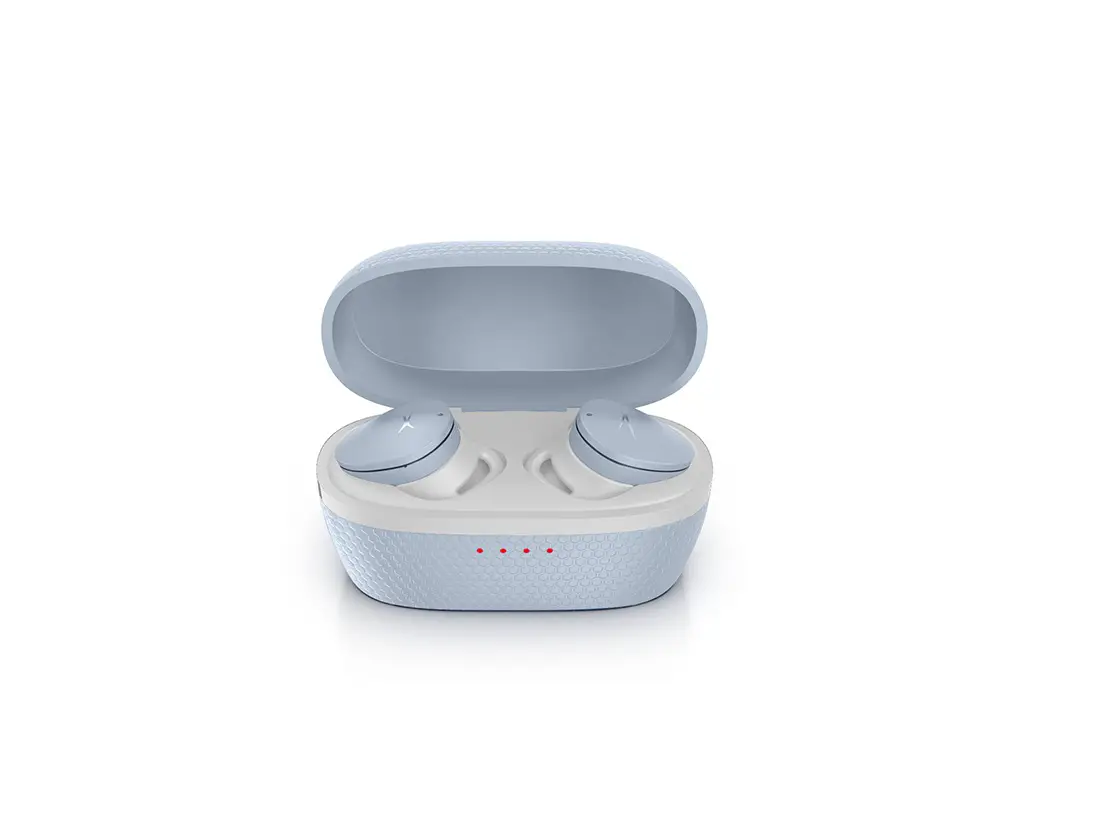
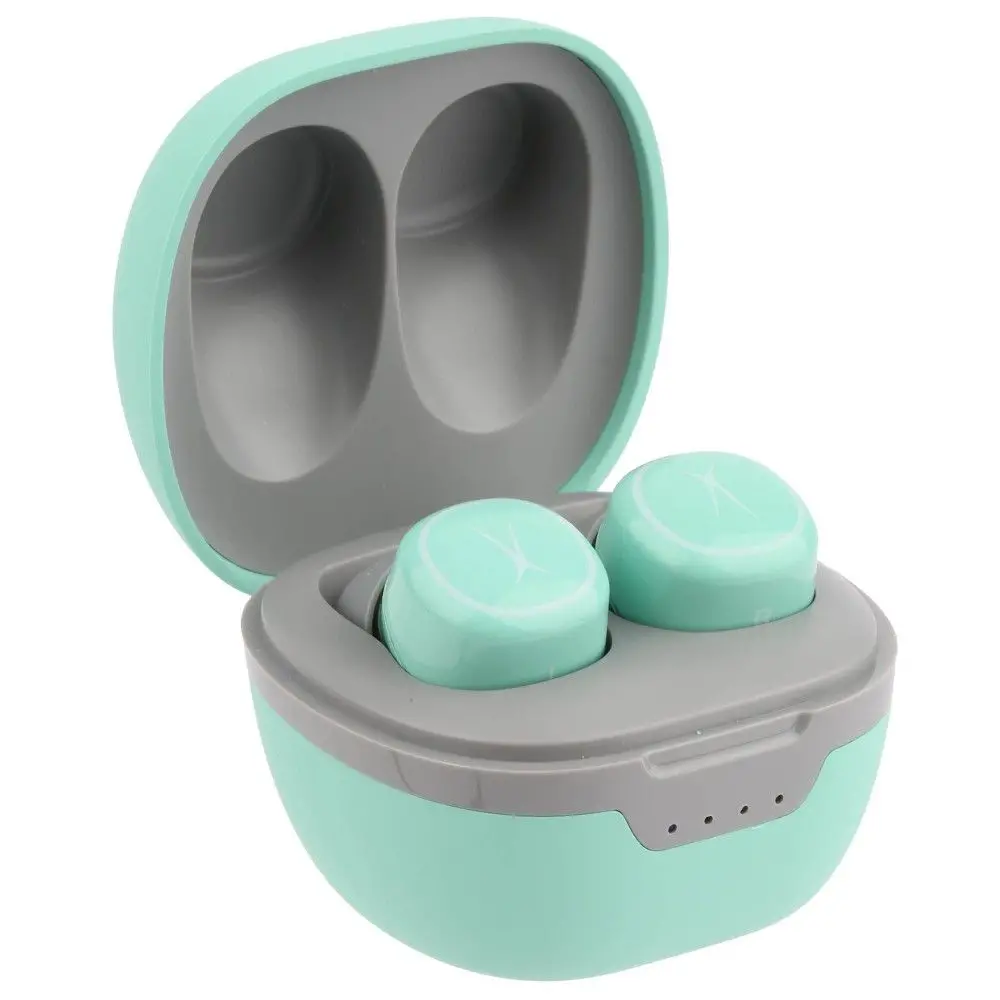
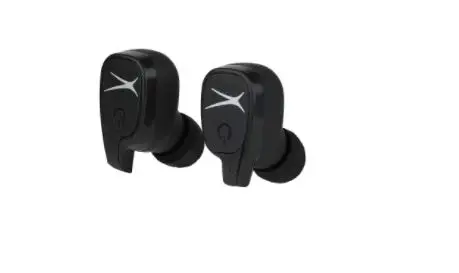
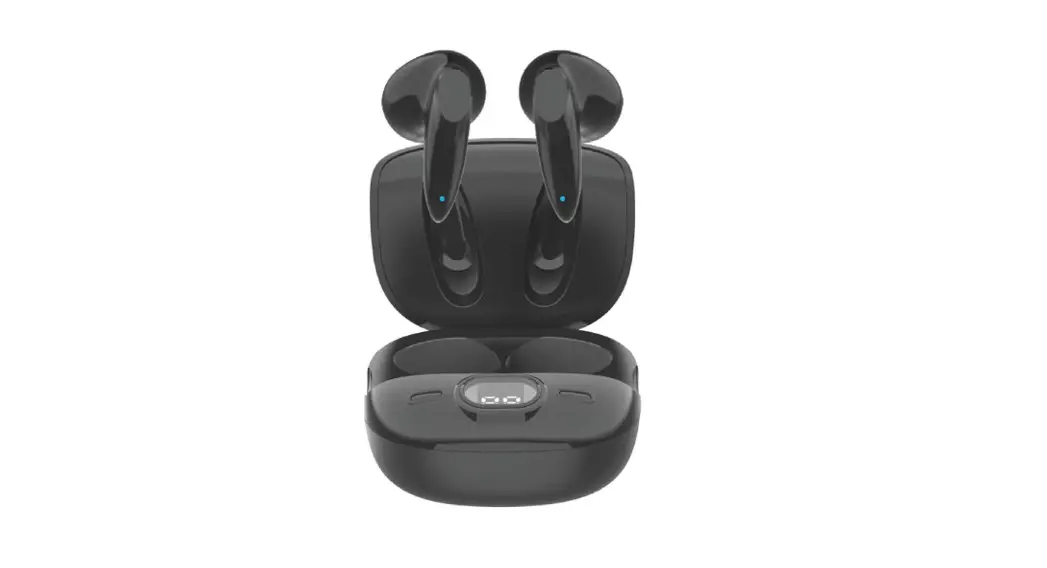
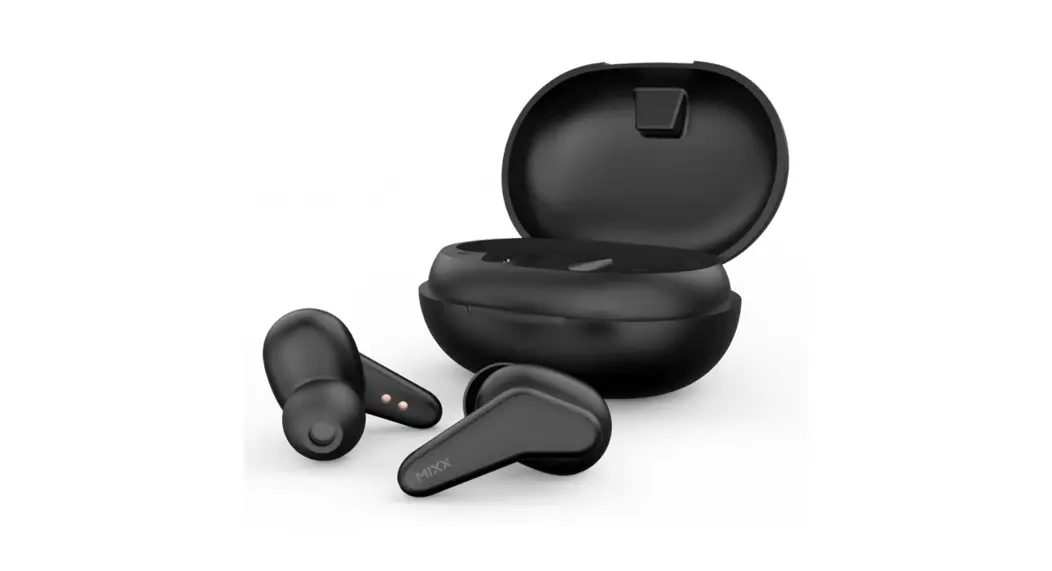
MZX5001 AL Nanobuds 3.0 True Wireless Earbuds
Product Information:
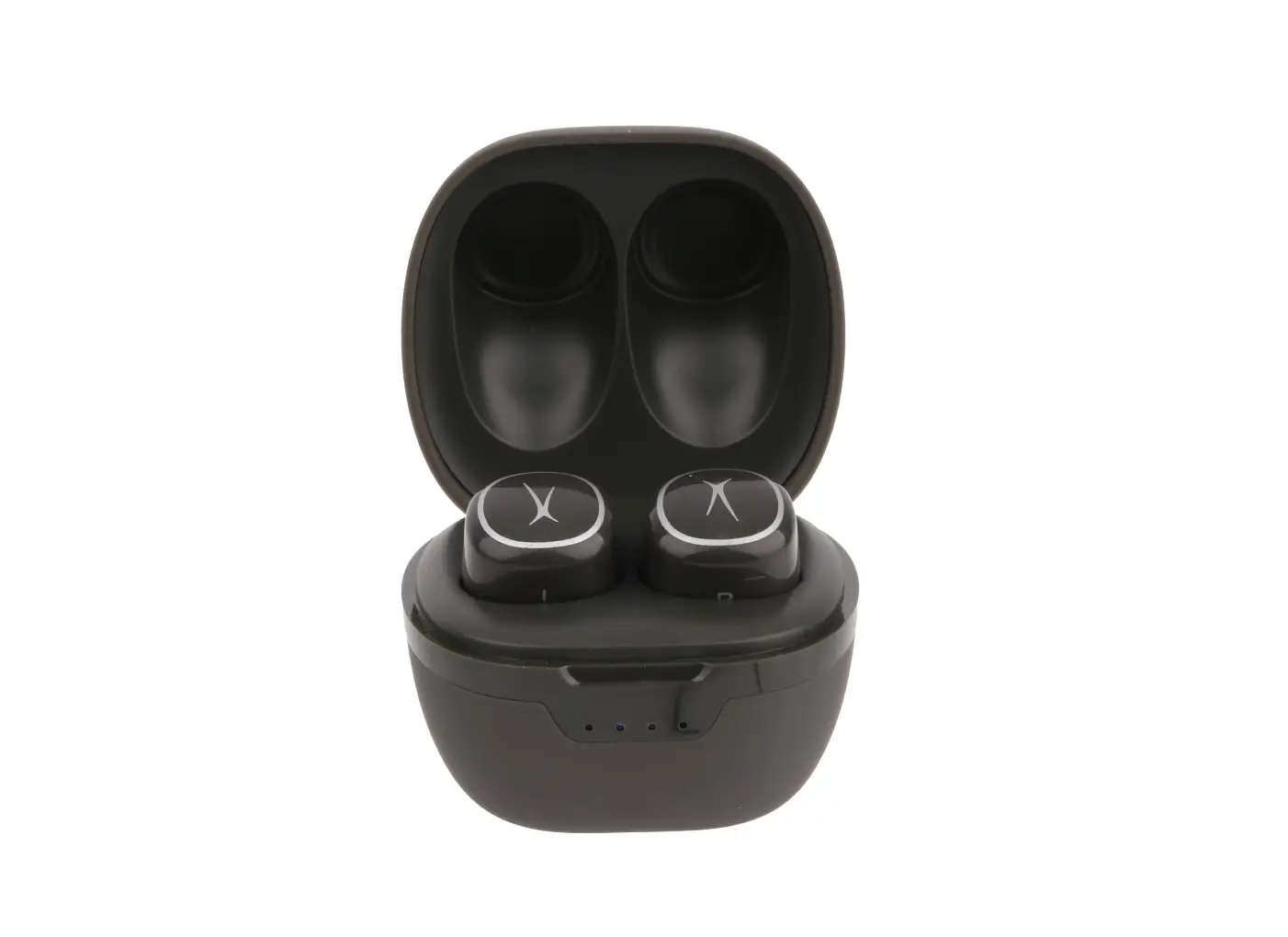
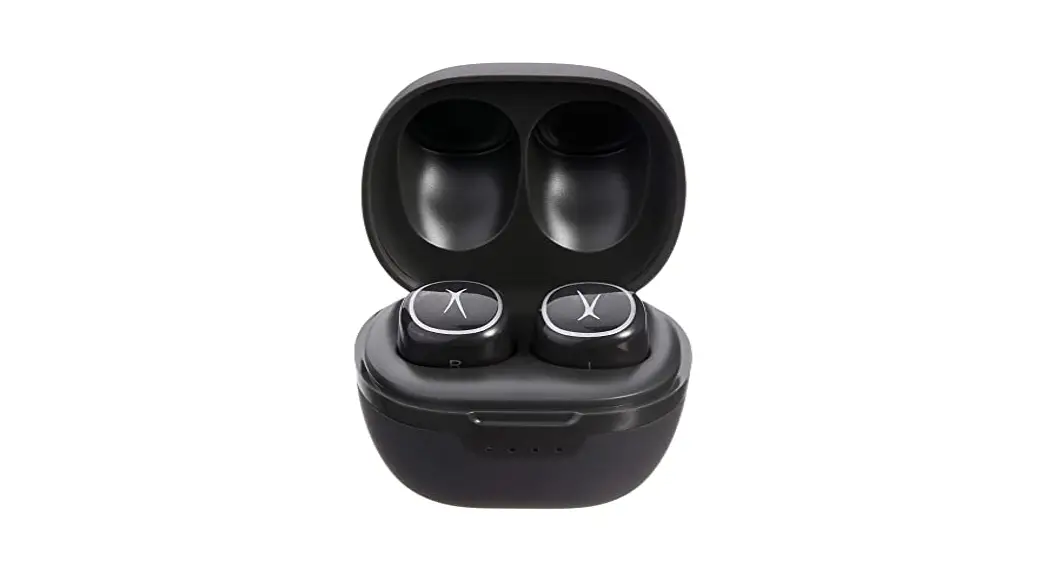
The product is a pair of Wireless Earbuds that come with a voice
assistant feature. It is designed for use with smartphones equipped
with a voice assistant. The earbuds come with a charging case and
have Bluetooth connectivity.
Features:
- Wireless earbuds with voice assistant
- Charging case
- Bluetooth connectivity
Product Usage Instructions:
- For the first use, follow these steps:
- Remove the earbuds from the case.
- Remove the sticker from both earbud charging contacts.
- Place the earbuds back in the case.
- Remove the earbuds from the case again. This will activate the
earbuds.
- To use the voice assistant feature, make sure you have a phone
that is equipped with a voice assistant. - Ensure that you are within Bluetooth range to use the voice
assistant via your Wireless Earbuds. - The voice assistant feature will not work if a voice assistant
is not first enabled within the settings on your phone. Refer to
your phone’s user manual for more information on enabling the voice
assistant.
For the first use, please remove the earbuds from case and remove the sticker from both earbud charging contacts. Next, place earbuds back in case then remove from case. This will activate earbuds.
*To use voice assistant, you must have a phone that is equipped with a voice assistant.
*You must be within Bluetooth range to use voice assistant via your Wireless Earbuds.
Your Wireless Earbud’s voice assistant feature will not work if a voice assistant is not first enabled within the settings on the phone. For more information, see your phone’s user manual.