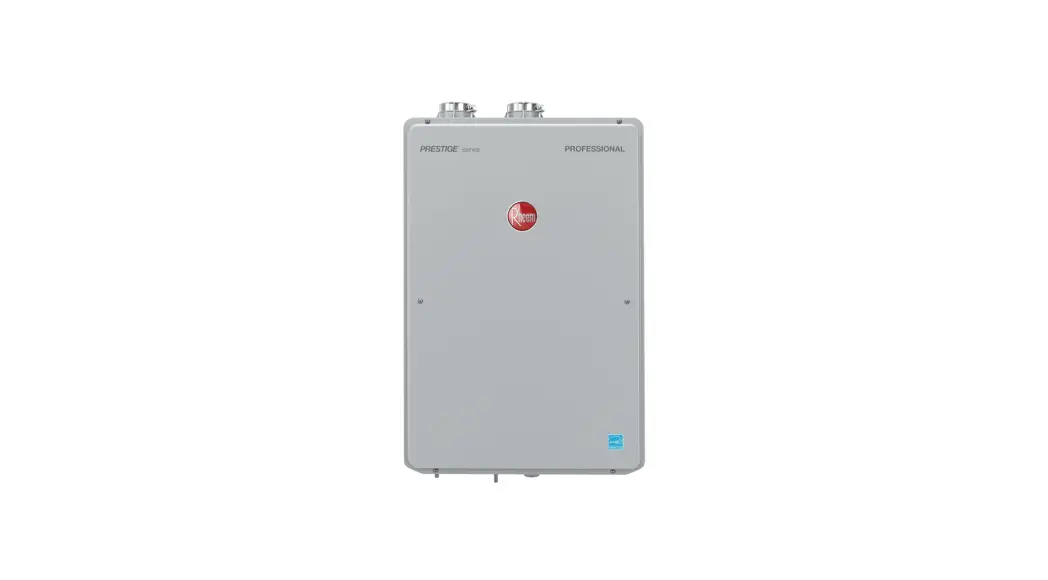
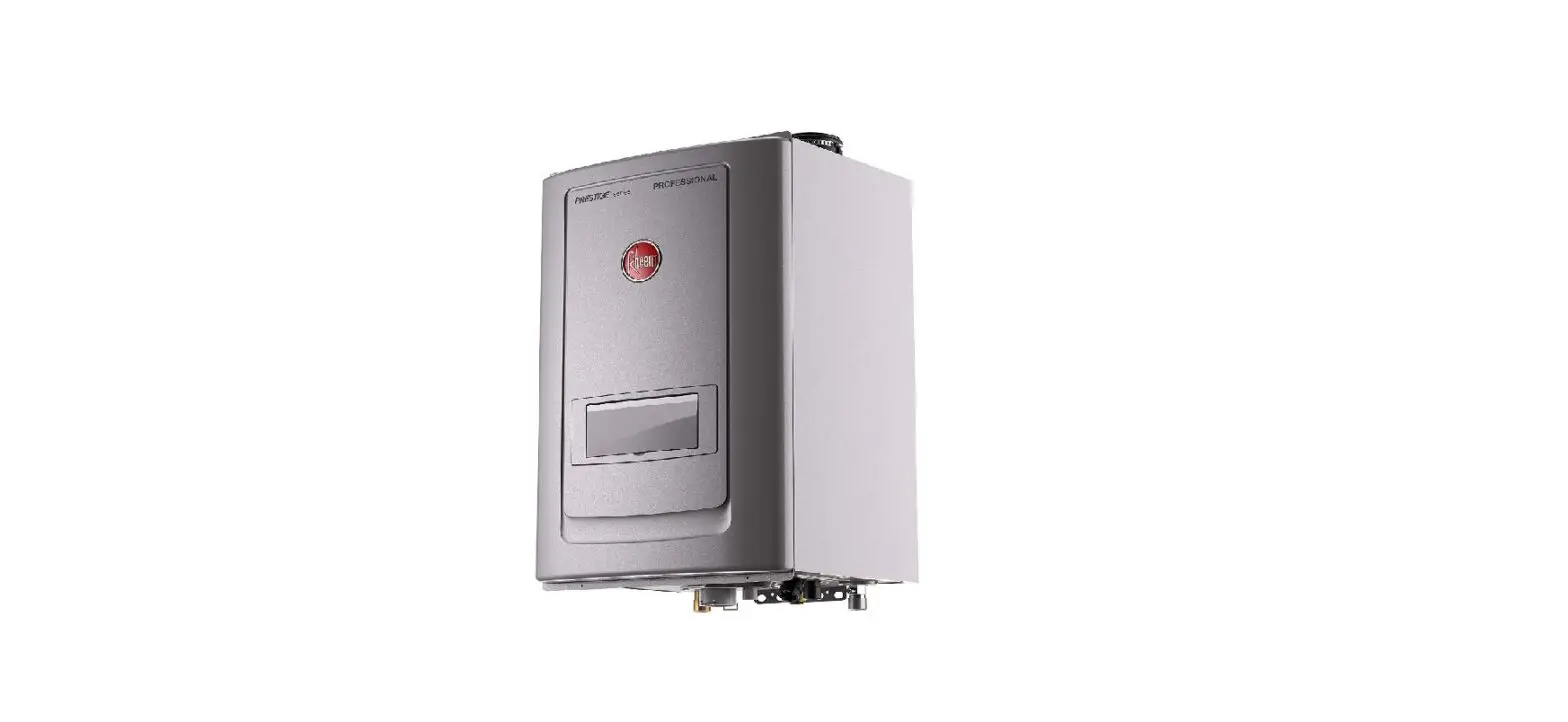
AP22604 Super High Efficiency Condensing Tankless Water Heater Outdoor Kit
Product Information:
The Super High Efficiency Condensing Tankless Water Heater
Outdoor Kit is designed to convert compatible tankless water
heaters for outdoor installation. The kit includes various
components such as the outdoor box, junction box panels, wire
harness, screws, display cover, mounting bracket, and additional
parts for WiFi models.
The conversion kit is compatible with the following tankless
water heater models:
- ECOH160DVELN-3
- RTGH-90DVLN-3
- ECOH160DVELP-3
- RTGH-90DVLP-3
- ECOH180DVELN-3
- RTGH-95DVELN-3
- ECOH180DVELP-3
- RTGH-95DVELP-3
- ECOH200DVELN-3
- RTGH-95DVLN-3
- ECOH200DVELP-3
- RTGH-95DVLP-3
- RMTGH84DVELN-3
- RUTGH-68DVLN-3
- RMTGH84DVELP-3
- RUTGH-68DVLP-3
- RMTGH90DVELN-3
- RUTGH-84DVLN-3
- RMTGH90DVELP-3
- RUTGH-84DVLP-3
- RMTGH95DVELN-3
- RUTGH-90DVLN-3
- RMTGH95DVELP-3
- RUTGH-90DVLP-3
- RTGH-68DVLN-3
- RUTGH-95DVELN-3
- RTGH-68DVLP-3
- RUTGH-95DVELP-3
- RTGH-84DVLN-3
- RUTGH-95DVLN-3
- RTGH-84DVLP-3
- RUTGH-95DVLP-3
It is important to follow the installation instructions provided
to ensure proper and safe installation of the outdoor conversion
kit.
Product Usage Instructions:
Exhaust Hood Installation:
- Locate the four screws on top of the unit that will be used to
mount the exhaust hood. - Loosen the four screws by turning them 5 or 6 times to prepare
for the mounting brackets. - Slide the mounting bracket onto the screws, ensuring it is
fully inserted along the guides. - Tighten the screws to secure the brackets to the unit.
- Place the exhaust hood on top of the unit, aligning the exhaust
pipe to the outlet flue connection of the unit. - Secure the exhaust hood to the mounting brackets using four
screws. - After completing all installation steps, peel off the
protective film from all external surfaces.
Junction Box Installation:
- Remove the four screws of the front cover to access the
unit. - Disconnect the power cable by disconnecting the Molex
connector, ground screw, and strain relief. - Locate the junction box mounting location and power cord
grommet. - Mount the back of the junction box with the two provided
screws. - Connect the wire harness to the power supply using wire
nuts. - Connect the ground wire to the back of the junction box using
the ground screw. - Install the strain relief into the junction box.
- Run the wire harness through the cutout and add the front cover
of the junction box with one screw. - Reconnect the Molex connector of the wire harness to the
unit.
WiFi Models – Wall Mounted Display Installation:
- Ensure that the screw is flush to the mount and does not
protrude, as it may interfere with the display. - Replace the display cable with the provided 10ft cable.
Following these instructions will help ensure a safe and
successful installation of the Super High Efficiency Condensing
Tankless Water Heater Outdoor Kit.
Super High Efficiency Condensing Tankless Water Heater Outdoor Kit Installation Instructions
AP22604 Rev 01
CONVERSION KIT CONTAINS THE FOLLOWING PARTS:
Outdoor Box
Installation Instructions
Junction Box Back Panel
Junction Box Front Panel
Junction Box Wire Harness
Screws (4) for Slide Mounting Bracket
Screws (3) for Junction Box
Display Cover
Outdoor Kit Mounting Bracket
FOR WIFI MODELS ONLY:
Wood Screws (2) for Display Mount
10 ft. Cable
Display Mounting Back
Display Mounting Front
2
Anchors (2)
! WARNING:
If the information in these instructions is not followed exactly, a fire or explosion may result, causing death, personal injury, or property
damage.
SAFETY PRECAUTIONS
· Read these instructions and the water heater instruction manual before installing this outdoor conversion kit.
· Use this outdoor conversion kit for only the intended purpose as described in these instructions.
· Be sure to install your water heater properly in accordance with local codes and the installation instructions provided.
· DO NOT attempt to repair or replace any other parts not provided in this outdoor conversion kit.
· All servicing should be referred to a qualified technician.
The outdoor conversion instructions are only for tankless water heaters with model numbers beginning with:
ECOH160DVELN-3
RTGH-90DVLN-3
ECOH160DVELP-3
RTGH-90DVLP-3
ECOH180DVELN-3
RTGH-95DVELN-3
ECOH180DVELP-3
RTGH-95DVELP-3
ECOH200DVELN-3
RTGH-95DVLN-3
ECOH200DVELP-3
RTGH-95DVLP-3
RMTGH84DVELN-3
RUTGH-68DVLN-3
RMTGH84DVELP-3
RUTGH-68DVLP-3
RMTGH90DVELN-3
RUTGH-84DVLN-3
RMTGH90DVELP-3
RUTGH-84DVLP-3
RMTGH95DVELN-3
RUTGH-90DVLN-3
RMTGH95DVELP-3
RUTGH-90DVLP-3
RTGH-68DVLN-3
RUTGH-95DVELN-3
RTGH-68DVLP-3
RUTGH-95DVELP-3
RTGH-84DVLN-3
RUTGH-95DVLN-3
RTGH-84DVLP-3
RUTGH-95DVLP-3
The installation of this Outdoor Conversion Kit requires that the installer have the following tools: 1. Phillips head screw driver 2. Wire nuts (2) 3. Power cord for hard-wiring
EXHAUST HOOD INSTALL
1
Locate 4 screws on top of the unit that will be used to mount the exhaust hood.
2
Loosen the four screws to prepare for the mounting brackets. (5 or 6 turns).
3
Slide mounting bracket onto screws. Before tightening, ensure bracket is inserted along guides fully.
! CAUTION: Front opening and their surrounding area can be hot while the water heater is
operating. DO NOT touch these area. DO NOT block these opening.
3
DISPLAY INSTALLATION OPTIONS
4
Tighten screws to secure the brackets to the unit.
!
5
Place the exhaust hood on the top of the unit by aligning the exhaust pipe to the outlet flue connection of the unit.
WiFi Models
· Option 1: Install Display Cover Over Display Inside of Unit (See: DISPLAY COVER INSTALL).
· Option 2: For a better WiFi connection, display can be installed inside the home. See WALL MOUNTED DISPLAY INSTALL.
6
Secure the exhaust hood to the mounting brackets with 4 screws.
7
After completion of all installation steps, peel off protective film from all external surfaces.
Non-WiFi Models
· Display cover installed to protect display.
4
JUNCTION BOX INSTALL
1
Remove 4 screws of Front Cover to access into unit.
B
Green
C A
Black
White
5
A) Connect the wire harness to the power supply via wire nuts. B) Connect the ground wire to the back of junction box via the ground screw. C) Install strain relief into the junction box.
2
Remove power cable by disconnecting Molex connector, ground screw and strain relief.
B A
6
A) Run the wire harness through the cut out. B) Add the front cover of the junction box with one screw.
3
Locate junction box mounting location and power cord grommet.
7
Reconnect the Molex connector of the wire harness to the unit.
4
Mount Back of junction box with two screws provided. 5
WIFI MODELS ONLY WALL MOUNTED DISPLAY INSTALL
4
1
Ensure screw is flush to mount and does not protrude, as it will interfere with the display.
1A
Replace display cable with 10ft cable.
5
Pull wire through designated route at the top left of the mount.
2
Run cable through wall to display location.
6
Rest display in “cup” at the bottom of mount and push into retention clips at the top.
3
Use two screws to mount back of wall mount to wall/ desired location.
6
NON-WIFI AND WIFI (OPTIONAL) DISPLAY COVER INSTALL
NOTE: For best connectivity on WiFi models, follow instructions for Wall Mount of the display.
7
Have enough slack in wire to plug into the bottom of the display.
8
Ensure wire is tucked inside of the retention clip.
9
Front cover snaps onto the back of wall mount kit.
· Peel release paper to expose adhesive.
· Place display cover over display.
· Press firmly around entire cover border to ensure water tight seal.
! CAUTION:
DO NOT remove the display cover once placed. It will compromise the water tight seal. Remove 4 screws and the front cover to operate the display.
! WARNING:
Outdoor installation of the water heater requires a junction box and hard-wire (permanent) power supply per National code, state code or local code. Without an appropriate junction box or hard-wiring (permanent) power supply, electric shock or short circuit can cause death, personal injury or property damage.
1 YEAR LIMITED WARRANTY
1 Year Limited Warranty This part will be replaced at no cost (upon receipt of the defective part and proof of purchase) if it becomes defective during normal use within one year from date of purchase. This Limited Warranty does not cover labor or any other
related expenses.
7