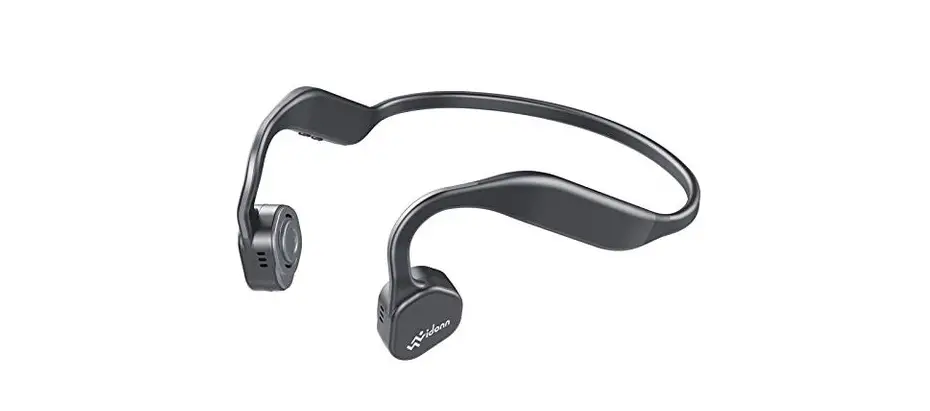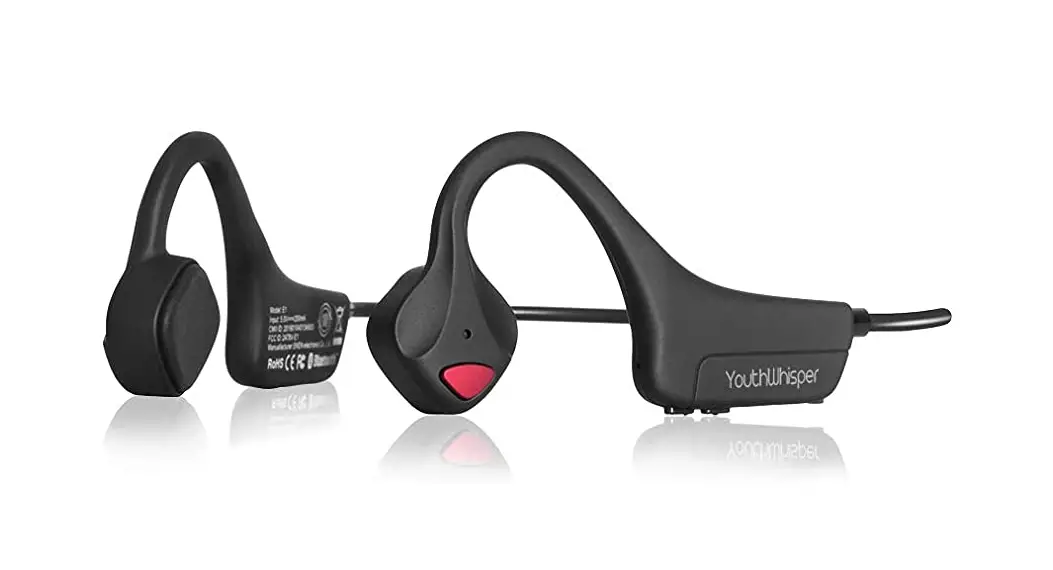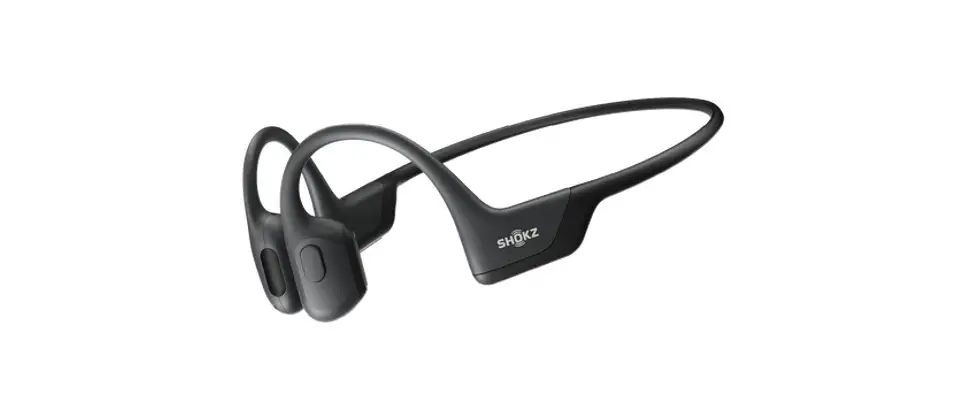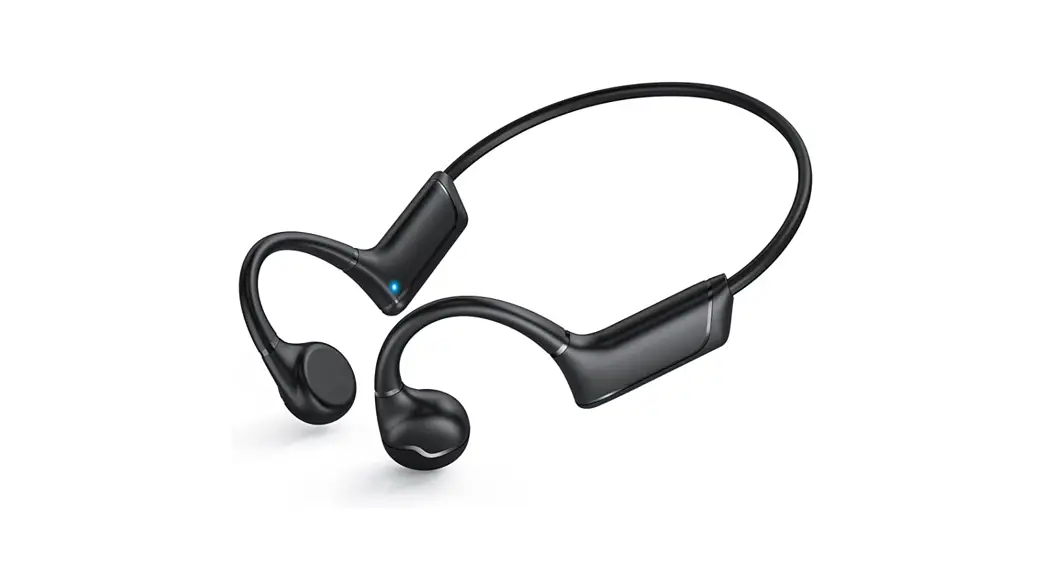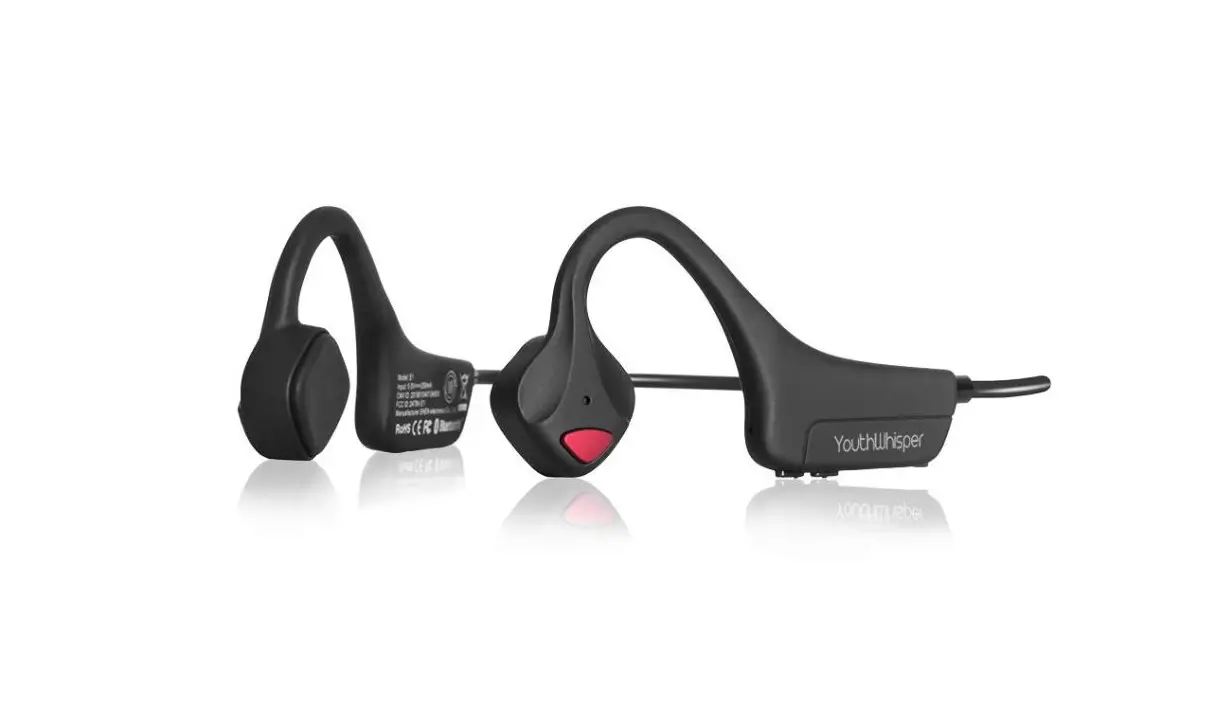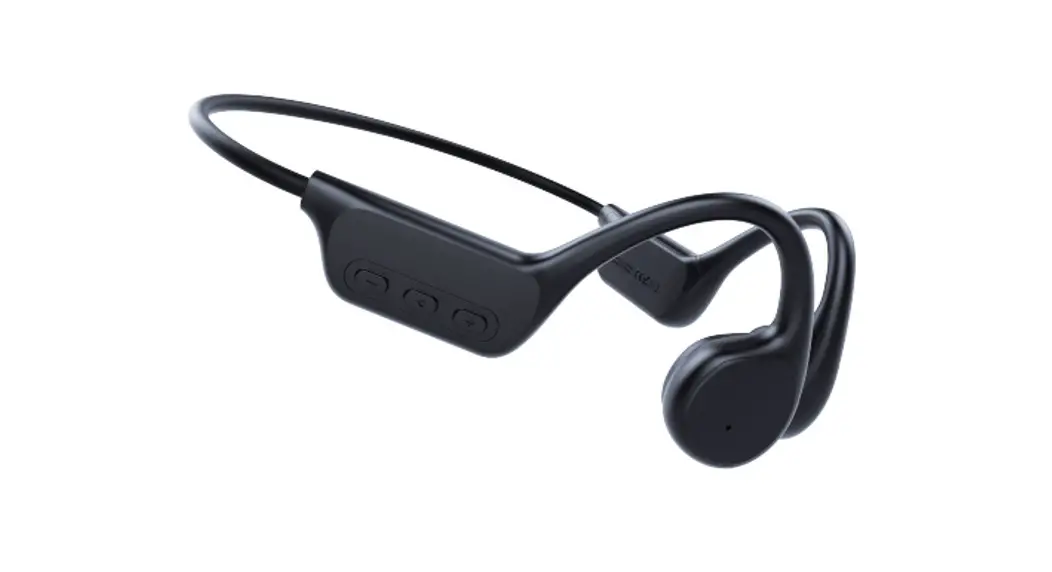
 Bone Conduction Bluetooth Earphone
 Instructions for usage and warranty
Operating instructions and Warranty description
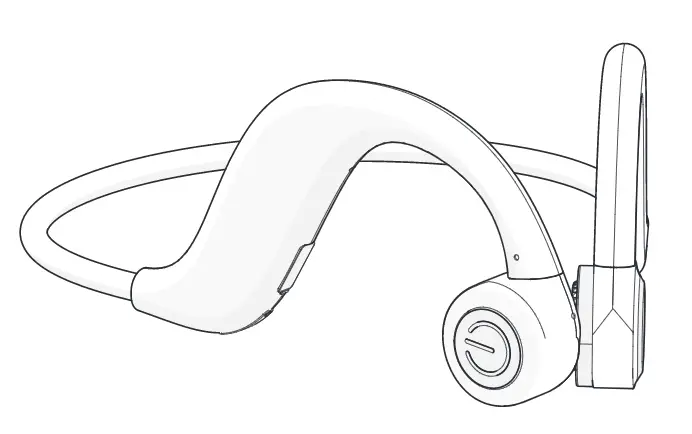
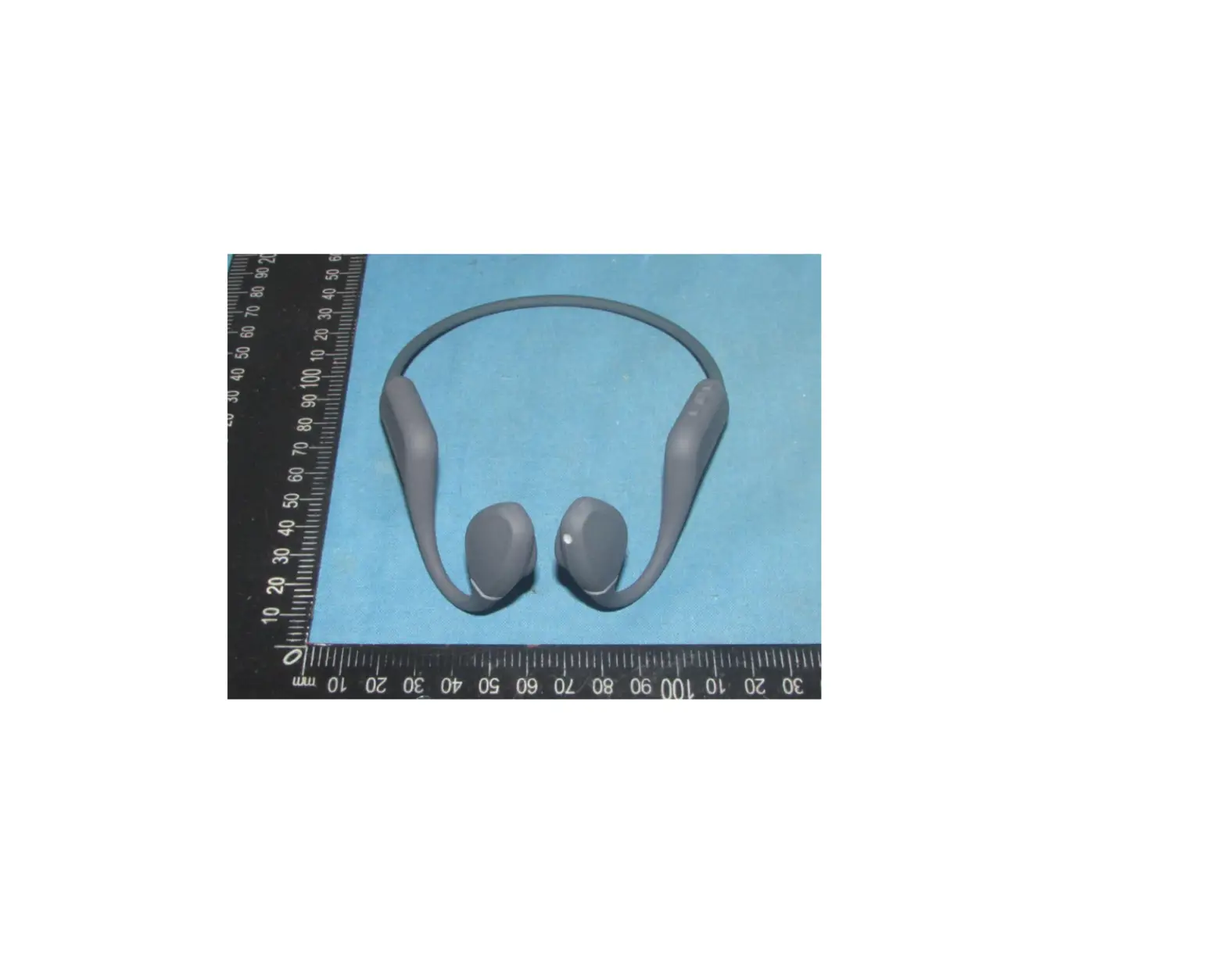
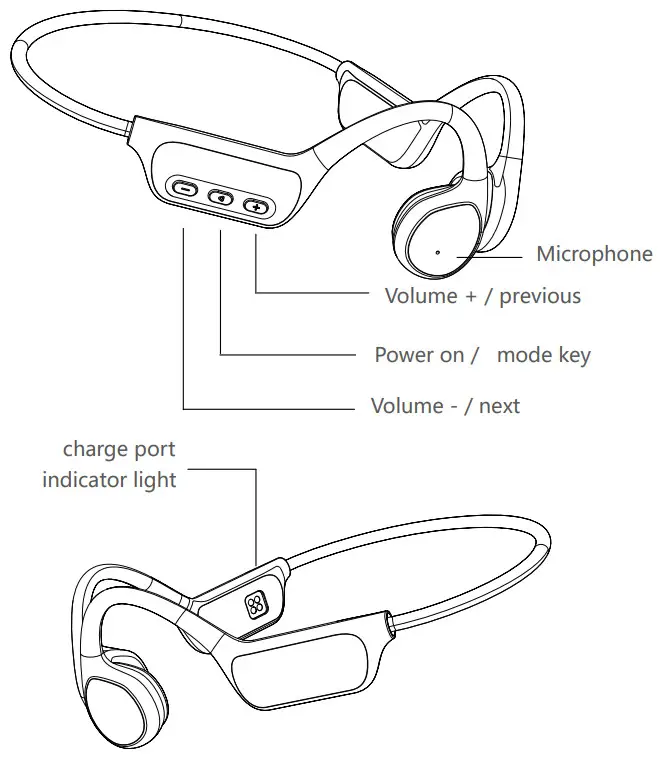
Ear phone’s introduced
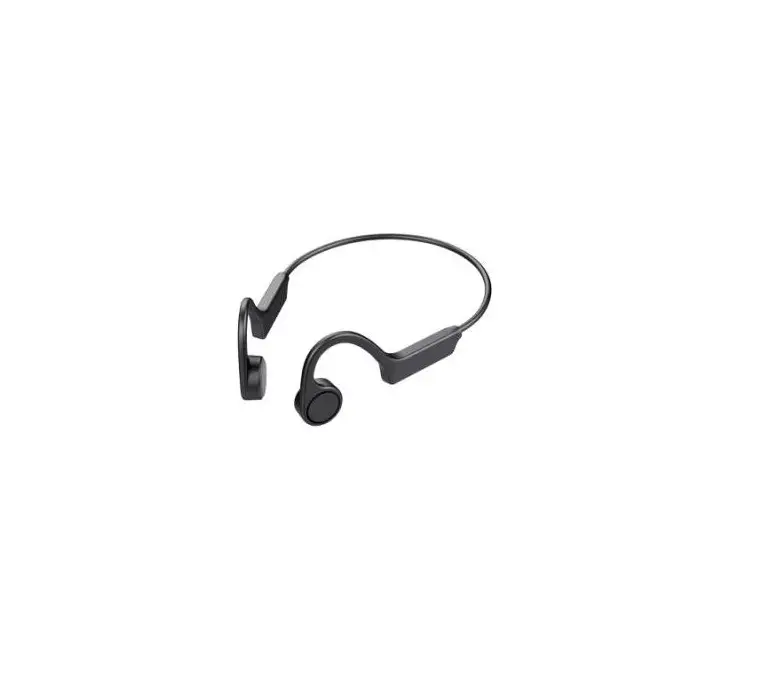
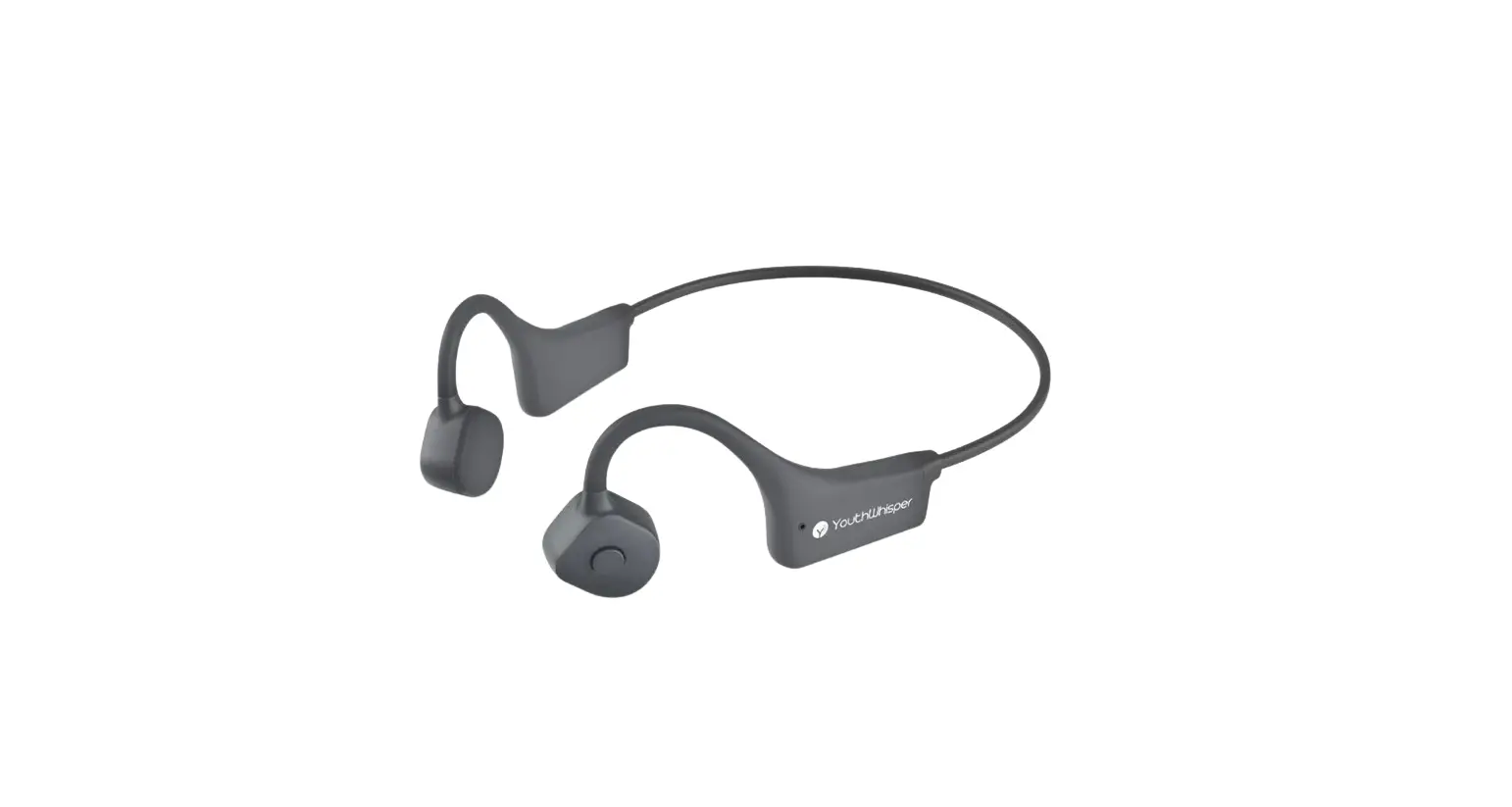
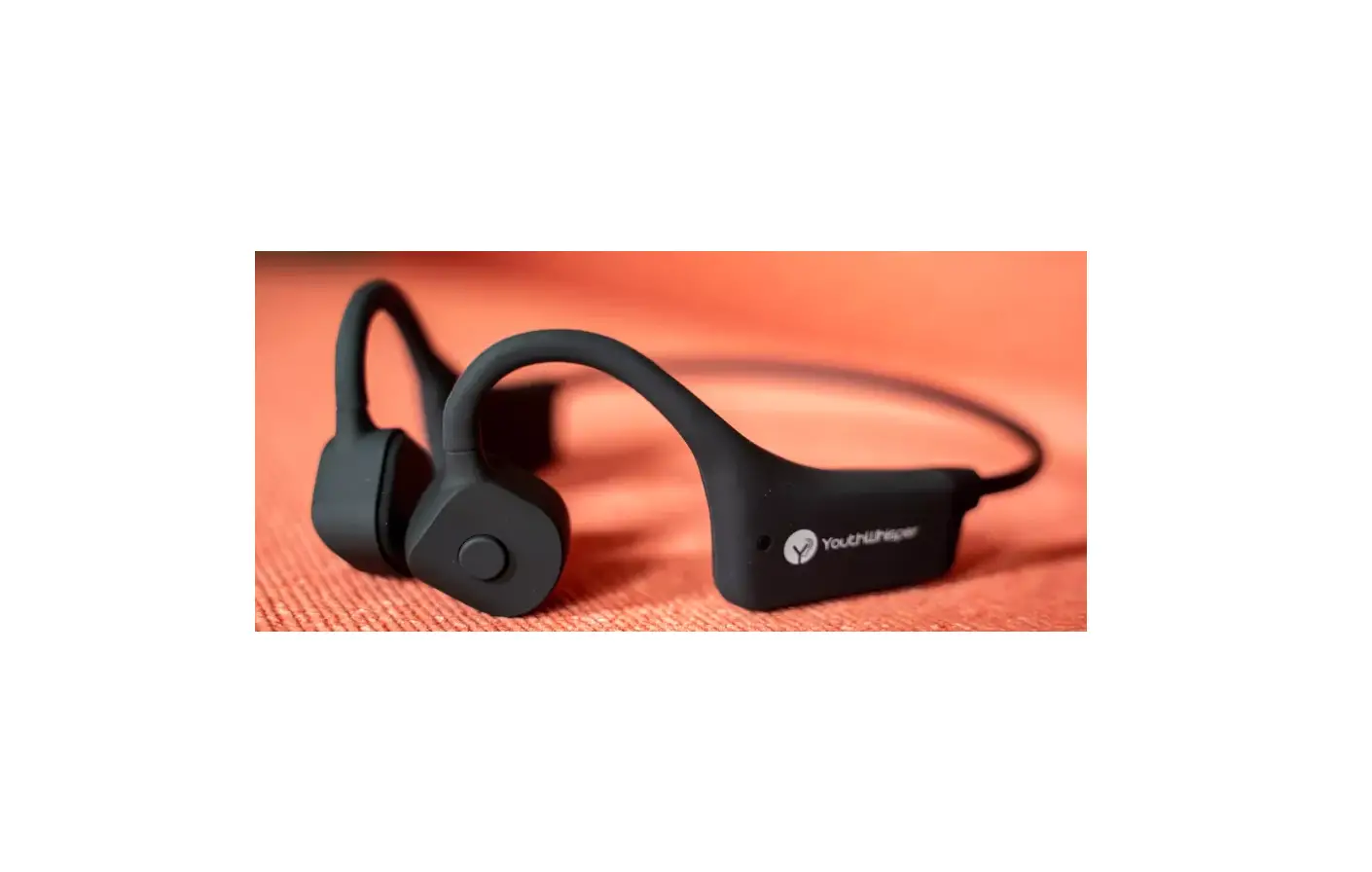
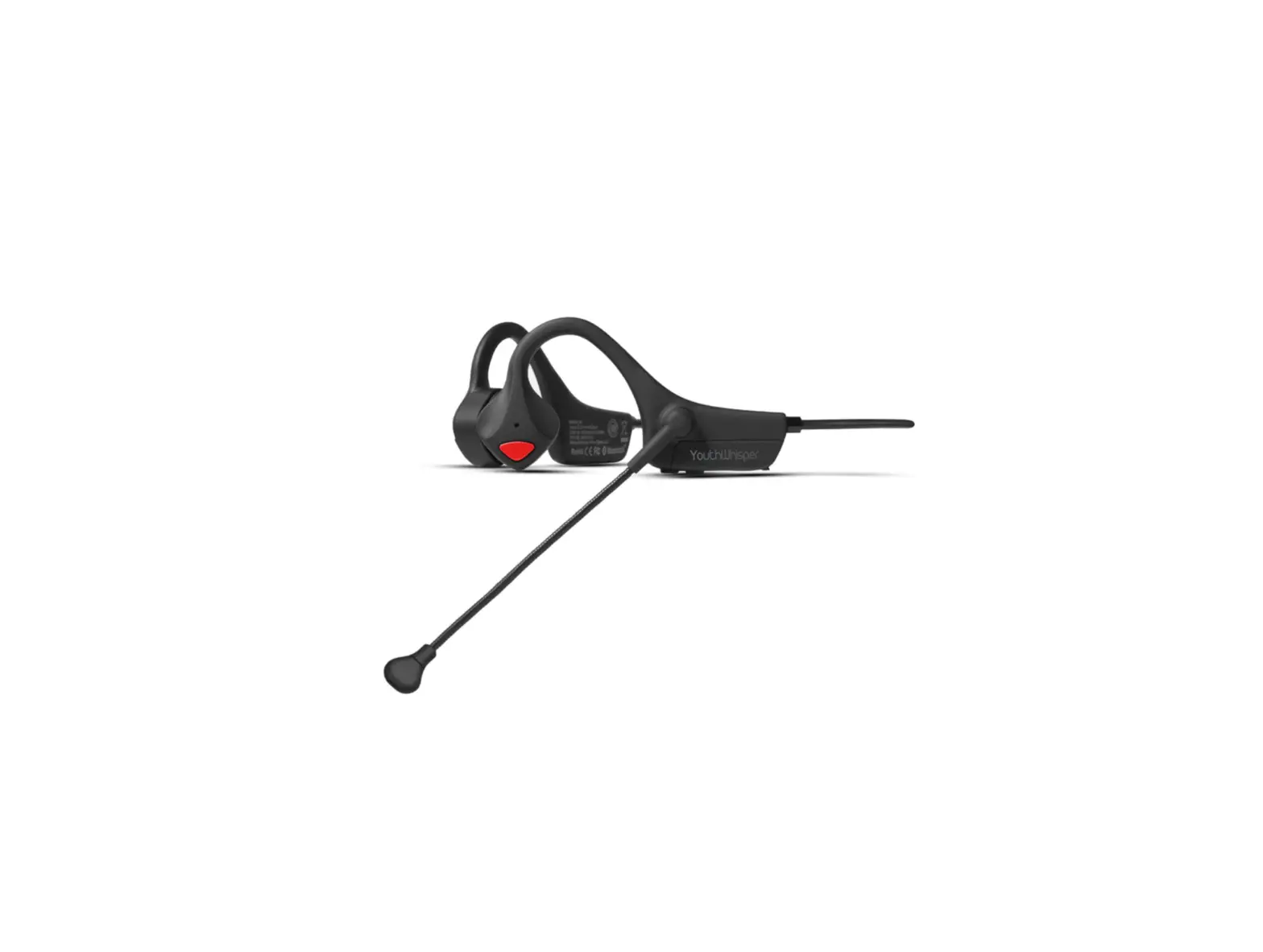
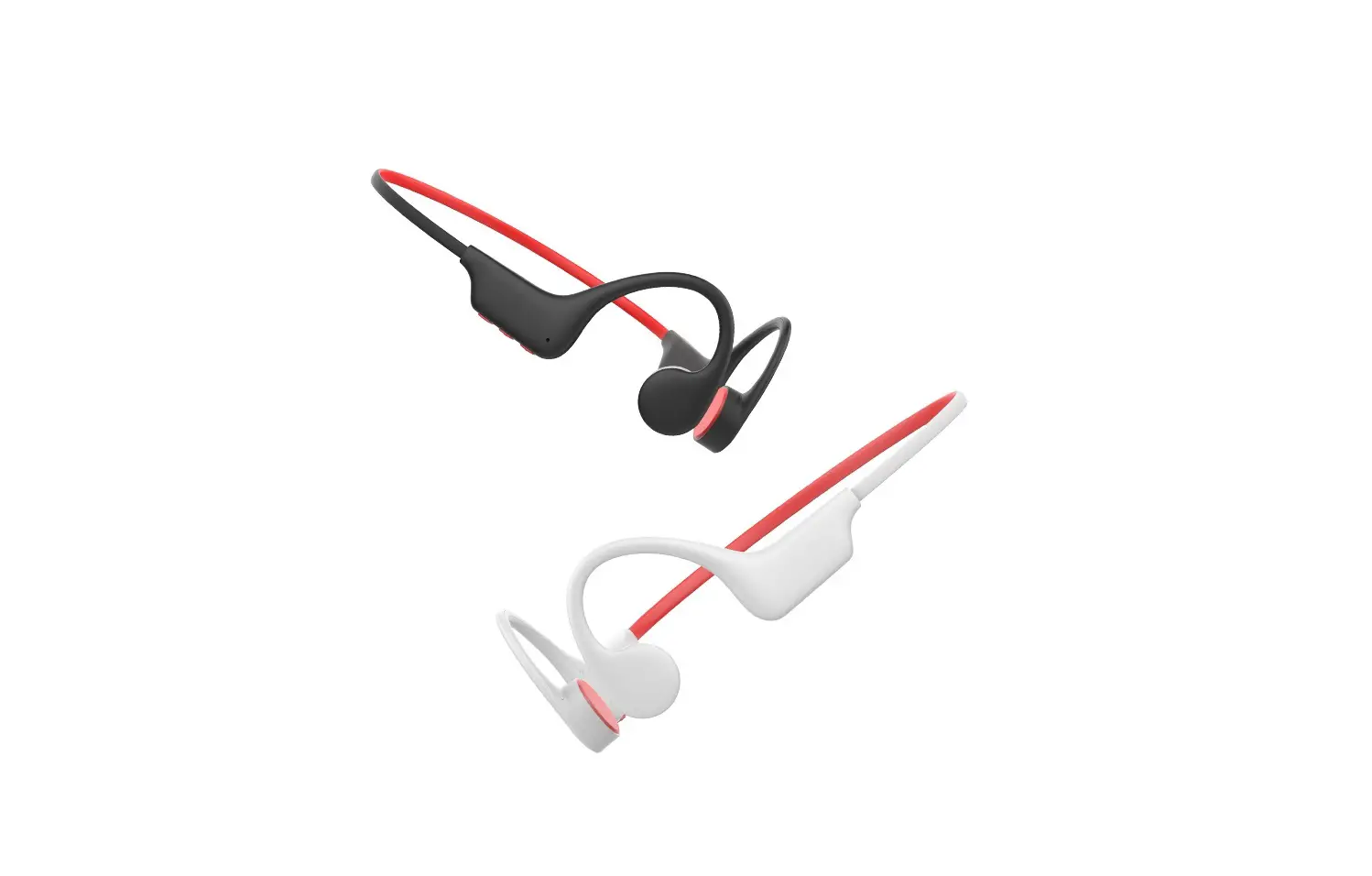
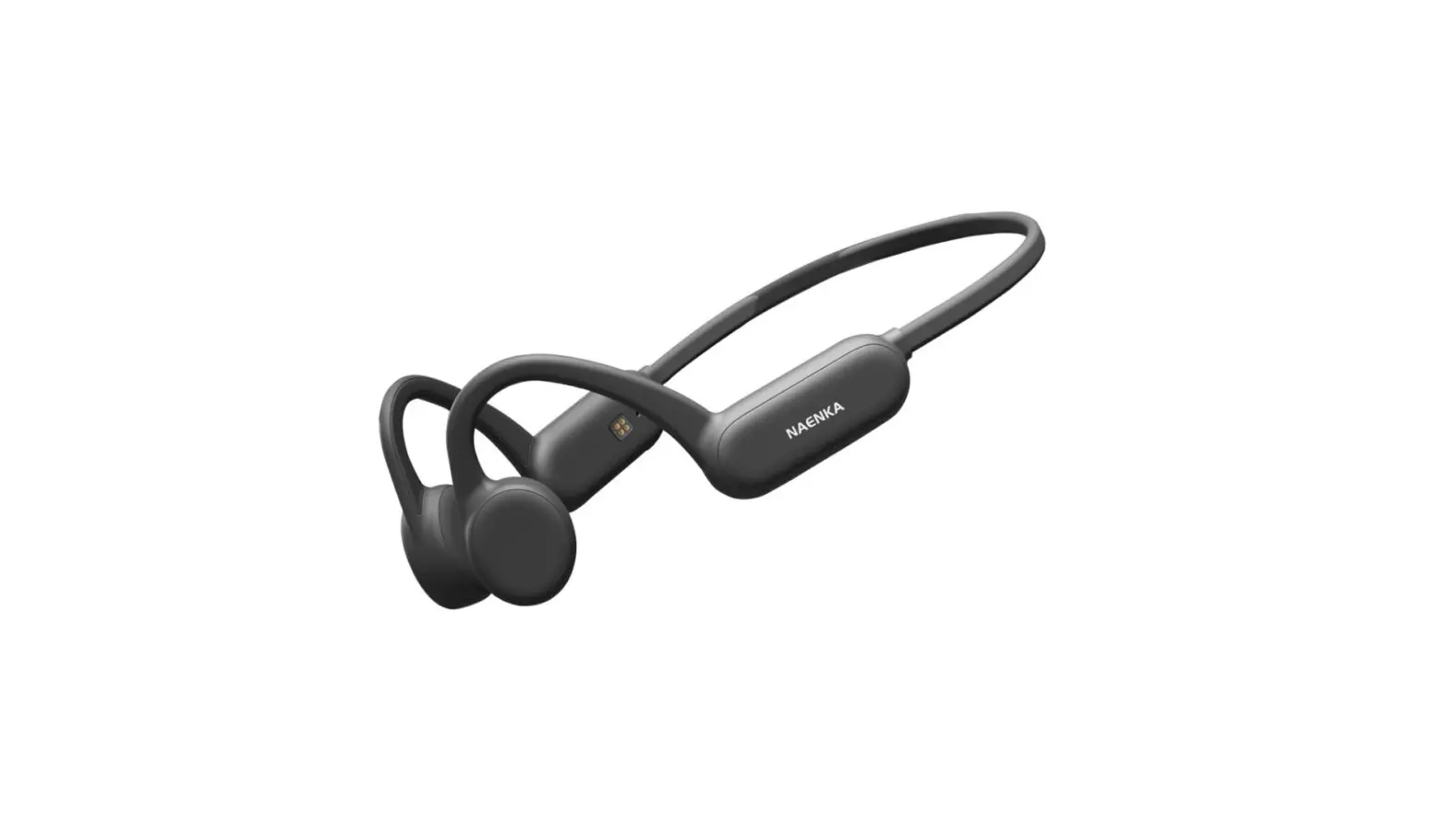
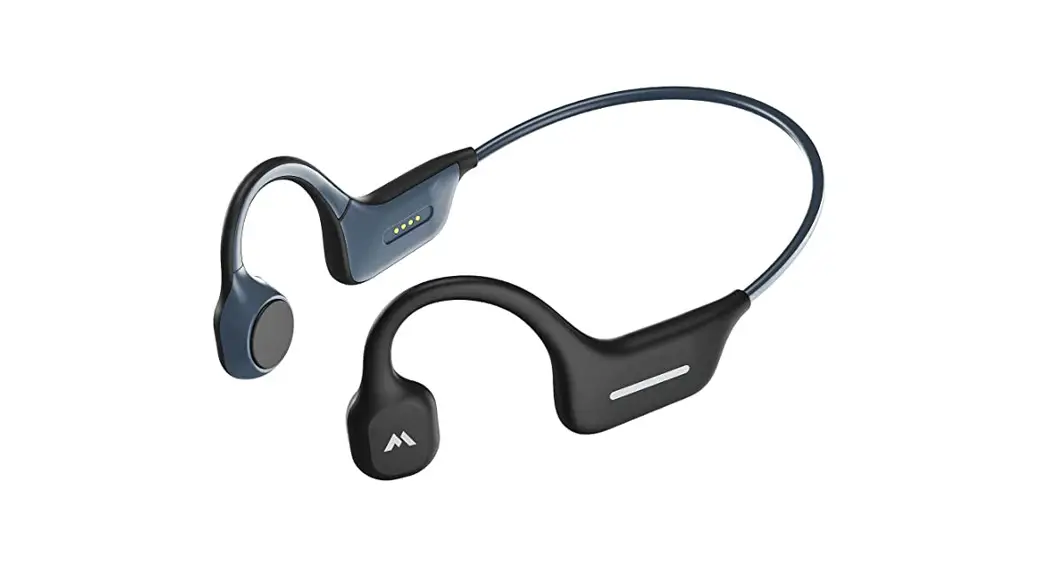
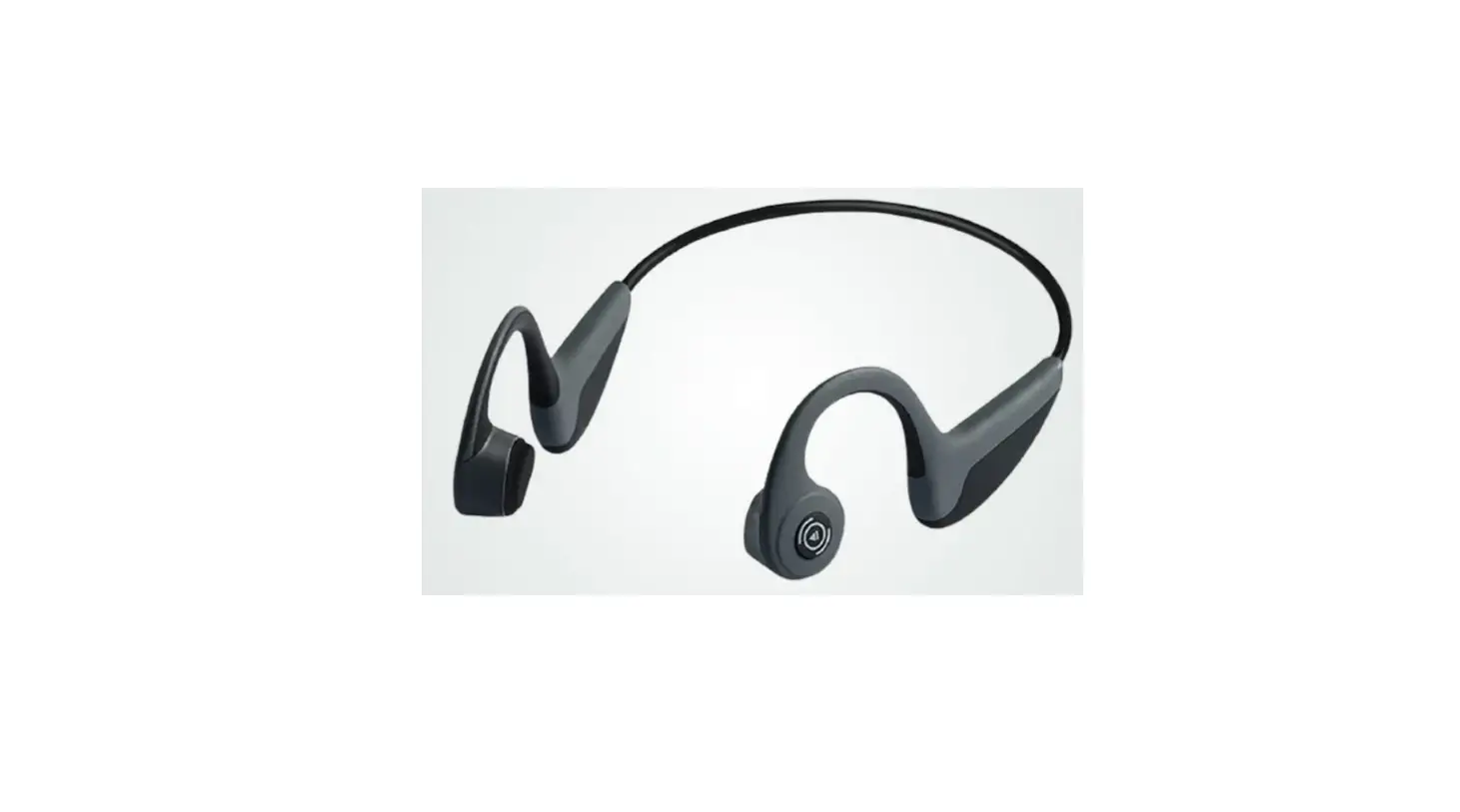
X7 Bone Conduction Headphones
Charge
The headphone with a rechargeable battery, the first use of the headset must be fully charged to the battery. In use , if the voice “ Di-Di ” prompting low power, that the battery is low, then you need to charge the headset.
the charging cable should be connected to the headset’s magnetic charging port, about 2 hours to fill. Charging status indicator flashing breathing light, full charge often blue light.
Note : Magnetic charging has a positive and negative pole corresponds to each other adsorption can be charged normally, mustual repulsion can not be charged or even cause a short circuit.
Warning : The rechargeable battery of this product must be properly disposed of for recycling . please do not put the battery into the fire ,so as not to cause an explosion.
Operating instruction
| Function | Operation | Indicator |
| On | Press and hole ”  “(around 1-3 seconds ) “(around 1-3 seconds ) | Light is on |
| Off | Press and hole ” ” (around 1-3 seconds ) | Light is off |
Music Play
| Function | Earphone status | Press and hold ” “ |
| Increase volume | Play music | click ” – “ |
| Reduce volume | Play music | click ” + “ |
| Next song | Play music | Press and Hold ” + “ |
| Last song | Play music | Click and Hold ” – “ |
| Pause | Play music | Click and Hold ” “ |
| Resume | Pause | Click and Hold ” “ |
Answer the phone
| Function | Earphone status | Press and hold ” “ |
| Answer the call | Phone calls in | Click ” ” to answer Click ” ” to hang up |
| Decline the call | Phone calls in | Double click ” “ |
| volume control | calling | click “+” / “-“ |
| Phone / Blueto oth earphone switch | calling | Click and hold ” ” (arond 2 second) |
Operating instruction
How to pair with Bluetooth
Bluetooth pairing: In the off state, press and hold the The power button for 3 to 5 seconds, the indicator light will enter the red and blue light flashing state, and then enter the pairing state. Turn on the Bluetooth (mobile phone / computer) on the device and search for the device name ” X7 “, Click the device” X7 “to pair and connect.
Bluetooth / MP3 mode switching: Double click the power button (mode) power button freeSwitch bluetooth and memory mode.
Note: Bluetooth mode is default for boot
AI intelligent voice control
(Phone needs to support voice wake-up function)
| Function | Earphone status | Operation |
| Voice control | Bluetooth is connected | Press and hold the ” ” (around 1 second) |
Indicator
| Being charging | Red light (flash) |
| Charging completed | Blue light (remain on) |
| Waiting for connection | Flash in red and blue alternately |
| Bluetooth connected | Light is off |
Product parameter
- Charging time: About 2 hours
- Distance: Bluetooth 10 meter
- Battery: 200mAh
- Play: More than 6 hours@65% volume
- Agreement: A2DP, AVRCP, HSP, HFP
- Music format support: MP3, WMA, WAV, APE, FLAC
- Version: 5.3
- Input: 5V/500mA
Care and cleaning
The headset can not soak seawater / salt water for a long time , filling the magnetic suction part is easy to corrode . If not used for a long time , please at least once a month full of electricity.
Please do not disassemble any parts of the product, if you find that the product has defects , that is ,stop using the product , contact the sales side after sales service.
Please wipe the water on the surface of the headset after each movement , especially the charging port , to deal with clean in time to prevent port, affecting the life of the charging port ,affecting the life of the product.
Keep the product away from fire ,heat, freezing sources, chemicals, violent impact disassembly and extrusion products are strictly prohibited.
Please use a charging head with an output of 5V1A or less.
Certificate of conformity
Q.C.Passed
Product warranty card
This card is a product warranty certificate, please keep it properly
| Product name: | Product model: |
| Purchase date: | Client’s name: |
| Contact: | |
Product maintenance records
| Date | Bad phenomenon | Solution |