
HONDA MY23 Sensing Driver Support System
Honda Sensing®
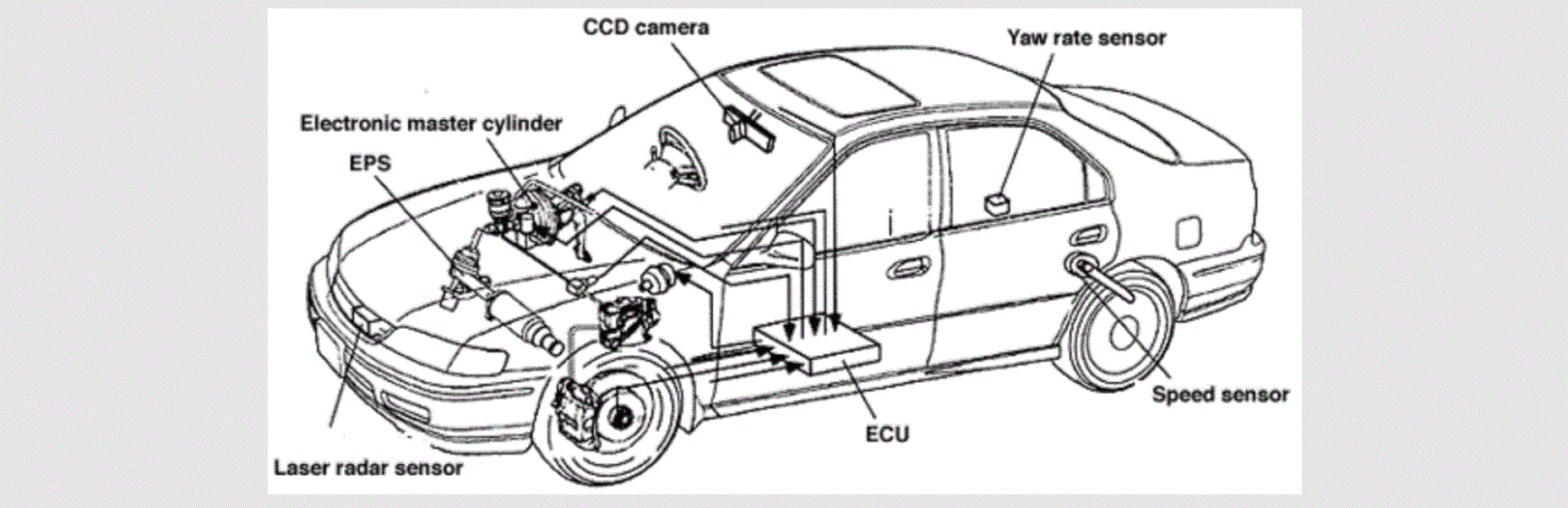
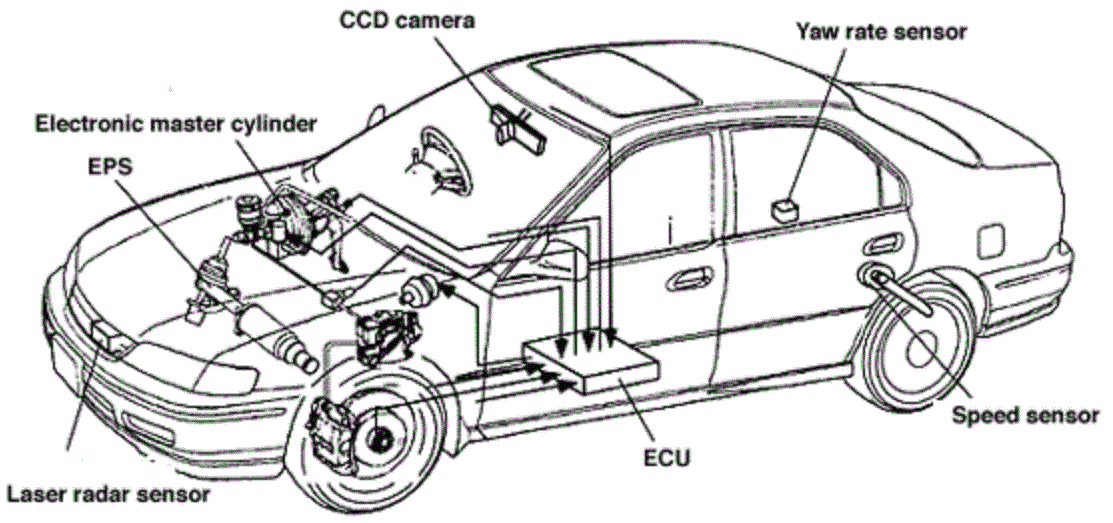
Honda Sensing® is a driver support system which employs the use of two distinctly different kinds of sensors: a radar sensor located behind the emblem and a front sensor camera mounted to the interior side of the windshield, behind the rearview mirror.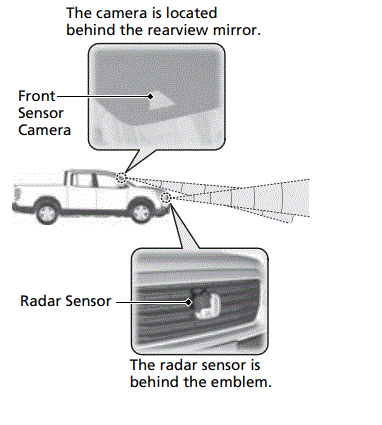 Honda Sensing® has following functions.
- The functions which do not require switch operations to activate
- Collision Mitigation Braking SystemTM (CMBS)TM 2 P. 426
- Road Departure Mitigation System 2 P. 460
The functions which require switch operations to activate
- Adaptive Cruise Control (ACC) 2 P. 438
- Lane Keeping Assist System (LKAS) 2 P. 451
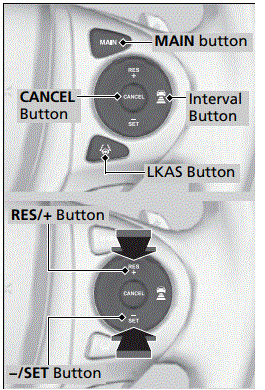
Operation Switches for the ACC/LKAS
- MAIN Button
- Press to activate standby mode for ACC and
- LKAS. Or press to cancel these systems.
- LKAS Button
- Press to activate or cancel the LKAS.
- RES/+ and −/SET Buttons
- Press RES/+ button to resume the ACC or increase the vehicle speed.
- Press −/SET button to set the ACC or decrease the vehicle speed.
- Interval Button
- Press to change the ACC following interval.
- CANCEL Button
- Press to cancel ACC.

- Press to cancel ACC.
Instrument Panel Content
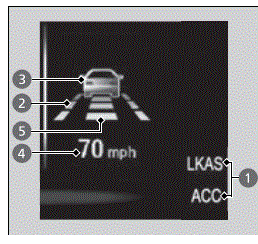
You can see the current state of ACC and LKAS.
- Indicates that ACC and LKAS are ready to be activated.
- Indicates that LKAS is activated and whether or not traffic lane lines are detected.
- Indicates whether or not ACC detected the vehicle ahead.
- Indicates that ACC shows the set vehicle speed.
- Indicates that ACC shows the set vehicle interval.