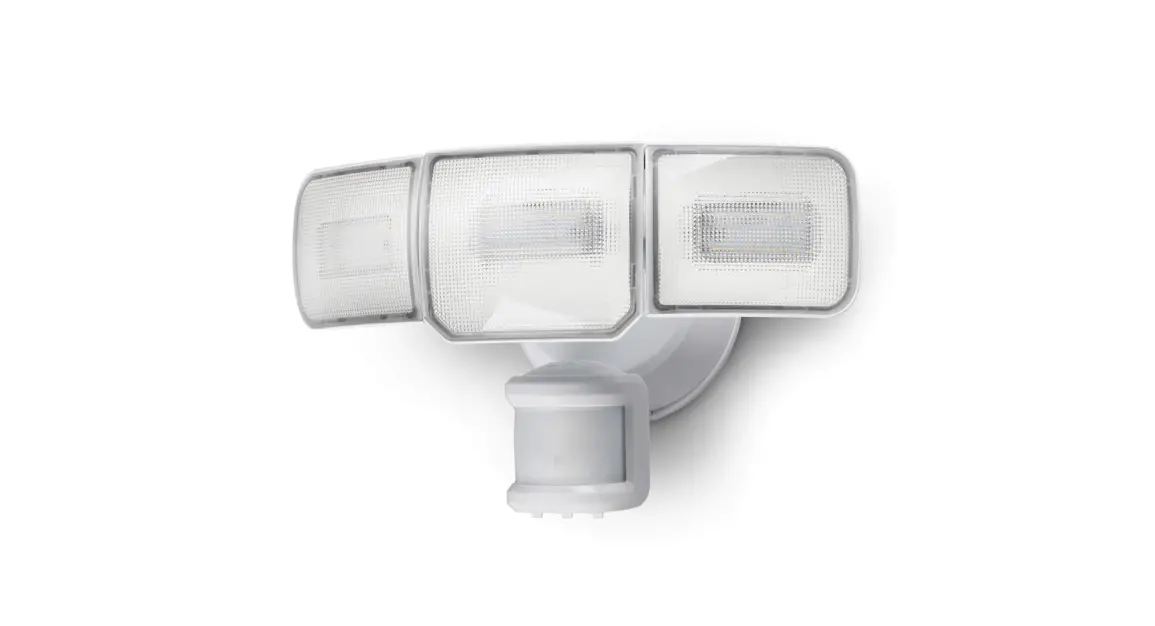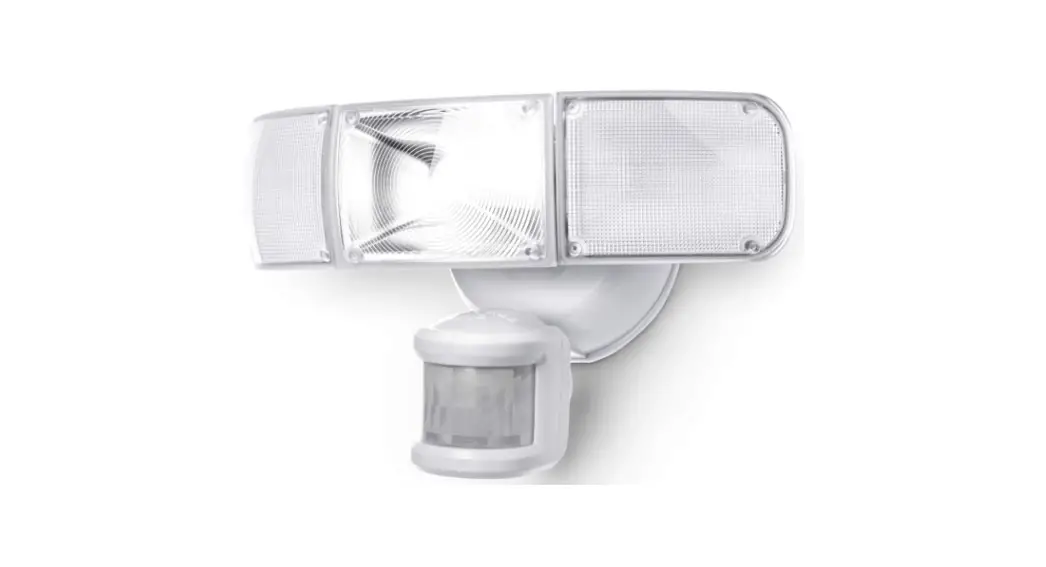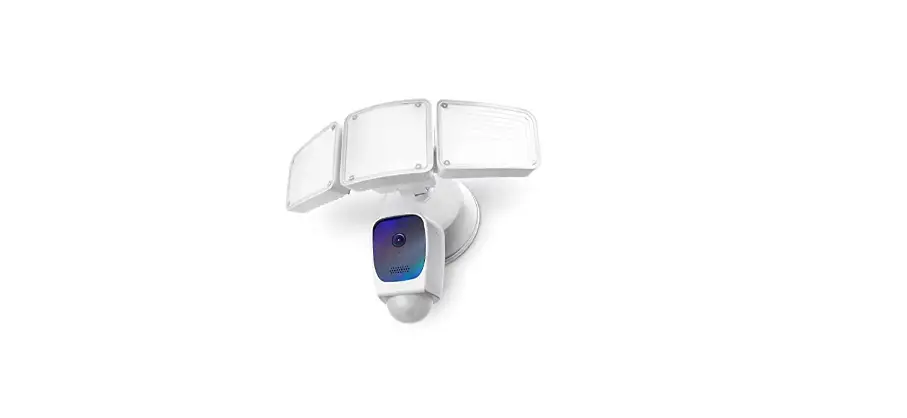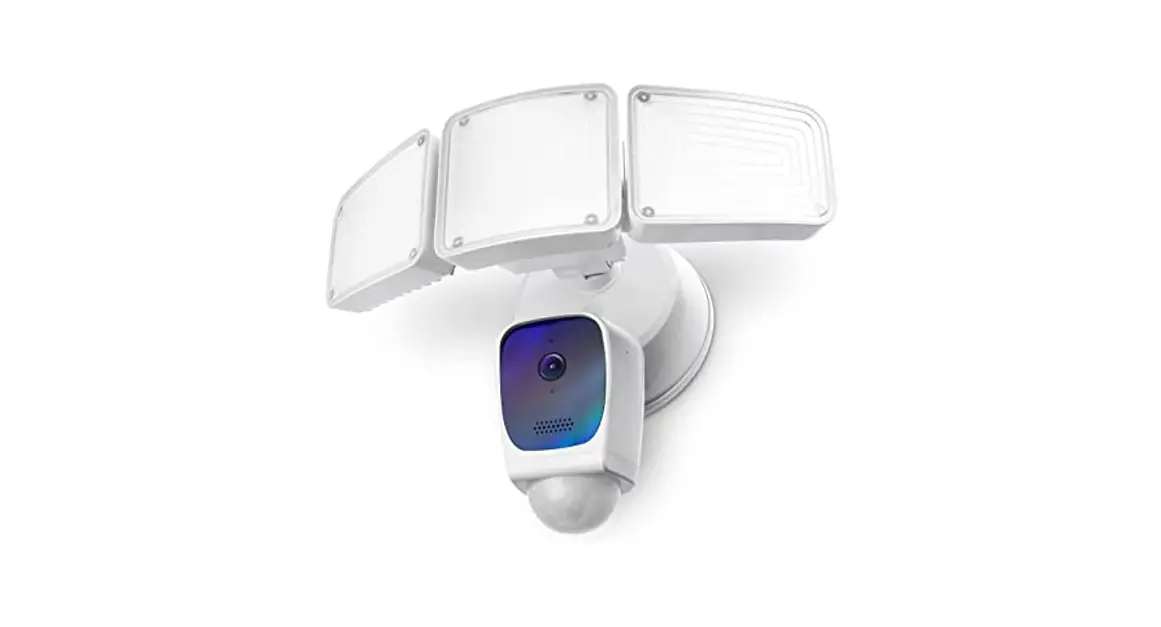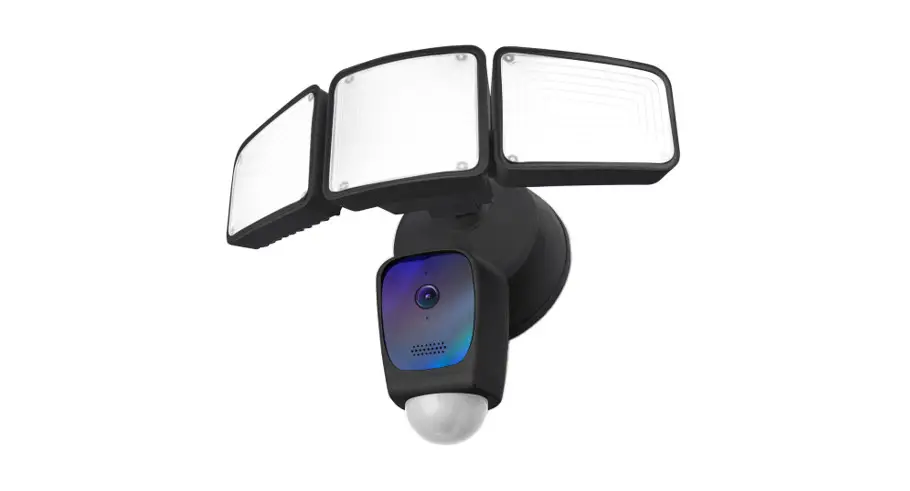

SMART WIRELESS
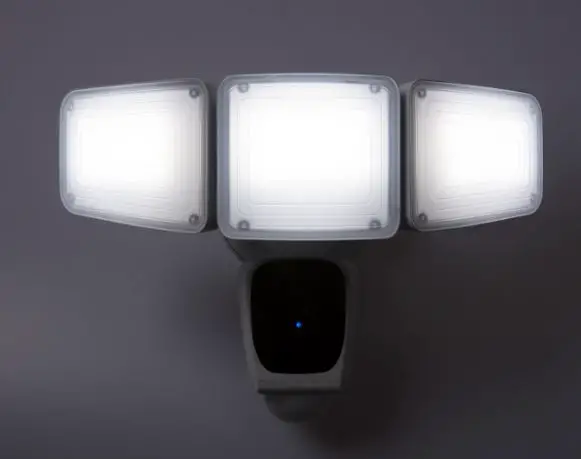
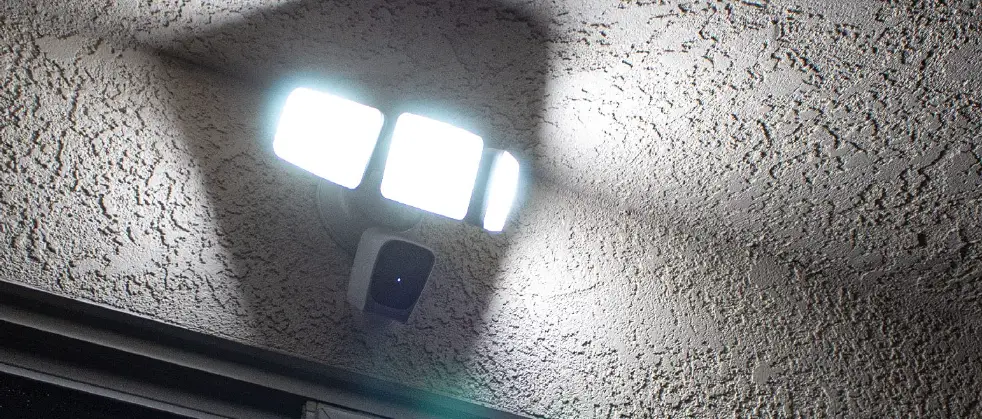
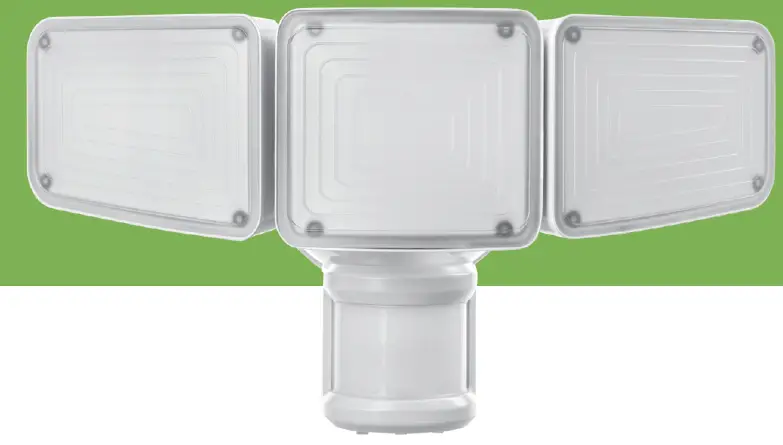
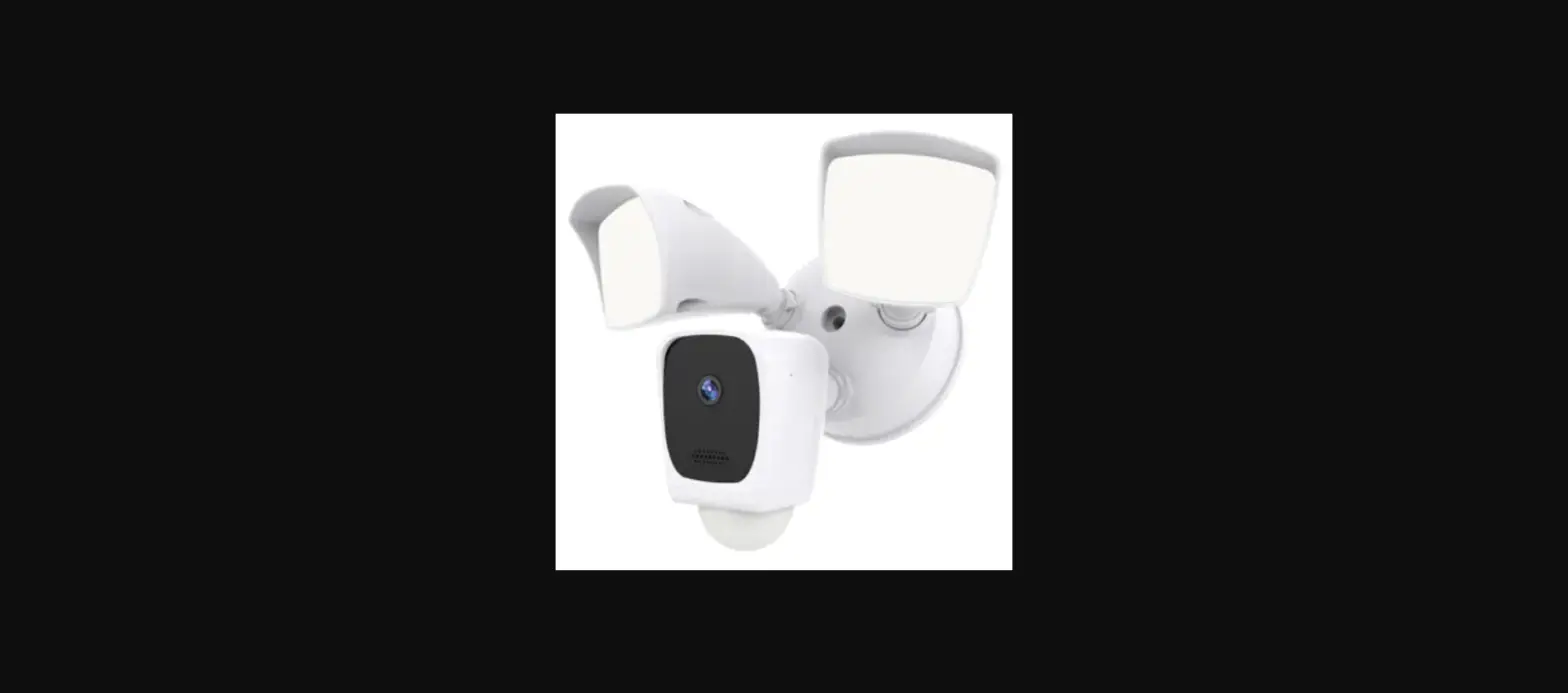
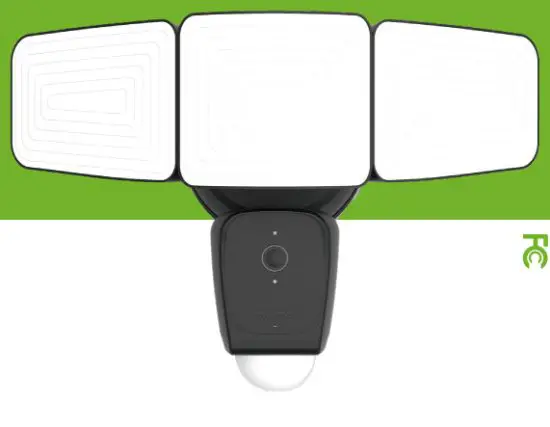
TRIPLE HEAD LED
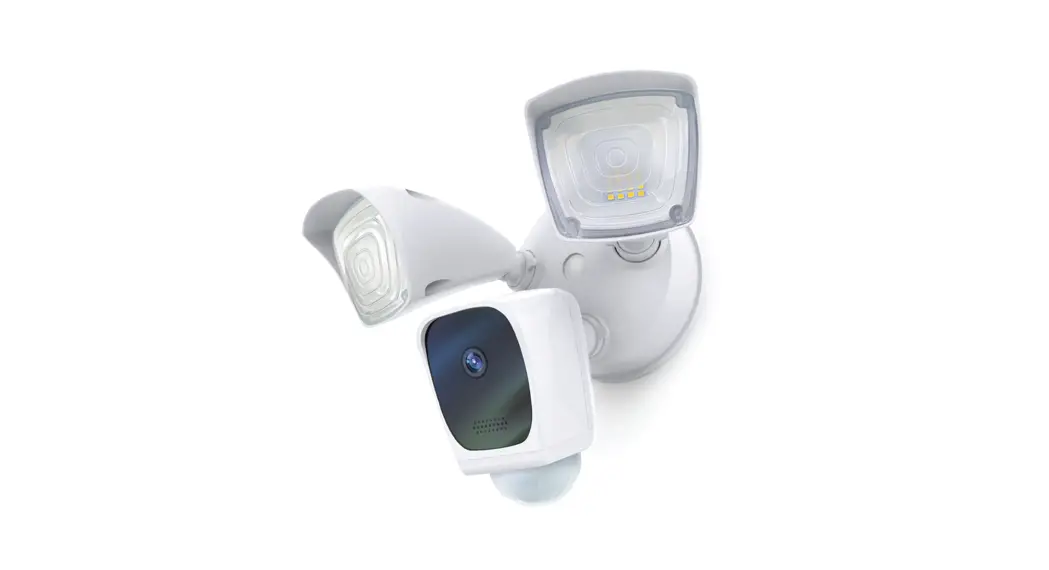
FLOODLIGHT CAMERA
ES06582G
INSTALLATION INSTRUCTIONS
the bright way to do home security.
| TEST RITE PDS 540 File Information | Division: T101P61Z01 File NO.: 20210519 | |
| Client: Amazon | Client ID: 10163406 | Item NO.: ES06582G |
| Packaging Description: IM | Package Size: 10x15cm | |
| Contact: Art window/carol ext:8274 Email: art-szo [email protected] | Finish Date: | |
| Colors. | Signed by Applicant & Sales Division 2021005thr all Items | |
 | ||
| Packaging Design Implement Confirmation | |
| Sales Division Hunt | Design DivisionJoe |
| Applicant Amy | DesignerCarol |
 PLEASE DO NOT PRINT THIS (YELLOW)AREA
What’s in the box
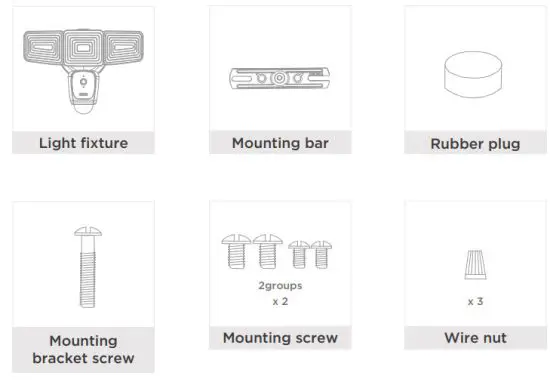
Parameter
- Illumination output: approx. 3500 lumens / 5000K
- Wattage: 40W
- Power source: AC120V/60Hz
- Detect range: up to 32feet, 270 degree
- Camera view angle: 150 degree
Safety instructions
- Please read all warnings and instructions before attempting to install this light.
- Disconnect power before installing or servicing.
Warning
Risk of Electrical Shock
- Turn off electrical power at fuse or circuit breaker box before Mwiring fixture to the power supply.
- Make sure all electrical and grounded connections are in accordance with the National Electrical Code and applicable local code requirements.
- All wiring connections should be compliant with UL standards.
Risk of Injury
- Wear gloves and safety glasses at all times when moving luminaire from carton, installing, servicing or performing maintenance.
- Avoid direct eye exposure to the light source while it is on. or this may cause irreparable damage to the eyes.
- Account for small parts and destroy packing material, as these May be hazardous to children.
Risk of Bur
- Allow fixture to cool before touch.
- Do not exceed the maximum wattage marked on the luminaire label.
Attention: lights must be installed by the experienced household wire installer or a qualified electrician. The electrical system and the electrical connection method of light fixture must conform to the national electrical standards and specification requirements of the local architecture.
Installation
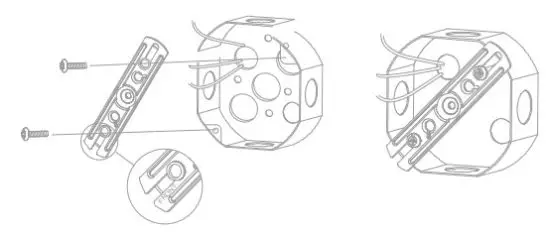
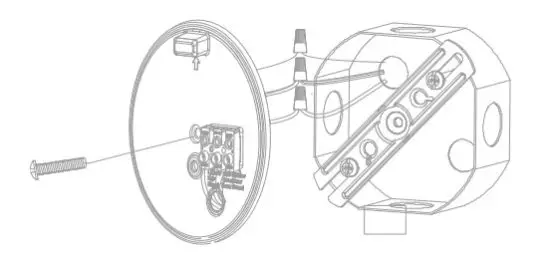
- Install the mounting bar to the outlet box with the stamped word “FRONT” facing away from the outlet box, use two mounting screws that best fit the outlet box.
(Choose one group of suitable mounting screws among two groups in the hardware pack)
Note: For the best performance, install fixture at 5.9 feet ~11.5 feet (1.8~3.5m) above the ground.
Note: Please install the flood light camera within Wi-Fi covered area to ensure the best performance
- Unscrew the center mounting screw on the light fixture in order to remove the backplate on the back of the light fixture FRONT

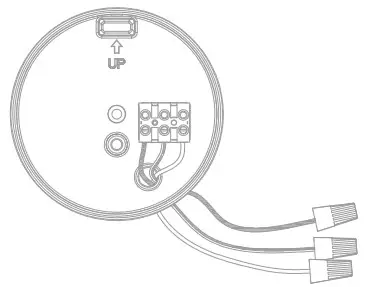
- Connect the source wires from the outlet box with the wires of the backplate using wire nuts as follows: Connect the white wire to white wire Connect the black wire to black wire Connect the Green wire to the house ground wire
Note: DO NOT connect electricity before installation and maintenance
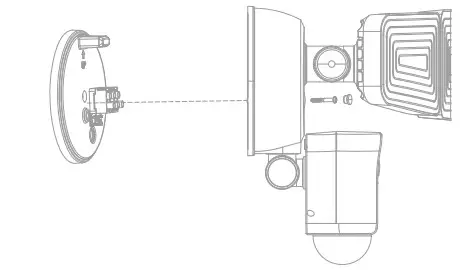
- Place the back plate against the outlet box, insert the mounting bracket screw through the backplate hole, thread the mounting bracket screw into the center hole of the mounting bar. Tighten the mounting bracket screw securely.
Note: The “UP” arrow must point upward.
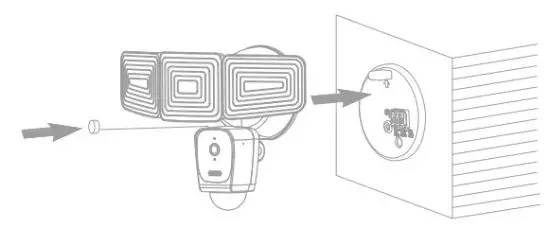
- Attached the light fixture to the backplate using the center mounting screw:
• Tighten the center mounting screw securely through the center of the light fixture. Do not overtighten.
• Push the rubber plug firmly into the center hole to cover the center mounting screw.
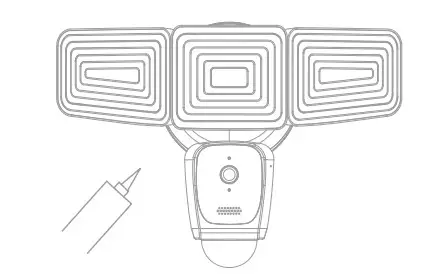
- Using silicone caulking compound, caulk completely around where the light fixture meets the wall surface to prevent water from seeping into the outlet box.
 Note: If you install this light fixture on the covered wall or eave without a junction box, you must consult a qualified, licensed electrician and use the appropriate screws (not included) to install this light fixture on the wall or eave directly depending on the surface.
 Note: If you install this light fixture on the covered wall or eave without a junction box, you must consult a qualified, licensed electrician and use the appropriate screws (not included) to install this light fixture on the wall or eave directly depending on the surface.
How it Works
Adjusting the Lamp Heads and Camera
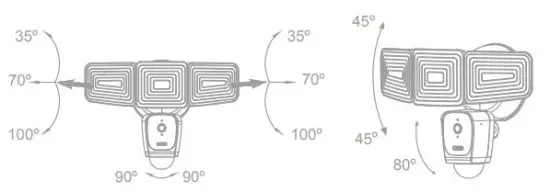
- Swing the lamp heads to adjust the lamp head left and right or up and down to get the desired lamp direction.
- Gently grasp the motion sensor and adjust the sensor left and right or up and down to get the desired sensor direction.

Connection APP
Get the app and create an account
Download the ‘Home Zone Smart’ APP to your smartphone from App Store or Google Play.
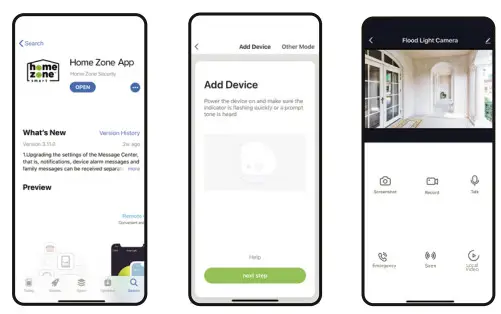
 Launch the app from your smartphone and Create an account
Follow the on-screen instructions.
Set up Router
Please install the Floodlight Camera within WiFi covered area to ensure best performance.
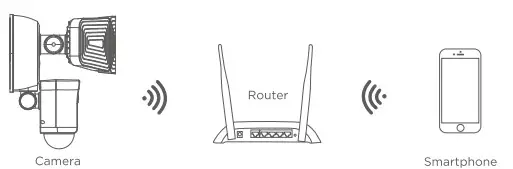
Note: Make sure the smartphone is connected with your wireless router. Please note the camera only supports 2.4G WI-Fl, not 56 WI-Fl.
Set up your floodlight camera.
- Make sure the indicator is blue and flashing quickly.
- If the indicator light is not blue and flashing, press and hold the Reset button located on the back of the camera head until a prompt sound is heard. The camera will initiate the reset process and the indicator light will blink blue when ready for pairing.
- Open the App and click on the top right “+’ icon to sync new products • Follow App’s instructions to complete network pairing process.
- If the indicator light is solid blue, the camera is connected and ready for viewing.
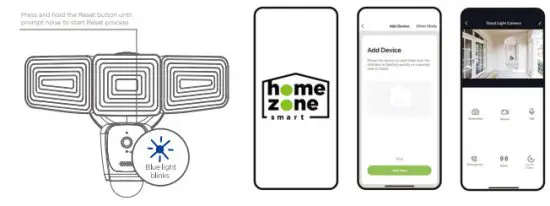
You’re done!
Congratulations! Your camera is set up and ready to go.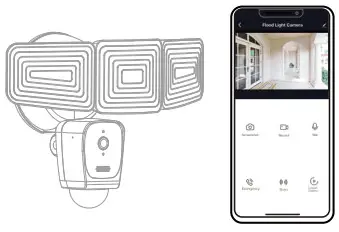
Basic Device Controls
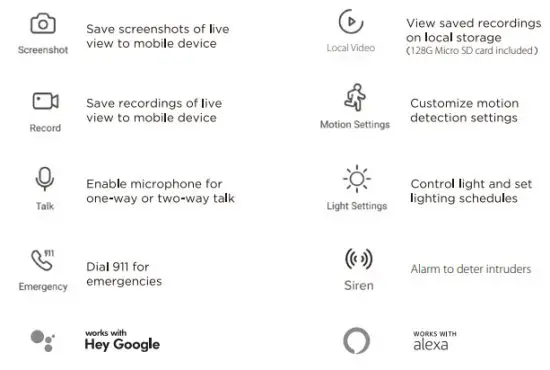
Note :
Please visit the website at www.homezonesecurity.com/home-zone-smart for cloud storage information.
Appendix: Camera LED Guide
| NO. | LED Status | Camara Status |
| 1 | Red LED on | System starting up |
| 2 | Blue LED blinks | Standby for configuration |
| 3 | Red LED blinks | Network pairing |
| 4 | Blue LED on | Camera online |
Cleaning and Maintenance
- Clean periodically with soft cloth.
- Do not use any cleaners with chemicals, solvents or harsh abrasives on this light. Do not use scouring pads, powders, steel wool or brasive paper. They could cause deterioration of the finish.
FCC
This device complies with Part 15 of the FCC Rules. Operation is subject to the following two conditions:
(1) this device may not cause harmful interference, and
(2) this device must accept any interference received, including interference that may cause undesired operation.
This device complies with FCC Part 15 of FCC Rules.
Warning: Changes or modifications to this unit not expressly approved by the party responsible for compliance could void the user’s authority to operate the equipment.
NOTE: This equipment has been tested and found to comply with the limits for a Class B digital device, pursuant to Part 15 of the FCC Rules. These limits are designed to provide reasonable protection against harmful interference in a residential installation. This equipment generates, uses, and can radiate radio frequency energy and, if not installed and used in accordance with the instructions, may cause harmful interference to radio communications.
However, there is no guarantee that interference will not occur in a particular installation. If this equipment does cause harmful interference to radio or television reception, which can be determined by turning the equipment off and on, the user is encouraged to try to correct the interference by one or more of the following measures:
- Reorient or relocate the receiving antenna.
- Increase the separation between the equipment and receiver.
- Connect the equipment into an outlet on a circuit different from that to which the receiver is connected.
- Consult the dealer or an experienced radio/TV technician for help.
Register & Subscribe today to protect your investment and join our email list!
Why Register?
- Receive your extended warranty
- Get professional warranty support
- Be the first to hear the latest product news.
- Get exclusive deals delivered to your email.
Scan below for the link:
 homezonesecurity.com
s[email protected]
US: +1 888-782-5618
Get exclusive offers and deals when you subscribe!
Thank you for choosing Home Zone Security!
We are here to support you every step of the way.
Please be sure to contact our customer support for troubleshooting and register your product for additional benefits. Products must be sold by an authorized reseller or distributor to be valid.