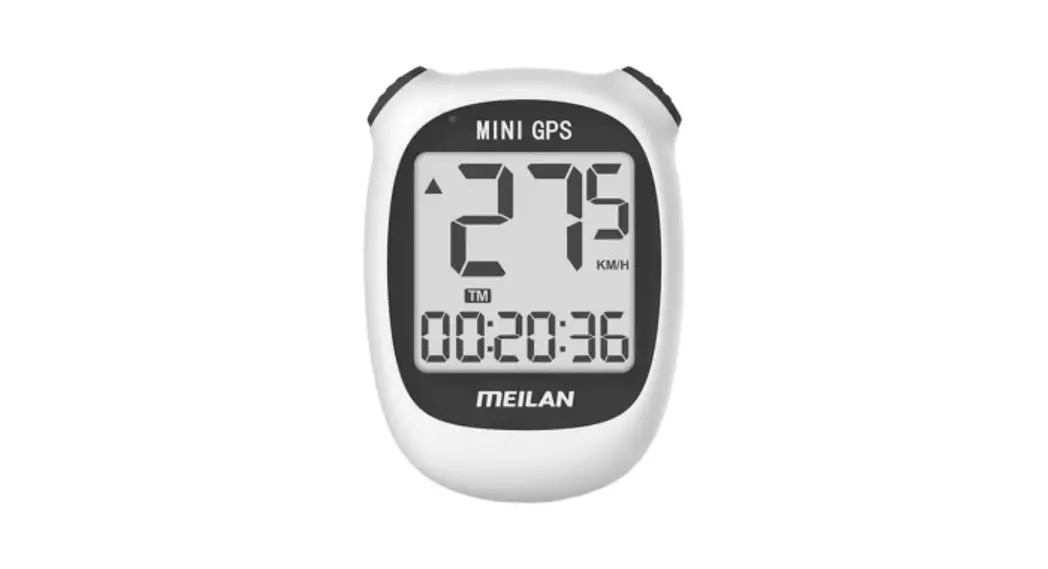
SET UP BIKE COMPUTER
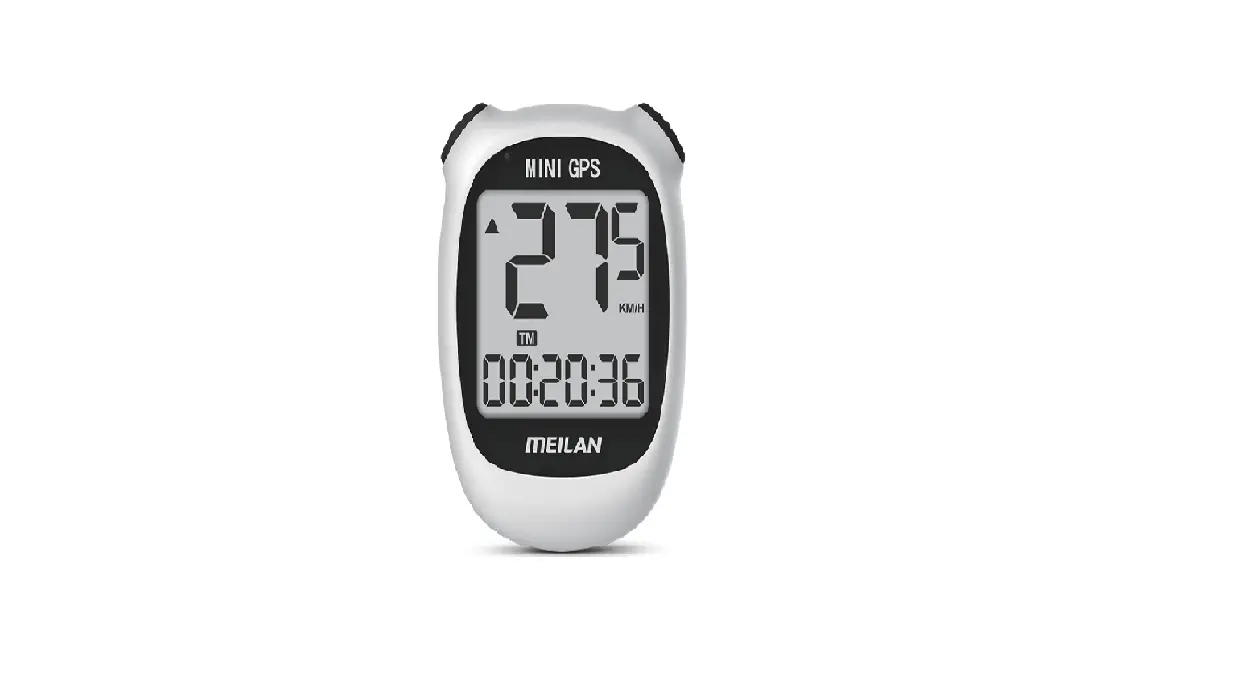
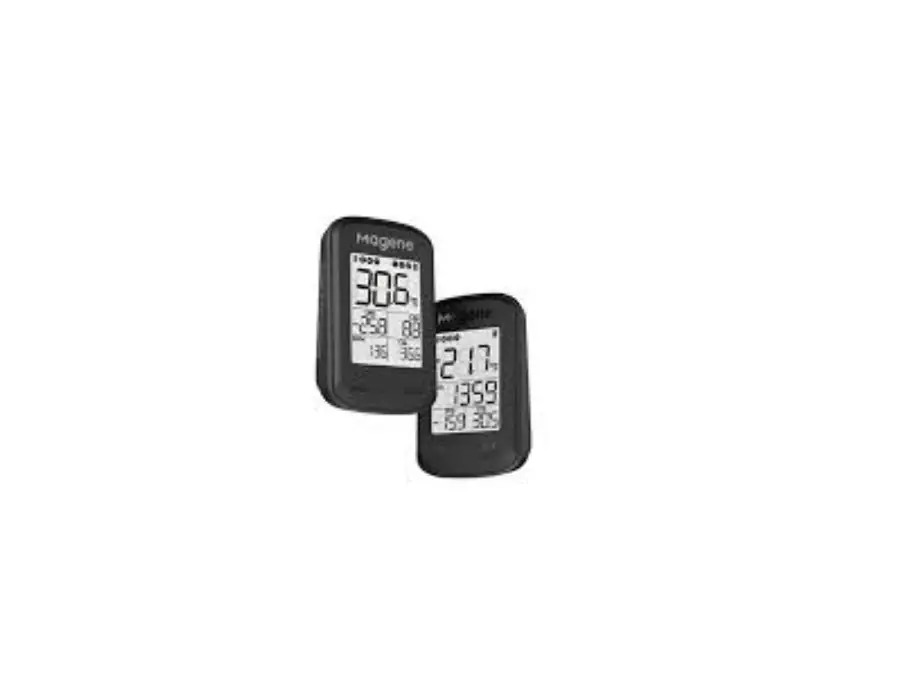
TURN ON M3 BIKE COMPUTER
Long pree left button to power on/off.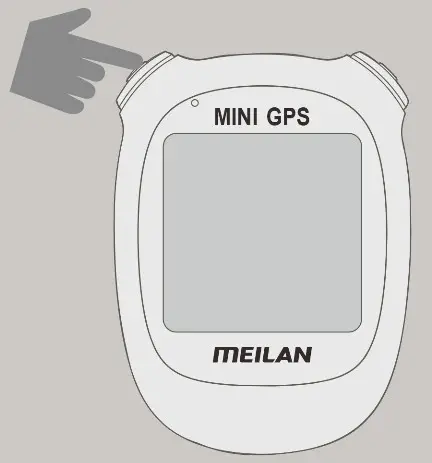
ENTER SETTING MODE
Press setting button to enter setting mode.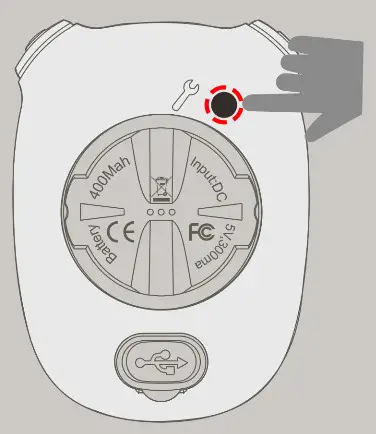
SET THE TIME ZONE
Check your time zone on the internet.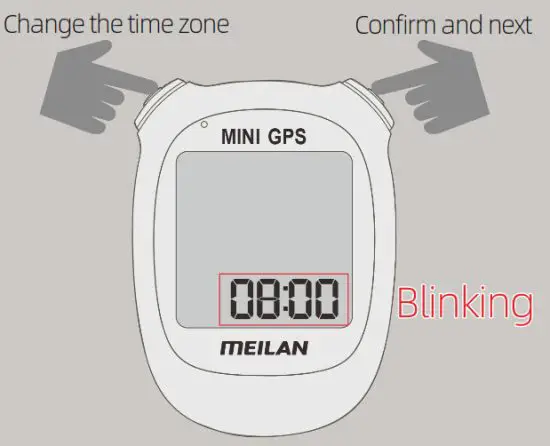
SO: SOUND TURN ON/OF
SO ON – Turn on
SO OFF – Turn off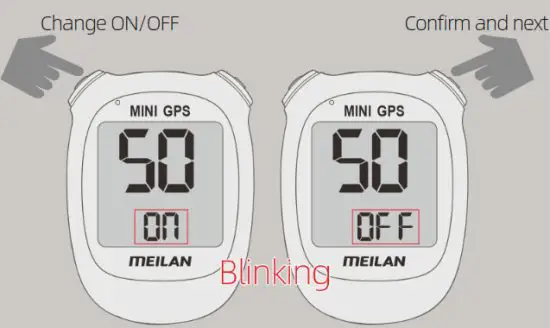
SELECT METRIC/IMPERIAL UNITS
MPH imperial unit
KM/H metric unit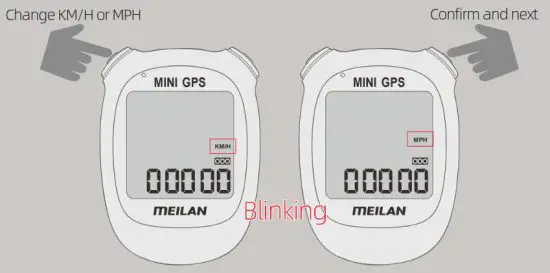
INPUT ODO
Input your ODO Initial total mileage.
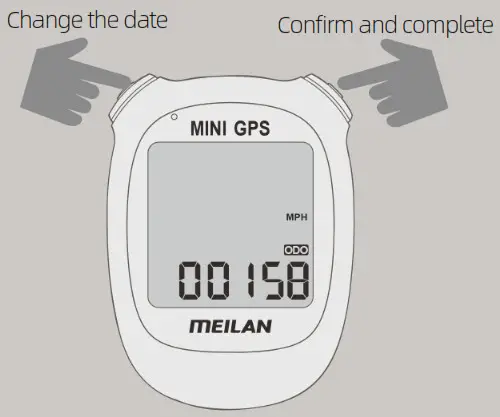
- After completed, please go to an open and spacious outdoor area and wait for the positioning of the sate-lite signals. After the GPS positioning is successful, you can start riding.
- After Positioning is successful, the time is automatically updated.
- Time Zone in USA and the value you need to choose:
Eastern Time(EST): -05:00
Central Time(CST): -06:00
Mountain Time(MST): -07:00
Pacific time(PST): -08:00