M10 Mini GPS Module
Description
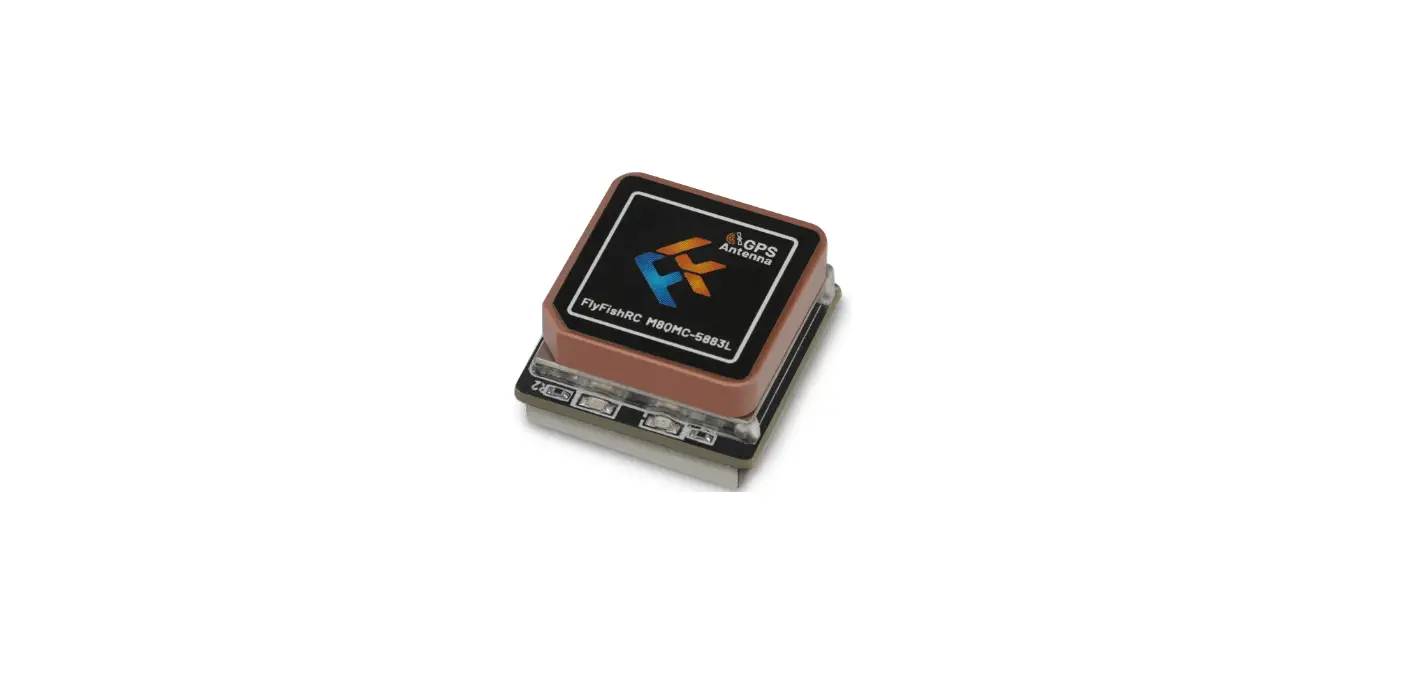
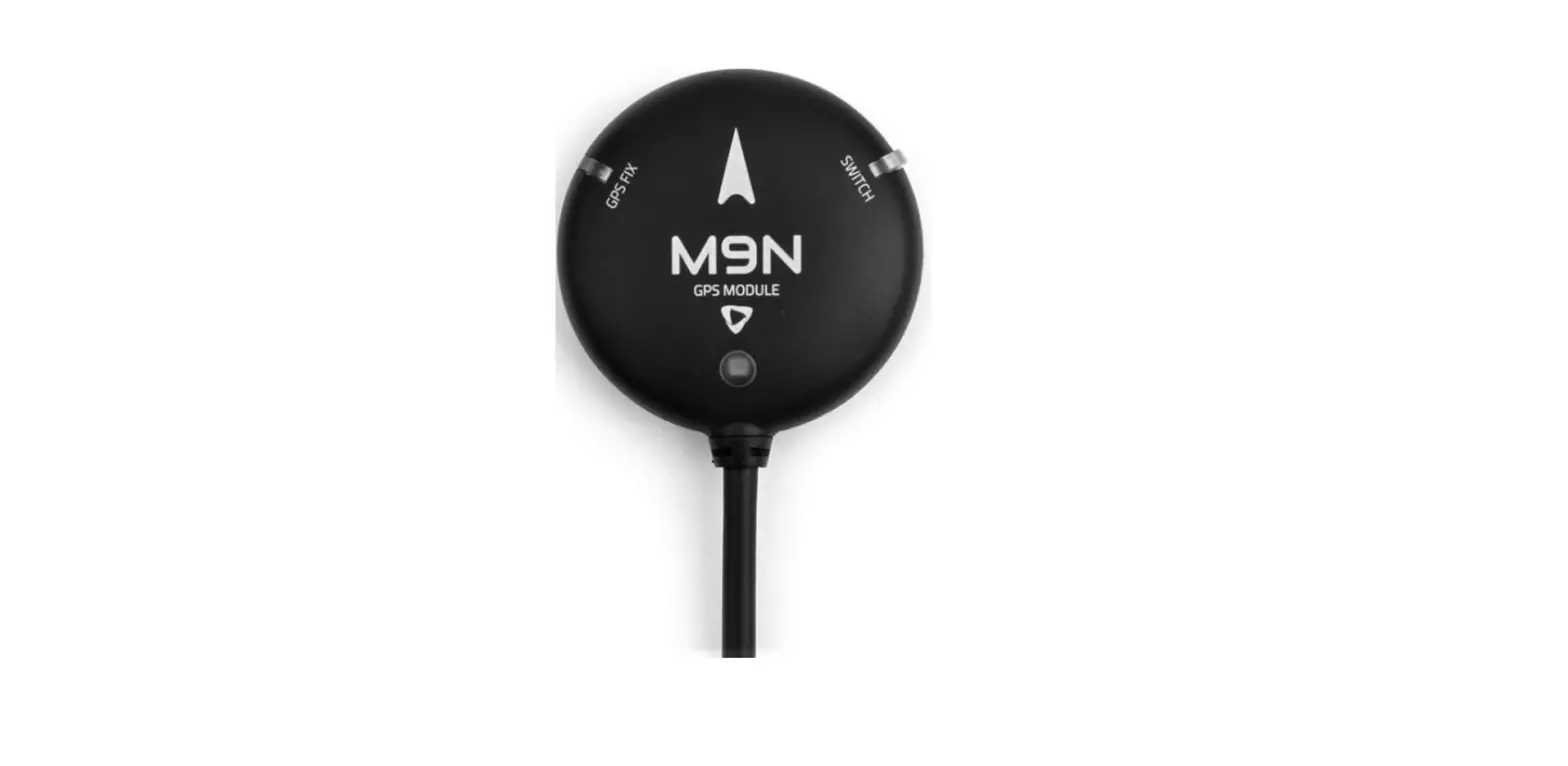
The FlyfishRC-M10 Mini is a small, fast, and easy-to-use GPS
device that is designed to provide excellent reception and a highly
stable connection. It comes equipped with an 11.7 x 11.7mm RHCP
ceramic patch antenna and a UBLOX generation 10 chip that allows
minor altitude changes to be skipped for increased stability.
Specification
- GPS patch antenna size: 11.7 x 11.7 mm
- Total dimensions: 12.3 x 16.2 x 4.9 mm
- Weight: 2.4g
- Input Voltage: 3.3V-5V
- GPS pin definition: RX/TX VCC/GND
Product Usage Instructions
Setup GPS in Betaflight
- Enter the Ports tab in BF, select GPS in the Sensor input of
UART4, and change the baud rate to 115200bps. Click Save. - Enter the configuration tab, enable GPS, select the UBLOX
protocol, enable Auto baud rate and Auto Config, and click Save
(BF4.3 firmware version or above only). - Reconnect the flight controller. For the GPS to work properly,
an additional power supply may be needed. Plug your battery into
your aircraft (please take off the props before plugging in LiPo),
and pay attention to the BF status bar. The GPS icon will light up,
indicating that the GPS is now talking to your flight
controller.
Settings GPS RESCUE
- In the Modes Tab, add GPS RESCUE mode and set your desired AUX
channel. - Enable Expert mode in BF, go to the Failsafe tab, and set the
relevant parameters of GPS rescue. In order to access the Failsafe
tab, Expert mode has to be toggled on. Changed Phase ll failsafe
protection to GPS rescue. - Set the GPS RESCUE mode in the preset channel settings to a
value that can trigger a rescue.
Description
The FlyfishRC-M10 Mini is a small, fast and easy to use GPS. it uses an 11.7*11.7mm RHCP ceramic patch antenna to provide excellent reception and a highly stable connection. the UBLOX generation 10 chip allows minor altitude changes to be skipped for increased stability.
Specification
GPS patch antenna size: 11.7 x 11.7 mm Total dimensions12.3 x 16.2 x 4.9 mm Weight: 2.4g Input Voltage 3.3V-5V GPS pin definition: RX/TX VCC/GND
Front
RTVG
Back
Wiring
RTVG
FC
TX RX VCC
RX TX VCC
GND
GND
Setup GPS in Betaflight
1.Enter the Ports tab in BF,select GPS in the Sensor input of UART4 and change the baud rate to 115200bps.Click Save.
Open Betaflight Configurator
Go to the Ports tab
Refer to the picture above for settings
2.Enter the configuration tab,enable GPS,select the UBLOX protocol, enable Auto baud rate and Auto Config and click Save.(BF4.3 firmware version or above only).
3.Reconnect the flight controller.For the GPS to work properly,an additional power supply may be needed.Plug your battery into your aircraft(please take off the props before plugging in LiPo),and pay attention to the BF status bar.The GPS icon will light up,indicating that the GPS is now “talking”to your flight controller.
Settings GPS RESCUE
1.In the Modes Tab,add GPS RESCUE mode,and set your desired AUX channel.
2.Enable Expert mode in BF,go to the Failsafe tab and set the relevant parameters of GPS rescue.
In order to access the Failsafe tab,Expert mode has to be toggled on. Changed Phase ll failsafe protection to GPS rescue.
3.Set the GPS RESCUE mode in the preset channel settings to a value that can trigger a rescue.