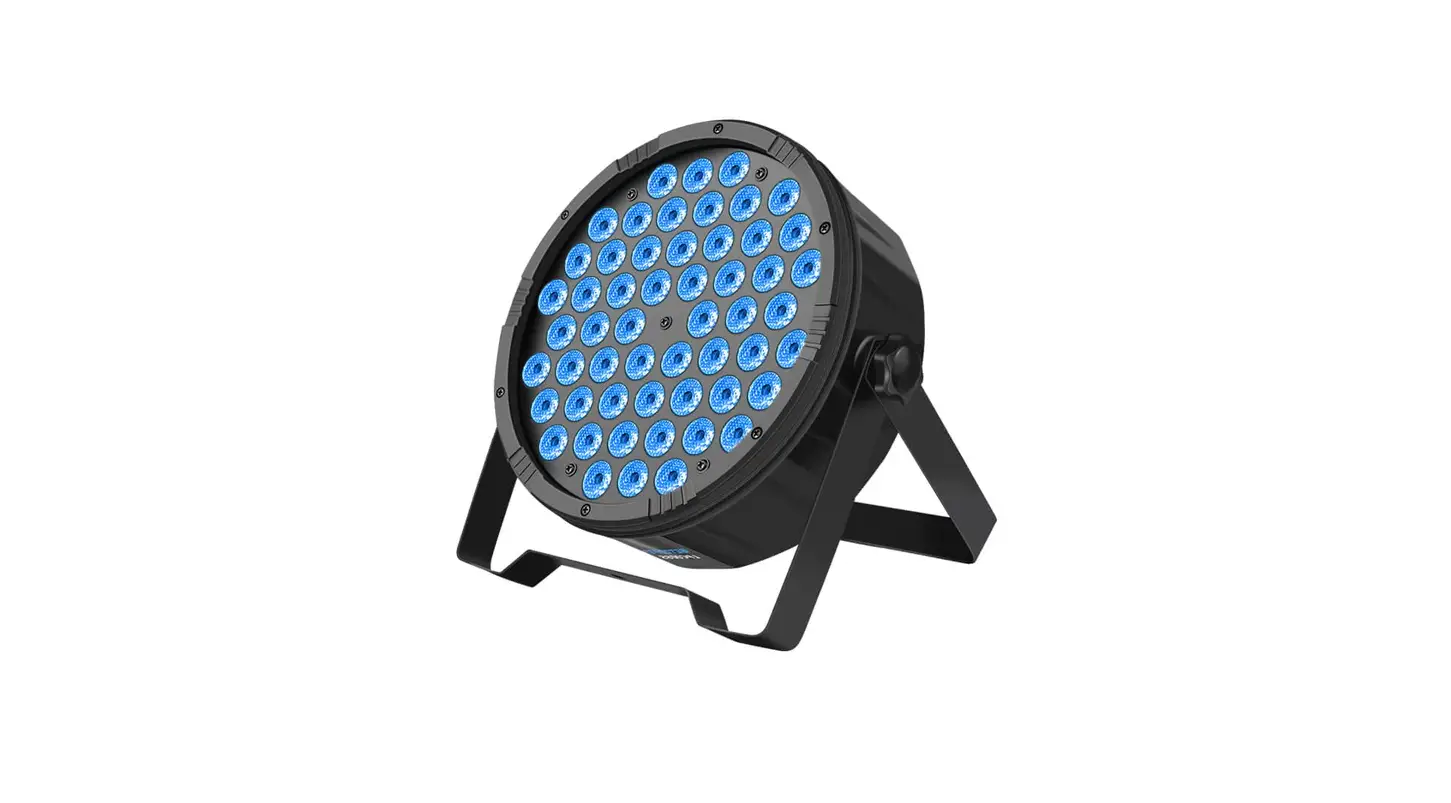
 Betopper LPC008S Par Light
 Betopper LPC008S Par Light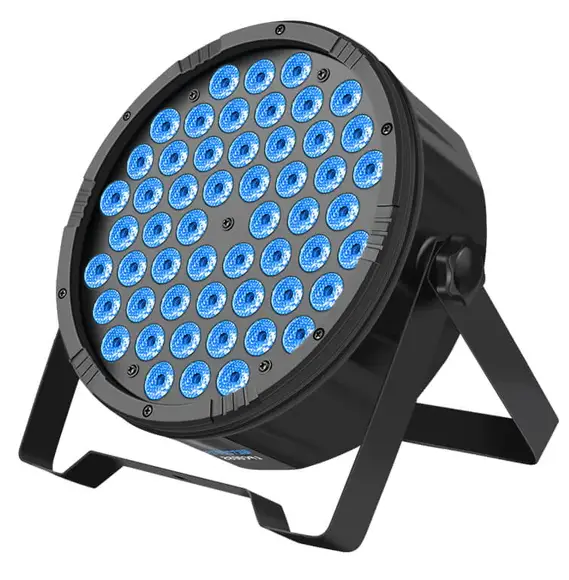
Product Information
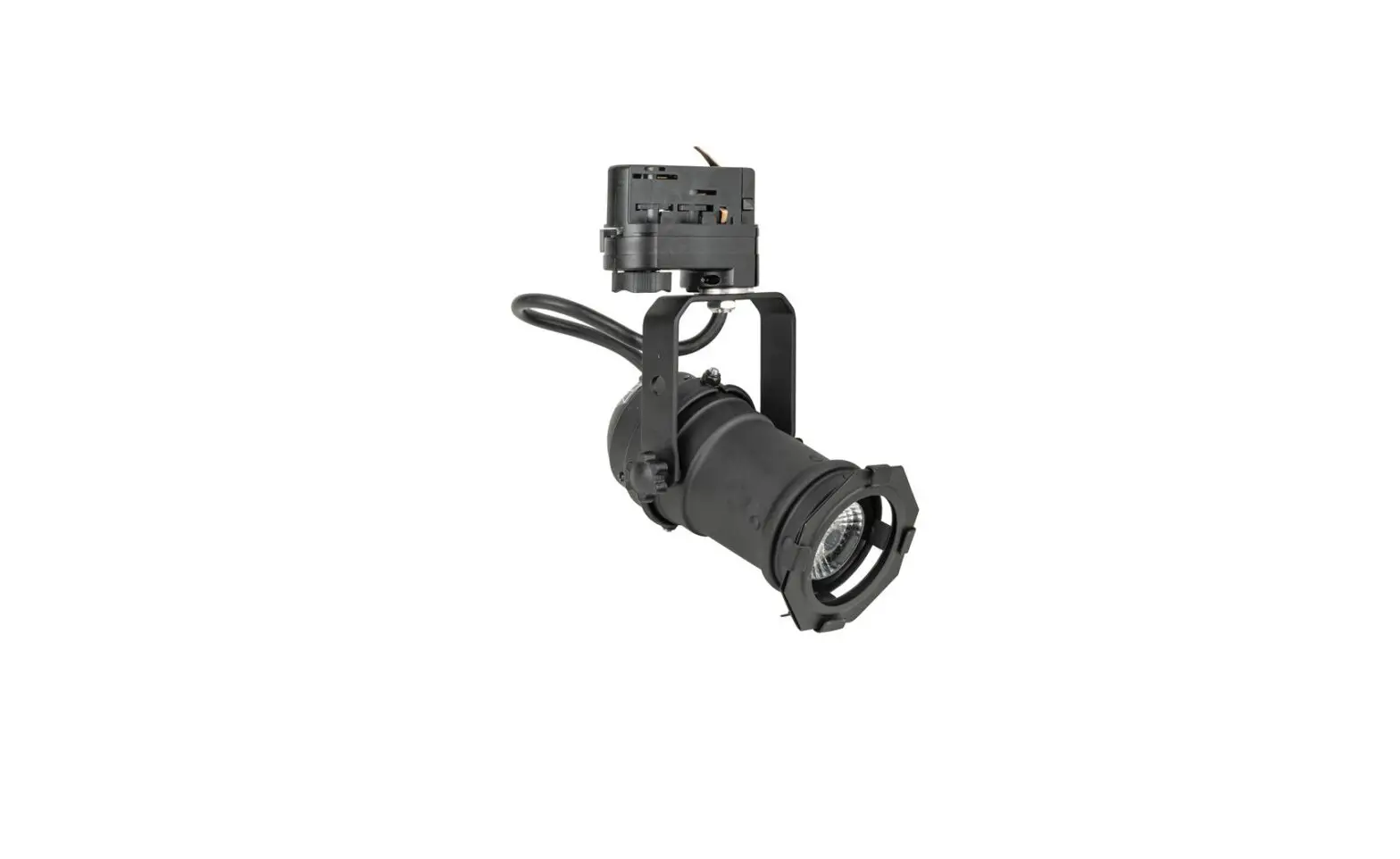
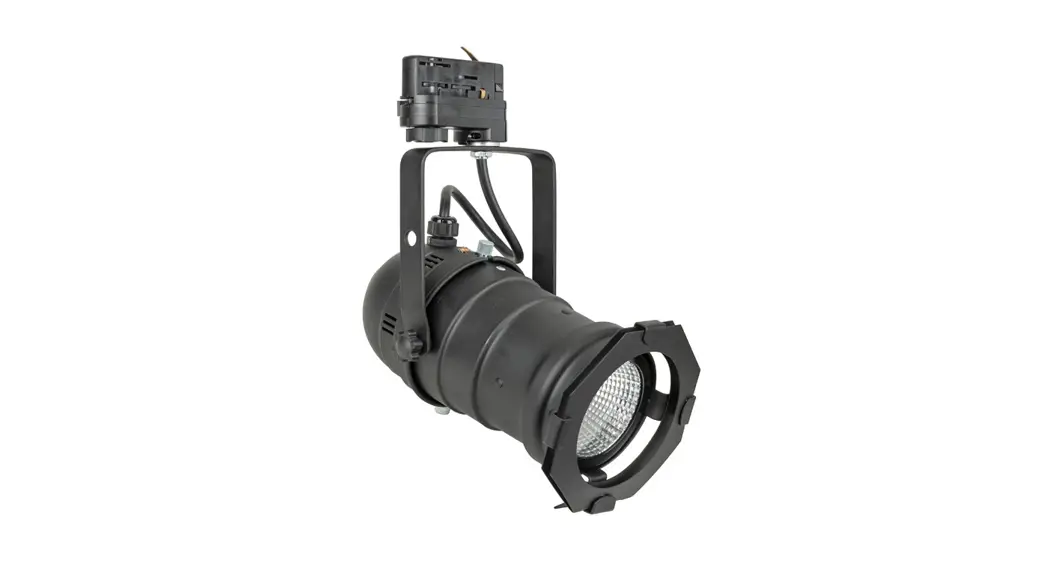
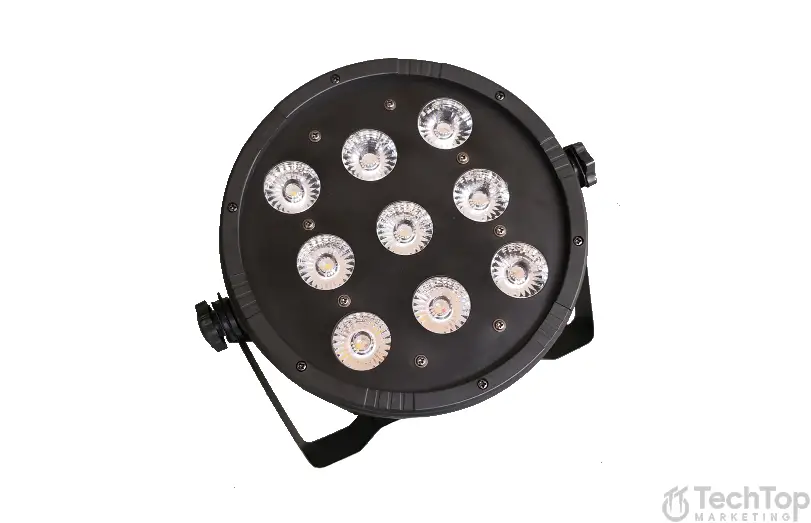
Par Light
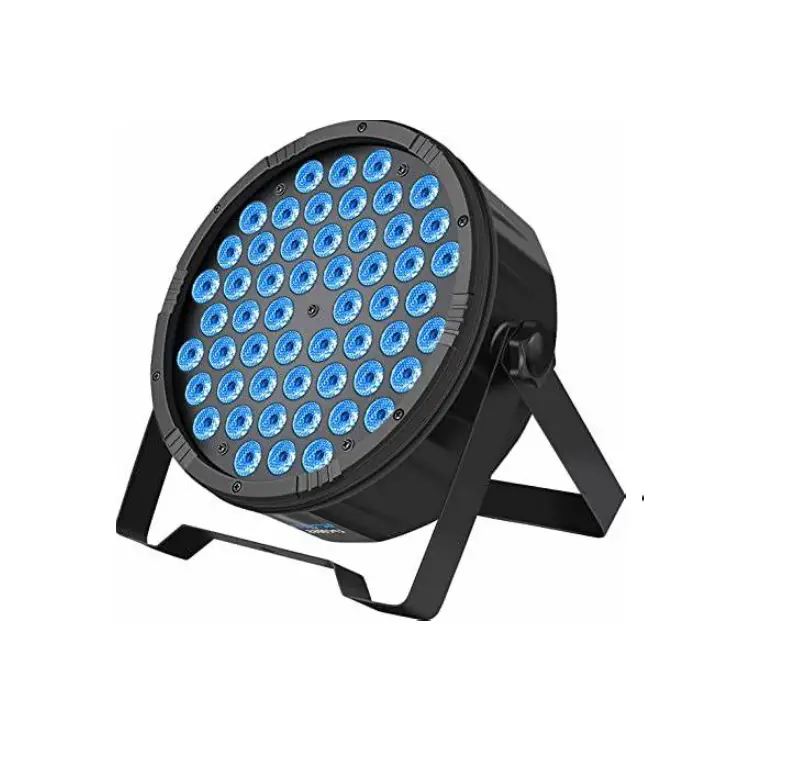
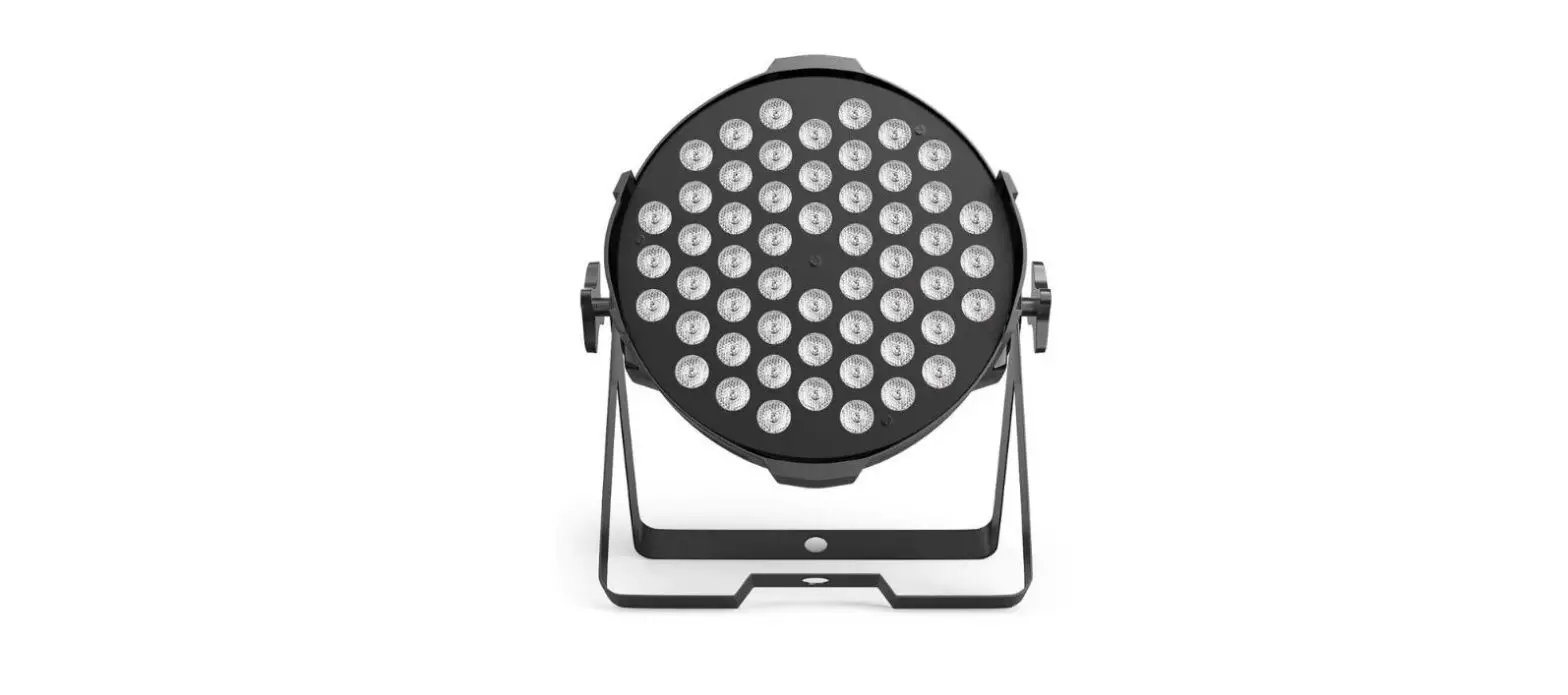
Par Light is an indoor lighting product that is used for demonstration purposes. It has a rated source lifetime of 50,000 hours and a power supply of AC 100 ~ 240V/50Hz-60 Hz. The Par Light comes in two models, Model A and Model B. Model A has a light source of 54X3W(3-in-1) and a rating power of 180W, while Model B has a light source of 54X1.5W(3-in-1) and a rating power of 90W. It has four play modes – Auto, Sound, DMX, and Master-Slave.
Safety Tips
- Confirm that the power is OFF before installation and maintenance.
- Ensure that the ventilation around the unit is good.
- Use the lighting indoors and avoid using it in a wet environment for the long term.
- Avoid contact with water during the use and maintenance of the unit.
- Personnel who install, operate, and maintain the unit must be familiar with its performance.
- Avoid facing up to the luminous unit for a long time to prevent discomfort to your eyes.
- Wipe the unit with a clean cloth regularly.
Special Function Description
The Par Light has a MENU button that can be pressed until ‘0000’ appears. The first site strobe will then appear. The ‘MENU’ button is used to transform the function, the ‘UP AND DOWN’ buttons are used to choose different options, and the ‘ENTER’ button is used to confirm the selection.
DMX Channel Function Sheet:
The Par Light has 7 DMX channels with different functions. CH 1 is for general dimming, CH 2 is for Red dimming, CH 3 is for Green dimming, CH 4 is for Blue dimming, CH 5 is for general strobe, CH 6 is for speed, and CH 7 is for color output.
Product Usage Instructions
- Read the operating instructions carefully before using the product.
- Ensure that the power is OFF before installation and maintenance. Confirm that the ventilation around the unit is good.
- Avoid using the lighting product in a wet environment for long term as it is designed for indoor demonstration.
- Choose the appropriate model of the Par Light depending on your requirements.
- Use the MENU button to select different functions and options.
- Use the UP AND DOWN buttons to choose options and the ENTER button to confirm your selection.
- Refer to the DMX Channel Function Sheet to understand the different functions of each channel.
- The Par Light has four play modes – Auto, Sound, DMX, and Master-Slave. Choose the appropriate play mode according to your requirements.
- Wipe the unit with a clean cloth regularly to maintain its performance.
Attention
- Please read these operating instructions carefully to familiarize you with basic operations of this unit BEFORE USE.
- Without permitted, it is prohibited to spread the contents of this manual to others.
- This manual is only to provide related information, and the contents of this manual will be changed at any time without notice.
- Unless the instructions have already stated, please do not freely modified the unit.
Safety Tips
- Before installation and maintenance, please confirm the power is OFF. make sure that the ventilation around the unit is good.
- The lighting is designed for indoor demonstration, please do not use this product in a wet environment for long-term
- The use and maintenance of this unit should avoid contact with water. when using it outdoor, please takewaterproofing measures.
- Personnel, who to take the installation, operation and maintenance, must be familiar with the lighting performance. Most of the damage is resulted from unfamiliar with its performance.
- Please do not face up to the luminous unit for a long time, so as not to cause discomfort to your eyes.
- Please often wipe the unit with a clean cloth.
Special function description
Put on the “MENU” Button until the ‘0000’ , and the first site strobe , then loosen the button , ‘MENU’ is the Function transforming button , ‘UP AND DOWN’ is choose button ‘ENTER’ is the confirming button .
| NO | Content | Numerical | Function and Description | ||
| 1 | 000 | 000 | All light off | ||
| 2 | r255 | 000-255 | Red current setting, from small to big ,from dark to bright | ||
| 3 | G255 | 000-255 | Green current setting , from small to big , from dark to bright | ||
| 4 | b255 | 000-255 | Blue current setting , from small to big , from dark to bright | ||
| 5 | rGbu | – | All light on | ||
| 6 | Pj12 | – | Program edition | ||
| 7 | Nod1 | 1/4 | Channel mode display 4 is 7channel mode RGB adjust | ||
| 8 | TH90 | 64-99 | |||
| 9 | Tl70 | 60-95 | 11 | Fu24 | 24/36 |
| 10 | P220 | 50-250 | 12 | Ft55 | 45-70 |
Technical Parameters
| Model | A | B | Model | A | B |
| Light source | 54X3W(3-in-1) | 54X1.5W(3-in-1) | DMX channel | 7 | 3 |
| Source lifetime | Rated 50,000 hours | Effect | Color change, Strobe | ||
| Power supply | AC 100 ~ 240V/50Hz-60 Hz | Dimensions | 235*235*295mm | ||
| Rating power | 180W | 90W | N.W. | 2.1KG | 2.3KG |
| Play mode | Auto/Sound/DMX/Master-slave | Standard configuration | Power cable Use Manual | ||
Three color PAR Light DMX Channel Function Sheet
| 7 channel mode | Function | Description |
| CH 1 | General Dimming | red、green、blue general dimming , from dark to bright |
| CH 2 | R Dimming | Red dimming,from dark to bright |
| CH 3 | G Dimming | Green dimming,from dark to bright |
| CH 4 | B Dimming | Blue dimming,from dark to bright |
| CH 5 | General strobe | R、G、B general strobe,from slow to fast |
| CH 6 | choose | 0—50:DMX dimming;51--100:color output(8type)101-150:shade; 151-200:transform 201-250 pulse transform; 251-255:sound-activated(the channel should use with CH6 and CH7) |
|
CH 7 | Speed CH6 0-250 | speed,0-255 from slow to fast(color output is choose color) |
| 0-30 | Sound-activated Red | |
| 31-60 | Sound-activated Green | |
| 61-92 | Sound-activated Blue | |
| 93-123 | Sound-activated White | |
| 124-154 | Sound-activated Yellow | |
| 155-185 | Sound-activated Violet | |
| 186-216 | Sound-activated Change | |
| 217-247 | Sound-activated White | |
| 248-255 | Sound-activated Change color |
| 3 channel mode | Function | Description |
| CH 1 | R Dimming | Red dimming,from dark to bright |
| CH 2 | G Dimming | Green dimming,from dark to bright |
| CH 3 | B Dimming | Blue dimming,from dark to bright |
Digital display menu description
| NO | Content | Numerical | Function and Description |
| 1 | d001 | 001- 512 | DMX512 address setup-3 channel mode |
| 2 | A001 | 001- 512 | DMX512 address setup-7 channel mode |
| 3 | r255 | 000-255 | Red dimming, from dark to bright |
| 4 | G255 | 000-255 | Green dimming, from dark to bright |
| 5 | b255 | 000-255 | Blue dimming, from dark to bright |
| 6 | FH99 | 01- 99 | strobe, speed from slow to fast |
| 7 | CL01 | 01- 08 | 8 color output |
| 8 | CC99 | 01- 99 | Colors shade, from slow to fast |
| 9 | DE99 | 01- 99 | Colors transition, from slow to fast |
| 10 | CP99 | 01- 99 | Colors pulse transform |
| 11 | SU01 | 01- 09 | Mode:1-8 is colors strobe, 9 is colors shade |