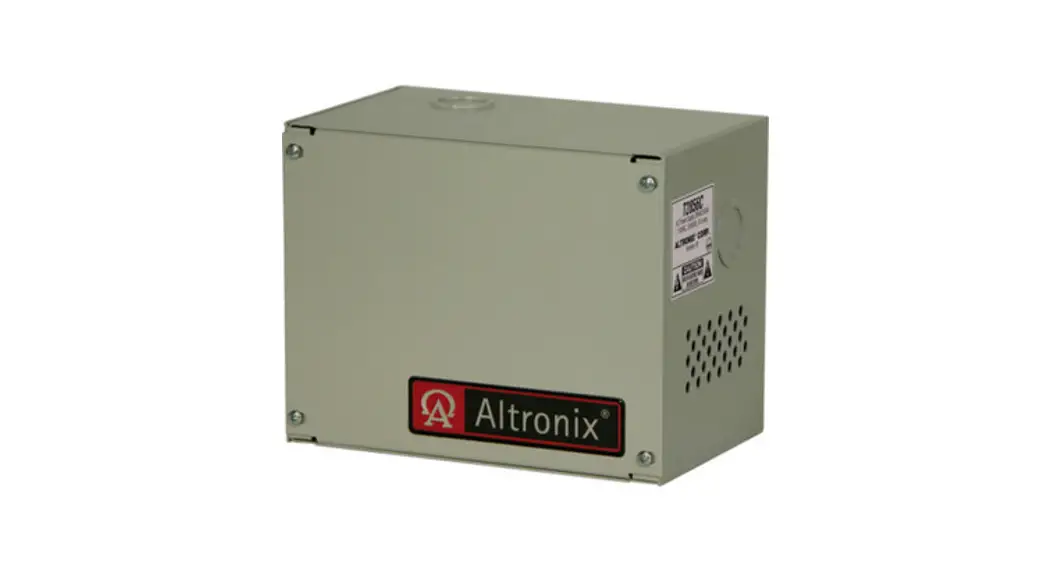
 T2428100C220 Open Frame Transformer
Instruction Manual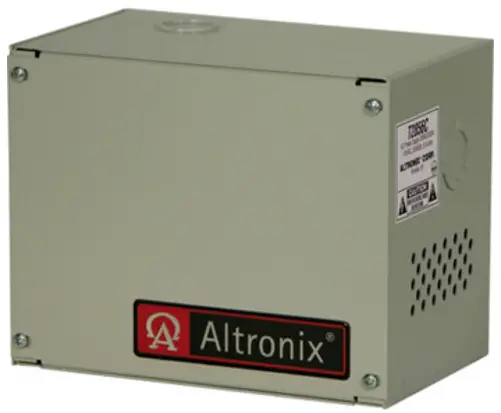 T2428100C220
AC Power Supply
Overview:
T2428100C220 AC Power Supply provides 24VAC with 4A or 28VAC with 3.5A of continuous supply current.
Specifications:
- Input: 220VAC 50/60Hz, 0.5A.
- Output: 24VAC @ 4A or 28VAC @ 3.5A supply current.
- In-line fuse rated @ 3.5A/250V.
- Green grounding lead.
Installation Instructions:
- Mount the AC power supply in desired location.
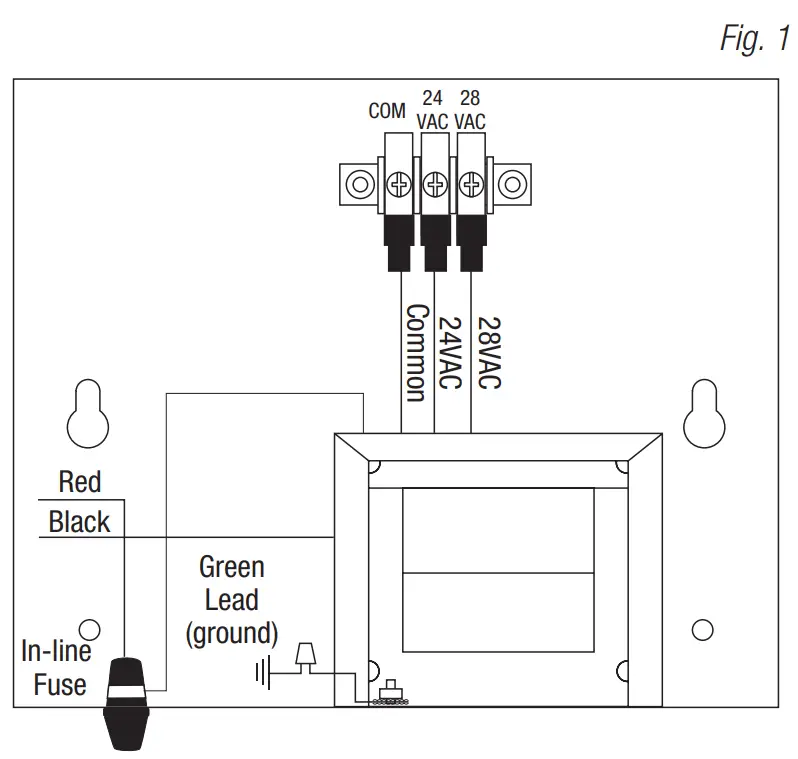
- Connect the AC (220VAC 50/60 Hz) to the black and white flying leads of the transformer (Fig. 1).

- Measure output voltage before connecting devices. This helps avoiding potential damage.
- Connect 24VAC devices to terminals marked [COM] and [24VAC] or 28VAC devices to terminals marked [COM] and [28VAC] on the terminal block on the inside back of the enclosure.
- Upon completion of the wiring secure enclosure door with screws (supplied).
WARNING: This installation should be made by qualified service personnel and should conform to the National Electrical Code and all local codes.
Enclosure Dimensions (H x W x D approximate):
5.625” x 7” x 4.5” (142.88mm x 177.8mm x 114.3mm)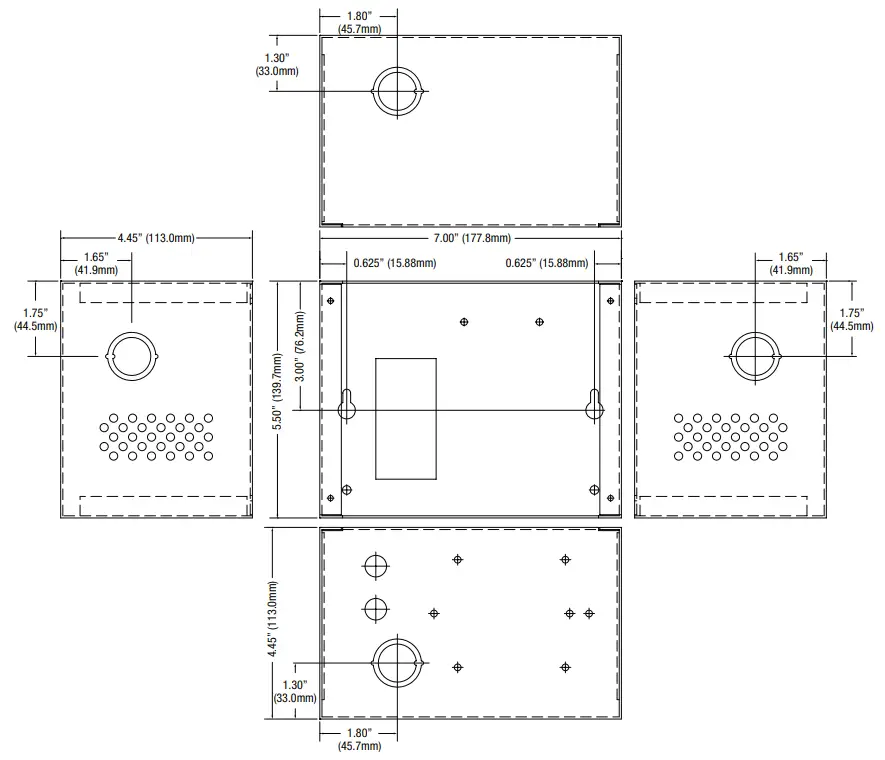 Altronix is not responsible for any typographical errors.
 Product specifications are subject to change without notice.
140 58th Street, Brooklyn, New York 11220 USA
phone: 718-567-8181 | fax: 718-567-9056
website: www.altronix.com
e-mail: [email protected]
Lifetime Warranty
IIT2428100C220 – Rev. 032306 L13U
 Altronix Home