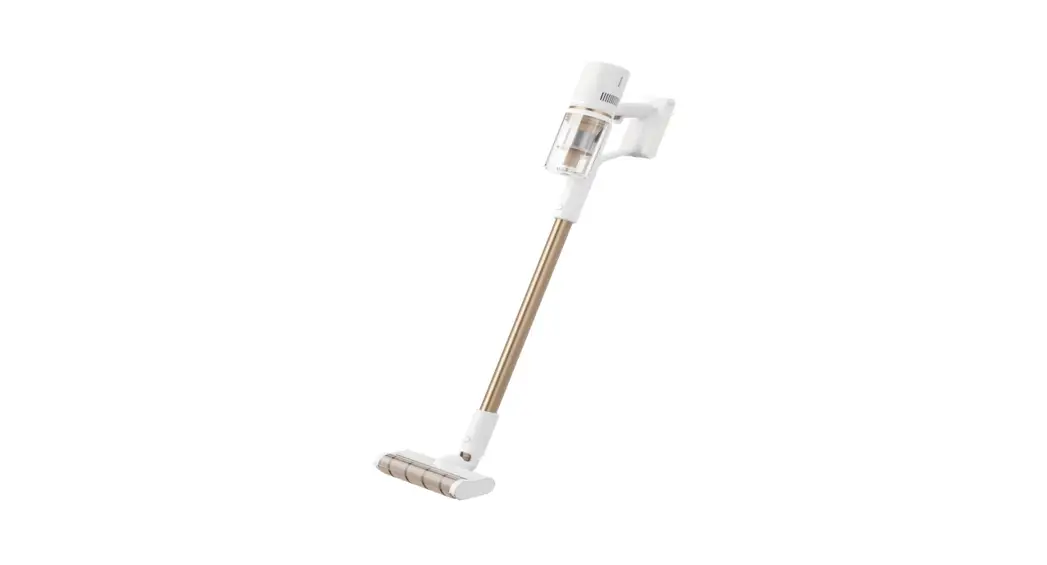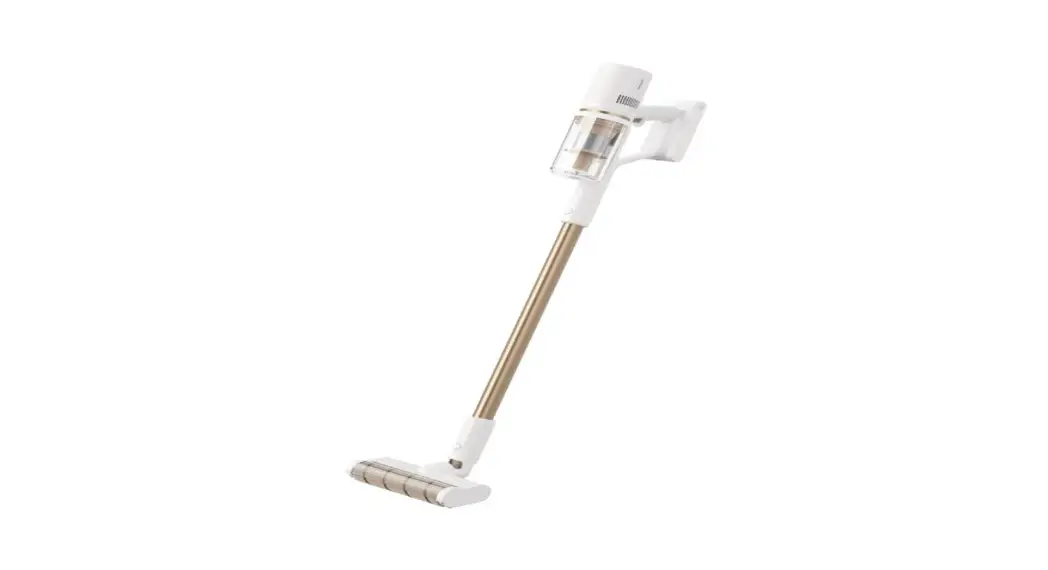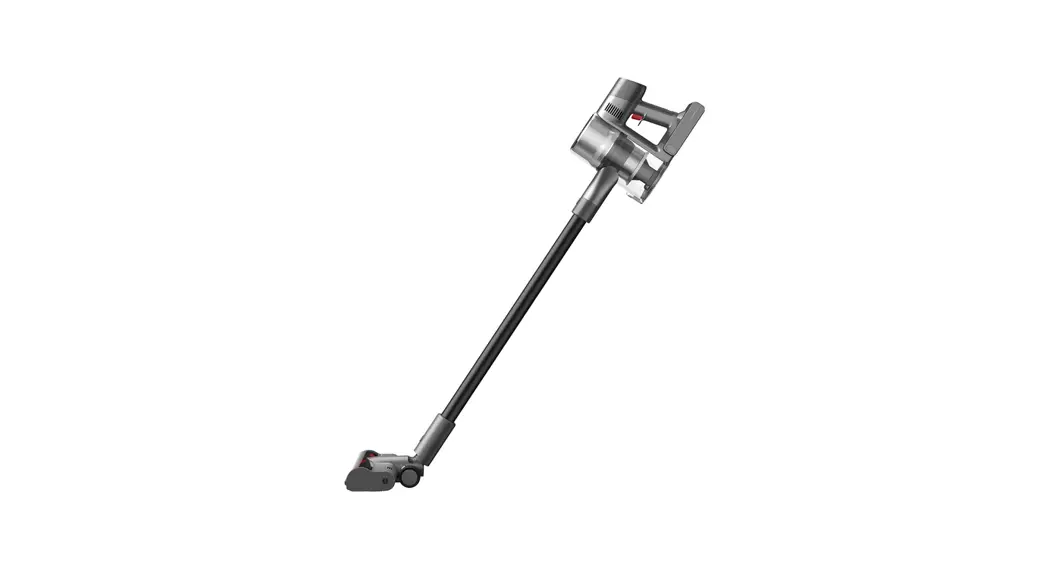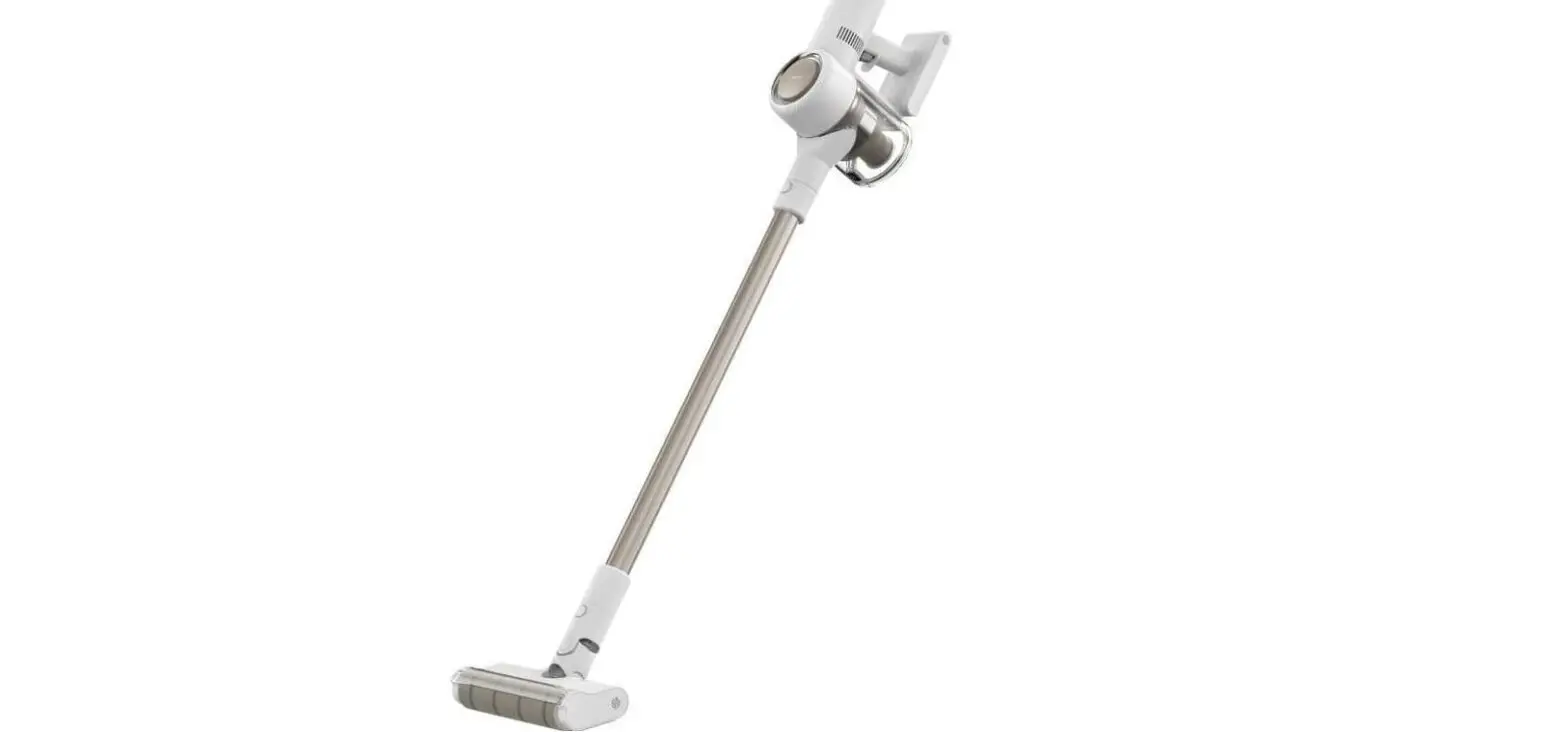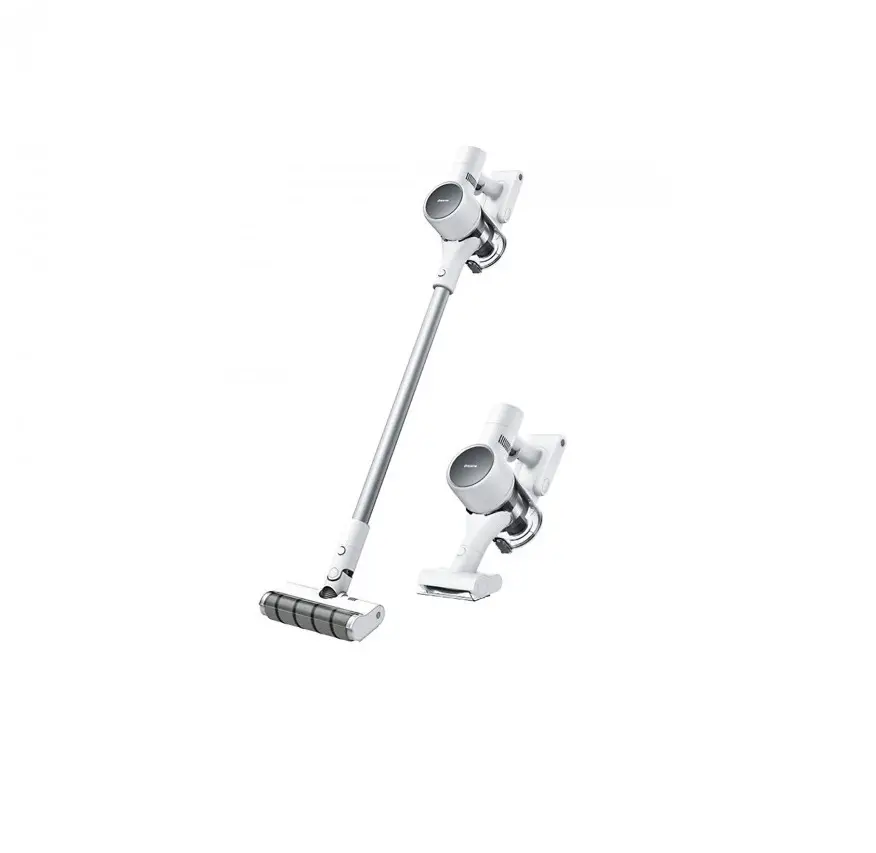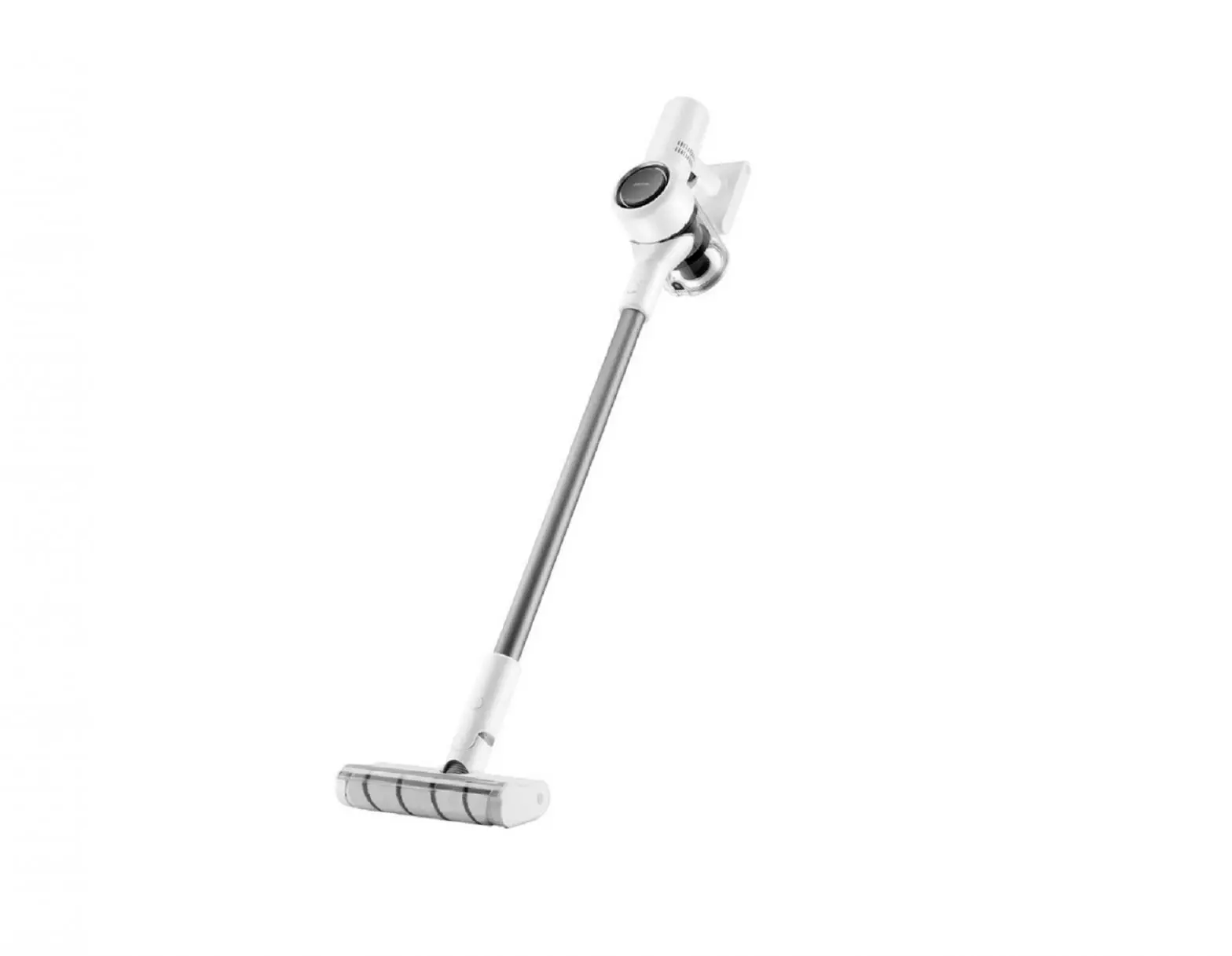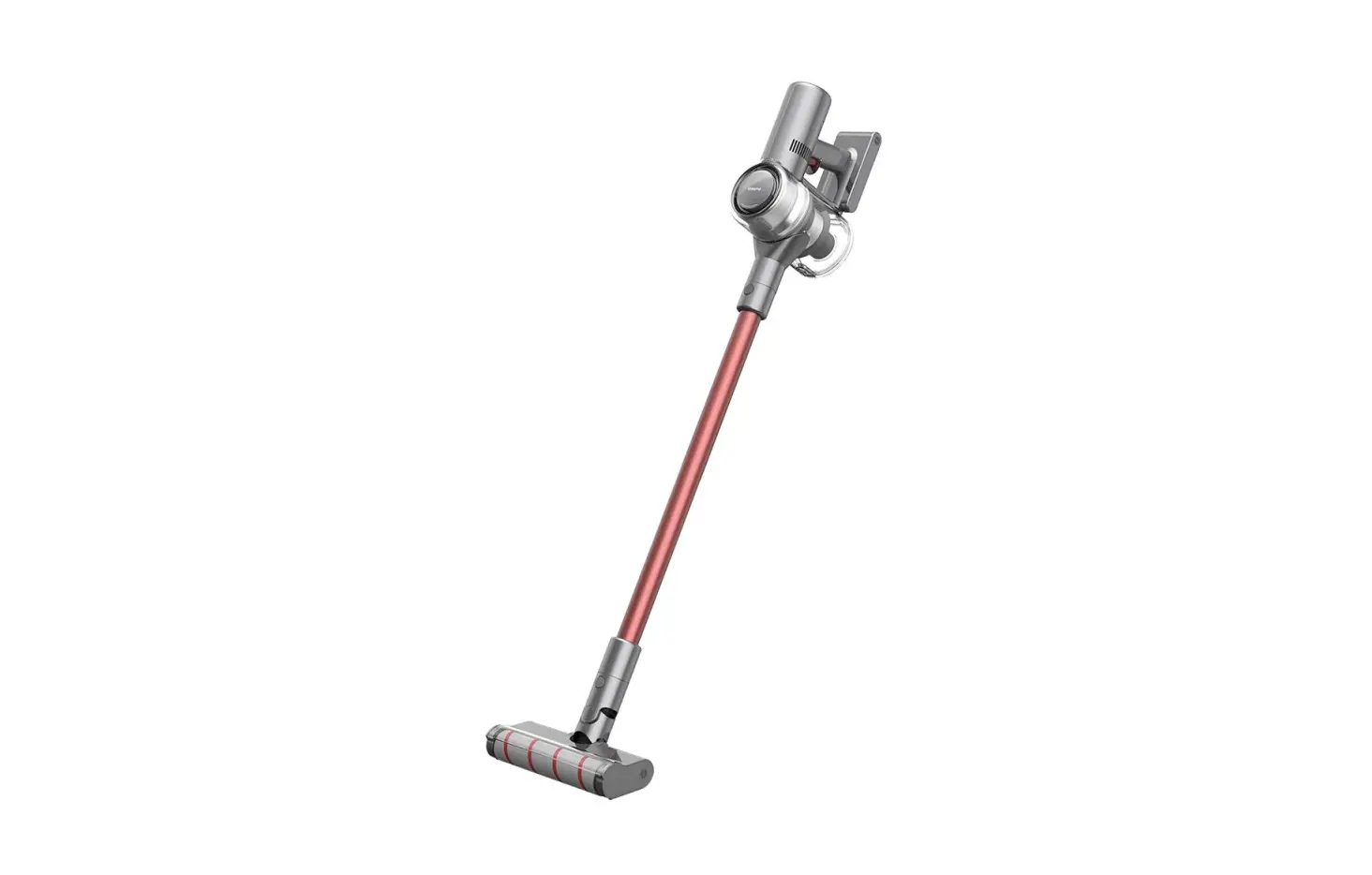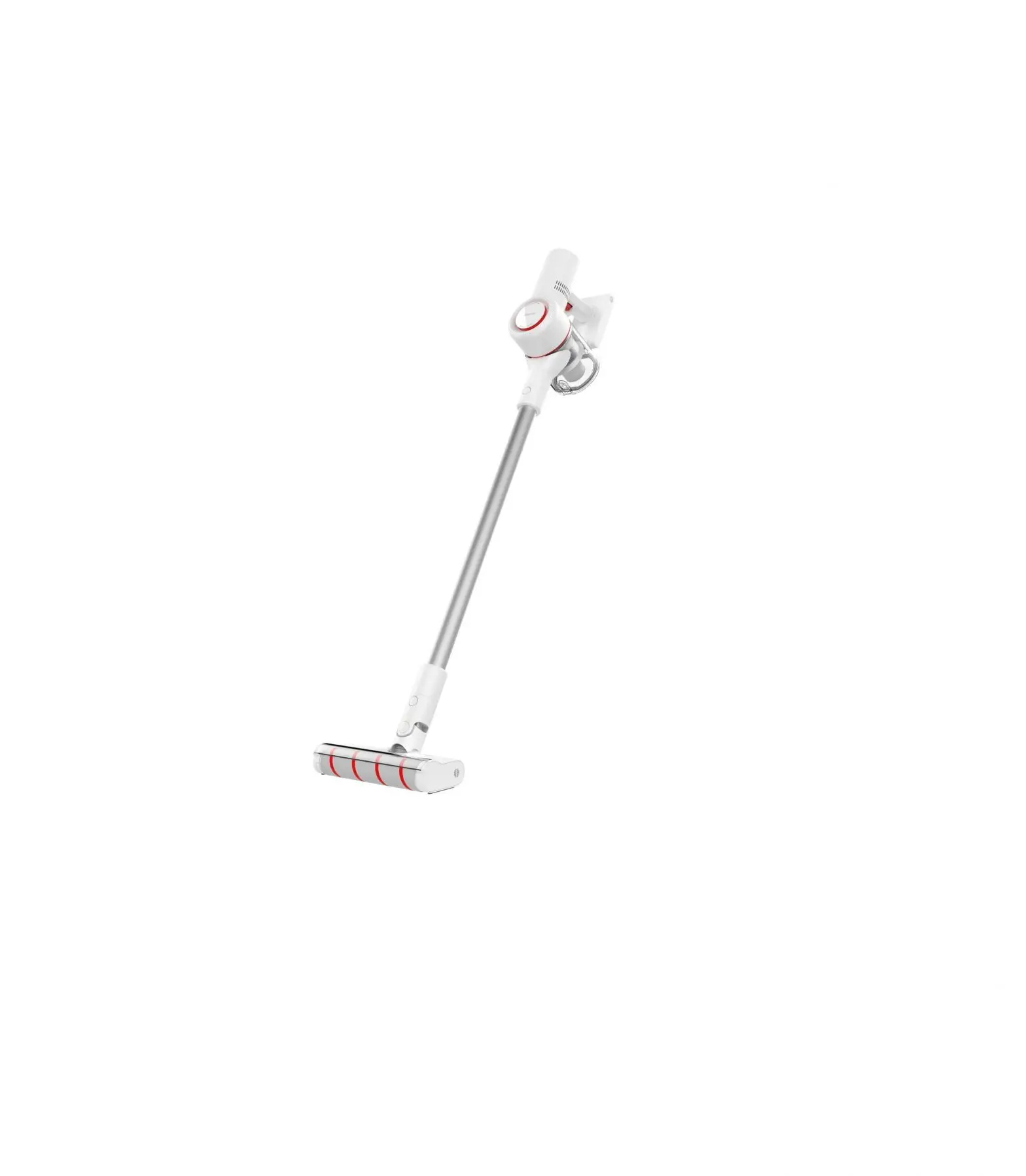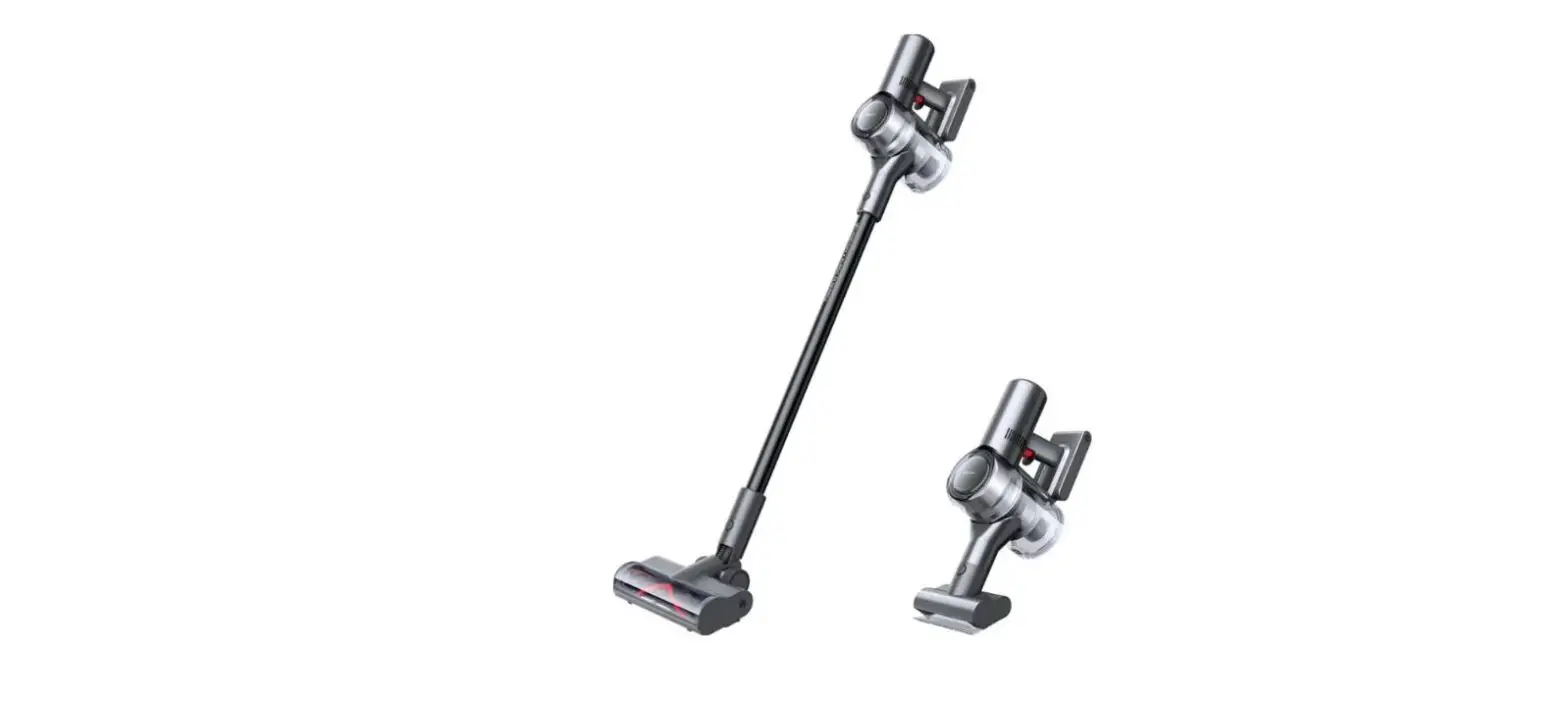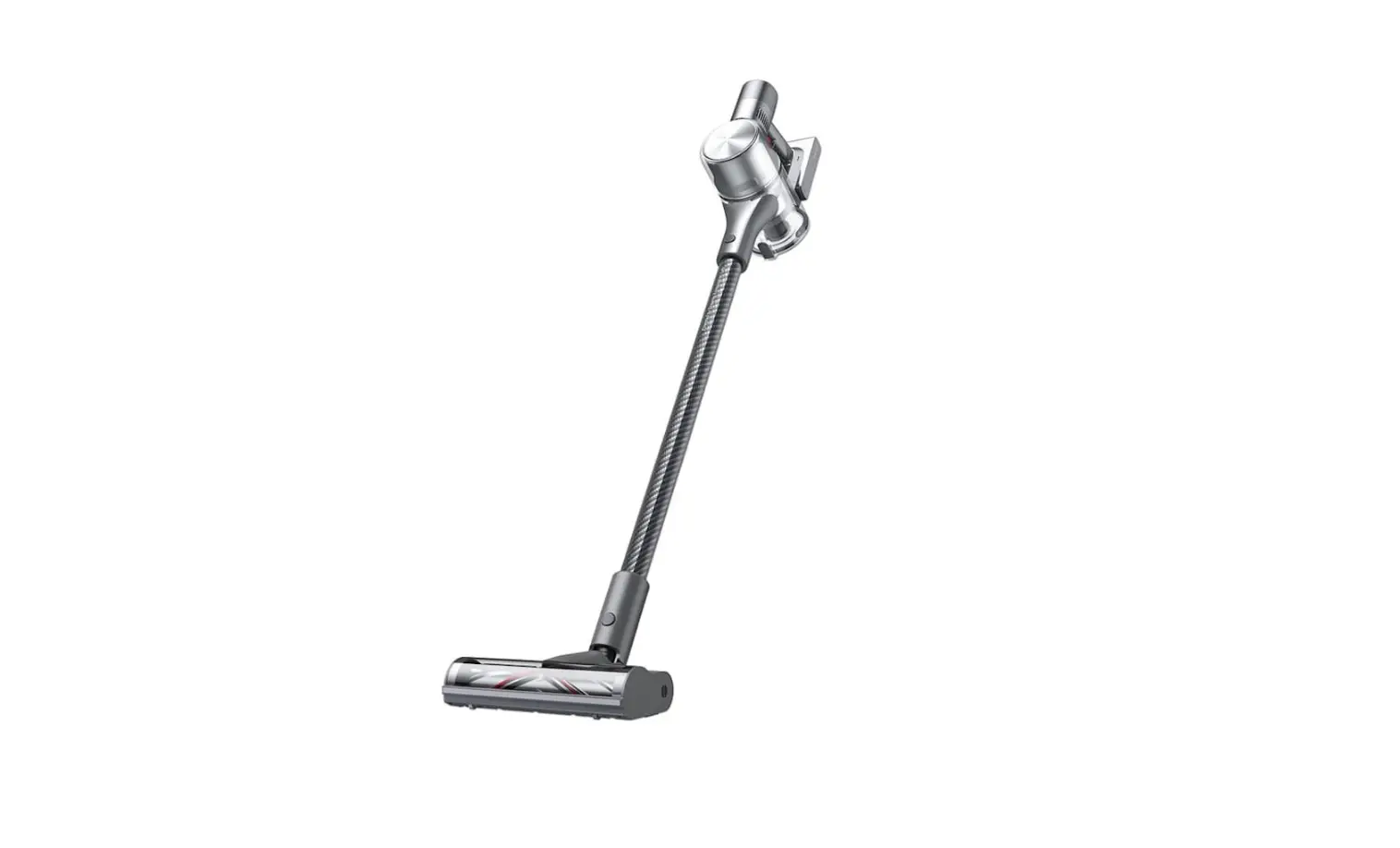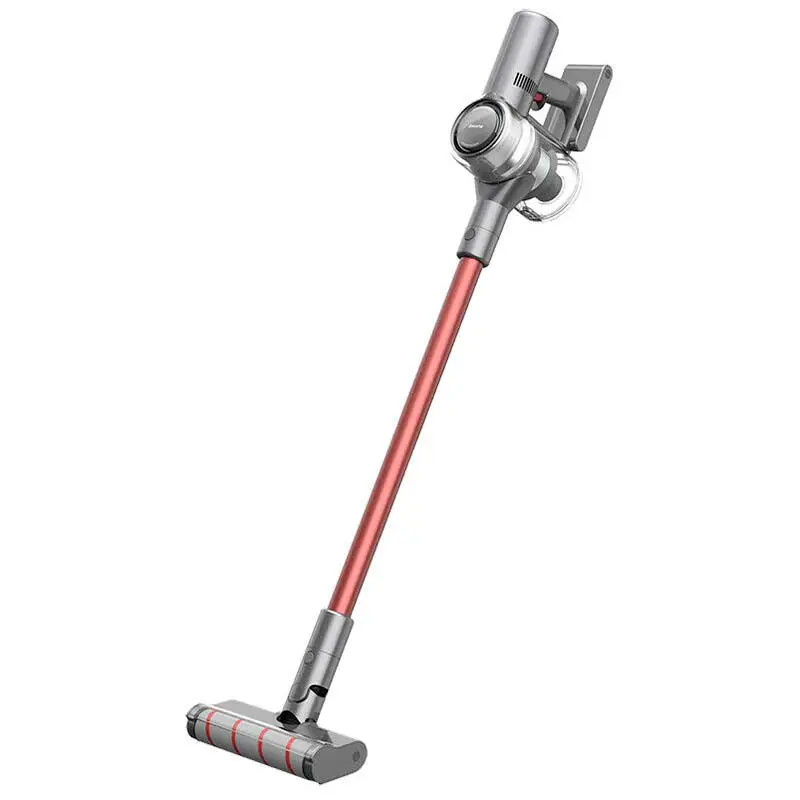

Dreametech P10 Pro Cordless Stick Vacuum Cleaner
THANK YOU FOR PURCHASING THIS DREAME VACUUM CLEANER.
Registration Quick Start
Welcome to register a Dreame account by scanning the QR code. You are available for the User Manual and Special Offers.

With it, you are obtaining a high-quality product that is engineered for optimal performance. If you have any questions about the product, please contact us: at [email protected].
Safety Information
- IMPORTANT SAFETY INSTRUCTIONS
When using an electrical appliance, basic precautions should always be followed, including the following: - READ ALL INSTRUCTIONS BEFORE USING (THIS APPLIANCE).
Failure to follow the warnings and instructions may result in electric shock, fire, and/or serious injury. - SAVE THESE INSTRUCTIONS
Household use only.
WARNING – To reduce the risk of fire, electric shock, or injury:
- Do not use it outdoors or on wet surfaces.
- Do not allow it to be used as a toy. Close attention is necessary when used by or near children, pets, or plants.
- Use only as described in this manual. Use only the manufacturer’s recommended attachments.
- Do not use a damaged cord or plug. If the appliance is not working as it should, has been dropped, damaged, left outdoors, or dropped into water, return it to a service center.
- Do not pull or carry by cord, use the cord as a handle, close a door on the cord, or pull the cord around sharp edges or corners. Do not run the appliance over the cord. Keep the cord away from heated surfaces.
- Do not unplug by pulling on the cord. To unplug, grasp the plug, not the cord.
- Do not handle chargers, including charger plugs, and charger terminals with wet hands
- Do not put any objects into openings. Do not use any opening blocked; keep free of dust, lint, hair, and anything that may reduce airflow.
- Keep hair, loose clothing, fingers, and all parts of the body away from openings and moving parts.
- Use extra care when cleaning on stairs.
- Do not use to pick up flammable or combustible liquids, such as gasoline, or use in areas where they may be present.
- Do not pick up anything that is burning or smoking, such as cigarettes, matches, or hot ashes.
- Do not use without a dust bin and/or filters in place.
- Prevent unintentional starting. Ensure the switch is in the off-position before connecting to the battery pack, picking up, or carrying the appliance. Carrying the appliance with your finger on the switch or energizing an appliance that have the switch on invites accidents.
- Disconnect the battery pack from the appliance before making any adjustments, changing accessories, or storing the appliance. Such preventive safety measures reduce the risk of starting the appliance accidentally.
- Recharge only with the charger specified by the manufacturer. A charger that is suitable for one type of battery pack may create a risk of fire when used with another battery pack.
- Use appliances only with specifically designated battery packs. Use of any other battery packs may create a risk of injury and fire.
- When the battery pack is not in use, keep it away from other metal objects, like paper clips, coins, keys, nails, screws or other small metal objects, that can make a connection from one terminal to another. Shorting the battery terminals together may cause burns or a fire.
- Under abusive conditions, liquid may be ejected from the battery; avoid contact. If contact accidentally occurs, flush with water. If liquid contacts eyes, additionally seek medical help. Liquid ejected from the battery may cause irritation or burns.
- Do not use a battery pack or appliance that is damaged or modified. Damaged or modified batteries may exhibit unpredictable behavior resulting in fire, explosion or risk of injury.
- Do not expose a battery pack or appliance to fire or excessive temperature. Exposure to fire or temperature above 130° C may cause an explosion.
- Follow all charging instructions and do not charge the battery pack or appliance outside of the temperature range specified in the instructions. Charging improperly or at temperatures outside of the specified range may damage the battery and increase the risk of fire.
- Have servicing performed by a qualified repair person using only identical replacement parts. This will ensure that the safety of the product is maintained.
- Do not modify or attempt to repair the appliance or the battery pack except as indicated in the instructions for use and care.
- Do not use and store in extremely hot or cold environments (below 0℃ /32° F or above 40℃ /104° F). Please charge the cordless vacuum in temperatures above 0℃ /32° F and below 40℃ /104° F.
Caution:
This device complies with Part 15 of the FCC Rules / Innovation, Science and Economic Development Canada’s license-exempt RSS(s).
Operation is subject to the following two conditions:
- this device may not cause harmful interference.
- this device must accept any interference received, including interference that may cause undesired operation. Changes or modifications not expressly approved by the party responsible for compliance could void the user’s authority to operate the equipment.
This equipment has been tested and found to comply with the limits for a Class B digital device, pursuant to part 15 of the FCC Rules. These limits are designed to provide reasonable protection against harmful interference in a residential installation. This equipment generates uses and can radiate radio frequency energy and, if not installed and used in accordance with the instructions, may cause harmful interference to radio communications. However, there is no guarantee that interference will not occur in a particular installation. If this equipment does cause harmful interference to radio or television reception, which can be determined by turning the equipment off and on, the user is encouraged to try to correct the interference by one or more of the following.
 | Direct current |
| ~ | Alternating current |
Product Overview
Accessories List
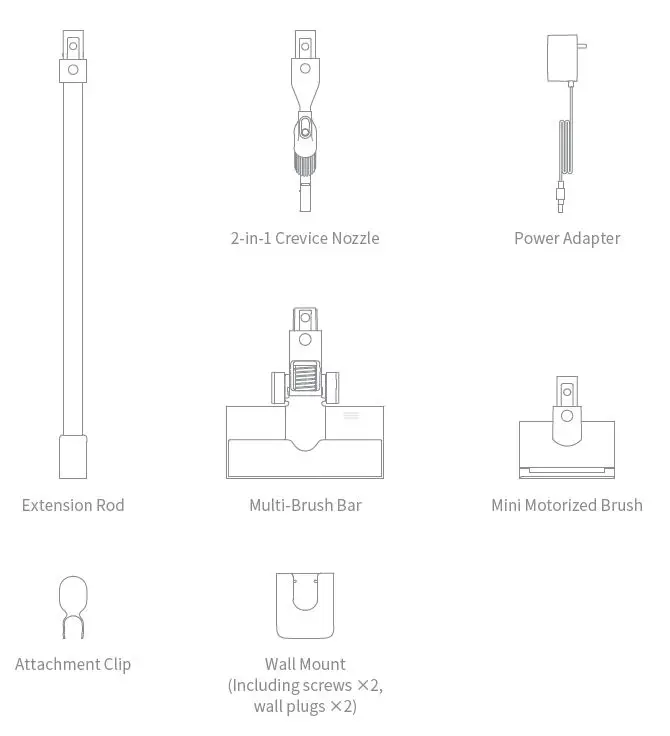
Note: The illustrations in this manual are indicative only. The actual product may differ.
Component Names
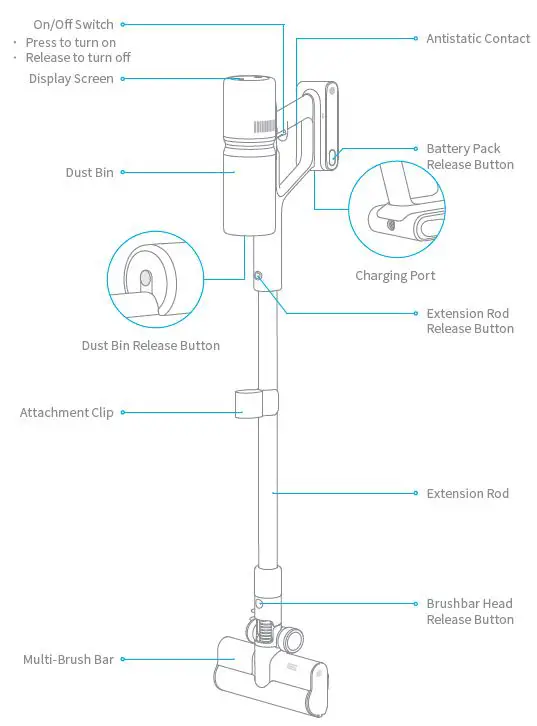
Display Screen
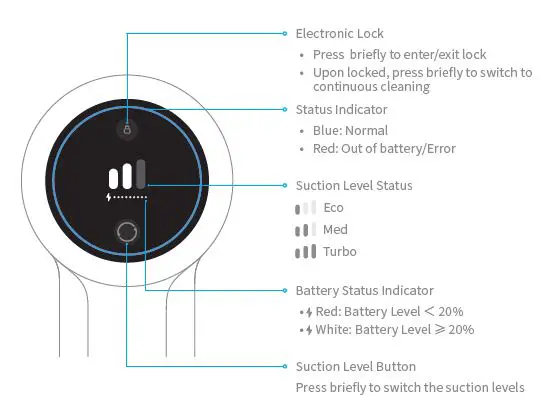
Note: If the vacuum is not working properly, the screen display will produce an error message. Please refer to the troubleshooting section to find your solution.
Installation
Vacuum and Accessories Installation Diagram
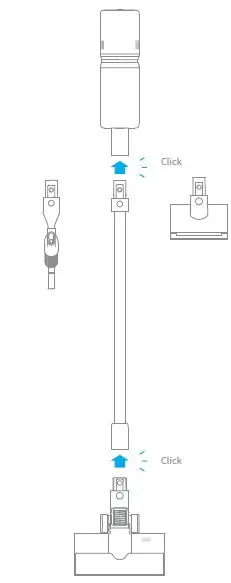
Wall Mount Installation Diagram
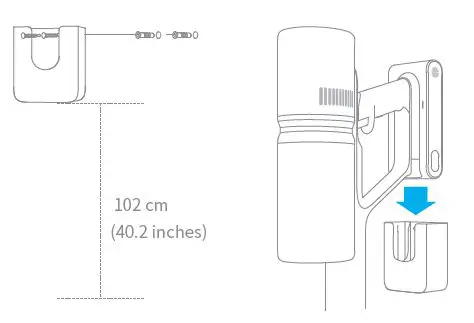
The mount should be installed in a cool, dry place near a power outlet. Make sure the installation area is clear of any pipes such as gas or water lines, and air ducts, electric wires and cables, or drainage lines.
- Before installation, measure the wall in the height of 102 cm (40.2 inches) above the ground.
- Mark and drill two 8 mm (0.315 inch) diameter holes into the wall with an electric drill. Insert the wall plugs into the holes.
- Align the position holes on the mount with the holes on the wall. Fasten it to the wall with the included screws.
Connecting the Charging Adapter to the Wall Mount
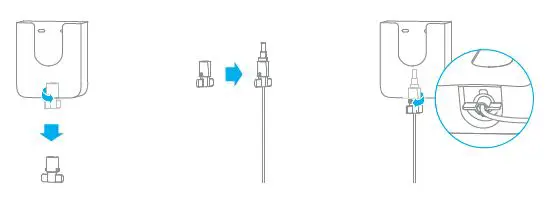
- Rotate the clip in the bottom of wall mount 90 degrees counterclockwise to remove it from the mount.
- Insert the charging adapter cord into the notch on the clip.
- Rotate the clip 90 degrees clockwise until it clicks into place.
Charging
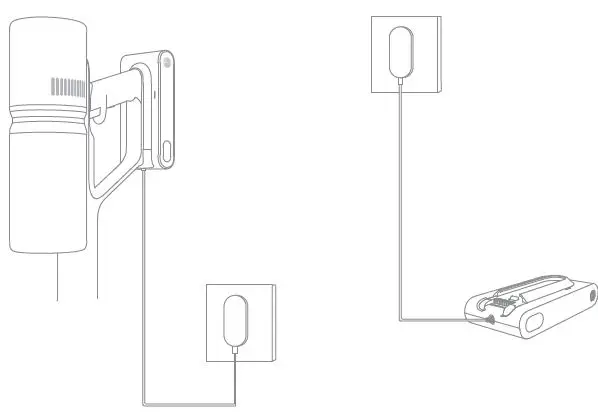
Charging Methods
Note:
- The vacuum cannot be used while charging.
- Fully charge the vacuum before using it for the first time. This will take about 3 hours.
- Vacuuming at Turbo mode for a prolonged period will cause the battery to heat up, which increases charging time. Allow the vacuum to cool down for 30 minutes before charging it.
Display Screen
Battery Status Indicator
 Red: Battery Level < 20%
- White: Battery Level ≥ 20%
 Red: Battery Level < 20%
Battery Indicator
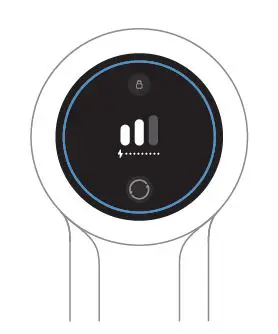
The battery indicators flash and then turn bright constantly in sequence depending on the battery condition.
Note: The screen will turn off if there is no operation for more than 30 seconds.
How to Use
Working Methods
Select from two working methods for the vacuum, based on your needs.
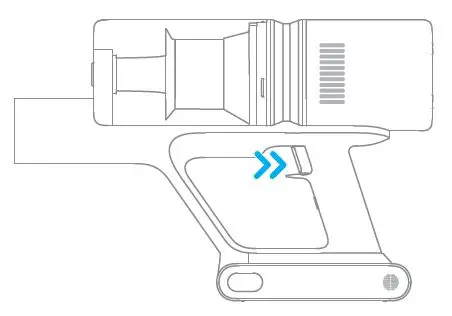
- Method 1: Discontinuous Cleaning Mode
Press and hold the on/off switch to power it on, and release it to stop immediately.
- Method 2: Continuous Cleaning Mode (Electronic Lock)
Click the lock button to switch to Continuous Cleaning Mode and the button is on. Then release the on/off switch to make the vacuum in Continuous Cleaning Mode. Use the electronic lock to free your fingers and avoid finger fatigue caused by holding the switch.
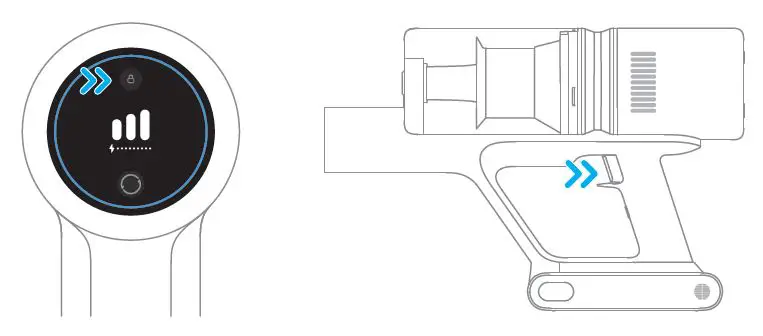
Notes:
- In this mode, briefly press the switch to suspend the operation or start again,and the working mode of the vacuum will not change.
- Click the electronic lock again to quit the Continuous Cleaning Mode.
Using Different Accessories
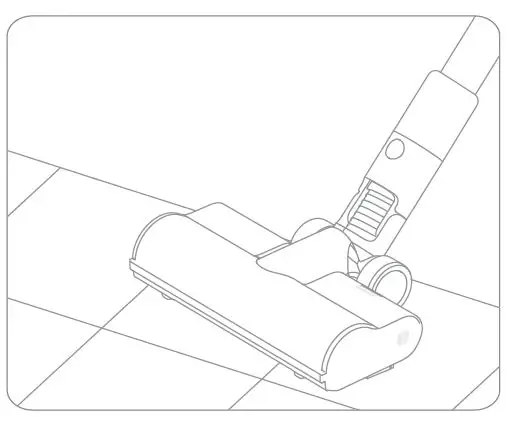
- Multi-Brush Bar
Suitable for vacuuming on the med/low pile carpets, tiles and floors.
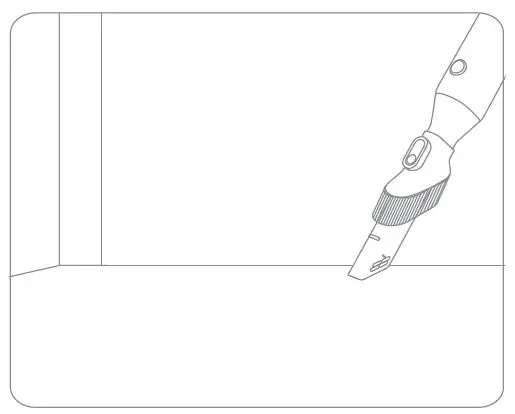
- 2-in-1 Crevice Nozzle
Suitable for vacuuming cracks, corners of doors and windows, stairs, and other hard-to-reach places.
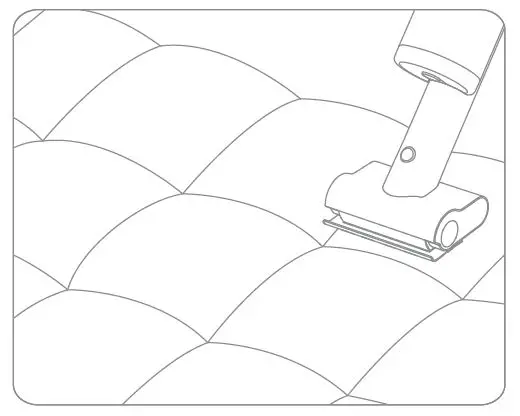
- Mini Motorized Brush
For vacuuming dirt, pet hair, and other stubborn debris from sofas, bedding, and other fabric surfaces.
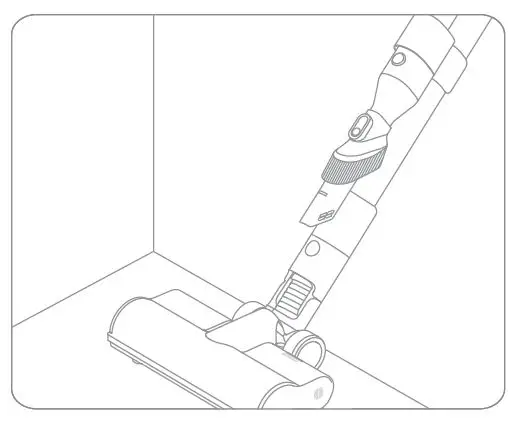
- Attachment Clip
The 2-in-1 crevice nozzle can be stored in the attachment clip as shown when not in use.
Note:
- If any rotating part becomes stuck, the vacuum may shut off automatically. Remove any trapped foreign objects, then resume use.
- When the battery becomes overheated, the vacuum will automatically shut off. Wait until the battery temperature returns to normal, then resume use.


FREQUENTLY ASKED QUESTIONS
VIDEO – PRODUCT OVERVIEW
DOWNLOAD THE PDF LINK: Dreametech P10 Pro Cordless Stick Vacuum Cleaner User Manual