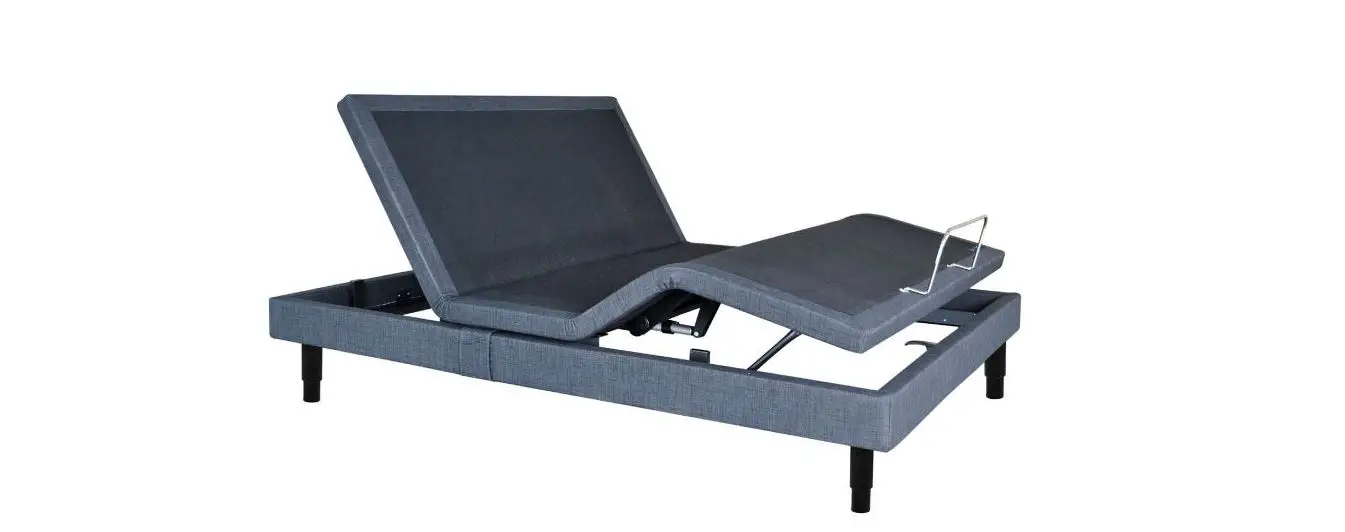
Serta Motion Plus Installation Guide
Nationwide Customer Service
Phone 1.888.550.3746
Fax 1.805.979.9399
Email [email protected]
Web www.ergomotion.com

See Owner’s Manual for complete operating instructions.
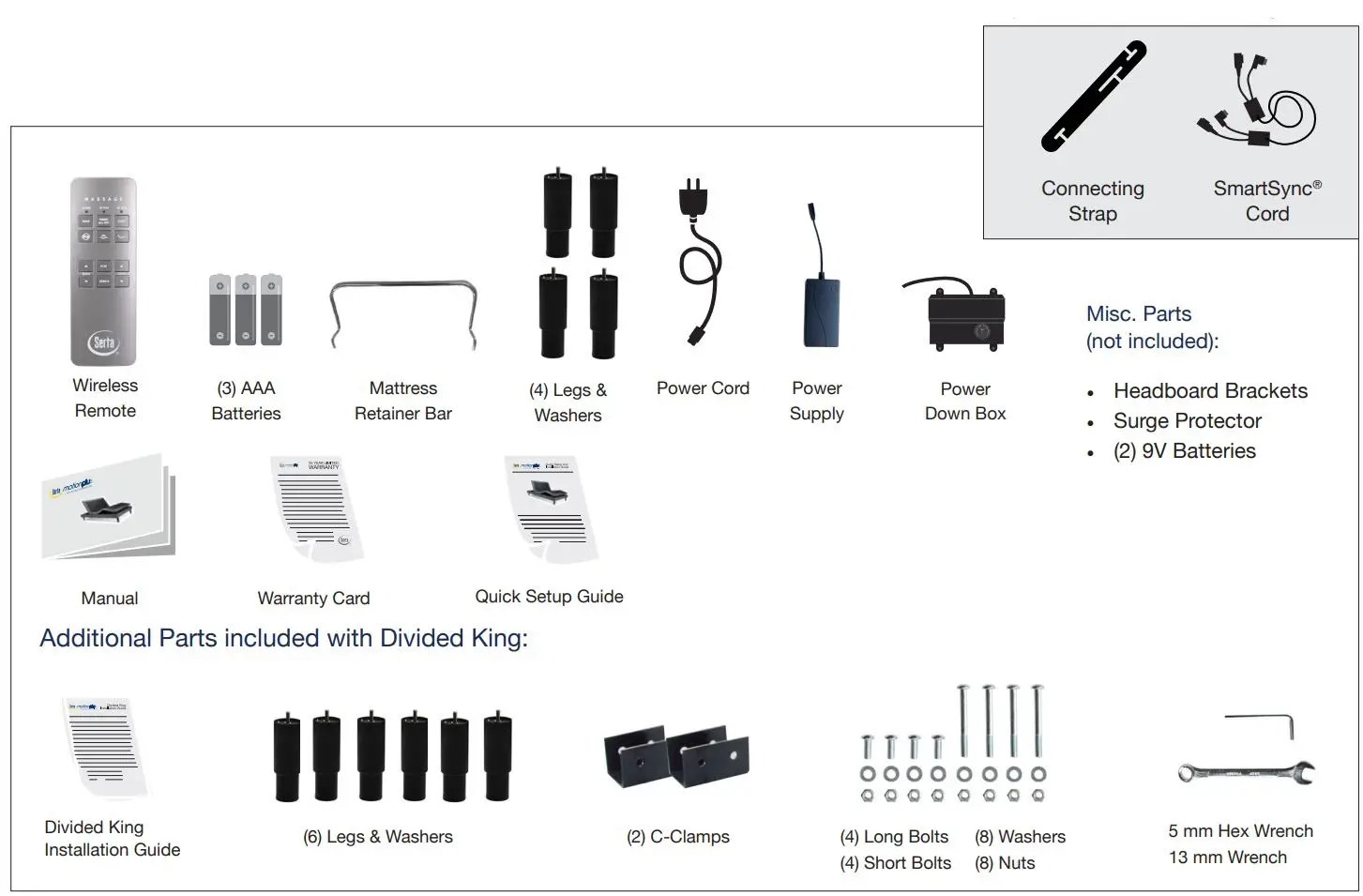
PART LIST
Before discarding packing materials, ensure all parts are accounted for. Some parts may be attached to base or inside boxes. Please inspect carefully.
Only included in Twin Long and Cal King Split Bases. Not included in Divided King.
STEP 1

Always use two people when setting up, moving or flipping base.
Place bed base box in a desired location with bottom of box facing up.
Remove binding straps and packing materials, making sure not to puncture box with any sharp objects.
STEP 2
Headboard brackets are optional and can be purchased from Ergo motion separately. If installing a headboard, please see headboard bracket installation instructions or Owner’s Manual.
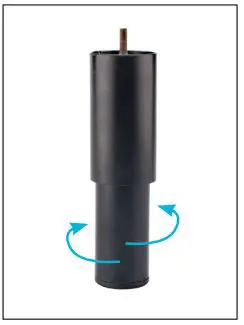
Legs adjust from 5-8 in. Simply twist the bottom portion of the leg to extend and retract to your preferred height.
STEP 3
To sync two bases with SmartSync™ cord, see installation instructions in Owner’s Manual
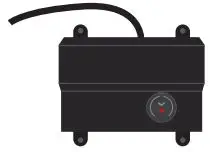
Uncoil Power Down Box from frame and place box on the ground. Ensure that it is easily accessible when base is turned to its upright position.
STEP 4
Uncoil input cord (connected to control box’s power port) and plug it into Power Supply.
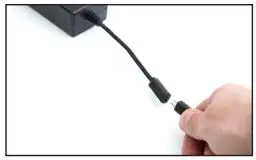
STEP 5
Uncoil Power Cord and connect to Power Supply. Place Power Supply on ground and extend from base. Ensure that Power Supply and all attached cords are directed toward the desired surge protector.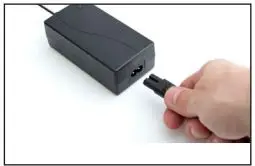
STEP 6
Carefully flip the base over onto its legs. Important: Two people are required to move the bed base. Do not drag frame across the floor or rest frame on its side, as excessive pressure may damage the legs.
STEP 7
Plug the base and into a power source. A surge protector is strongly recommended.
STEP 8
Install (3) AAA batteries in remote control. Quickly test functions before placing mattress on base to verify proper setup. Press FLAT to return base to a flat position.
STEP 9
Locate the mattress retainer bar slots. at the foot of the base. Insert the left end of the mattress retainer bar into the left slot, then insert the other end into the right slot to secure the bar.
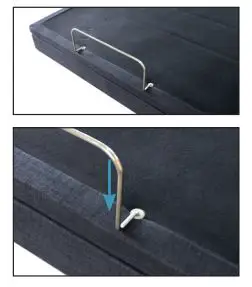
Setup is now complete! Test all functions on remote to ensure proper setup. For more information please see Owner’s Manual
For customer support, visit www.ergomotion.com or call: 1-888-550-3746
REMOTE GUIDE

ADJUST
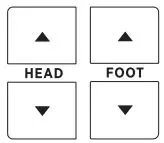 Lift and lower head section of base.
ONE TOUCH
 One touch ZERO-G® preset position. ZERO-G® adjusts your legs to a higher level than your heart helping to relieve pressure off lower back and promote circulation.
 FLAT preset position.
 Adjustable Bed Bases, Wellness Products | Ergomotion