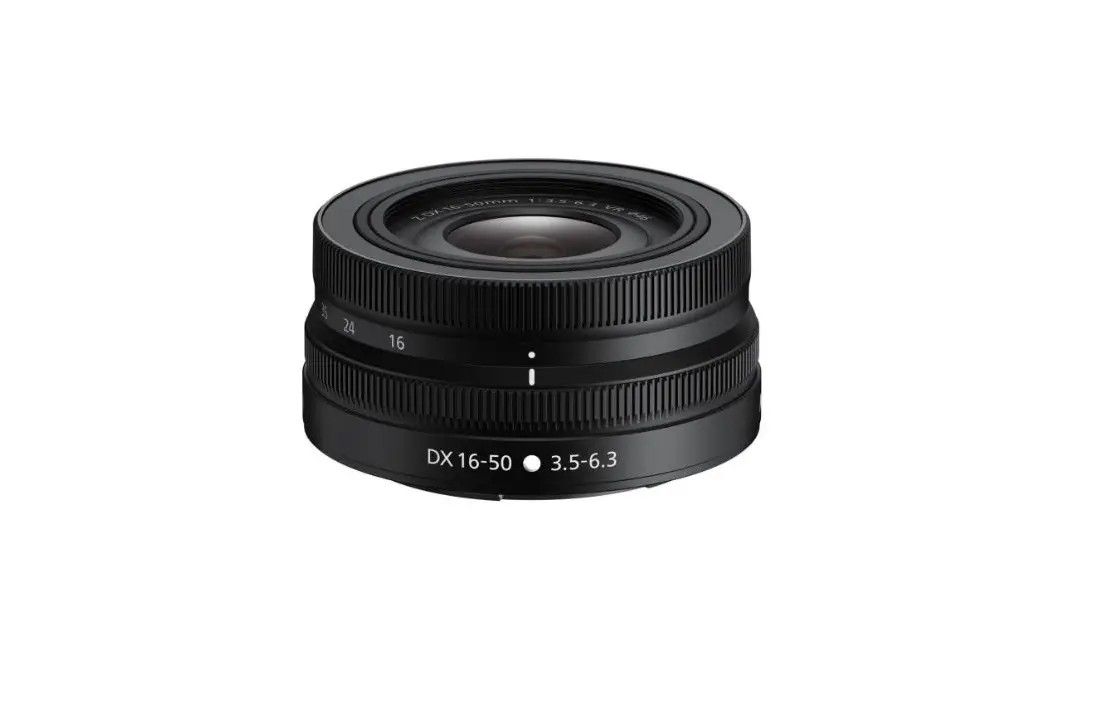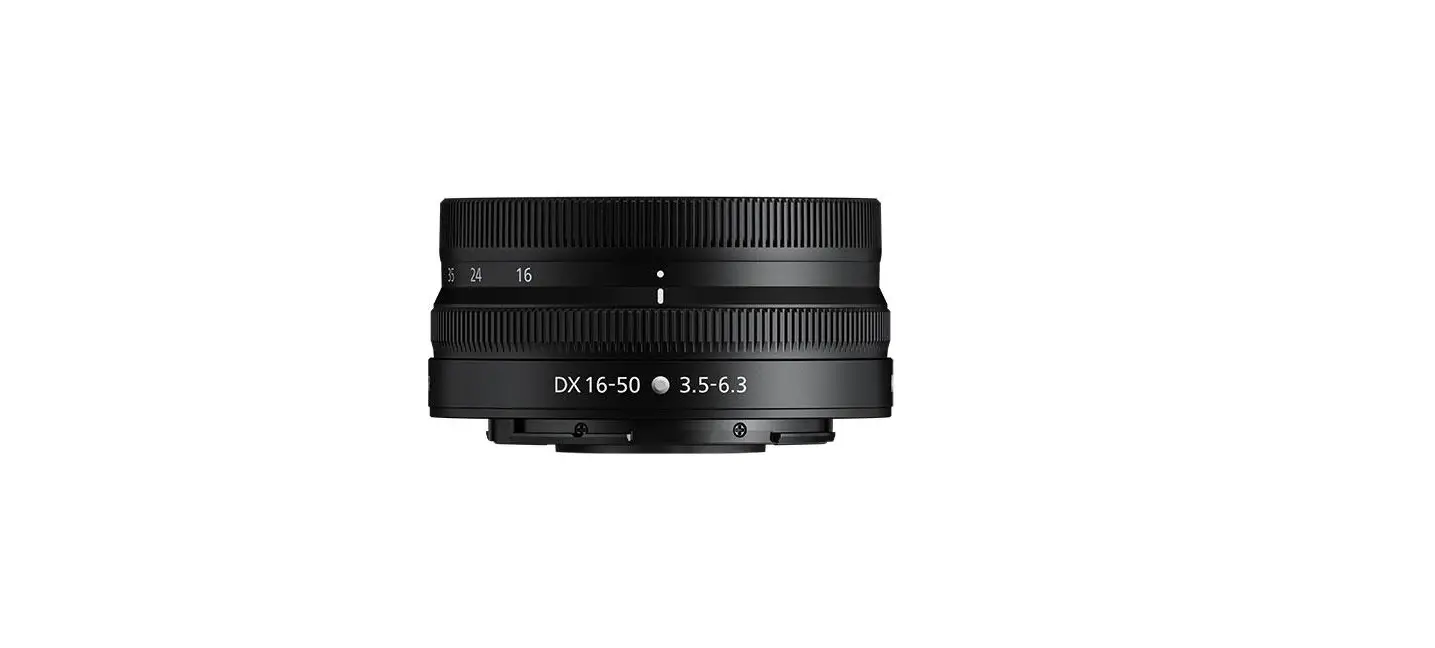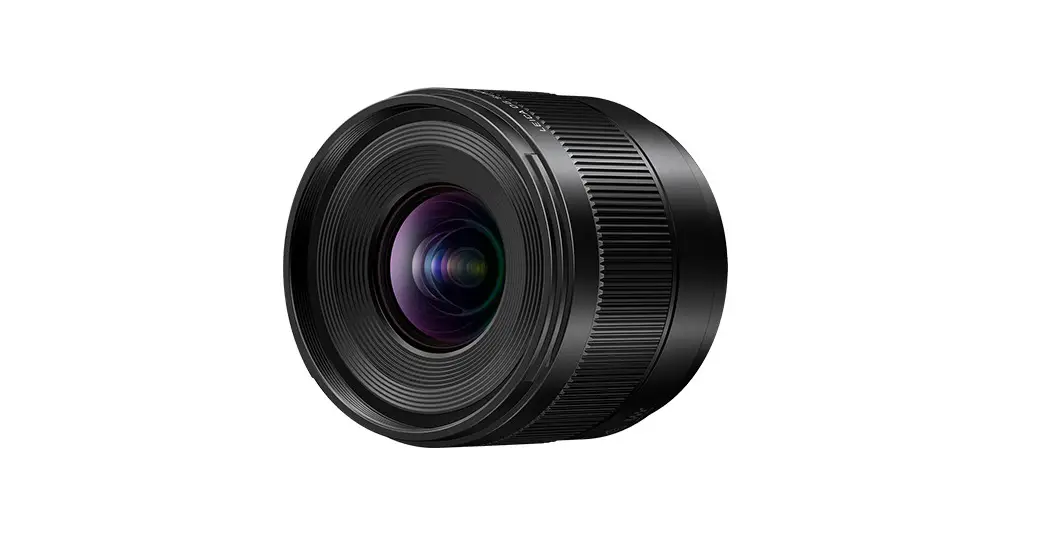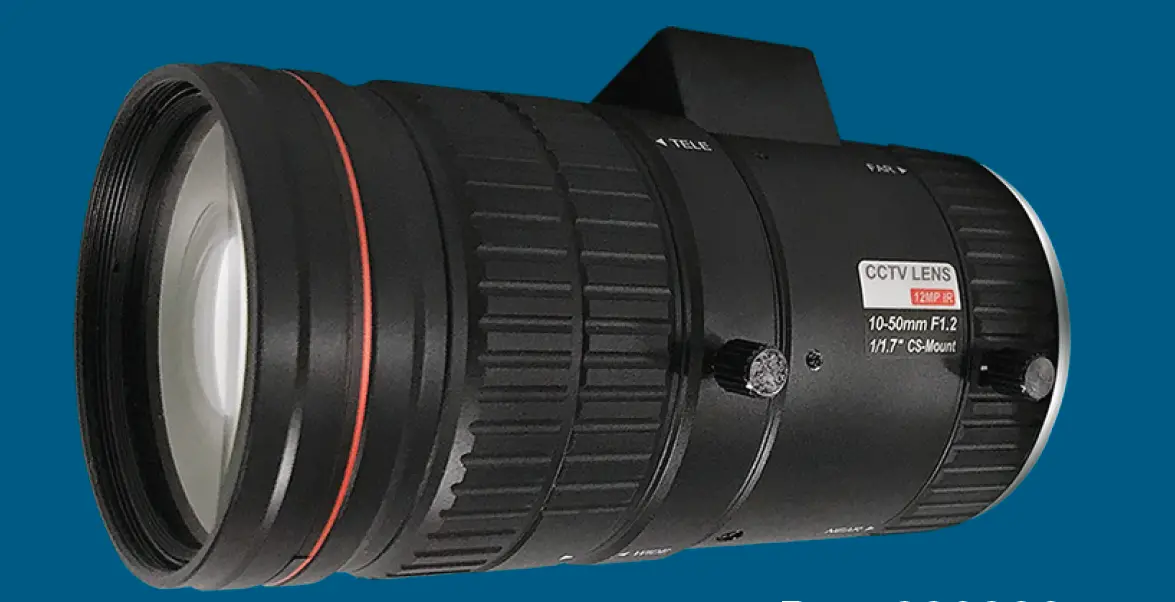

i3 INTERNATIONAL L16 12MP 10-50mm Lens
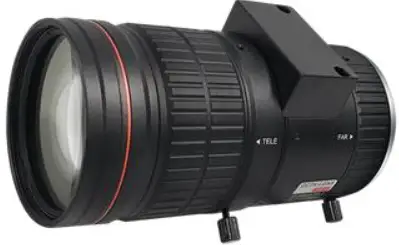
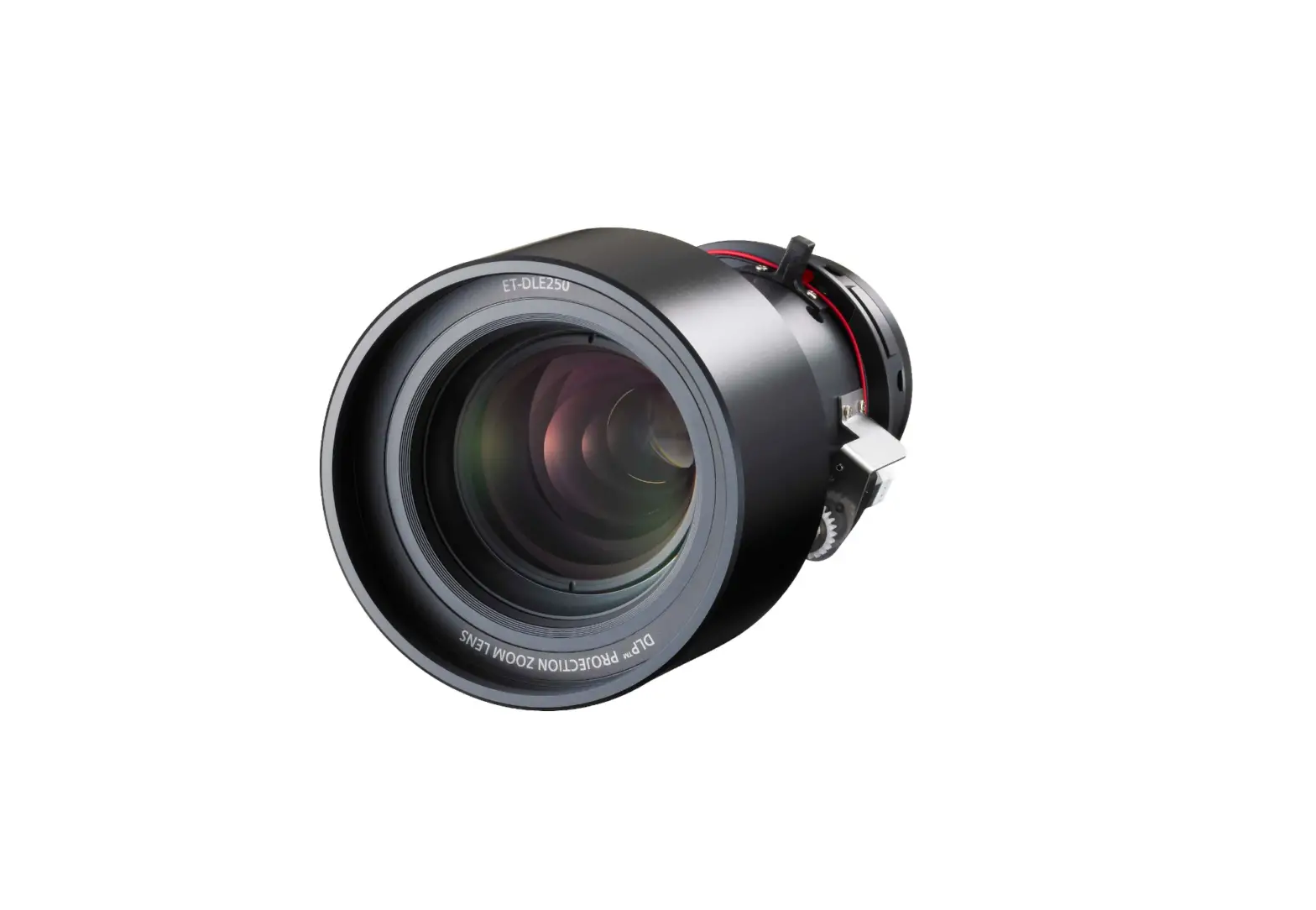
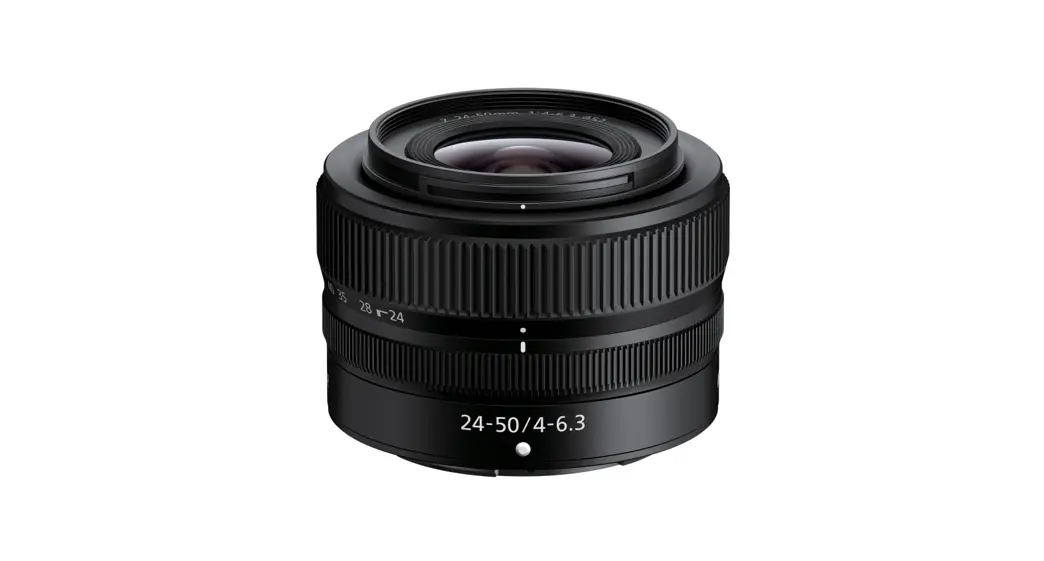
Thank you for purchasing i3 International’s L16 12MP 10-55mm long range lens. L16 is compatible with i3’s box cameras: Ax63C, Ax83C, H59. Suitable for the installations where long shot is required for the objects are far away from the camera.
INSTALLATION
- Remove the protective cap from the back of the lens.
- Attach the lens to the box camera.
- Connect the Auto Iris cable to the side of the box camera.
- Use the thumb screws to loosen the TELE and/or FAR adjustment rings. Adjust to achieve desired image, then re-tighten the thumb screws to secure the lens setting.
- To fine-tune lens focus, use the ABF function in the camera’s Web GUI.
a. Ax63C / Ax83C: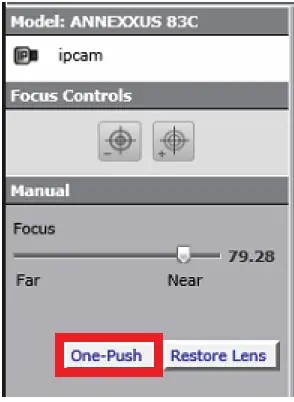 Open Internet Explorer and go to the camera’s IP and login using camera admin credentials.
On the main screen, click the One-Push button for perfect focus.
b. H59C:
Open the web browser and go to the camera’s IP and login using camera admin credentials. Go to Config > Image > Zoom/Focus.
Click the One Key Focus button for perfect focus.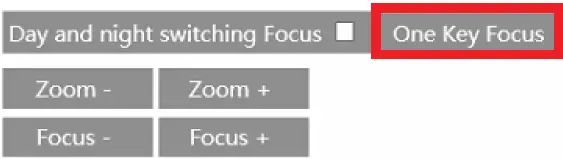 COMPATIBLE CAMERAS
Ax63C – 3MP Box Camera
Ax83C – 8MP Box Camera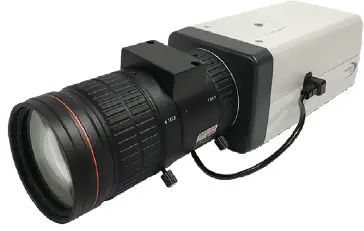 H59C – 2MP Box LPR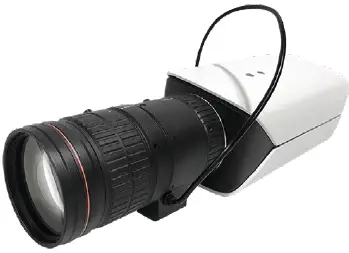
COMPATIBLE HOUSING
i3-6801HB – Aluminum IP67 housing with heater and blower.
SPECIFICATION
| Focal length | 10-50 mm |
| F-stop | 1.2 |
| Max. Image format | Ø 9.2mm (1/1.7”) |
| Mount | CS Mount |
| Flange Back Length | 12.5 mm |
| Minimum Object Distance | 1 ft (0.3 m) |
| Control | |
| Iris | DC Auto Iris |
| Focus | Manual |
| Zoom | Manual |
| Field of View | |
| Horizontal | 39.8°~9.4° |
| Vertical | 29.4°~7.1° |
| Diagonal | 50.4°~11.8° |
| Mechanism | |
| Weight | 1.03 lb (470.1 g) |
| Dimensions | Ø 2.2” x 4.34” (56 mm x 110.46mm) |
| Operating Temperature | -4°F – 140°F (-20°C – 60°C) |
| Warranty | |
| Warranty | 5 year parts |
Scan this QR code or visit ftp.i3international.com for Annexxus Configuration Tool (ACT) installation and additional documentation.
Contact our Technical Support team at: 1.877.877.7241 or [email protected] if you have any questions or concerns regarding camera installation or if you require software services or support. ACT Download & Documentation