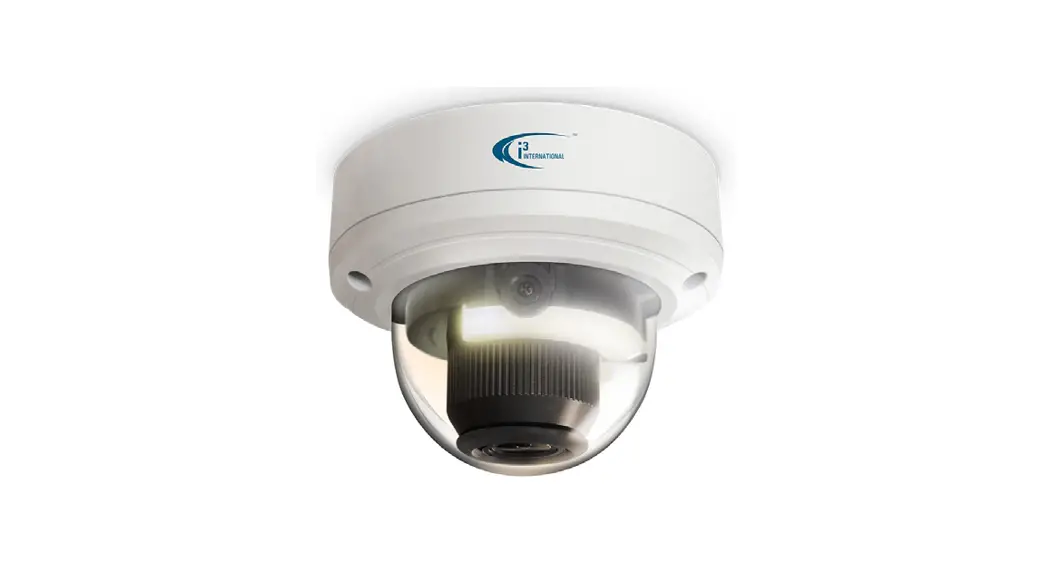
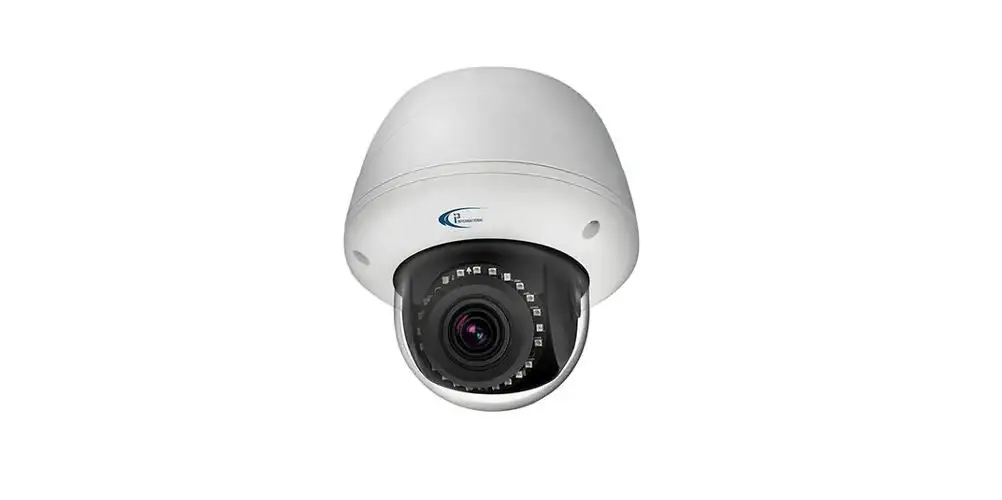
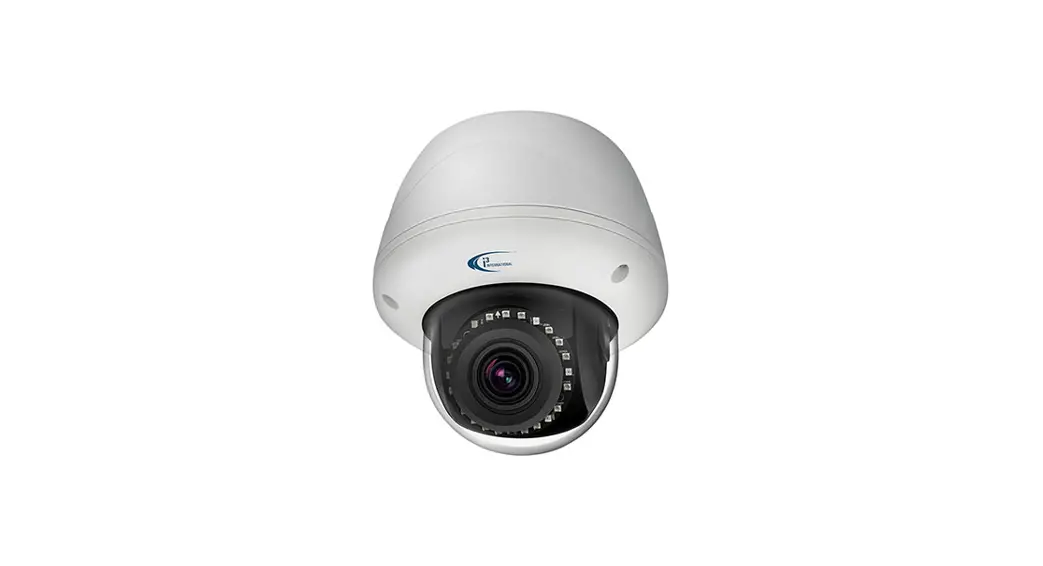
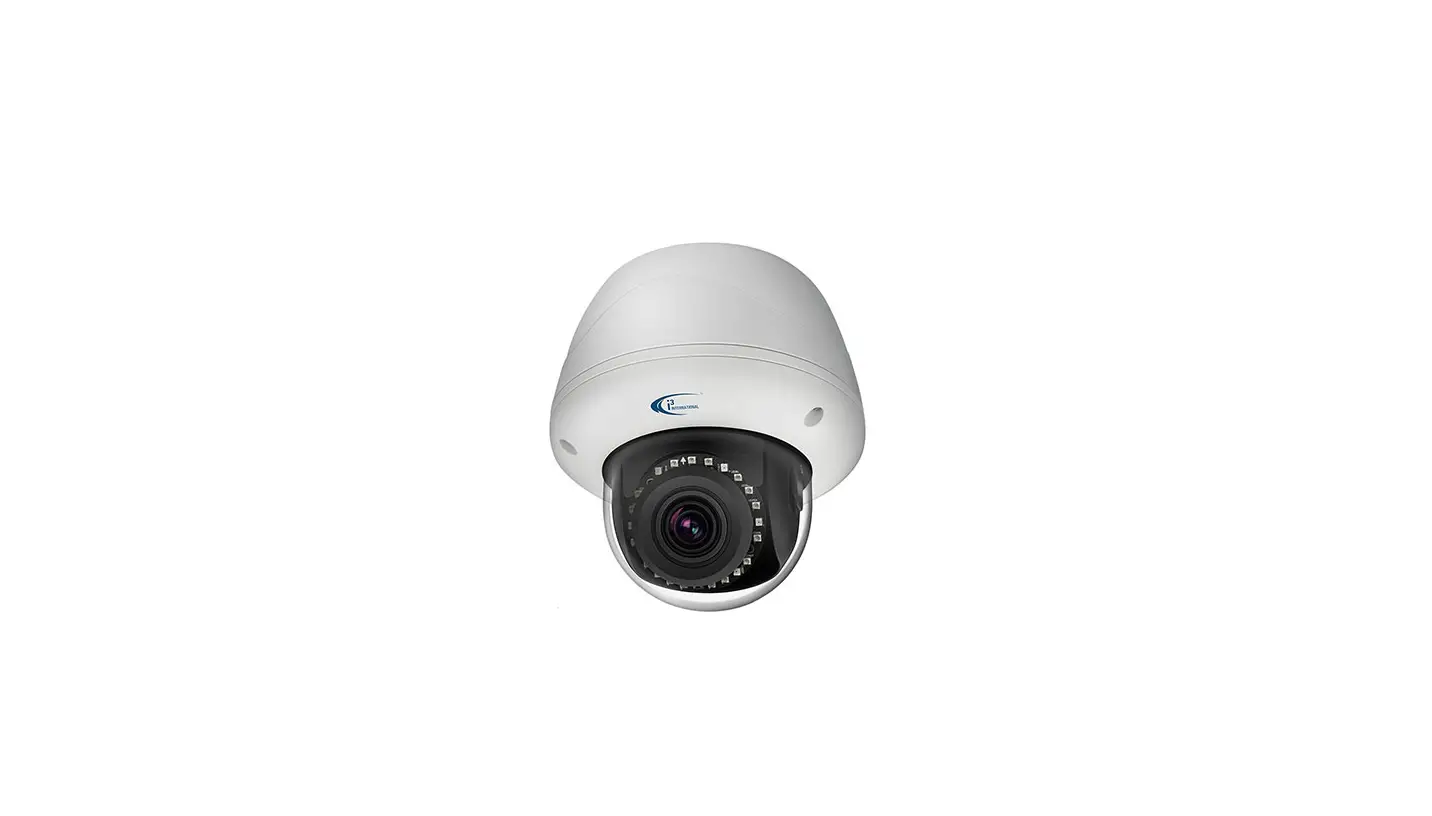
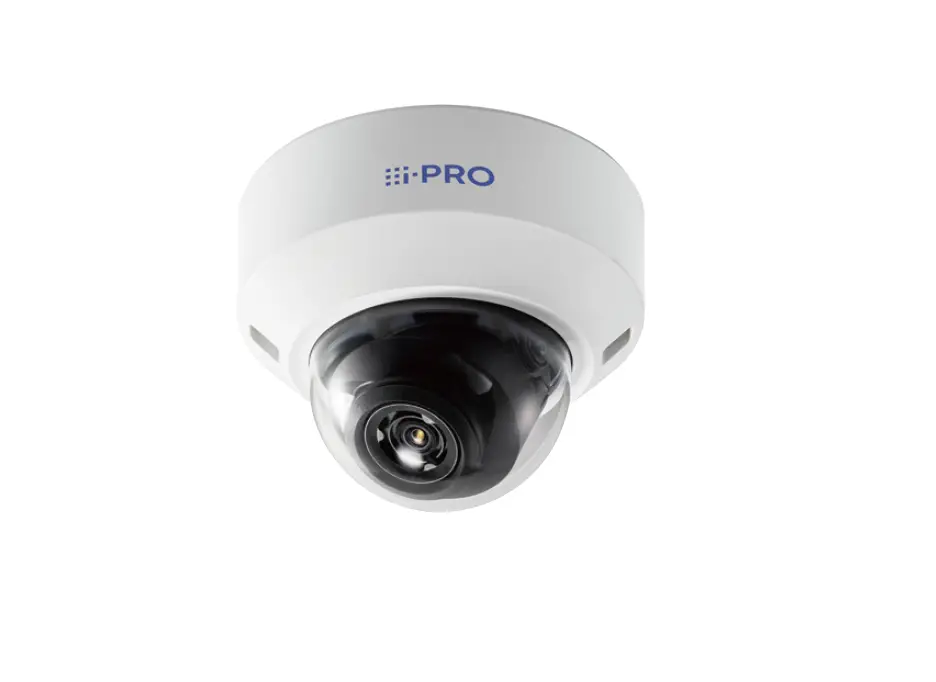
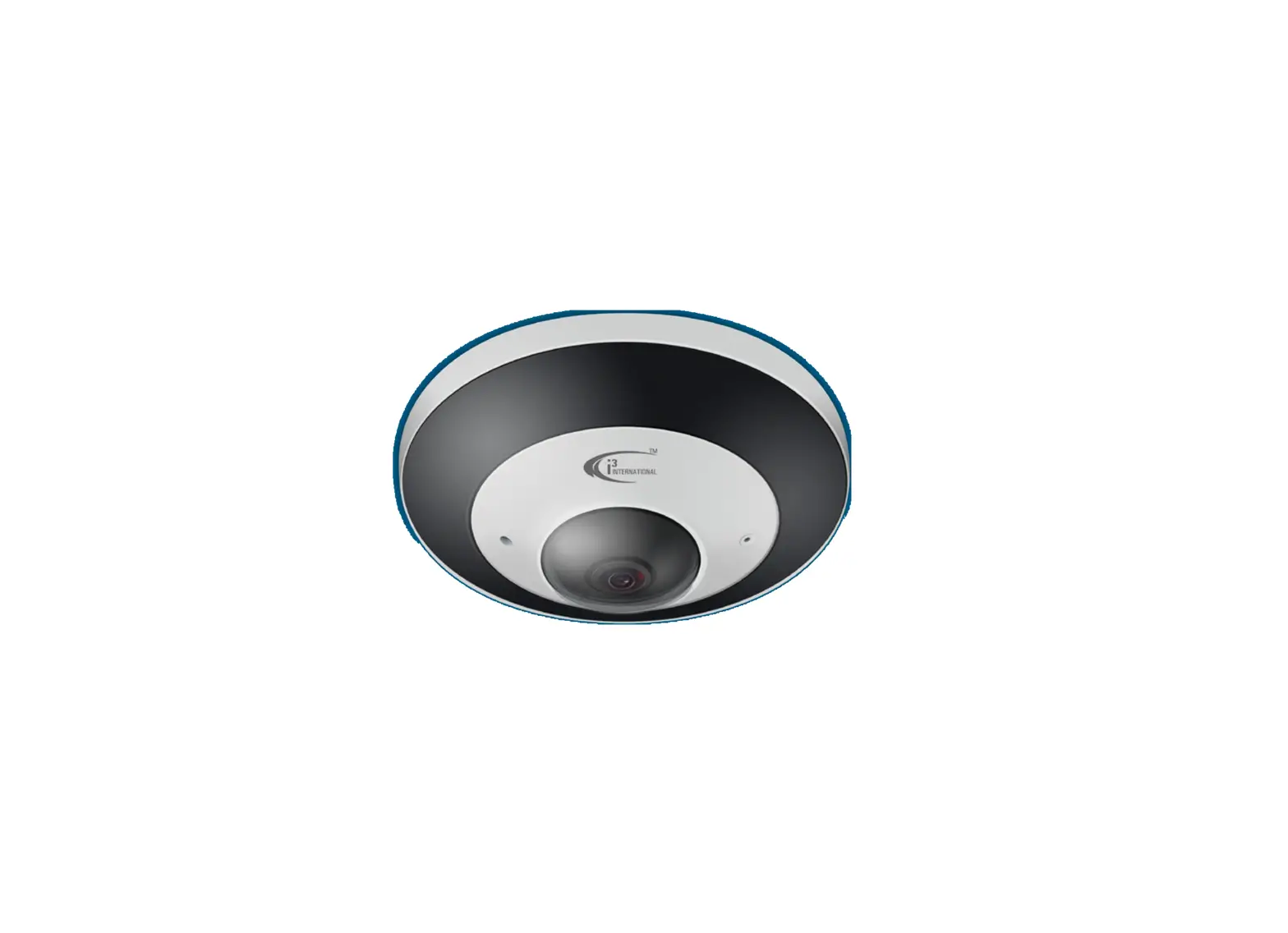
M85 8MP Motorized Lens Dome Camera
Product Information
The M85 8MP Motorized Lens Dome Camera is a high-resolution dome
camera manufactured by i3 International. It features an 8-megapixel
resolution and a motorized 2.7-13.5mm @ F1.6 lens. The camera is
compatible with the optional back box (Part#: B85) for added
convenience.
Important Note: The camera supports h.265 compression, but only
SRX-Pro v7 and above models. To switch between h.264 and h.265
compressions in the camera’s web settings, go to > Remote
Settings > Record > Encode > Video Code Type.
Safety
To ensure safety and preserve the product warranty, it is
advised not to disassemble the camera. Any servicing or repairs
should be carried out by qualified personnel only.
Power Supply
The camera is designed to accept PoE (Power over Ethernet)
power. Before powering on the camera, ensure that the supplied
voltage meets the power consumption requirements of the camera
(8W). Incorrect voltage may cause irreparable damage to the camera
and void the warranty.
Cleaning
When cleaning the camera, avoid using abrasive materials or
chemicals that may damage the surface finishes.
Package Contents
The package includes:
- A surface mount template (x1)
- Round head screws, tapping type (x4)
- Plastic anchors (x4)
- Torx bit (x1)
- Anti-drop string (x1)
Refer to Figure 1 for a visual representation of the accessories
included.

Figure 1. M85, Accessories
Waterproof RJ45 Assembly
To prevent corrosion and maintain the camera warranty, follow
these steps to use the RJ45 waterproof assembly:
- Twist off the RJ45 waterproof assembly from the RJ45
connector. - Feed the CAT5e/6 cable through the opening in the connector and
crimp it using the standard RJ45 connector provided. - Plug the crimped CAT5e/6 cable into the RJ45 connector on the
camera and twist the waterproof assembly to re-attach it.

Figure 2. Waterproof RJ45 connector
Camera Parts and Dimensions
The camera consists of various parts with specific dimensions.
Refer to Figure 3 for a visual representation:
- RJ45 Ethernet PoE Port with waterproof RJ45 connector
- Zoom In (Tele +) lens adjustment button. The motorized lens can
be adjusted remotely through Video Pilot Client (VPC). - Reset button. Press for 10 seconds to restore camera settings
to factory defaults. - Zoom Out (Wide -) lens adjustment button. The motorized lens
can be adjusted remotely through Video Pilot Client (VPC). - MicroSD Card slot for on-camera video storage (up to 256GB,
card sold separately). - CVBS/LAN port. Not in use.
- Screws securing the dome bubble housing to camera module (x3,
silver, Torx). - Dome bubble.

Figure 3. M85, Parts and Dimensions
3-Axis Lens Positioning
When adjusting the camera lens assembly, it is important not to
over-rotate it beyond the stop point to prevent twisting,
disconnection, or damage to internal cables/components. Refer to
Figure 4 for a diagram of the 3-axis lens positioning.

Figure 4. M85, 3-axis lens positioning diagram.
For further configuration and tools, scan the provided QR code
or visit ftp.i3international.com to view and download
AnnexxusConfigurationTool v2.1 (ACT).
User Manual
M85 8MP Motorized Lens Dome Camera
Rev. 230616
Thank you for purchasing i3 International’s M85 8MP/4K dome camera. M85 is equipped with a motorized 2.7-13.5mm @ F1.6 lens. This camera is compatible with the optional back box (Part#: B85).
Note: h.265 compression is supported by SRX-Pro v7 and above only. To switch between h.264 and h.265 compressions in the camera’s web settings, go to > Remote Settings > Record > Encode > Video Code Type.
SAFETY
When installing your M85 camera be sure to avoid: · excessive heat, such as direct sunlight or heating appliances · contaminants such as dust and smoke · strong magnetic fields · areas with mechanical vibrations · fluorescent lamps or objects that reflect light and unstable light sources
· temperatures below -35° C (-31° F) and above 60° C (140° F).
To avoid electrical shock and to preserve the product warranty, DO NOT disassemble the camera. Refer servicing to qualified personnel only.
POWER SUPPLY
This camera accepts PoE power. Ensure the supplied voltage meets the power consumption requirements of this camera (8W) before powering the camera on. Incorrect voltage may cause irreparable damage to the video camera and will effectively void the camera warranty.
CLEANING
· For maximum optical clarity, the camera dome or lens must remain clean. Use a soft, dry cloth to remove finger prints or dust from the dome cover.
· Use a blower to remove dust from the lens. · Do not use volatile solvents such as alcohol, benzene, or thinners,
as they may damage the surface finishes.
PACKAGE CONTENTS
Ensure that the items received match those listed on the order form and the packing slip. In addition to this manual and a fully assembled camera, A the dome camera packing box includes:
B
C
A. Surface mount template (x1) B. Round head screws, tapping type (x4) C. Plastic anchors (x4) D. Torx bit (x1) E. Anti-drop string (x1)
D E
Figure 1. M85, Accessories
WATERPROOF RJ45 ASSEMBLY
To prevent the corrosion of the RJ45 connector and to maintain the camera warranty, use the RJ45 waterproof assembly attached to the camera, as shown in the diagram below.
1. Twist off the RJ45 waterproof assembly from the RJ45 connector.
2. Feed the CAT5e/6 cable through the opening in the connector and crimp it using the standard RJ45 connector provided.
3. Plug the crimped CAT5e/6 cable into the RJ45 connector on the camera and twist the waterproof assembly on to re-attach it.
1 2
3
Figure 2. Waterproof RJ45 connector
CAMERA PARTS AND DIMENSIONS
1. RJ45 Ethernet PoE Port with waterproof RJ45 connector
5 15/16″ (150 mm)
1
assembly.
Insert an Ethernet cable into the
port for network connection as well
1 7/8″ (48 mm) 4 5/6″ (109 mm)
as PoE (Power over Ethernet) power.
Use the included waterproof RJ45
connector assembly to maintain the
camera warranty and the water-
resistant rating.
6
7
CVBS / LAN
8
+ ZOOM —
TF
234 5
Figure 3. M85, Parts and Dimensions
2. Zoom In (Tele +), lens adjustment button. Motorized lens can be adjusted remotely through Video Pilot Client (VPC).
3. Reset button. Press for 10 seconds to restore camera settings to factory defaults. 4. Zoom Out (Wide -), lens adjustment button. Motorized lens can be adjusted remotely
through Video Pilot Client (VPC). 5. MicroSD Card slot for on-camera video storage. (up to 256GB, card sold separately). 6. CVBS/LAN port. Not in use. 7. Screws securing the dome bubble housing to camera module (x3, silver, Torx) 8. Dome bubble.
3-AXIS LENS POSITIONING
Important: Do not over-rotate the
camera lens assembly beyond the stop
point to prevent twisted, disconnected,
Pan
or broken internal cables/components.
Rotate
3-axis Range
Tilt
Limitations:
Pan range: 350°
Rotate range: 350°
Tilt range: 75°
Figure 4. M85, 3-axis lens positioning diagram.
Scan this QR code or visit ftp.i3international.com to view and download AnnexxusConfigurationTool v2.1 (ACT).
Contact our Technical Support team at: 1.877.877.7241 or [email protected] if you have any questions or concerns regarding camera installation or if you require software services or support.
ACT Download & Documentation
i3-TRNG-CAMS-M85.indd
 i3 International FTP Login Page