

Manual
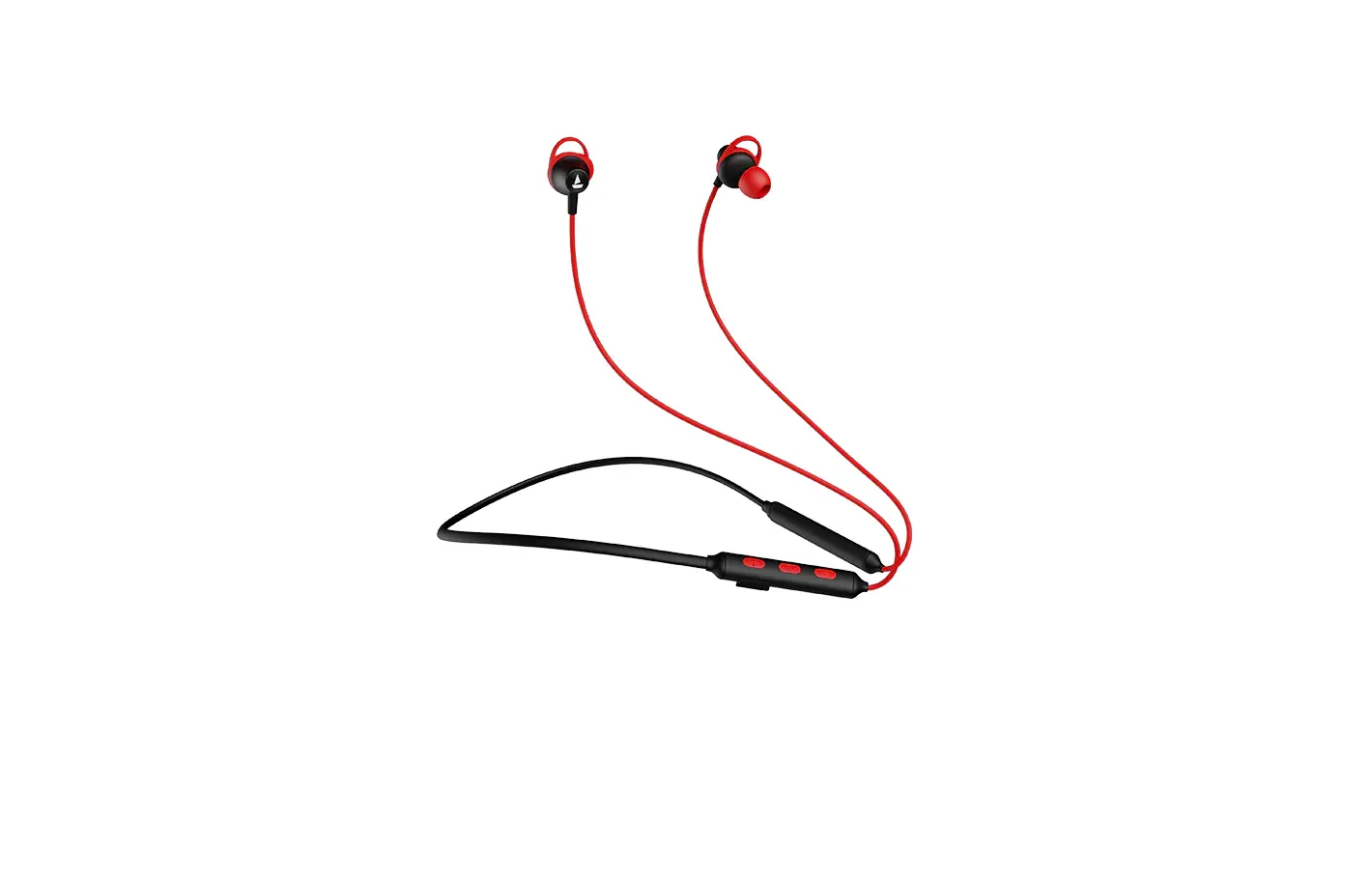
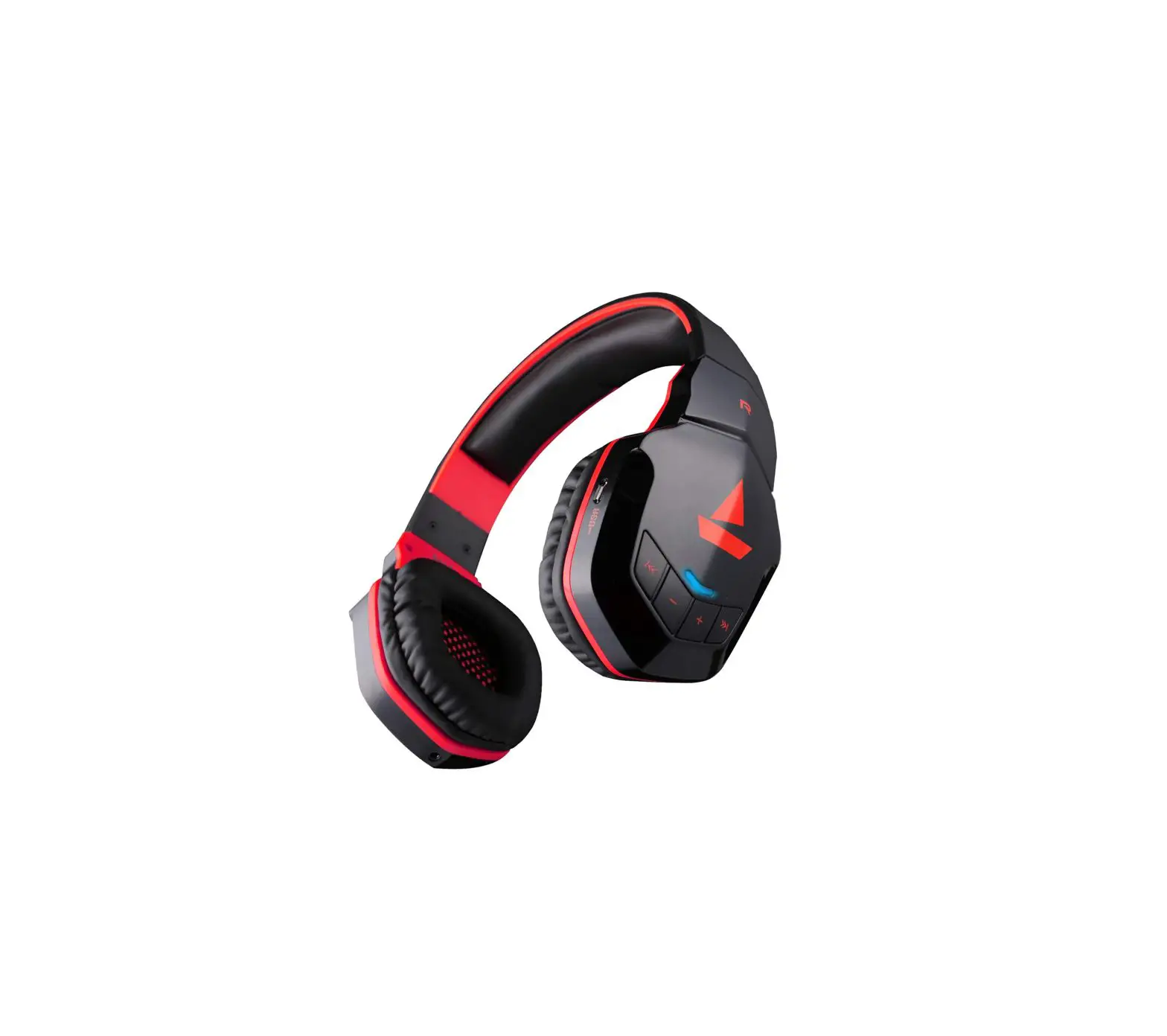
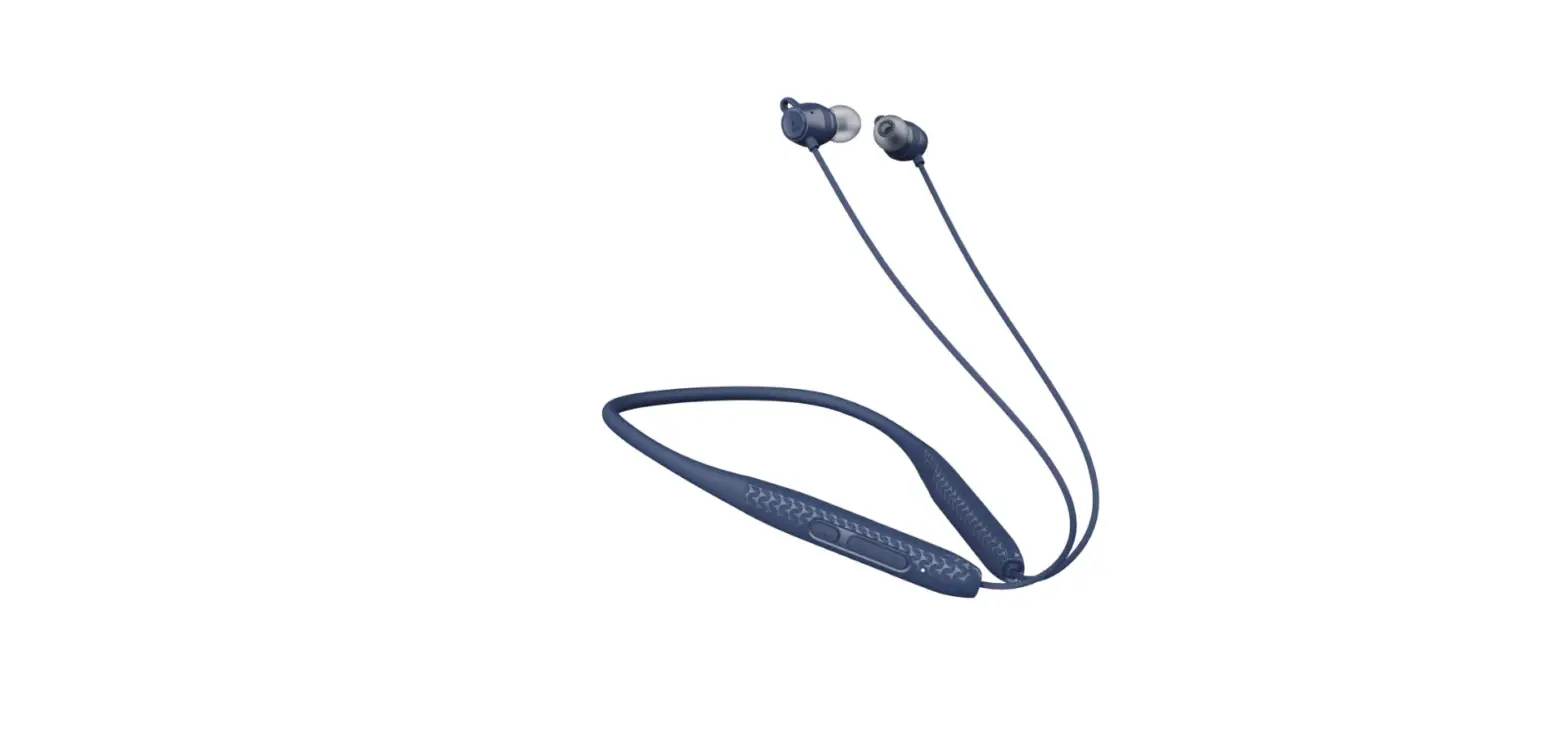
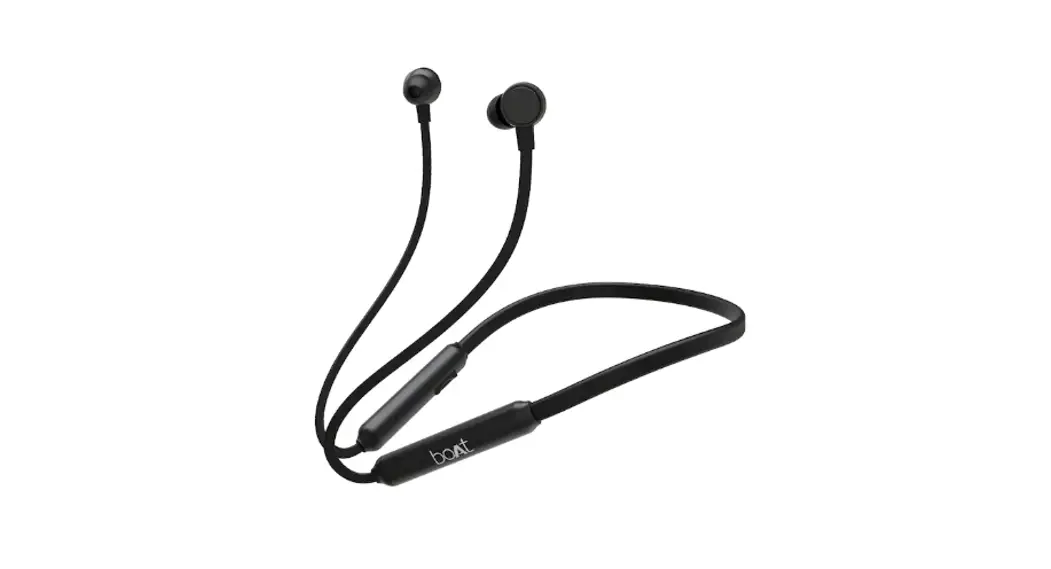
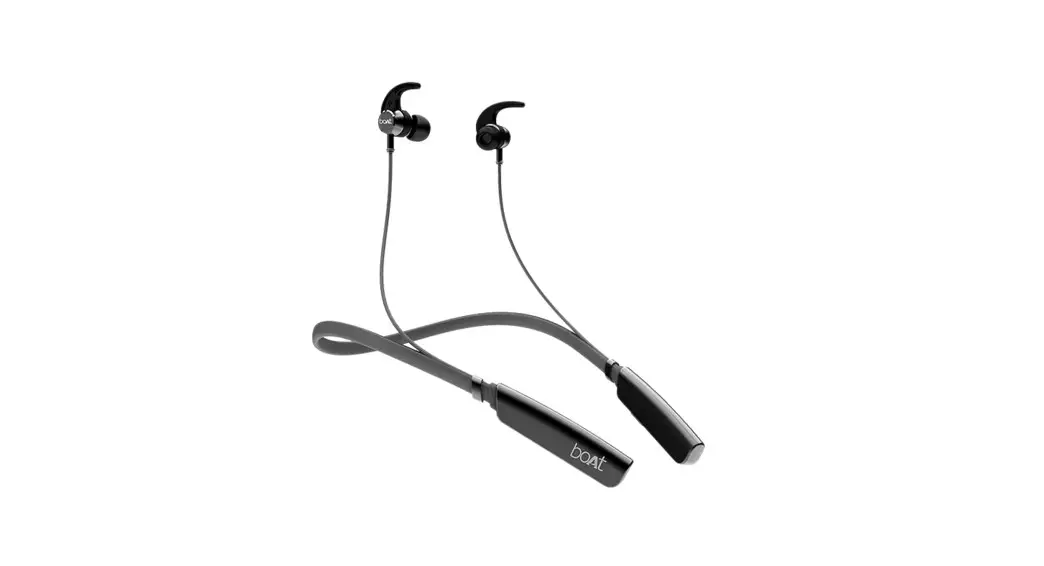
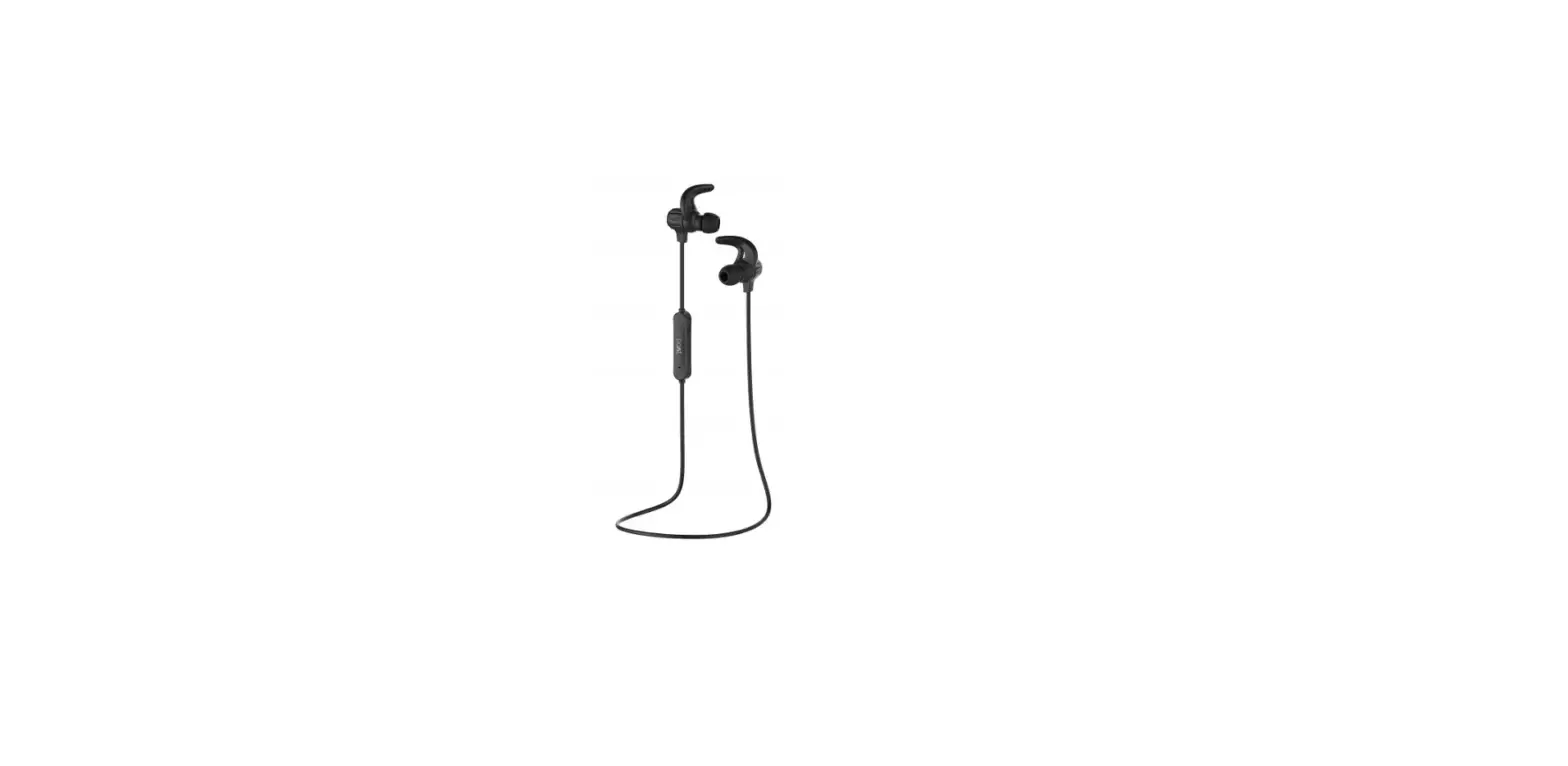
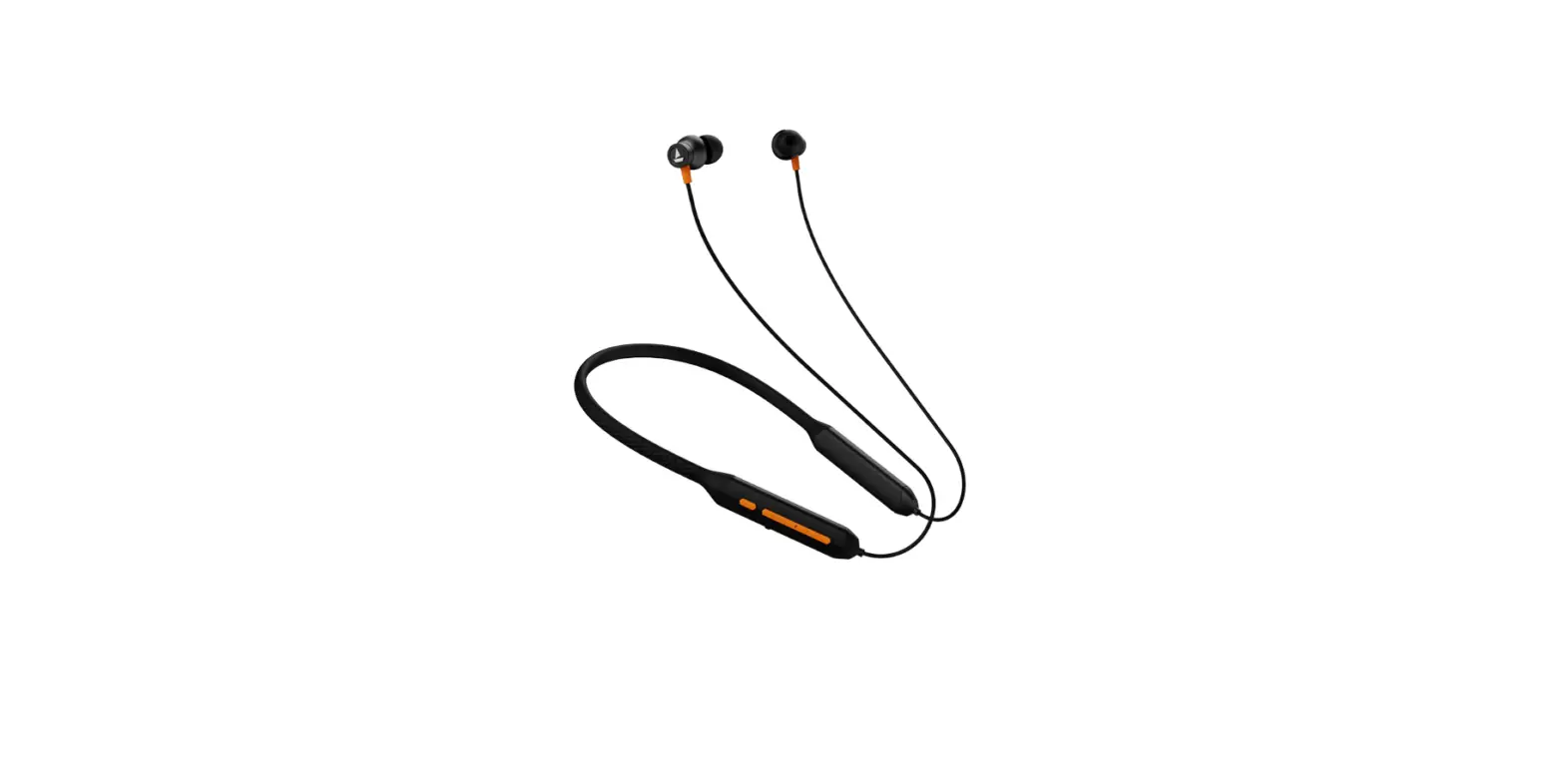
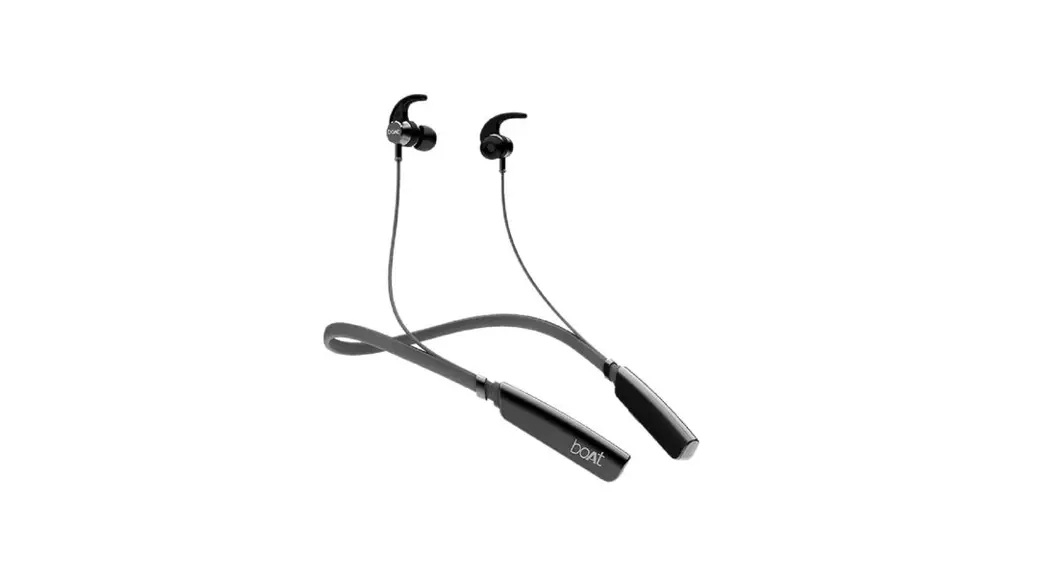
Thank you for choosing the boAt Rockerz 295V2. This manual is meant to guide you through the shores of Nirvana without much difficulty. Please think of this manual as your map. Knowledge of Bluetooth and device connection is essential for steering this boAt. Therefore, we strongly advise that this manual is thoroughly read before use, and referred to in times of difficulty
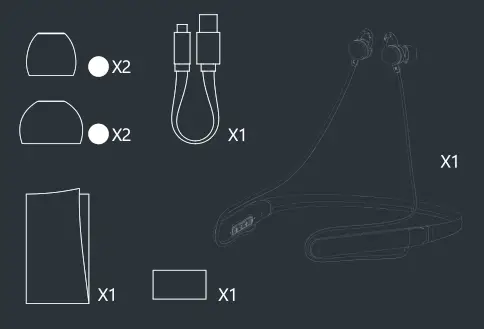
Package Contents
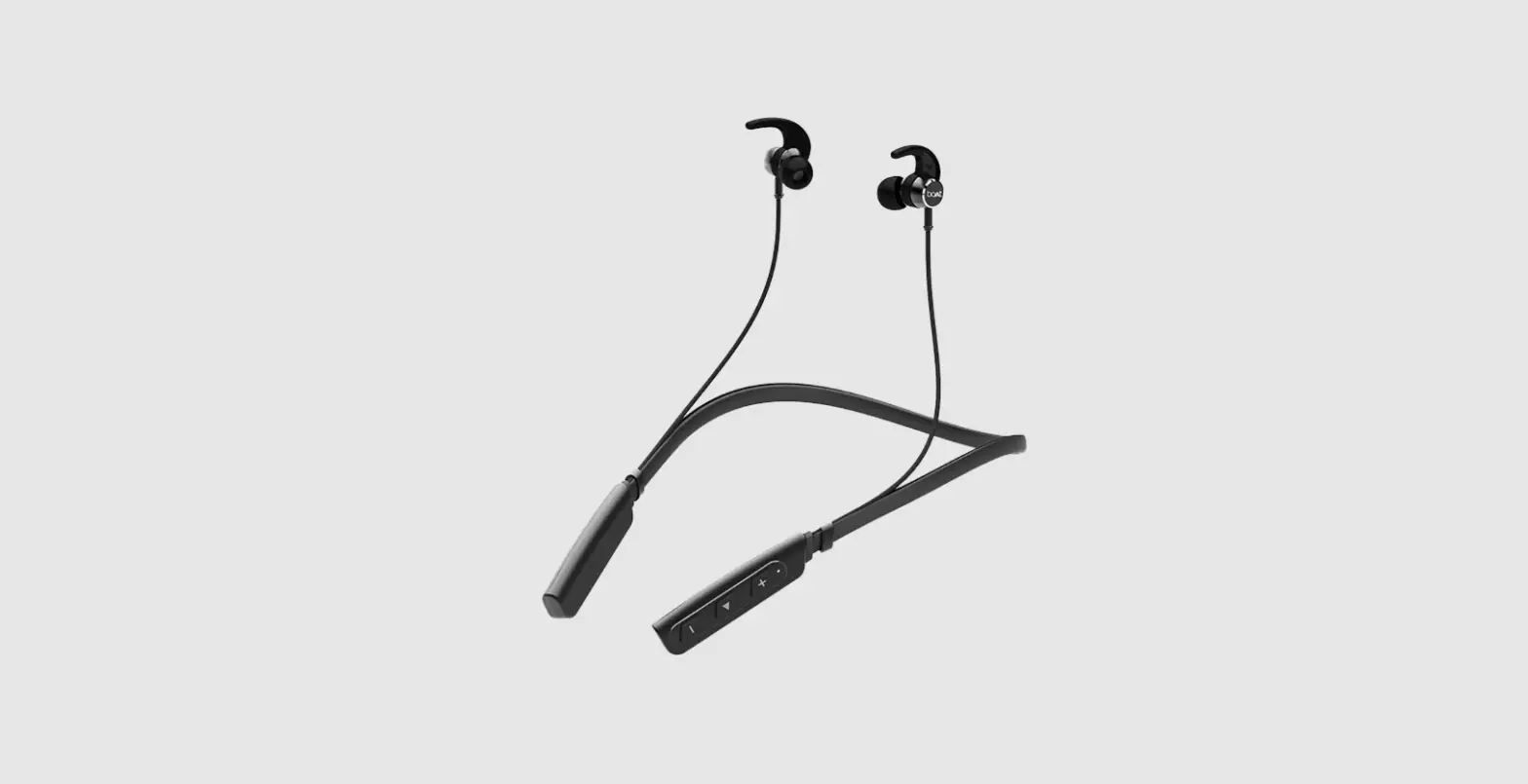
• 1 x boAt Rockerz 295V2 ?
• 1 x Micro USB Charging cable
• 2 x Pairs Additional Earmuffs
• 1 x Manual
• 1 x Warranty Card
• lx Catalogue
Power On: Press and hold the Power button for 3 seconds. The white LED will blink accompanied by a voice prompt “power on and ready to pair’:
Power Off: Press and hold the Power button for 3 seconds. A voice prompt “power off” will indicate the device getting switched off accompanied by a red LED.
Bluetooth Connectivity
- Press and hold the Power button for 2 seconds after the headset powers on, until red and white LED flash alternately 2
- Turn on the Phone’s Bluetooth and then look for ‘Rockerz 295V2’ in the list of available devices after search
- If asked for a passkey, confirm the passkey ‘0000’ on the phone
- Once confirmed, the headset and the phone get connected via Bluetooth indicated by slowly flashing white LED Note: If there’s a connection history between the phone and the headphone, then they will get automatically reconnected in a working range.
Dual Pairing
To connect boAt Rockerz 295V2 to 2 devices, firstly connect the earphones with one device. Then, switch both the earphones and the device off. Thereafter, turn on the earphones and connect them to the other device, and then switch on the earlier device again. The earphones will be connected to both devices. If not, then connect the earlier device manually once again to activate dual pairing.
Basic Functions
| Play | Press the Power button once to play |
| Pause | Press the Power button once to pause |
| Volume Up | Press the ‘+’ button in steps to increase the volume |
| Volume Down | Press the-‘ button in steps to decrease volume |
| Next Track | Press and hold the ‘+’ button for skipping to the next track |
| Previous Track | Press and hold ‘-‘ button for returning to the previous track |
| Answer Incoming Calls | Single press the Power button during incoming call |
| Hang Up Ongoing Calls | Single press the Power button during an ongoing call |
| Reject Calls | Press and hold the Power button for 2 seconds during incoming call |
| Charging | Connect the charger to the charging port, the indicator will turn red while charging |
| Media | Double press the Power button to call back the last contacted number |
| Voice Assistant | Long press the Power button for 2 seconds to activate voice assistant |
| Bass Booster / Dual EQ | While playing music, short press the Bass Booster/EQ button to switch EQ modes between normal and boosted bass |
| Factory Reset | During the Power-On state, press and hold the ‘+’ & ‘-‘ buttons together for 3 seconds to disconnect all devices from the headset, indicated by solid white/red LED for 1 seam. |
Charging
- Connect one end of the charging cable to the charging port on the headset and the other end to a wall adapter
- While charging the LED indicator light will turn into solid red
- When the headphone is fully charged, the LED indicator turns into white
Note: - Red LED flashes twice every 5 seconds to indicate low battery
- Use only authorized/company chargers for the headset, as unauthorized ones may damage the same and invalidate the warranty on the headset as well
Specifications
| Headphone Type | Bluetooth Headset |
| Driver Size | 10mm |
| Chipset | QUALCOMM |
| Call Noise Isolation | cVc |
| Frequency Range | 20Hz^-20KHz |
| Impedance | 160 |
| Bluetooth Version | V5.0 |
| Bluetooth Profile | HFP /HSP /A2DP /AVRCP /SPP /PBAP |
| Bluetooth Range | 10m |
| Battery Capacity | 180mAh |
| Playing Time | Up to 12 hours |
| Charging Time | 1 hour |
| Charge Technology | ASAP Charge |
| Mic Sensitivity | -42±3dB |
| Charging Voltage | 5V |
| Product Weight | 28g |
Safety Precautions
- This is not a toy. The children are advised to use this under adult supervision.
- Avoid exposing the device to extremely hot or cold temperatures.
- Avoid using the headphone for listening to full volumes to protect from hearing damage.
- Please do not use the device under thunderstorms.
- Don’t dismantle the product in any way.
- Please don’t clean the product using oily volatile liquid.
- Please keep the accessories and packing components out of the reach of children and pets to prevent accidents and suffocation caused by accidental swallowing.
- Do not use this product in situations where special care is required (such as on the road or while driving)
Charging norms & Precautionary Guidelines: – | |
| 1) Charger/Brick/Adapter 2) Cable/Wire | :5V 2A |
Any other accessory can be paired up with the product as long as the specifications are as per the above norms. | |